

 DownloadHorizon Early Development Shaders
Get the files on 9Minecraft
Guides
Step-by-step, in-game.
Adjust Shadow Intensity for Your PlaystyleAccess Shader Settings Open the shader options menu while in-game by pressing the designated key (usually found in…Optimize Night Vision Without Losing AtmosphereLocate Night Brightness Controls Enter the shader configuration menu and find the night-time or ambient lighting…Preserve Block Texture Detail While Using ShadersConfirm Texture Clarity Settings Enter the shader options and look for any texture sharpness, detail preservation, or…Reduce Performance Impact During ExplorationAccess Performance Options Open the shader configuration menu and locate performance or optimization settings. Look…
Frequently asked questions
How do I turn on the shader after installing it?
Open your Video Settings, find the Shaders option, and select Horizon Early Development Shaders from your shader pack folder. The shader activates immediately and you'll see lighting changes the next time you load your world.
Why do my shadows look too dark or too bright?
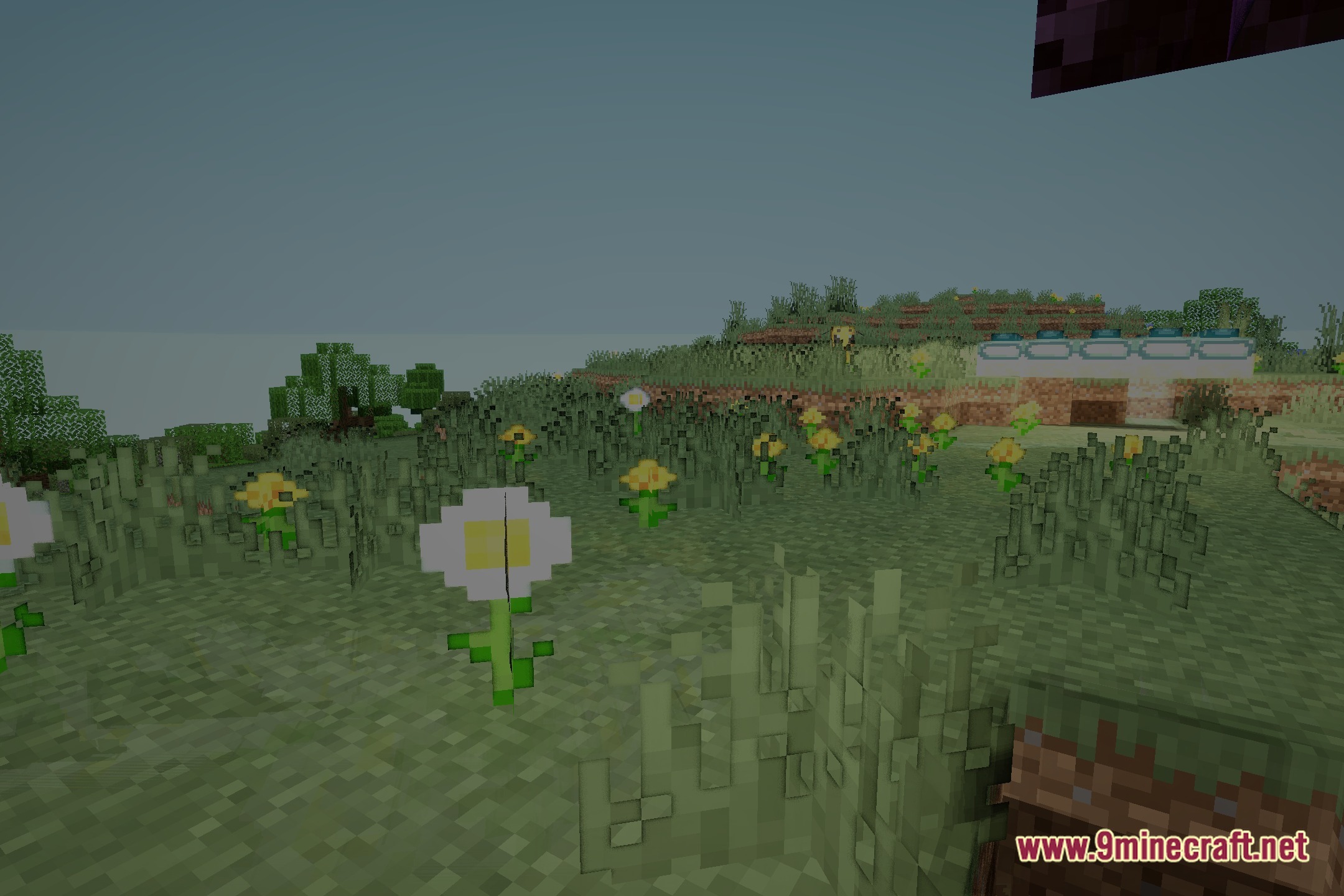
Use the shadow intensity setting in the shader options menu to adjust how pronounced shadows appear on blocks during daytime. Lowering the value softens shadows; raising it makes them more dramatic.
Can I use this shader with texture packs?
Yes, Horizon works with most vanilla-style texture packs since it preserves block texture clarity. Resource packs that heavily modify colors or lighting may interact unpredictably with the shader's lighting adjustments.
My game is running slowly with this shader on. What can I do?
Try lowering shadow quality or render distance in the shader settings, or reduce your game's overall render distance in Video Settings. Disabling advanced lighting features in the shader options can also improve frame rate during exploration.
See all 10 Horizon Early Development Shaders questions ›
Gallery
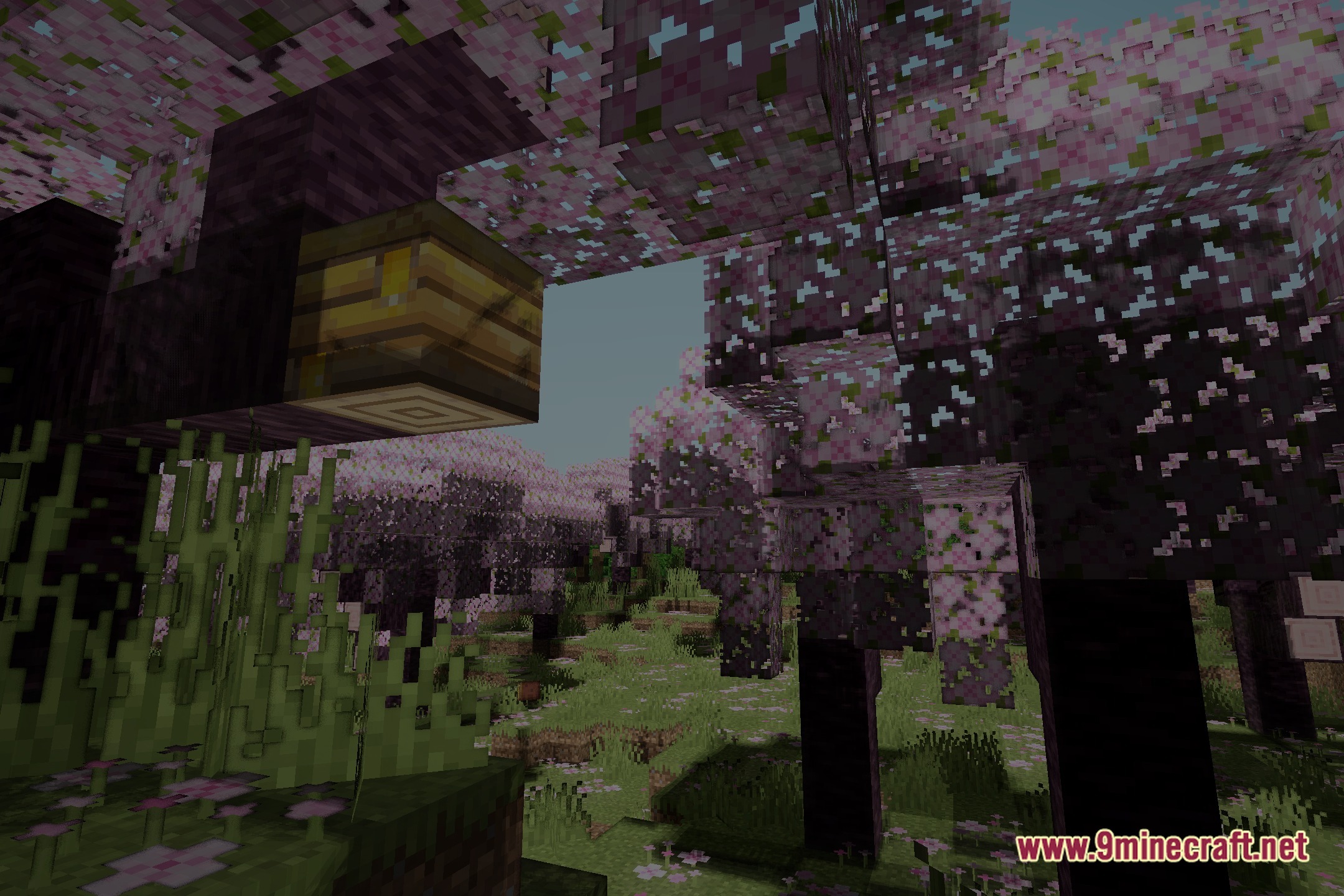
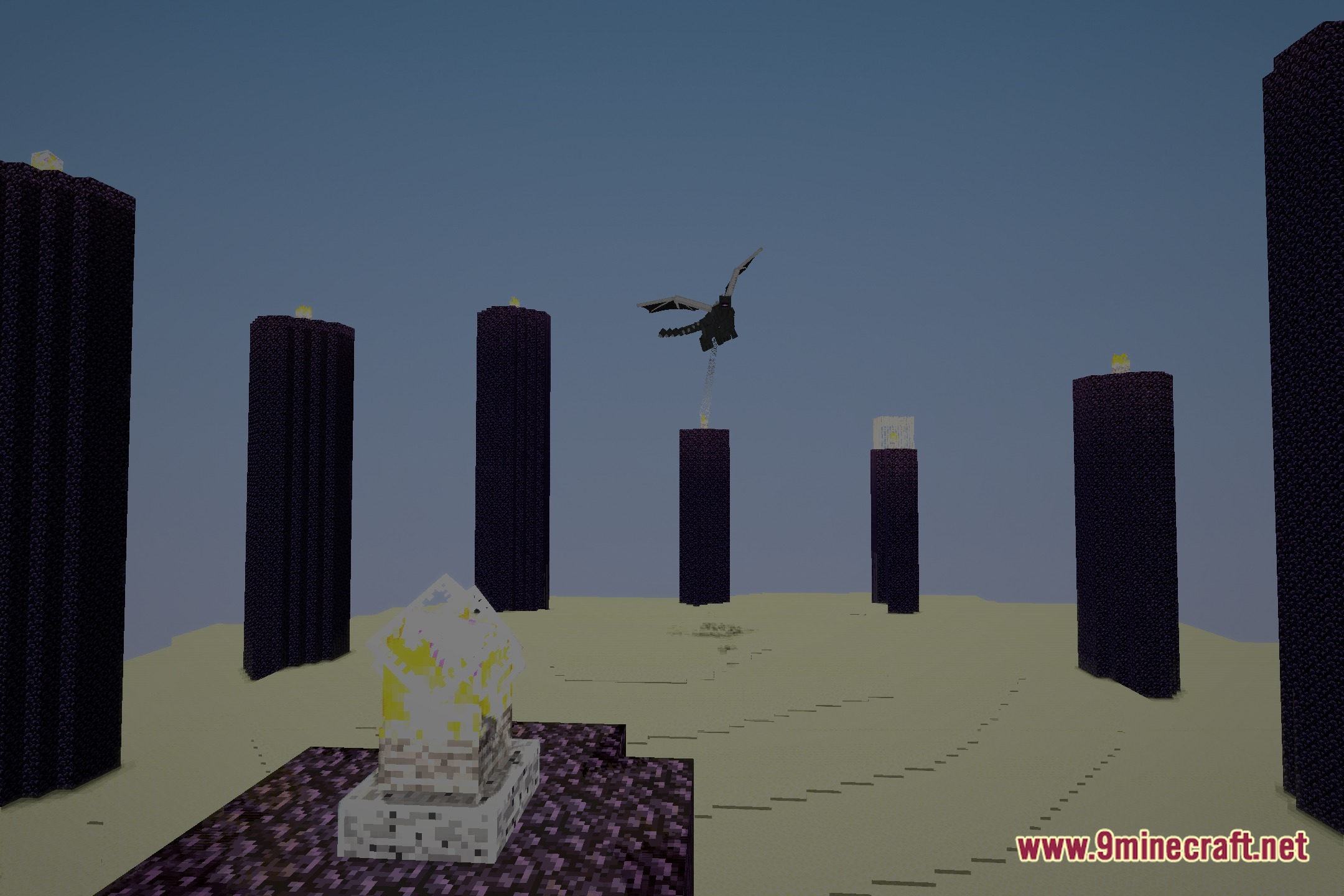
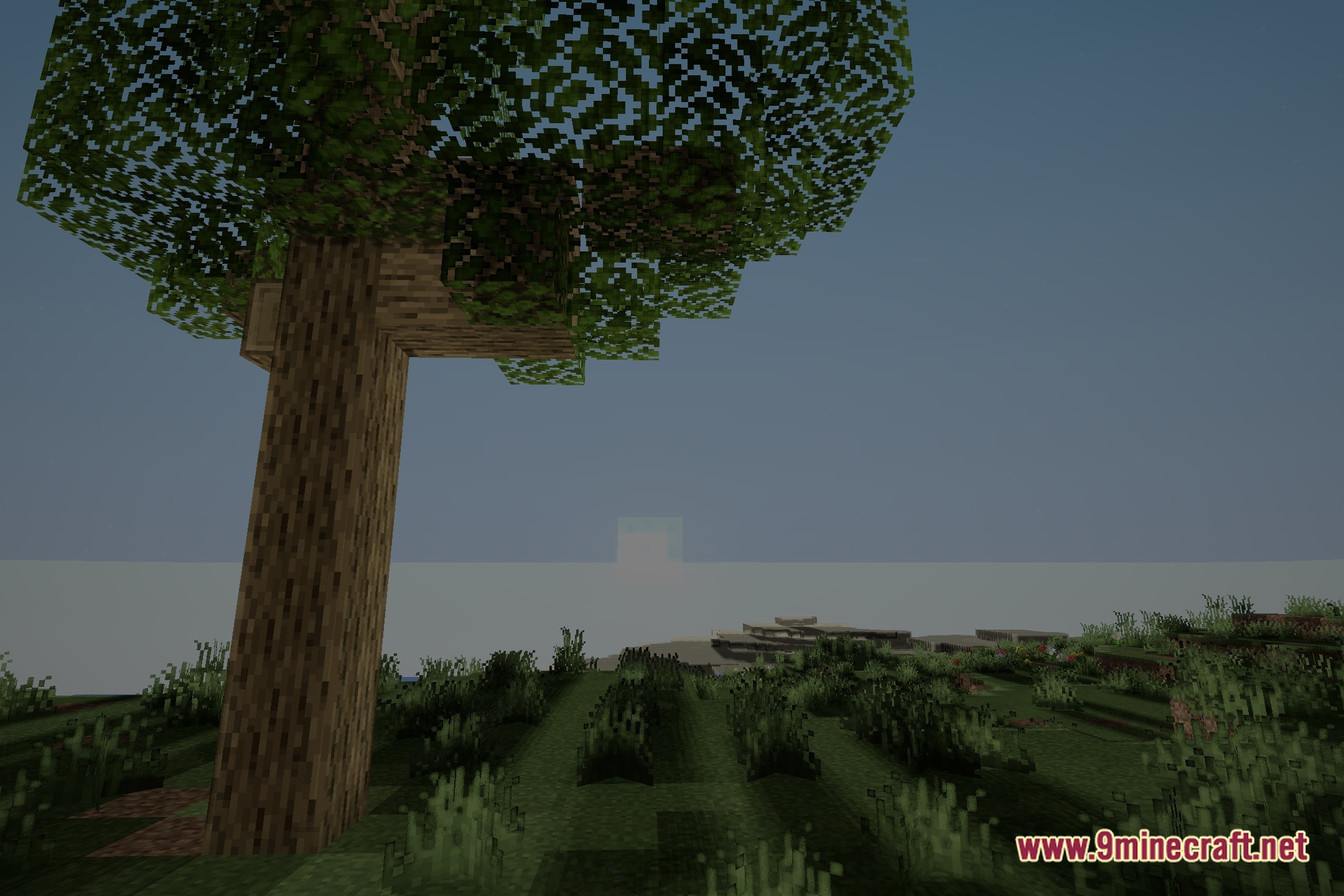
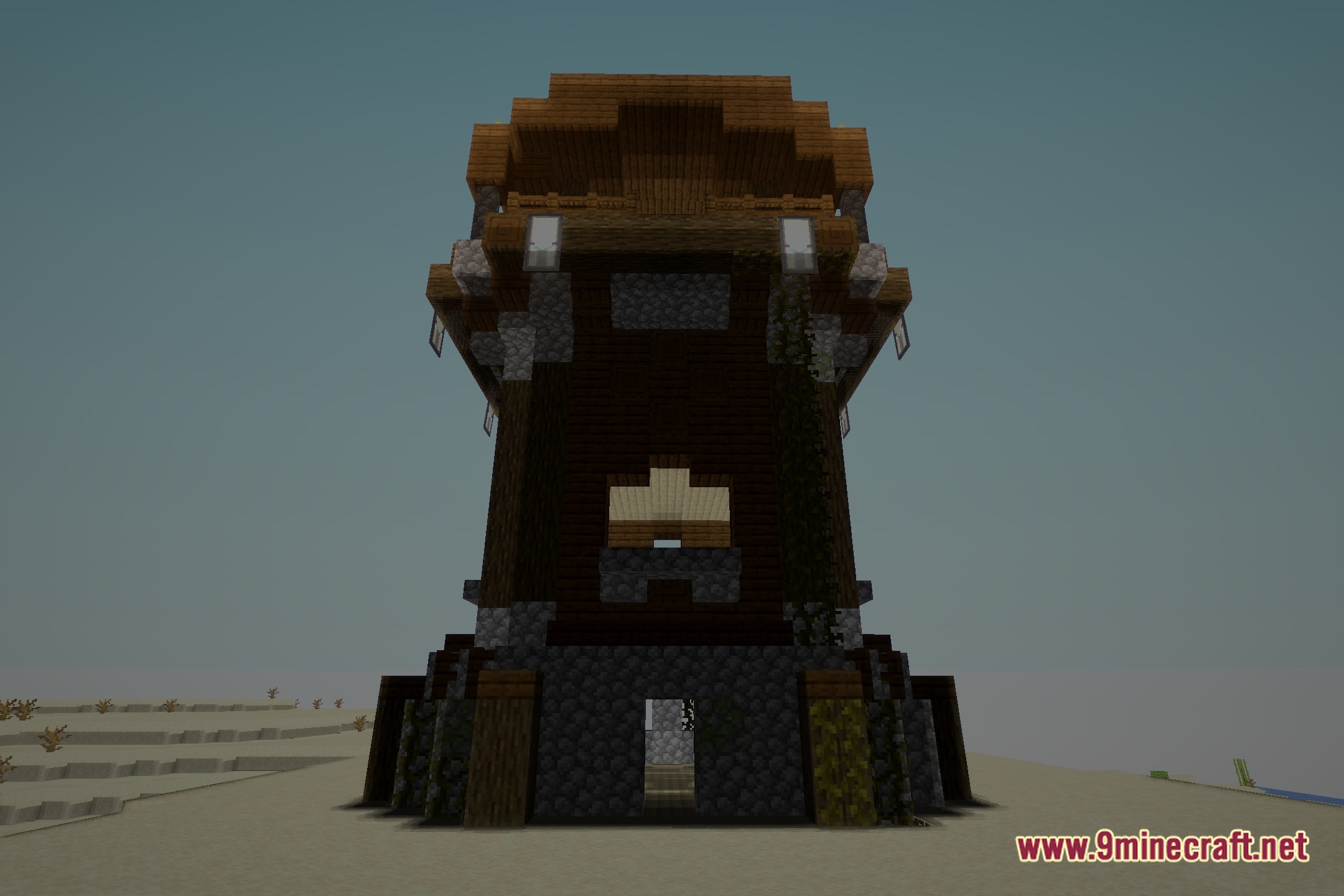
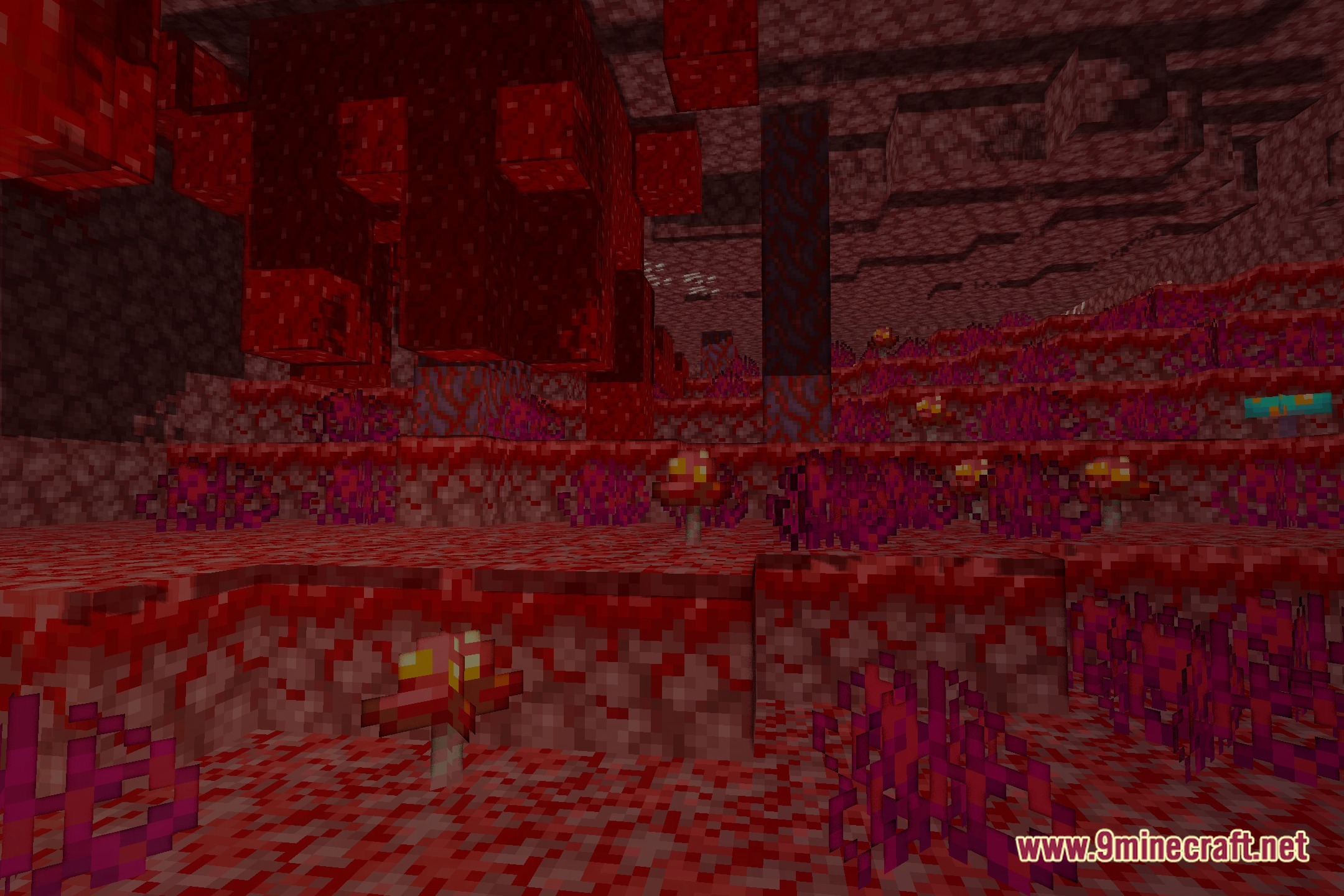
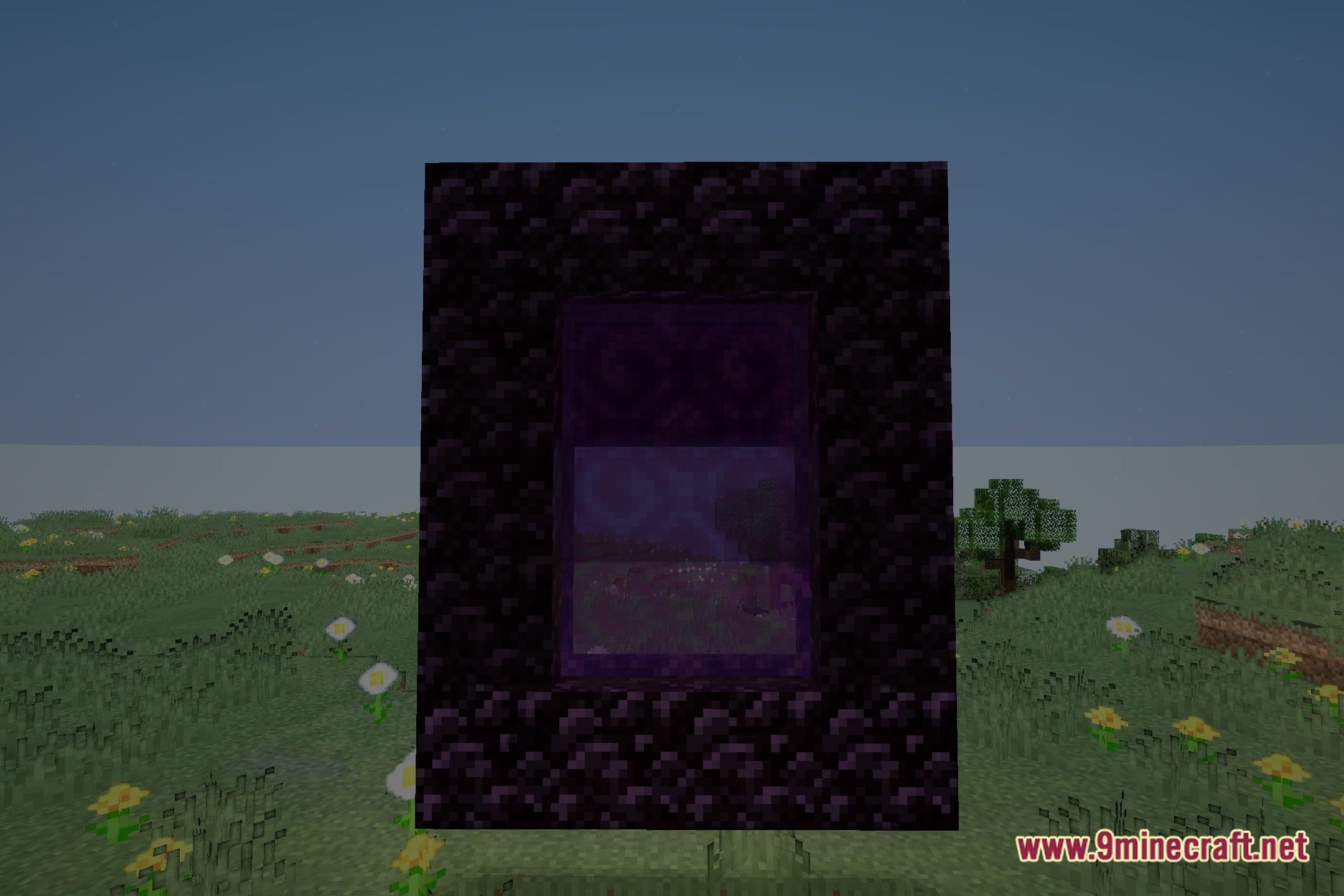
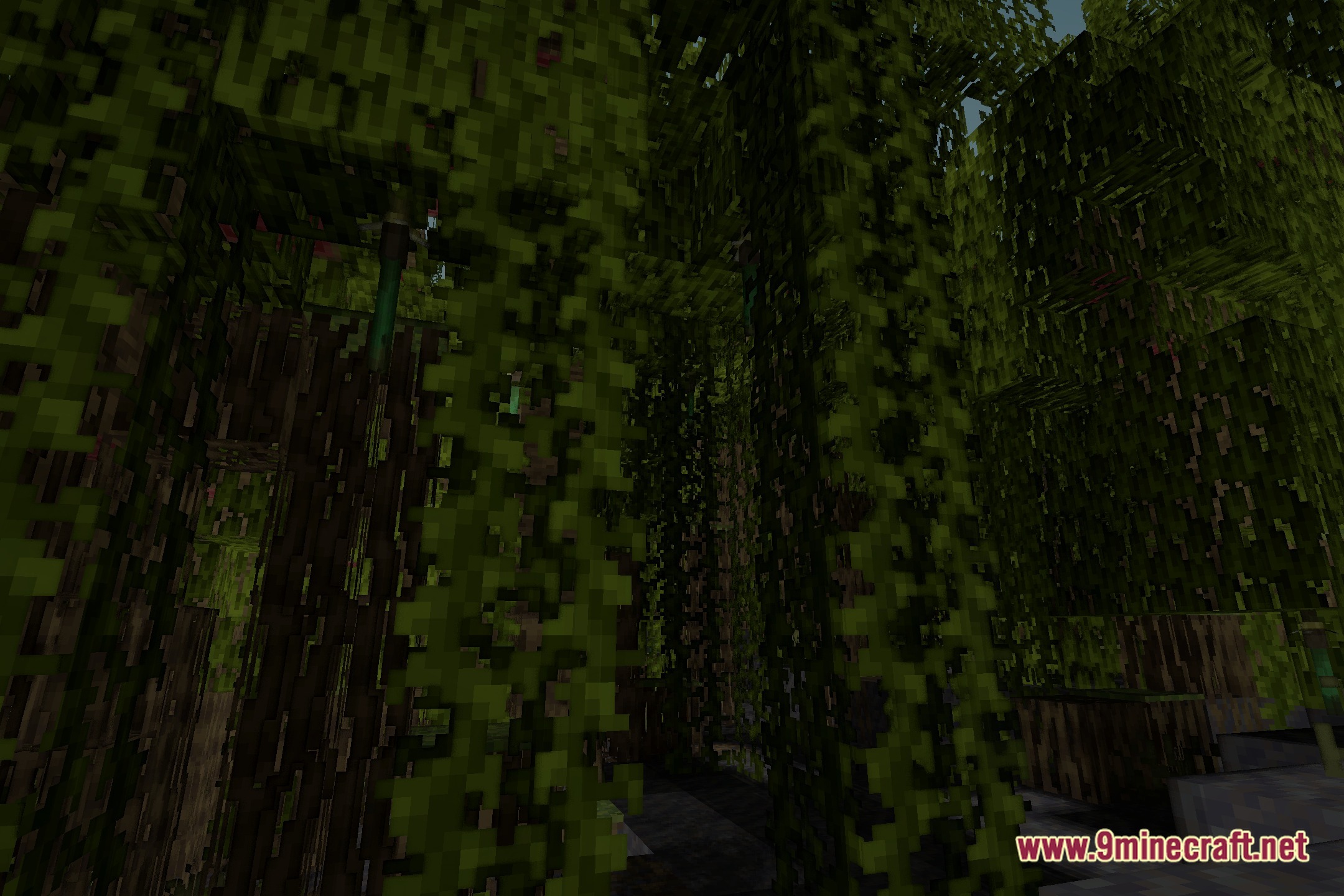
12 images from the Horizon Early Development Shaders page.
You May Also Like
Wikis that share the most with this one
Wikis on the same theme: light
More shader wikis on the site
The most downloaded mods that have a wiki here