

 DownloadHyperopia Shaders
Get the files on 9Minecraft
Guides
Step-by-step, in-game.
Adjust the Blur Intensity on Close ObjectsAccess Shader Settings Open your shader options menu while in-game. This is typically found in Video Settings >…Capture Better Screenshots with the ShaderPosition Your Camera Strategically Hyperopia Shaders creates natural depth in screenshots by blurring foreground…Reduce Disorientation When Building or MiningUnderstand Why It Feels Disorienting Hyperopia Shaders intentionally reverses normal depth perception. When you're…Understand How Distance Affects Colors and SharpnessObserve the Color Shift Hyperopia Shaders applies cool blue tones to distant objects as part of its depth illusion.…
Frequently asked questions
How do I turn on Hyperopia Shaders after installing it?
Open your Shader Settings menu in-game, find Hyperopia Shaders in the list of available shaders, and select it to activate. The effect should apply immediately to your world.
Why does everything close to me look blurry when I'm trying to build?
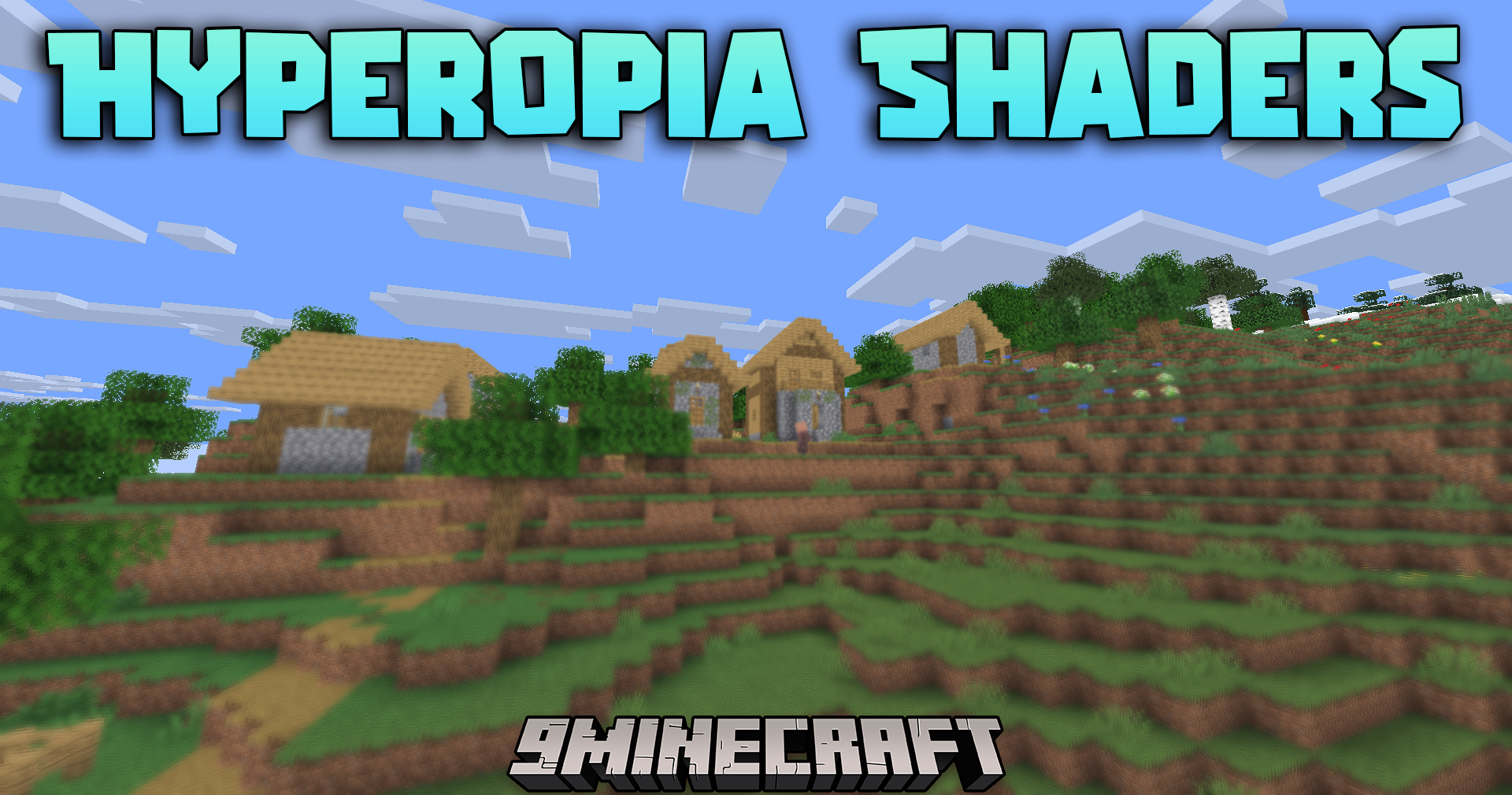
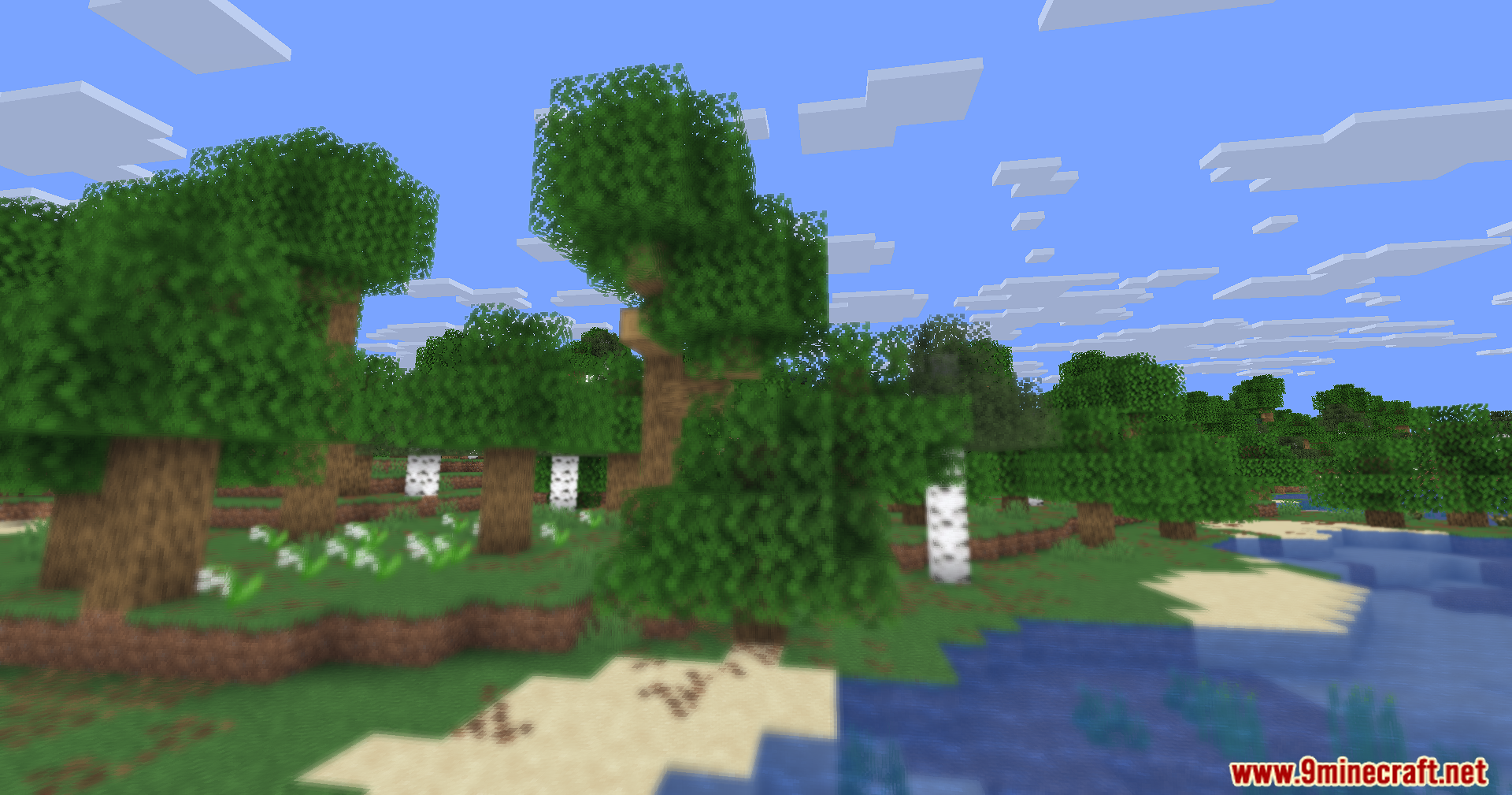
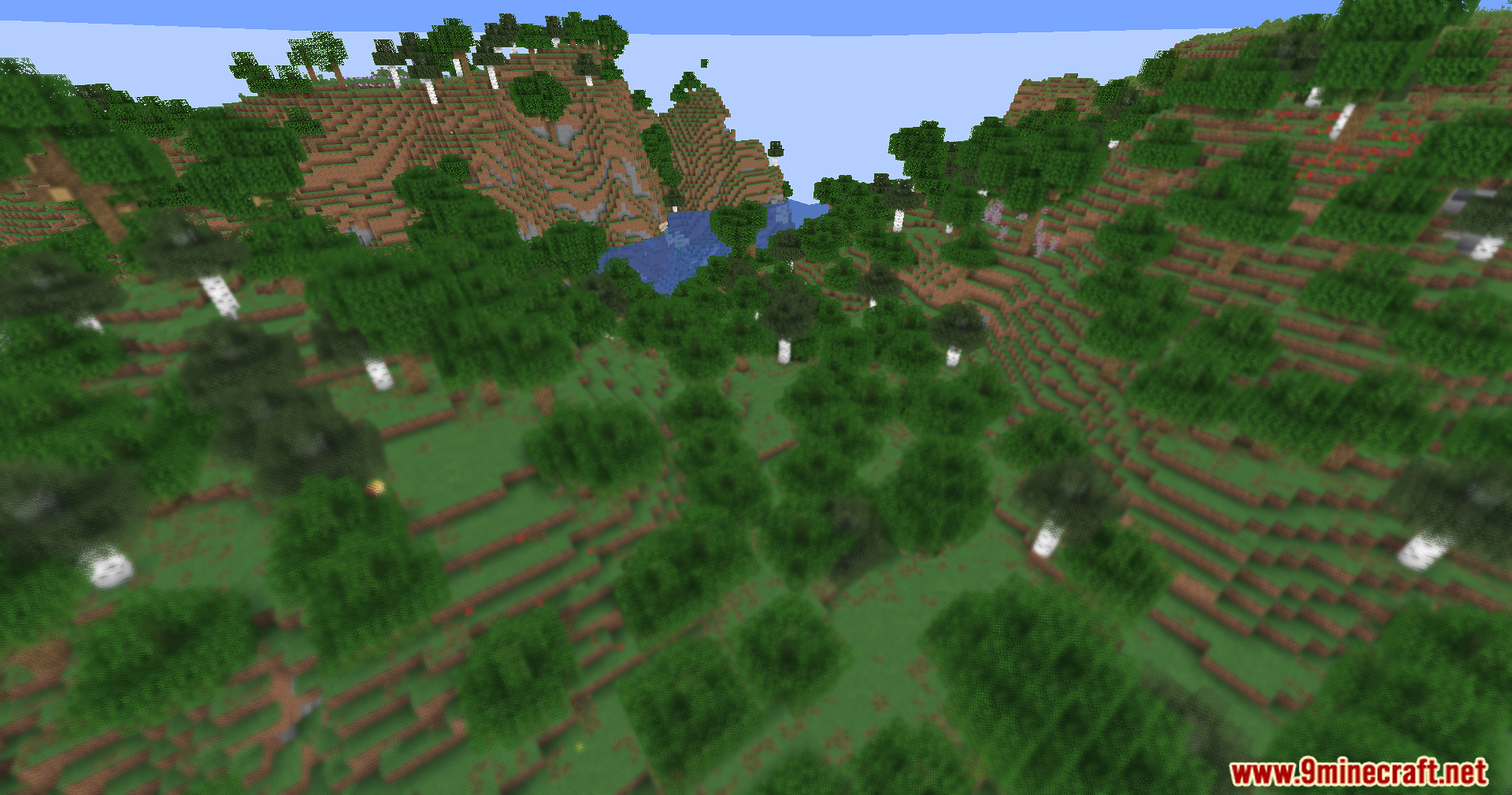
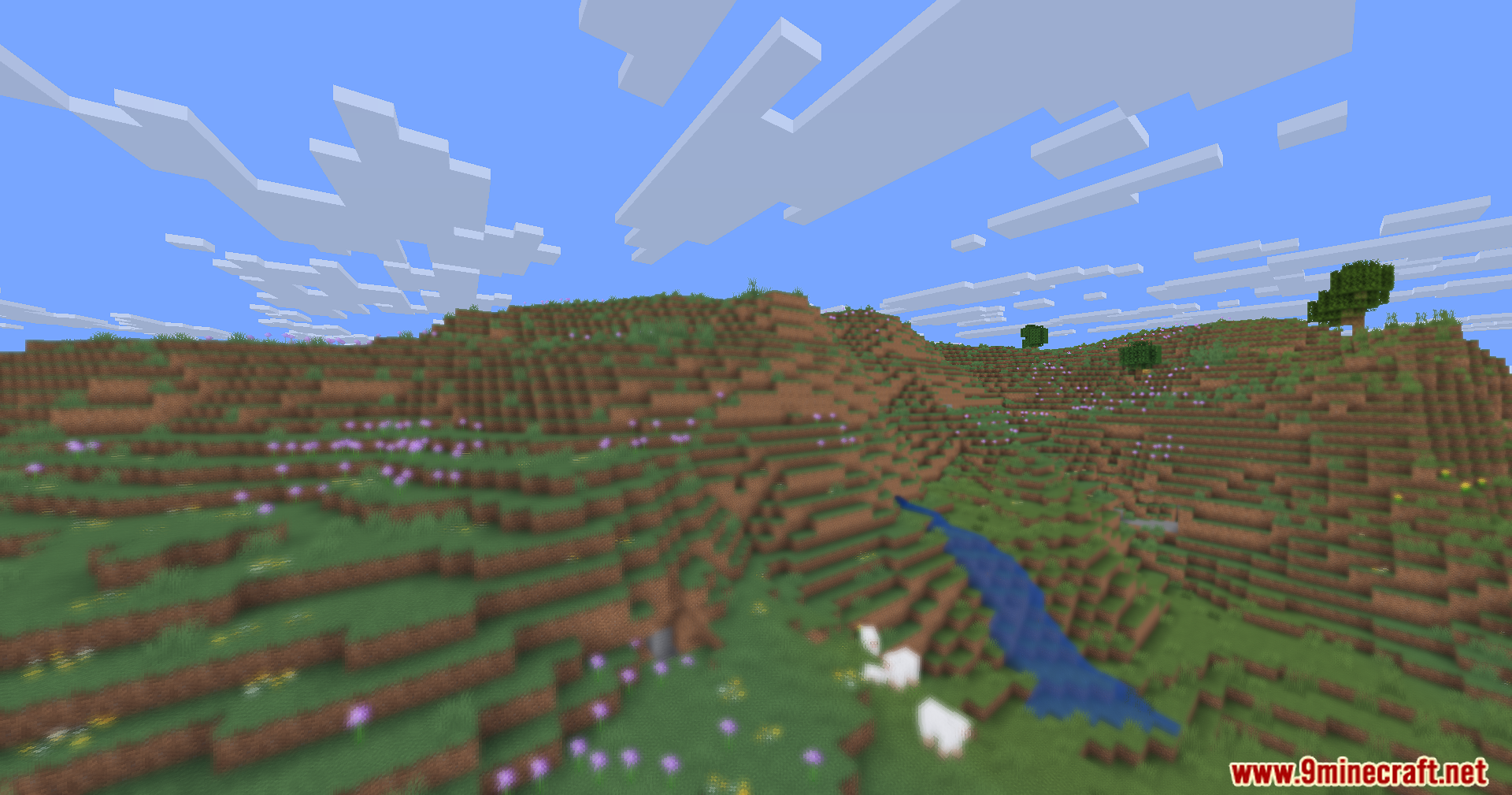
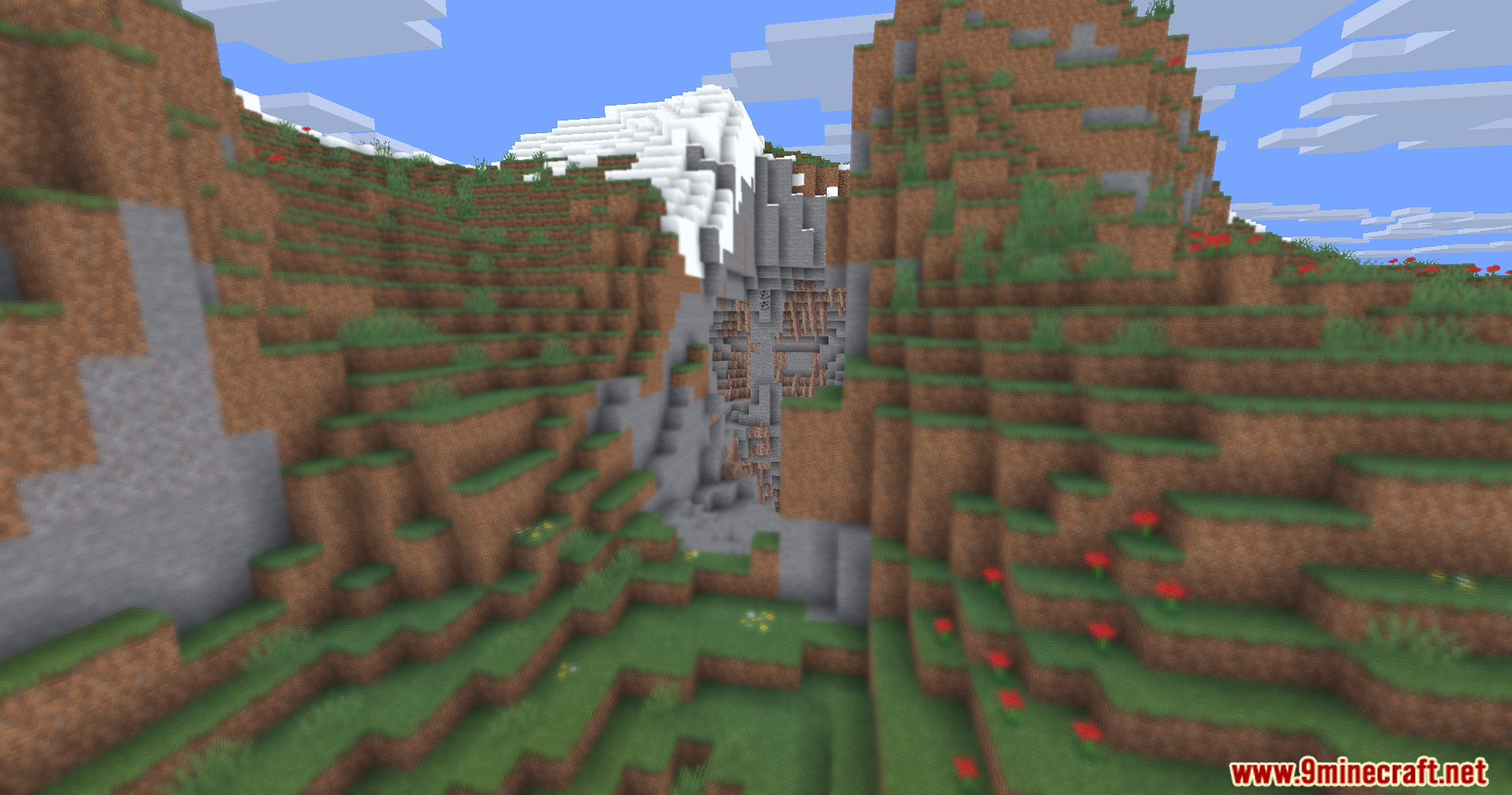
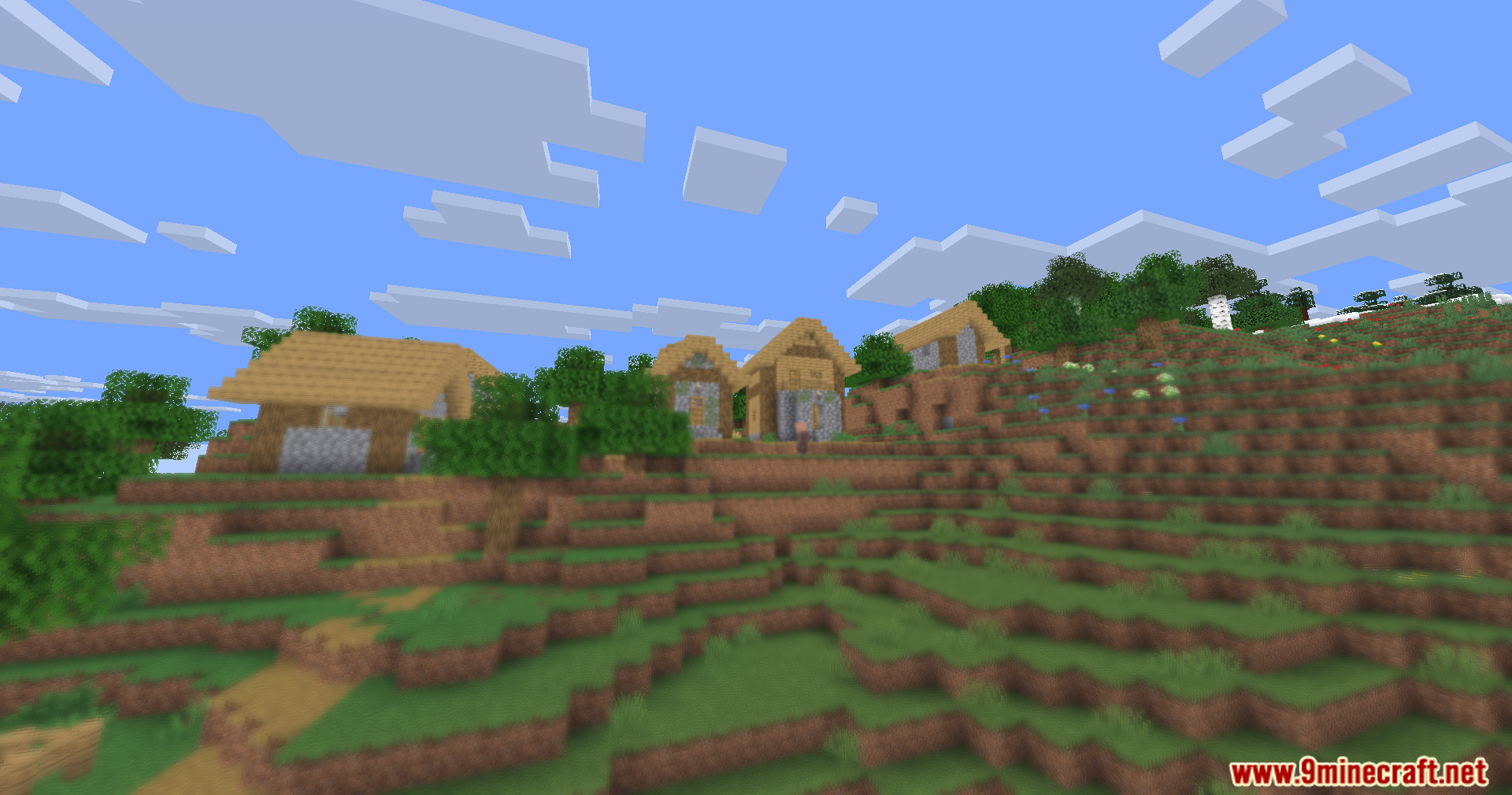
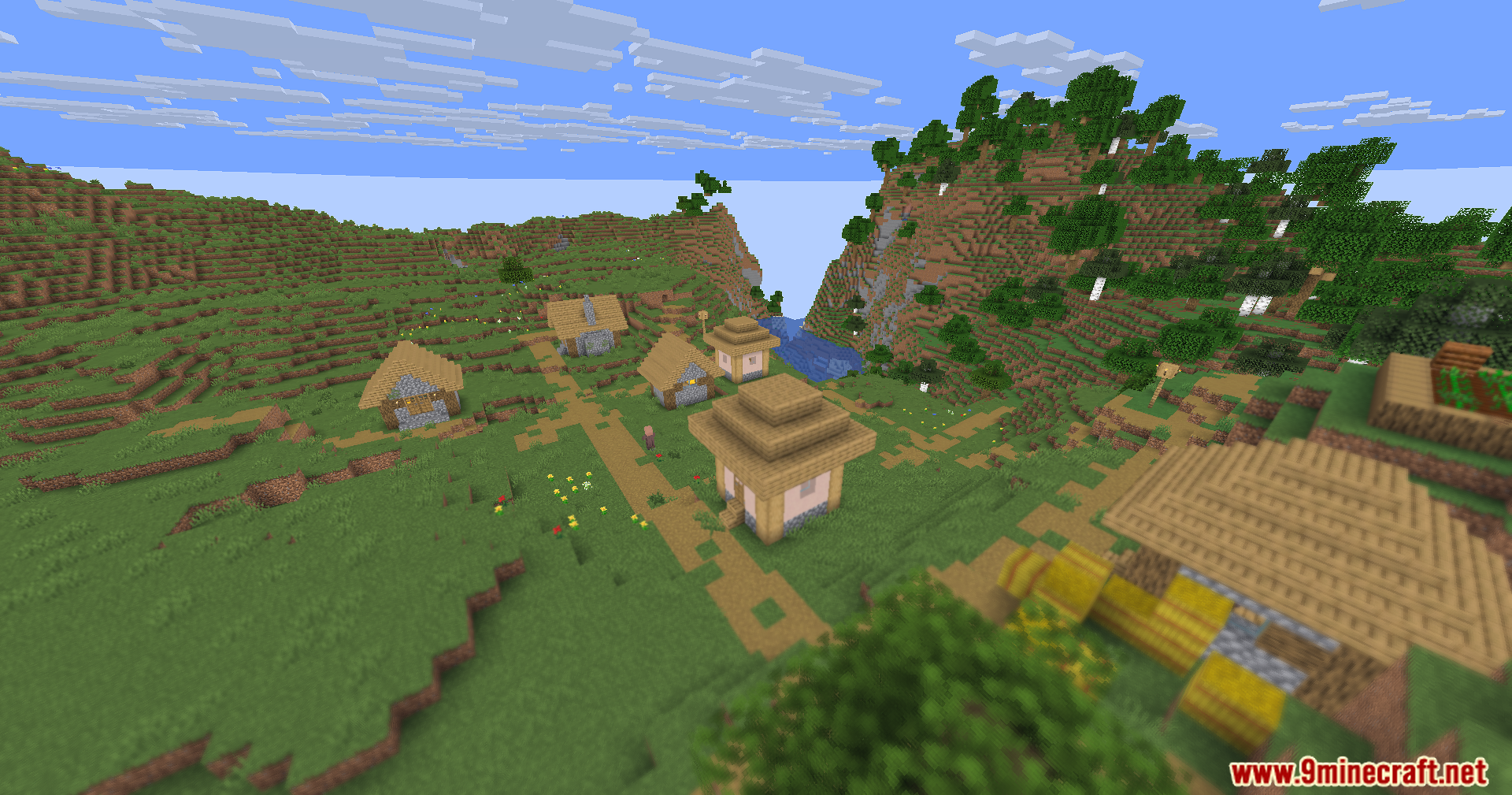
That's the core effect of Hyperopia Shaders—it intentionally blurs nearby blocks while keeping distant ones sharp. If this makes building difficult, you can reduce the blur intensity in the shader settings to make close-range work easier.
Can I adjust how blurry nearby objects are?
Yes, most shader configurations include a blur intensity or focus distance slider that lets you control how soft nearby blocks appear. Lowering this value will make close objects clearer.
Does this shader work with other visual mods like connected textures or better grass?
Hyperopia Shaders should work alongside most texture and cosmetic mods, but combining it with other shaders or heavy graphics mods may cause conflicts or performance issues. Test it with your other mods to be sure.
See all 10 Hyperopia Shaders questions ›
Gallery
11 images from the Hyperopia Shaders page.
You May Also Like
Wikis that share the most with this one
Wikis on the same theme: light
More shader wikis on the site
The most downloaded mods that have a wiki here