

 DownloadFeatherLight LOW END Shaders
Get the files on 9Minecraft
Guides
Step-by-step, in-game.
Adjust Lighting Brightness to Suit Your PreferenceAccess Shader Settings Open your shader options menu while in-game. This is typically found in Video Settings >…Optimize Frame Rate on Very Old or Weak ComputersCheck Current Performance Press F3 (or your debug key) to display FPS. If you're dropping below 60 FPS, optimization…Reduce Lag When Exploring New TerrainUnderstand Chunk Loading Lag during exploration often comes from your computer rendering newly generated chunks, not…Restore Vanilla Minecraft Look While Keeping Performance GainsUnderstand FeatherLight's Design FeatherLight LOW END adds soft lighting and visual polish while staying true to…
Frequently asked questions
How do I enable the shader after installing it?
Open your video settings in-game, navigate to the Shaders option, and select FeatherLight LOW END from the list. The shader will apply immediately to your world.
Will this shader work on my old laptop?
Yes—FeatherLight LOW END is specifically designed for weak computers and older laptops. If your machine can run vanilla Minecraft, this shader should run smoothly without significant frame drops.
How do I adjust how bright the lighting looks?
Open the shader options menu (usually accessible from video settings) and look for brightness or lighting intensity sliders. Adjust these values to match your preference for how lit up the world appears.
Why am I getting lag when exploring new chunks?
New terrain generation can temporarily impact performance. Try reducing render distance in your video settings or enabling the terrain optimization option in the shader settings to maintain smoother frame rates while exploring.
See all 10 FeatherLight LOW END Shaders questions ›
Gallery
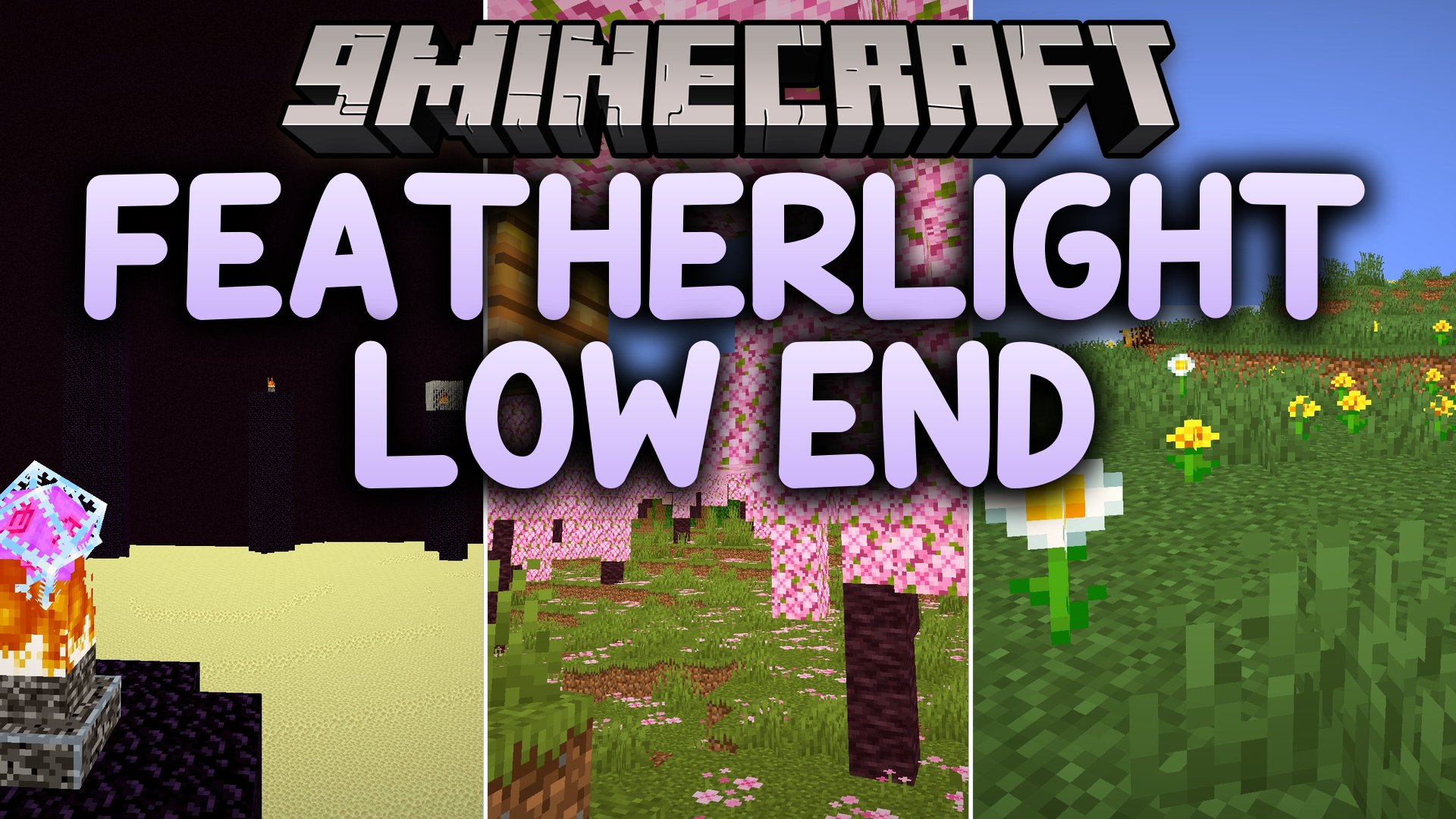
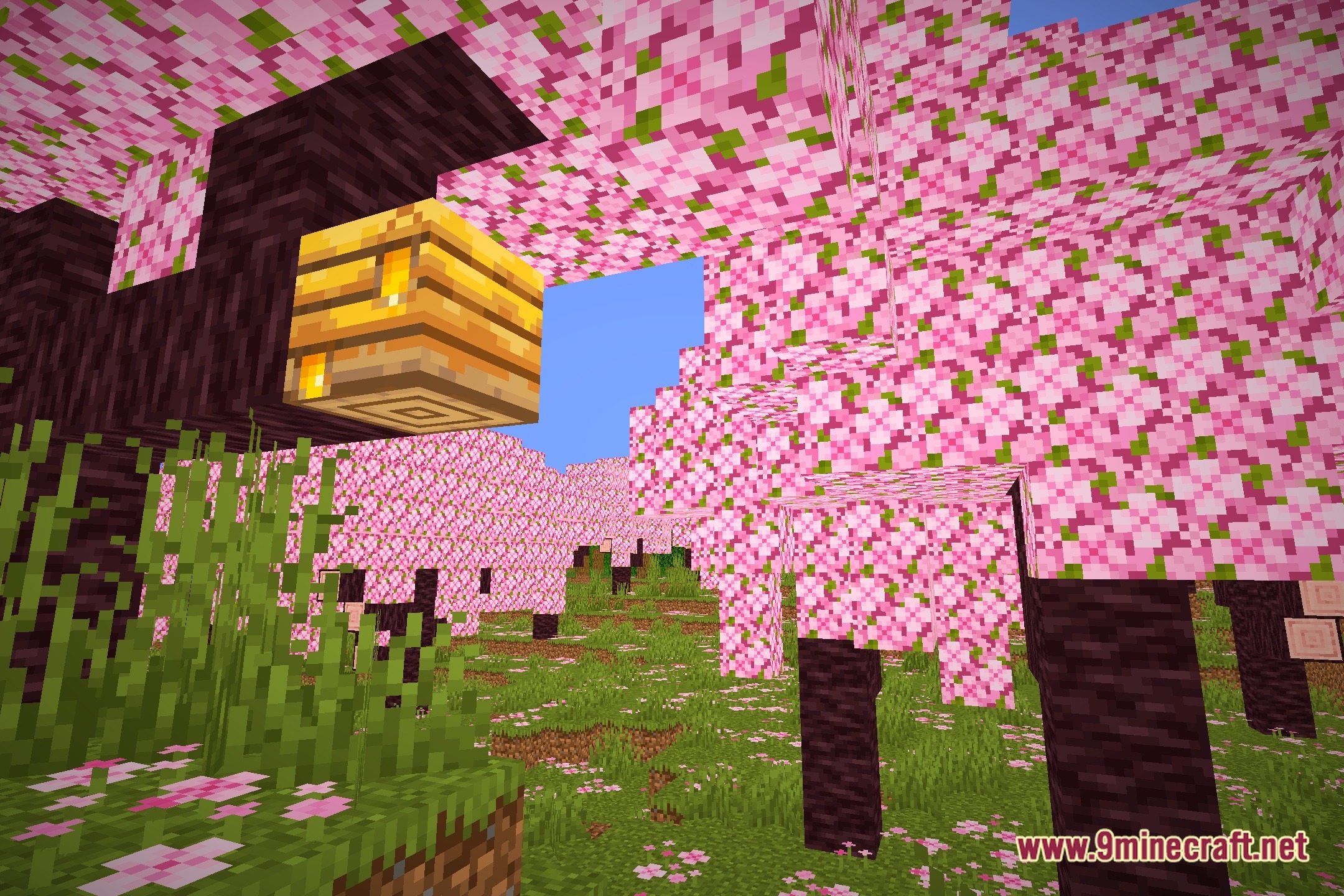
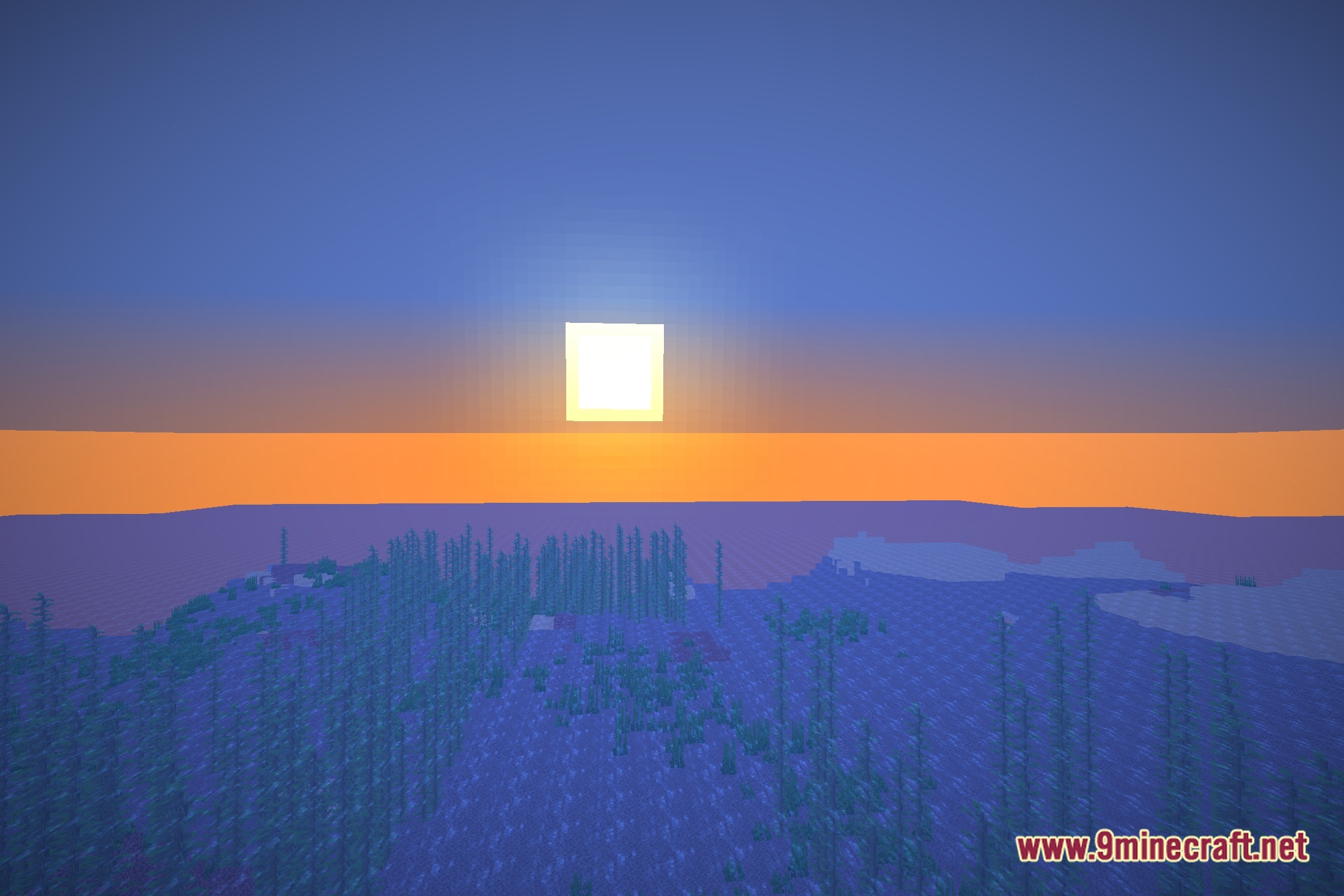
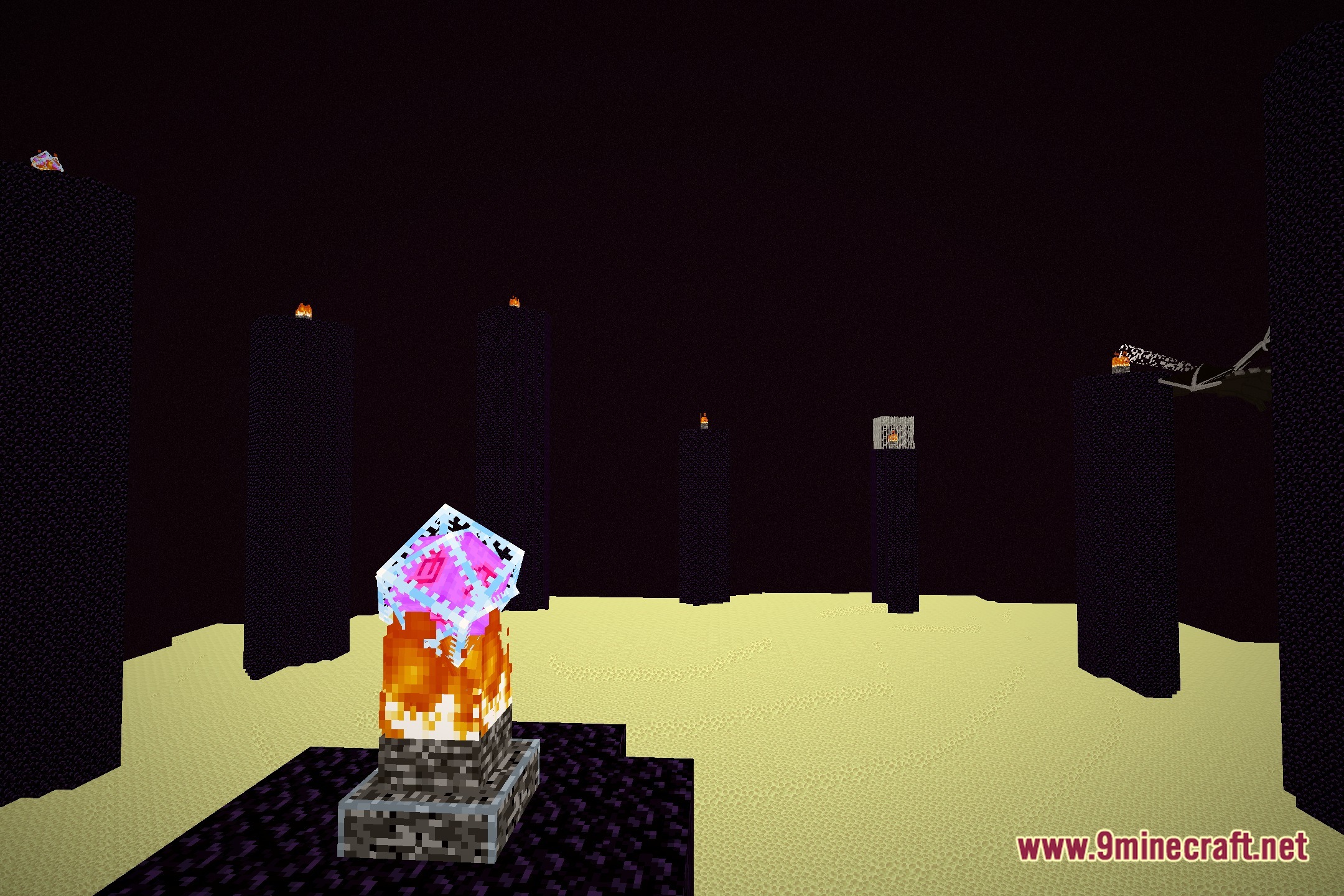
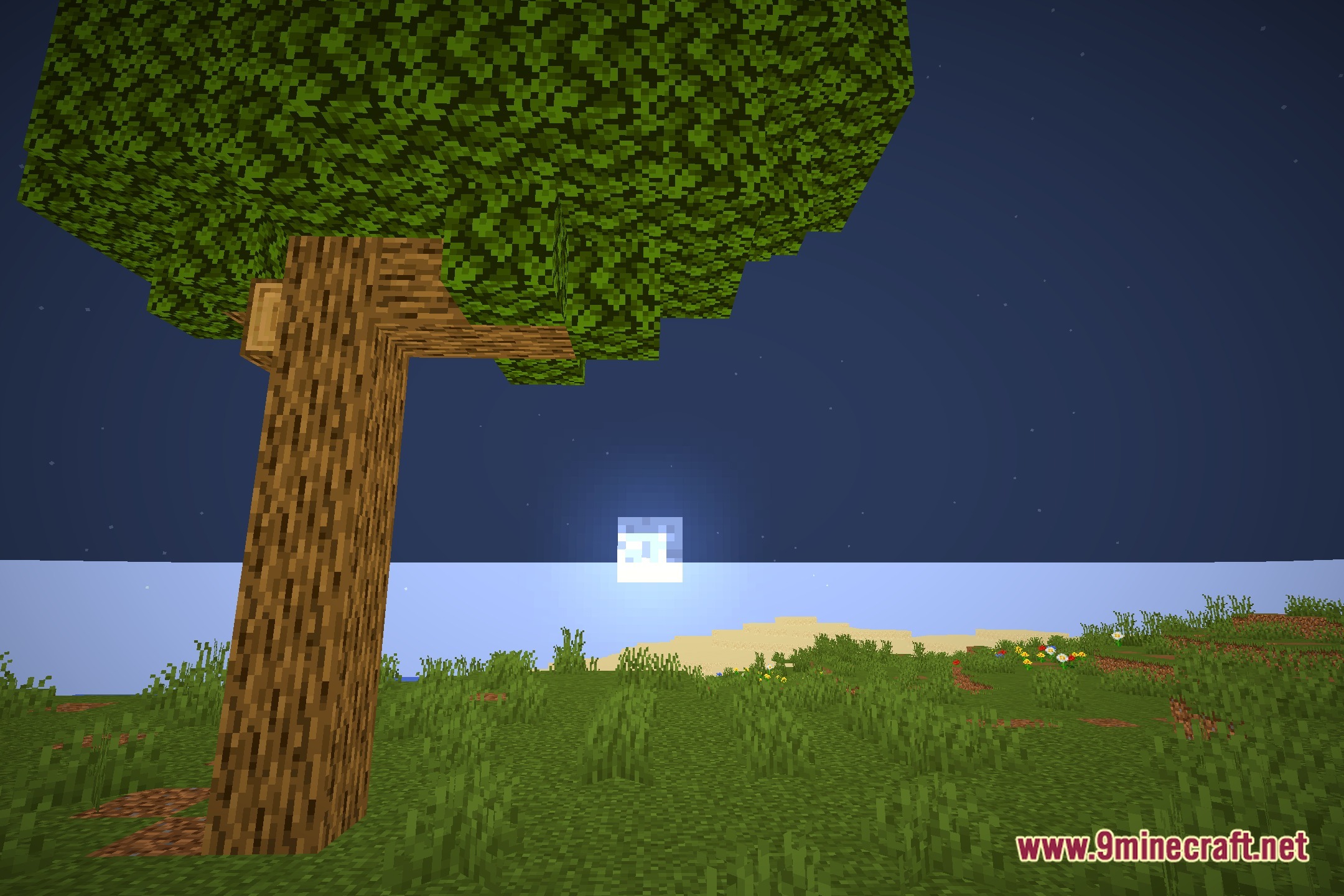
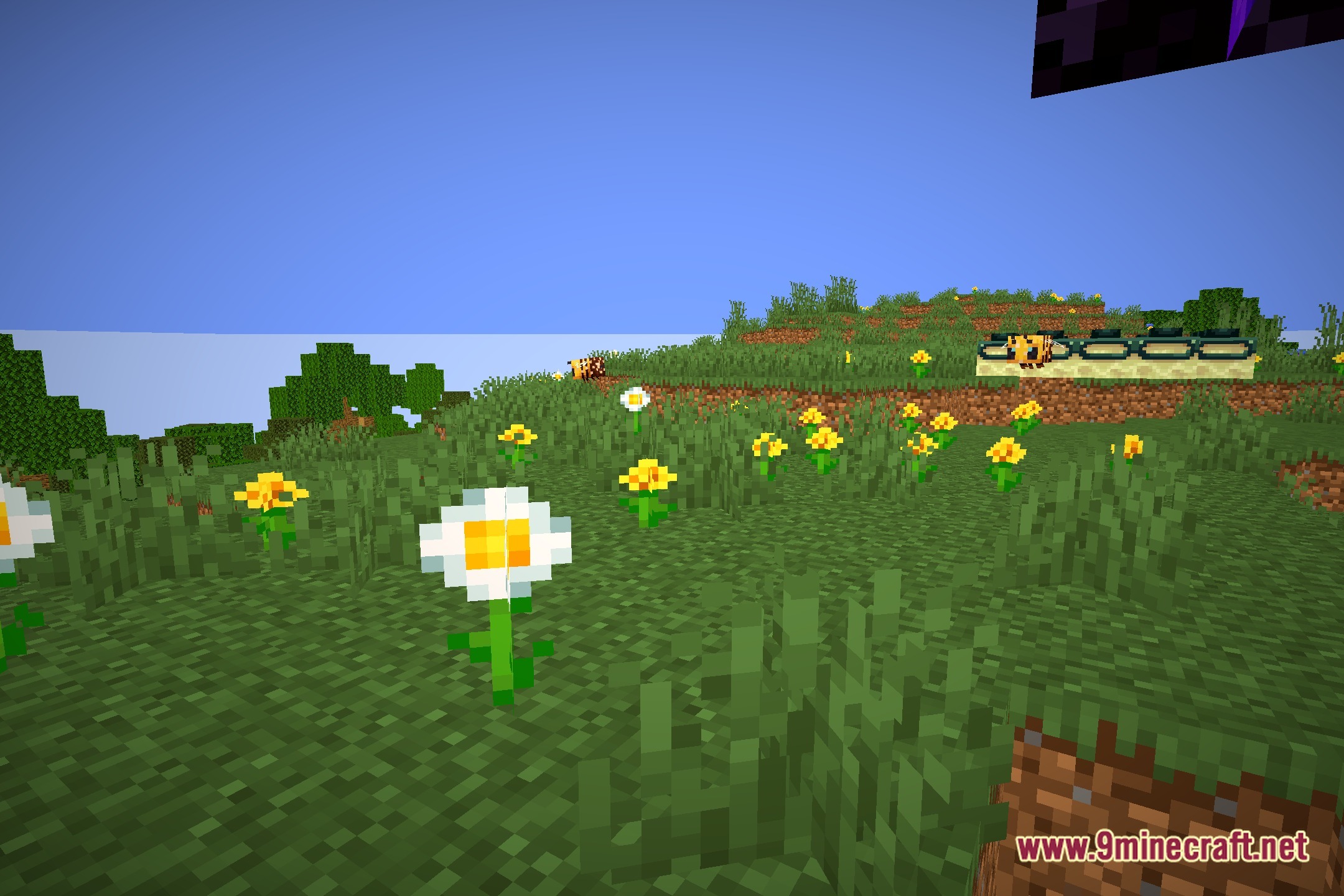
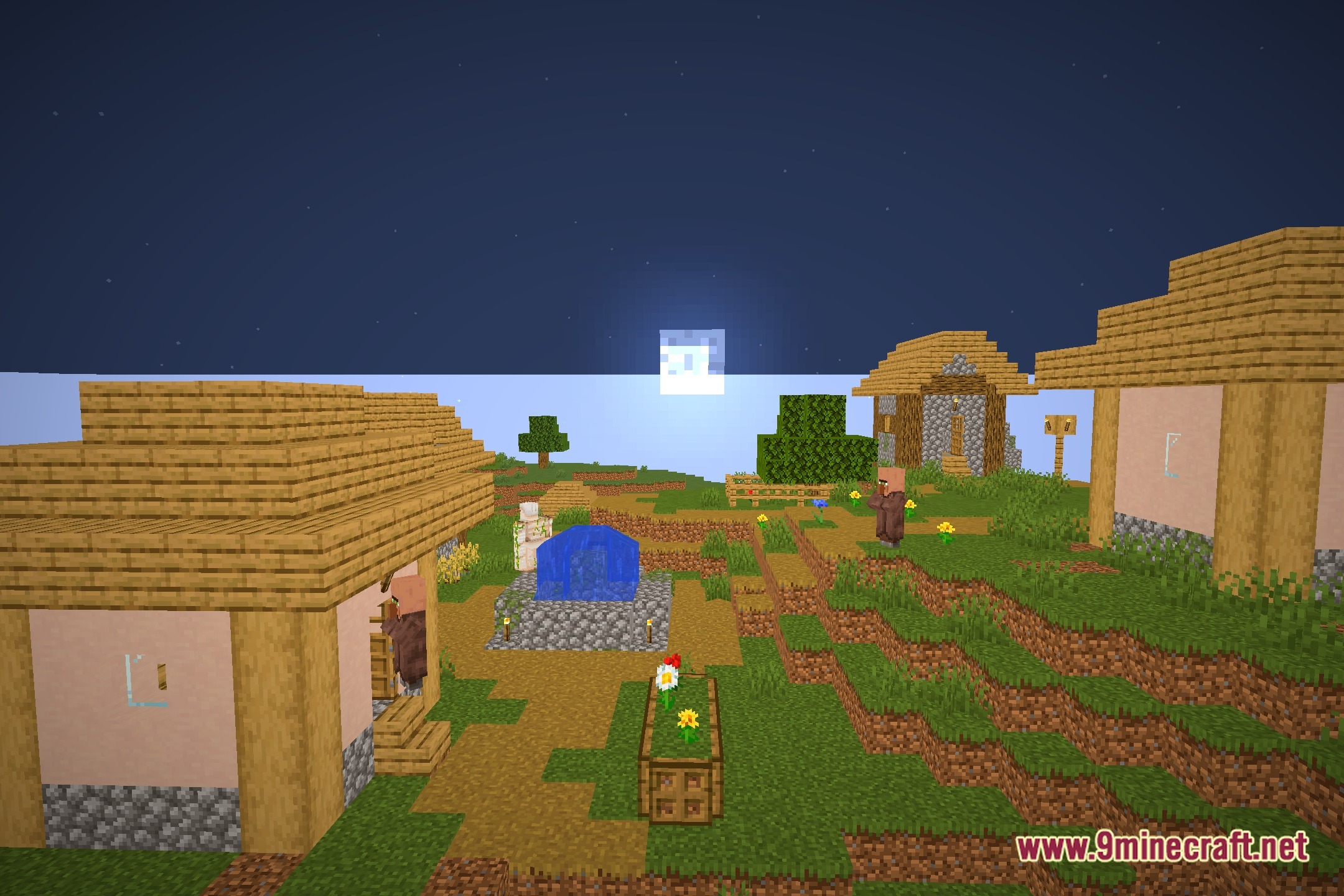
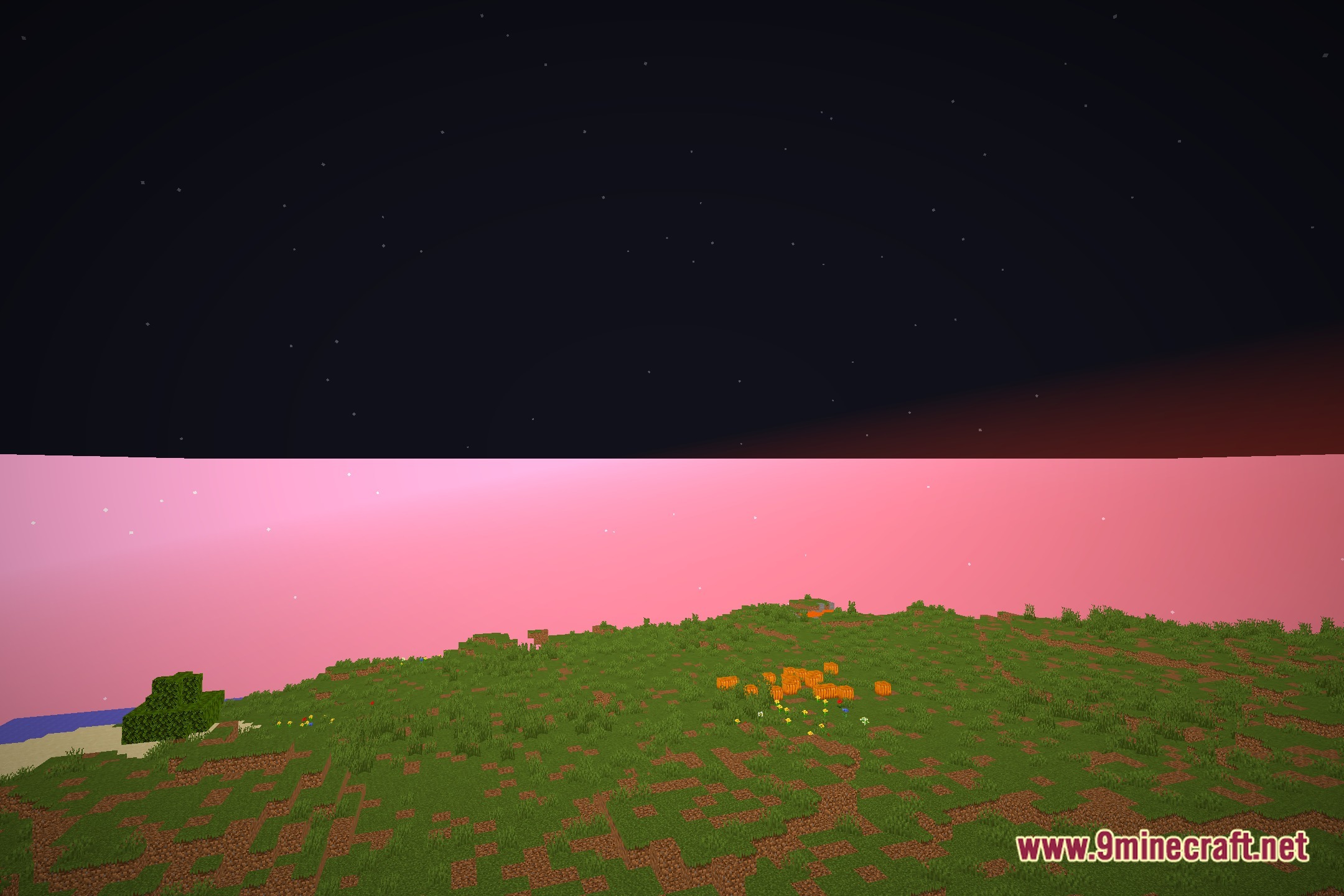
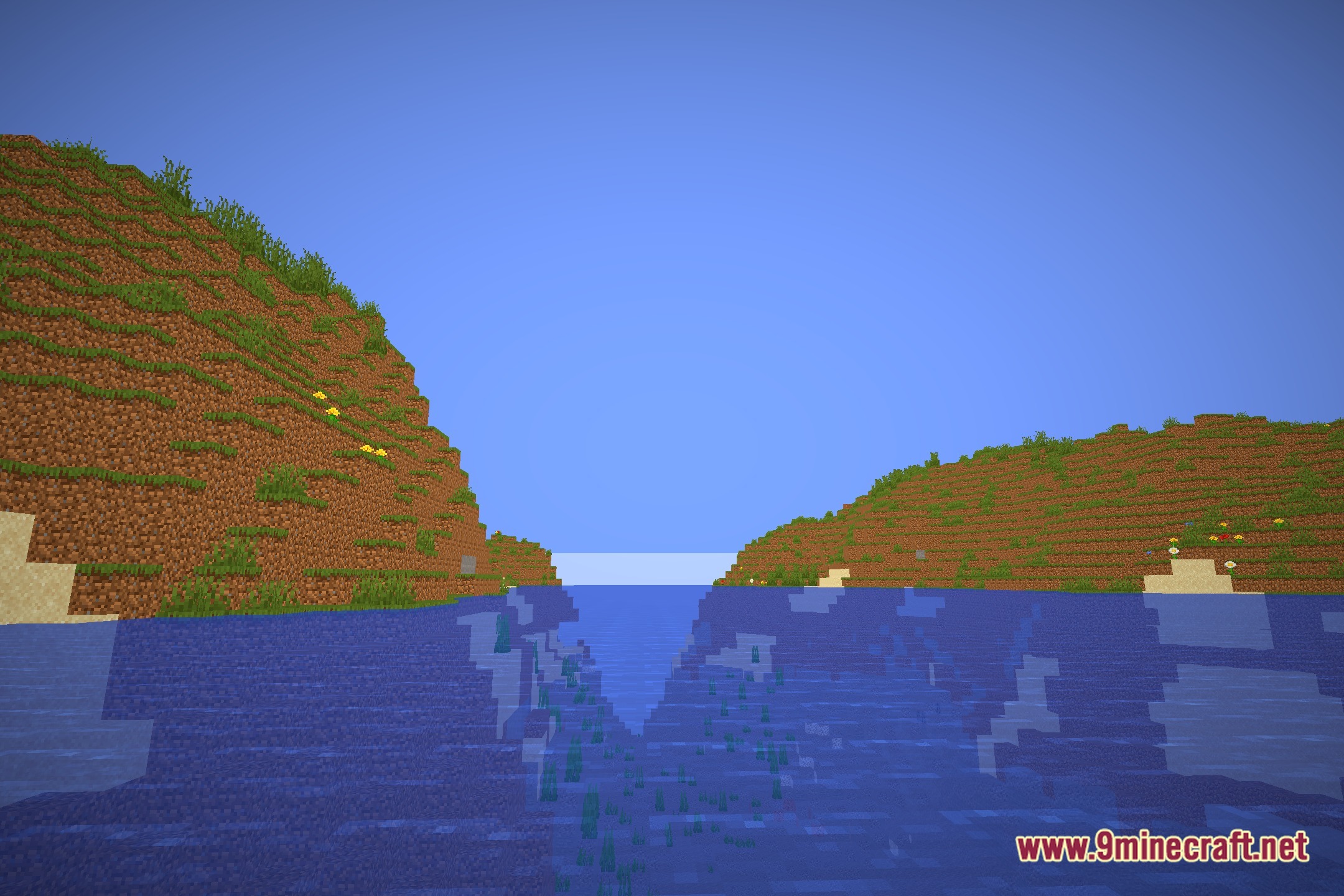
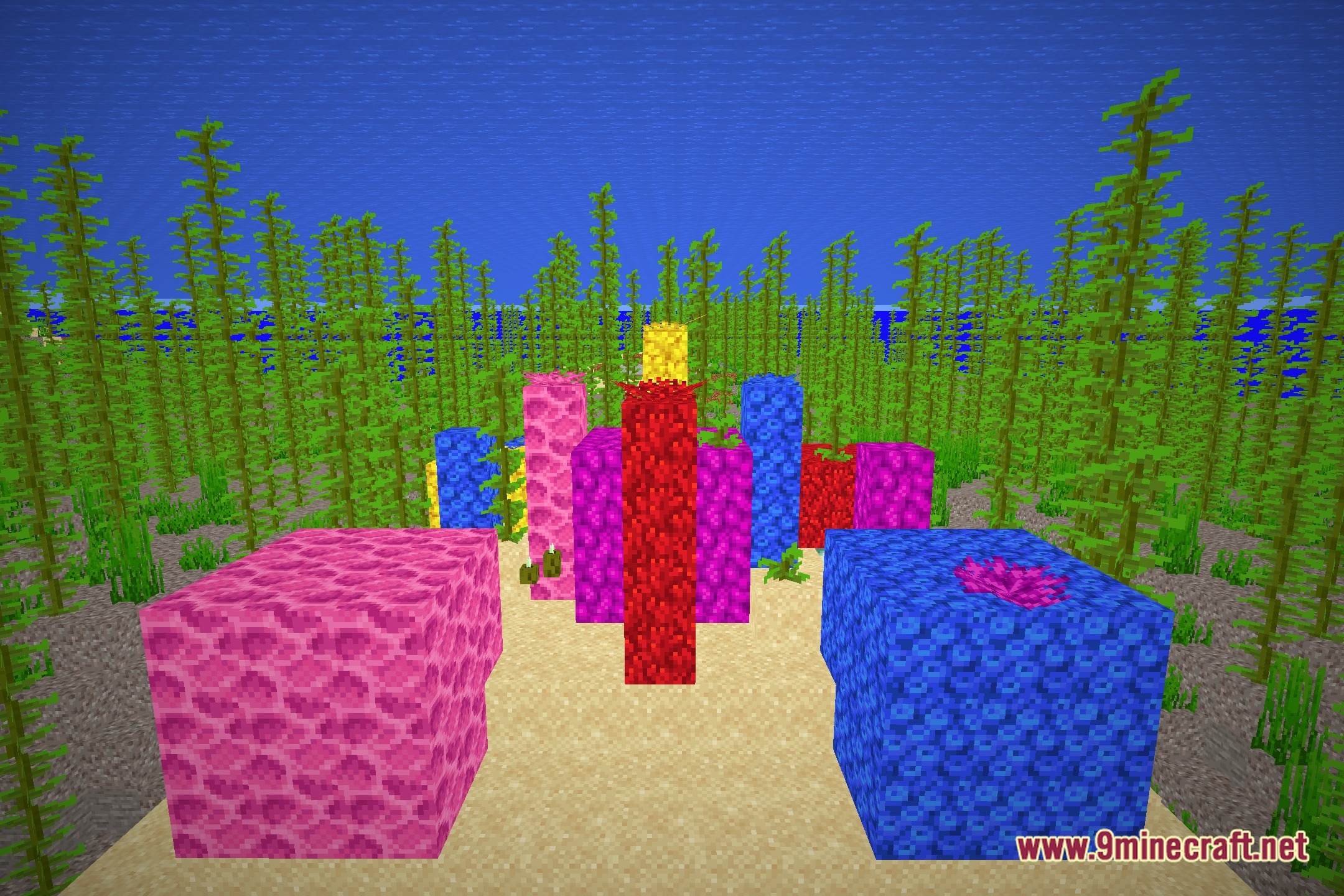
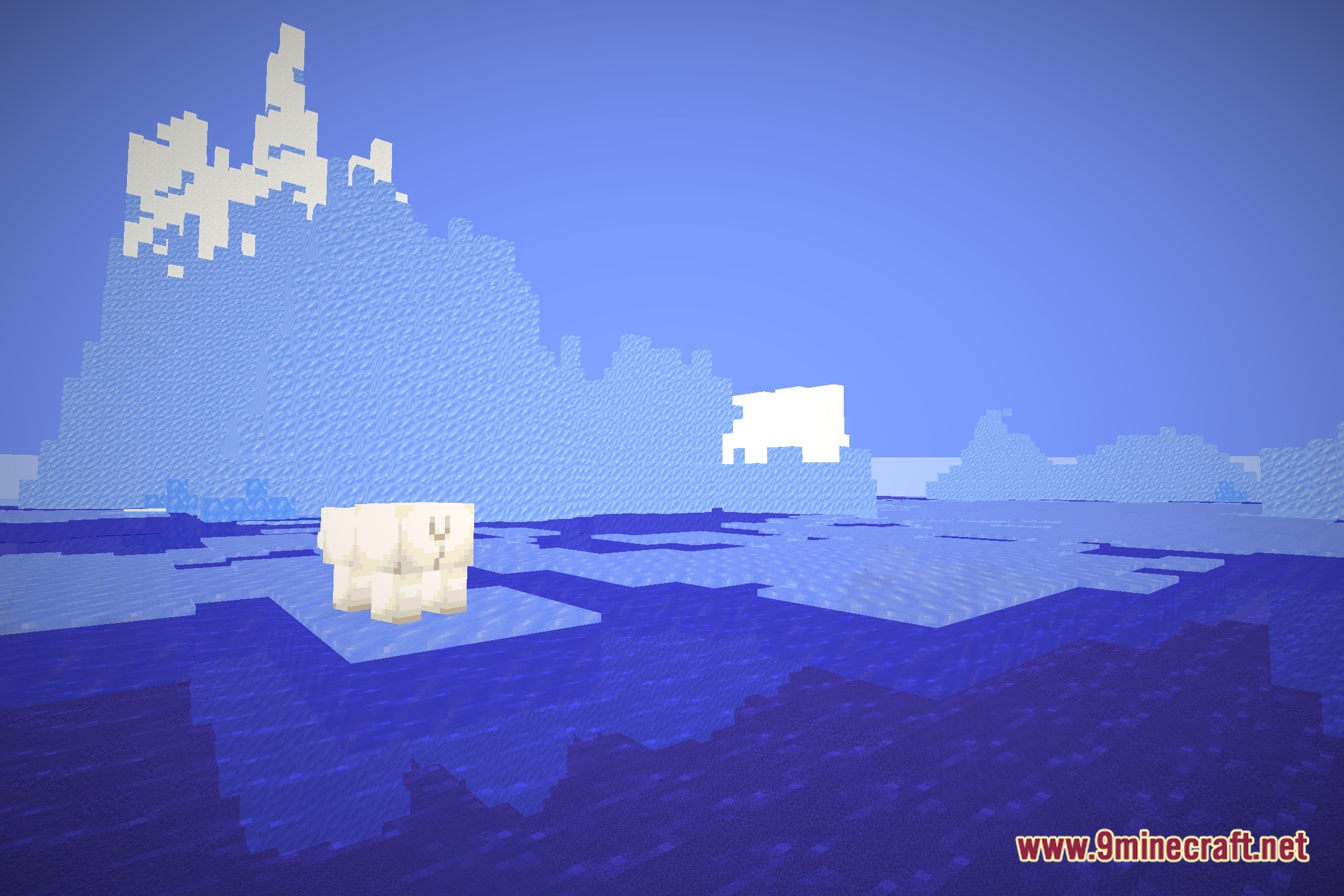
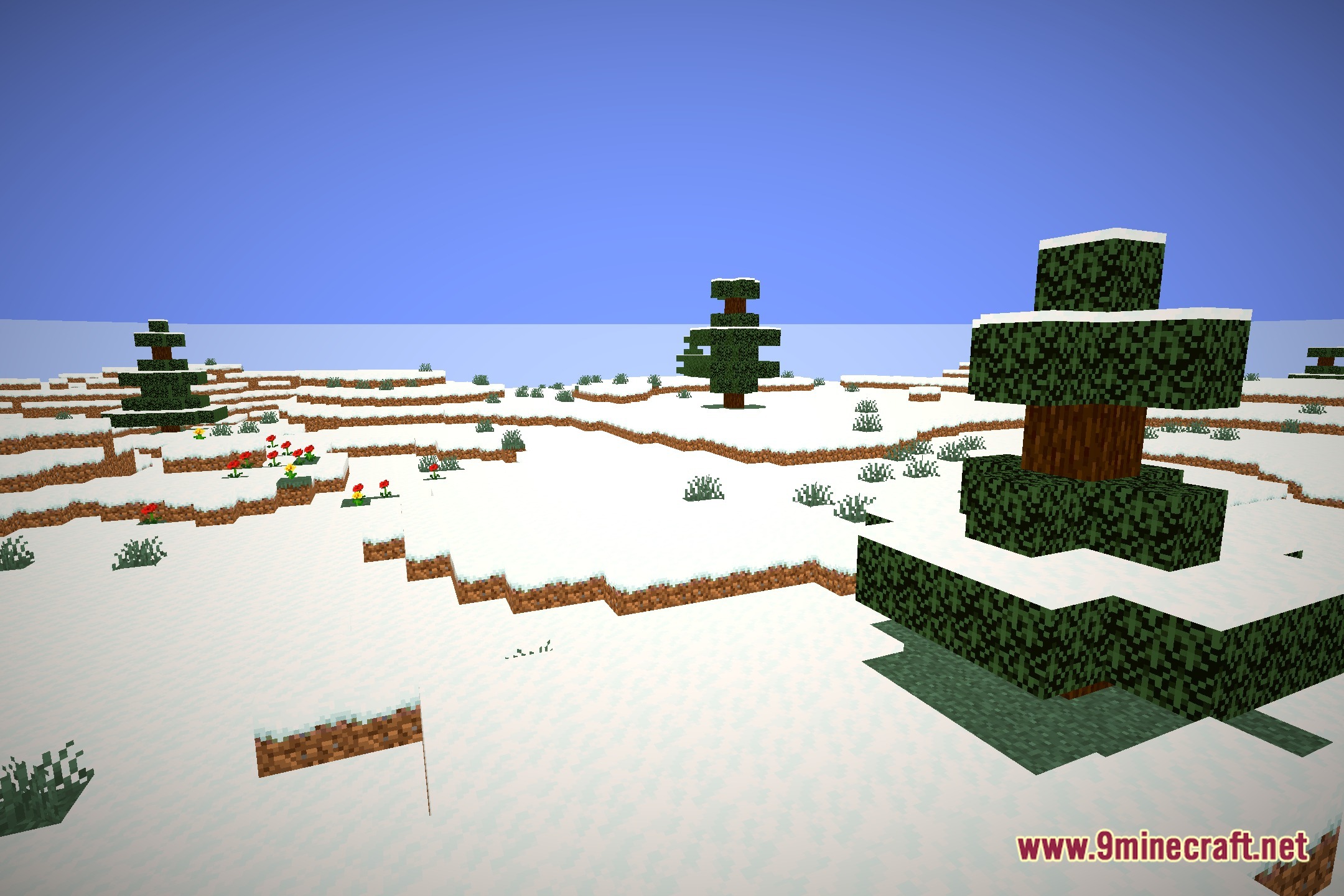
12 images from the Featherlight Low End Shaders page.
You May Also Like
Wikis that share the most with this one
Wikis on the same theme: end
More shader wikis on the site
The most downloaded mods that have a wiki here