

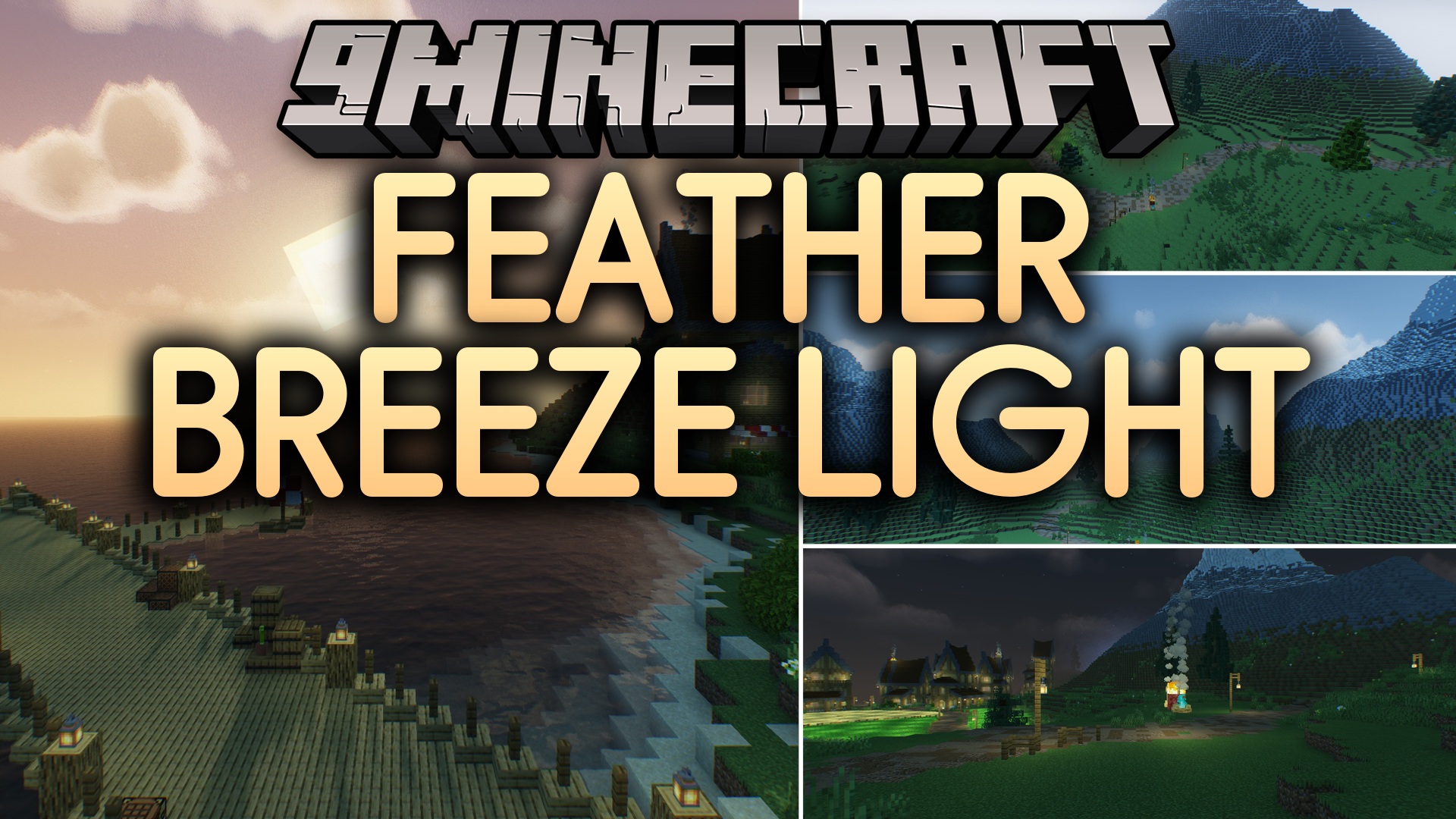
 DownloadFeather Breeze Light Shaders
Get the files on 9Minecraft
Guides
Step-by-step, in-game.
Achieve Consistent Lighting Between Day and NightUnderstand the Shader's Lighting Model Feather Breeze Light applies semi-realistic lighting that changes based on…Adjust Bloom Intensity on Light SourcesAccess Shader Settings Open your shader options menu while in-game. This is typically found in Video Settings >…Get Better Visibility in Caves and Dark AreasUnderstand Shadow Behavior Feather Breeze Light softens shadows rather than eliminating them, keeping caves dark but…Optimize Frame Rate on Low-End HardwareCheck Current Performance Load your world and open the debug screen (F3 on most setups) to see your current FPS. Note…
Frequently asked questions
How do I turn on the shader after installing it?
Why do my caves look too dark even with the shader on?
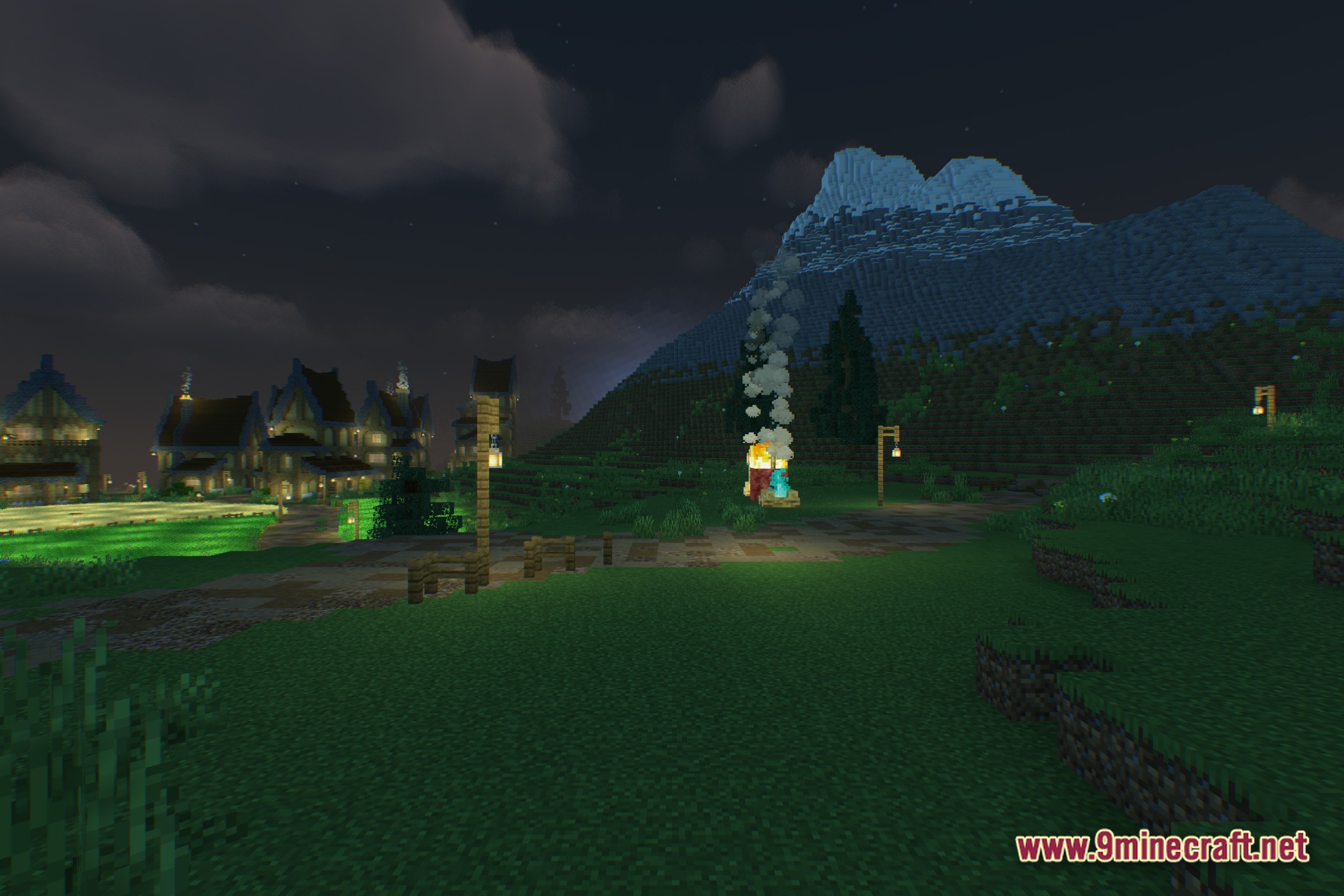
Feather Breeze Light preserves cave darkness for atmosphere, but you can improve visibility by placing torches strategically or adjusting your monitor's brightness. The shader's soft shadows are designed to keep caves readable without washing out the mood.
Can I adjust how bright the glow on torches and lamps is?
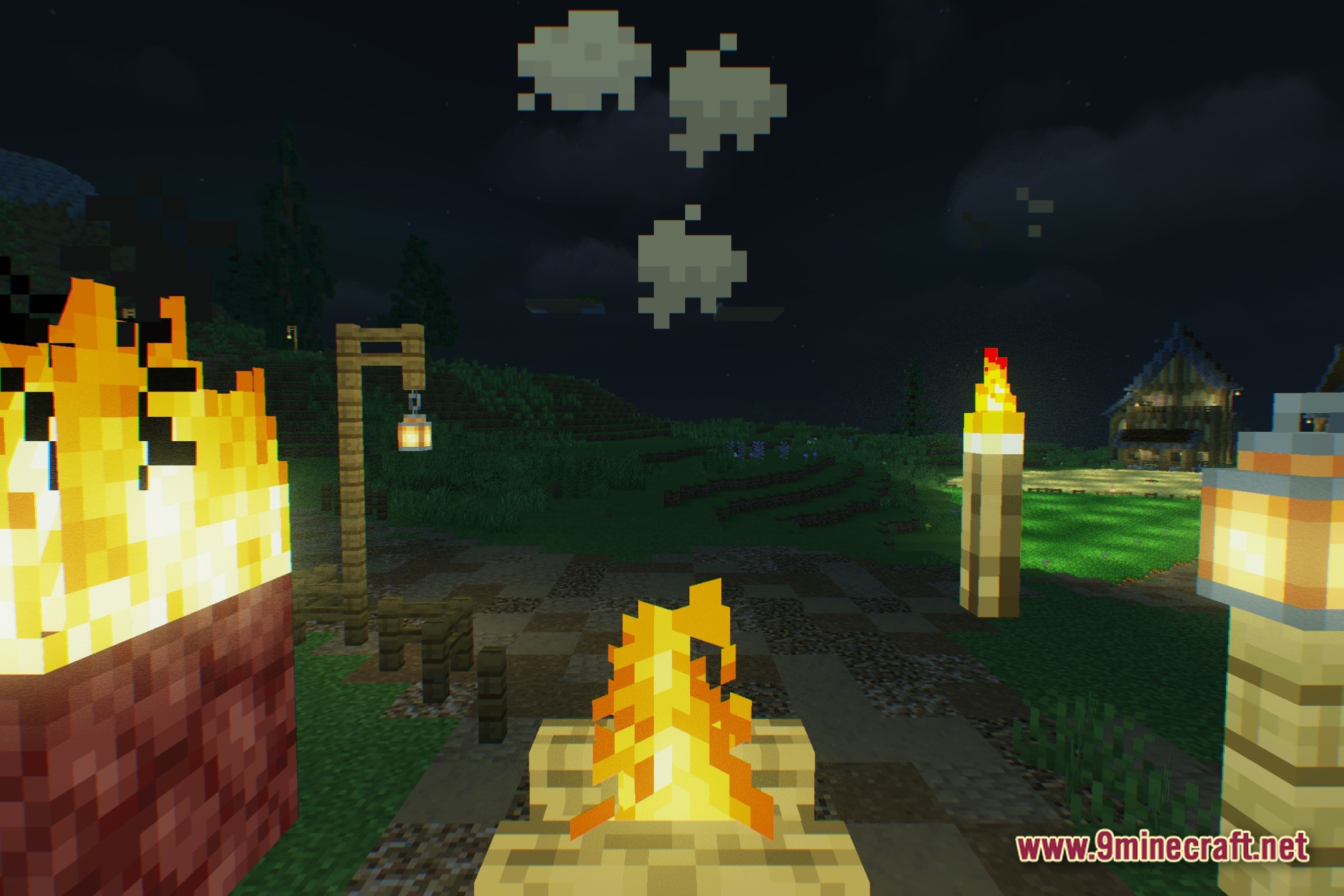
Yes—open the shader options menu (usually by pressing a key like Right Shift or through Video Settings > Shaders > Shader Options) and look for bloom or glow intensity sliders to tune the effect to your preference.
My FPS dropped after installing this shader. How do I fix it?
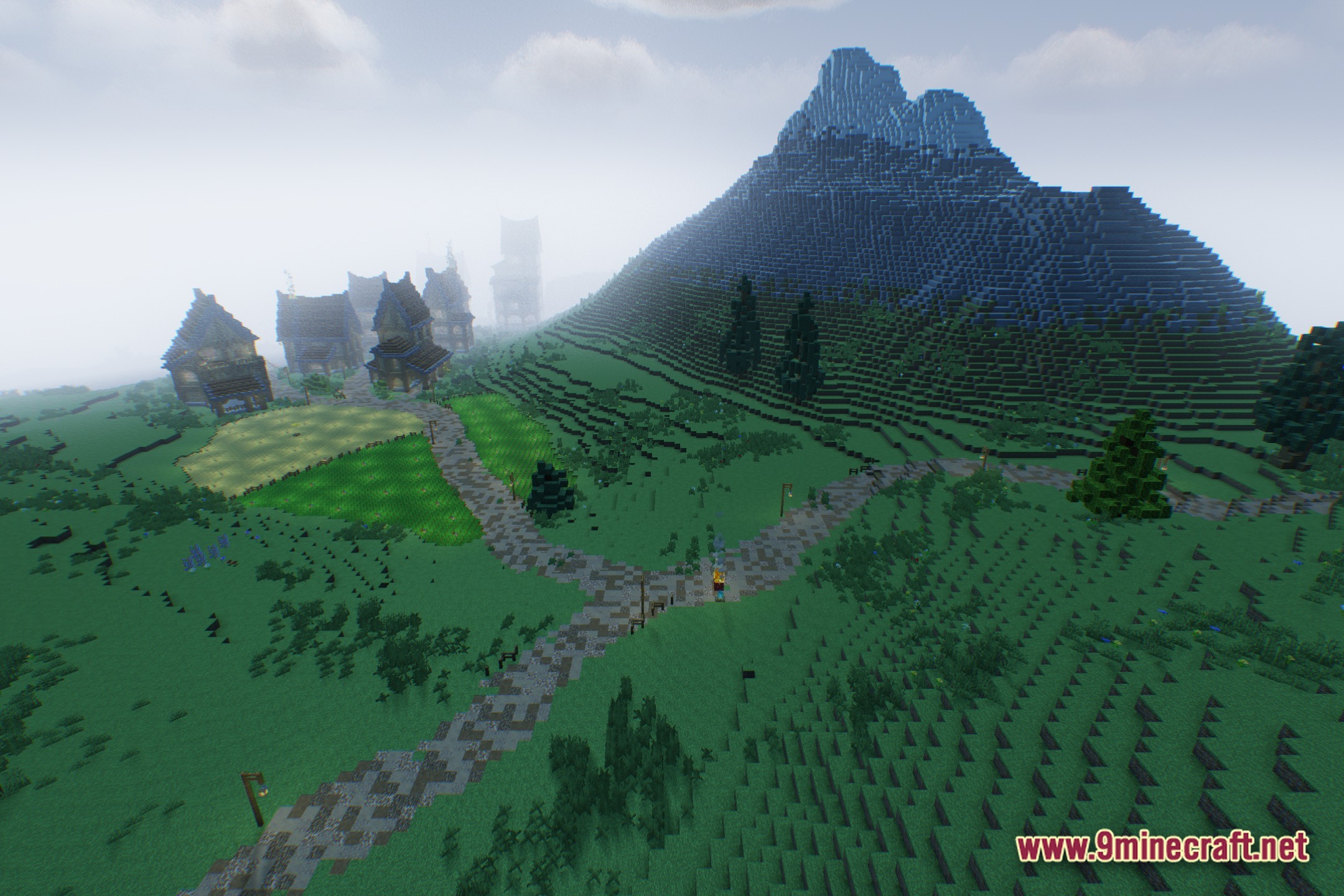
Try lowering shadow quality or disabling bloom in the shader options, or reduce your render distance in Video Settings. Feather Breeze Light is optimized for low-end hardware, but very old systems may need these tweaks.
See all 10 Feather Breeze Light Shaders questions ›
Gallery
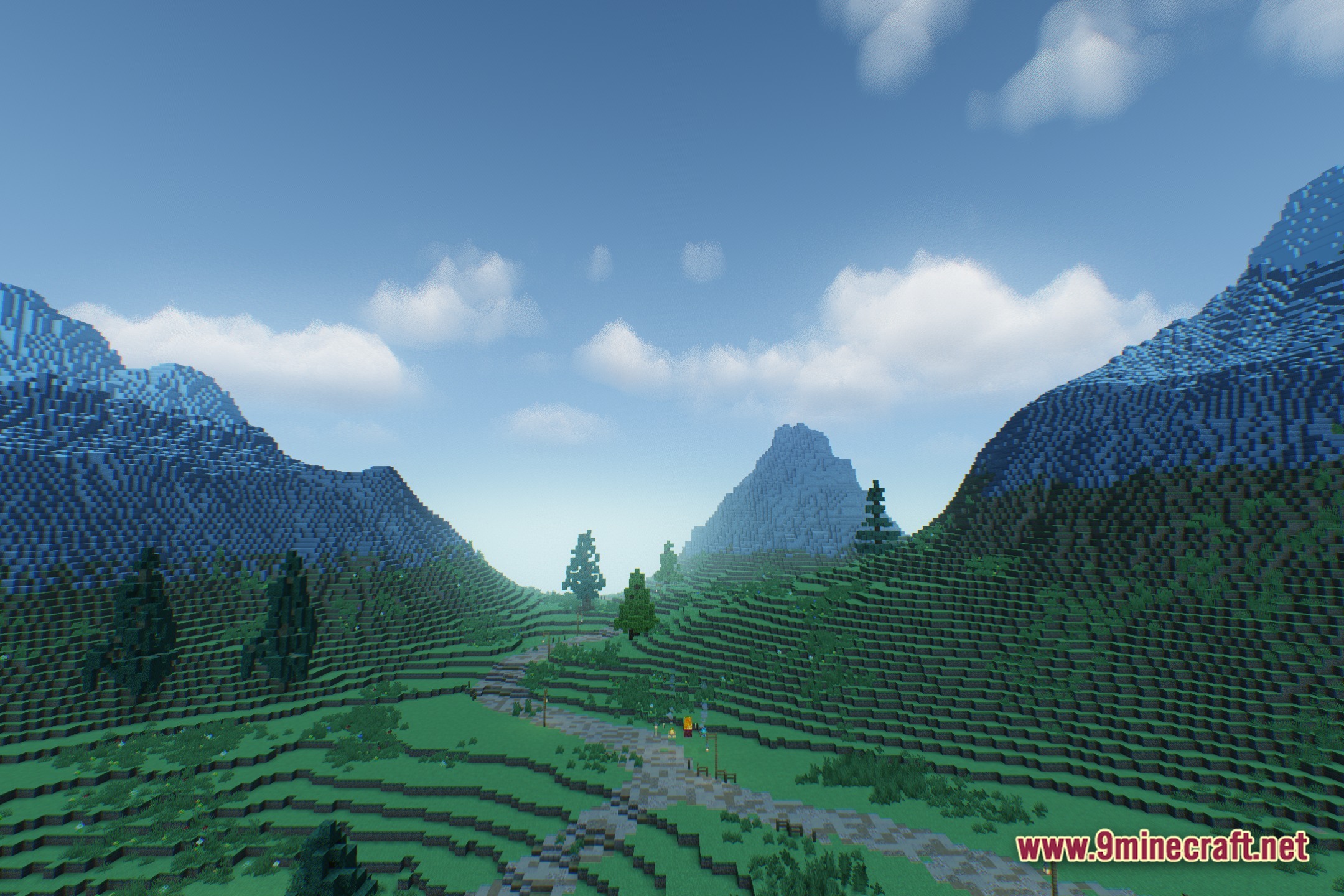
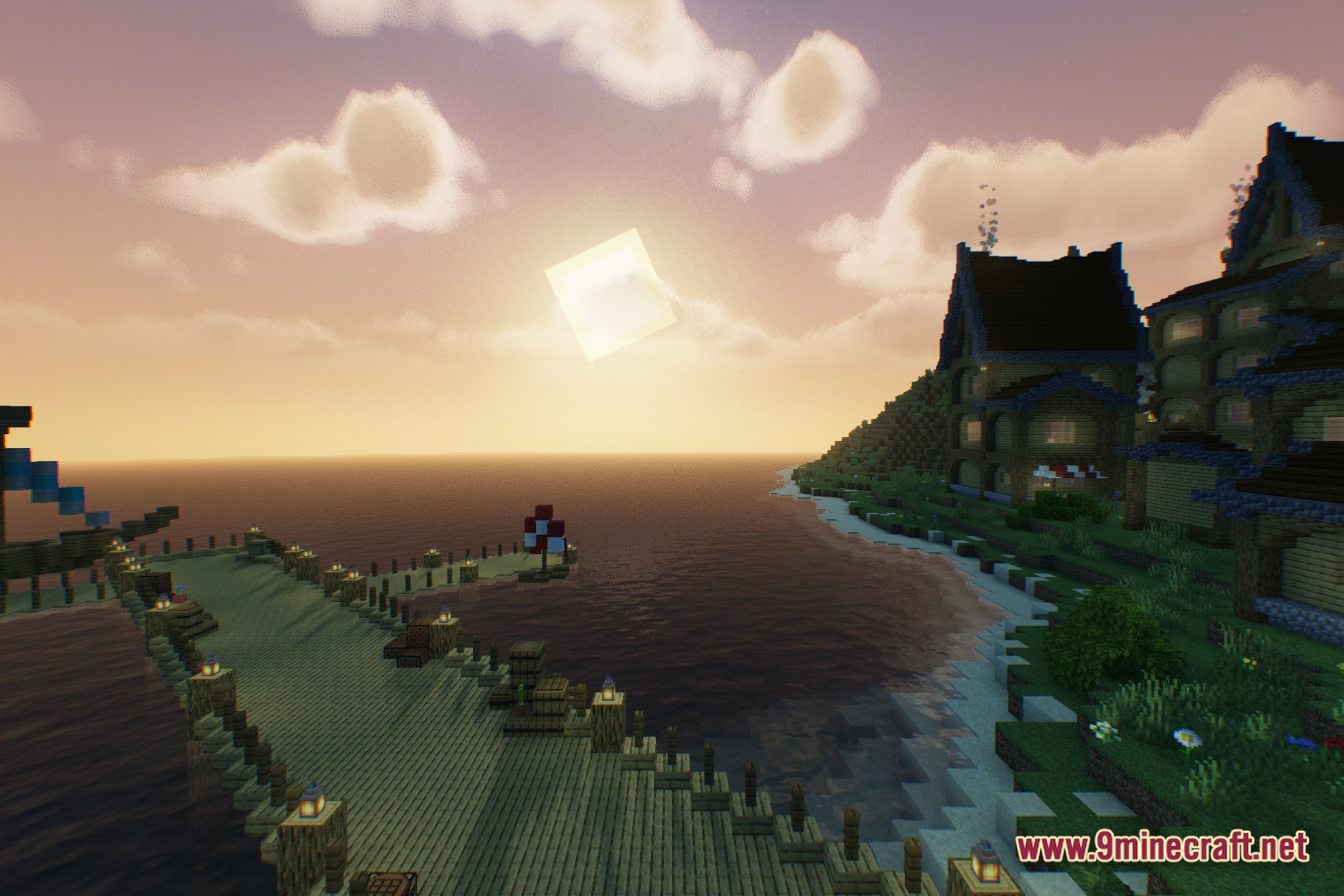
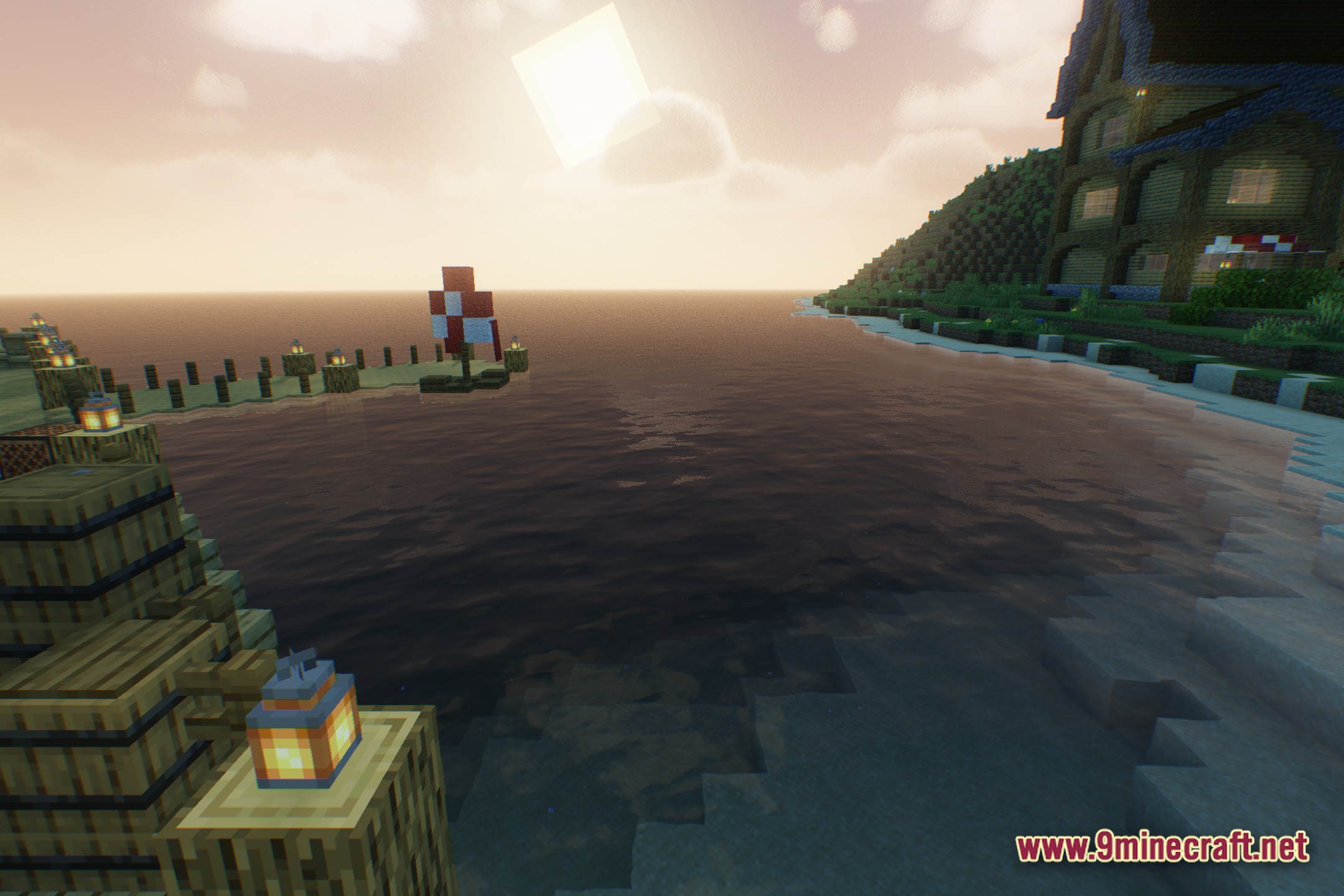
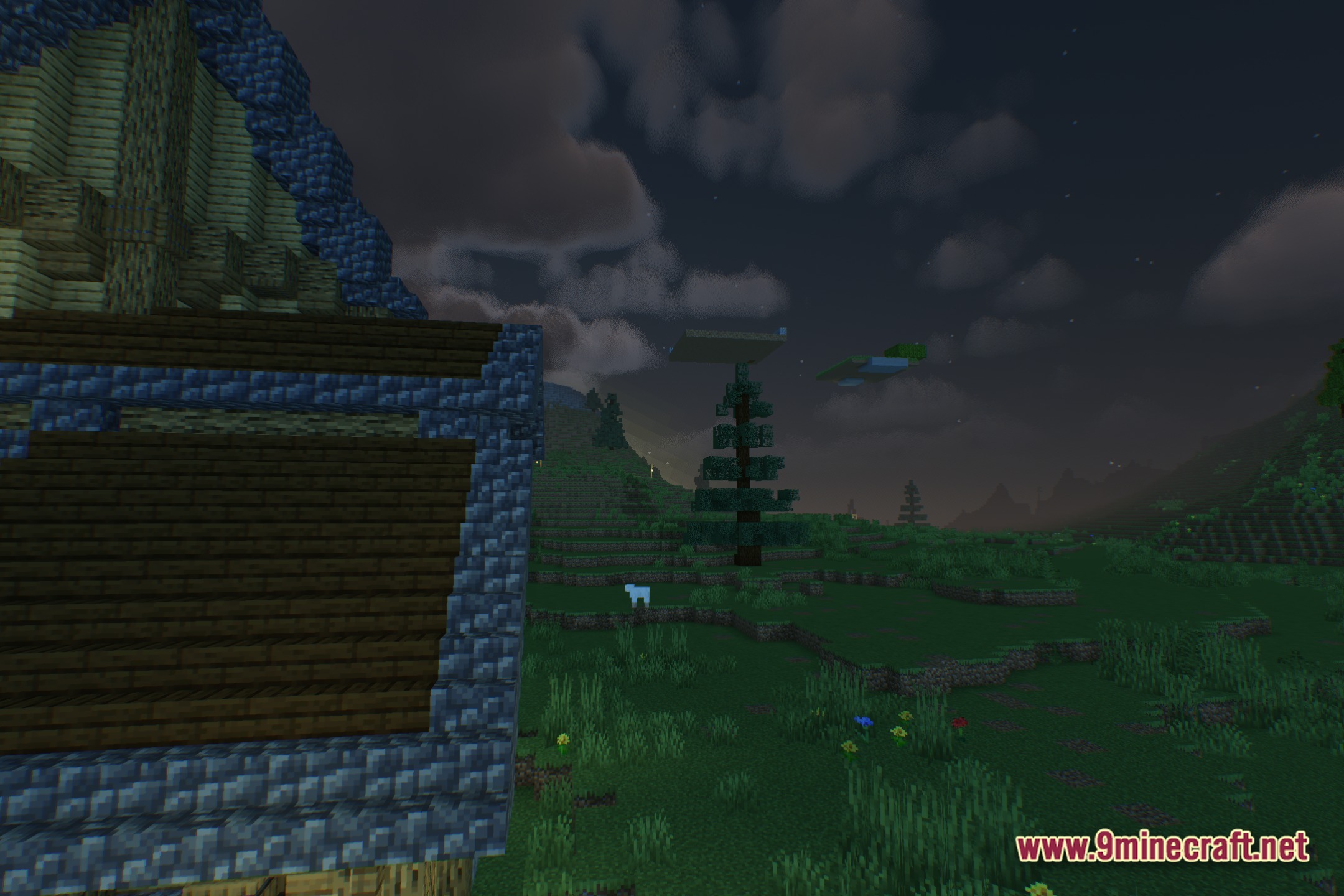
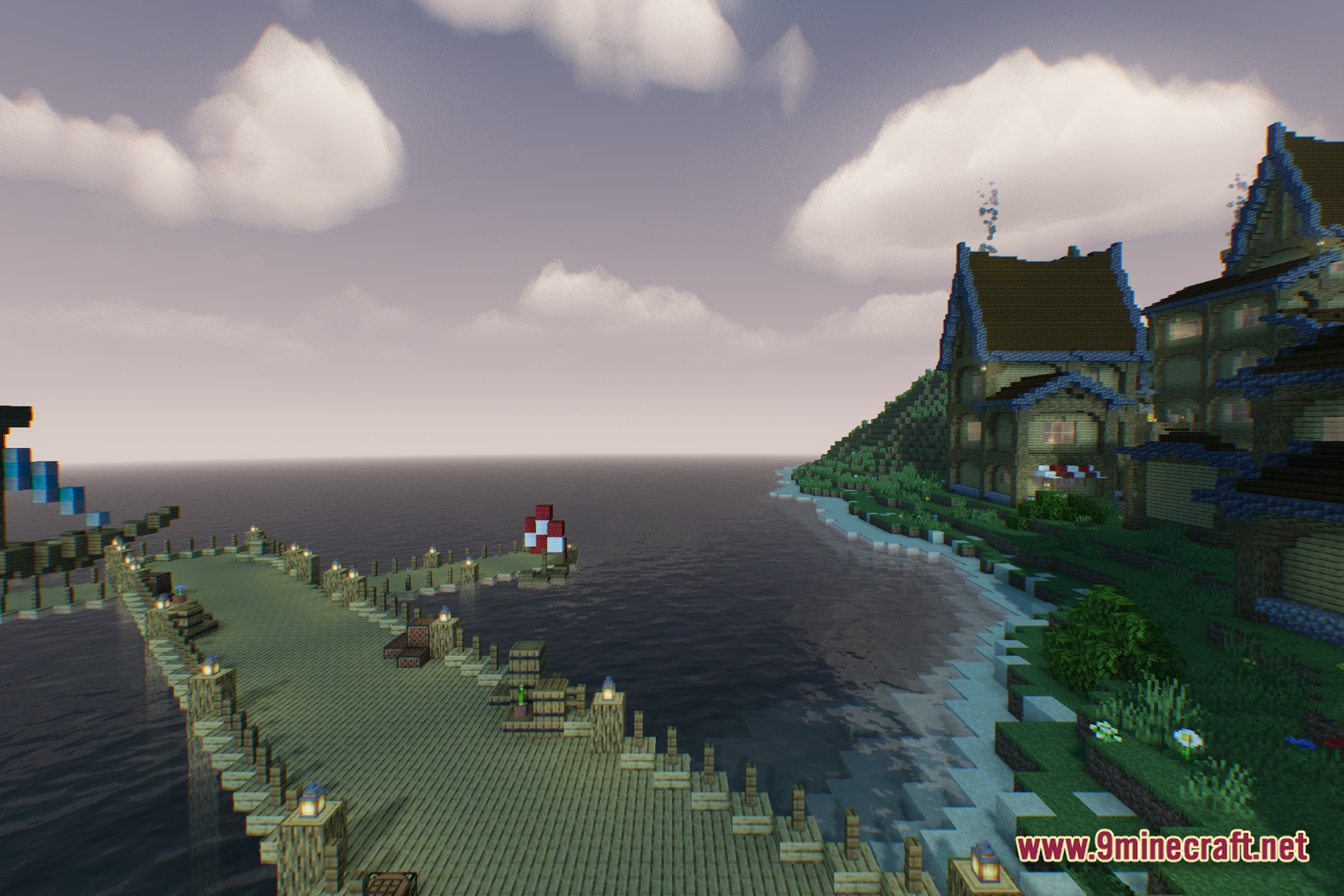
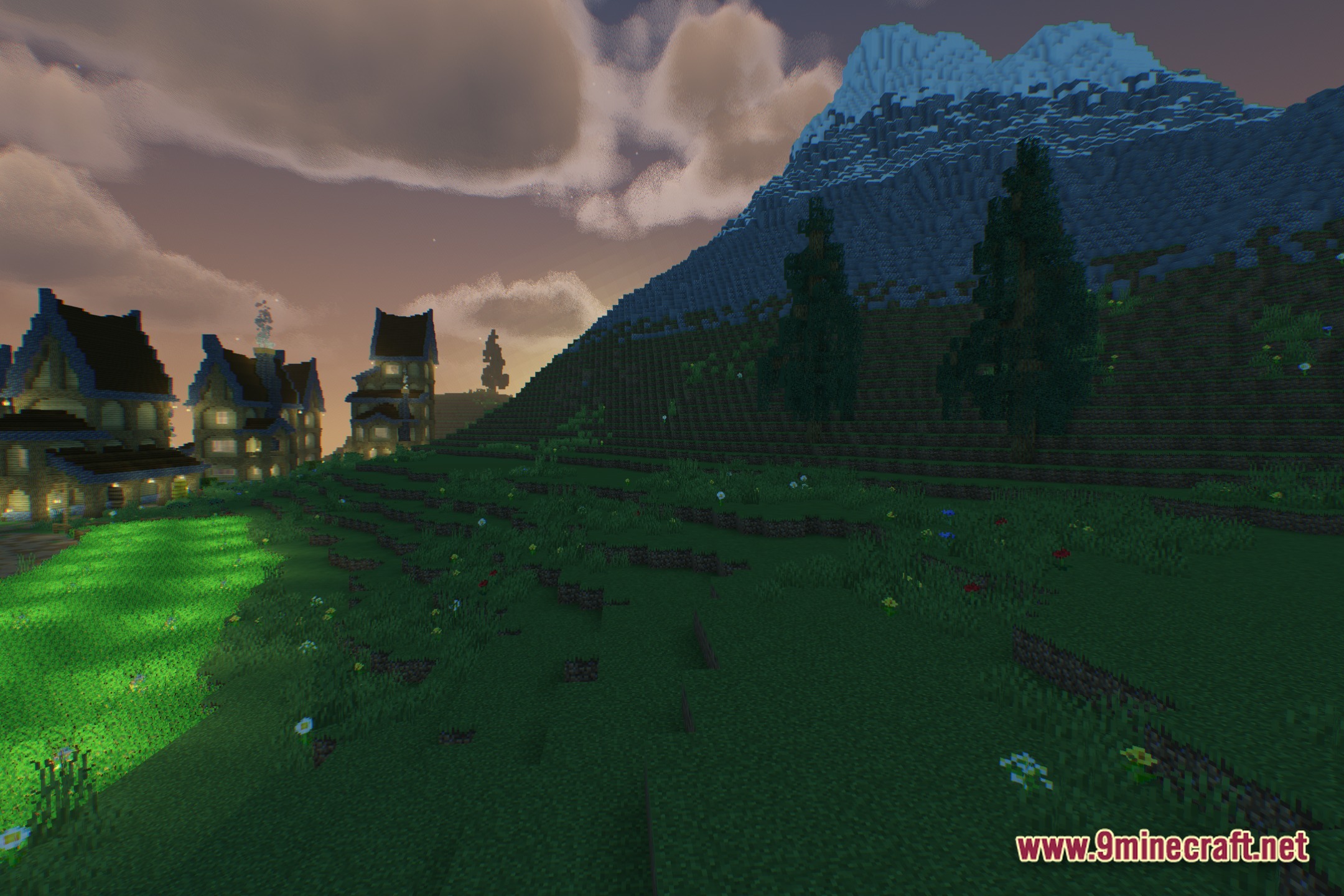
12 images from the Feather Breeze Light Shaders page.

You May Also Like
Wikis that share the most with this one
Wikis on the same theme: light
More shader wikis on the site
The most downloaded mods that have a wiki here