

 DownloadZen RPG Font Resource Pack
Get the files on 9Minecraft
Guides
Step-by-step, in-game.
How to Combine Zen RPG Font with Other Resource PacksUnderstand What Conflicts Zen RPG Font only replaces font assets. It does not touch blocks , items, entities,…How to Make Zen RPG Font Show Up in MinecraftConfirm the Pack Is Actually Enabled A font pack only changes text if Minecraft is loading it. Open Options →…How to Read Chat and Tooltips More Easily with Zen RPG FontWhy This Font Helps Readability Zen RPG Font swaps the default typeface for a clean sans-serif design. That means…How to Troubleshoot Zen RPG Font Not Changing TextCheck the Obvious First If text still looks default, confirm the pack is in the *Selected* column and that you…
Frequently asked questions
How do I turn on the Zen RPG Font in my game?
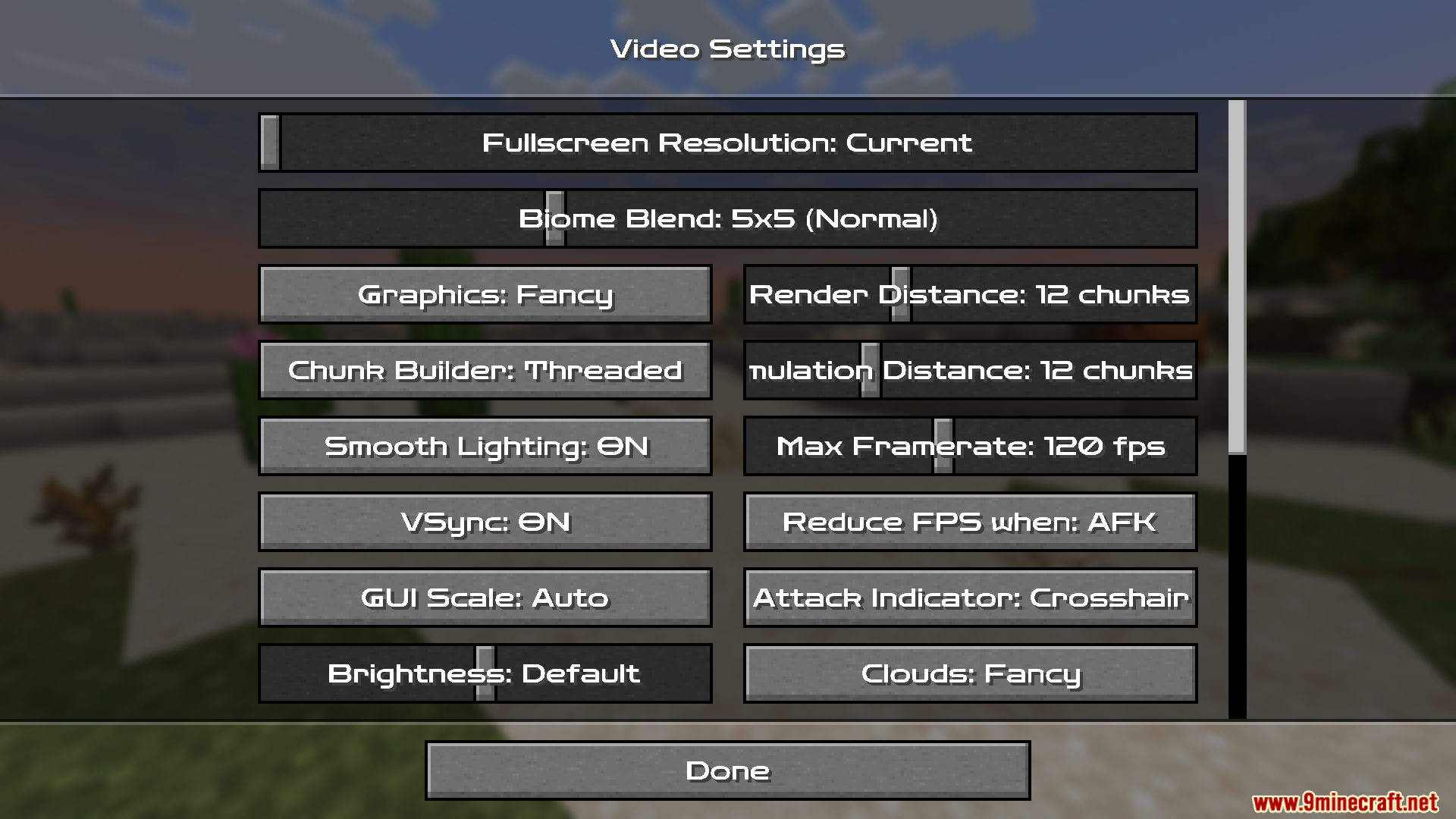
Open Options, then Resource Packs, and move Zen RPG Font from the left column to the right column. Click Done and the font applies immediately, no restart needed.
Why is my text still the default Minecraft font after enabling the pack?
Another resource pack is likely loaded above Zen RPG Font and overriding the font files. Drag Zen RPG Font to the top of the selected packs list so it wins the conflict.
Does Zen RPG Font change any blocks, items, or textures?
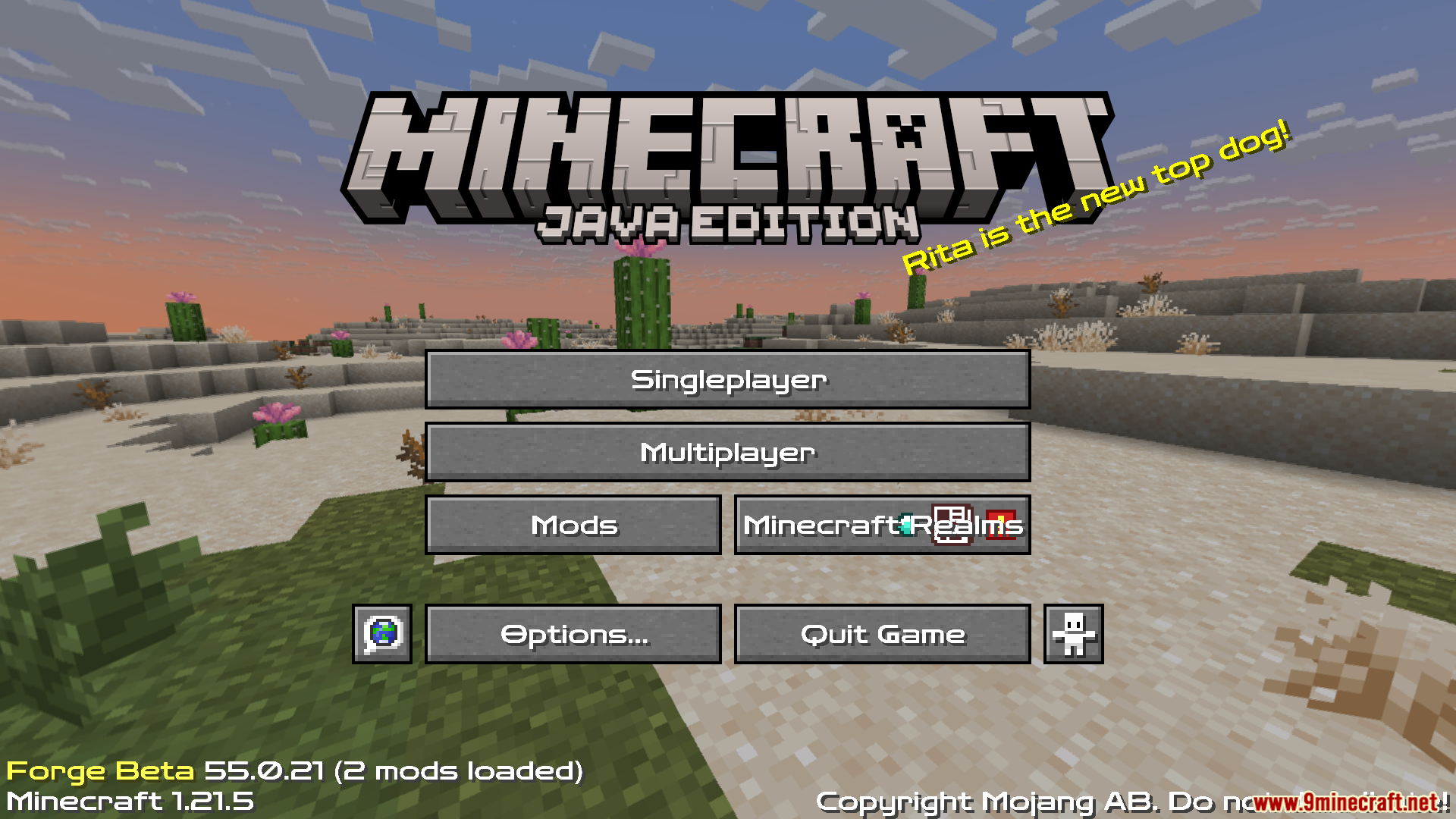
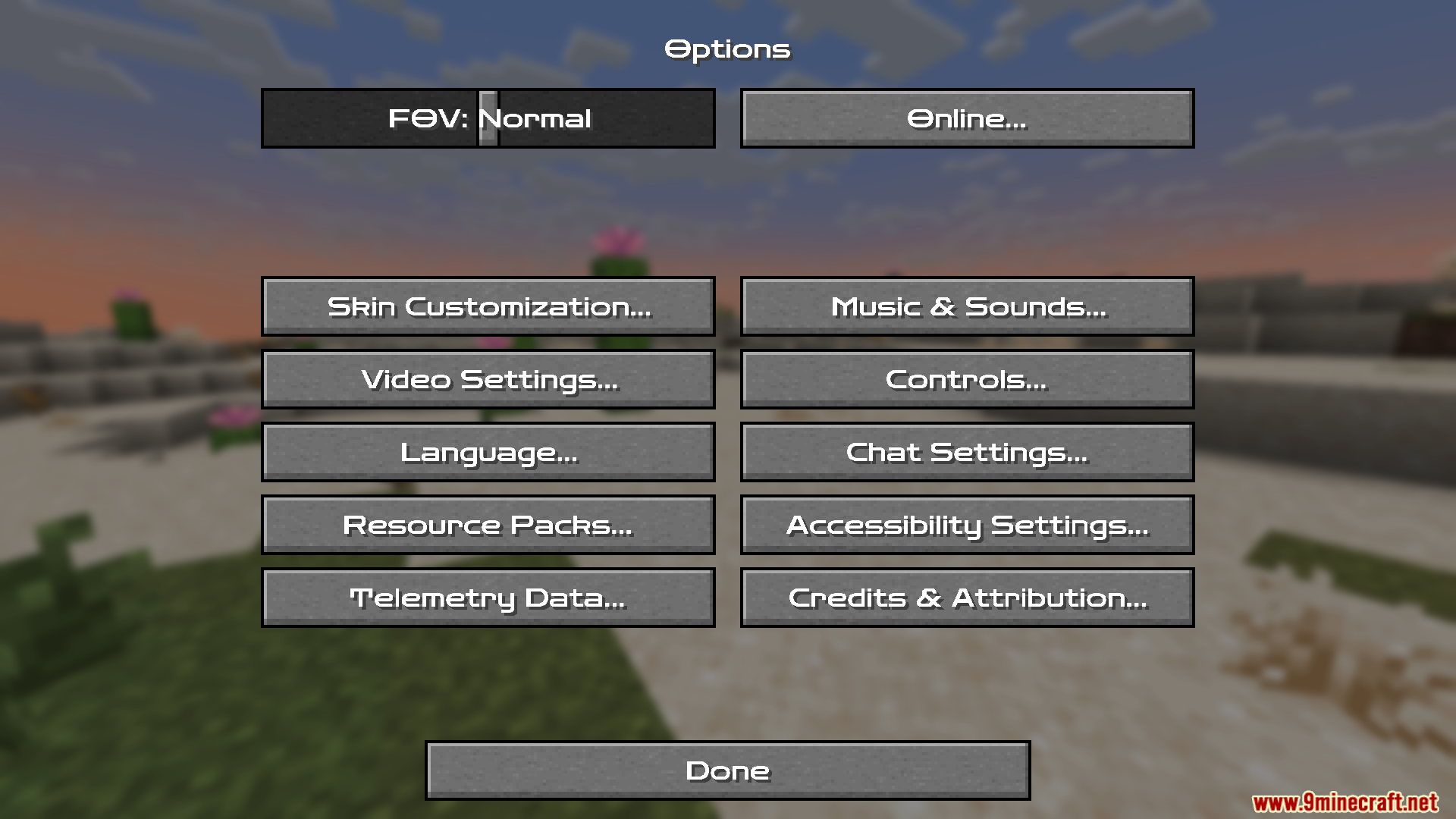
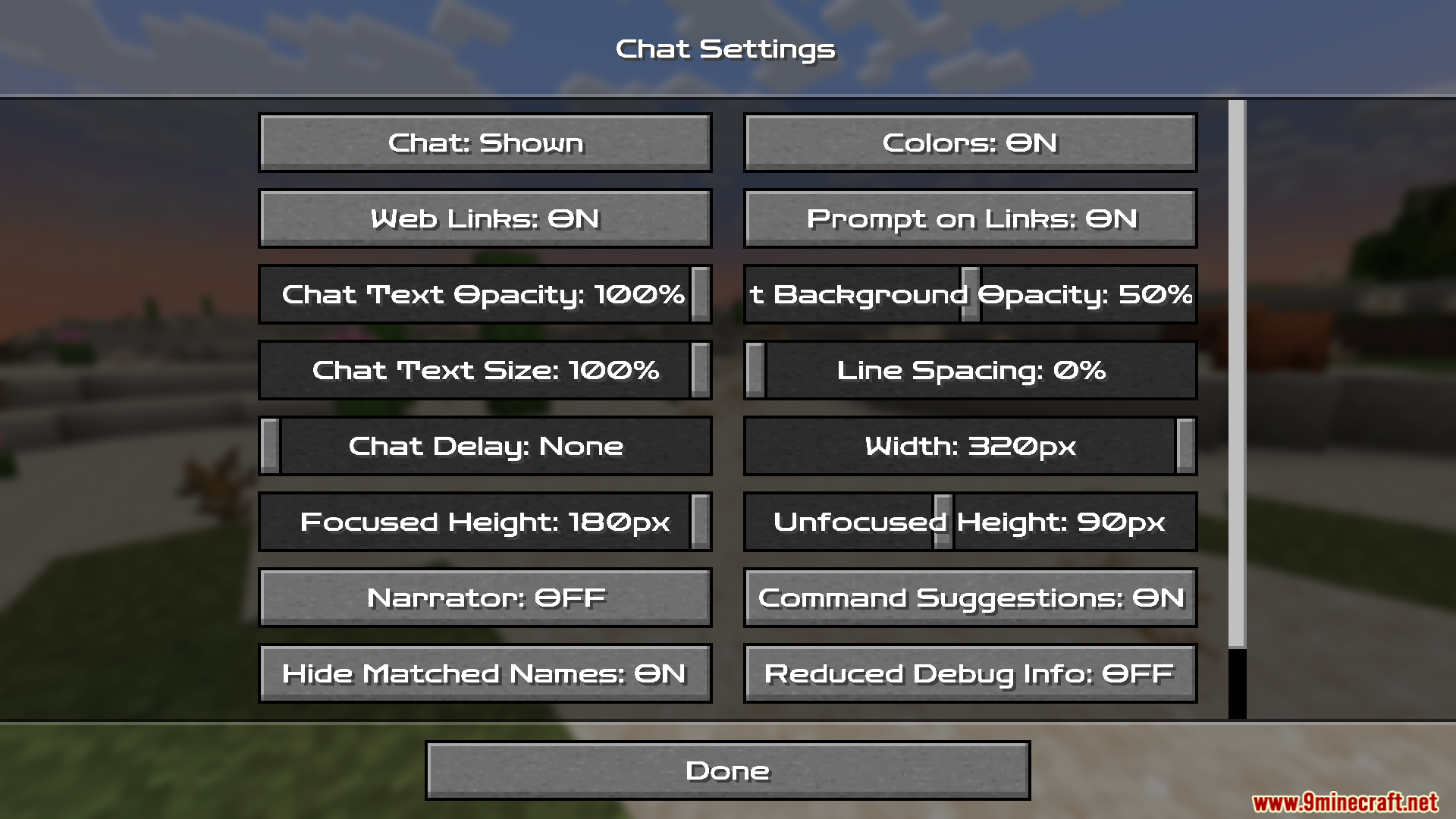
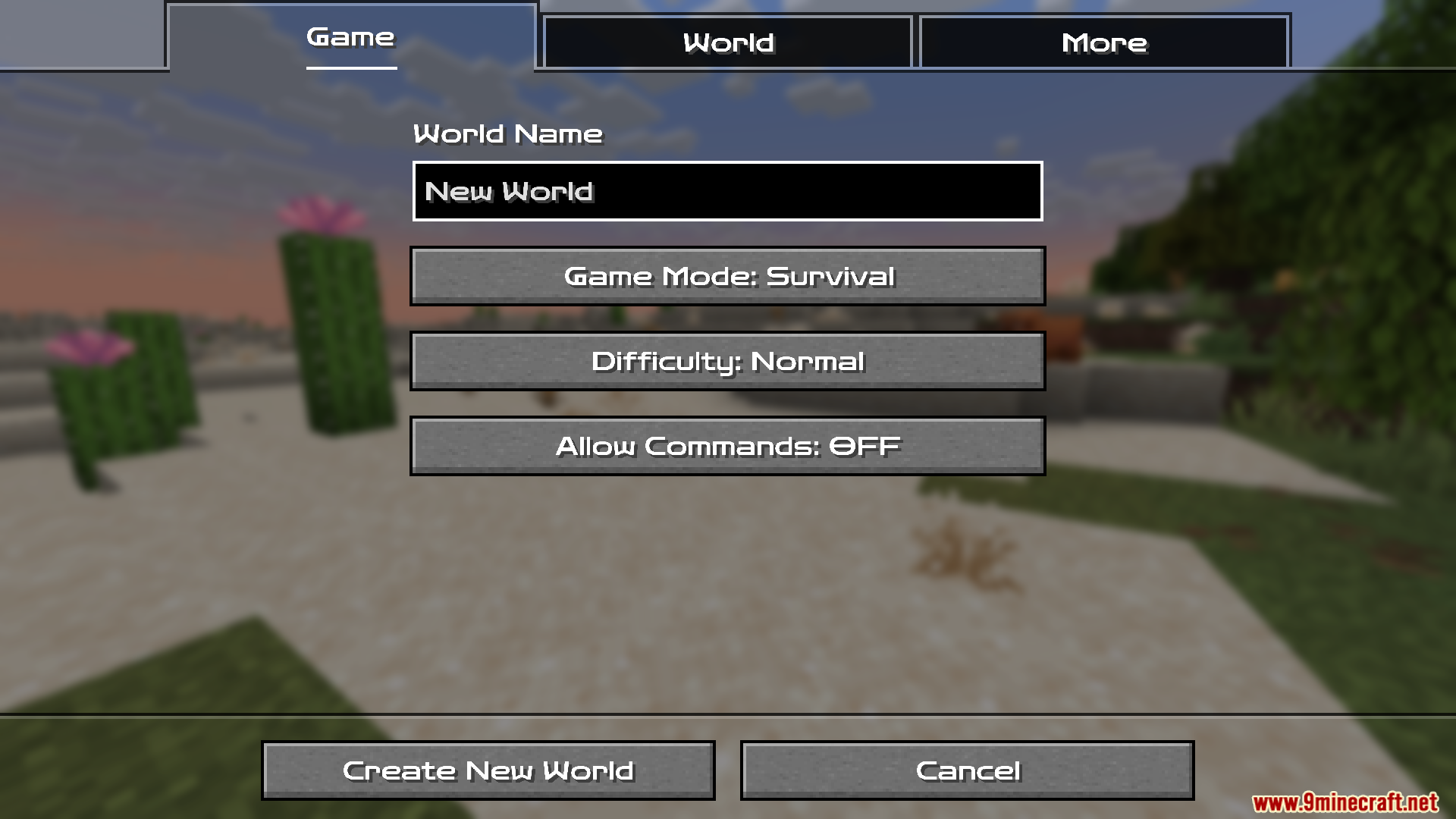
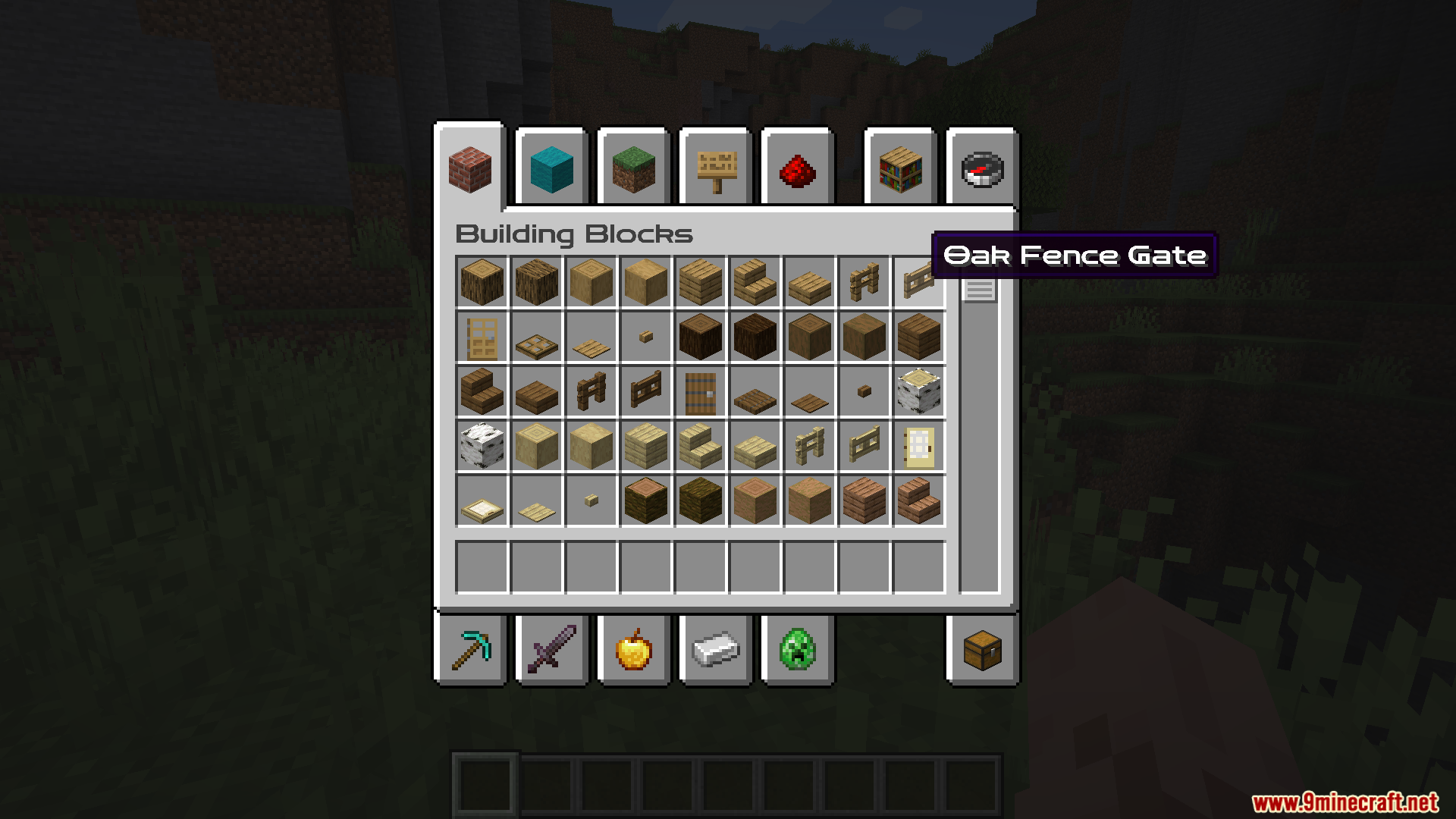
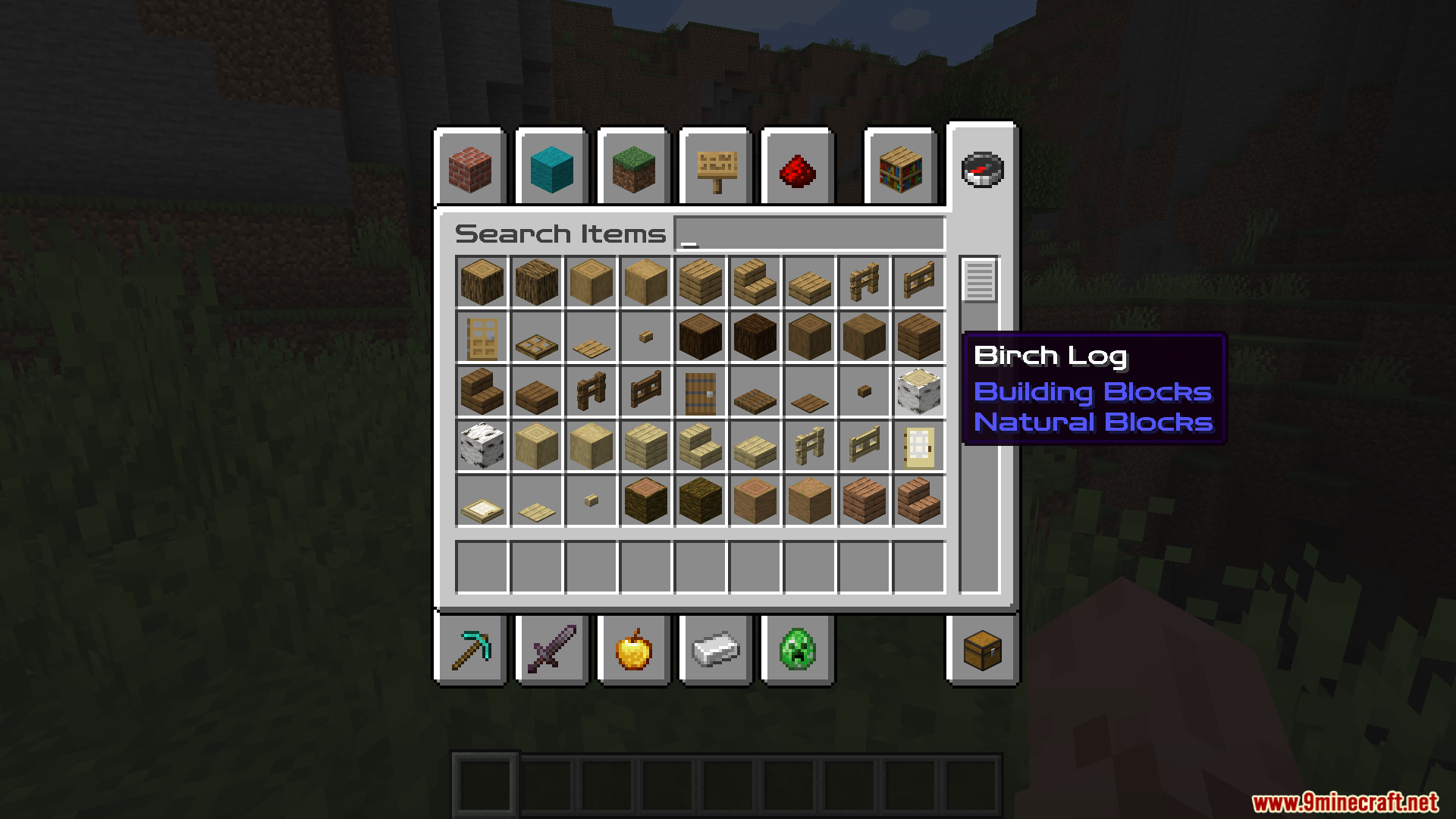
No, it only replaces the font glyphs used for menus, chat, tooltips, and signs. Blocks, items, mobs, and world textures stay exactly as they were.
Can I use Zen RPG Font together with other resource packs?
Yes, it stacks with texture, sound, and other font packs. Just make sure it sits above any pack that also edits font files, otherwise its glyphs get overridden.
See all 10 Zen RPG Font questions ›
Gallery
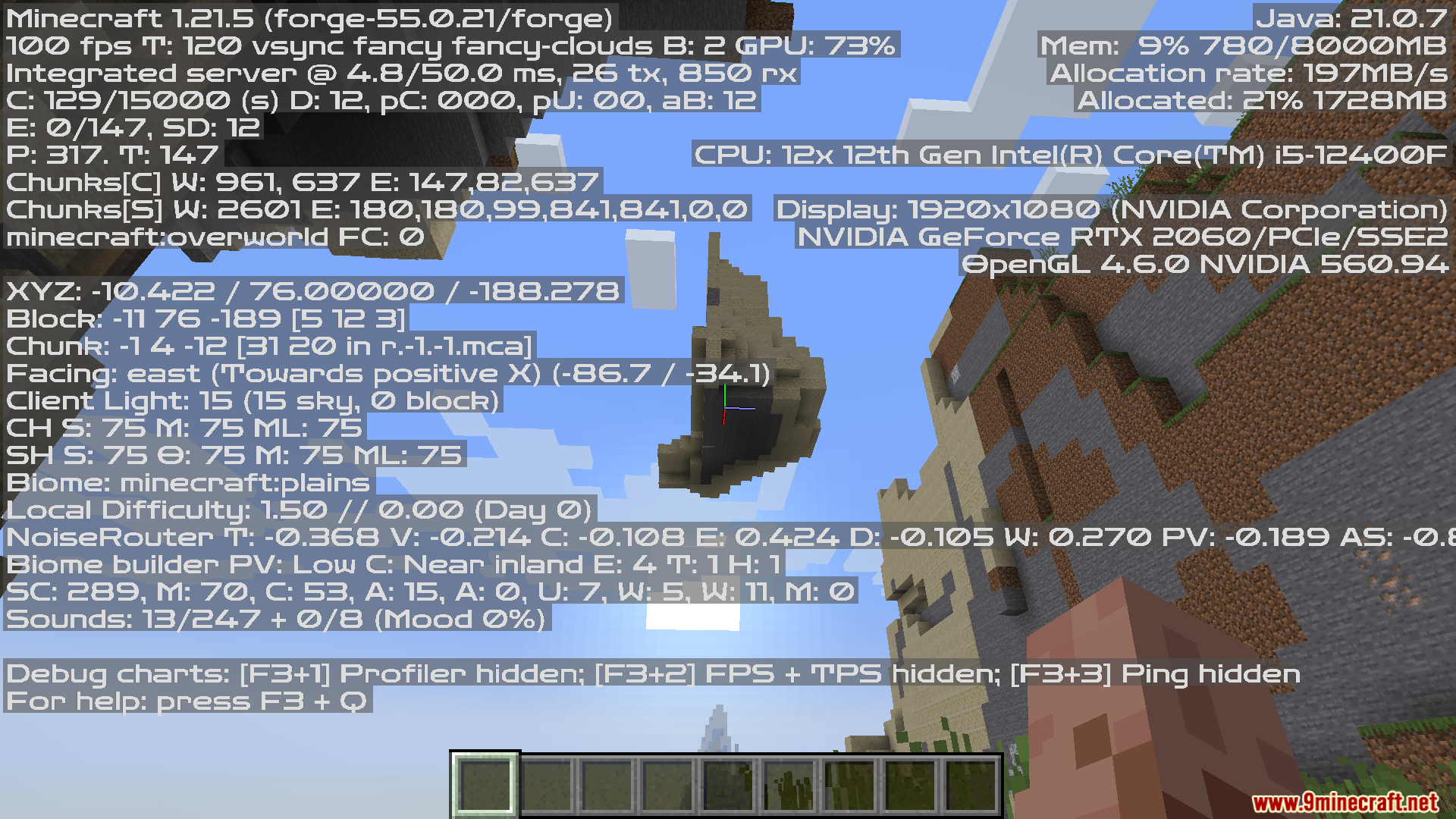
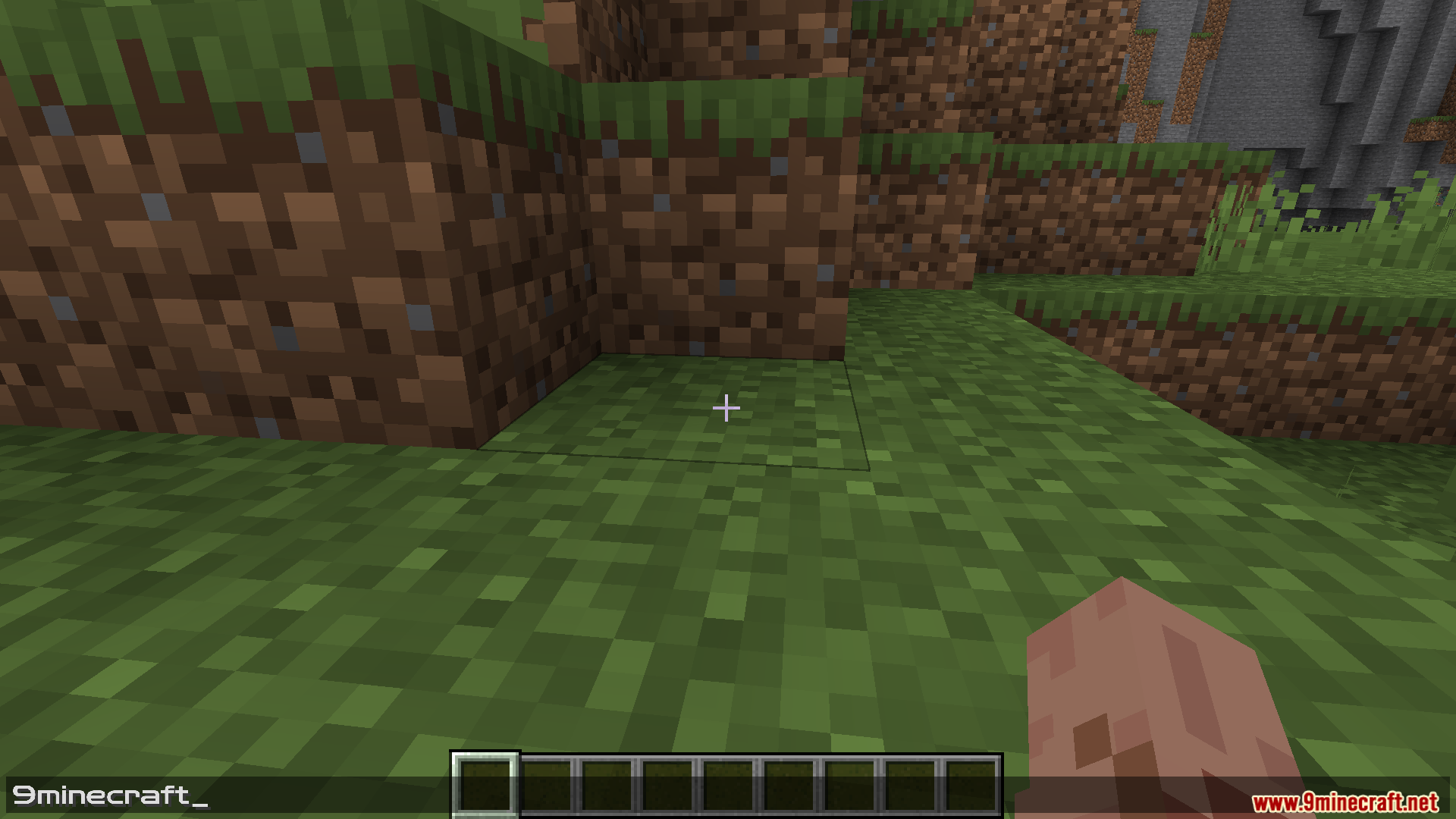
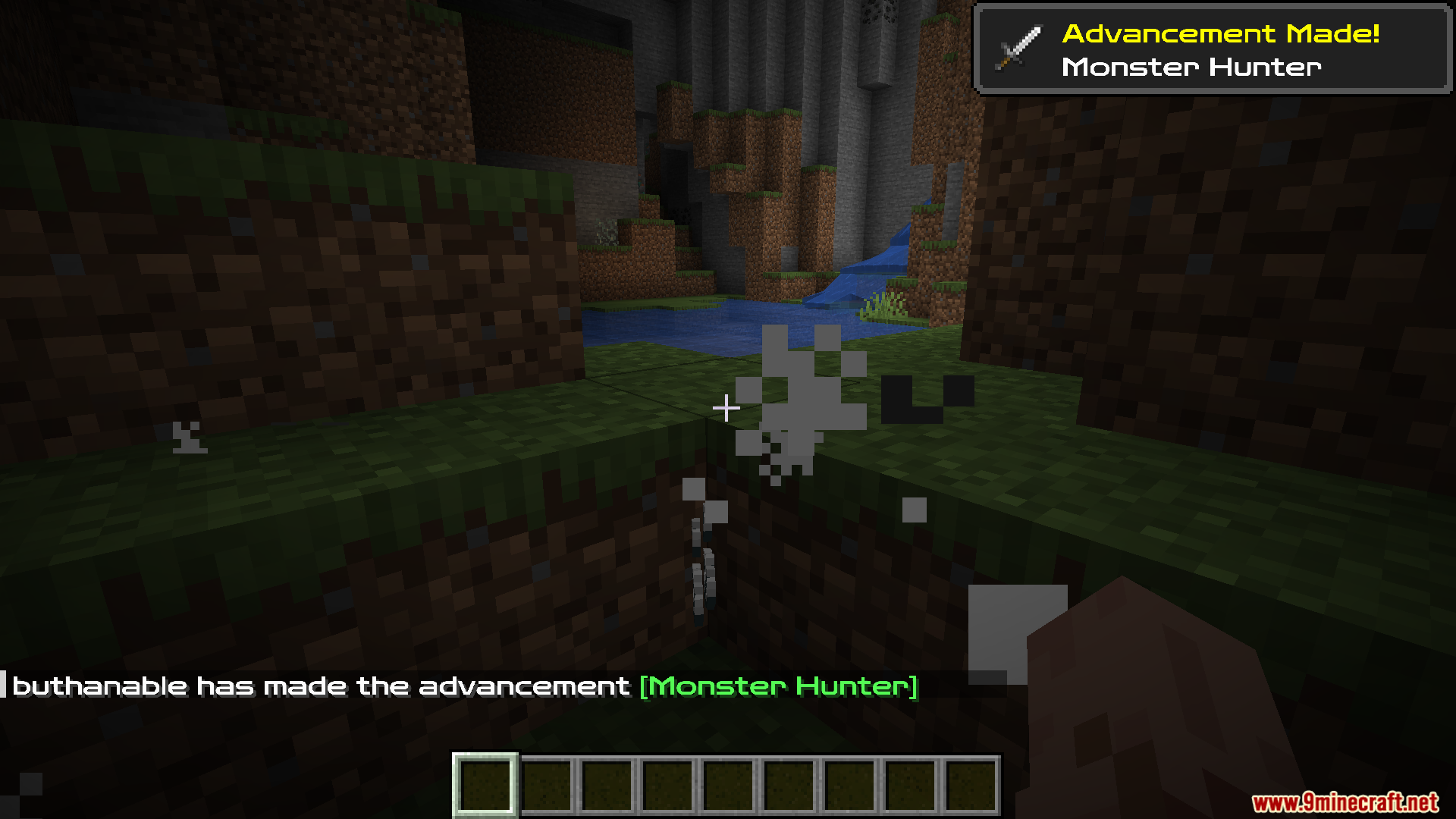
11 images from the Zen Rpg Font Resource Pack page.
You May Also Like
Wikis that share the most with this one
 Smooth Font
Wikis on the same theme: rpg
Link’s RPG Font Resource PackNebula RPG Glint Blue Resource PackNebula RPG Glint Yellow Resource PackGothic Medieval RPG Font Resource PackRpg Pvp Swords And Tools Resource PackAimz – Avowed RPG Crosshair Resource PackMore RPG Classes Spanish Translation Resource PackExcalibur Realm RPG Fallen Adventurers Support Resource PackRpgZ ModSierrarpgDivine RPGDungeonrpg
More resource pack wikis on the site
Zelda Totem of Undying Resource PackZ Pansito As Pvp Pack Resource PackYitality Resource PackXRAYVision Resource PackXray Ultimate Resource PackXray Java Resource PackXray For Bases Resource PackX-Ray Boat Resource PackXK Redstone Display Resource PackXe 16x 13K Resource PackXali’s Potions 9minecraft Resource PackXalis Enhanced Vanilla
The most downloaded mods that have a wiki here
A few wikis from each of the other kinds