

 DownloadSouls RPG Font Resource Pack
Get the files on 9Minecraft
Guides
Step-by-step, in-game.
How to Combine the Souls RPG Font With Other Resource PacksUnderstanding Load Order Minecraft applies resource packs from top to bottom, and the topmost pack wins for any file…How to Install and Enable the Souls RPG Font Resource PackAdding the Pack to Your Game Once you have the Souls RPG Font Resource Pack file, place it into your resource packs…How to Make the Gothic Font Easier to Read in Chat and MenusWhy It Can Be Hard to Read Gothic and medieval fonts use decorative strokes that can blur together at small sizes,…How to Use the Gothic Font for Screenshots, Builds, and RoleplayMaking Signs and Books Fit Your Theme With the gothic font active, every sign, book, and written page adopts the…
Frequently asked questions
How do I actually turn on the gothic font after installing the pack?
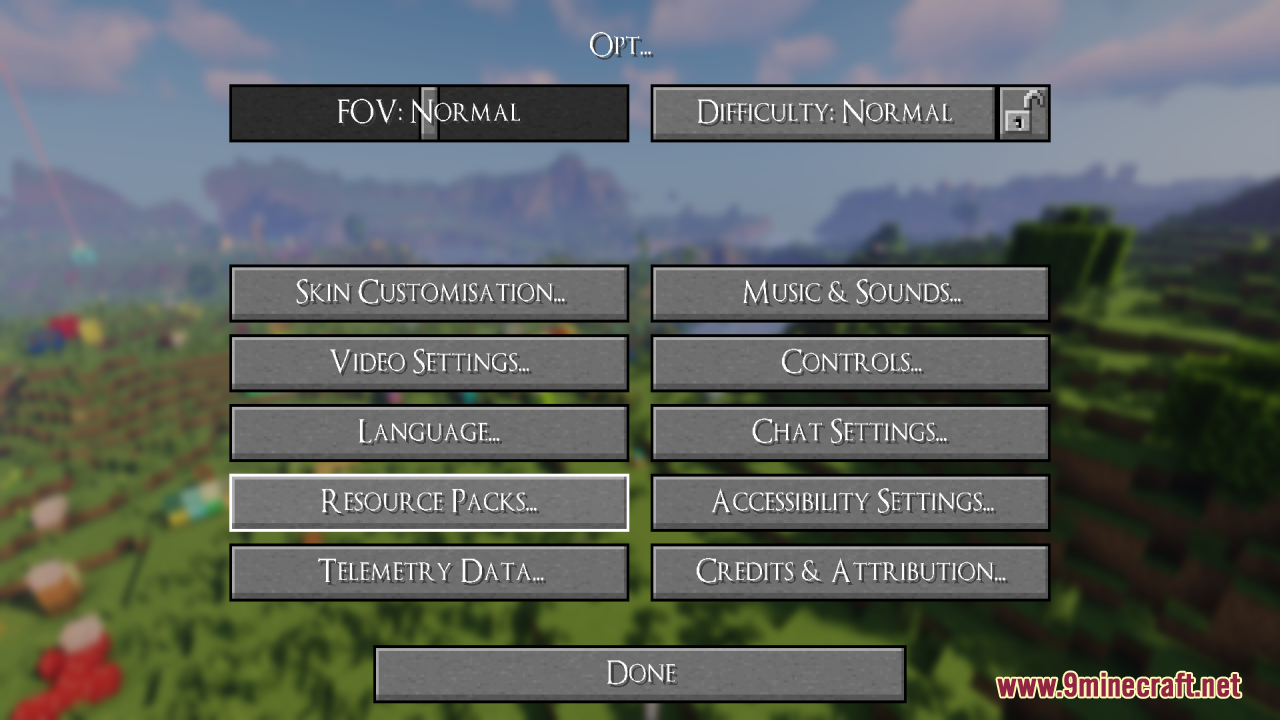
Open Options, then Resource Packs, and move the Souls RPG Font pack from the left column to the right column. If it sits below another pack that also changes fonts, that other pack wins, so drag Souls RPG Font to the top of the selected list.
Why does the font look the same as vanilla after I enabled it?
Another selected resource pack is overriding the font files, which is the most common cause. Put Souls RPG Font above every other pack in the selected list, or temporarily disable the others to confirm it is the one changing the text.
Does this pack change anything besides the font?
 sounds
Can I use this with a full texture pack like a medieval or RPG-themed pack?
Yes, and it is designed to layer that way. Keep the full texture pack lower in the selected list and Souls RPG Font above it so the gothic lettering takes priority over that pack's font.
See all 10 Souls RPG Font questions ›
Gallery
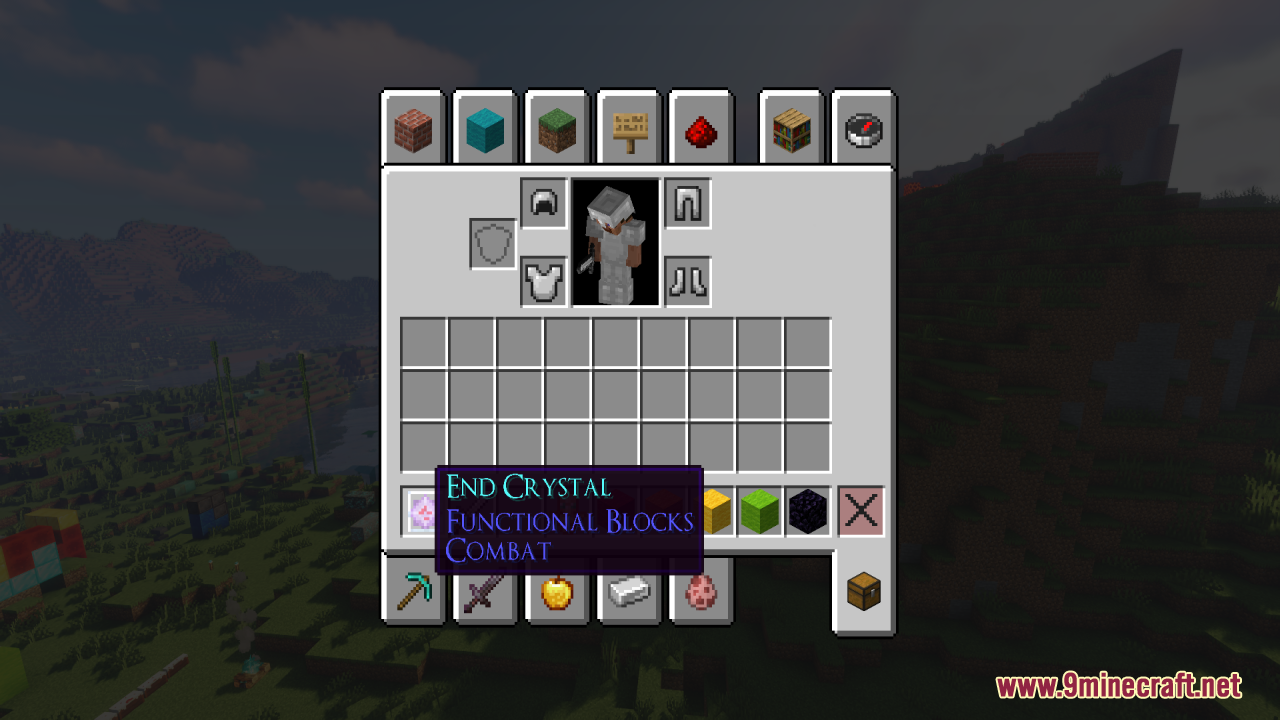
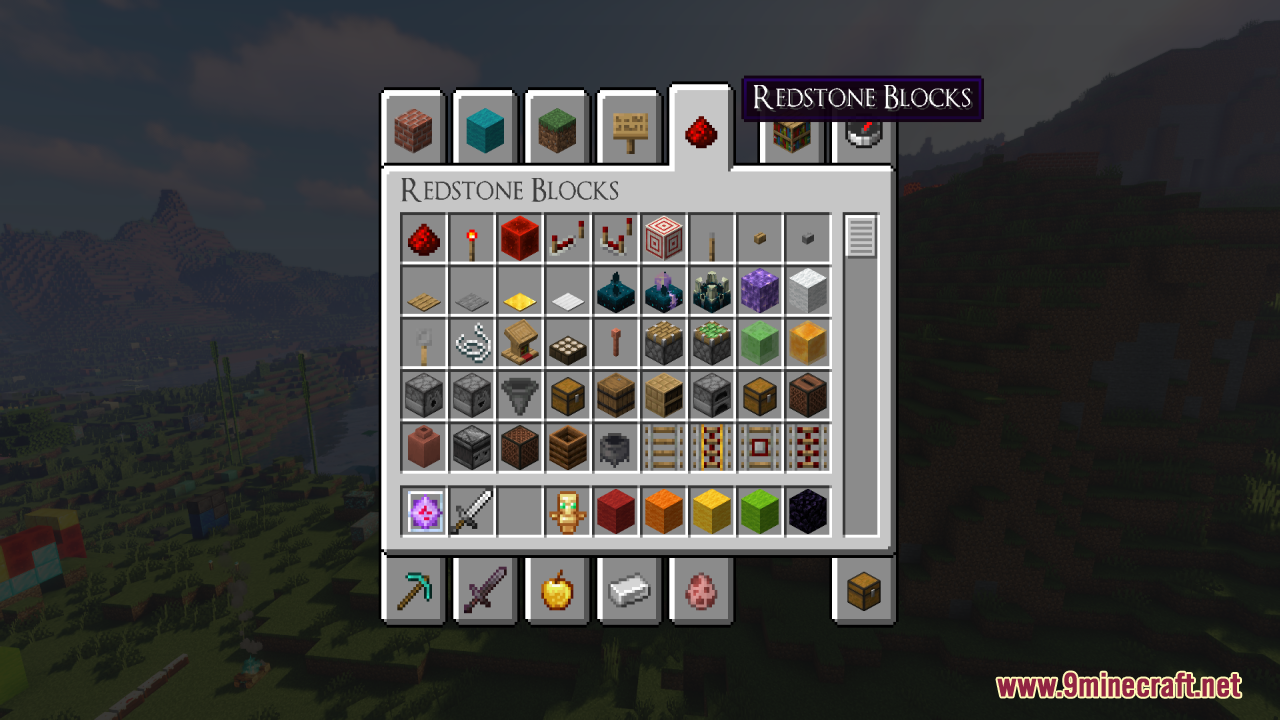
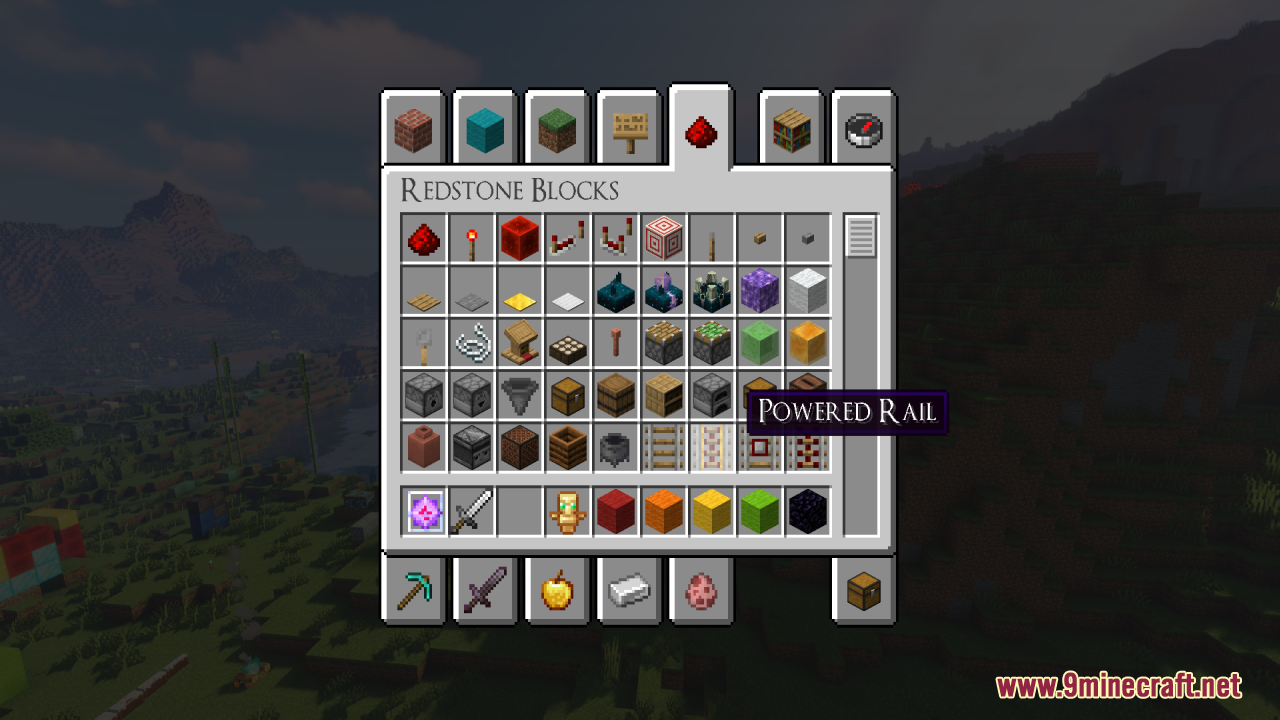
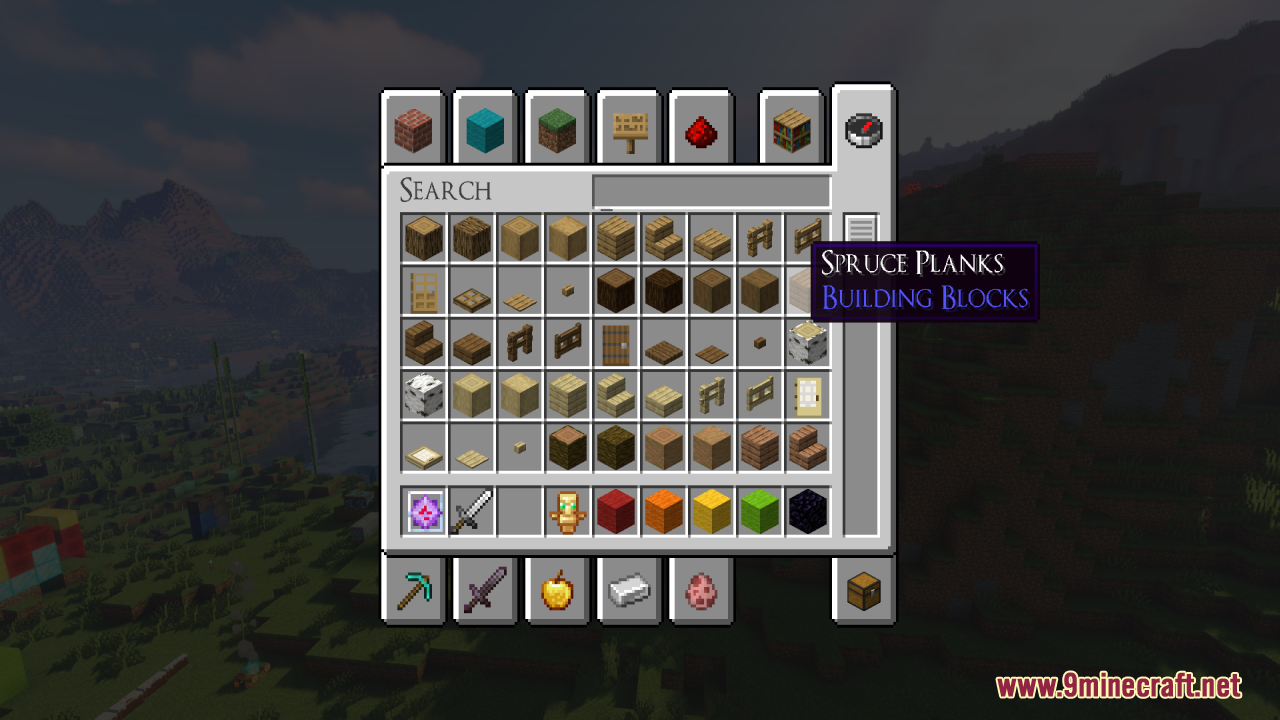
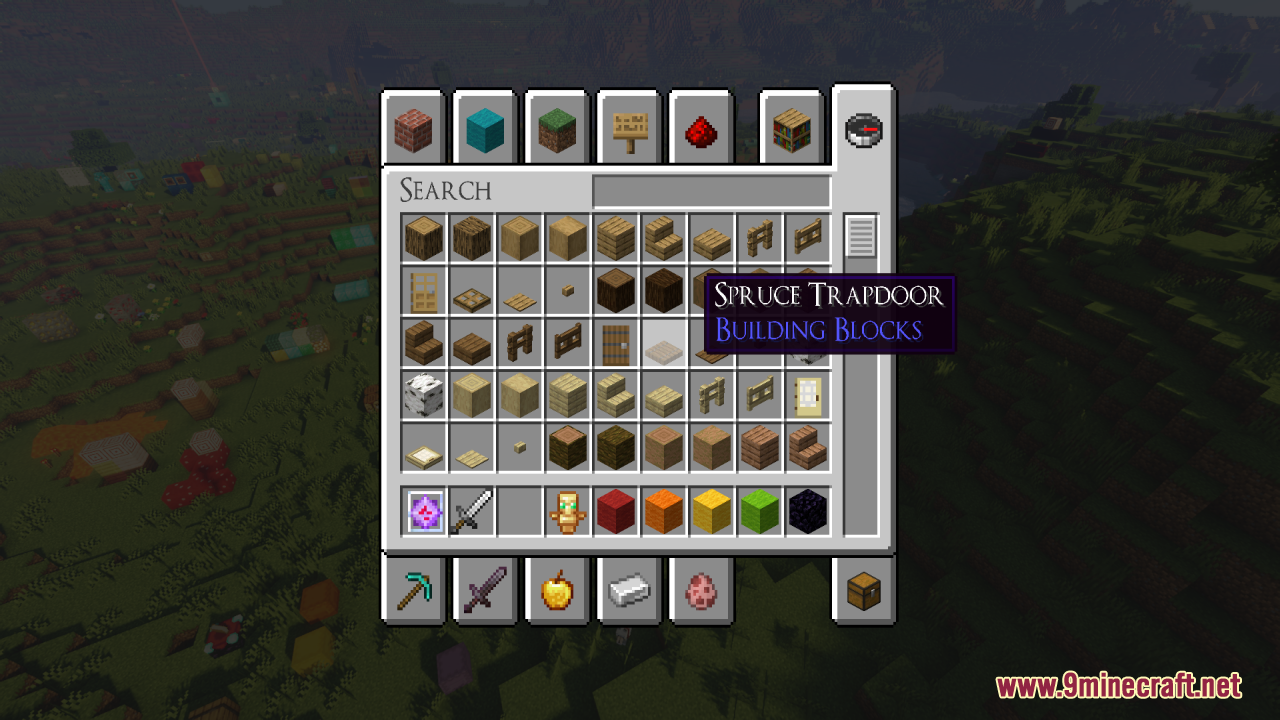
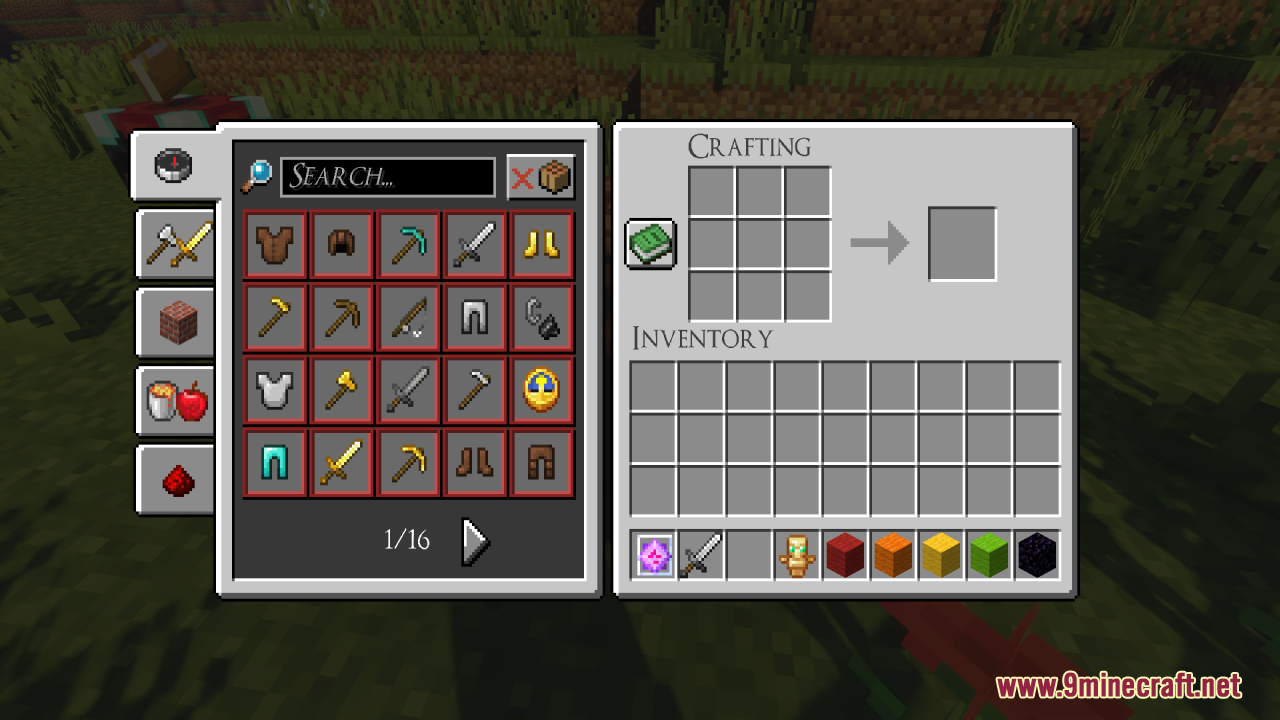
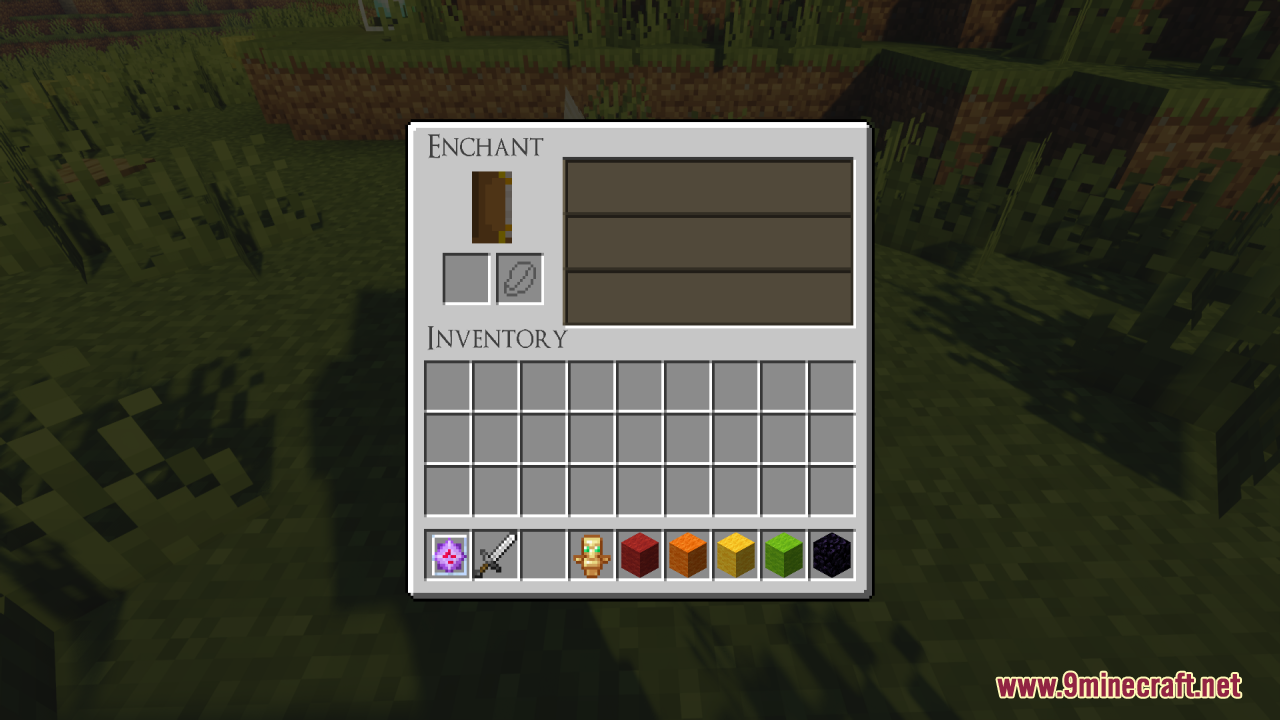
11 images from the Souls Rpg Font Resource Pack page.
You May Also Like
Wikis that share the most with this one
 Smooth Font
Wikis on the same theme: rpg
Tech RPG Font Resource PackRetro RPG Font Resource PackSuper RPG Font Resource PackLink’s RPG Font Resource PackNebula RPG Glint Blue Resource PackNebula RPG Glint Yellow Resource PackGothic Medieval RPG Font Resource PackRpg Pvp Swords And Tools Resource PackAimz – Avowed RPG Crosshair Resource PackMore RPG Classes Spanish Translation Resource PackExcalibur Realm RPG Fallen Adventurers Support Resource PackRpgZ Mod
More resource pack wikis on the site
Sonic Totem of Undying Resource PackSonic the Hedgehog Beds Resource PackSong Of Resurrection I X128 I X256 I X512 I X1024 I Rtx I Pom I Lab Pbr Resource PackSolo Leveling Arsenal Resource PackSoft Weather 9minecraft Resource PackSofron Pack 16X Resource PackSoartexfanver Rebirth Resource PackSoartex Grove Resource PackSoartex Fanver Vanilla Resource PackSoartex FanverSoartex Fantastik Resource PackSnowy Mountains Sky Resource Pack
The most downloaded mods that have a wiki here
A few wikis from each of the other kinds