

 DownloadFocal Shaders
Get the files on 9Minecraft
Guides
Step-by-step, in-game.
Adjust Shadow Quality and PerformanceAccess Shader Settings Open the shader options menu by pressing the designated key (usually accessed through your…Balance Graphics Settings for Your HardwareChoose Your Profile Focal Shaders typically offers preset profiles: low, medium, and high. Start with a profile…Enhance Water Reflections and ClarityLocate Water Settings Access the shader configuration menu and find the water or reflection section. This controls…Optimize Lighting in Caves and Dark AreasUnderstand Torch Light Falloff Focal Shaders simulates realistic light decay from torches and other light sources.…
Frequently asked questions
How do I enable Focal Shaders after installing it?
Open your Video Settings in-game, navigate to Shaders, and select Focal from the list. Click Apply and the shaders will load immediately.
Why do my shadows look blocky or pixelated?
Shadow quality is set to a lower level by default for performance. Open the shader options menu (usually by pressing a hotkey in-game or through Video Settings) and increase the shadow resolution slider to improve clarity.
Can I use Focal Shaders with other mods?
Focal works with most mods, but mods that heavily modify lighting, water rendering, or add custom blocks may cause visual conflicts. Test compatibility by loading your mod list with Focal enabled.
How do I make water reflections look better?
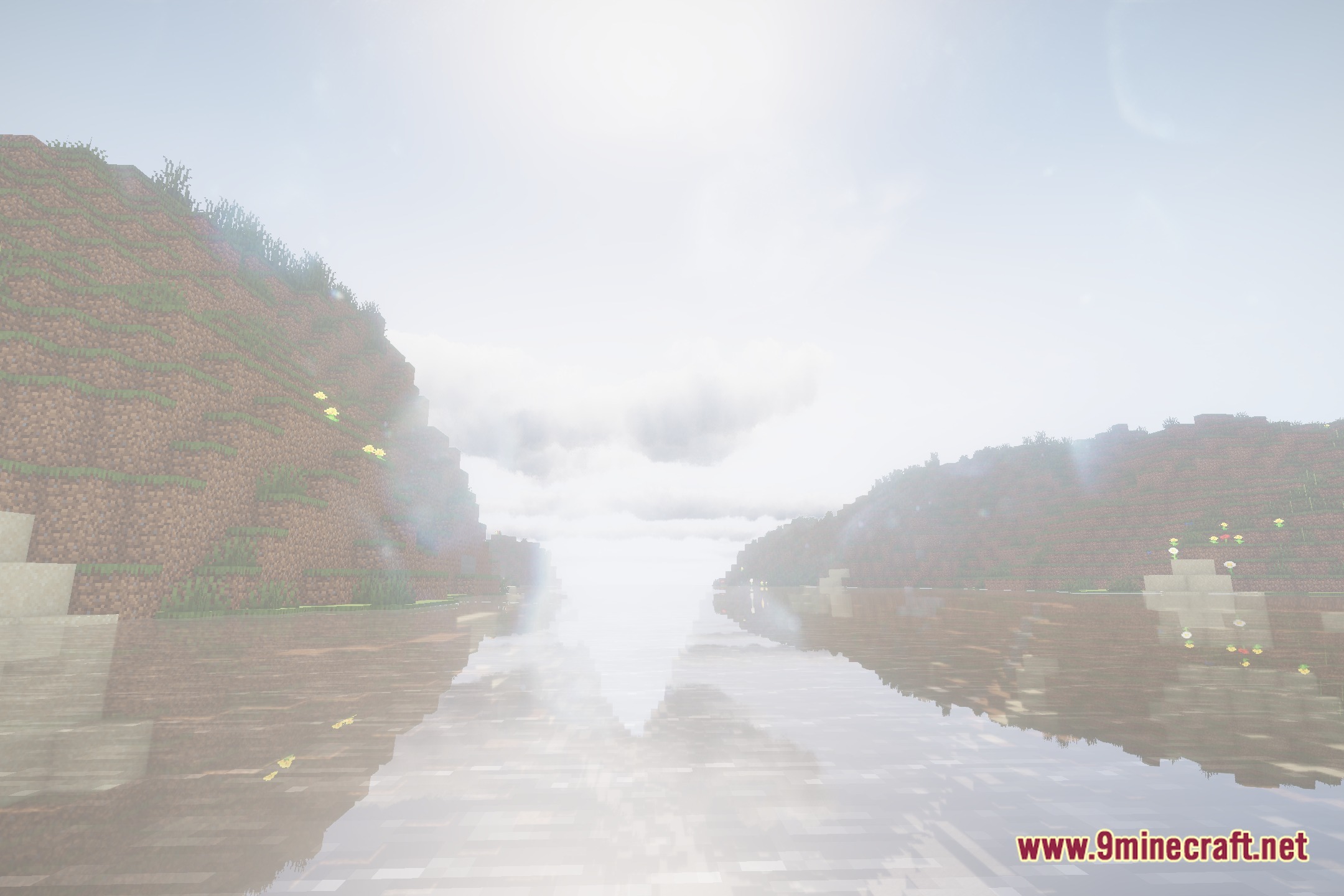
In the shader options, look for reflection or water quality settings and increase them. Higher reflection settings will show more detail but use more GPU power, so adjust based on your frame rate.
See all 10 Focal Shaders questions ›
Gallery
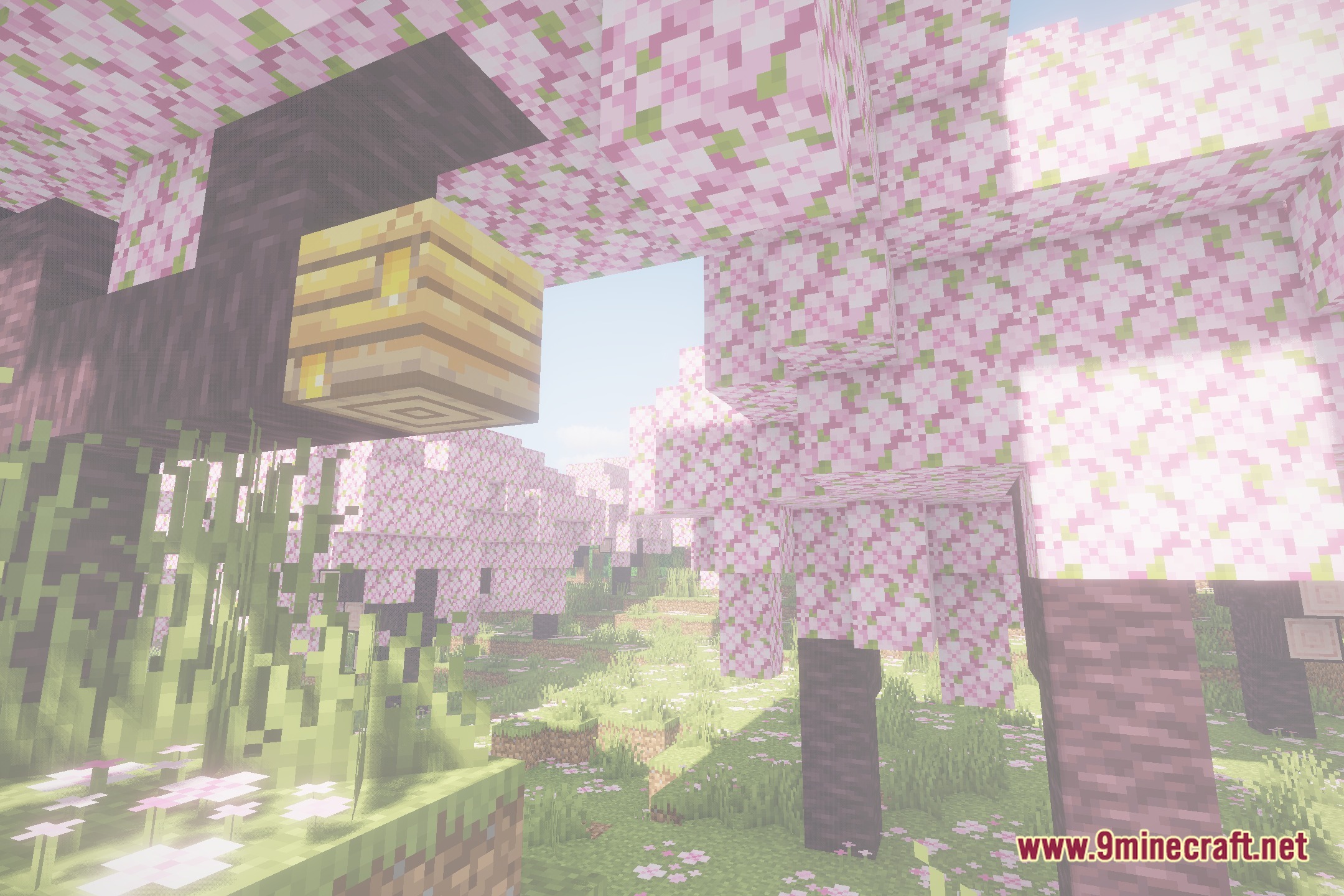
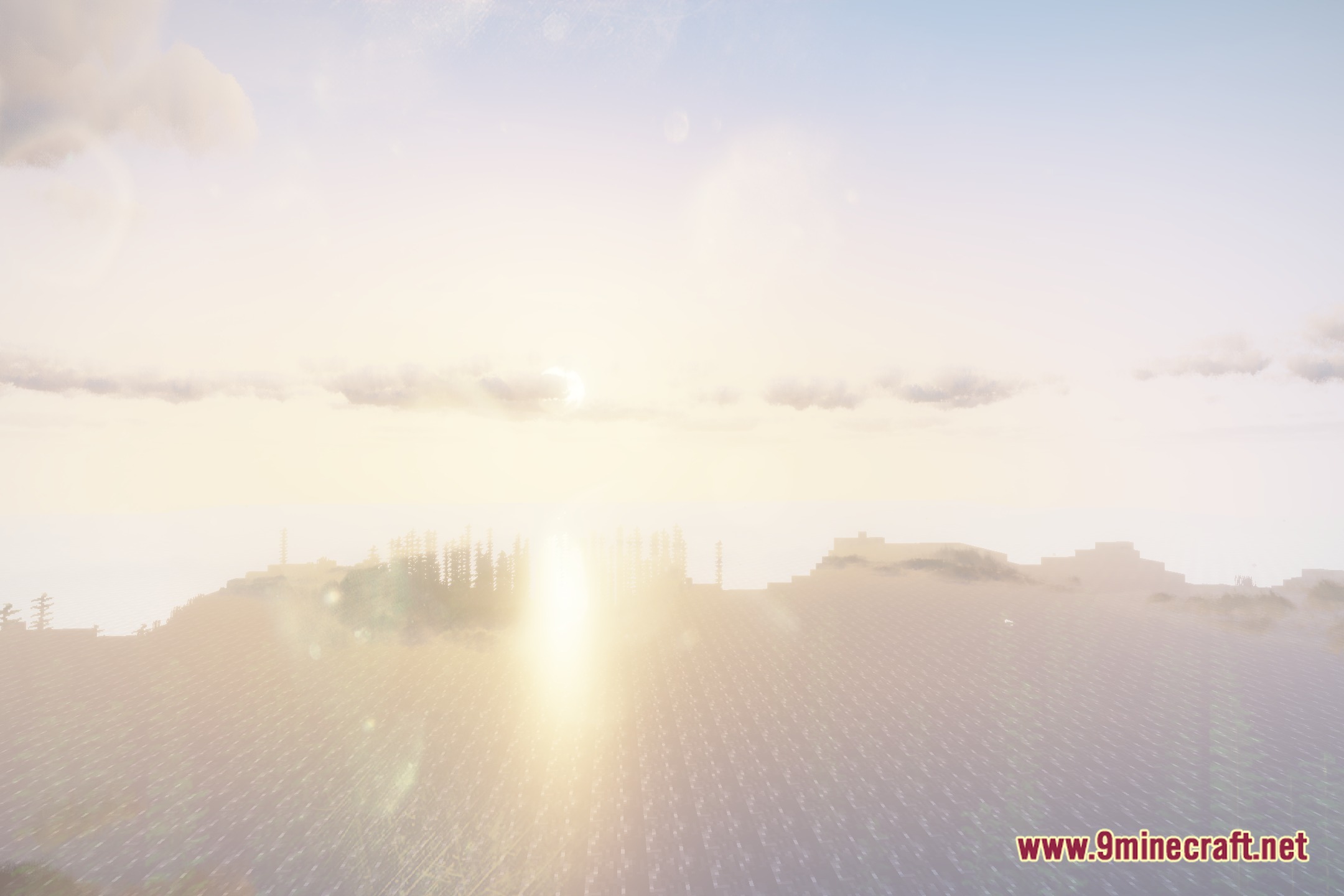
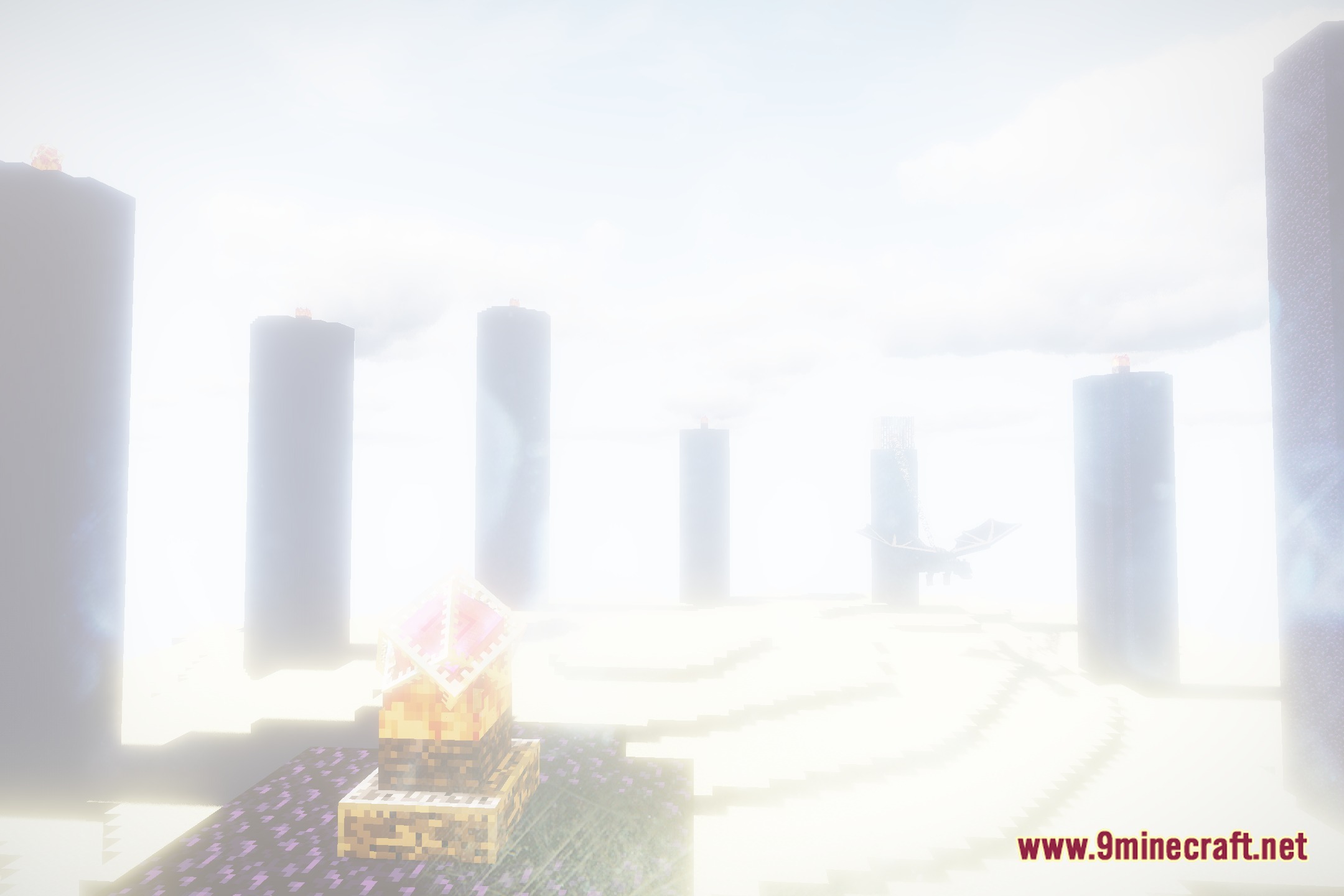
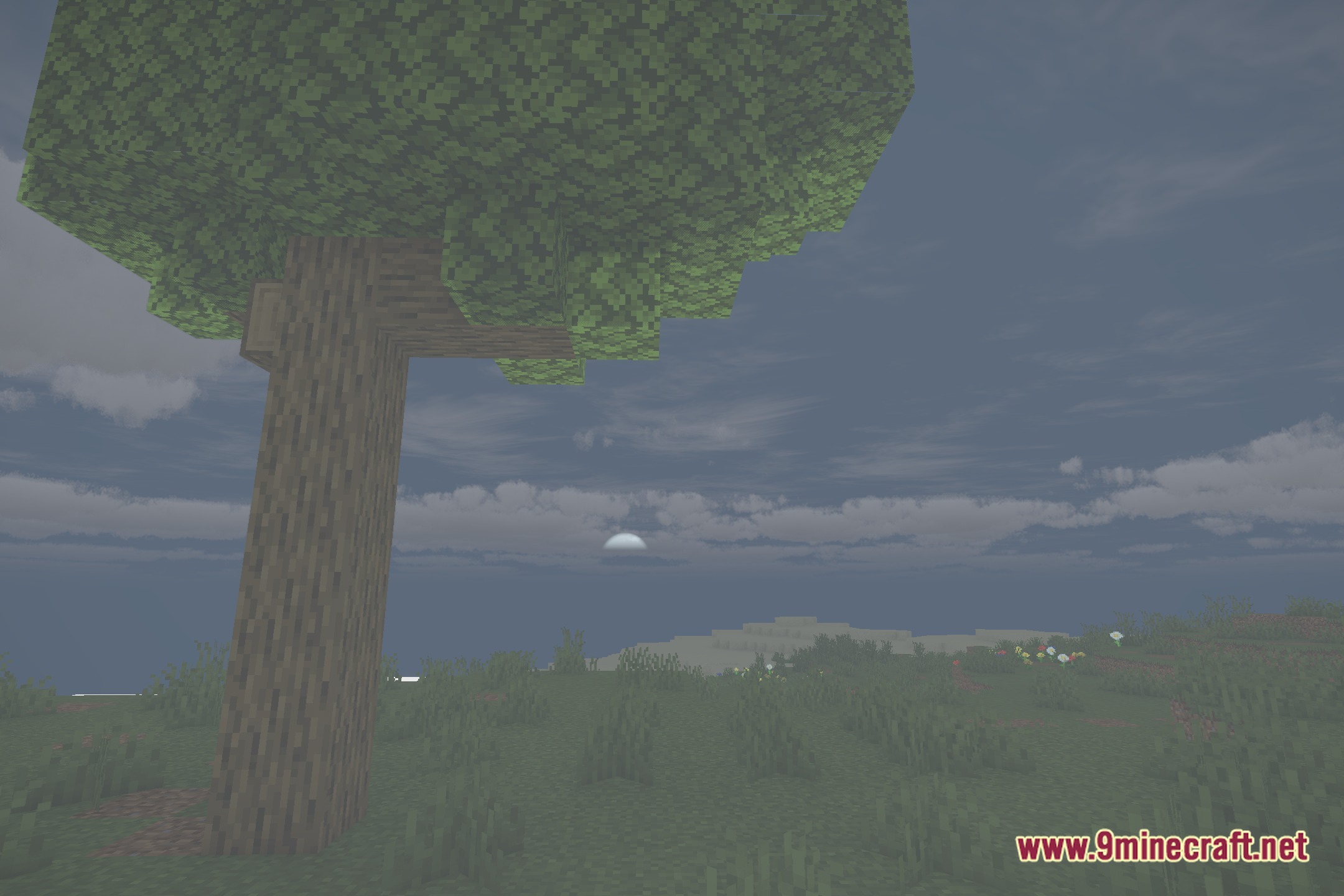
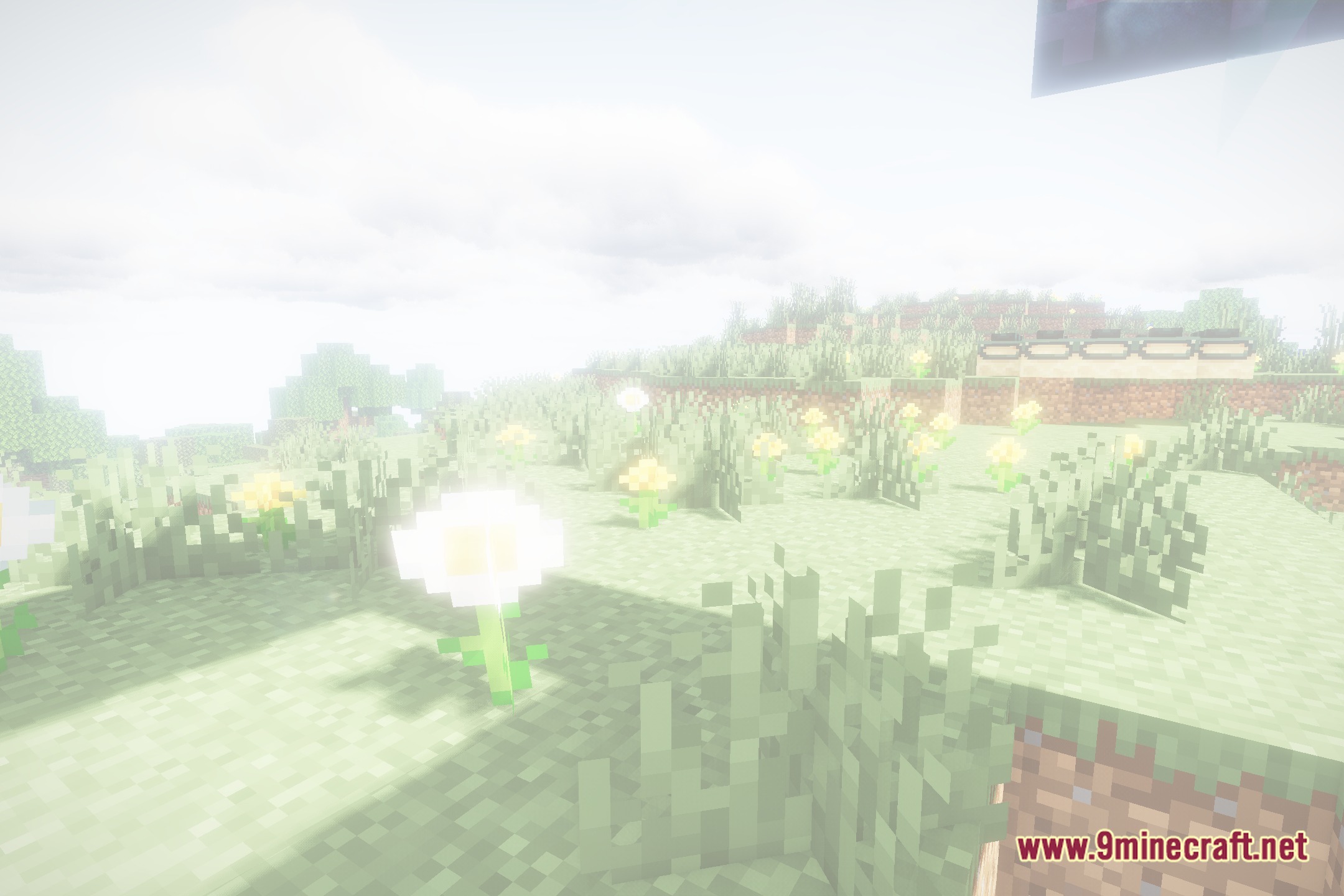
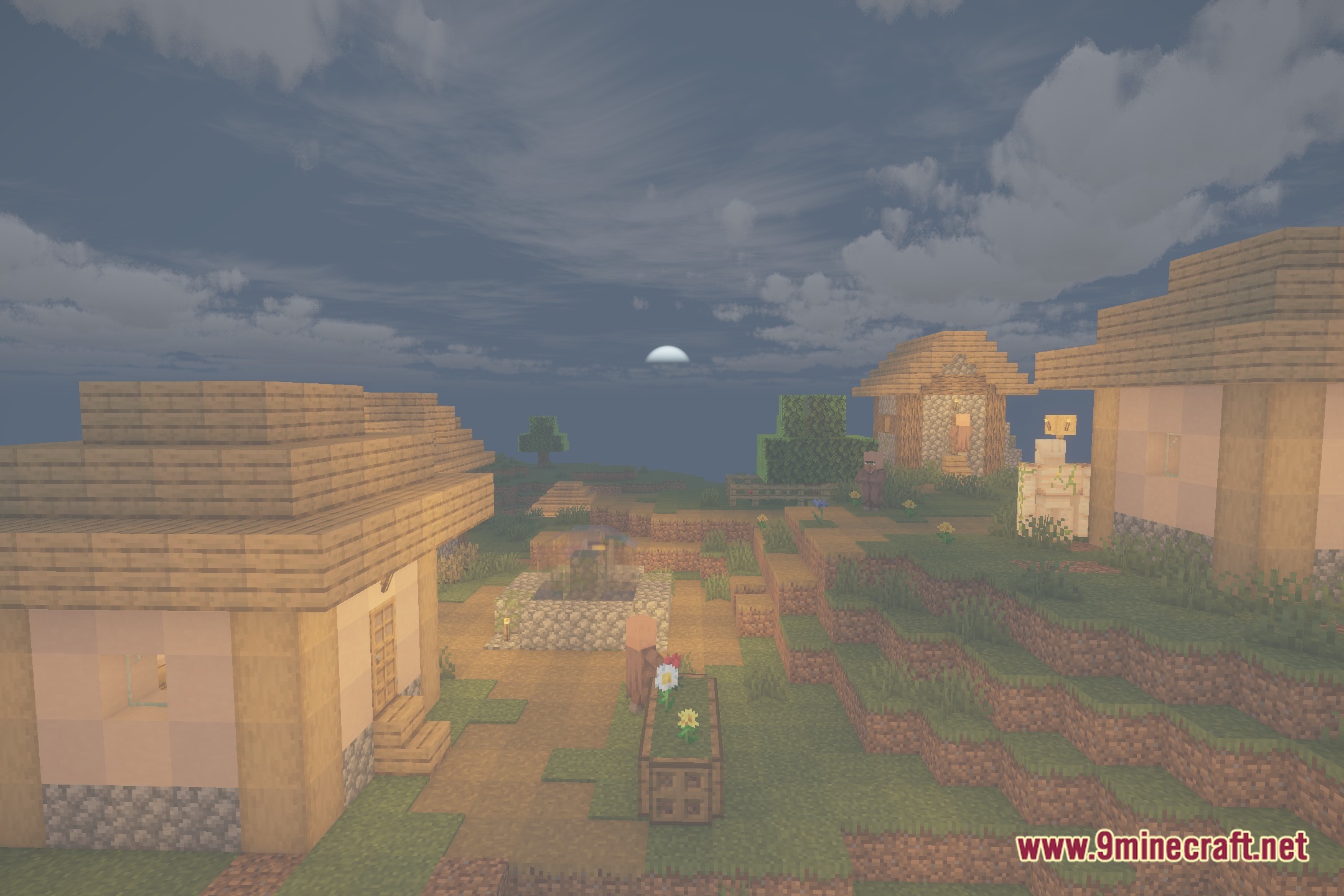
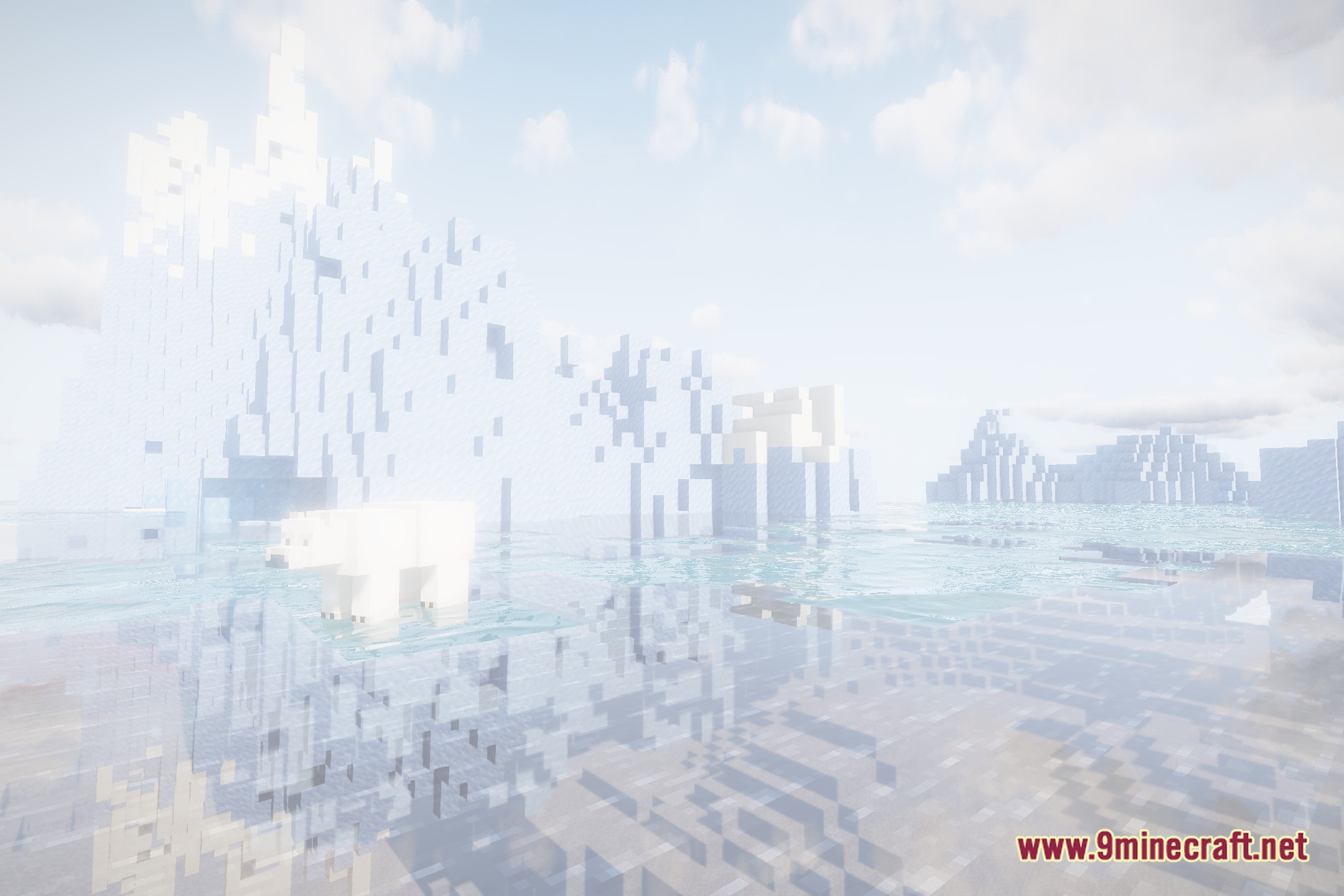
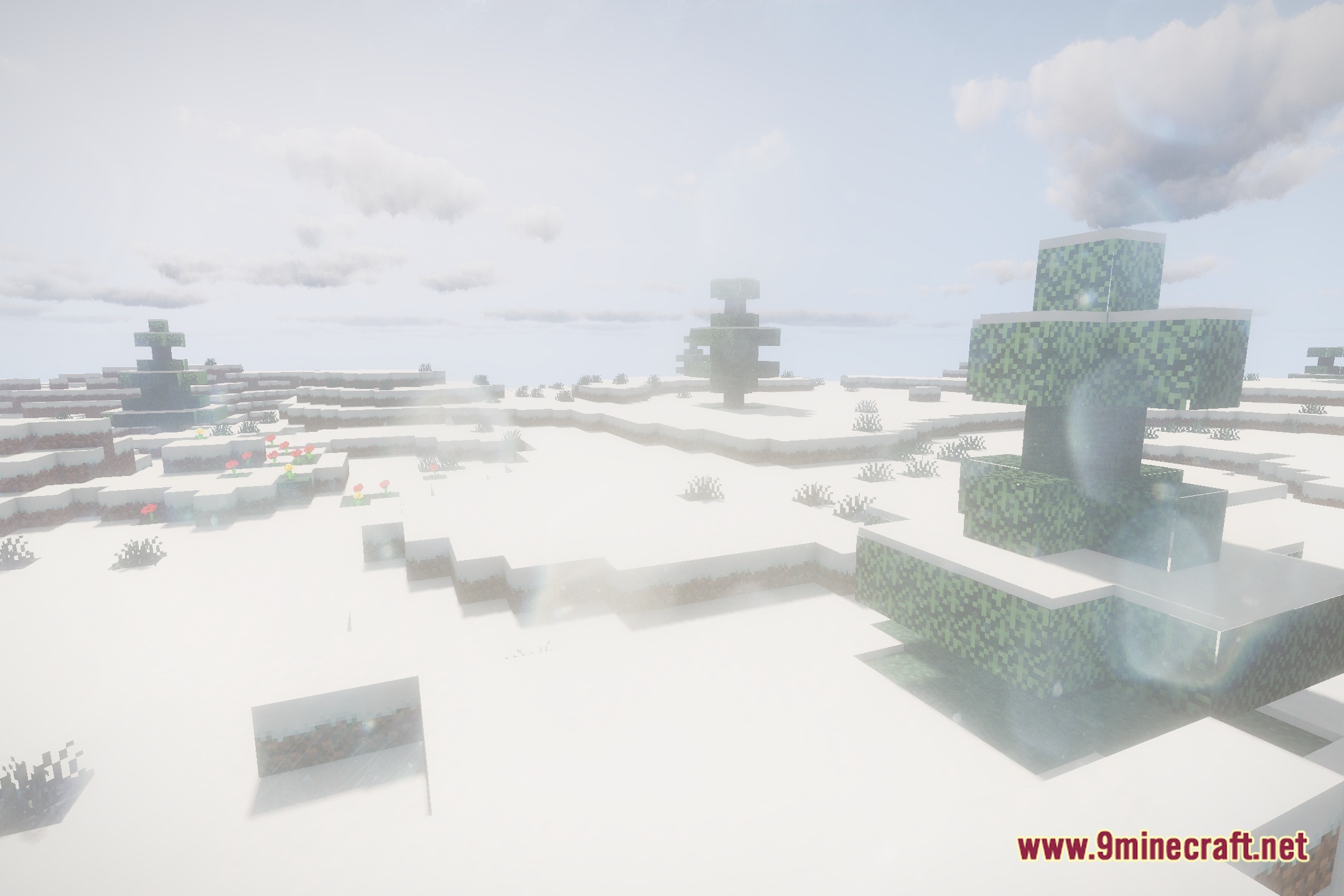
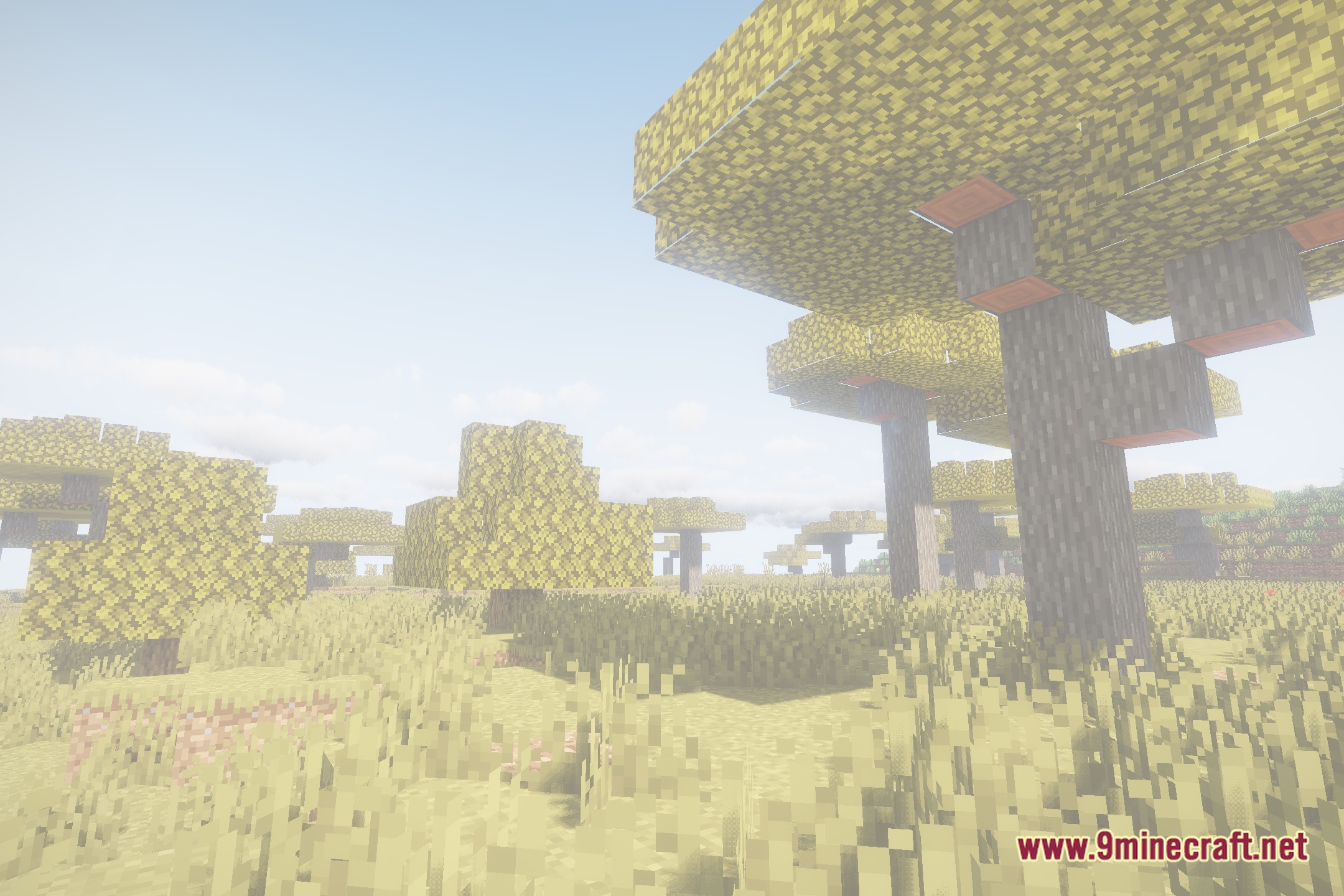
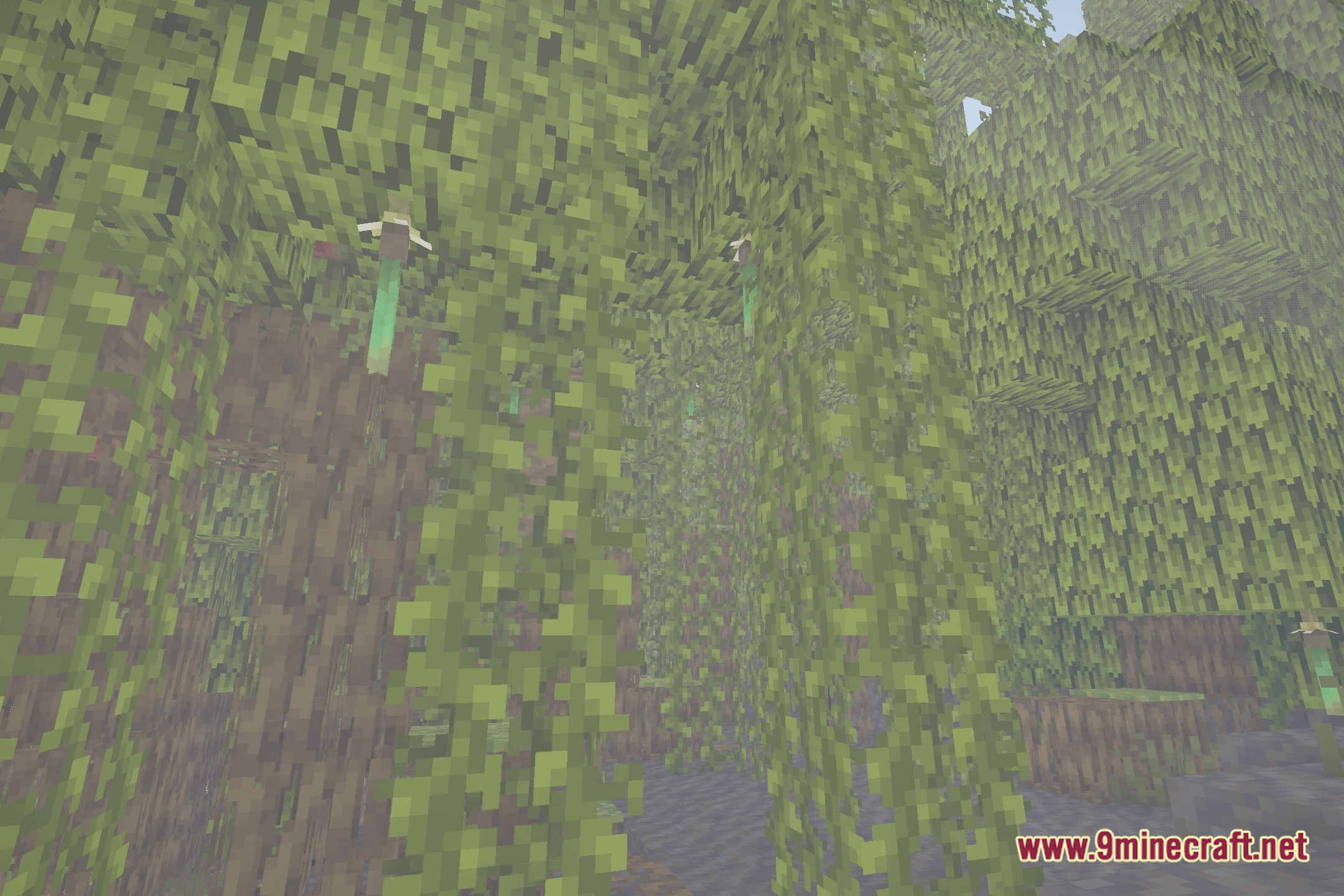
12 images from the Focal Shaders page.
You May Also Like
Wikis that share the most with this one
 Flow Reimagined Shaders
 Flux Shaders
More shader wikis on the site
The most downloaded mods that have a wiki here