

 DownloadEmanrux Shaders
Get the files on 9Minecraft
Guides
Step-by-step, in-game.
Adjusting Shader Settings for Better PerformanceAccess the Shader Settings Open your Minecraft pause menu and look for the Shaders option. Click on it, then select…Creating Realistic Water Scenes with ReflectionsEnable Water Features Make sure "Block Reflections" is enabled in your shader settings. This allows water and other…Making the Most of Galaxy Sky and Night VisionViewing the Galaxy Sky The Galaxy Sky feature transforms your night sky with stars, planets, and black holes. To see…Using Glowing Ores to Improve Mining EfficiencyEnable Glowing Ores in Settings Open your shader settings and ensure the "Glowing Ores and Blocks" option is enabled.…
Frequently asked questions
How do I turn on the shader after installing it?
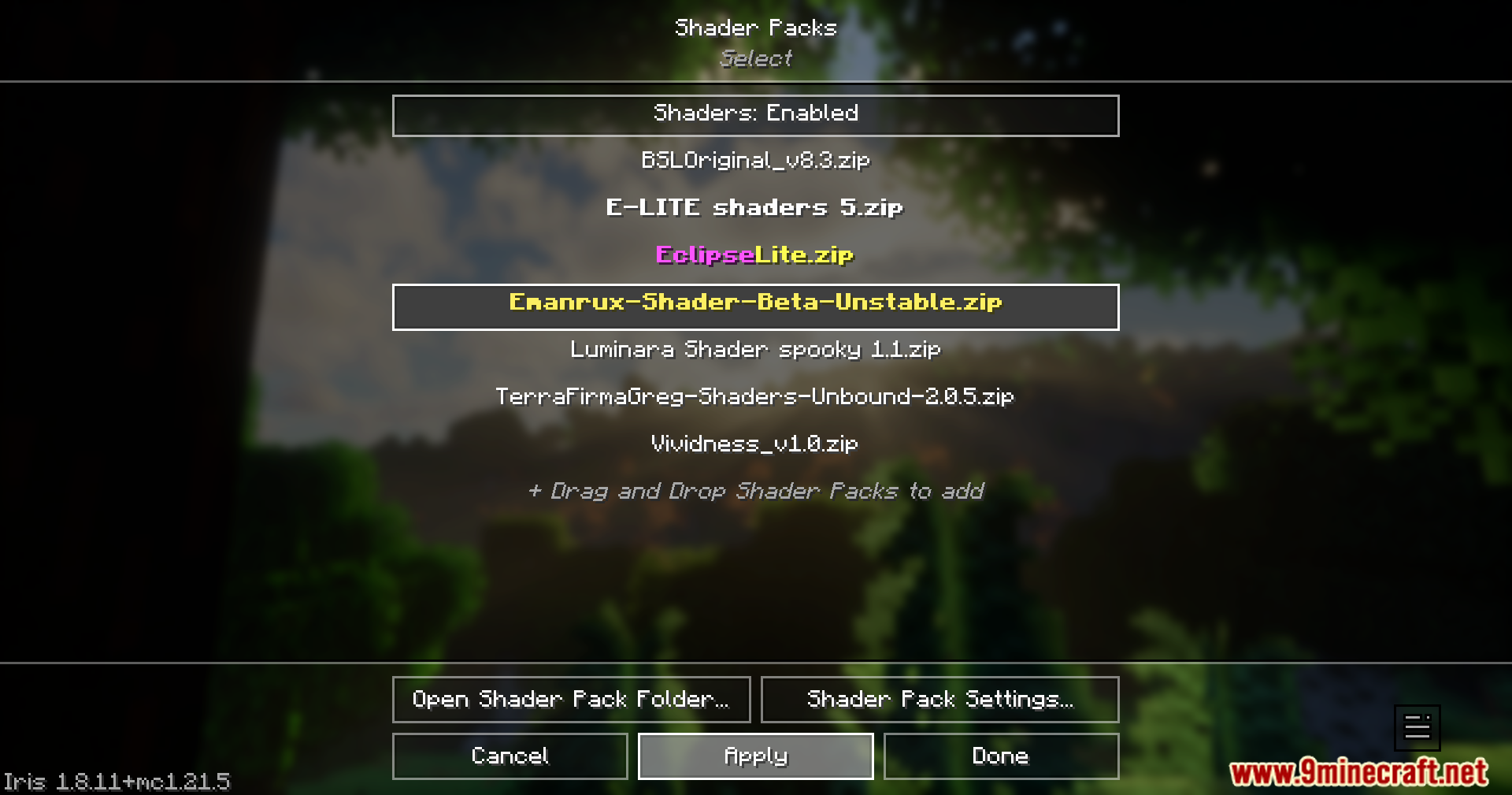
Open the Options menu in Minecraft, go to Video Settings, then select Shaders. Find Emanrux Shaders in the list and click it to activate it. You'll need to restart your game or wait a moment for the shader to fully load.
Why is my game running slowly with this shader?
Check the shader settings menu (usually accessible by pressing a key while in-game) and enable the Faster Game Speed option, which removes extra grass effects. You can also lower your render distance or disable features like Block Reflections if you need more performance.
How do I access the shader settings to change things?
While in-game, look for the shader options button (often near your pause menu or accessible via a hotkey). The settings menu supports multiple languages and lets you toggle features like Galaxy Sky, Rain on Glass, and Cinematic Dark Mode on or off.
Do the glowing ores actually help me find them faster?
Yes, glowing ores are brighter and more visible than normal ores, making them stand out in caves and tunnels. This is especially useful in dark areas where you'd normally need torches or night vision to spot them clearly.
See all 10 Emanrux Shaders questions ›
Gallery
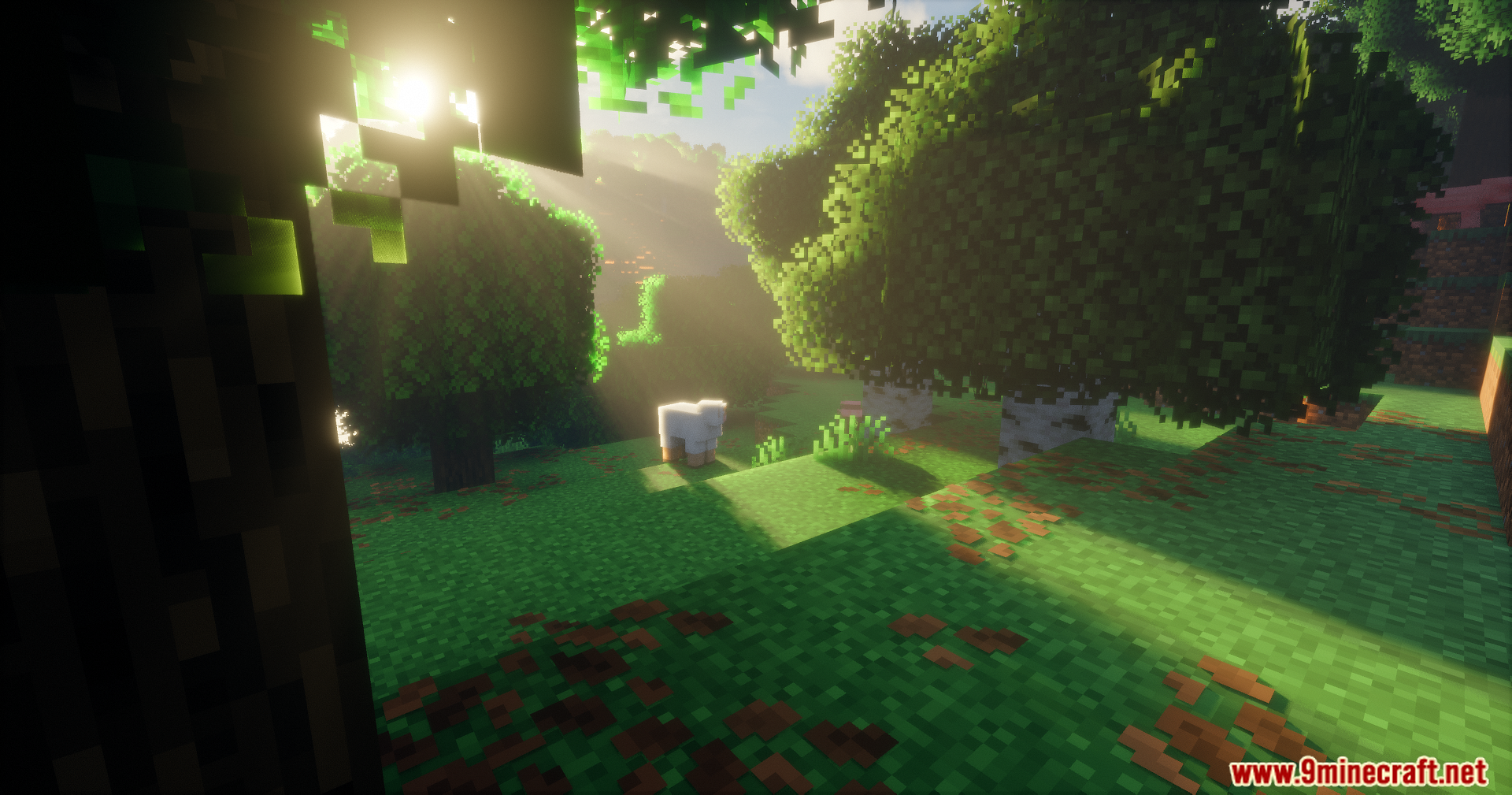
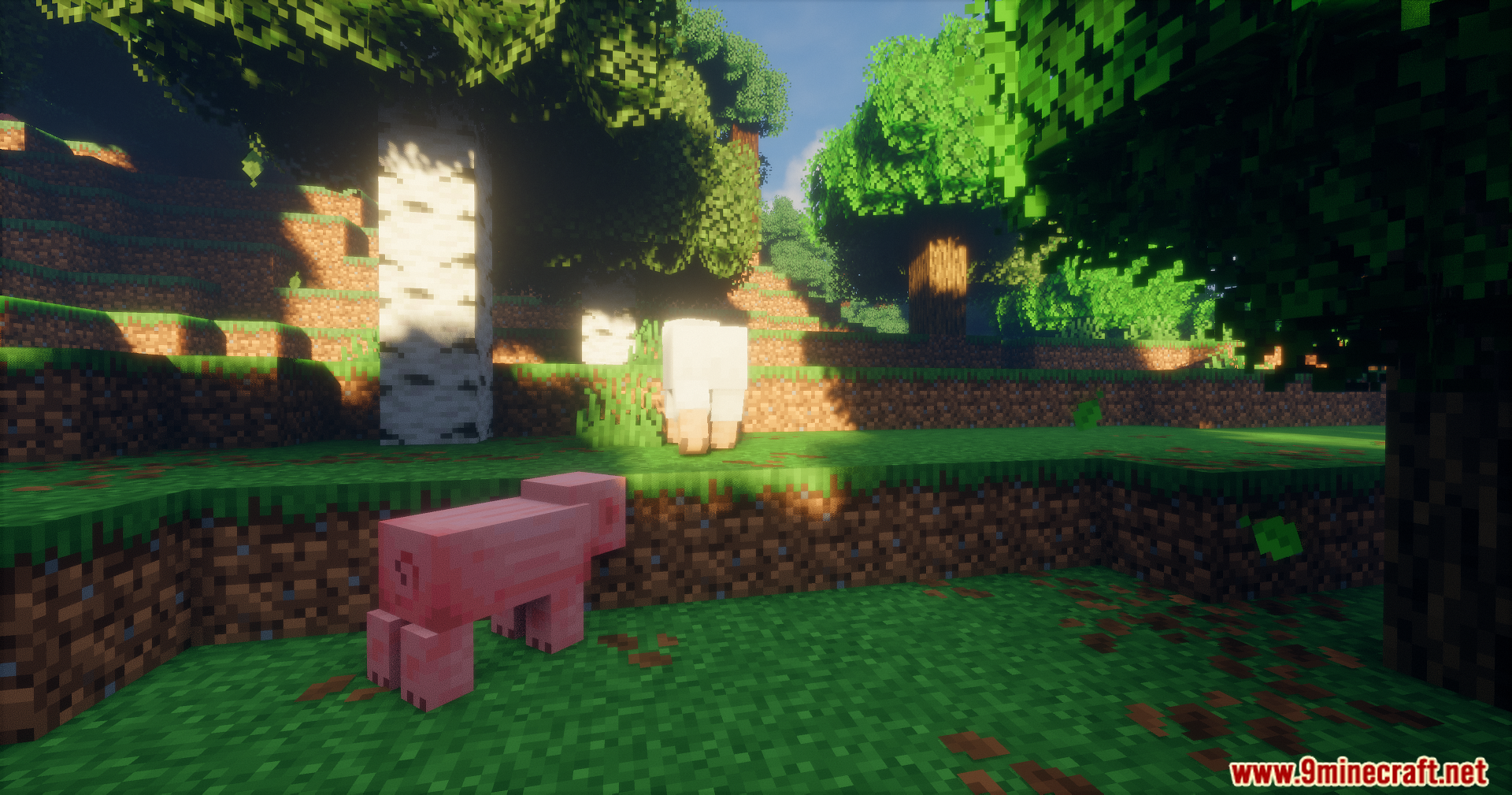
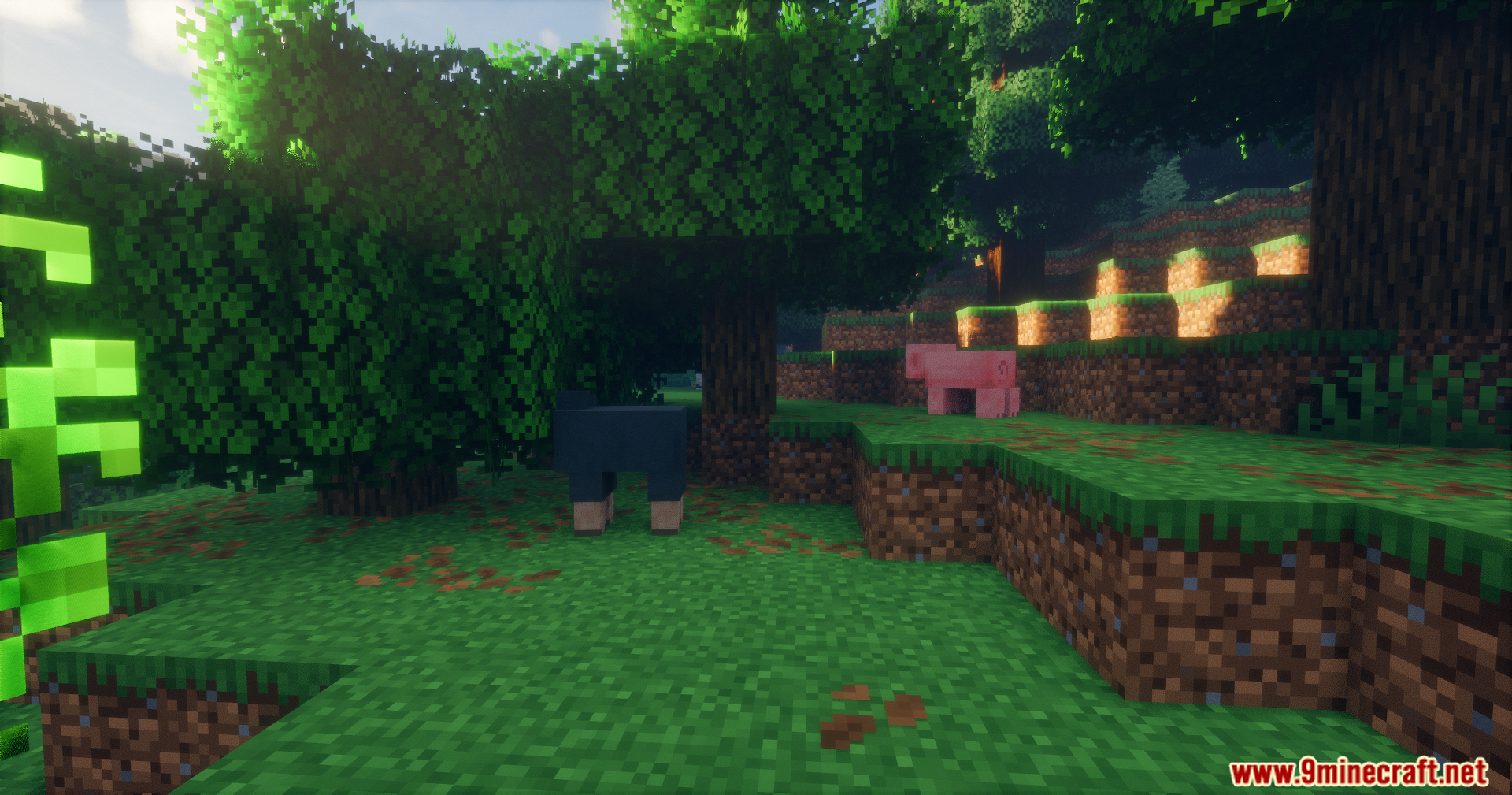
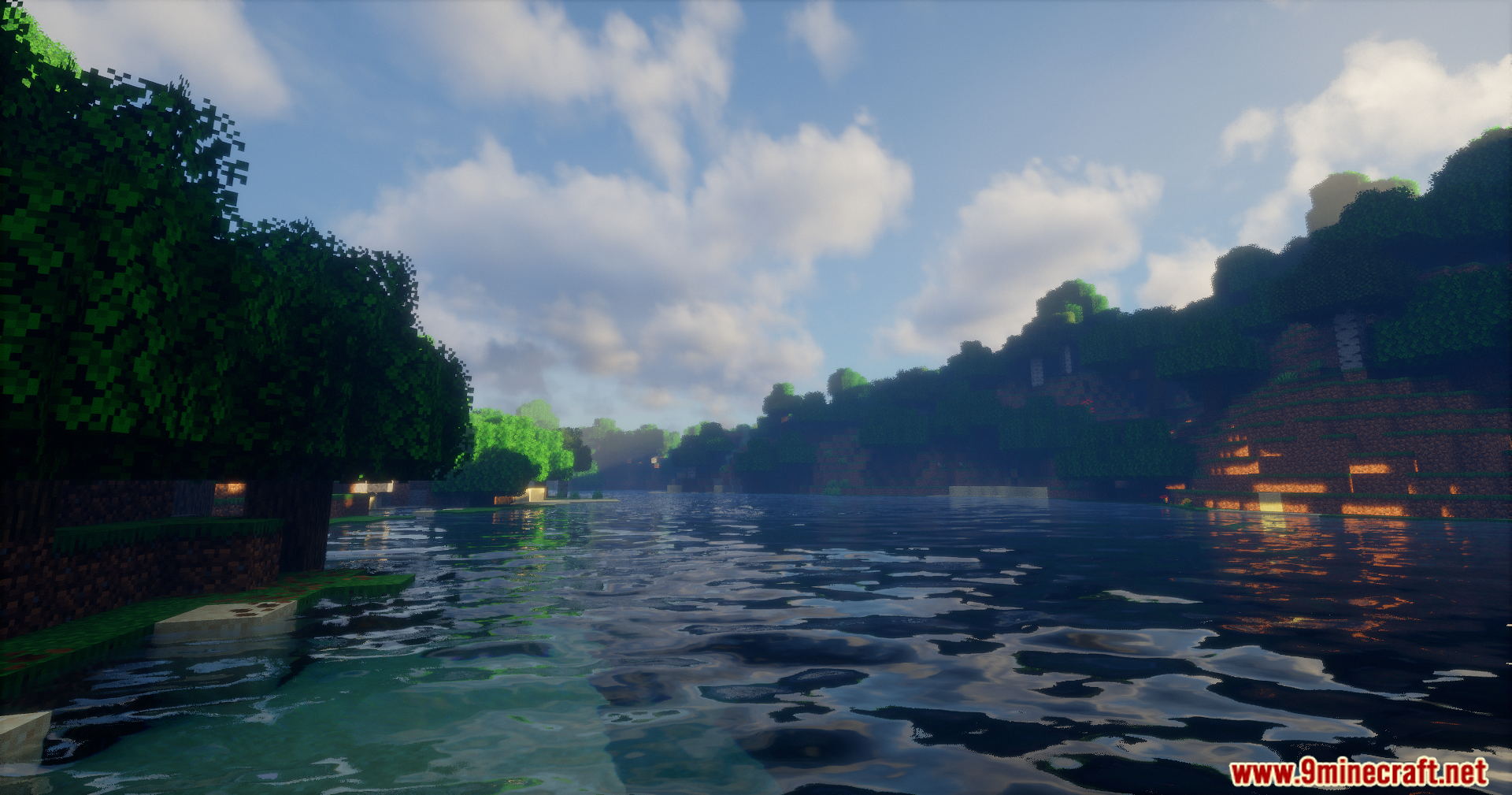
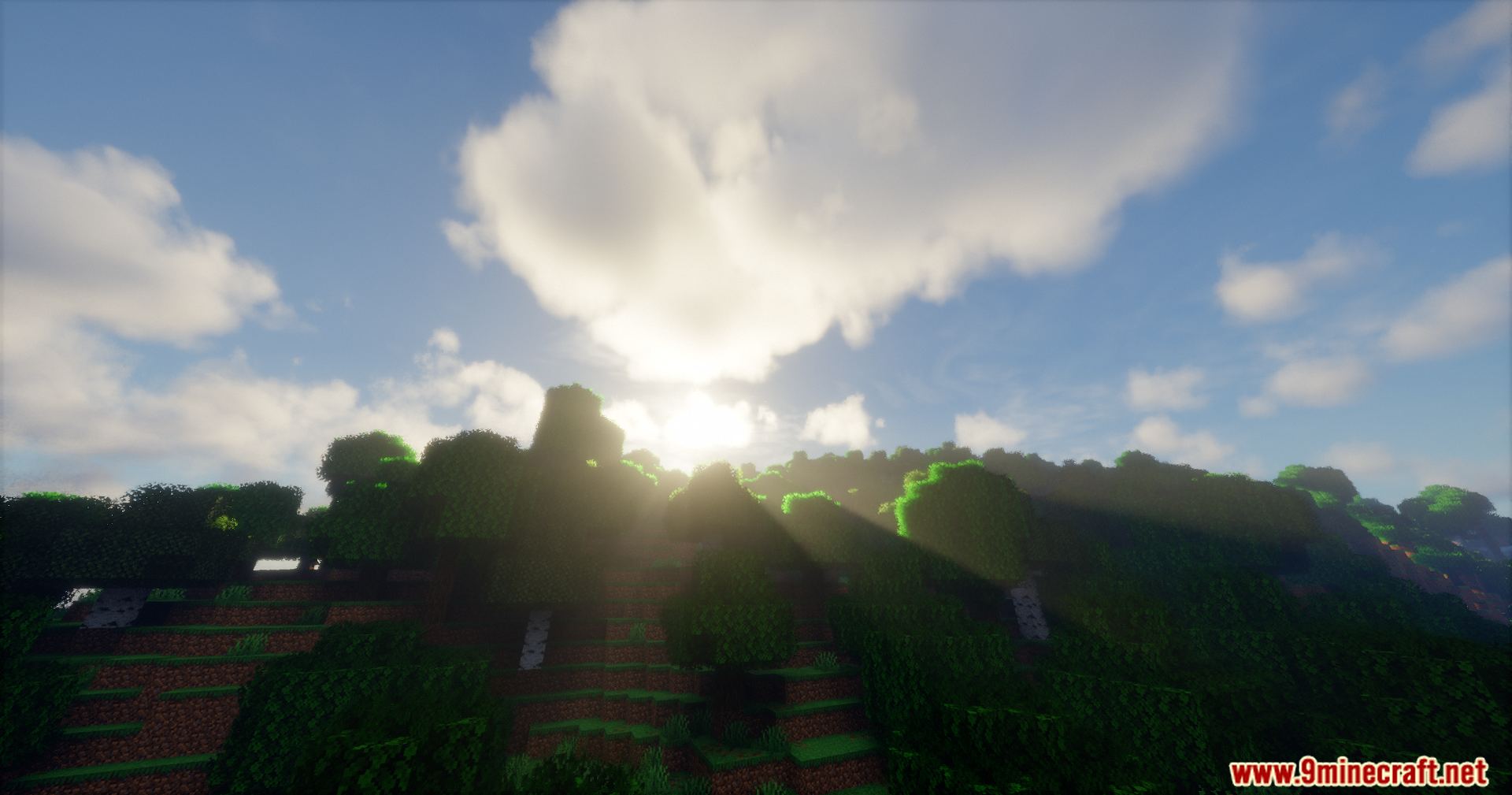
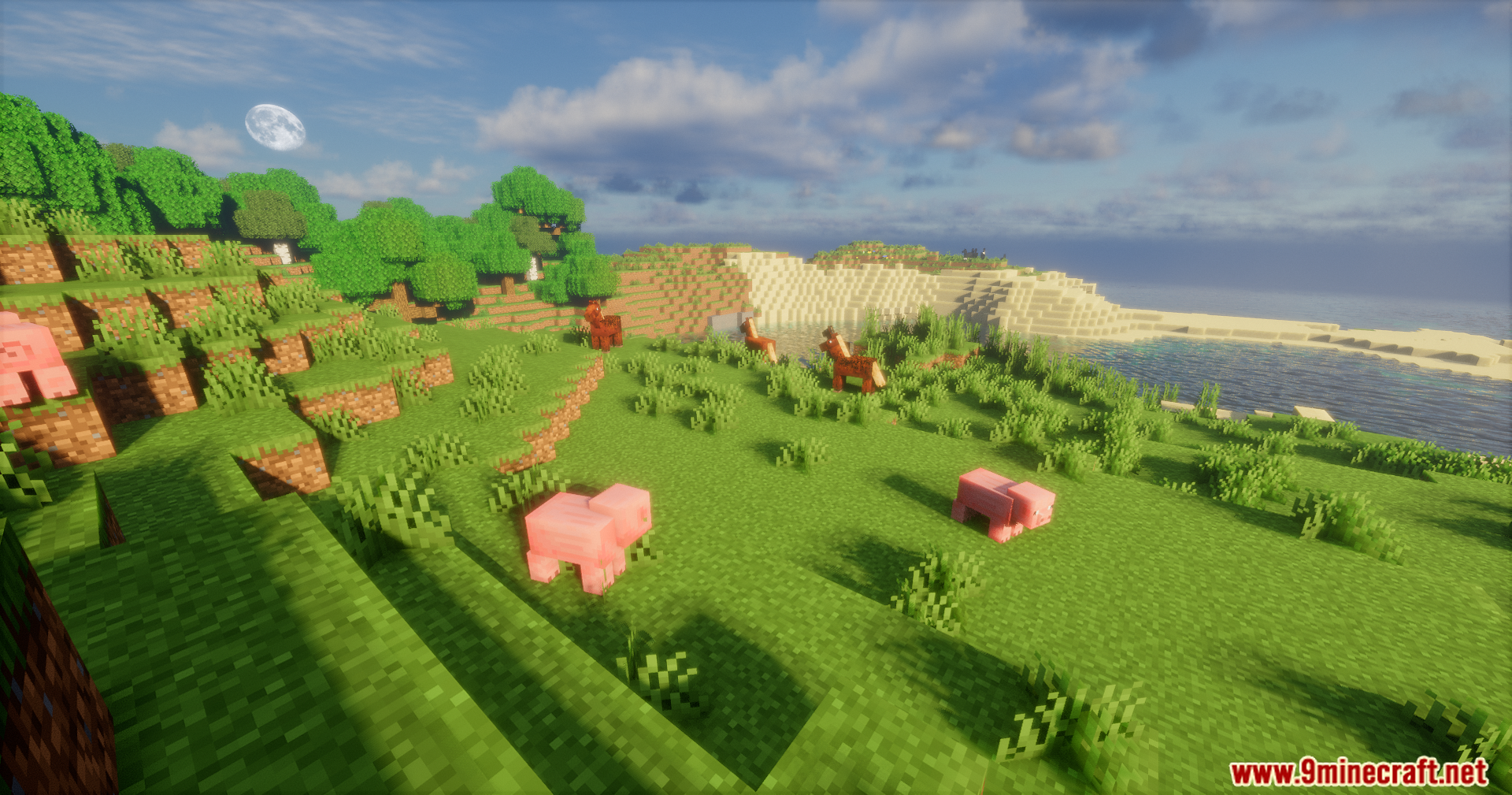
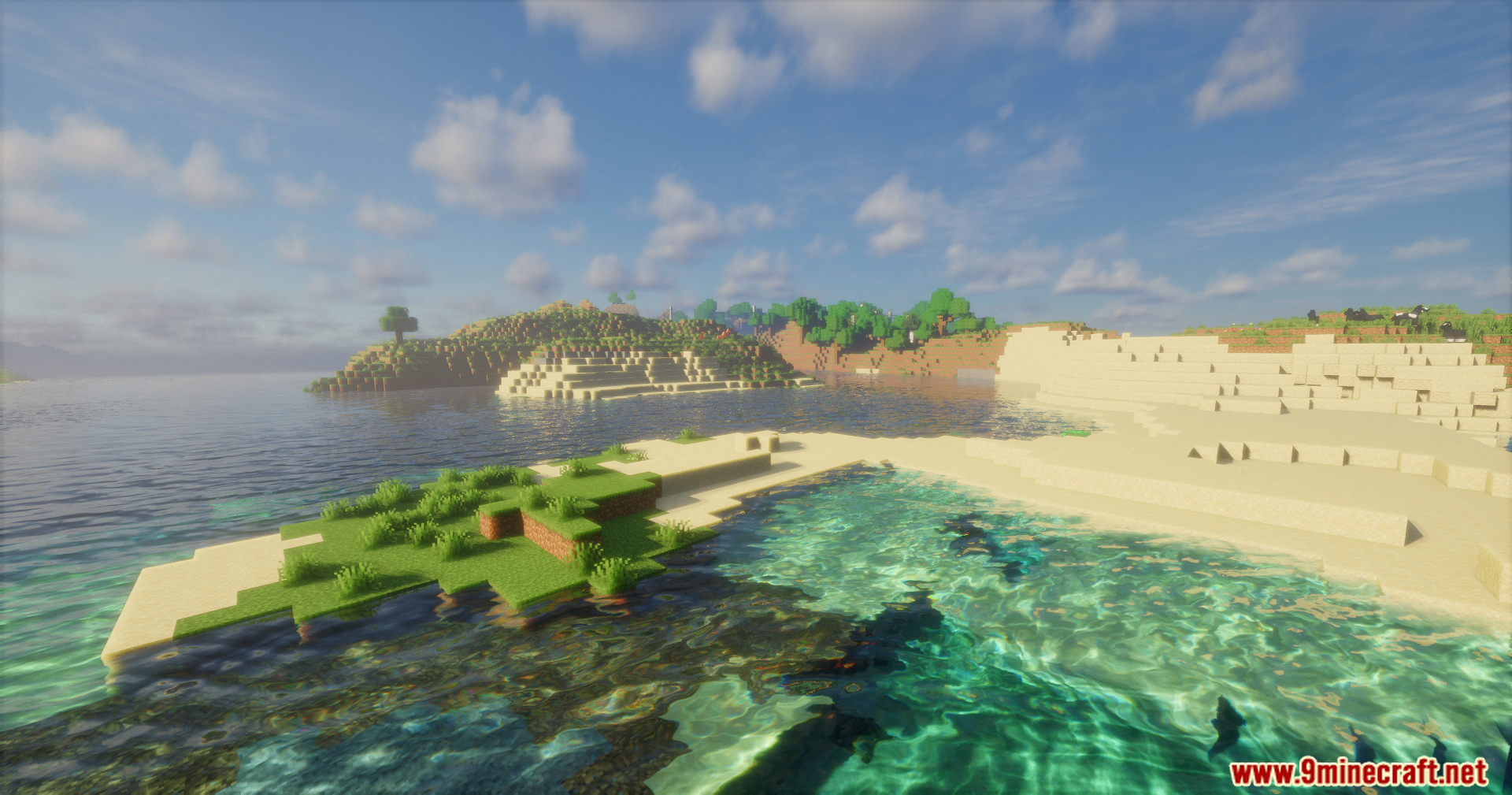
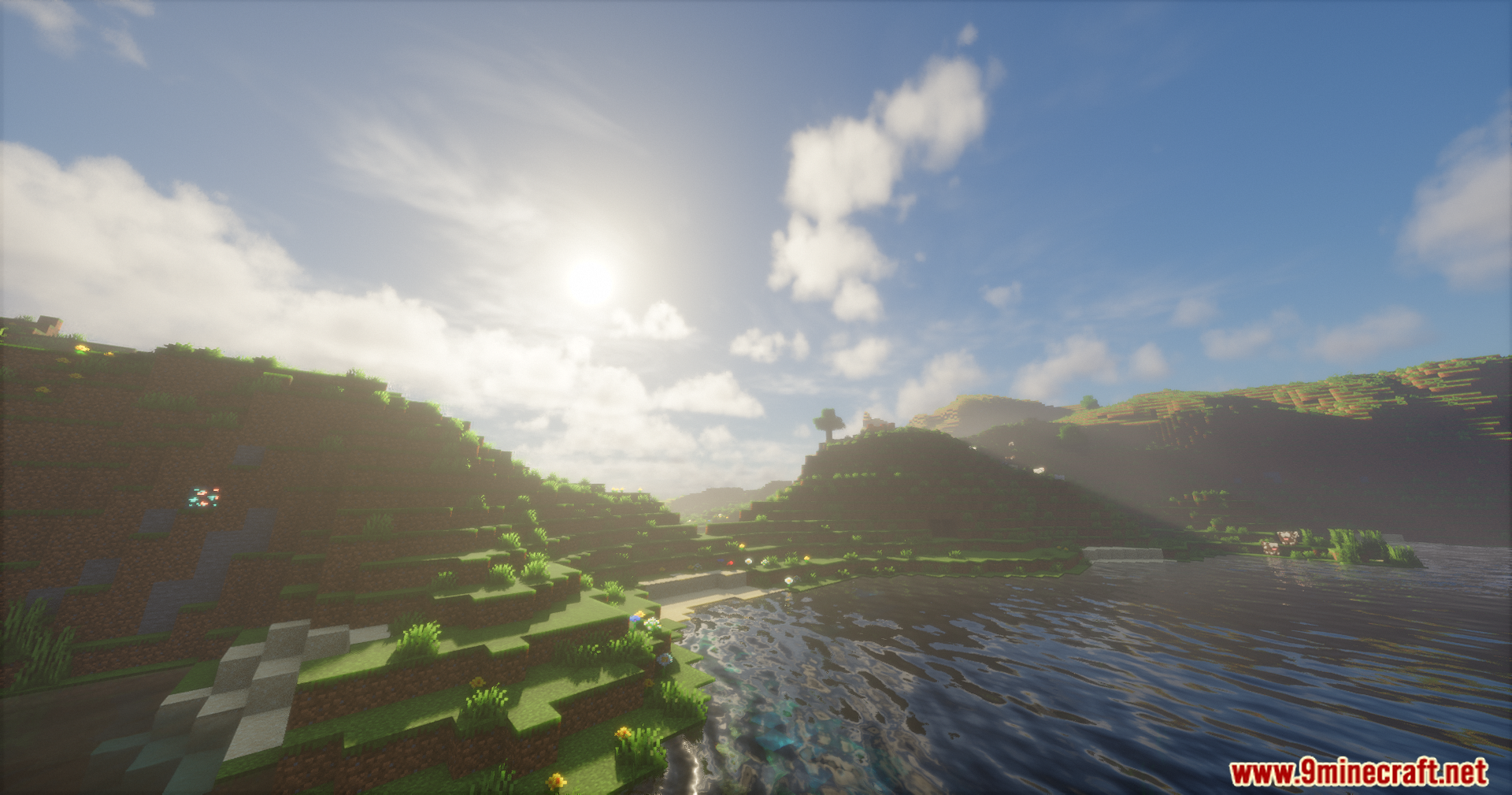
12 images from the Emanrux Shaders page.
You May Also Like
Wikis that share the most with this one
Wikis on the same theme: light
More shader wikis on the site
The most downloaded mods that have a wiki here