

 DownloadEerie Craft Shaders
Get the files on 9Minecraft
Guides
Step-by-step, in-game.
Adjust Shader Intensity for Your HardwareChoose the Right Profile Eerie Craft Shaders includes preset profiles designed for different PC capabilities. Access…Explore Caves and Dark Areas EffectivelyPrepare for Low-Light Exploration Eerie Craft Shaders transforms caves into genuinely unsettling spaces. Before…Maximize the Horror Atmosphere at NightPrepare Your Environment Eerie Craft Shaders shines during nighttime and in dark enclosed spaces. Head out after…Optimize Bloom Effects for Visual ClarityUnderstand Bloom in This Shader Bloom creates a soft glow around bright light sources like fire, lava, and glowstone.…
Frequently asked questions
How do I turn on the shader after installing it?
Open Options > Video Settings > Shaders, then locate and select Eerie Craft Shaders from the list. Click Apply, and the shader will activate immediately on your world.
The shader is too dark and I can't see anything. What do I do?
Open the shader settings menu (usually by clicking the Settings button in the Shaders screen) and reduce the shadow intensity or increase the overall brightness slider. You can also switch to a lighter preset profile if available.
Will this shader work with other mods?
Eerie Craft Shaders is generally compatible with most mods, but mods that heavily modify lighting or add custom blocks may cause visual conflicts. Test with your mod list to confirm compatibility.
My FPS dropped a lot after installing the shader. How do I fix it?
Switch to the medium or low-end preset profile in the shader settings, disable bloom effects, or reduce shadow quality. If performance is still poor, your hardware may not meet the minimum requirements for this shader.
See all 10 Eerie Craft Shaders questions ›
Gallery
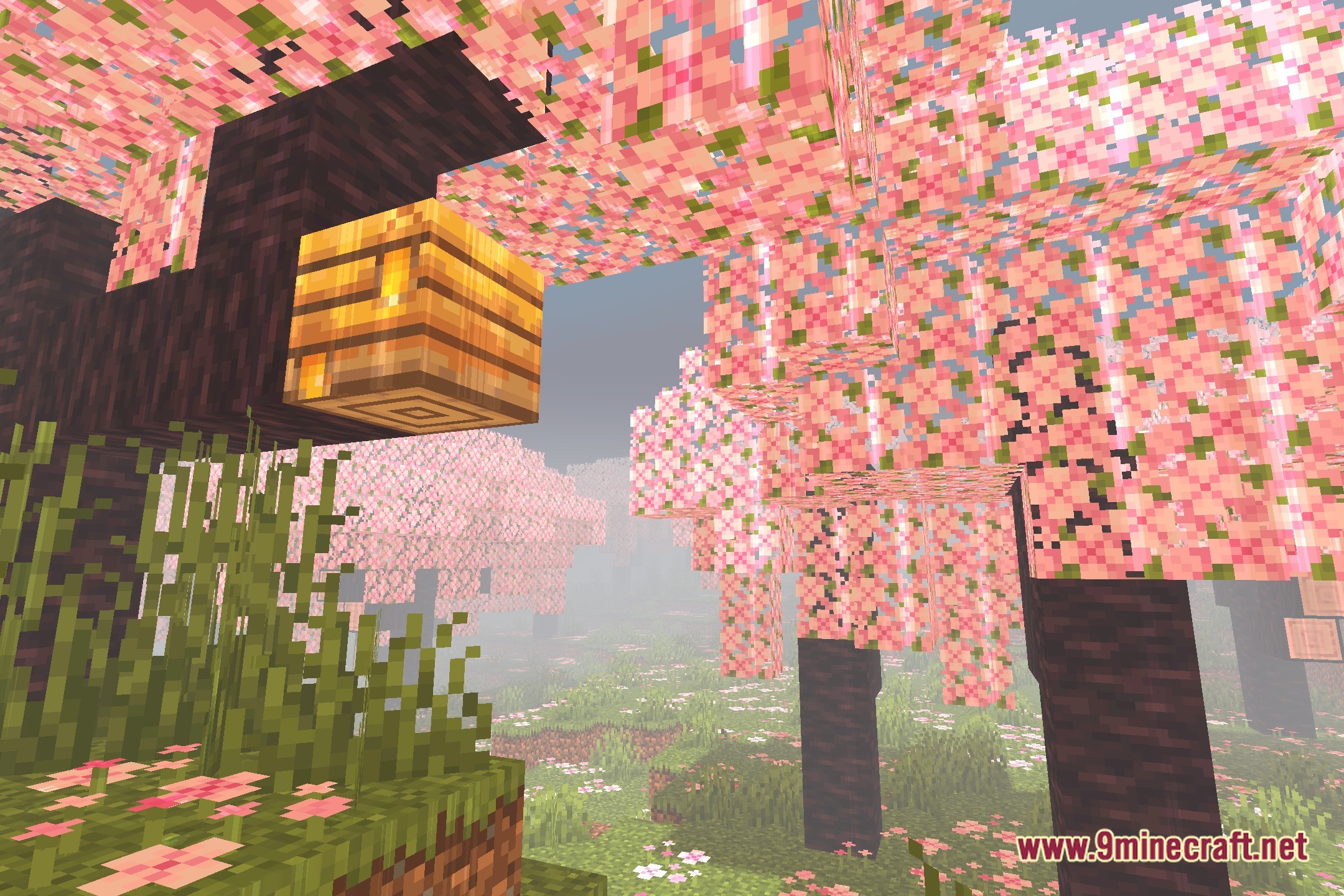
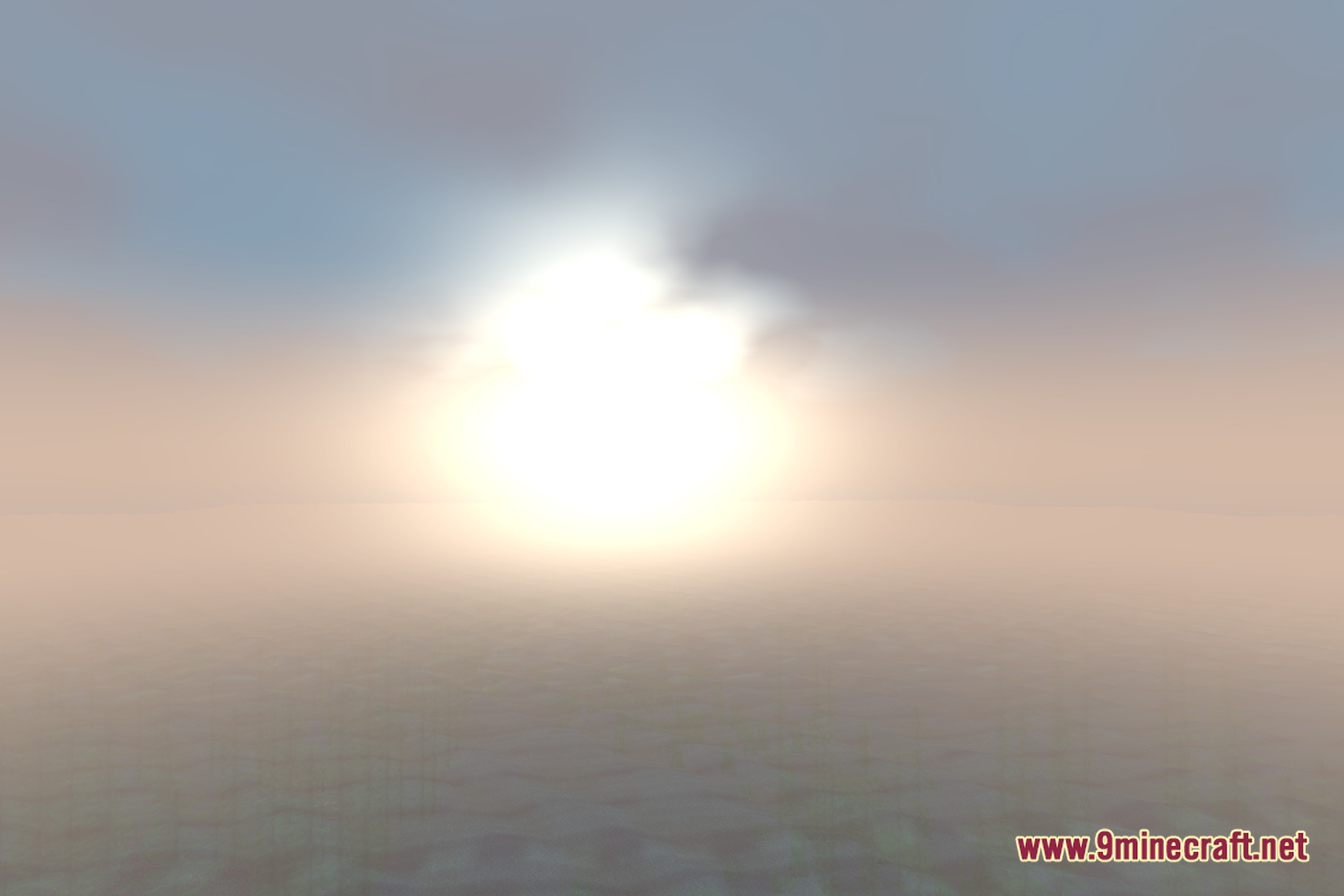
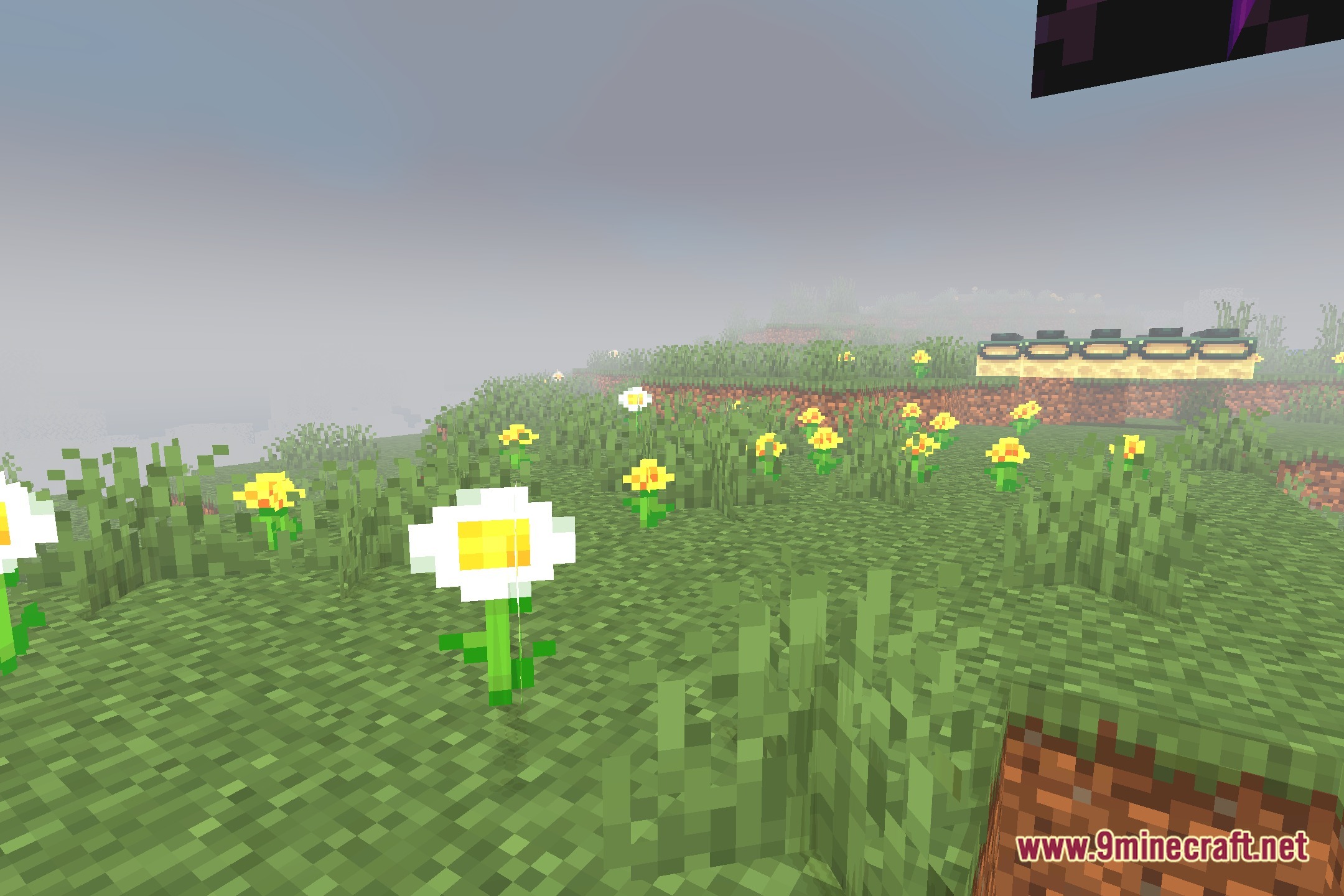
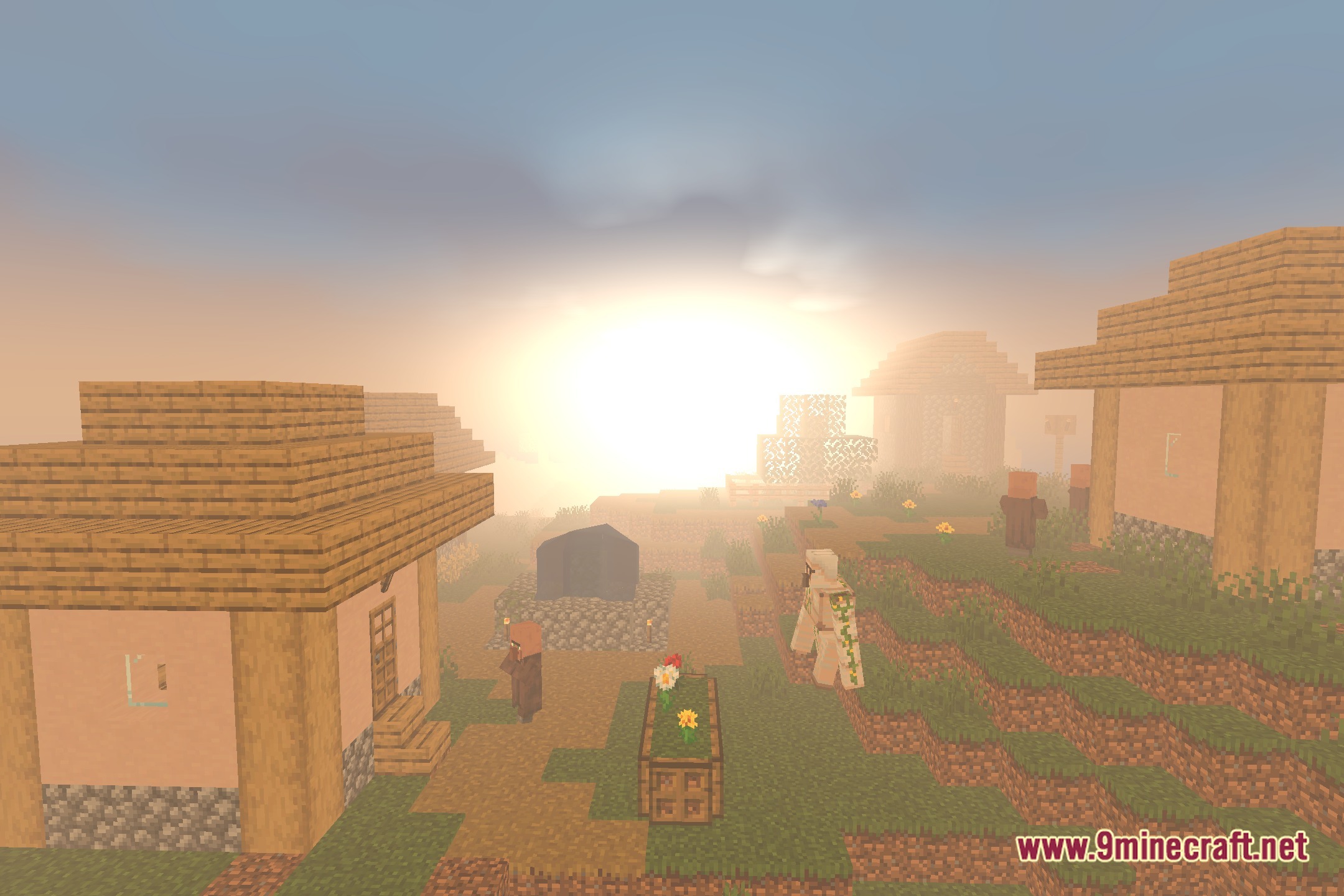
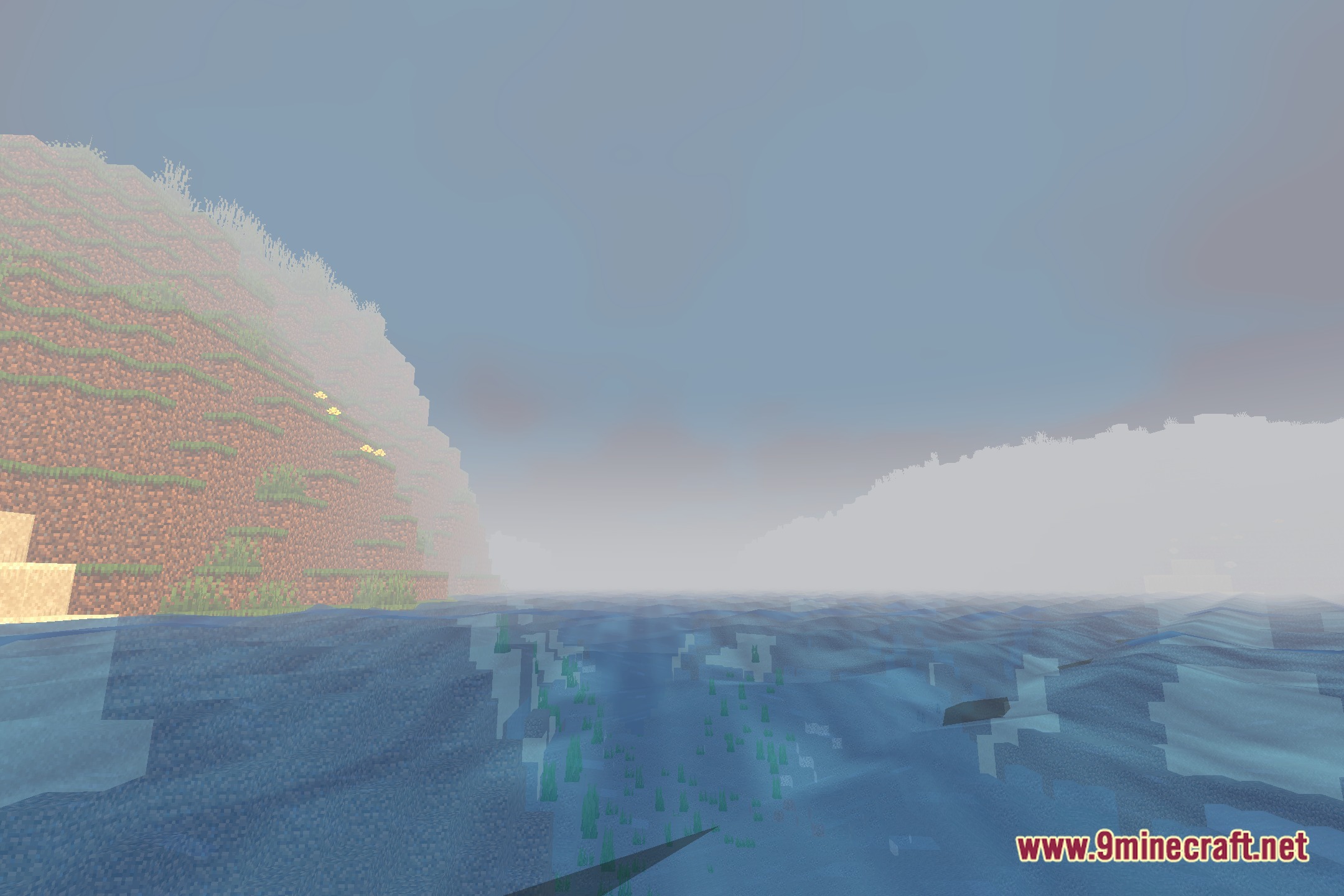
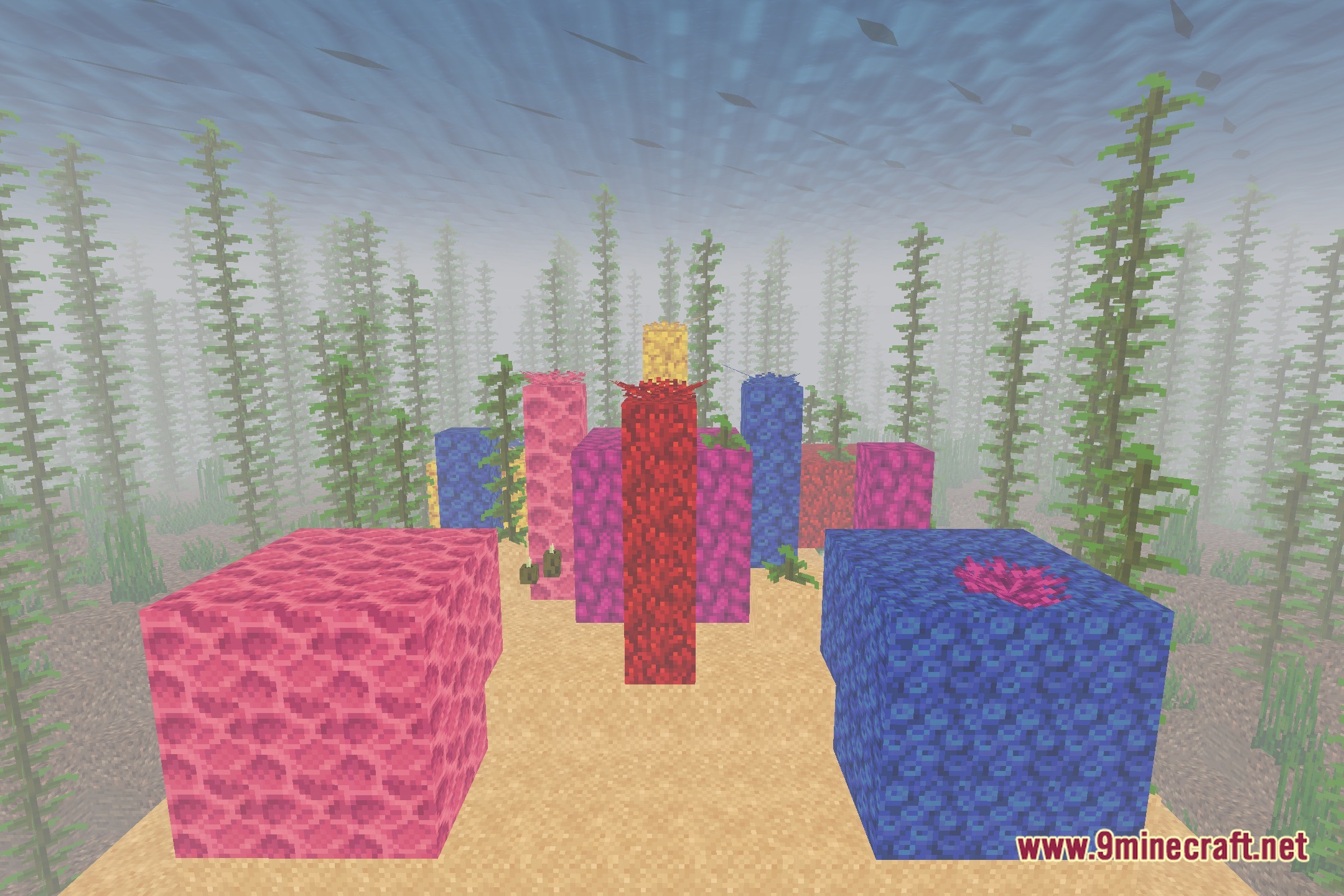
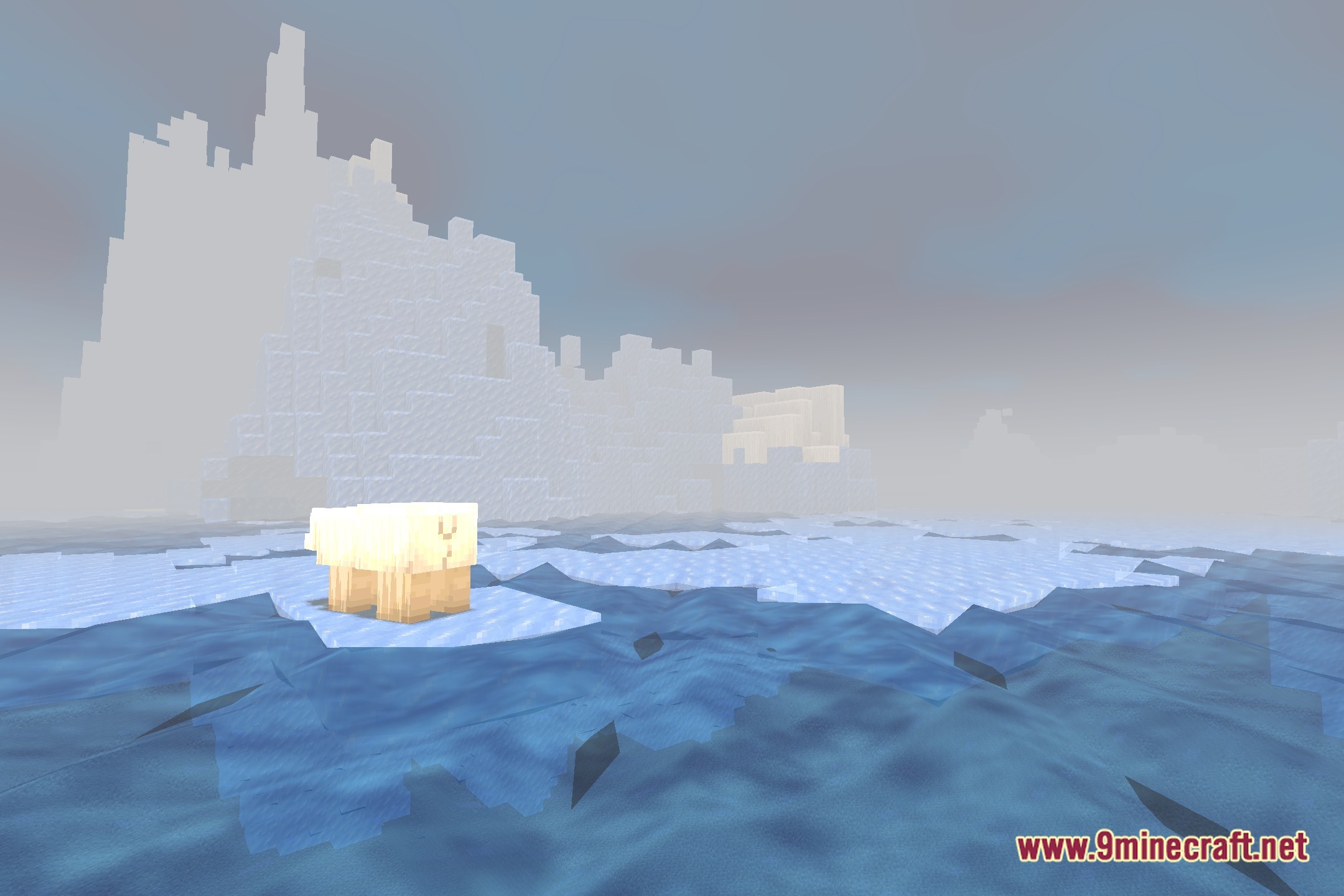
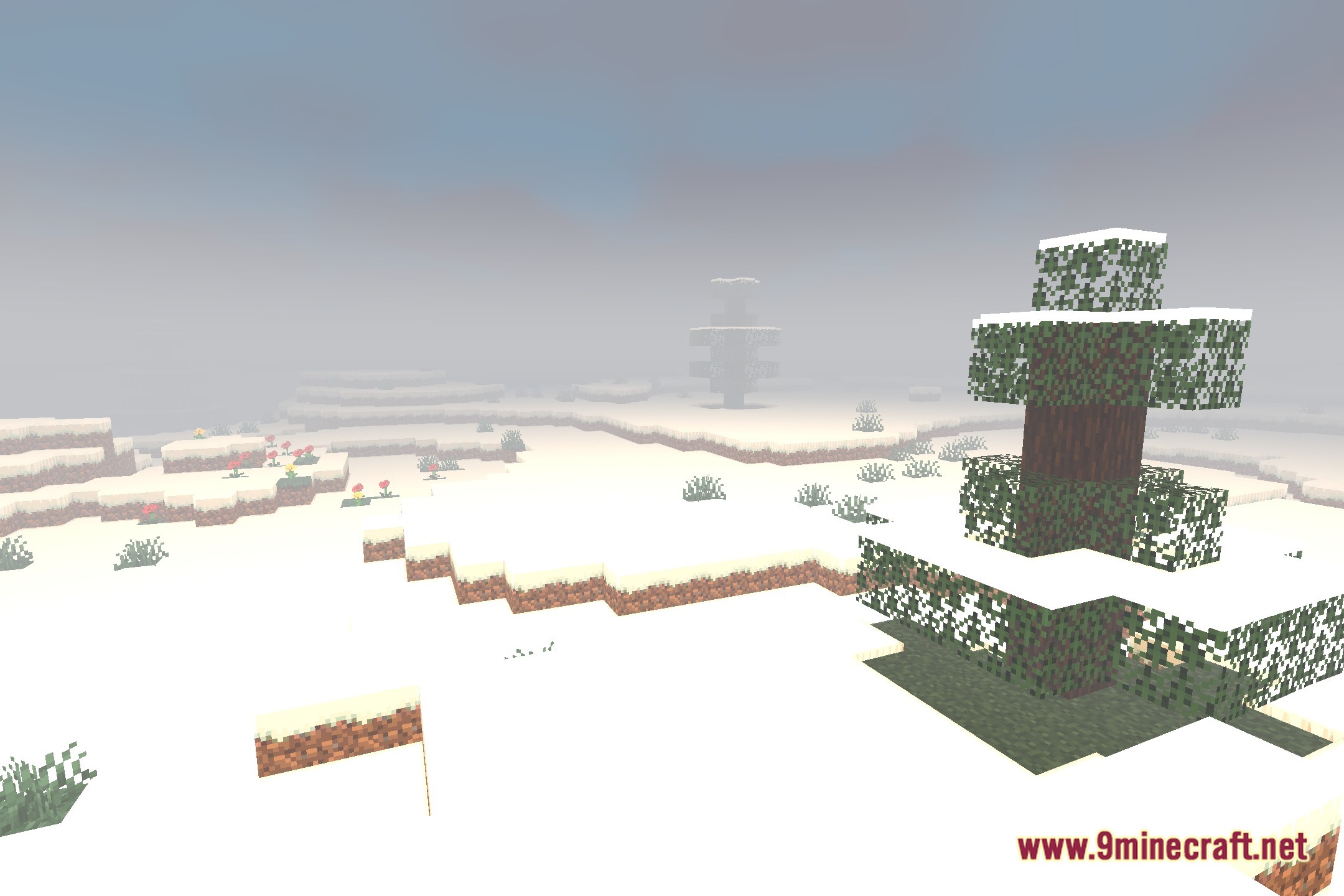
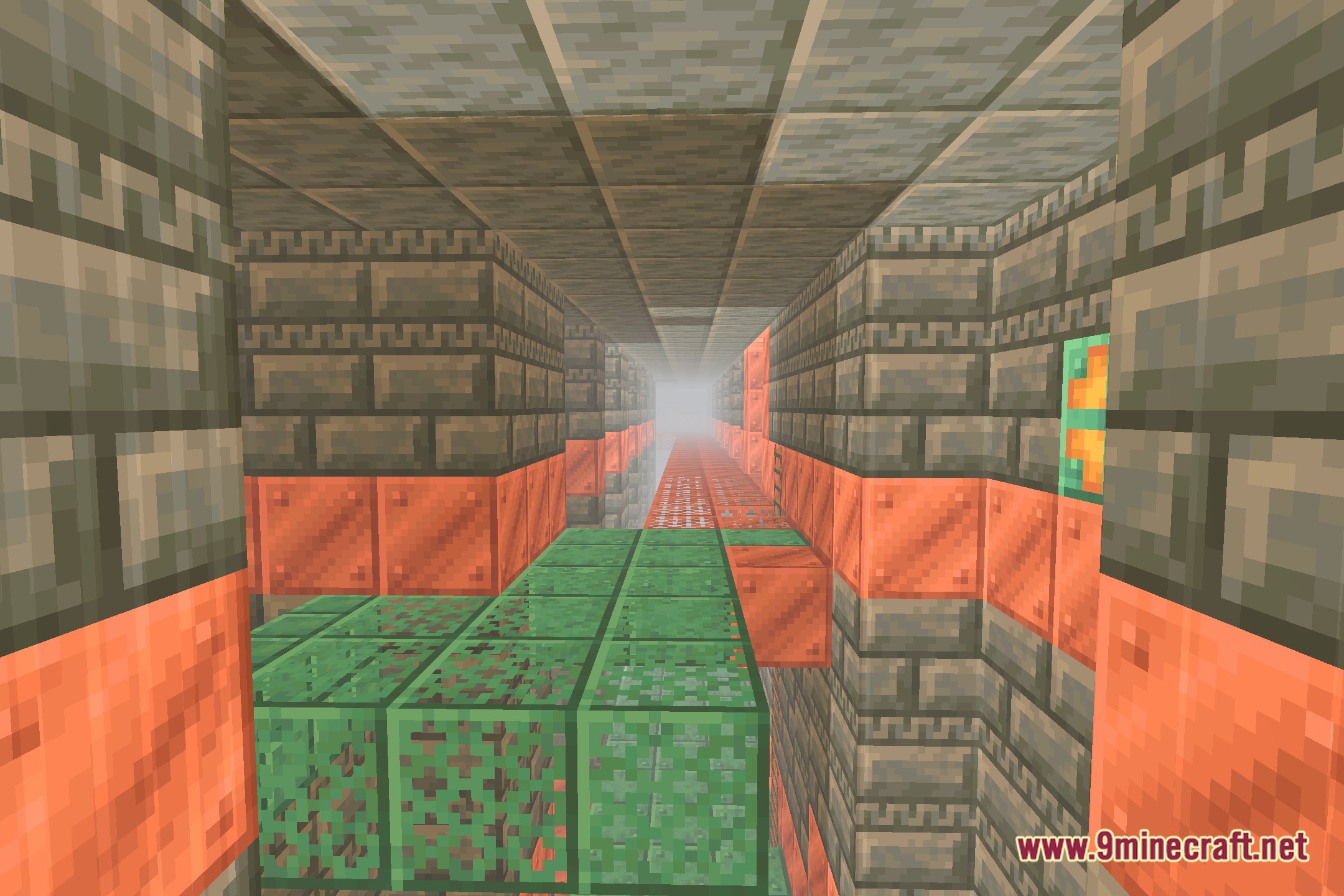
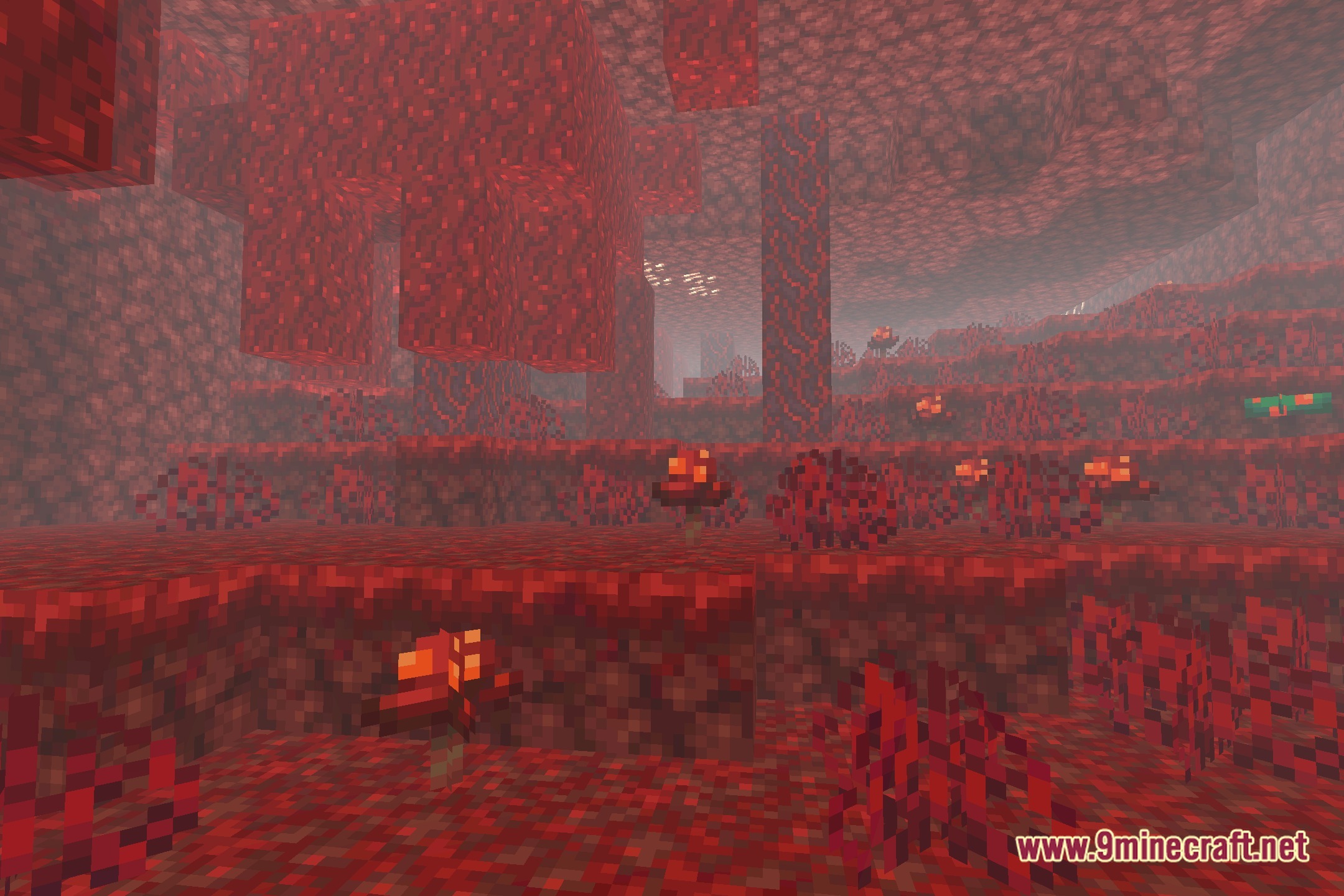
12 images from the Eerie Craft Shaders page.
You May Also Like
Wikis that share the most with this one
Wikis on the same theme: craft
 Lenscraft Shaders
More shader wikis on the site
The most downloaded mods that have a wiki here