

 DownloadE LITE MakeUp Shaders
Get the files on 9Minecraft
Guides
Step-by-step, in-game.
Adjust Shader Settings to Match Your Computer's PerformanceAccess the Shader Options Menu Press the Shader Options button in your Video Settings screen. This opens the…Enable or Disable Specific Visual EffectsAccess Individual Effect Toggles Open Shader Options from Video Settings. Most visual effects in E LITE MakeUp…Optimize Shader Performance Without Losing Visual QualityIdentify Your Framerate Bottleneck Load into your world and check your current framerate. E LITE MakeUp Shaders is…Switch Between Visual Styles (Realistic, Fantasy, Vanilla)Open Shader Options Access your Video Settings and select Shader Options to view all available configurations. Locate…
Frequently asked questions
How do I start using the shader after installing it?
Launch Minecraft, go to Options > Video Settings > Shaders, and select E LITE MakeUp Shaders from the list. Click Apply and the shader will load on your next world or when you rejoin your current world.
Where do I find the shader settings to customize how it looks?
In Video Settings, look for a Shaders button or option panel. Click it to open the shader configuration menu where you can adjust individual visual effects and performance settings.
My game is running slowly with this shader. What should I do?
Open the shader settings and lower the quality of effects like shadows, reflections, or lighting detail. You can also disable specific visual features you don't need, or switch to a faster visual style like Vanilla mode.
Can I switch between Realistic, Fantasy, and Vanilla styles easily?
Yes, the shader includes preset style options in its settings menu. You can switch between them instantly without restarting the game.
See all 10 E LITE MakeUp Shaders questions ›
Gallery
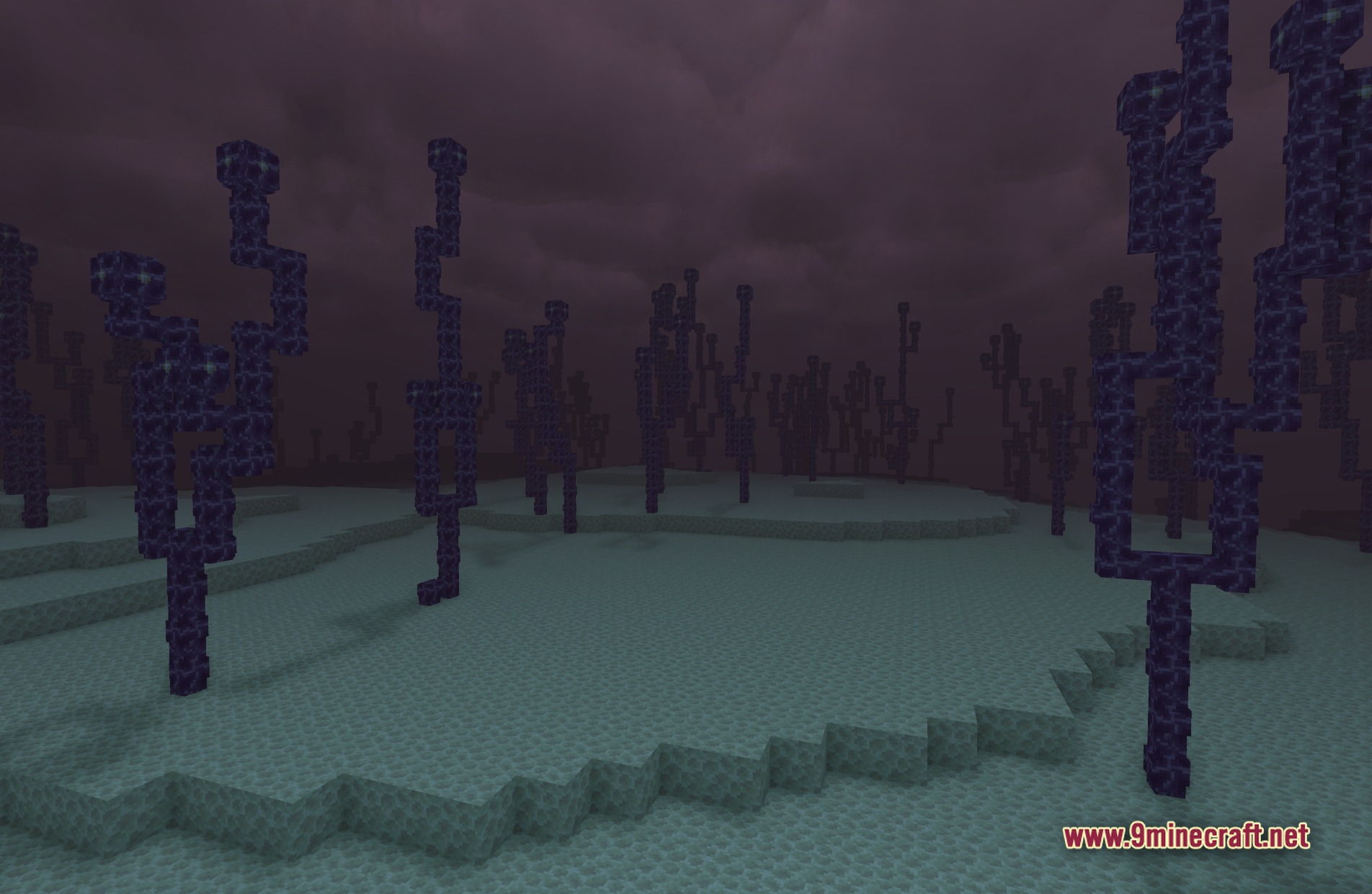
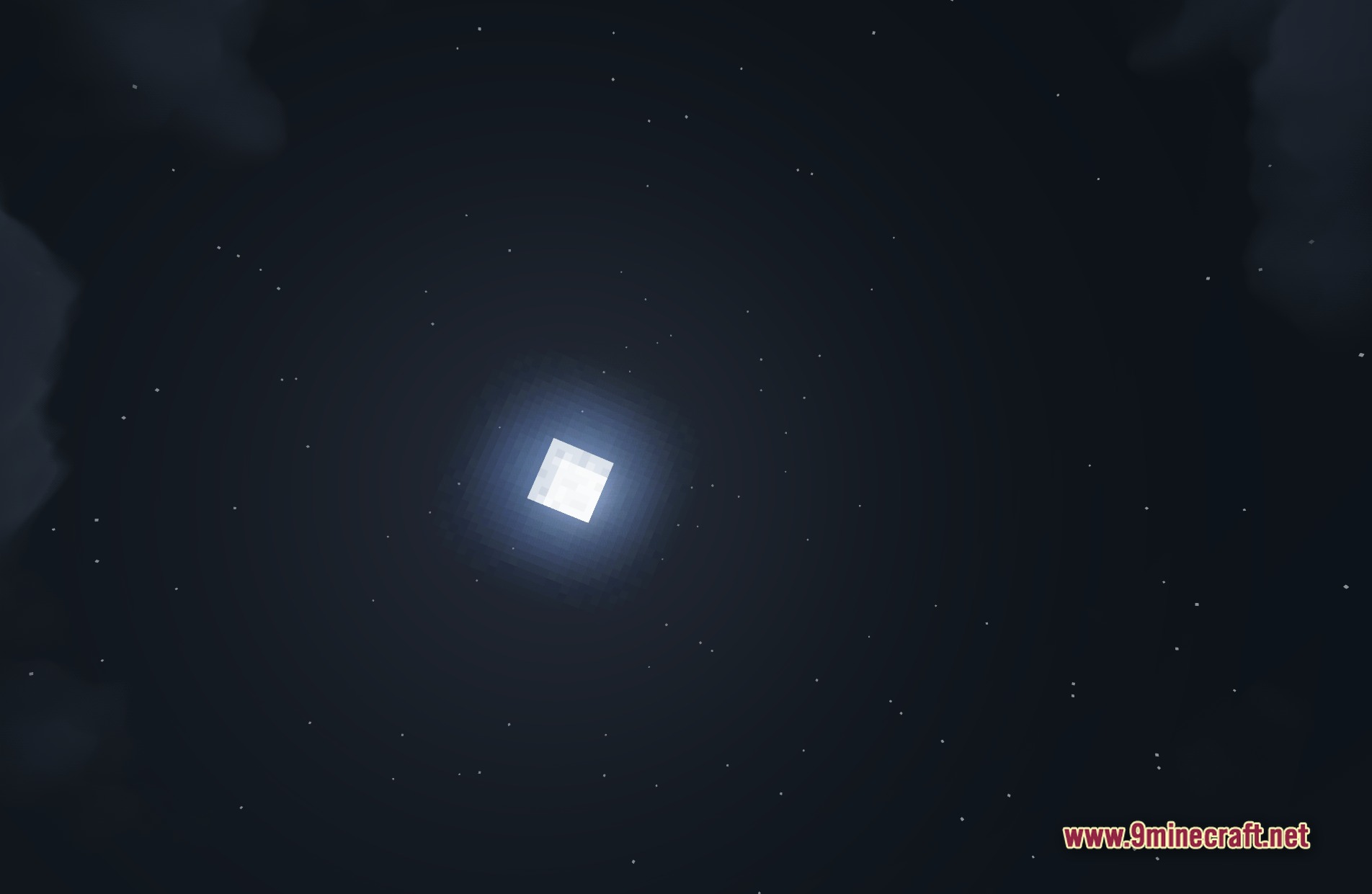
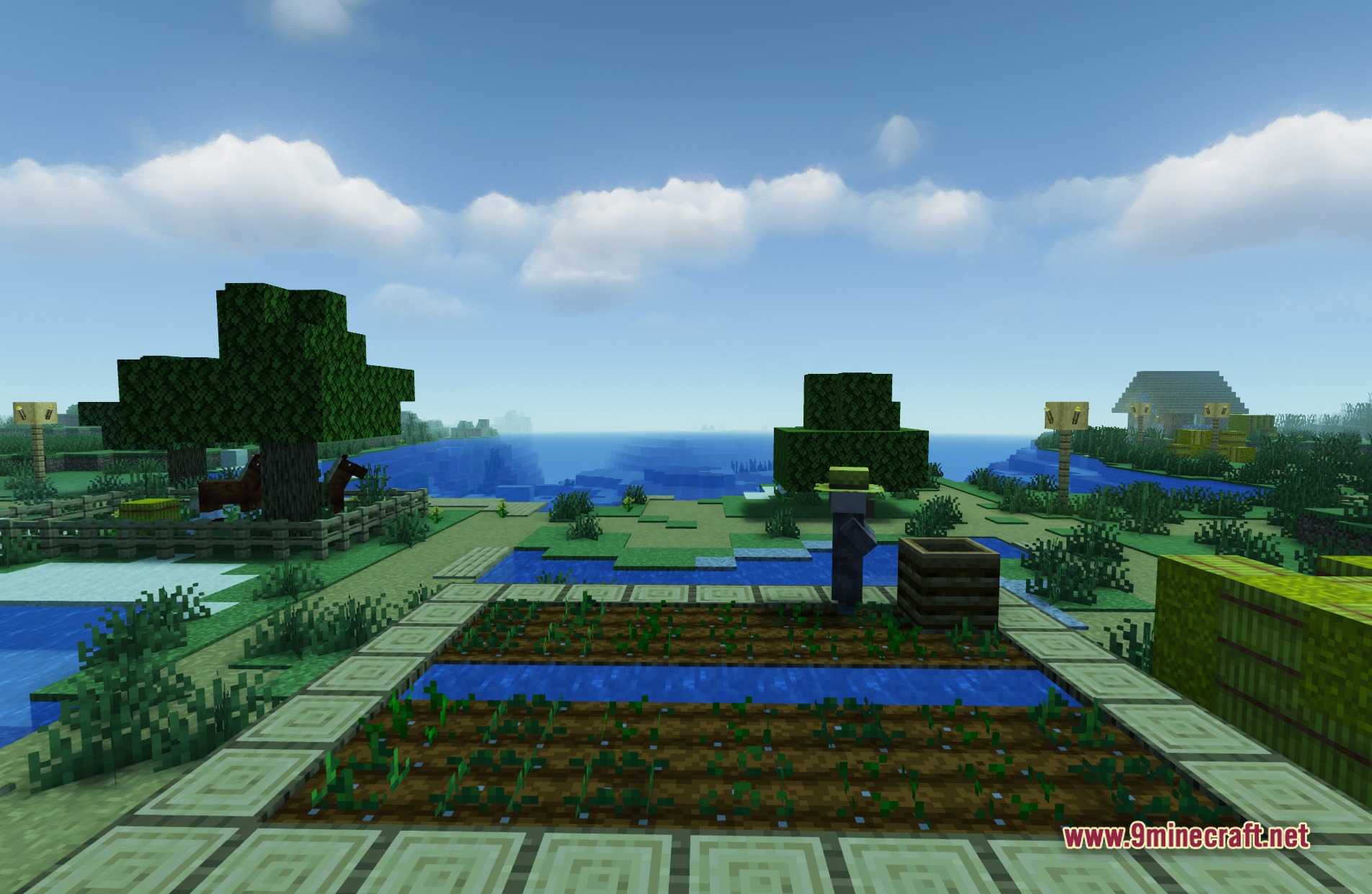
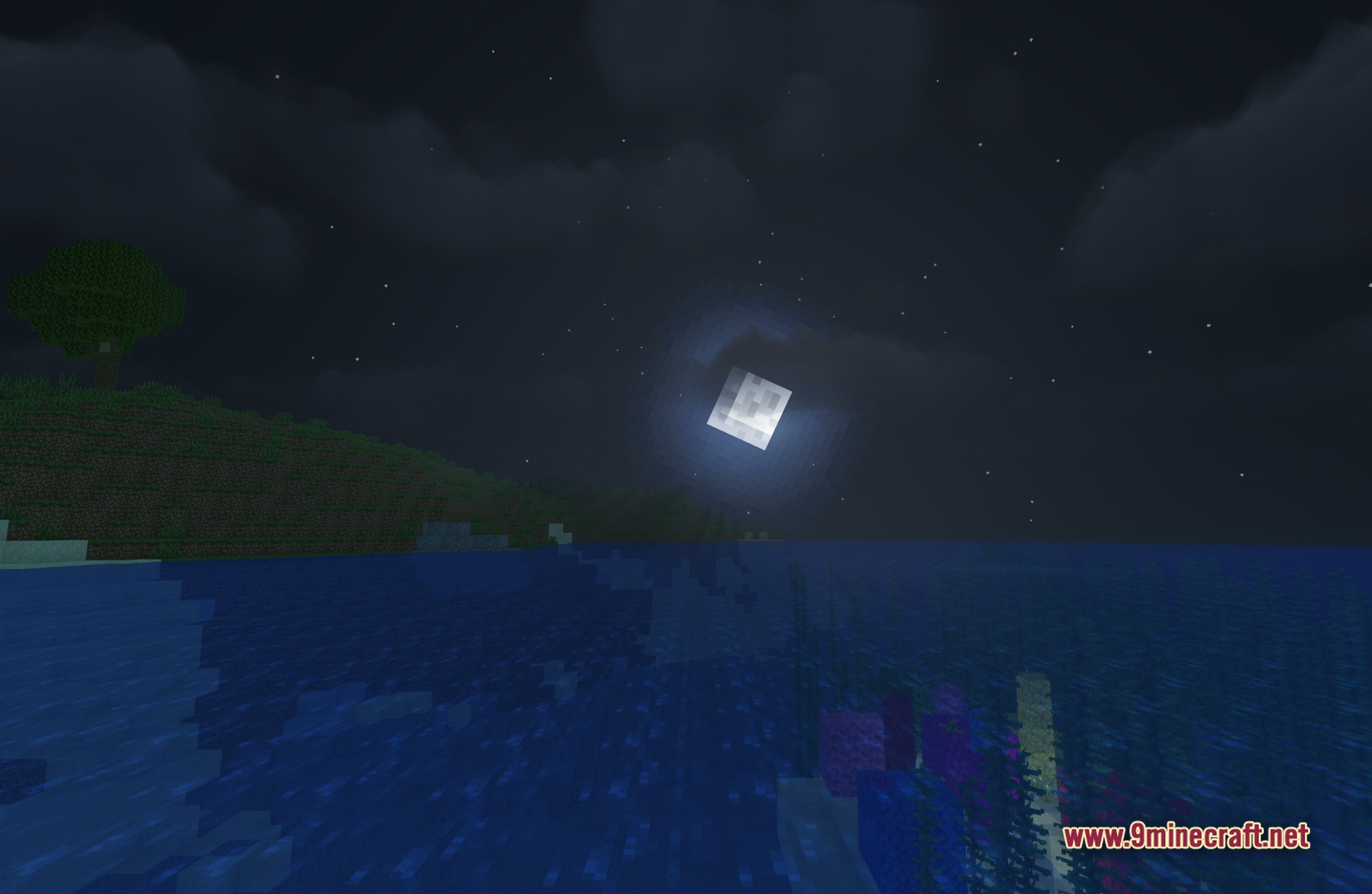
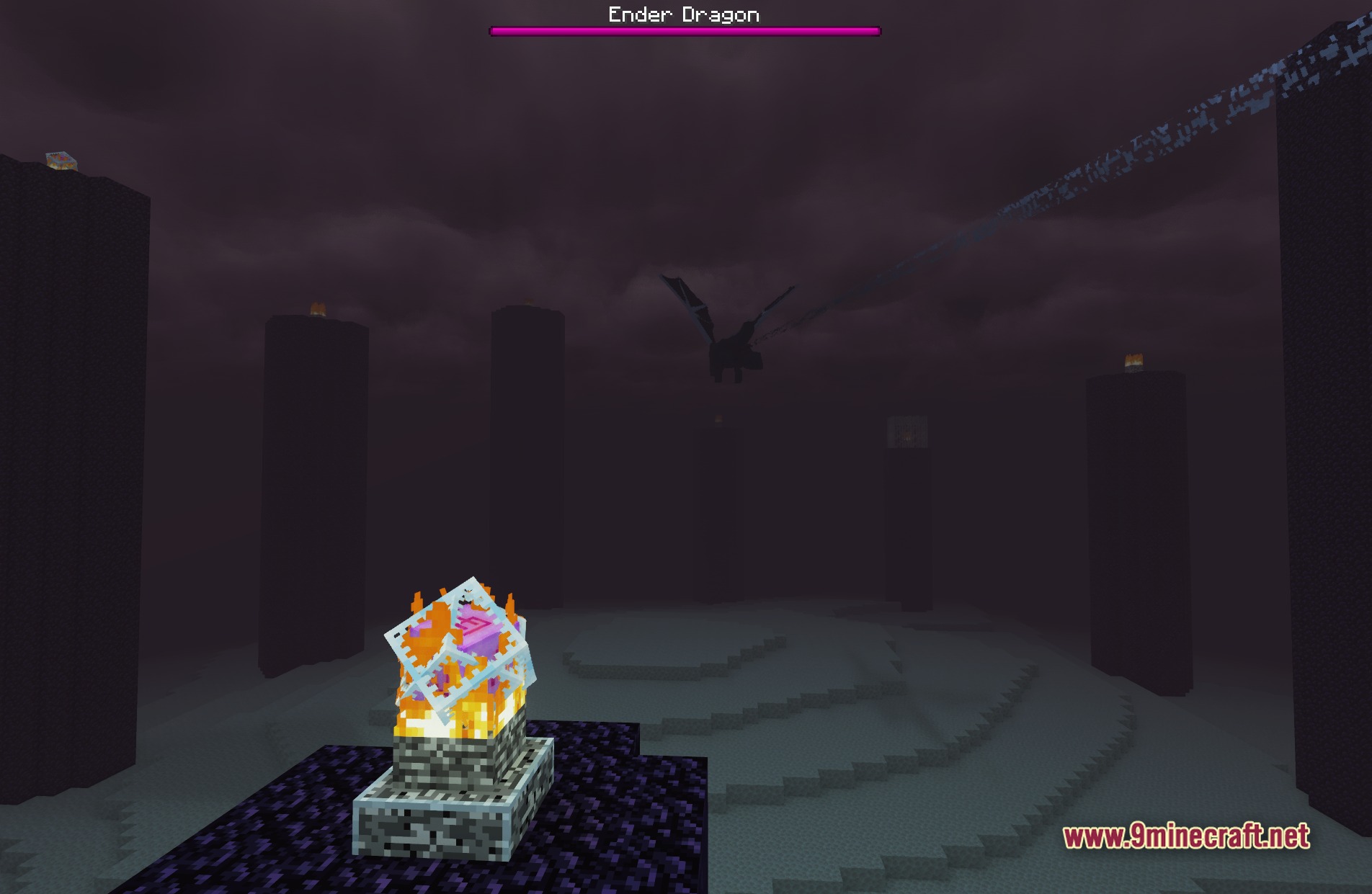
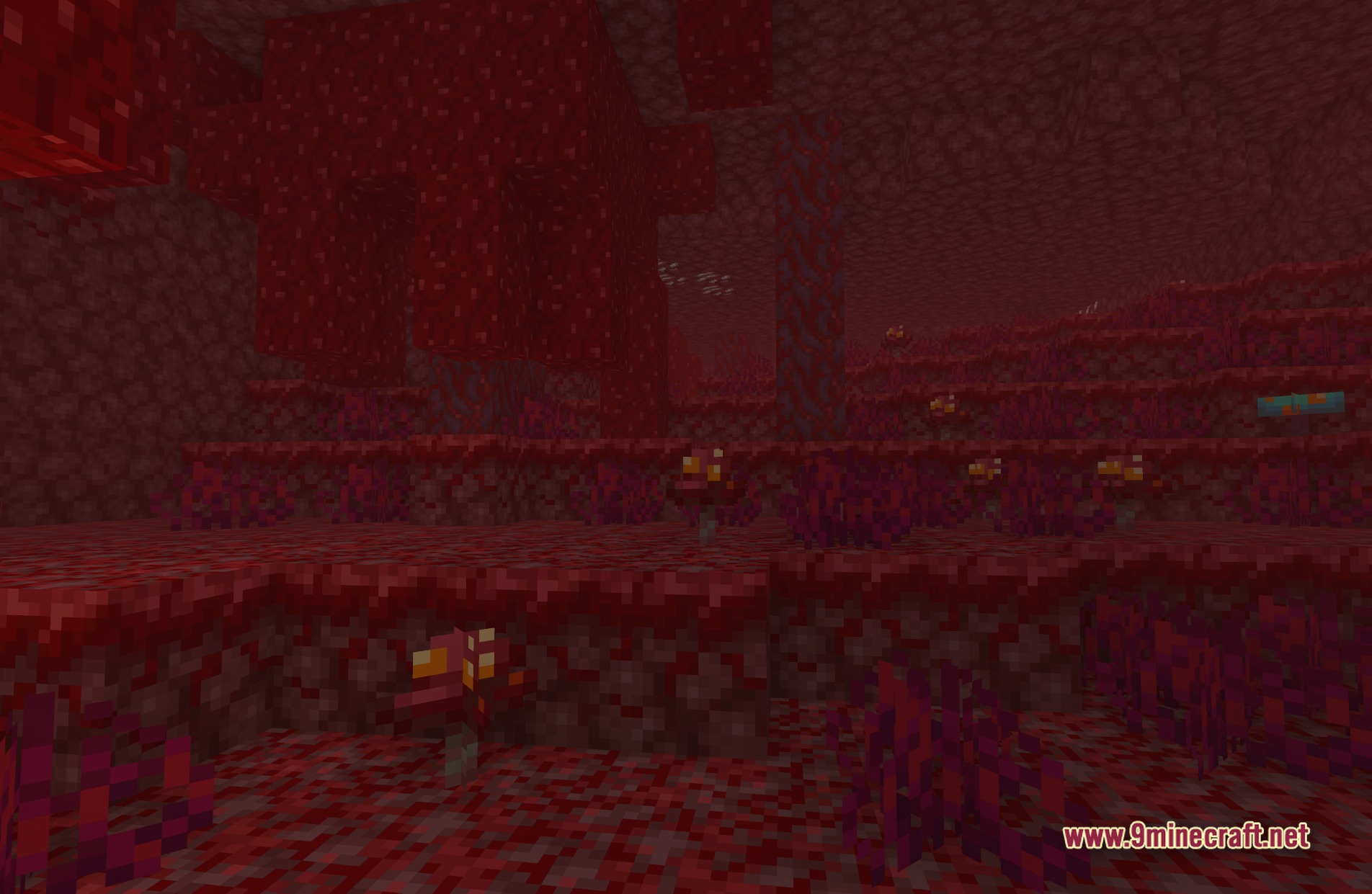
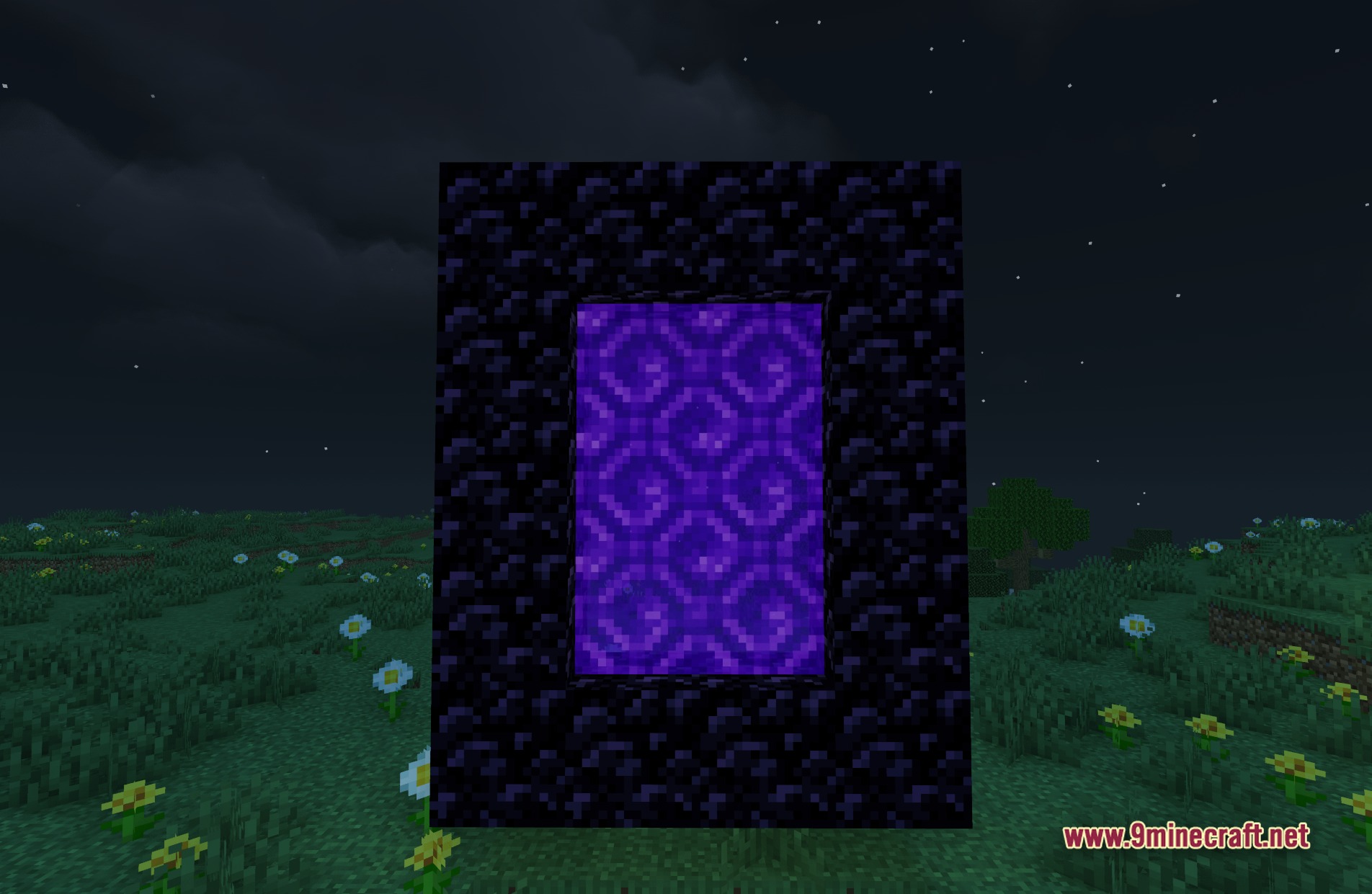
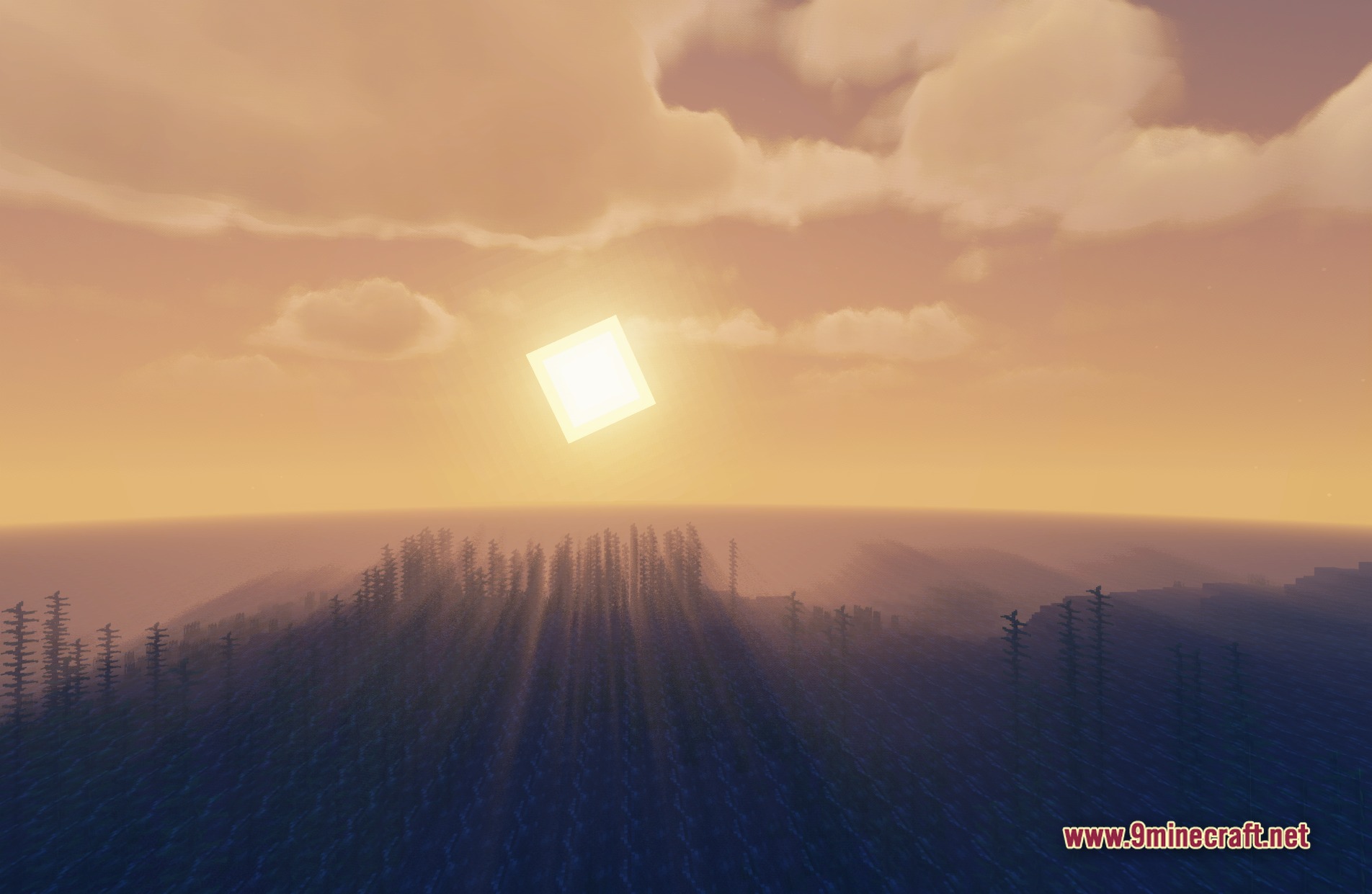
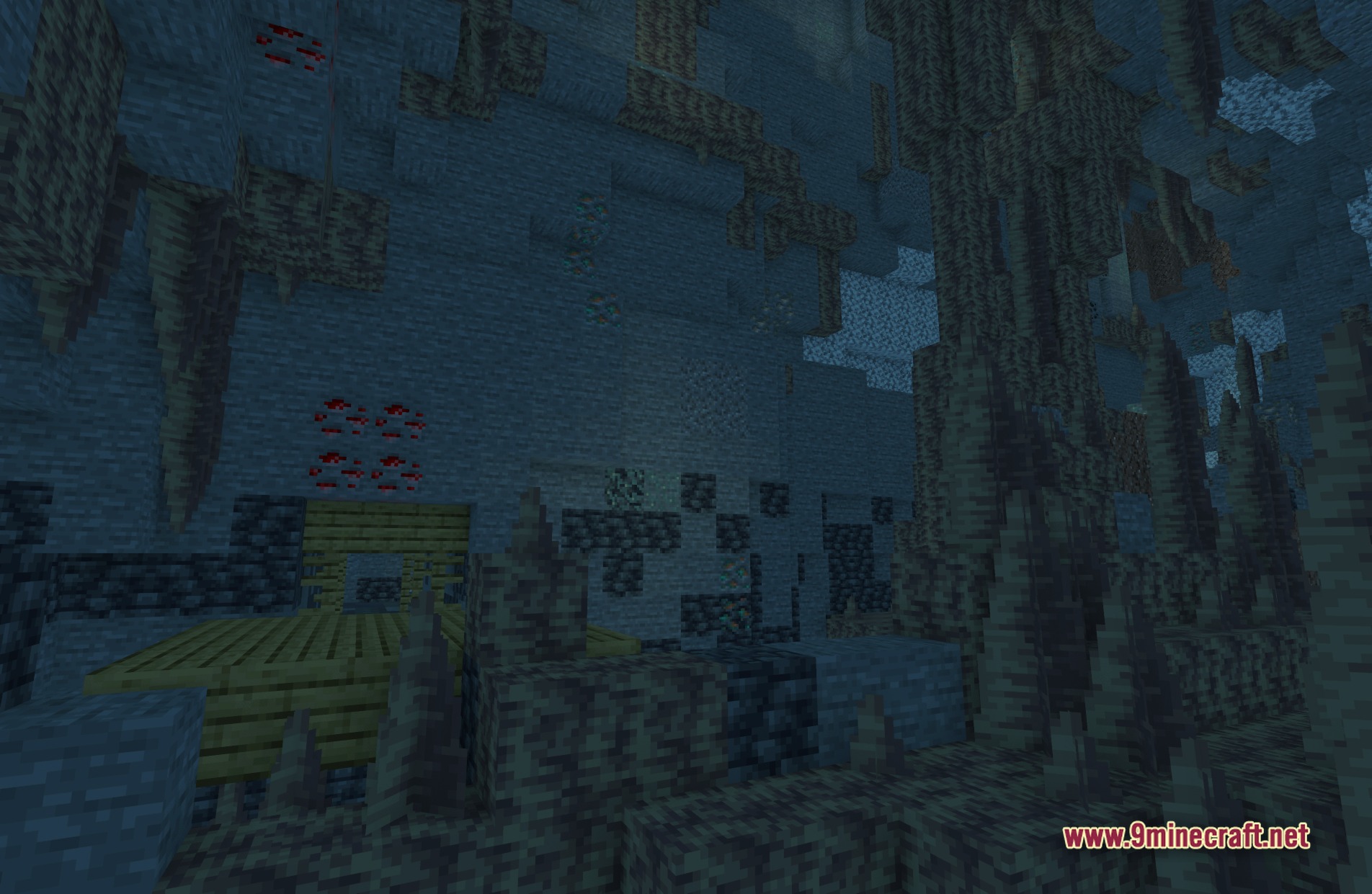
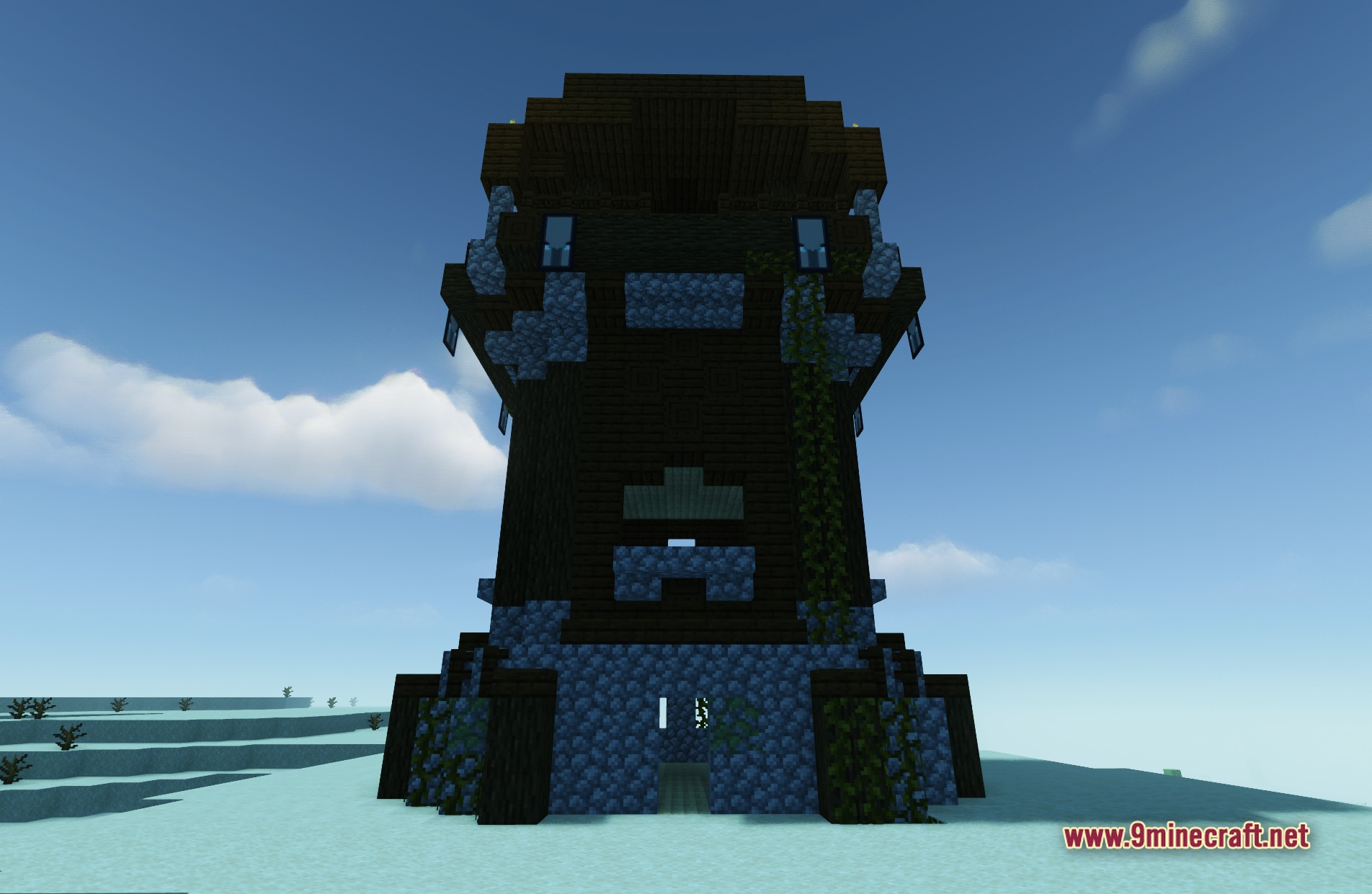
11 images from the E Lite Shaders Makeup Edit Shaders page.
You May Also Like
Wikis that share the most with this one
Wikis on the same theme: light
More shader wikis on the site
The most downloaded mods that have a wiki here