

 DownloadElytrune Shaders
Get the files on 9Minecraft
Guides
Step-by-step, in-game.
Appreciate Water Reflections and Wave EffectsFind Good Water to Observe Head to a large lake, ocean, or river during daytime. Elytrune's water features are most…Experience Natural Sky Transitions at Dawn and DuskTime Your Observation Find an elevated location—a mountain, tall hill, or rooftop—for an unobstructed view of the…Optimize Lighting for Nighttime ExplorationUnderstand Elytrune's Night Lighting Elytrune Shaders maintains visibility during nighttime without making nights…Switch Between Performance ProfilesAccess the Shader Settings Open your shader options menu while in-game. This is typically found in Options > Video…
Frequently asked questions
How do I turn on Elytrune Shaders after installing it?
Open the Options menu in-game, go to Video Settings, then select Shaders. Find Elytrune Shaders in the list and click it to activate. You'll see the shader take effect immediately on your world.
My game is running slowly with Elytrune Shaders. What should I do?
Switch to a lower performance profile in the shader settings—try Medium or Low if you're on High. You can also reduce render distance or disable other visual mods that might conflict with the shader effects.
Why does my world look too dark at night?
Check the Optimize Lighting for Nighttime Exploration guide—you may need to adjust the shader's brightness or contrast settings, or ensure torches and other light sources are placed to guide your path safely.
Can I use Elytrune Shaders with other mods?
Yes, Elytrune Shaders works with most mods, but visual mods that also change lighting or water may conflict. Test your mod combination and disable conflicting visual enhancements if you see glitches.
See all 10 Elytrune Shaders questions ›
Gallery
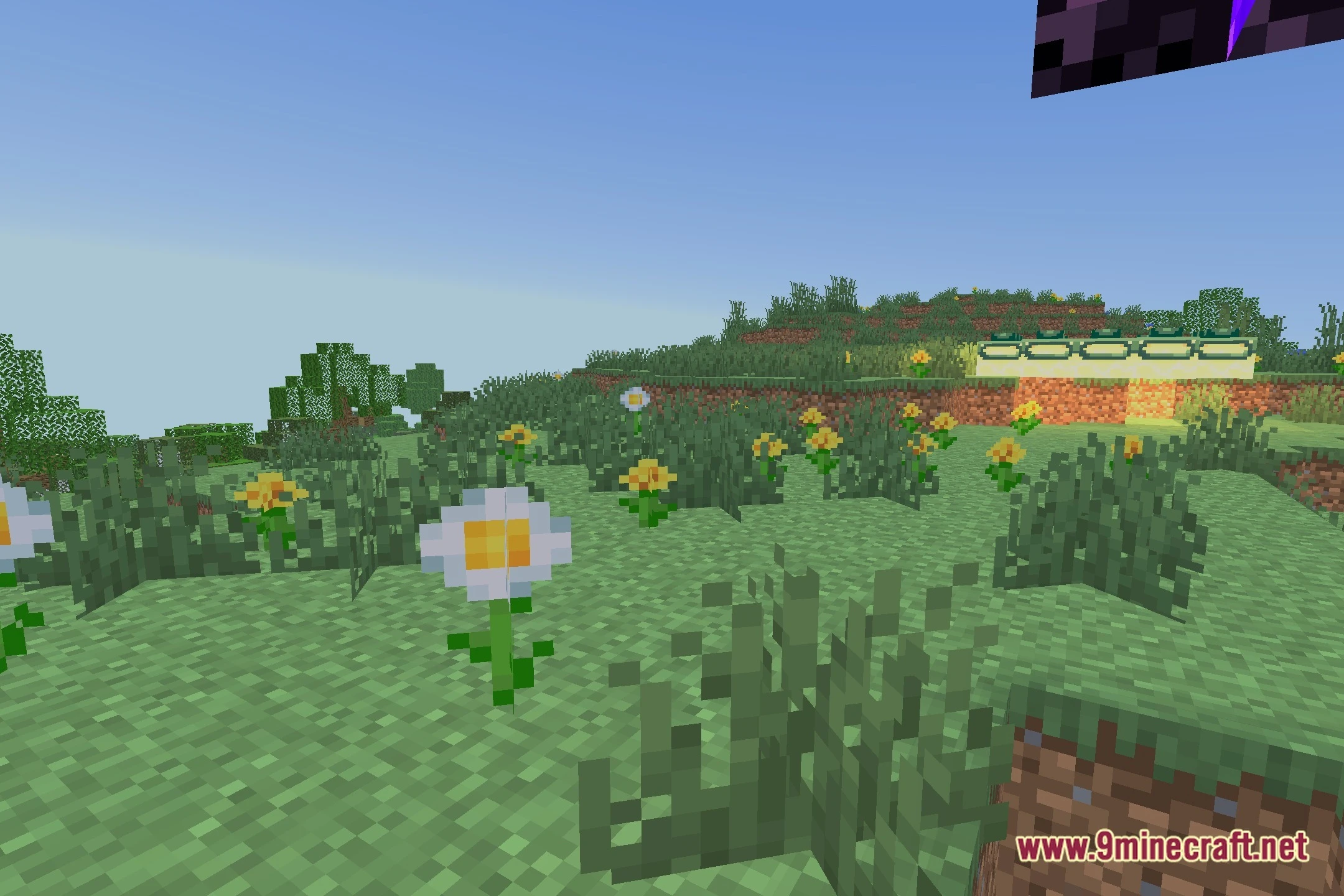
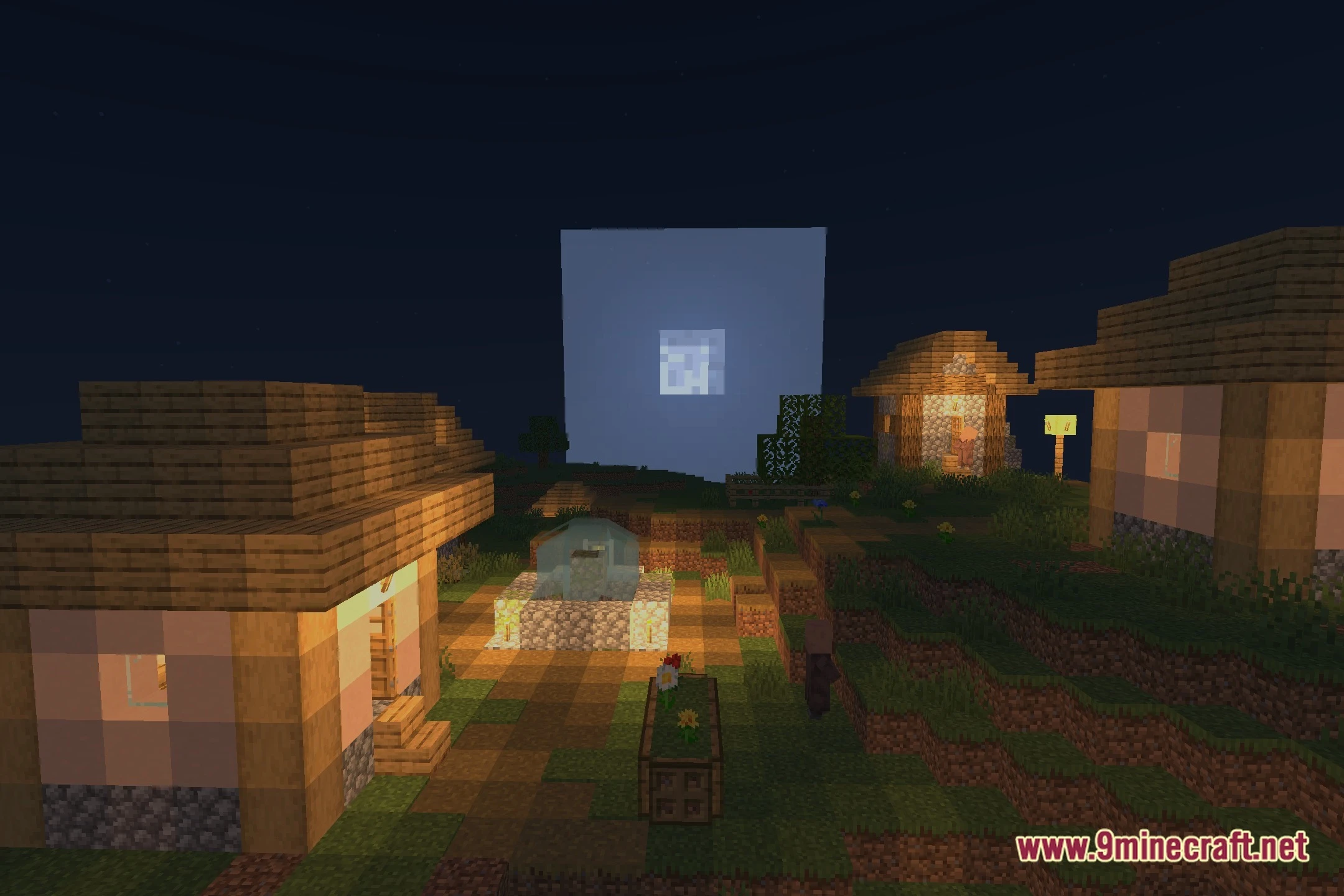
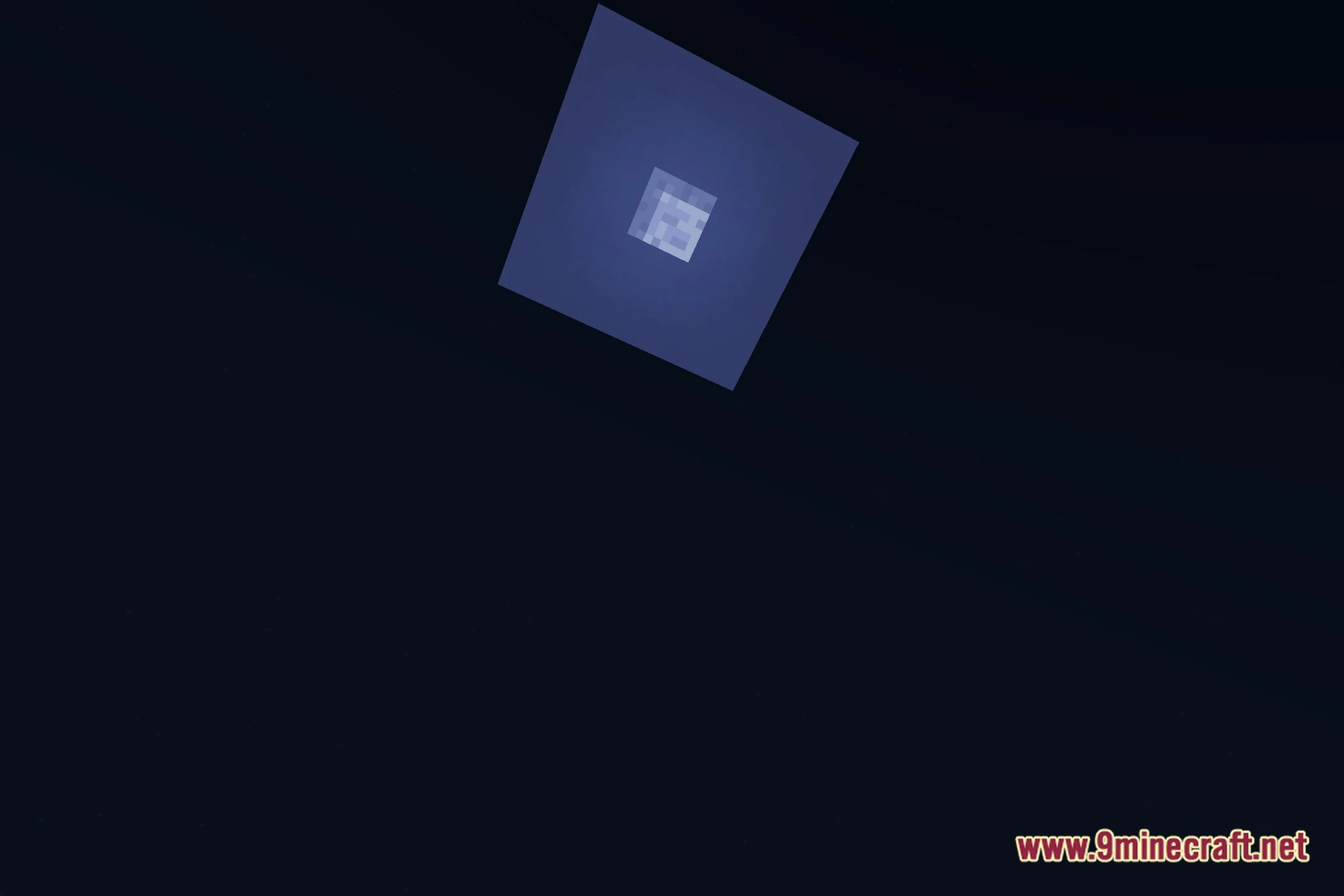
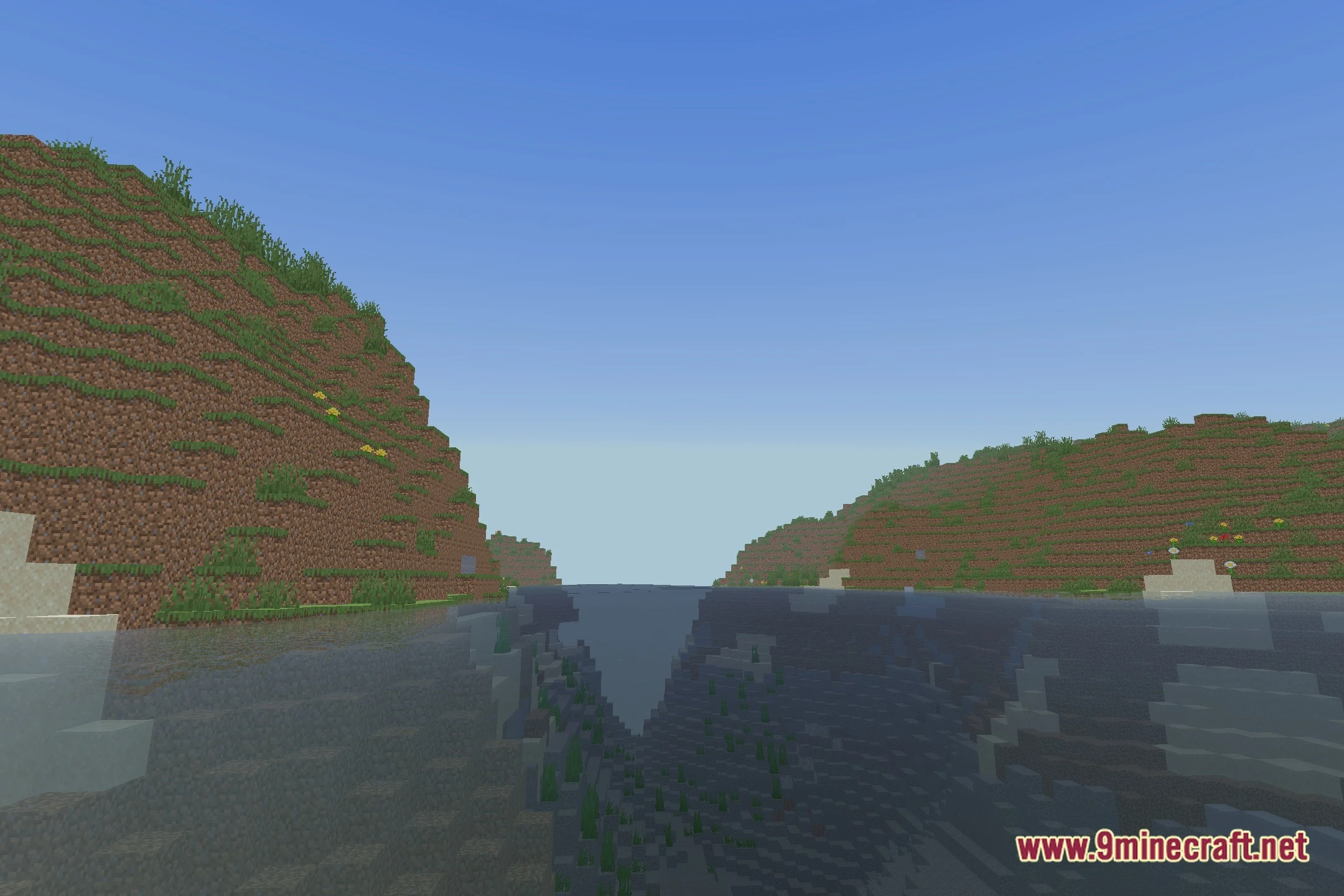
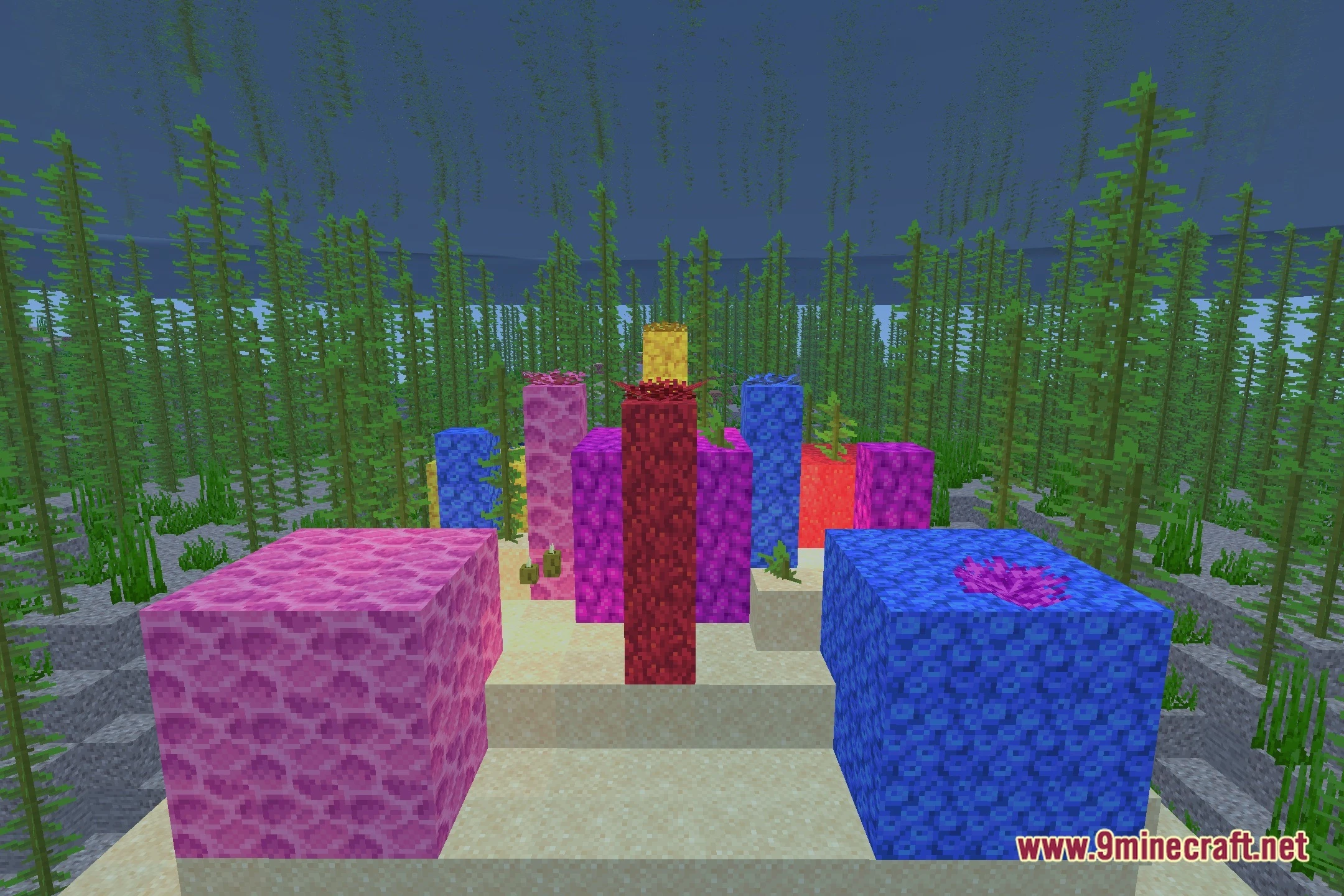
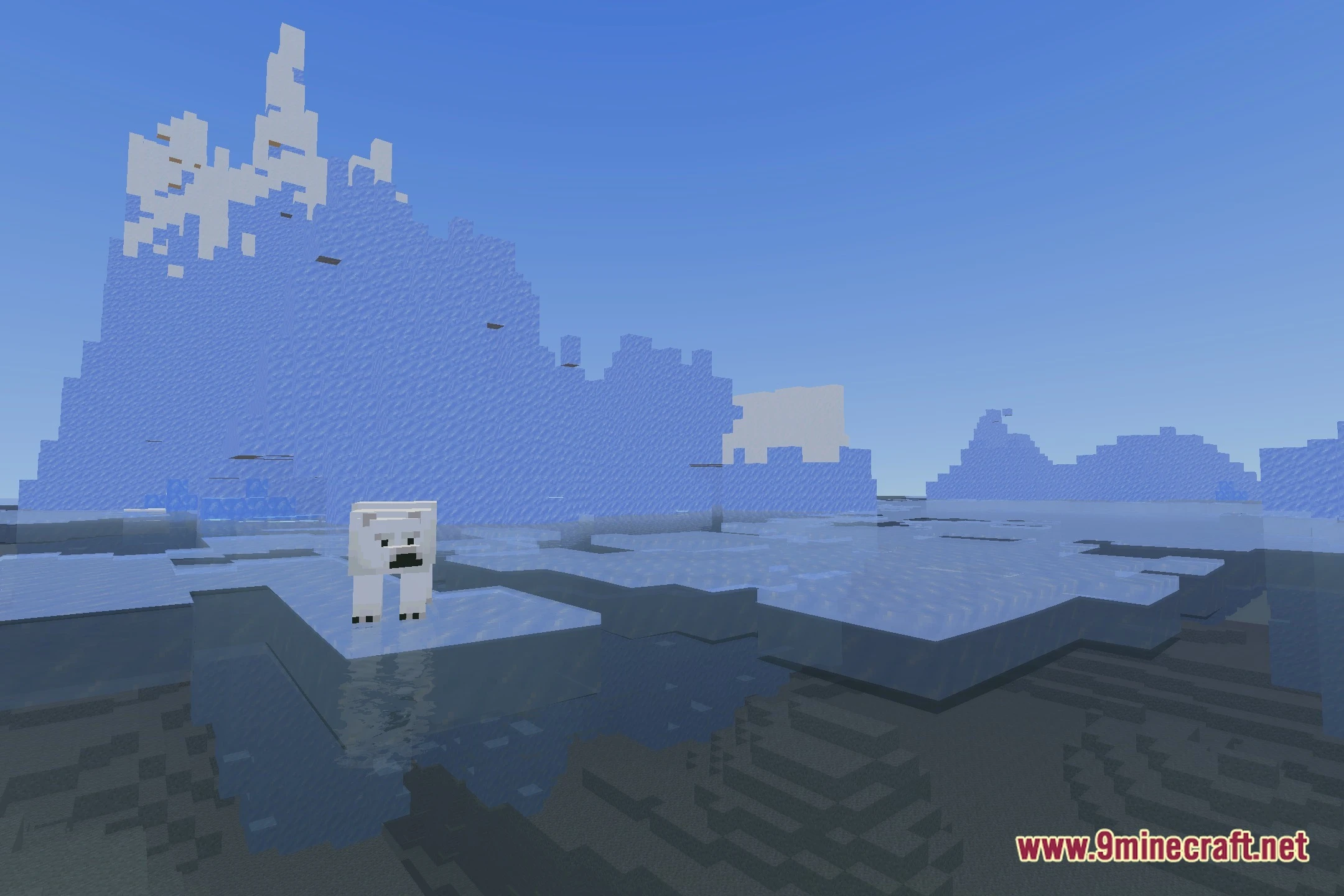
12 images from the Elytrune Shaders page.


You May Also Like
Wikis that share the most with this one
Wikis on the same theme: light
More shader wikis on the site
The most downloaded mods that have a wiki here