

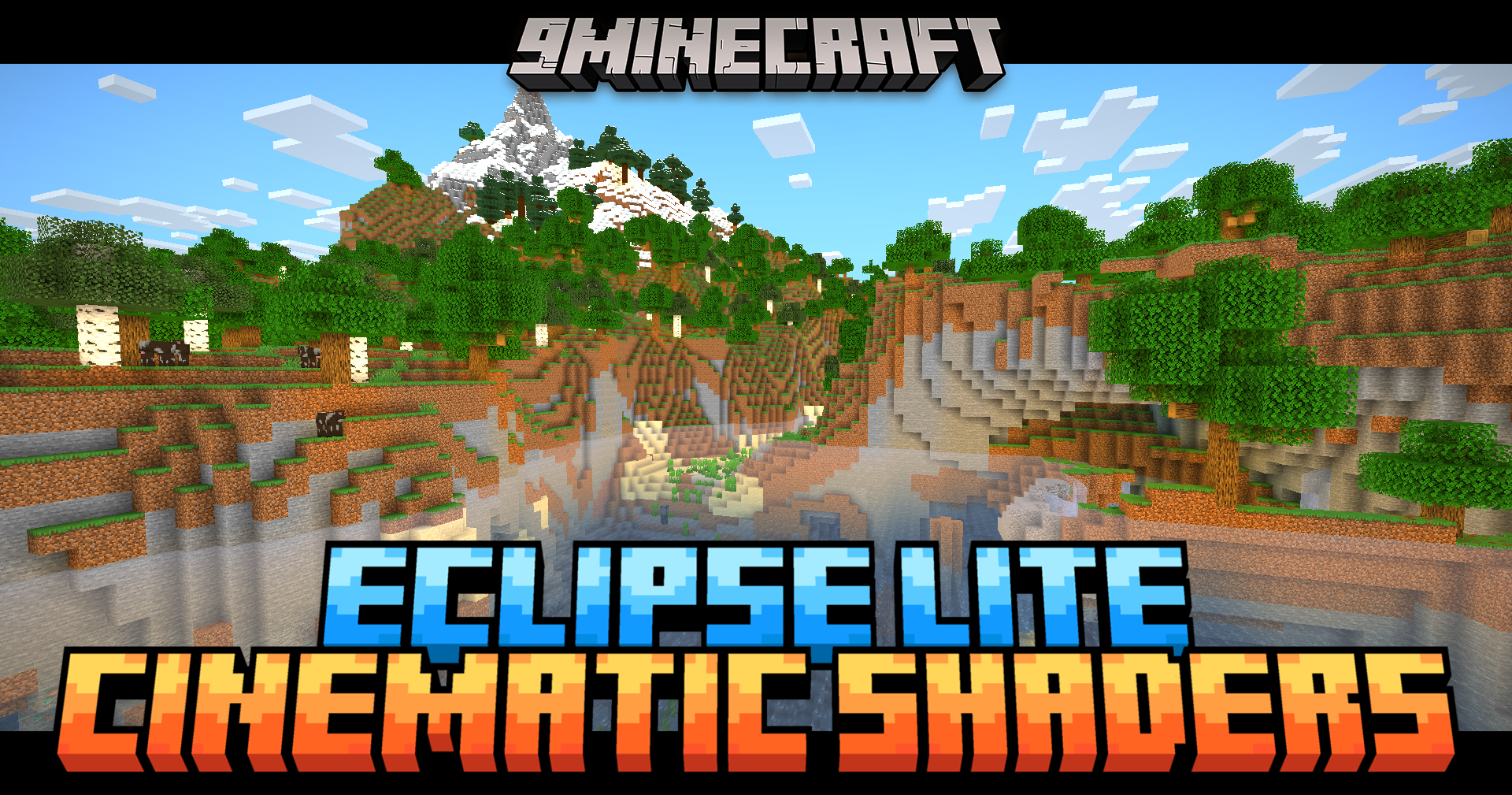
 DownloadEclipse Lite Cinematic Shaders
Get the files on 9Minecraft
Guides
Step-by-step, in-game.
Adjust or Remove the Cinematic Black BarsAccess Shader Settings Open your shader options menu while in-game. This is typically found in Video Settings >…Customize Shader Colors and ContrastOpen Shader Configuration Access Video Settings > Shaders > Shader Options to find color and contrast controls.…Improve Water Visibility and TransparencyLocate Water Settings Access your shader options menu ( Video Settings > Shaders > Shader Options ). Look for…Maximize Frame Rate on Low-End HardwareVerify Shader Optimizations Eclipse Lite is already optimized for old computers, but you can confirm settings are…
Frequently asked questions
How do I turn on the cinematic bars?
The cinematic bars are enabled by default when you activate Eclipse Lite Cinematic Shaders. If you don't see them, open the shader settings (usually by pressing a key like Right Shift or through your shader menu) and look for a Cinematic View or Black Bars toggle to enable it.
Can I make the black bars smaller or remove them completely?
Yes. Access the shader settings menu and find the cinematic bar size or height option, where you can adjust the thickness of the bars or disable them entirely if you prefer the full screen view.
Why is my water still looking murky or opaque?
Check your shader settings for water transparency or clarity options and ensure they're set to maximum. If water still looks unclear, verify that other mods affecting water rendering (like OptiFine water settings) aren't conflicting with the shader.
I'm getting low FPS even with this 'lite' shader. What can I do?
Disable any optional visual features in the shader settings like reflections or enhanced shadows, lower your render distance in Minecraft video settings, and close background applications. If you're still struggling, this shader may be at the limit of your hardware's capability.
See all 10 Eclipse Lite Cinematic Shaders questions ›
Gallery
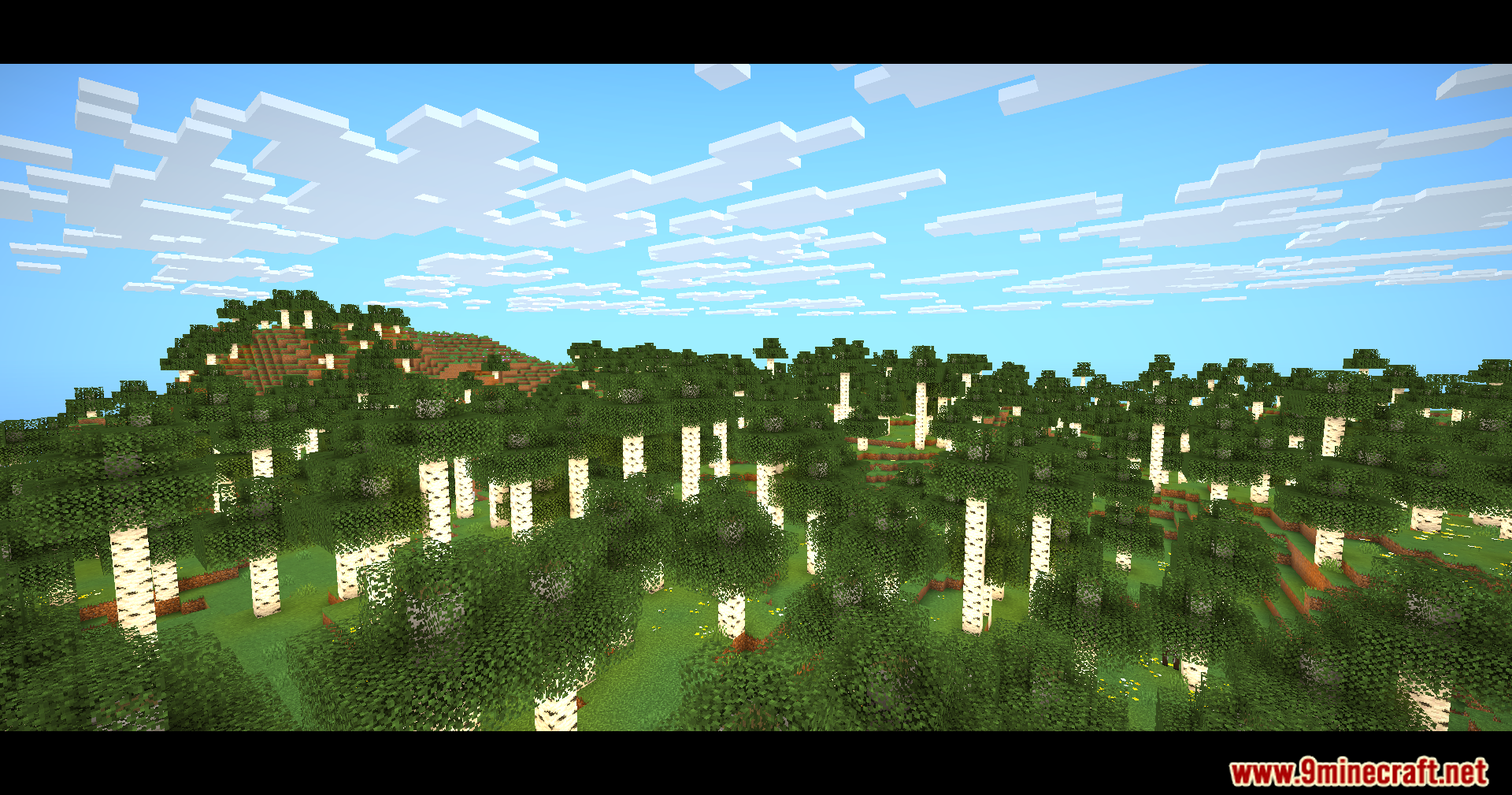
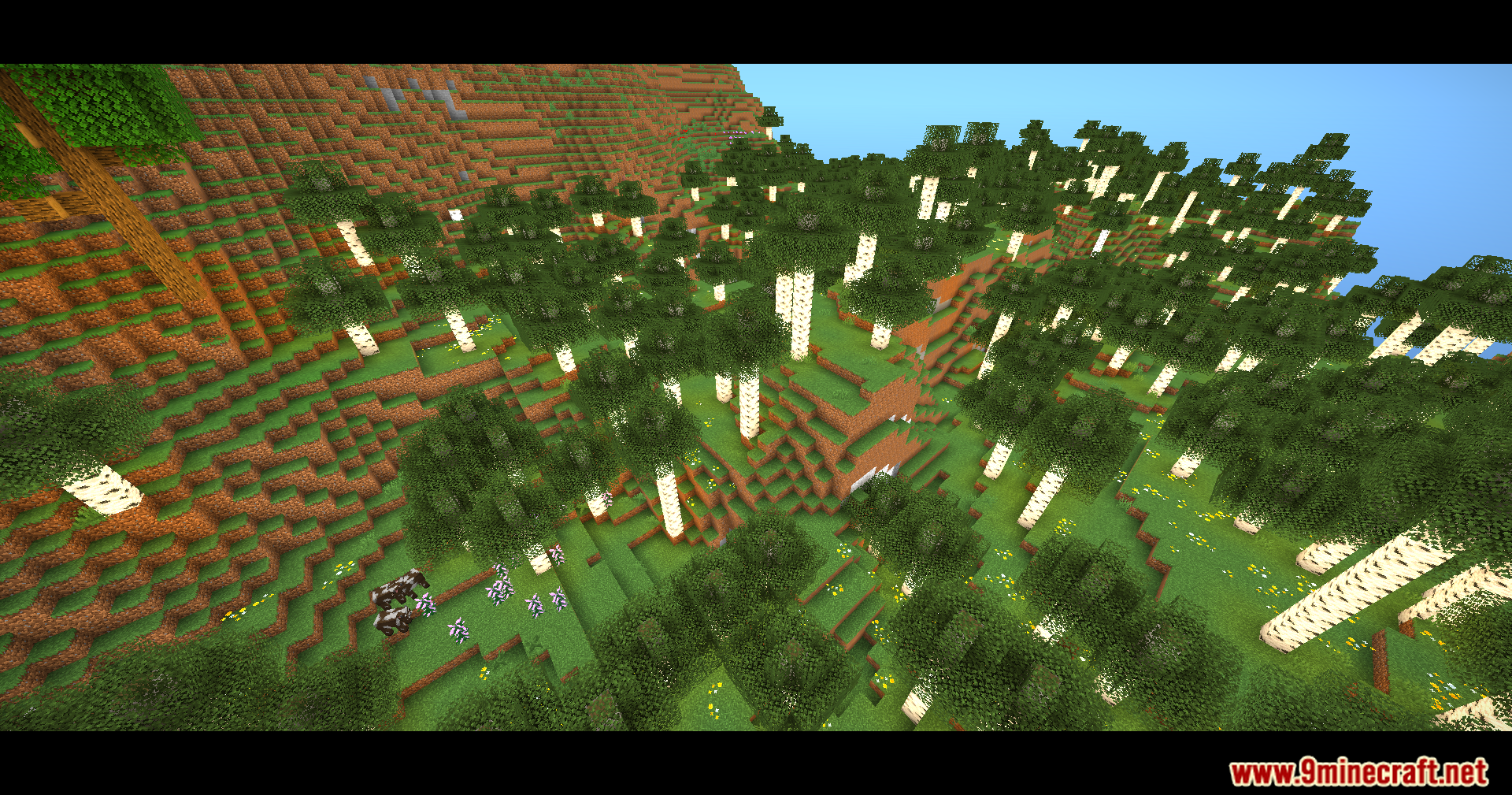
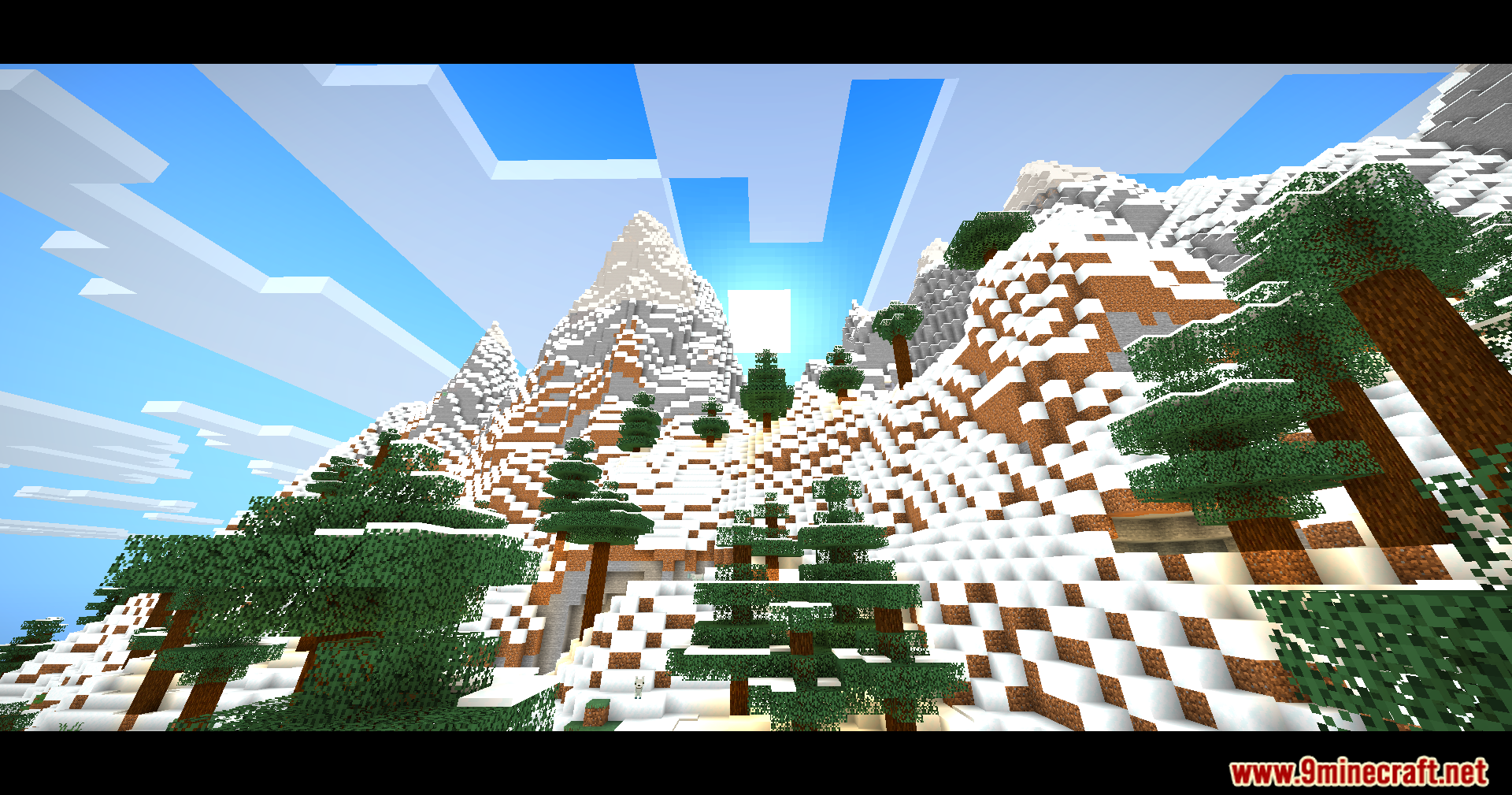
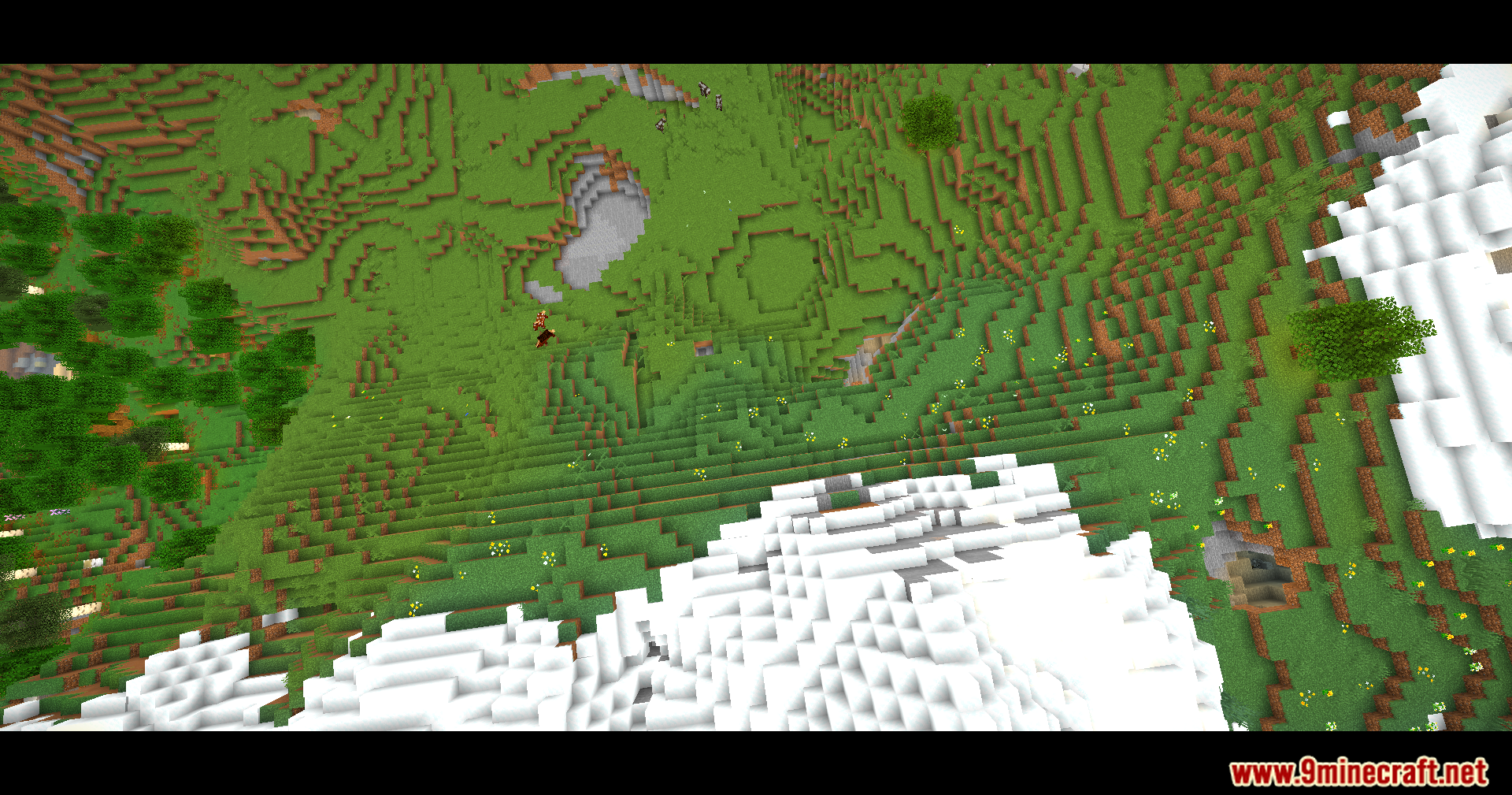
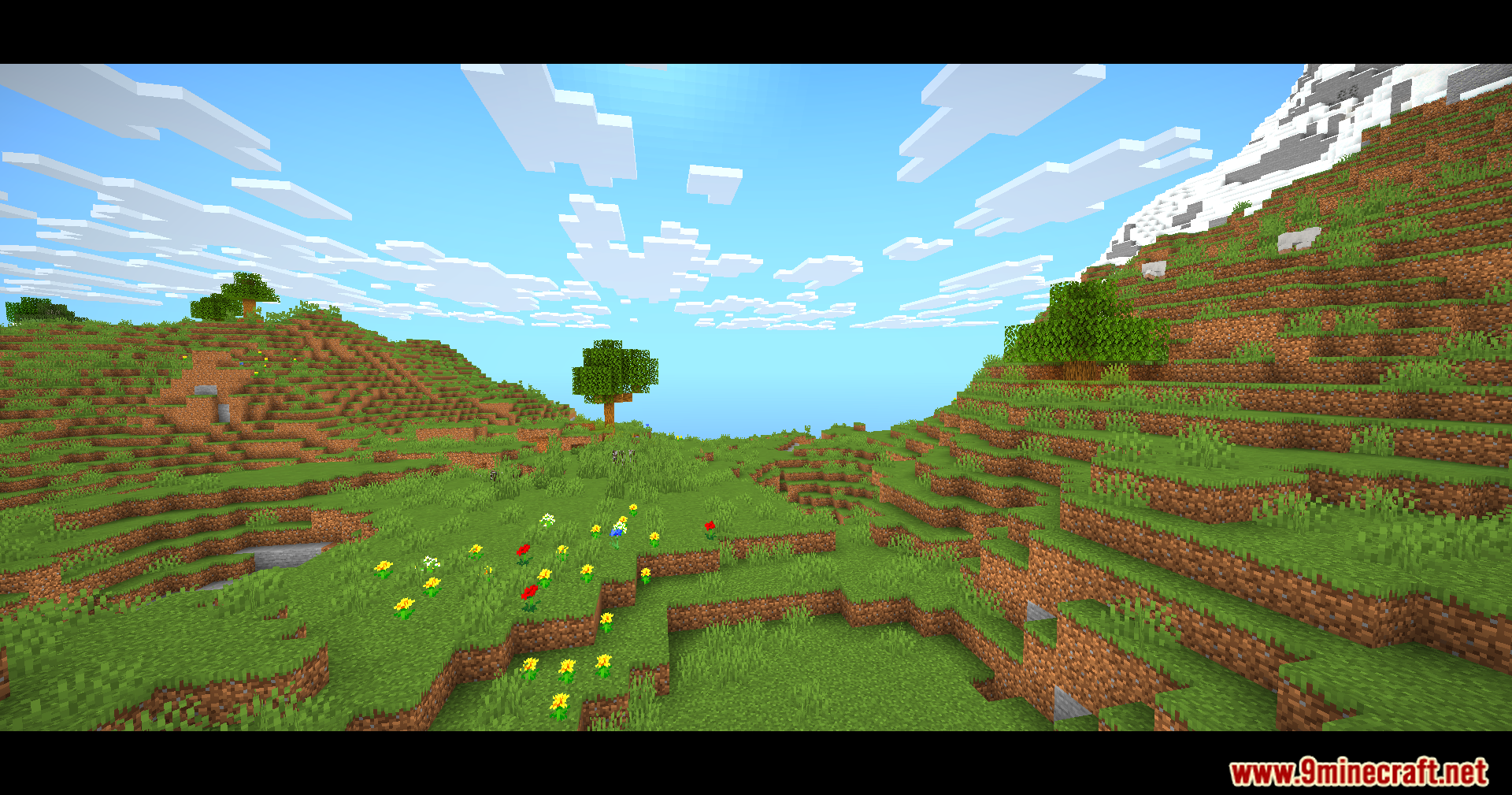
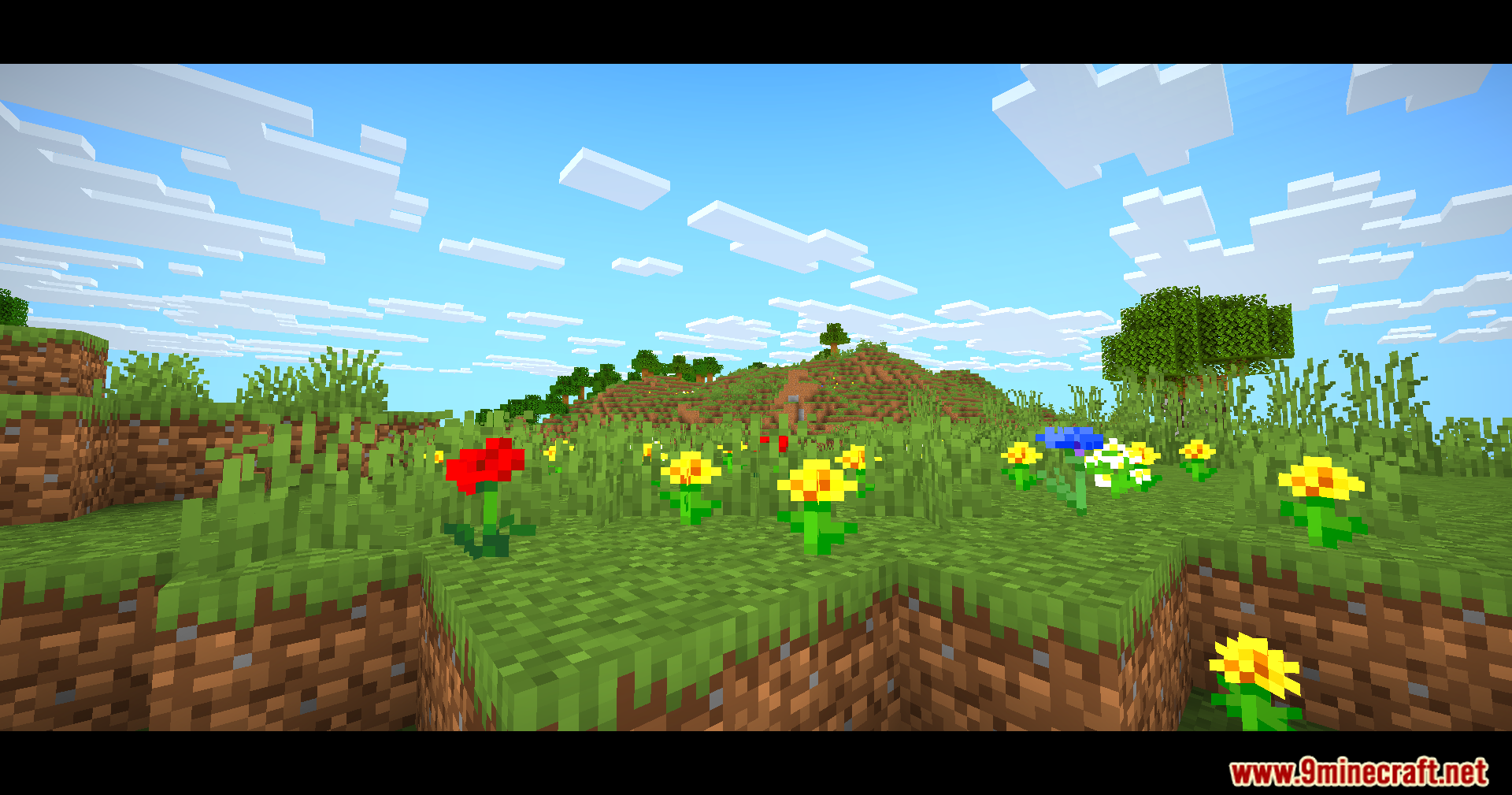
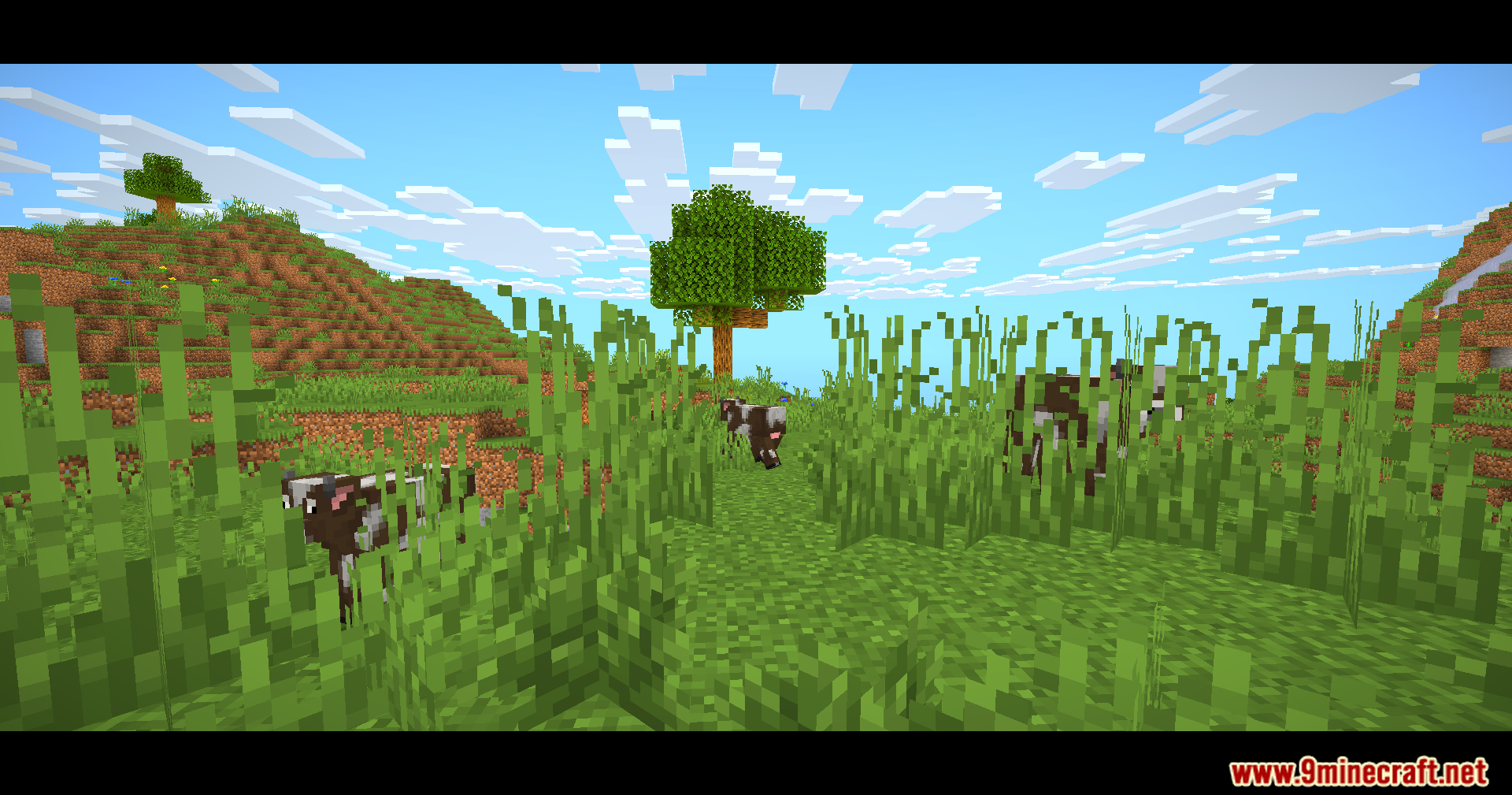
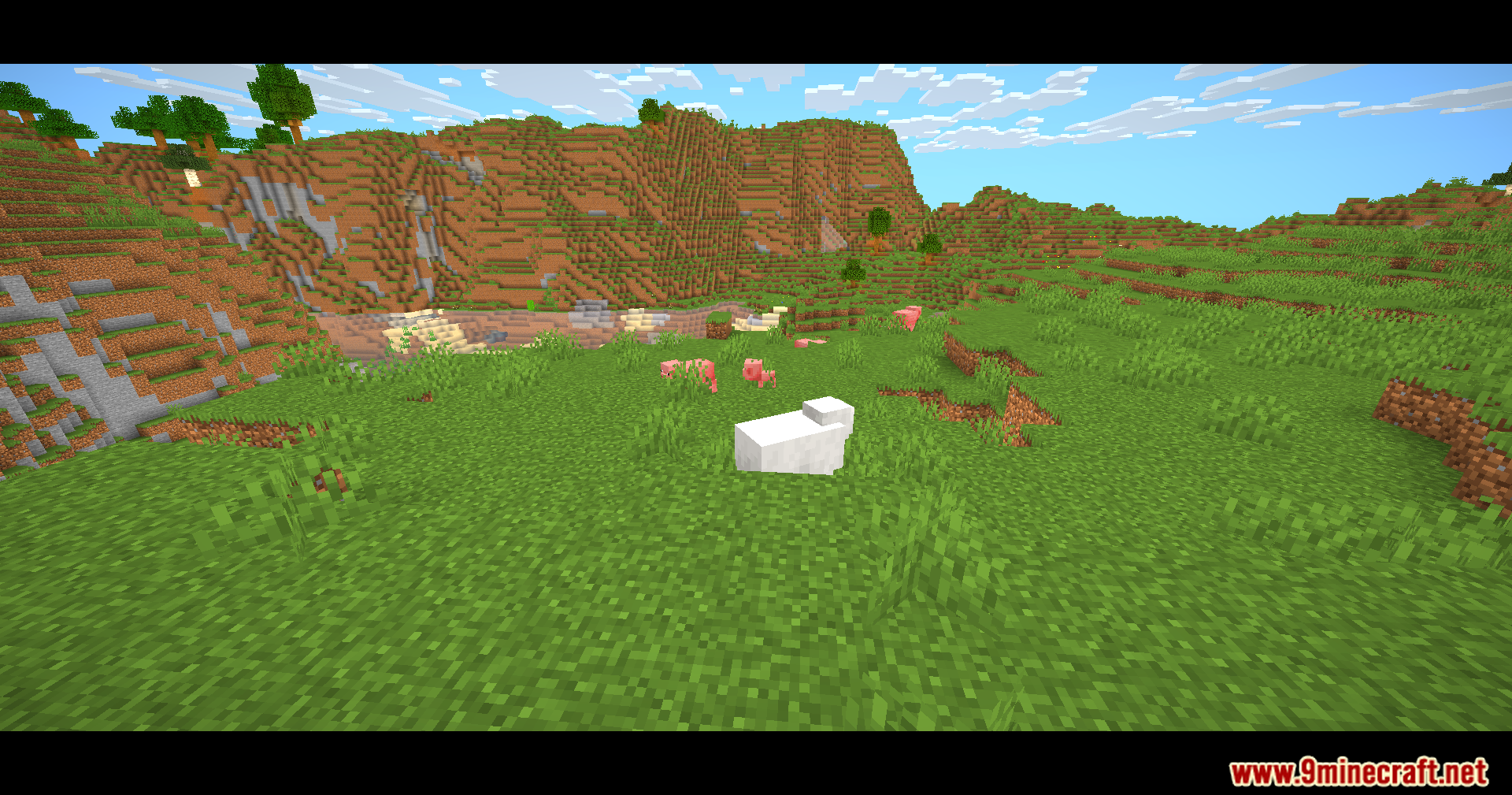
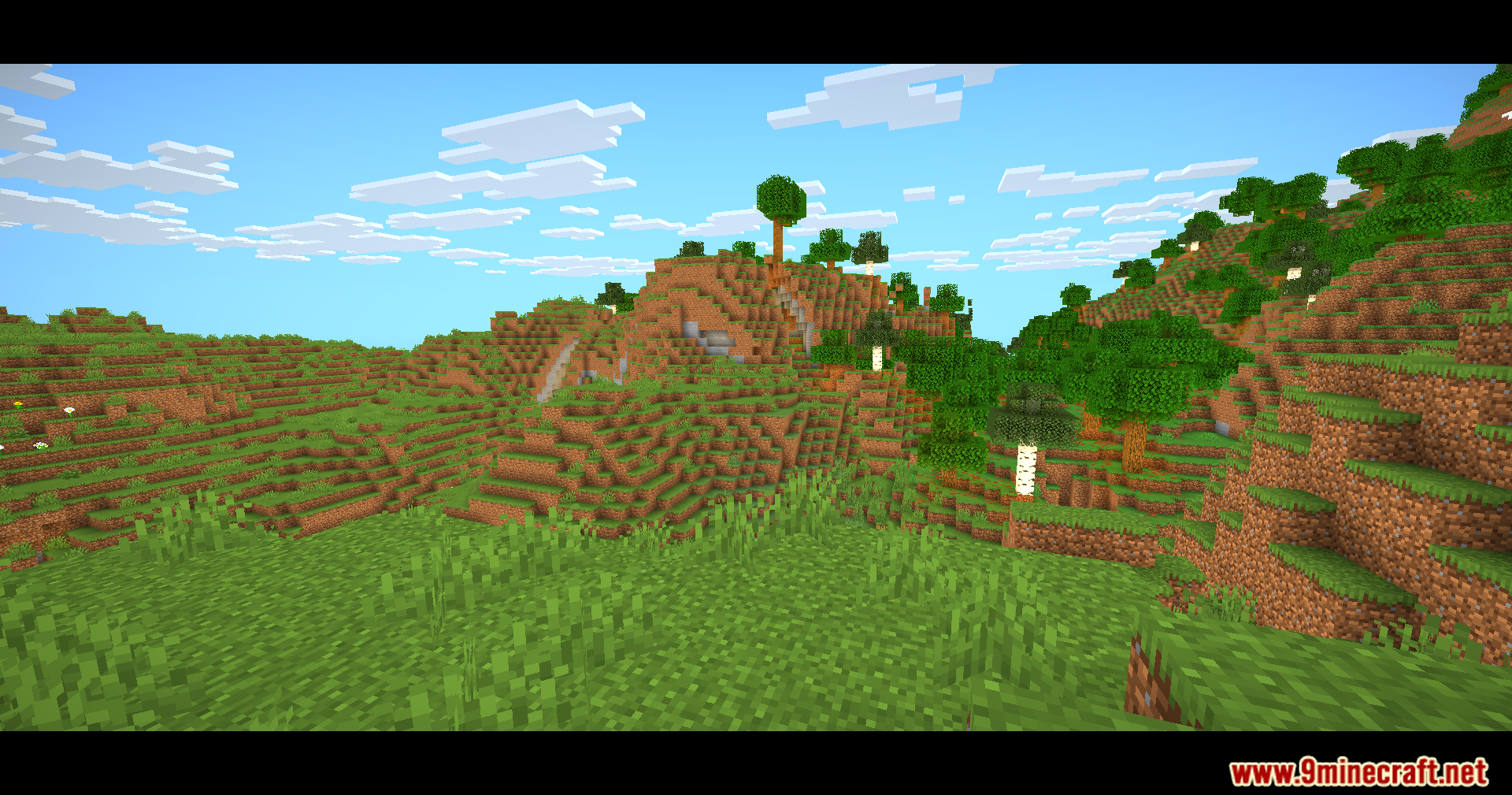
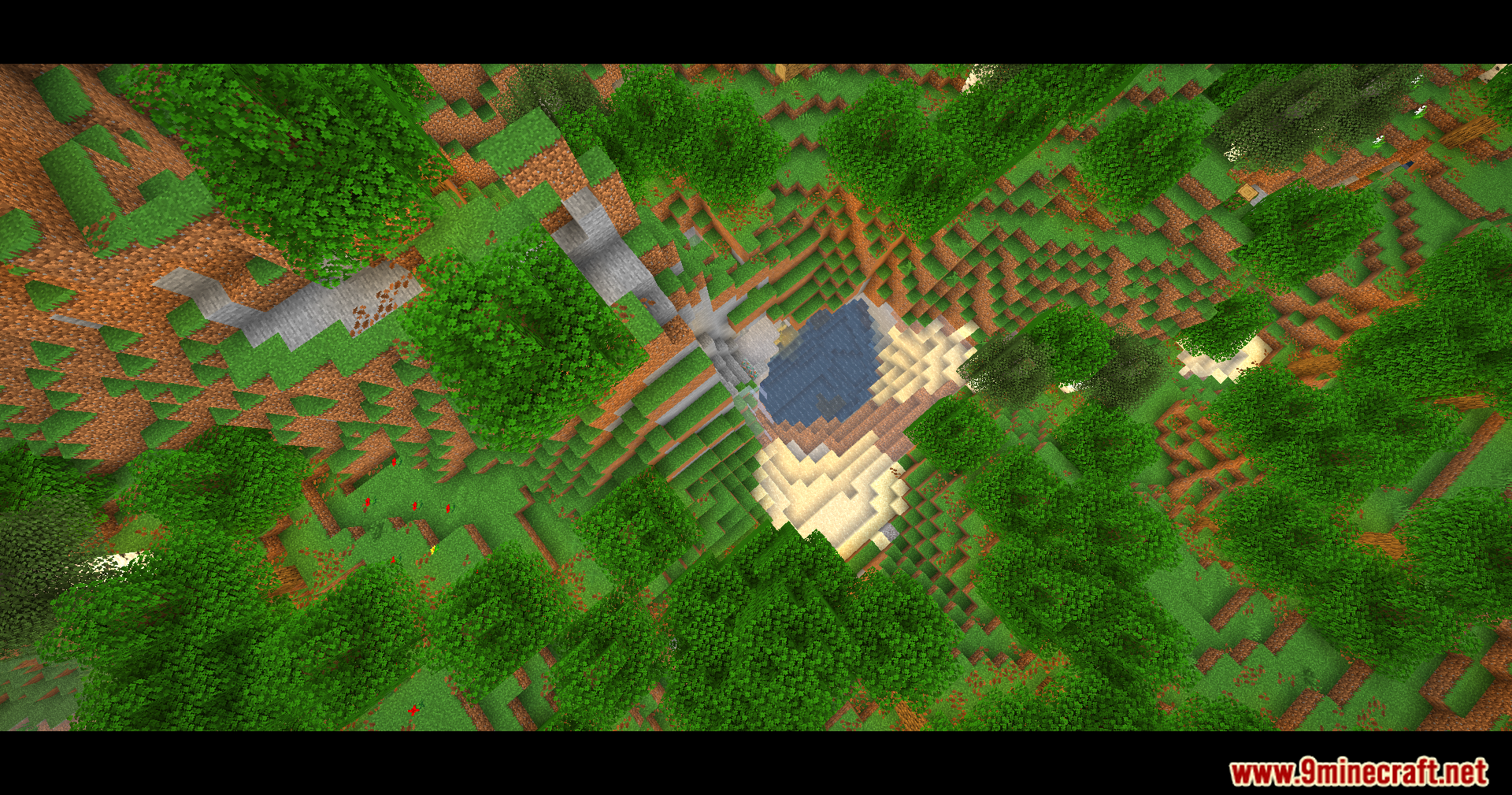
11 images from the Eclipse Lite Cinematic Shaders page.
You May Also Like
Wikis that share the most with this one
Wikis on the same theme: light
More shader wikis on the site
The most downloaded mods that have a wiki here