

 DownloadCripe Shaders
Get the files on 9Minecraft
Guides
Step-by-step, in-game.
Capture Screenshots That Show Off the Glitch EffectsChoose the Right Locations Glitch effects are most visually striking in specific environments: Water and reflective…Disable Specific Glitch Effects While Keeping OthersOpen Shader Configuration Access your shader options through Video Settings > Shaders > Shader Options. Most shader…Optimize Cripe Shaders Performance on Older HardwareCheck Current Performance Launch the game and monitor your frame rate using F3 (or your launcher's performance…Reduce Screen Glitch Intensity for Better VisibilityAccess Shader Settings Open your shader options menu while in-game. This is typically found in Video Settings >…
Frequently asked questions
How do I turn on Cripe Shaders after installing it?
Open your Video Settings, go to Shaders, and select Cripe Shaders from the list. The glitch effects will apply immediately to your world.
Can I make the screen glitches less intense so I can actually see what I'm doing?
Yes—open the shader options menu (usually by clicking the Settings button next to the shader name) and look for intensity, strength, or effect amount sliders to dial down the corruption, color separation, or scanlines individually.
Why does my game look normal? Is Cripe Shaders working?
Make sure you've selected Cripe Shaders in Video Settings > Shaders and that shaders are actually enabled. Some effects are subtle depending on your settings, so try adjusting the shader options to increase visibility of the glitches.
Can I turn off just the color split effect but keep the static and scanlines?
Yes—in the shader options menu, you can usually disable individual effects like color separation while leaving others active, giving you full control over which glitches appear.
See all 10 Cripe Shaders questions ›
Gallery
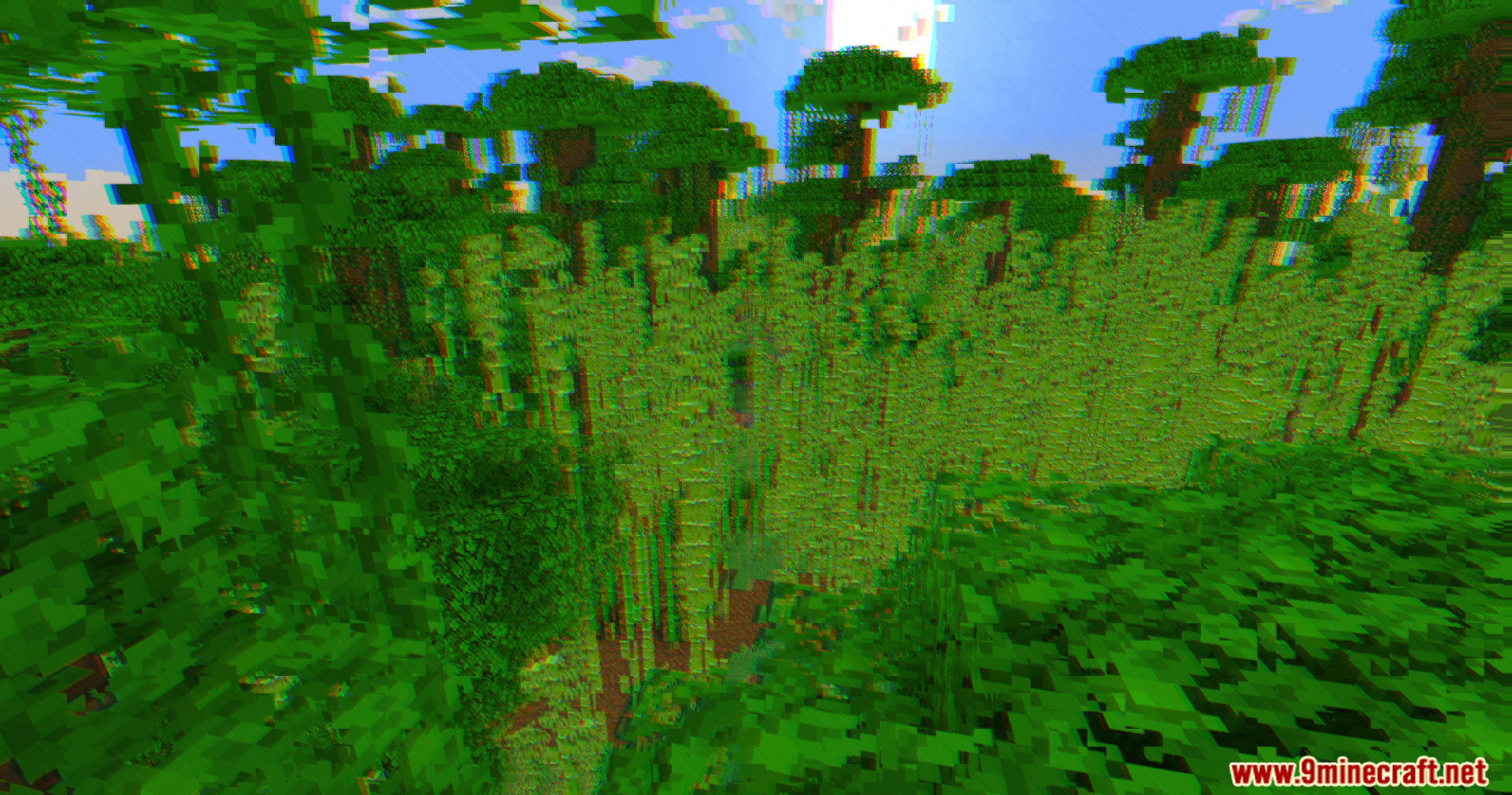
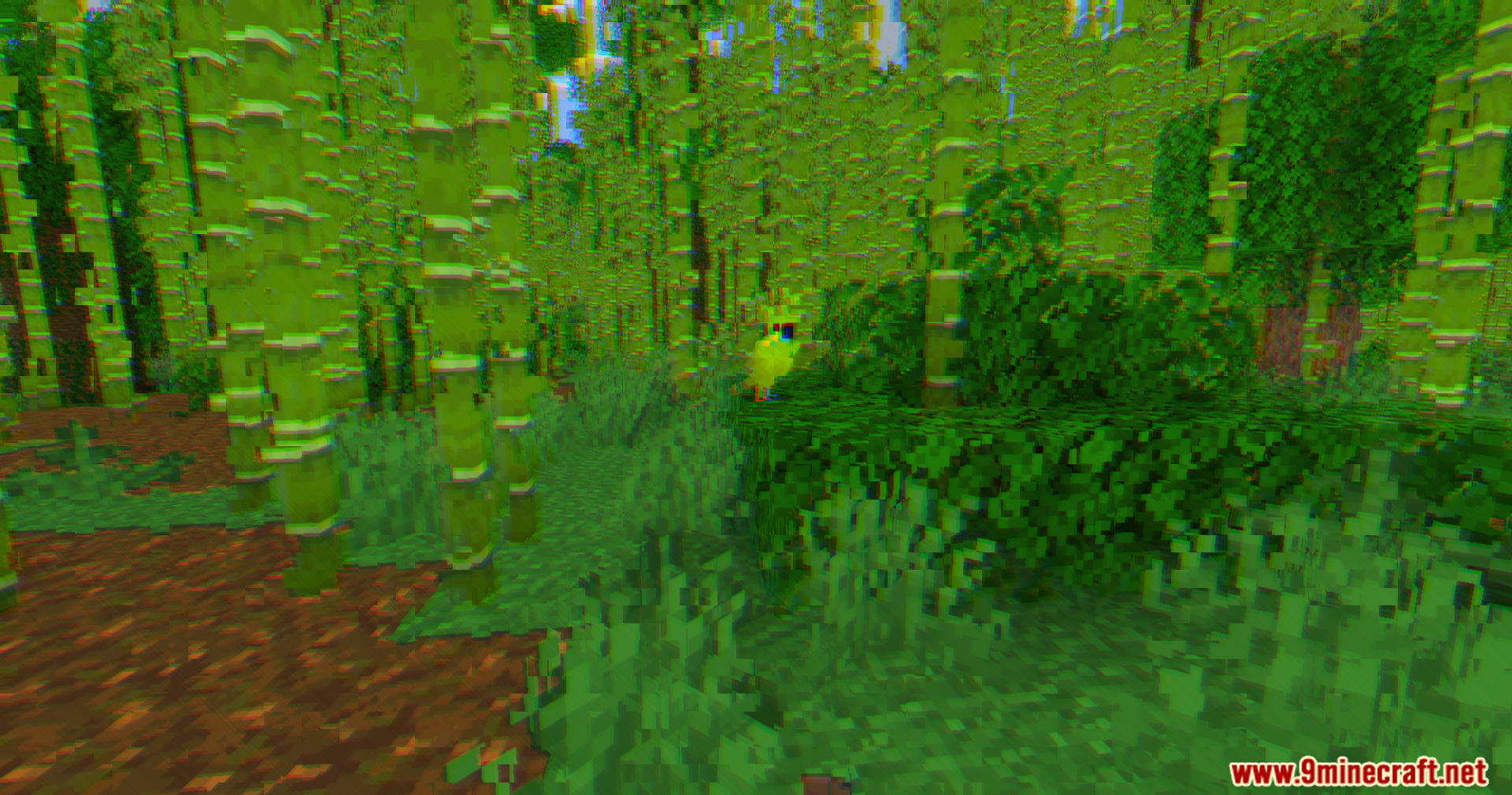
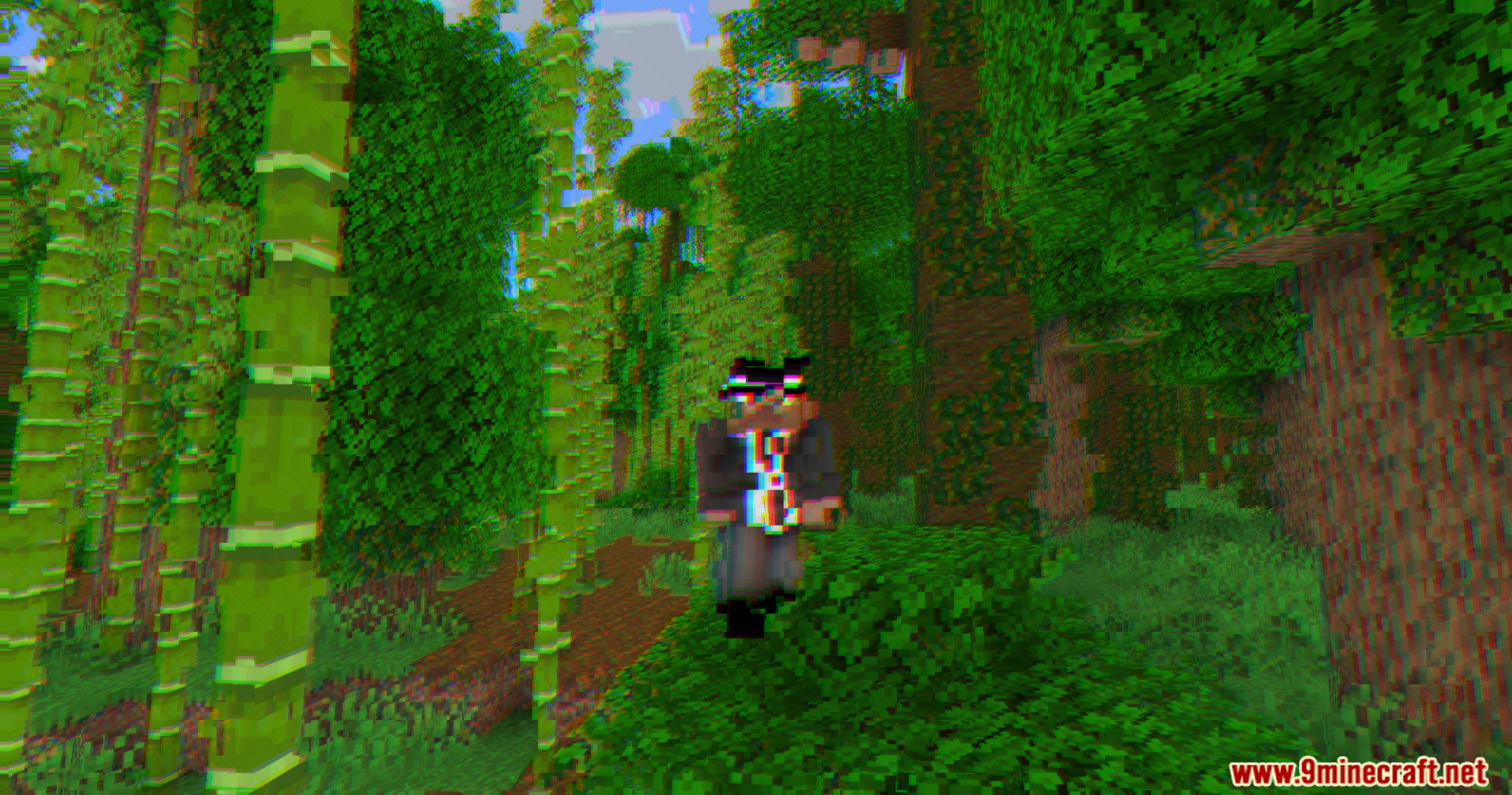
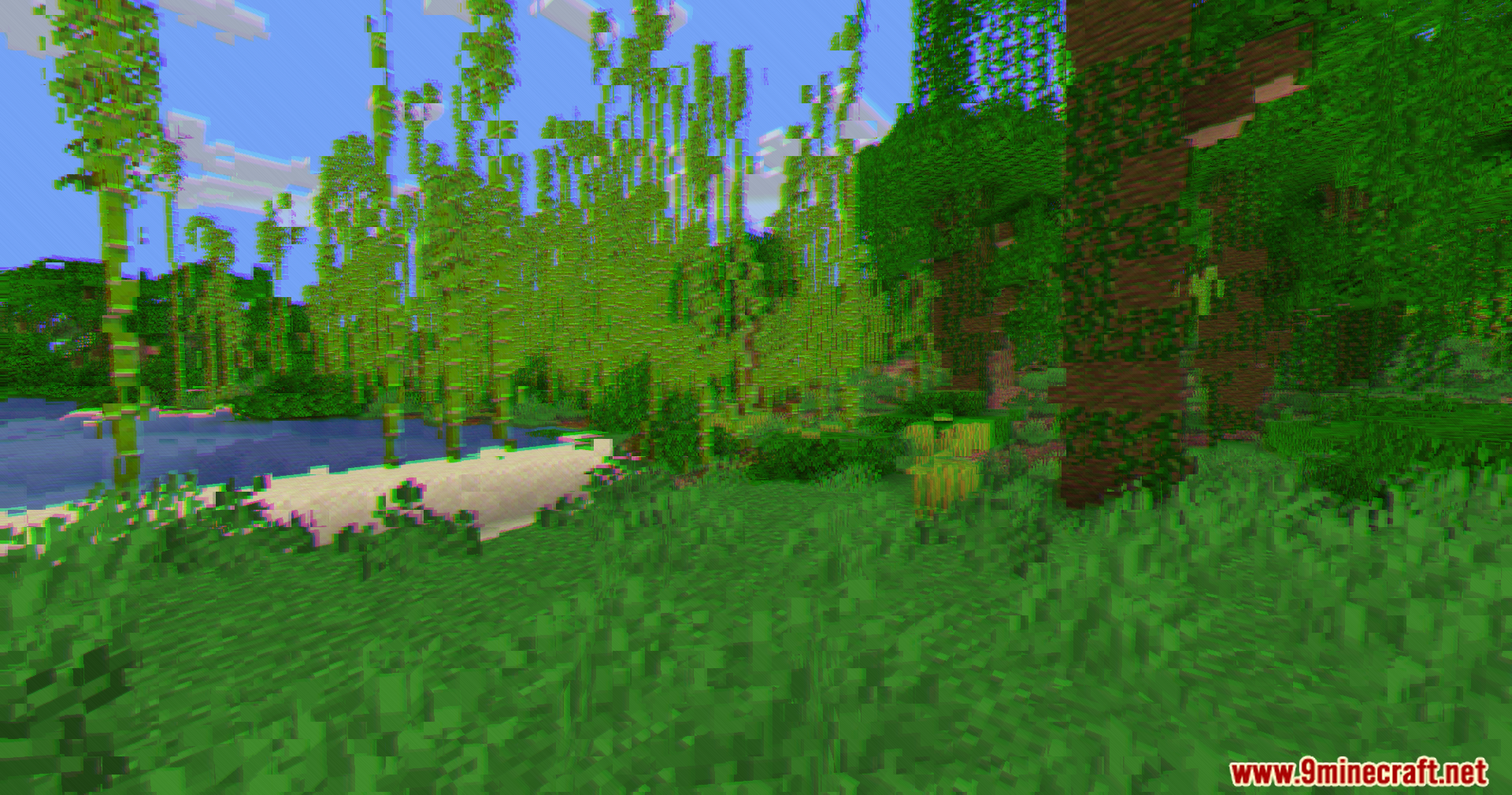
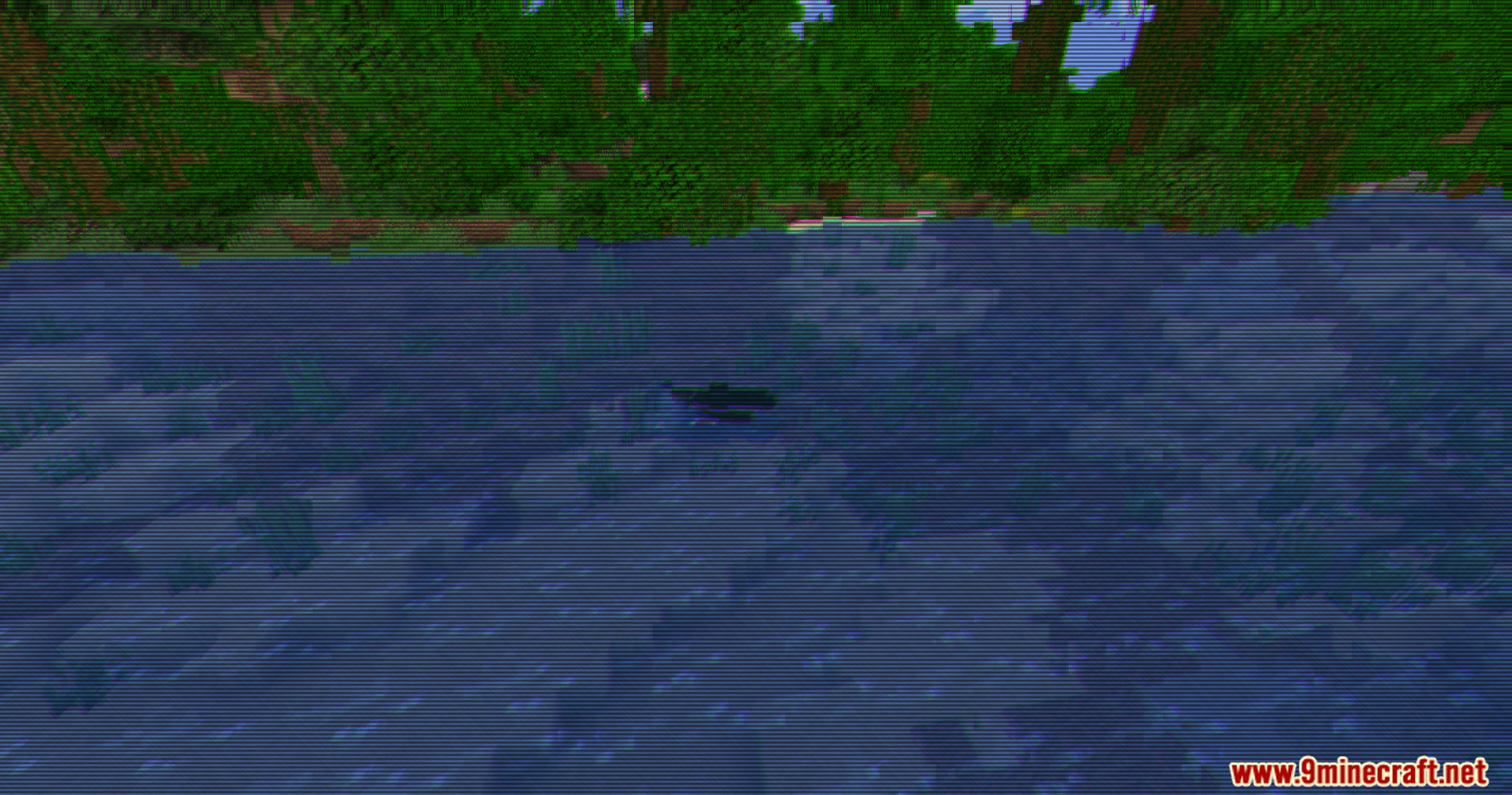
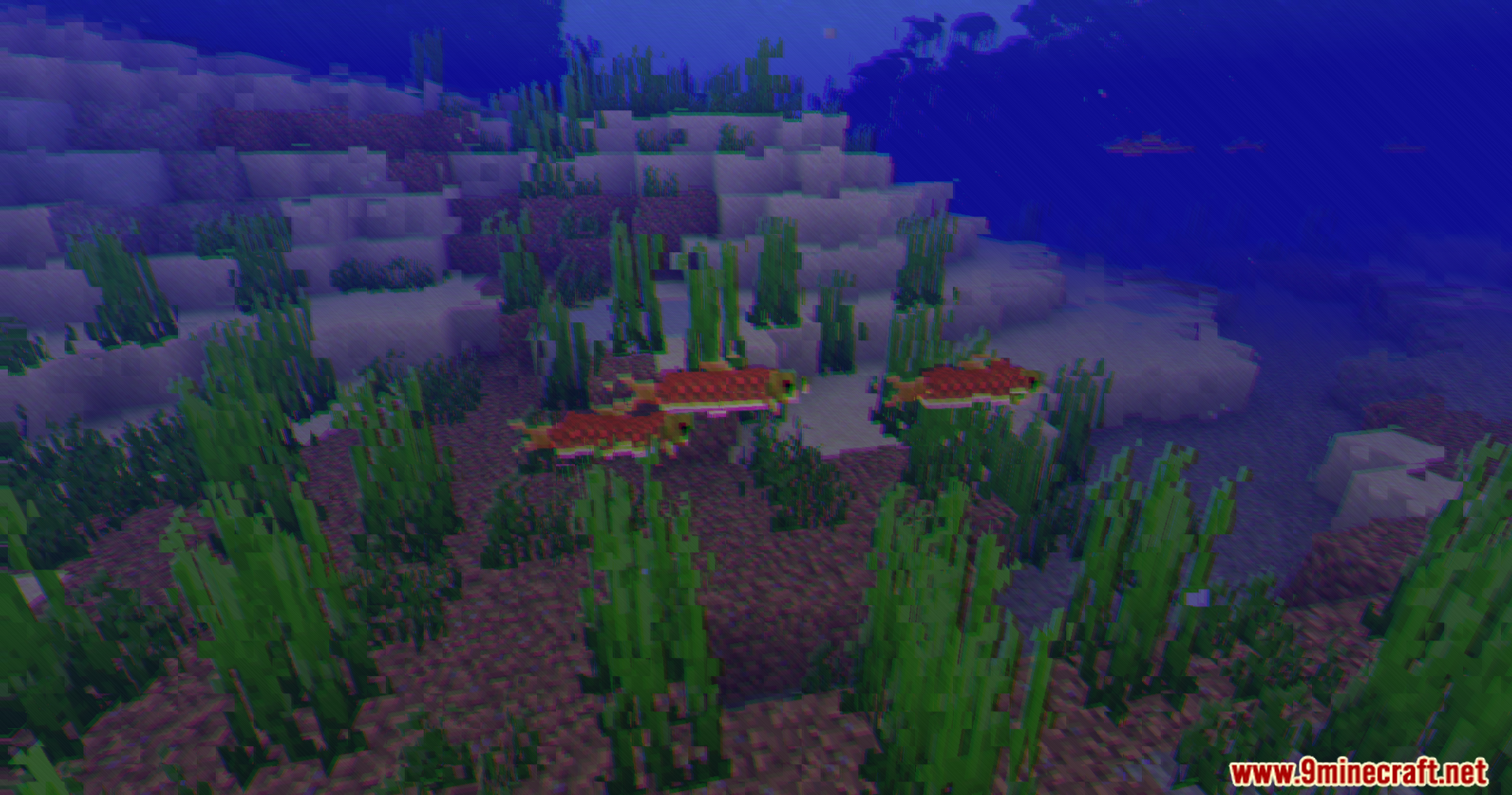
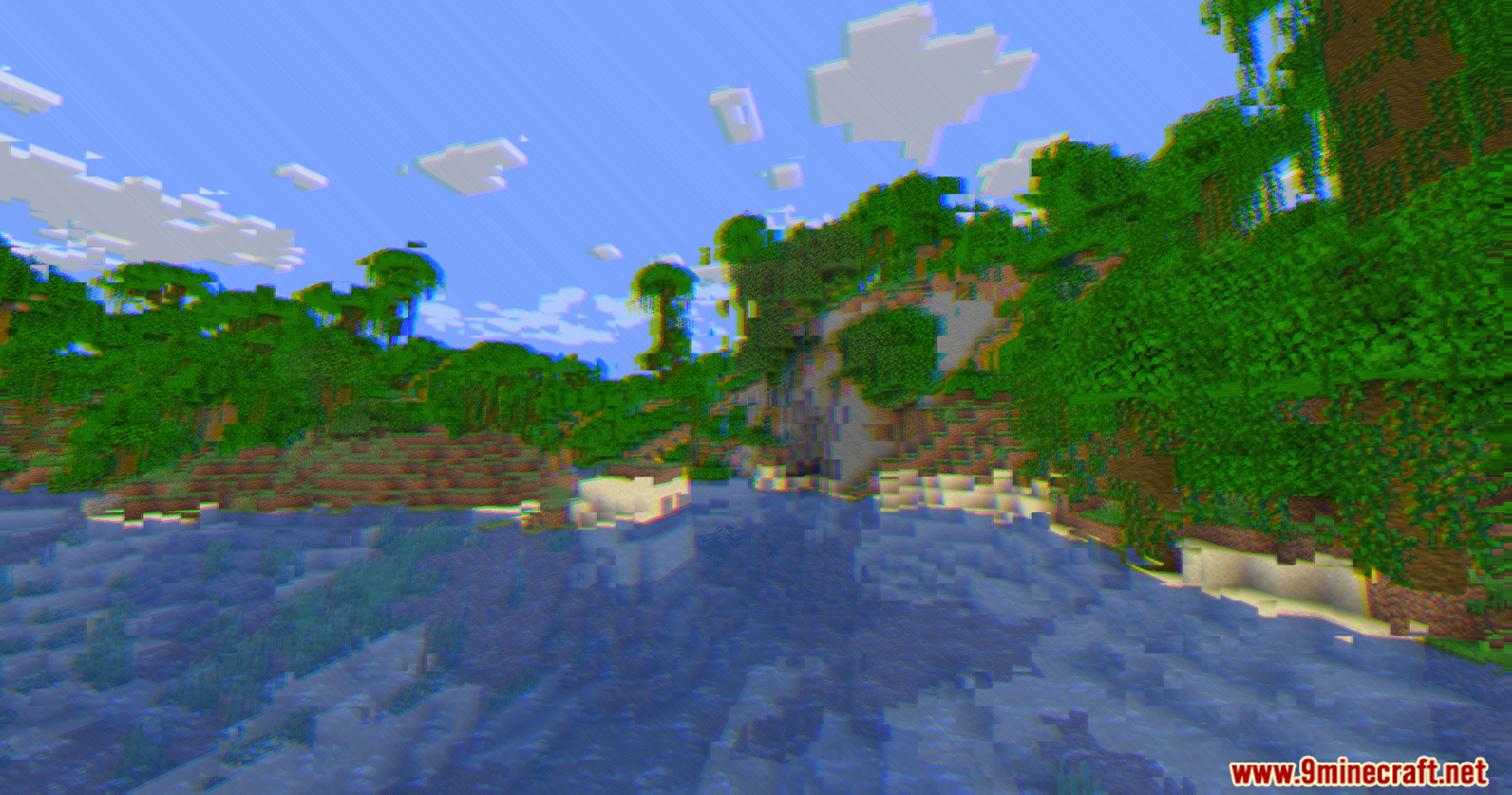
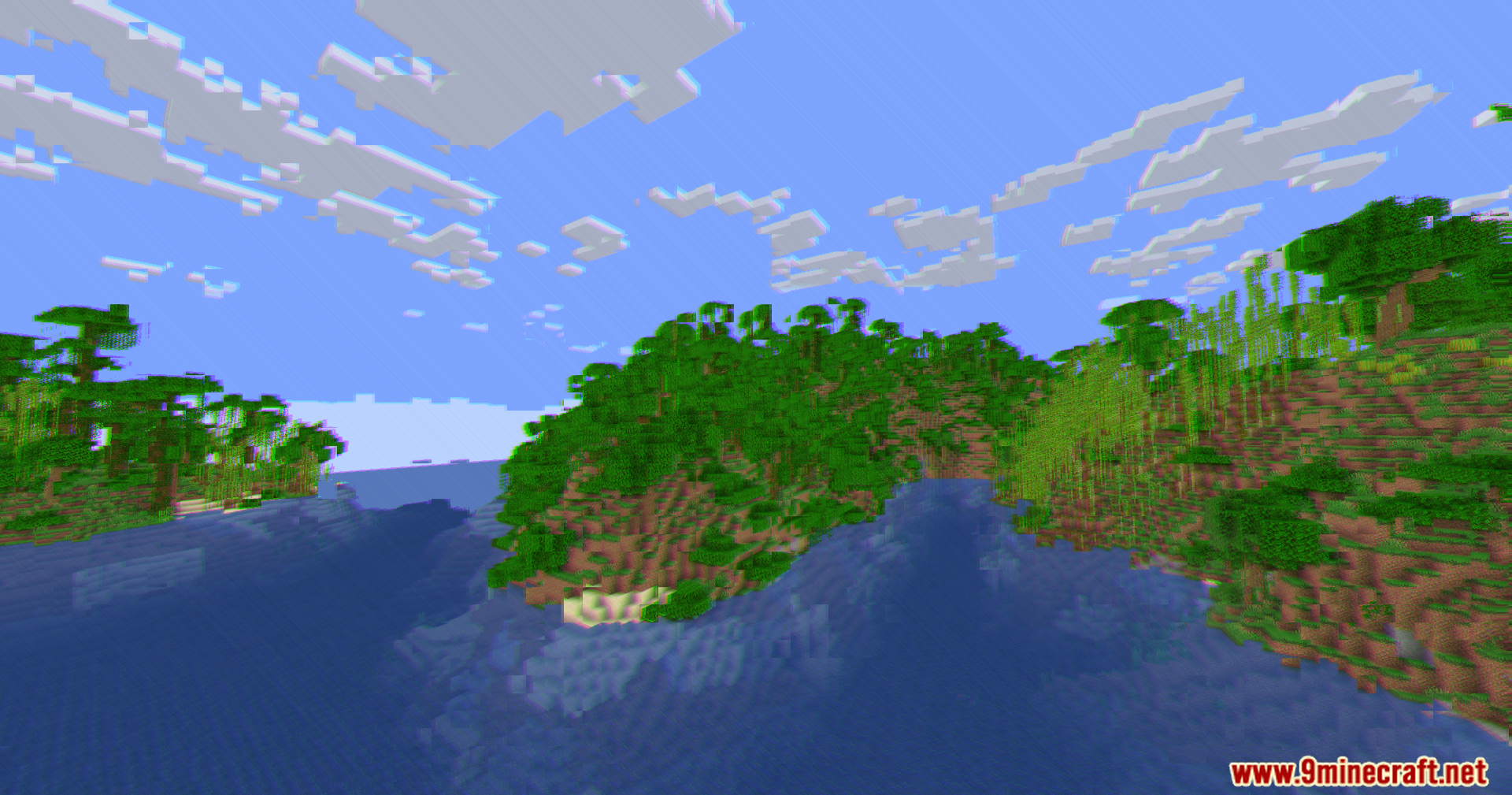
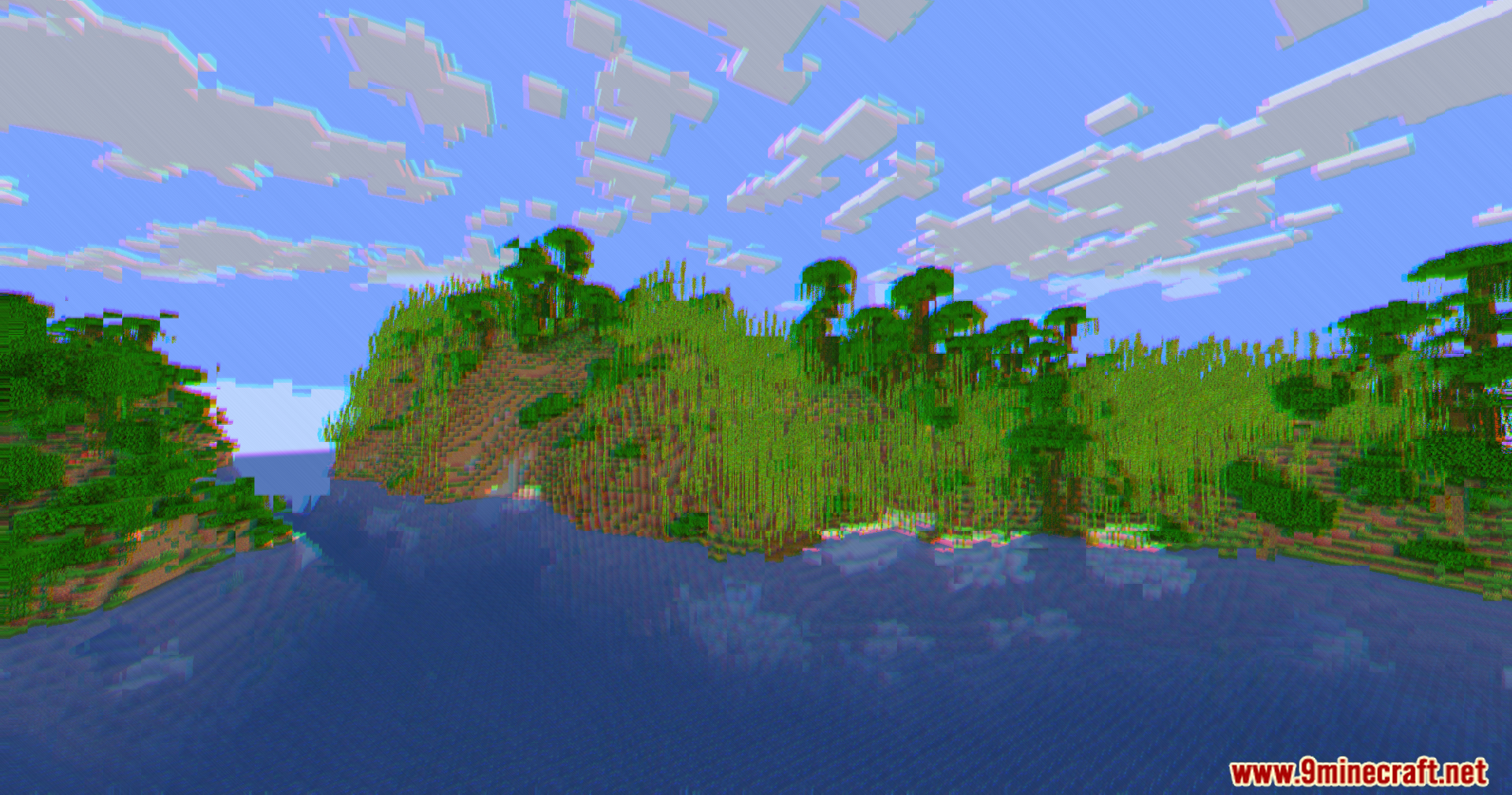
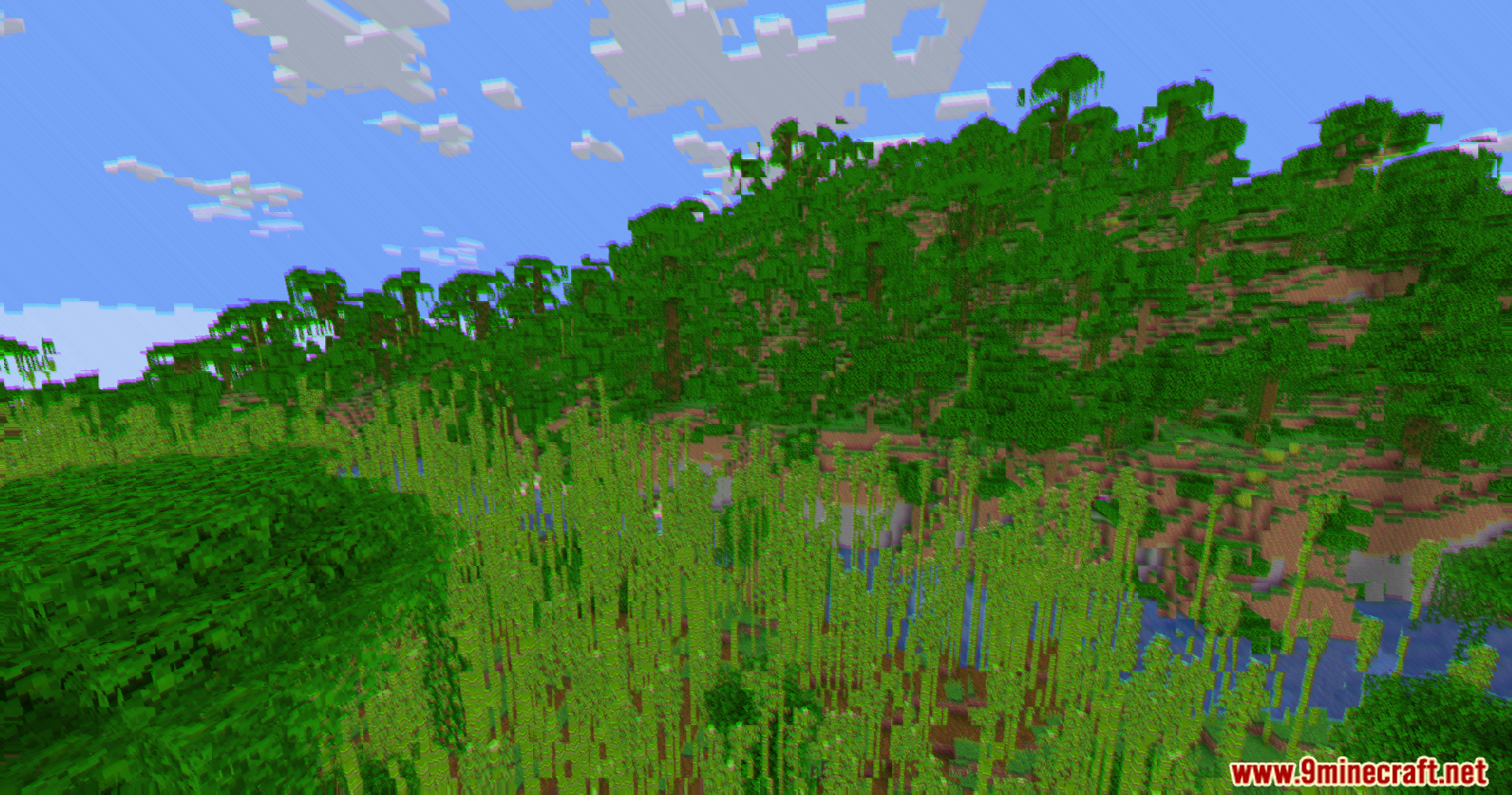
11 images from the Cripe Shaders page.
You May Also Like
Wikis that share the most with this one
Wikis on the same theme: light
More shader wikis on the site
The most downloaded mods that have a wiki here