

 DownloadComposition Shaders
Get the files on 9Minecraft
Guides
Step-by-step, in-game.
Adjust Overlay Settings for Different Aspect RatiosChanging Aspect Ratio Guides Composition Shaders allows you to switch between different aspect ratio overlays to…Enable and Toggle Composition OverlaysActivating the Overlay Composition Shaders adds visual guides to your screen to help frame shots. To enable the…Frame Video Scenes with Videography GuidesSelecting Videography Mode Composition Shaders includes guides designed specifically for video recording. Access your…Use Rule of Thirds for Better Screenshot CompositionUnderstanding Rule of Thirds The Rule of Thirds is a photography principle where you divide your frame into a 3×3…
Frequently asked questions
How do I turn on the composition overlays?
Open your shader settings menu (usually accessed through the Shader Options button in Video Settings) and look for the Composition Shaders toggles. Enable the overlay type you want—Rule of Thirds, center guides, or videography frames—and it will appear on your screen immediately.
Can I use multiple overlays at the same time?
Yes, most overlays can be enabled together, though having too many active simultaneously may clutter your view. Experiment with different combinations in the shader settings to find what works best for your framing needs.
Do these overlays show up in my screenshots or recordings?
No, the overlays are purely visual guides on your screen and do not appear in saved screenshots or video files—they're only there to help you compose your shot before you capture it.
How do I adjust the overlays for my monitor's aspect ratio?
Go to the Composition Shaders settings and look for aspect ratio or resolution options. Select your monitor's aspect ratio (16:9, 21:9, 4:3, etc.) and the guides will recalculate to match your screen proportions accurately.
See all 10 Composition Shaders questions ›
Gallery
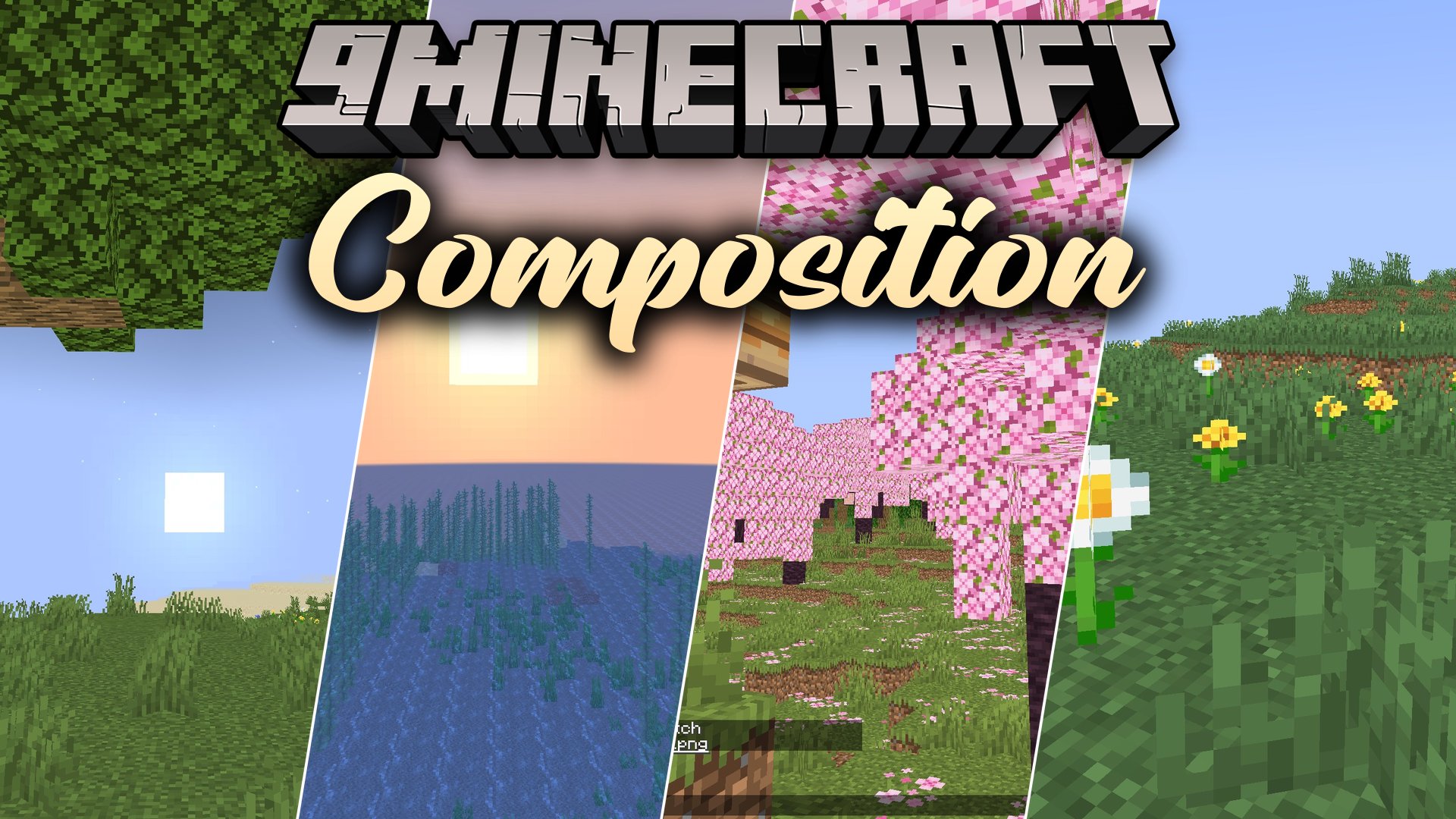
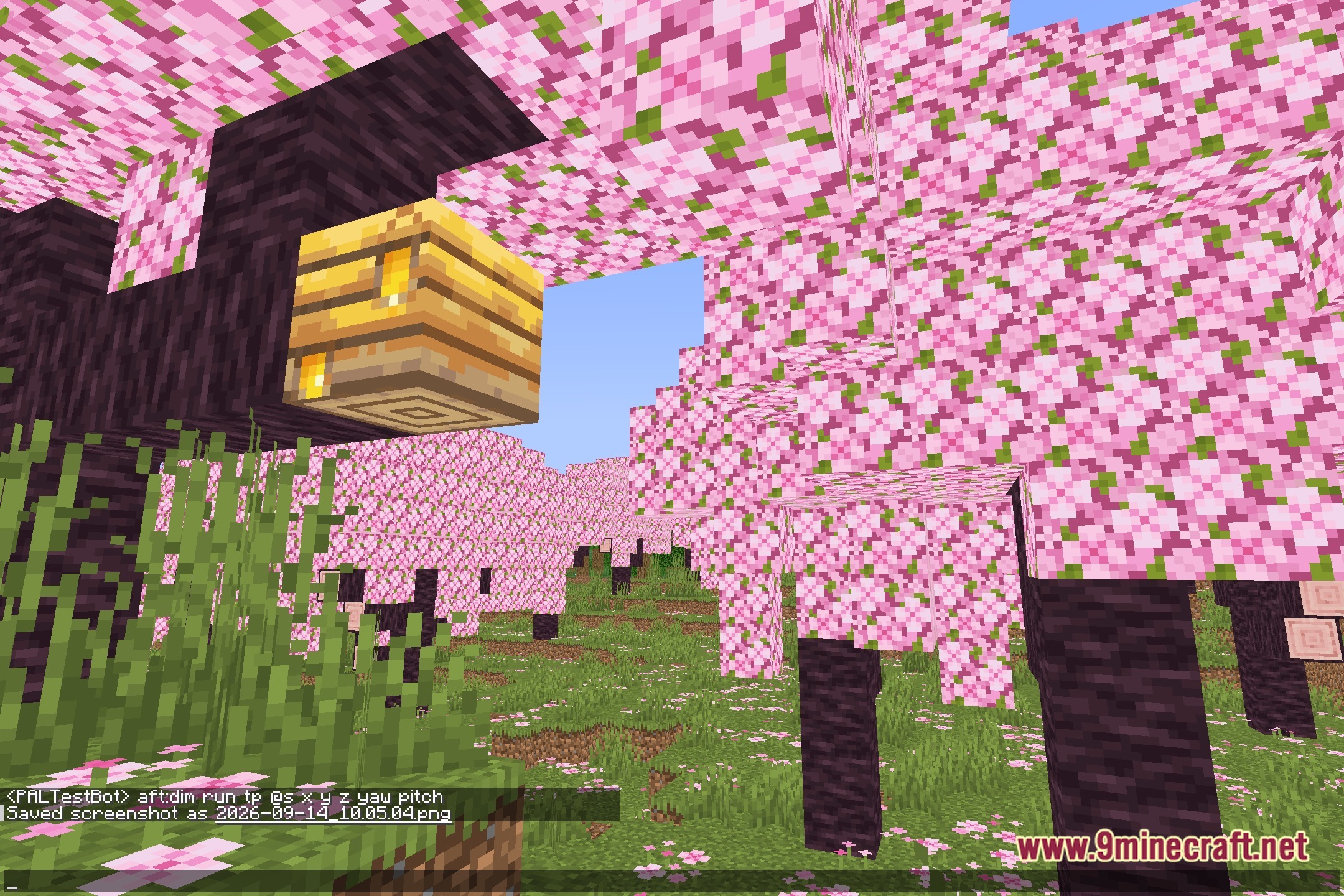
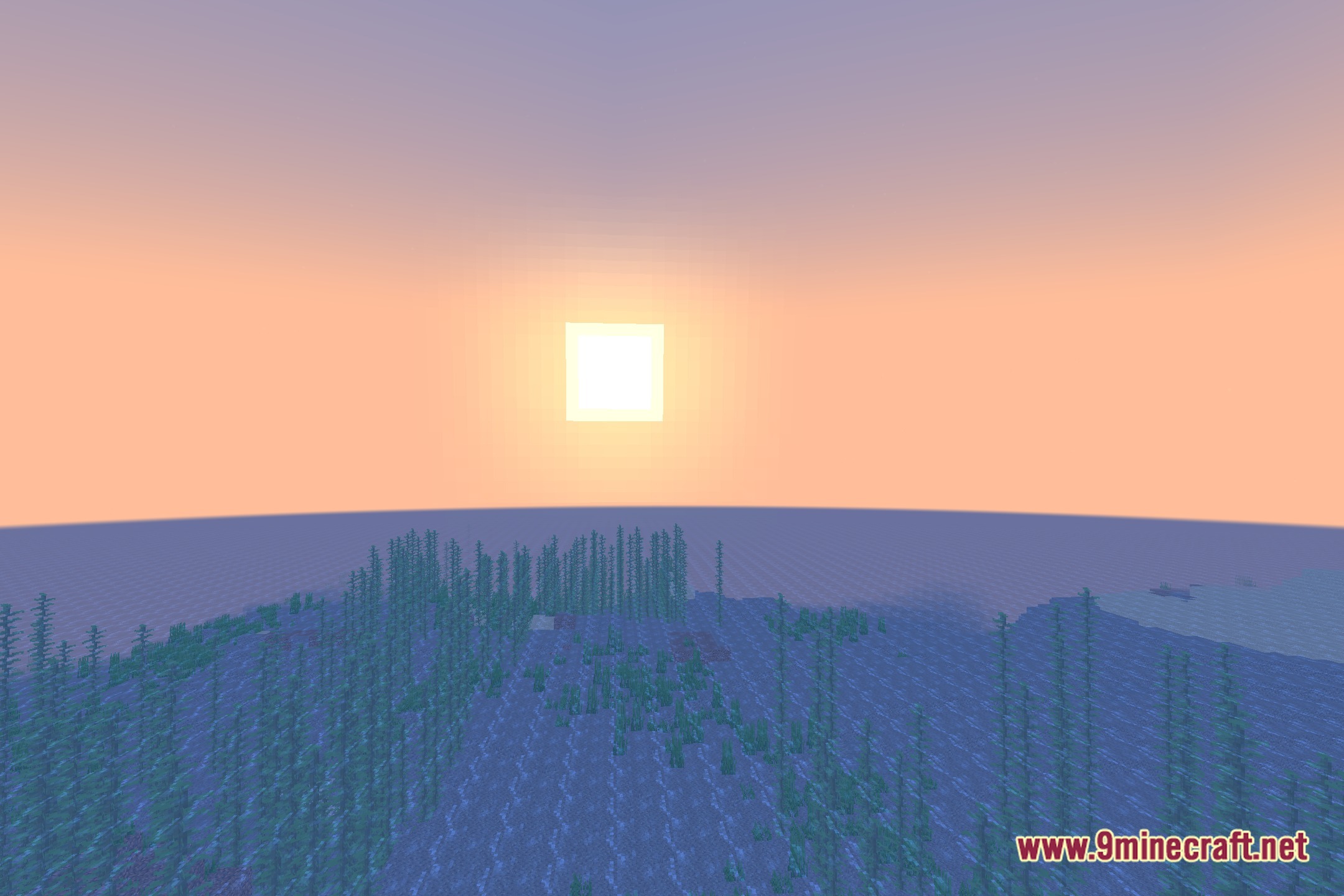
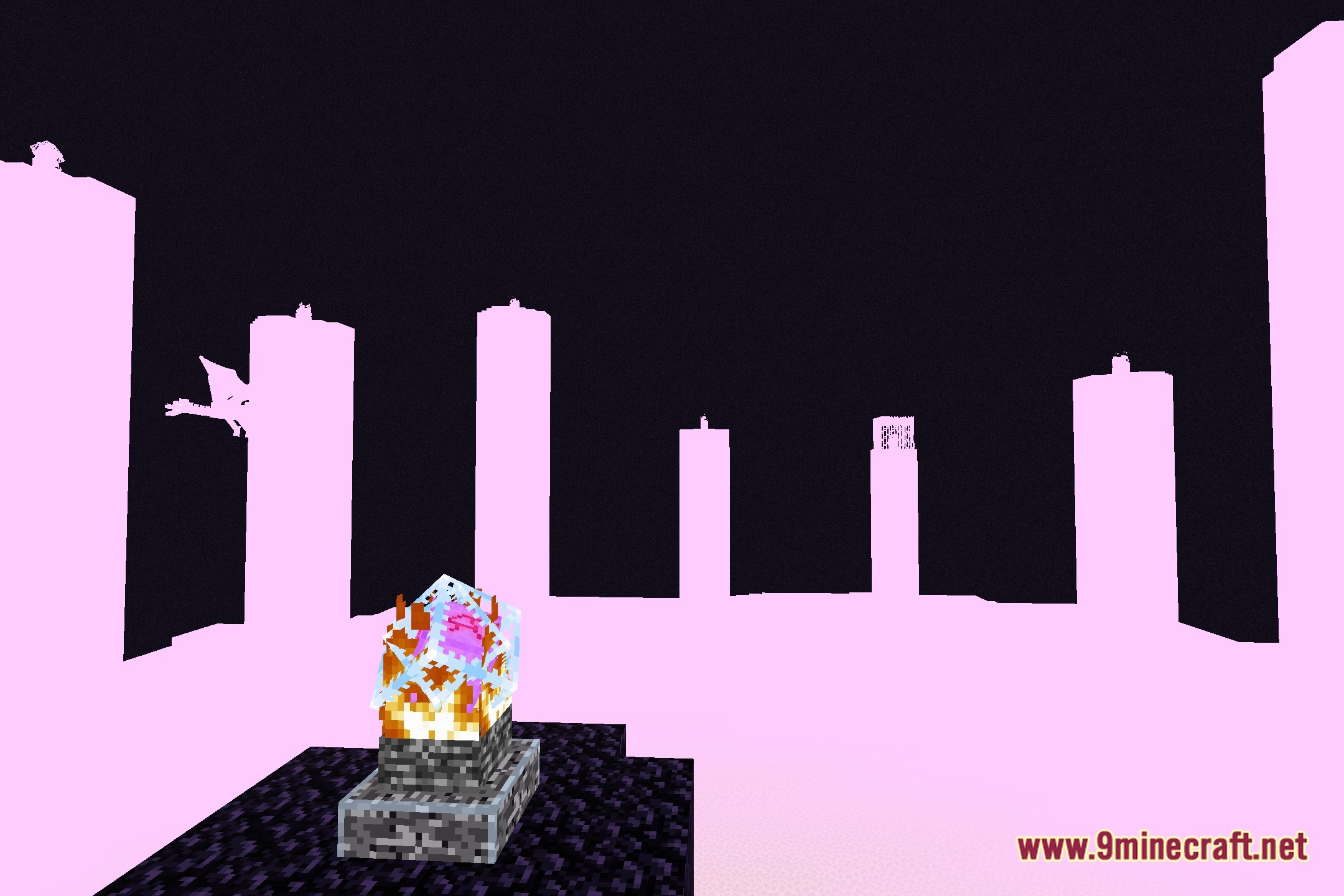
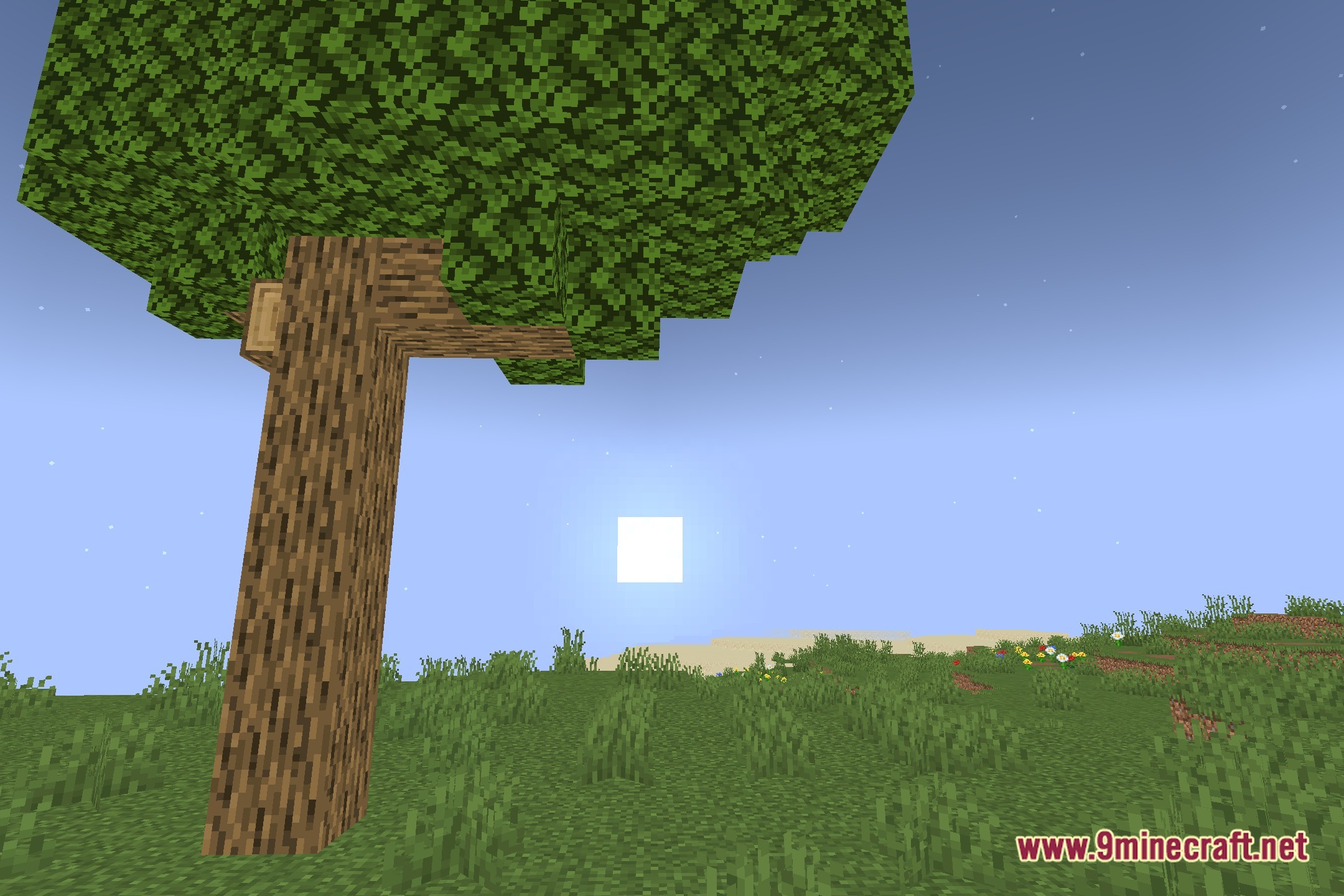
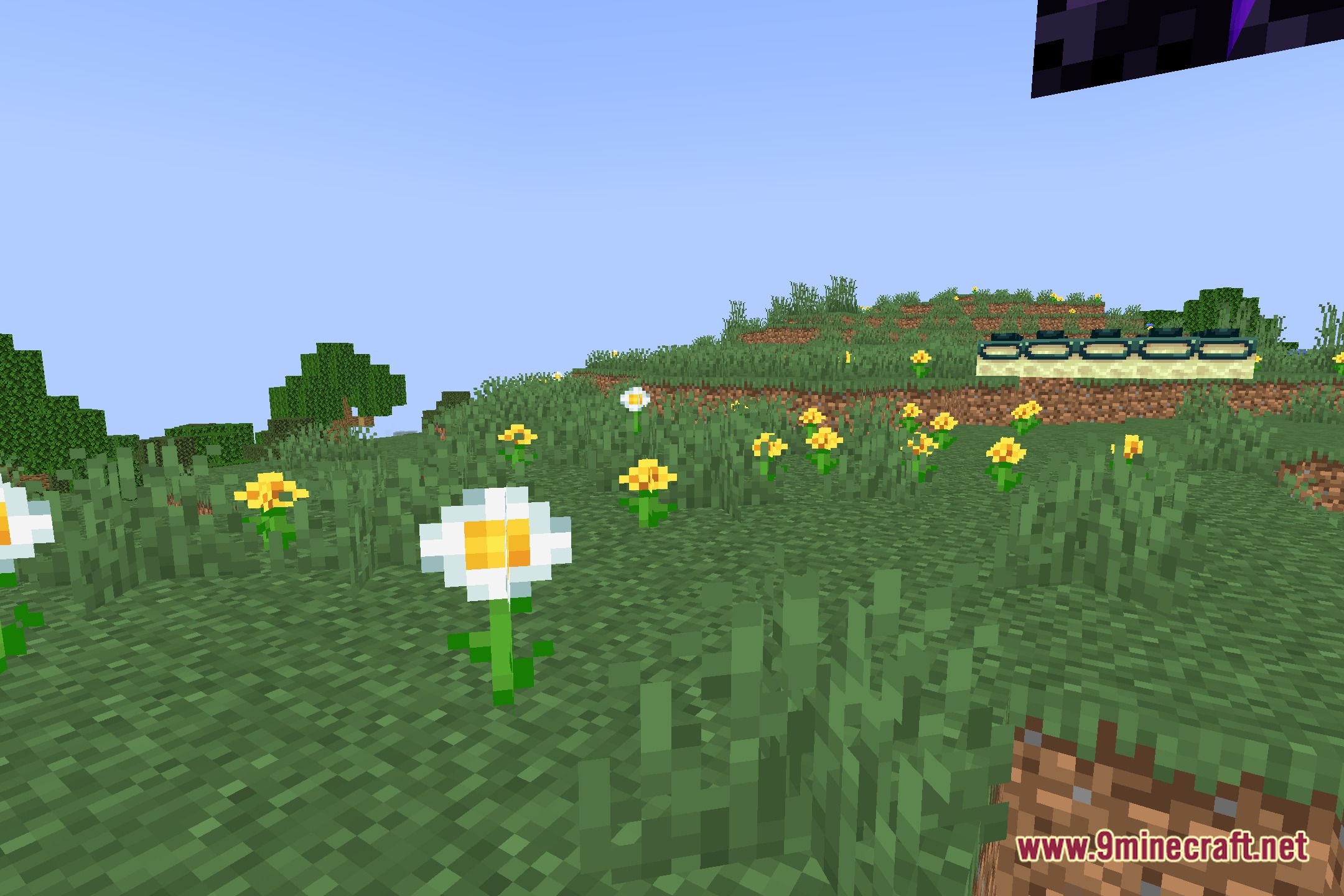
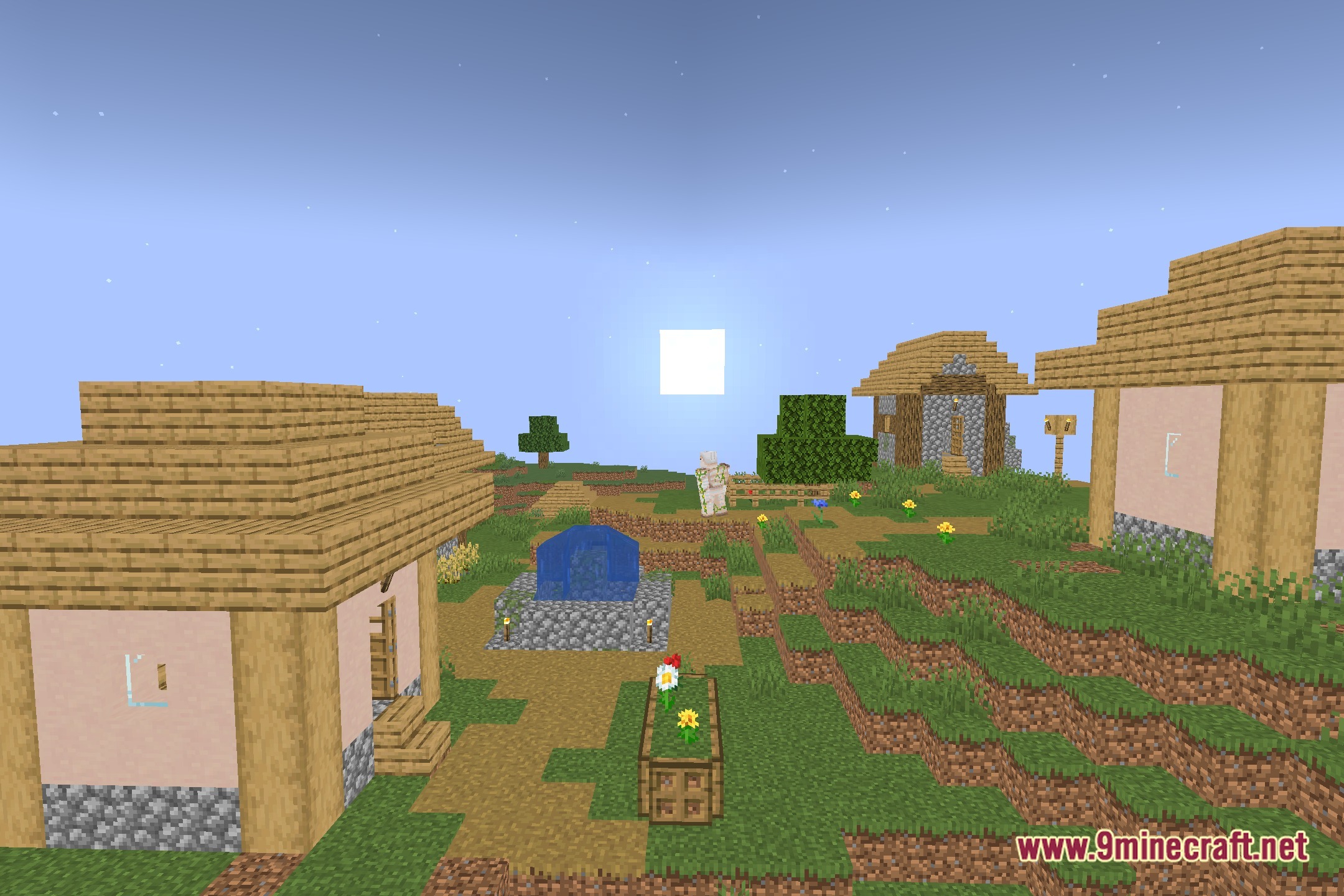
12 images from the Composition Shaders page.
You May Also Like
Wikis that share the most with this one
Wikis on the same theme: light
More shader wikis on the site
The most downloaded mods that have a wiki here