

 DownloadCREEP Shaders
Get the files on 9Minecraft
Guides
Step-by-step, in-game.
Adjust Shader Intensity for Better Combat VisibilityReduce Shadow Darkness During PvP If shadows are making it hard to spot opponents, you can tone down the shader's…Customize Day and Night Lighting BalanceAdjust Night Brightness CREEP's moody aesthetic can make nighttime very dark. If you want to see better at night…Enhance Water and Reflection QualityEnable Water Reflections CREEP Shaders includes subtle water surface reflections. Open your shader settings and…Optimize Shader Performance on Lower-End HardwareEnable Performance Mode CREEP Shaders includes multiple quality presets. Access your shader settings and select a…
Frequently asked questions
How do I turn on CREEP Shaders after installing it?
Launch Minecraft, go to Options > Video Settings > Shaders, then select CREEP Shaders from the list and apply. You'll see the dark cinematic look take effect immediately in your world.
Why does my game look too dark for PvP?
Open the shader settings (usually by pressing a hotkey in-game or through Video Settings) and look for brightness or intensity sliders; increase them to improve visibility without losing the moody aesthetic. The mod is designed to stay clear for combat, so you shouldn't need extreme adjustments.
Can I use CREEP Shaders on a low-end PC?
Yes—the shader includes performance profiles for weaker hardware. Start with the lowest performance setting and gradually increase quality until you find a balance between visuals and frame rate that works for your setup.
How do I make water reflections look better?
Check the shader settings for water quality or reflection intensity options and increase them; higher values add more detailed reflections but will impact performance. You can also adjust the reflection distance to control how far reflections render.
See all 10 CREEP Shaders questions ›
Gallery
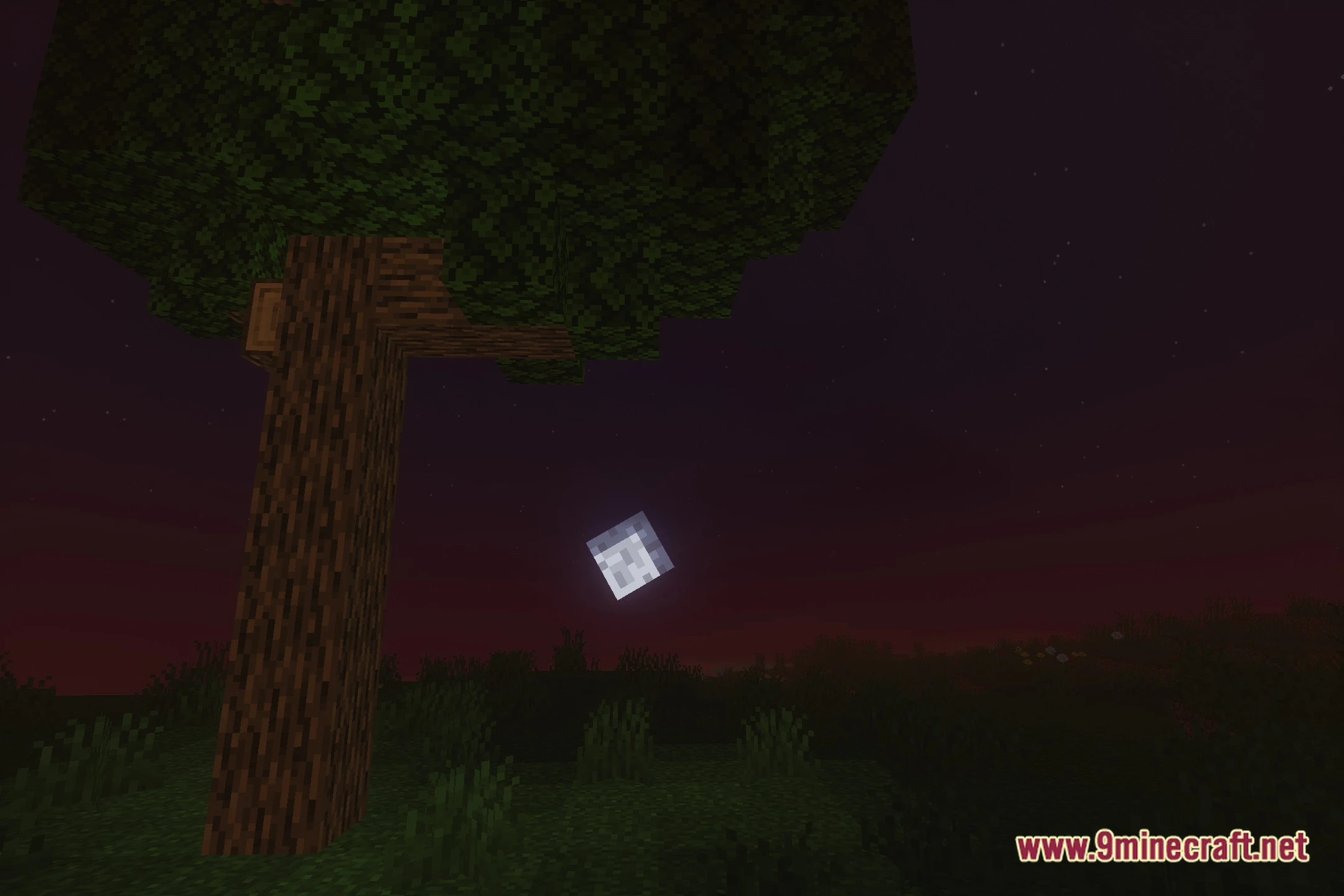
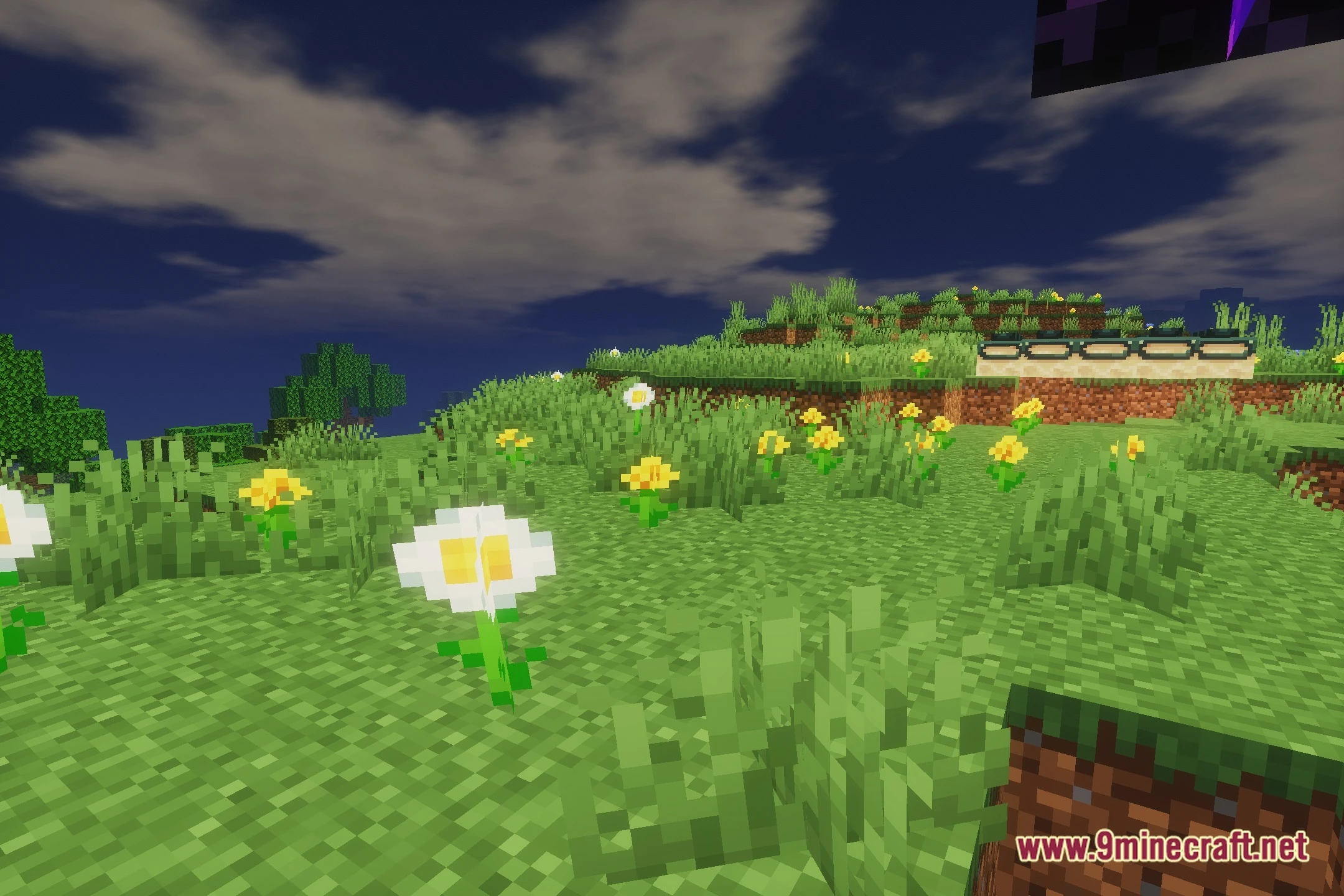
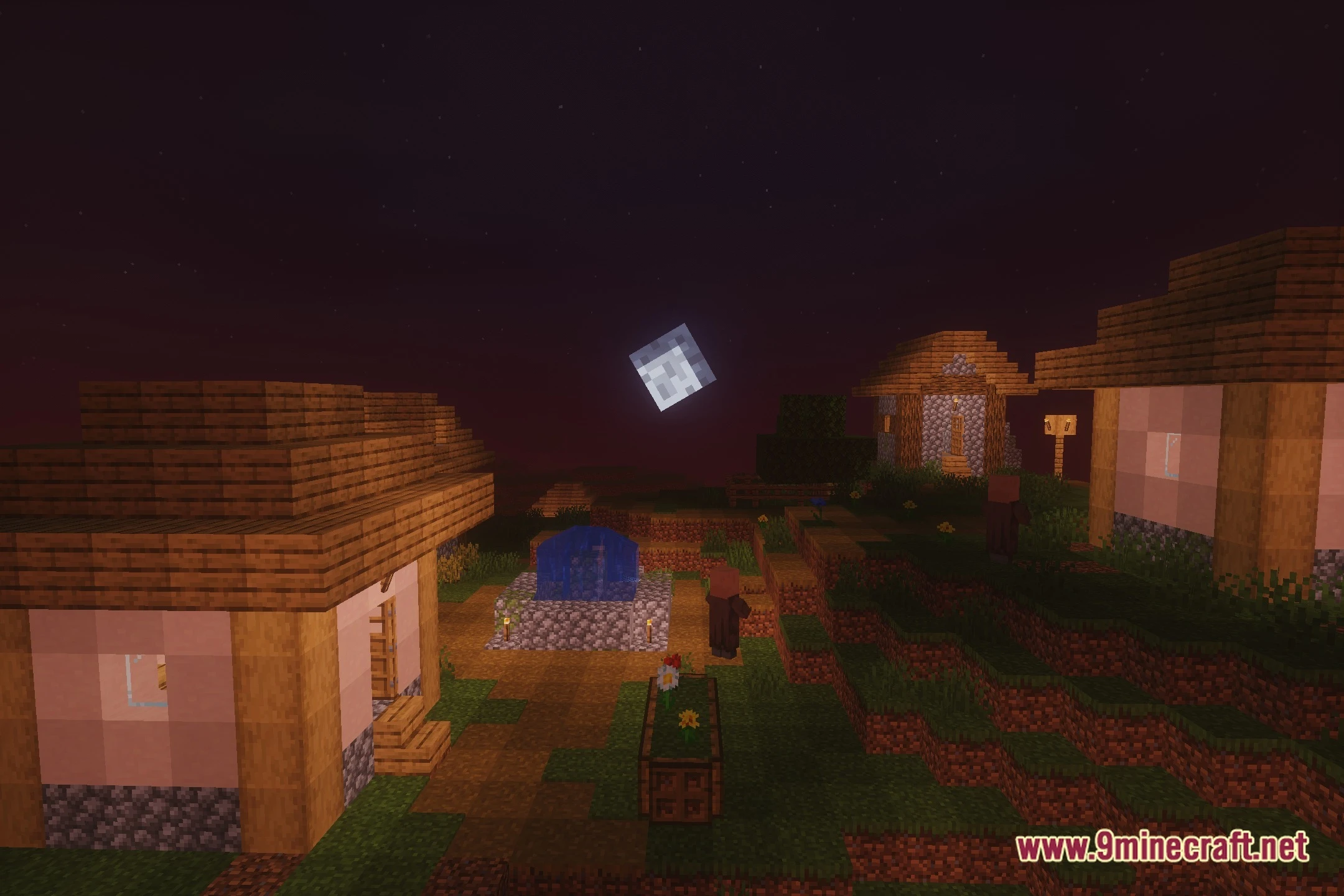
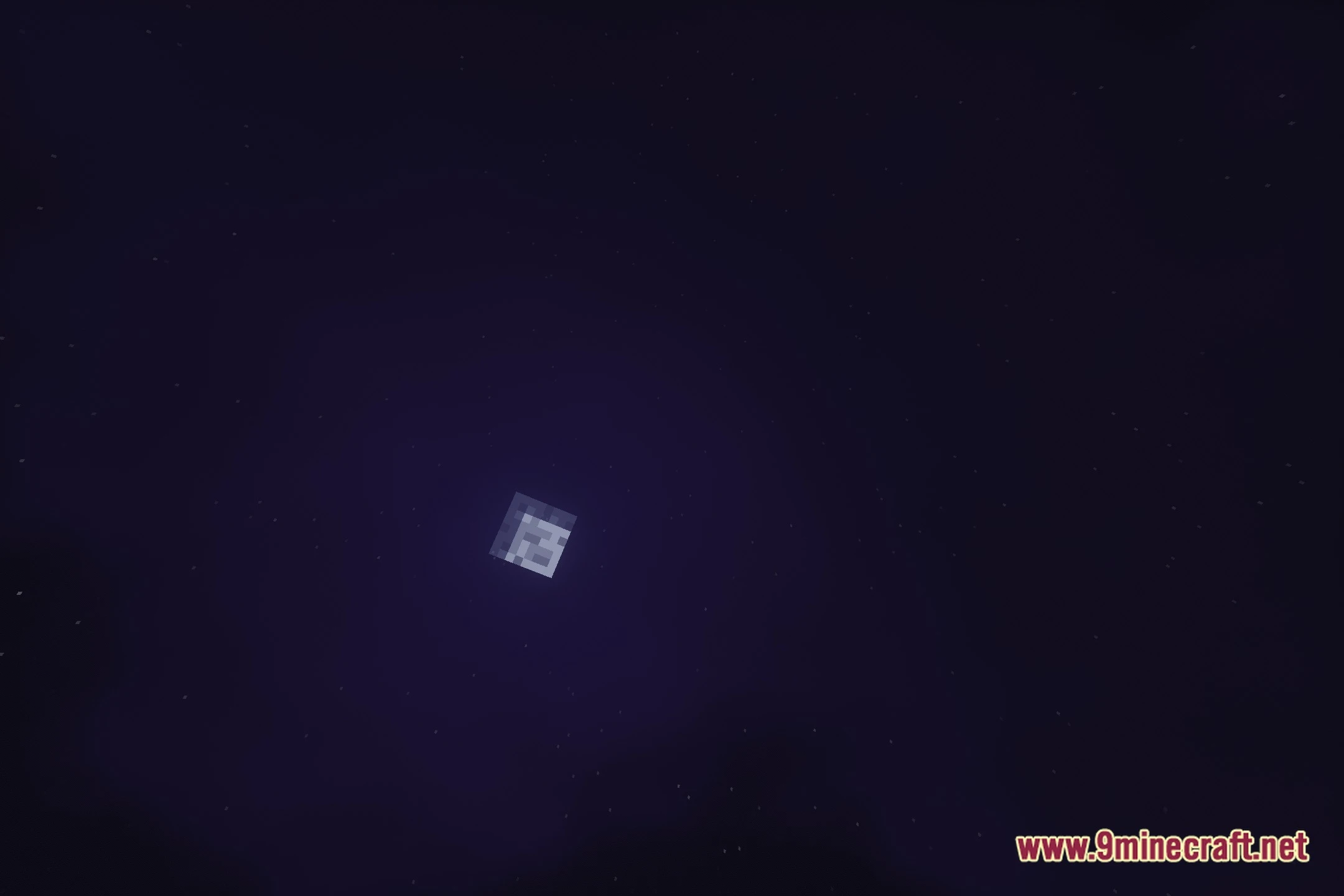
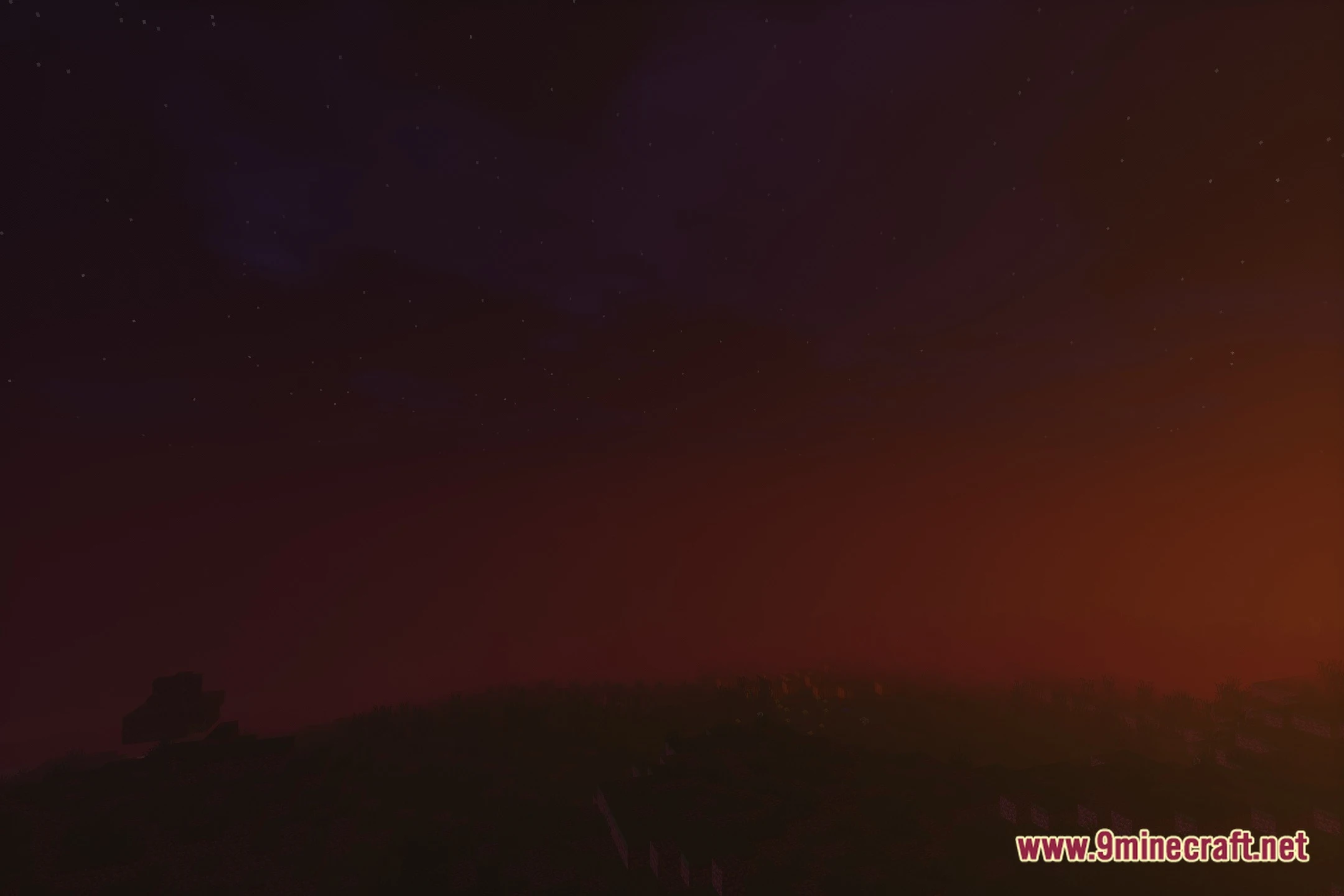
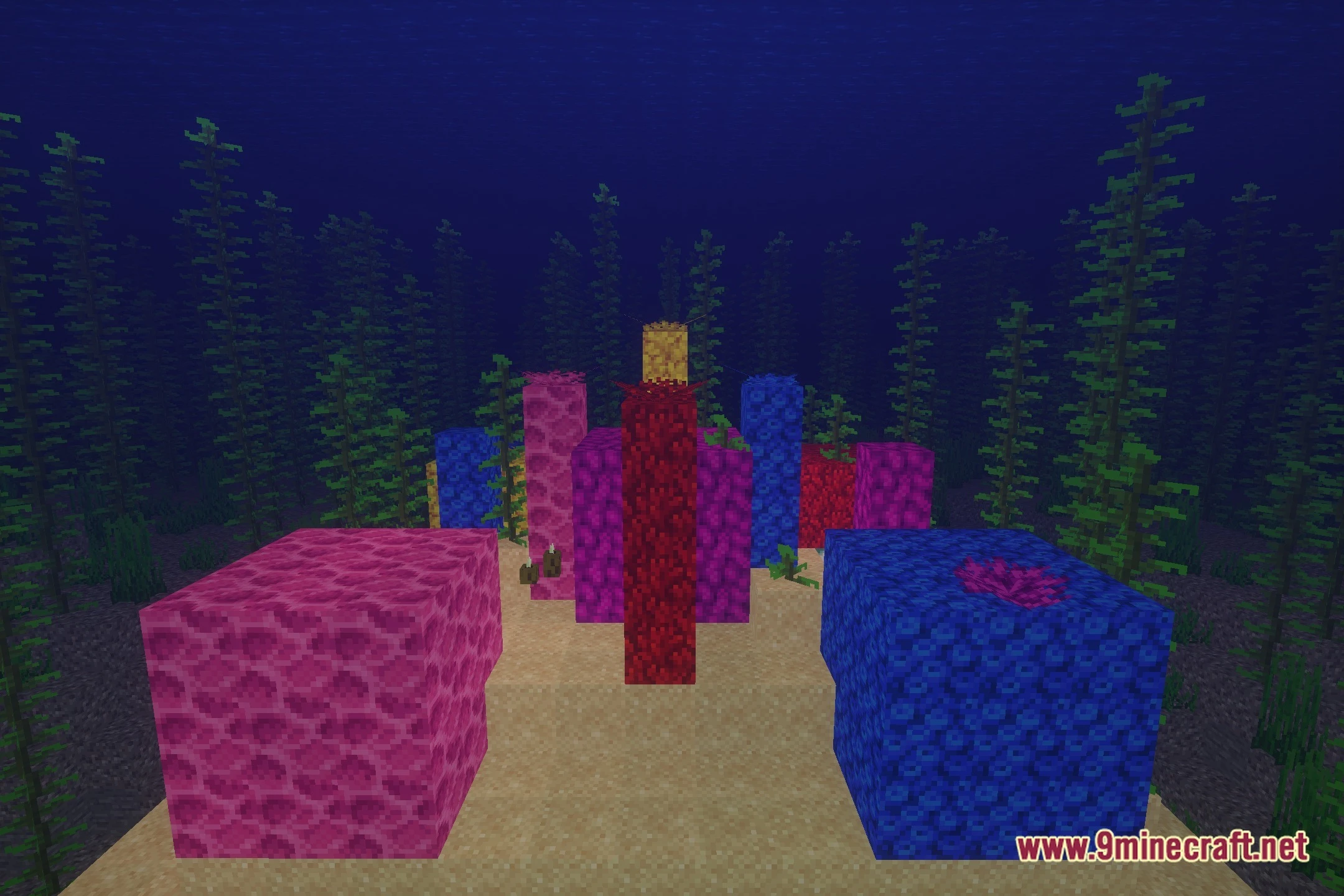
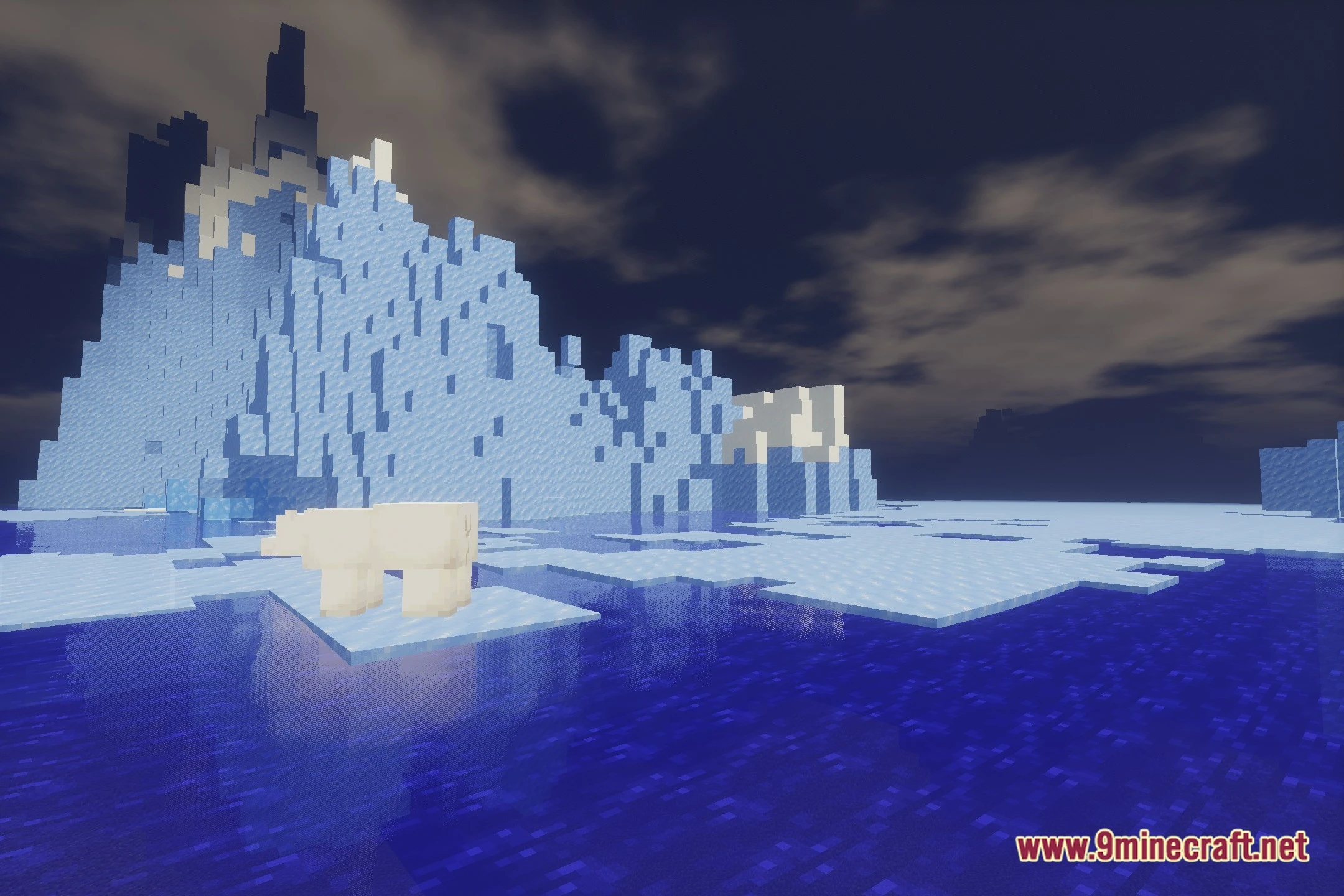
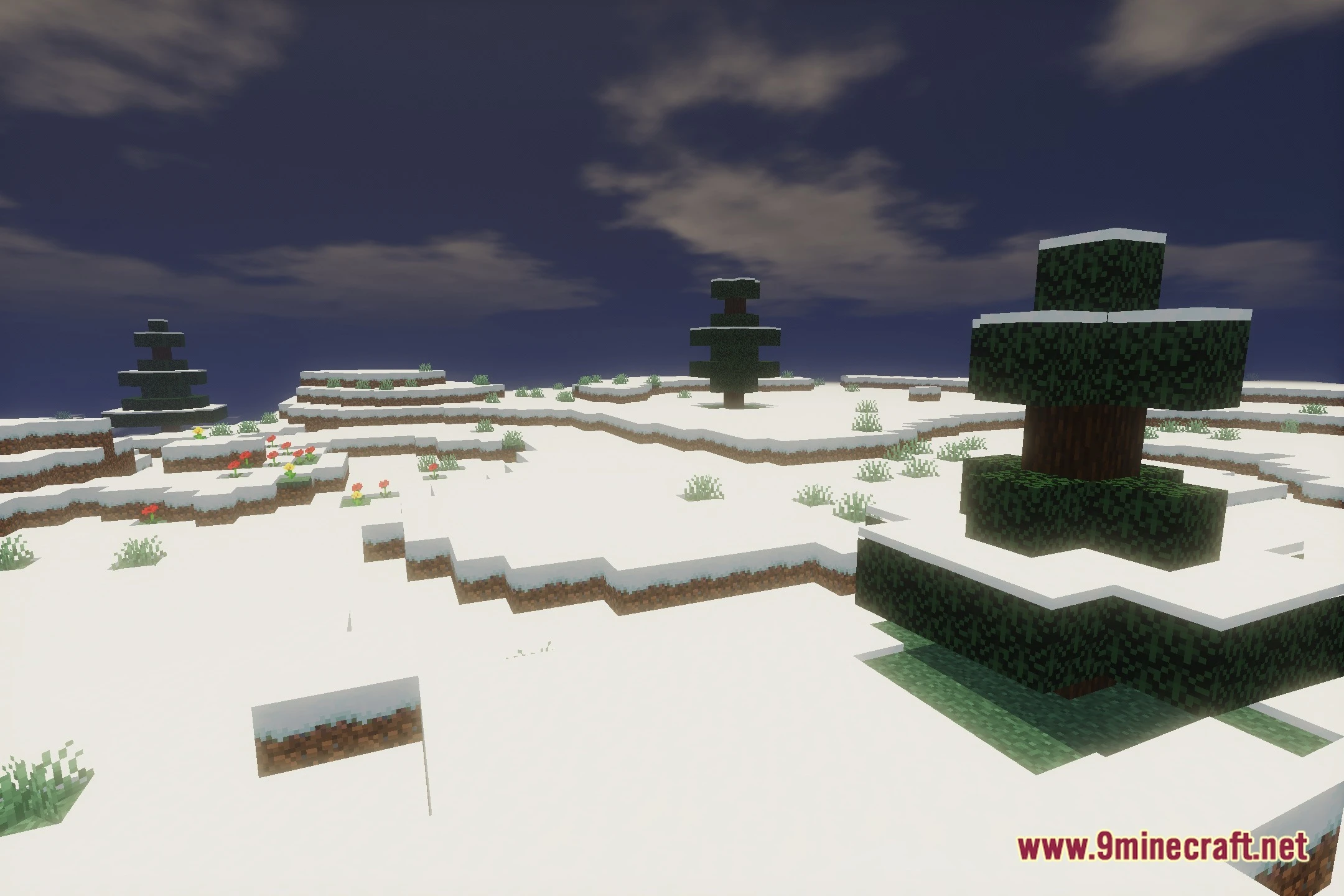
12 images from the Creep Shaders page.
You May Also Like
Wikis that share the most with this one
 Crossfrog’s Soft Outlines Shaders
More shader wikis on the site
The most downloaded mods that have a wiki here