

 DownloadCozy & Light Shaders
Get the files on 9Minecraft
Guides
Step-by-step, in-game.
Adjust Lighting Intensity for Your BaseAccess Shader Settings Open the shader options menu while in-game by pressing the designated key (usually accessed…Make Torchlight and Fire Look More NaturalUnderstand How Cozy & Light Handles Light Sources This shader enhances how torches, lanterns, and fire cast light by…Optimize Frame Rate While Using Cozy & LightUnderstand the Shader's Performance Profile Cozy & Light is designed to run smoothly on most systems because it…Reduce Eye Strain During Long Play SessionsLeverage Soft Lighting for Comfort Cozy & Light's soft, realistic lighting is gentler on your eyes than vanilla…
Frequently asked questions
How do I turn on the shader after installing it?
Open your Options menu in-game, go to Video Settings, then select Shaders. Find Cozy & Light in the list and click it to activate. You'll see the effect apply immediately to your world.
Why is my game lagging after installing Cozy & Light?
Check that your Video Settings are not set to maximum quality—lower your render distance or disable other demanding features. Cozy & Light is designed to be lightweight, so lag usually comes from other mods or settings conflicting with it.
Can I use this shader with other mods?
Yes, Cozy & Light works with most mods since it only affects lighting and doesn't change block or item behavior. However, mods that heavily alter rendering may cause conflicts—test your setup in a test world first.
How do I make torches and fire look better with this shader?
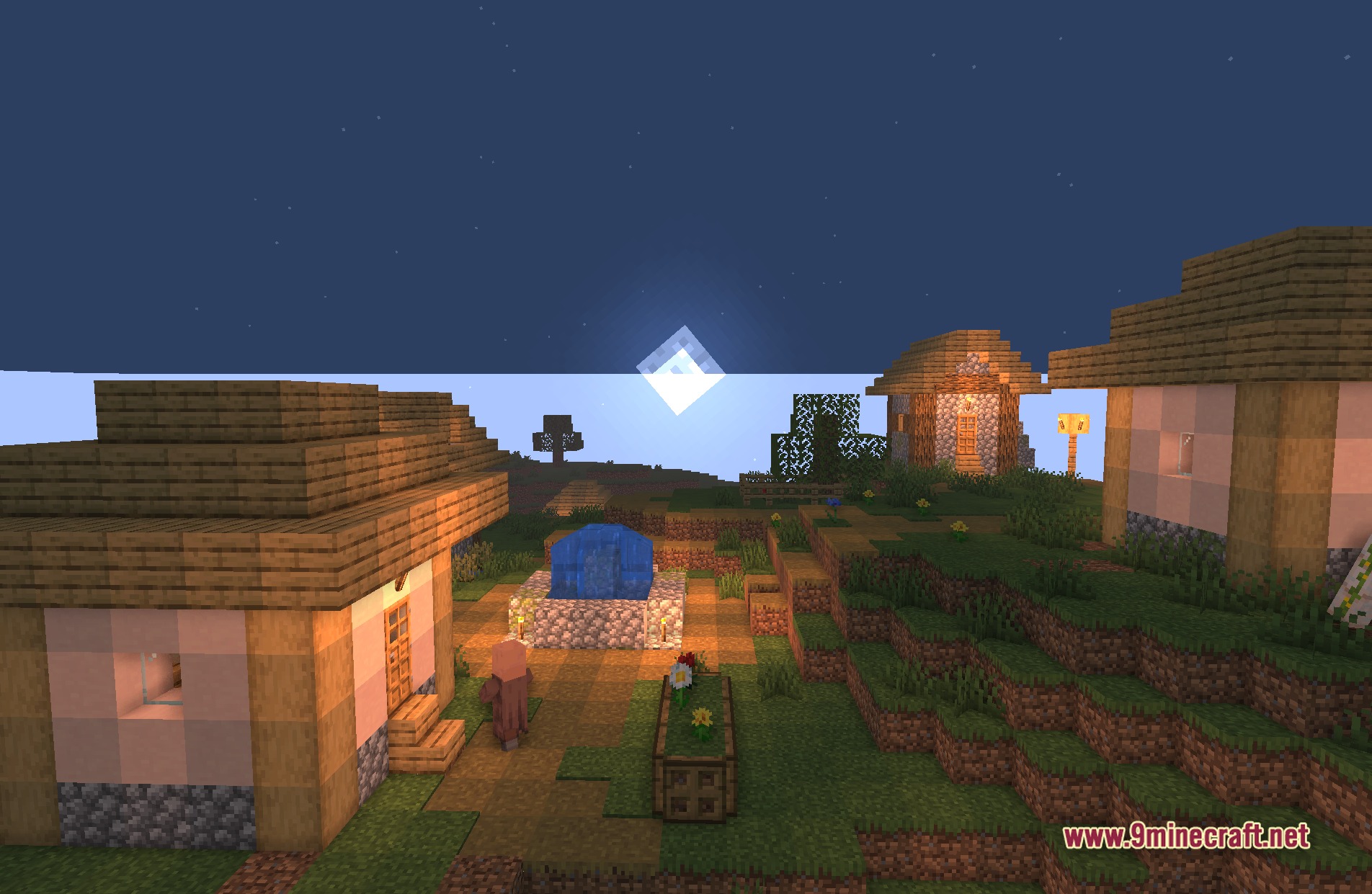
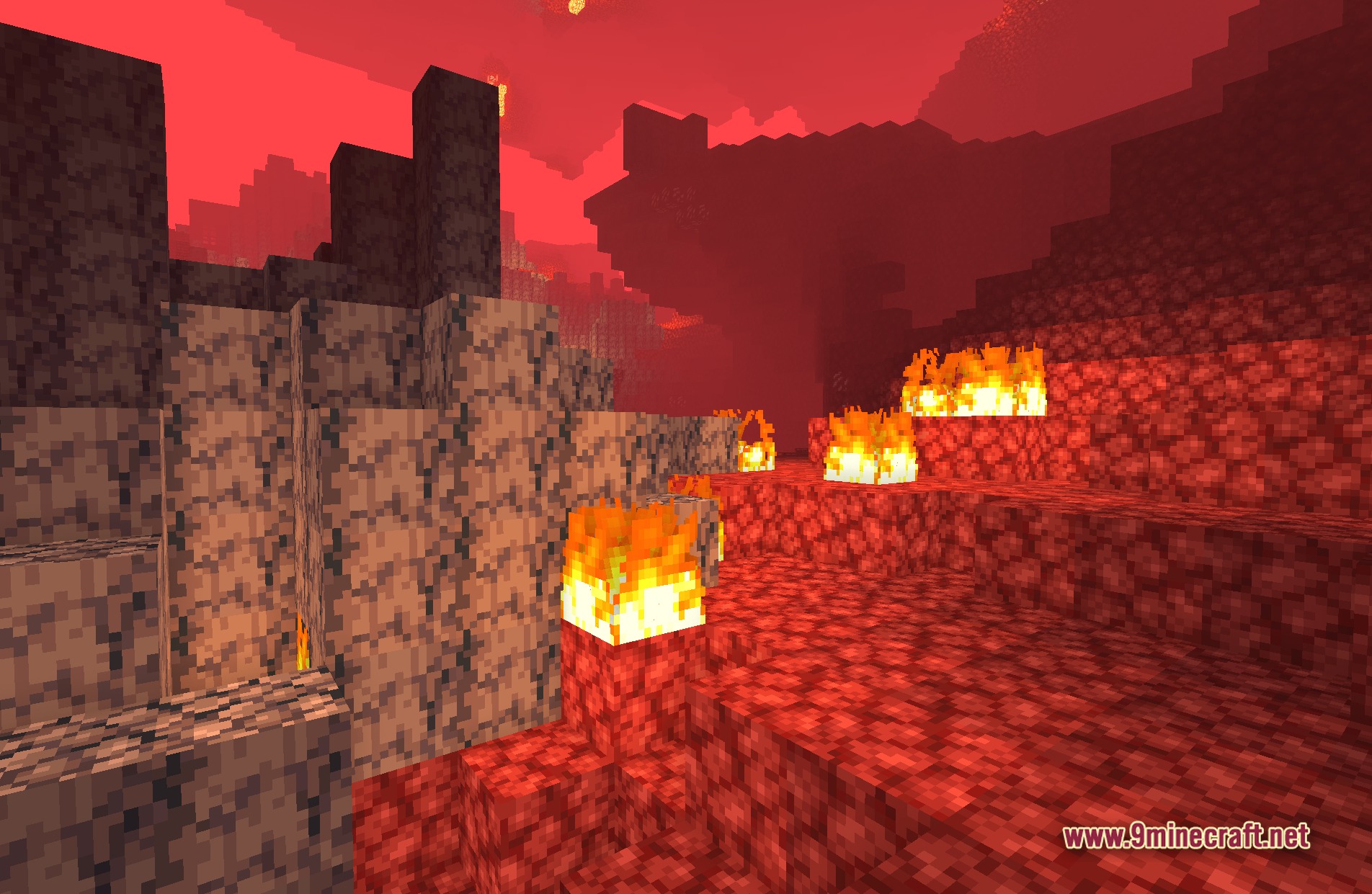
Cozy & Light automatically enhances torchlight and fire glow to look more natural and warm. If the effect seems too subtle or too strong, you can adjust lighting intensity through the shader settings menu accessed via the Video Settings.
See all 10 Cozy & Light Shaders questions ›
Gallery
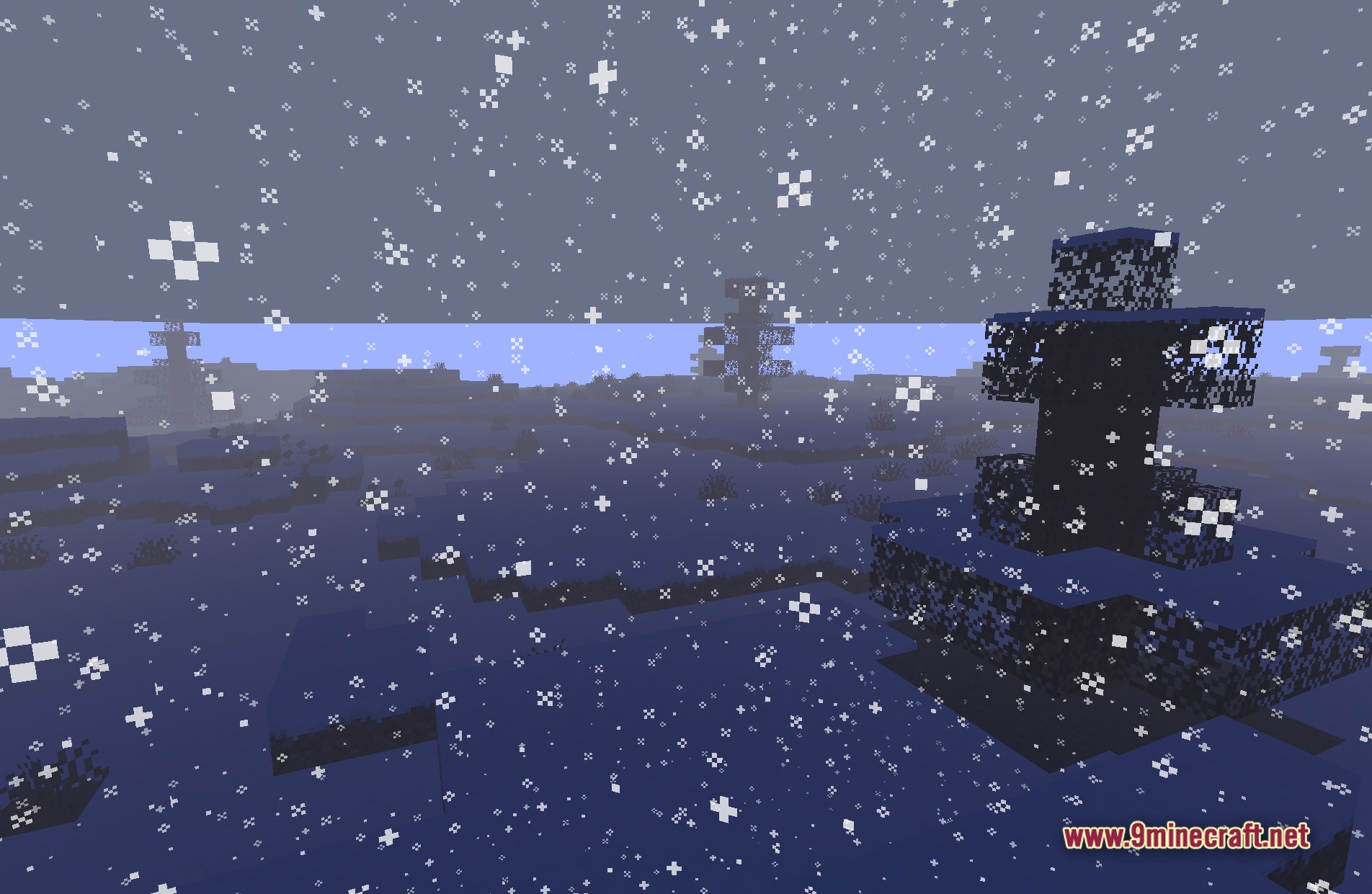
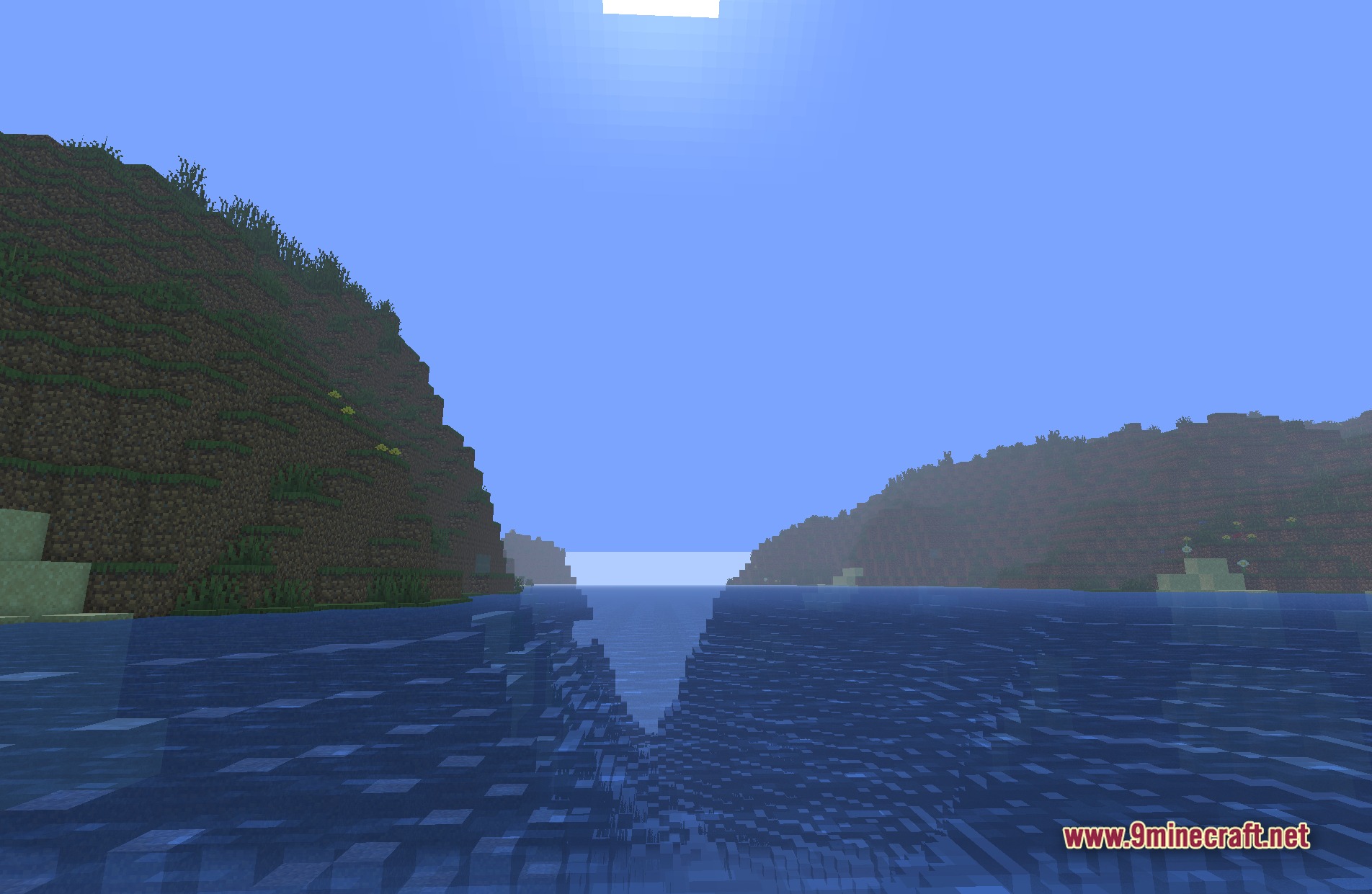
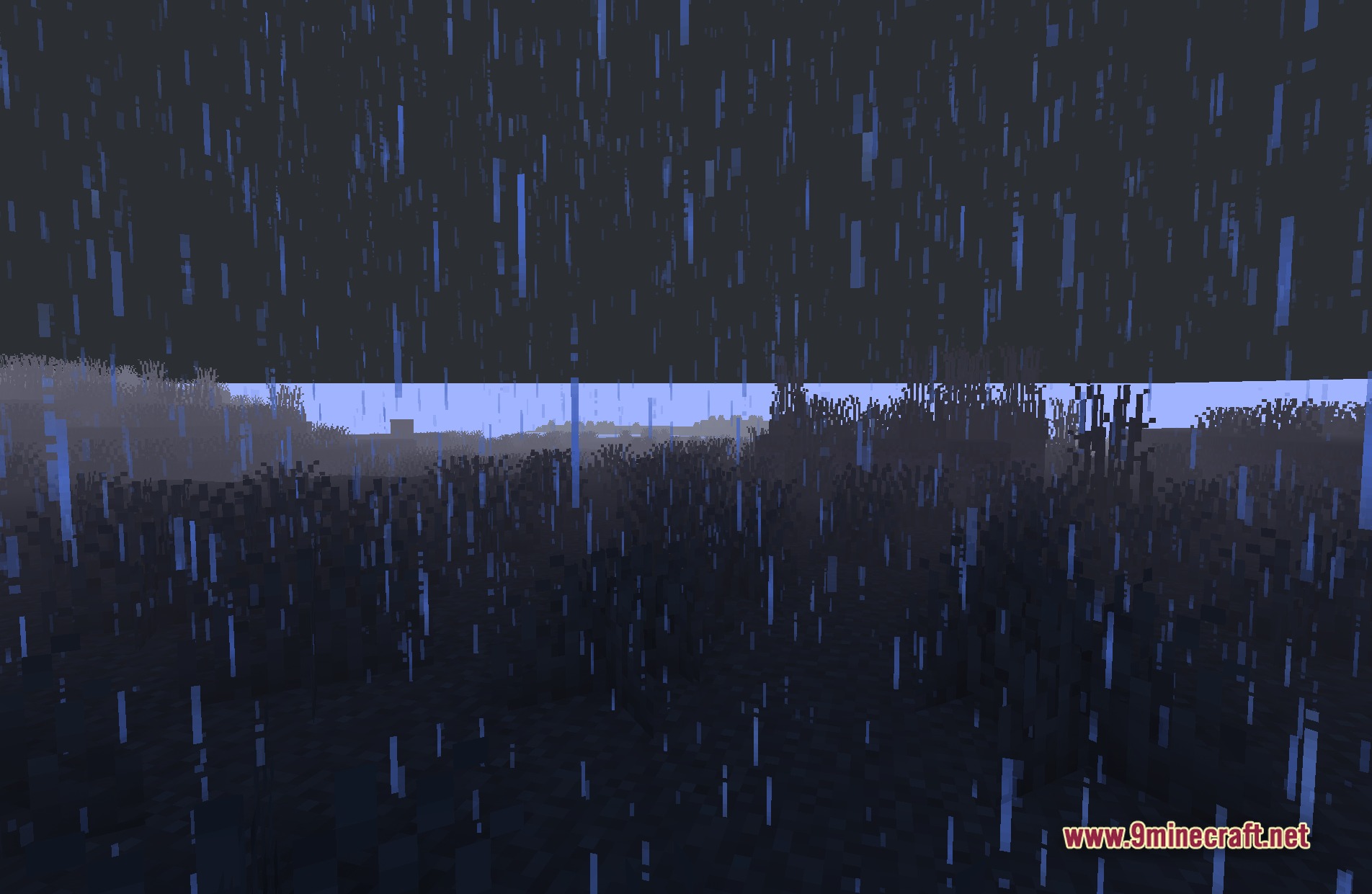
11 images from the Cozy Light Shaders page.
You May Also Like
Wikis that share the most with this one
Wikis on the same theme: light
More shader wikis on the site
The most downloaded mods that have a wiki here