

 DownloadColorFull Ultra Shaders
Get the files on 9Minecraft
Guides
Step-by-step, in-game.
Adjust Color Saturation to Your PreferenceAccess Shader Settings ColorFull Ultra Shaders includes customization options to fine-tune how vibrant your world…Capture Better Screenshots of Your BuildsUse Optimal Lighting Times ColorFull Ultra Shaders transforms the sky and lighting throughout the day. For the most…Optimize Performance While Using ColorFull Ultra ShadersReduce Visual Complexity ColorFull Ultra Shaders enhances colors and lighting, which can impact frame rates on…Troubleshoot Uneven Lighting or Color BandingCheck Shader Compatibility ColorFull Ultra Shaders is based on Solas Shader and may interact differently with certain…
Frequently asked questions
How do I enable ColorFull Ultra Shaders after installing it?
Open your Video Settings in-game, go to Shaders, and select ColorFull Ultra Shaders from the list. The shader will apply immediately to your world.
Why does my world look washed out or too dark with this shader?
Check your brightness and gamma settings in Video Options, as shaders interact with these values. You can also adjust the color saturation settings within the shader's configuration to find a balance that works for your monitor.
Can I use ColorFull Ultra Shaders with other shader packs at the same time?
No, only one shader pack can be active at a time. You'll need to switch between them in your Shaders menu if you want to compare or use different packs.
Does ColorFull Ultra Shaders work with resource packs?
Yes, this shader works alongside resource packs. The shader affects lighting and colors globally, while resource packs change textures, so they complement each other.
See all 10 ColorFull Ultra Shaders questions ›
Gallery
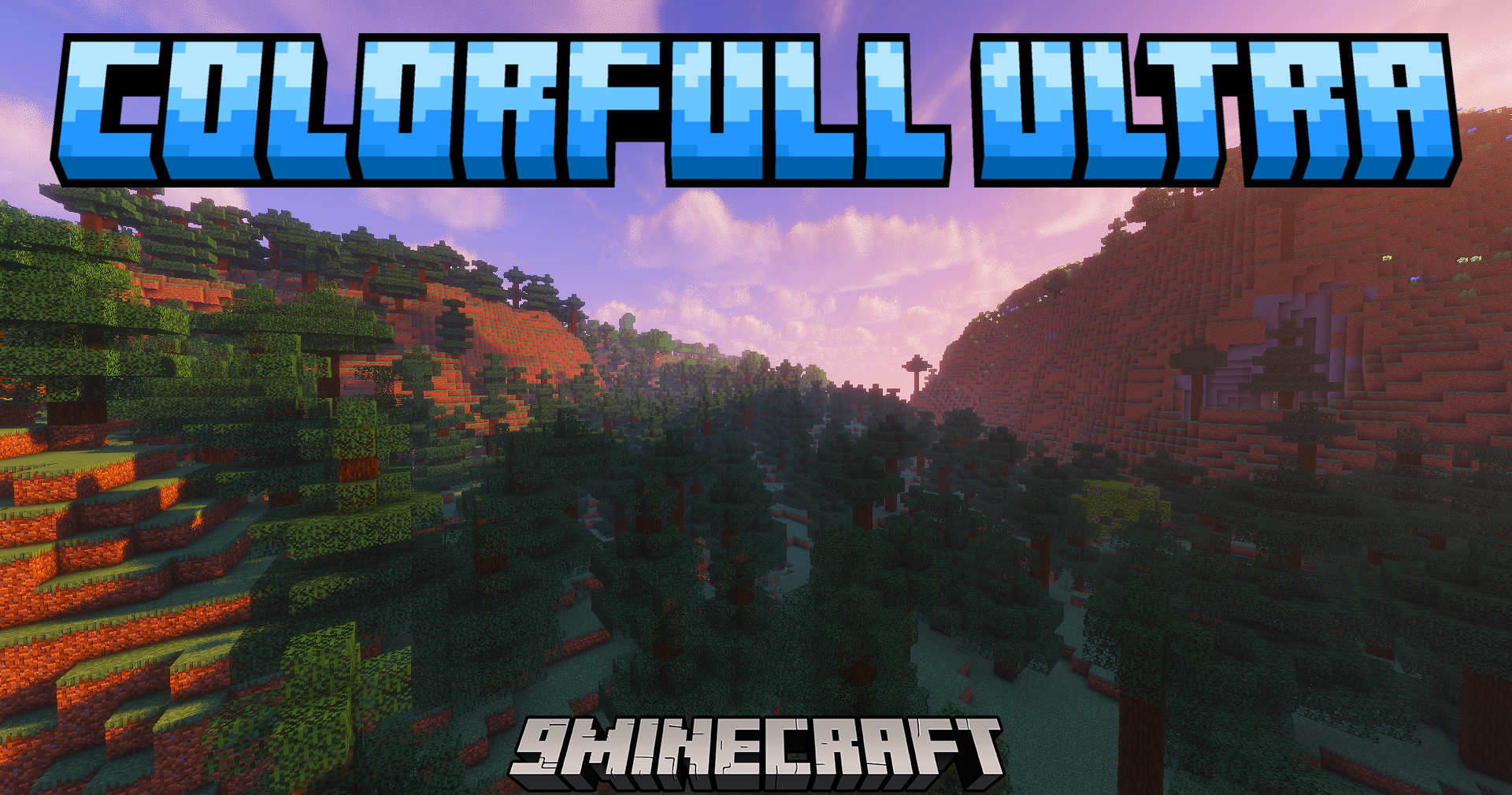
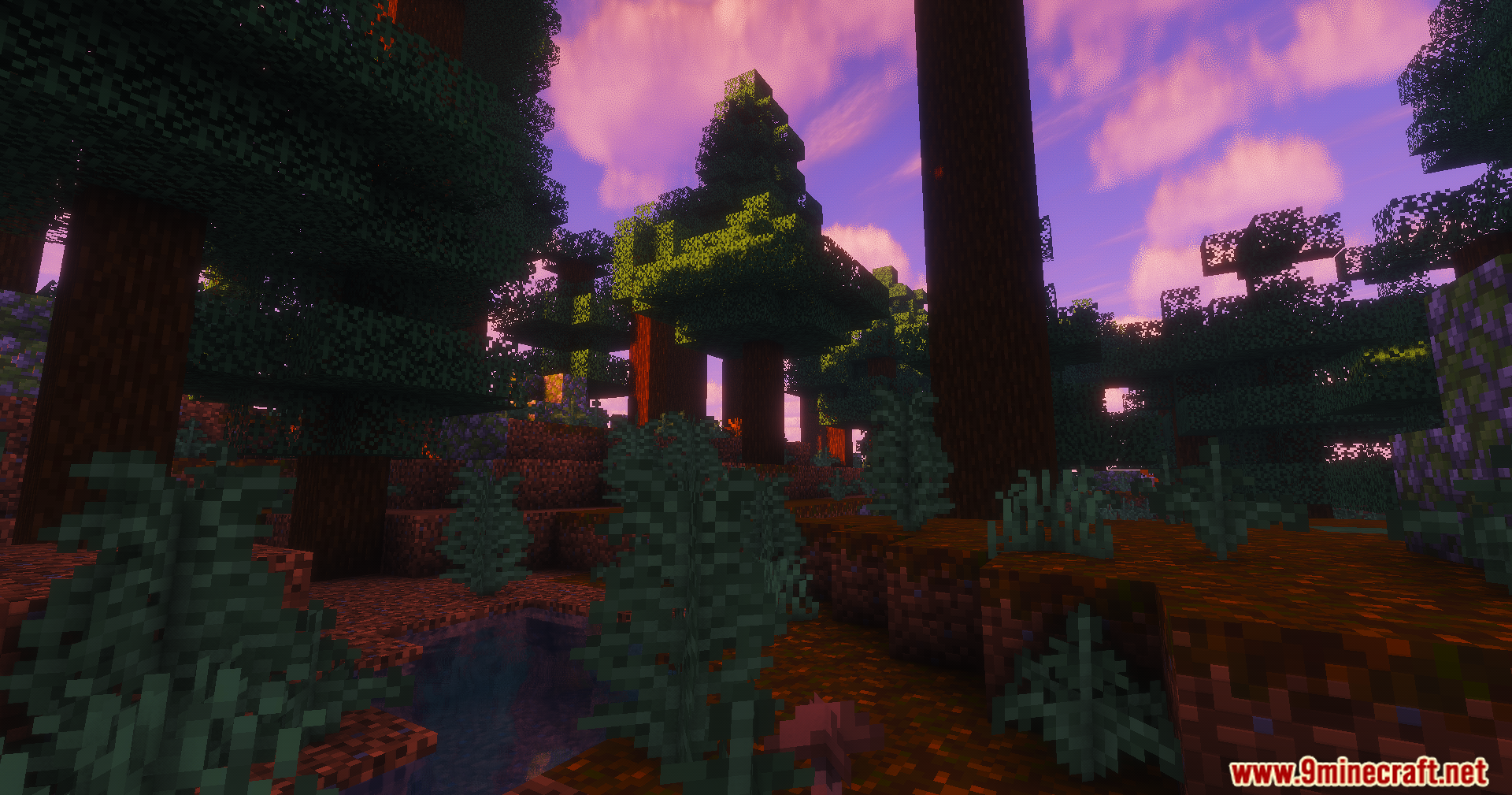
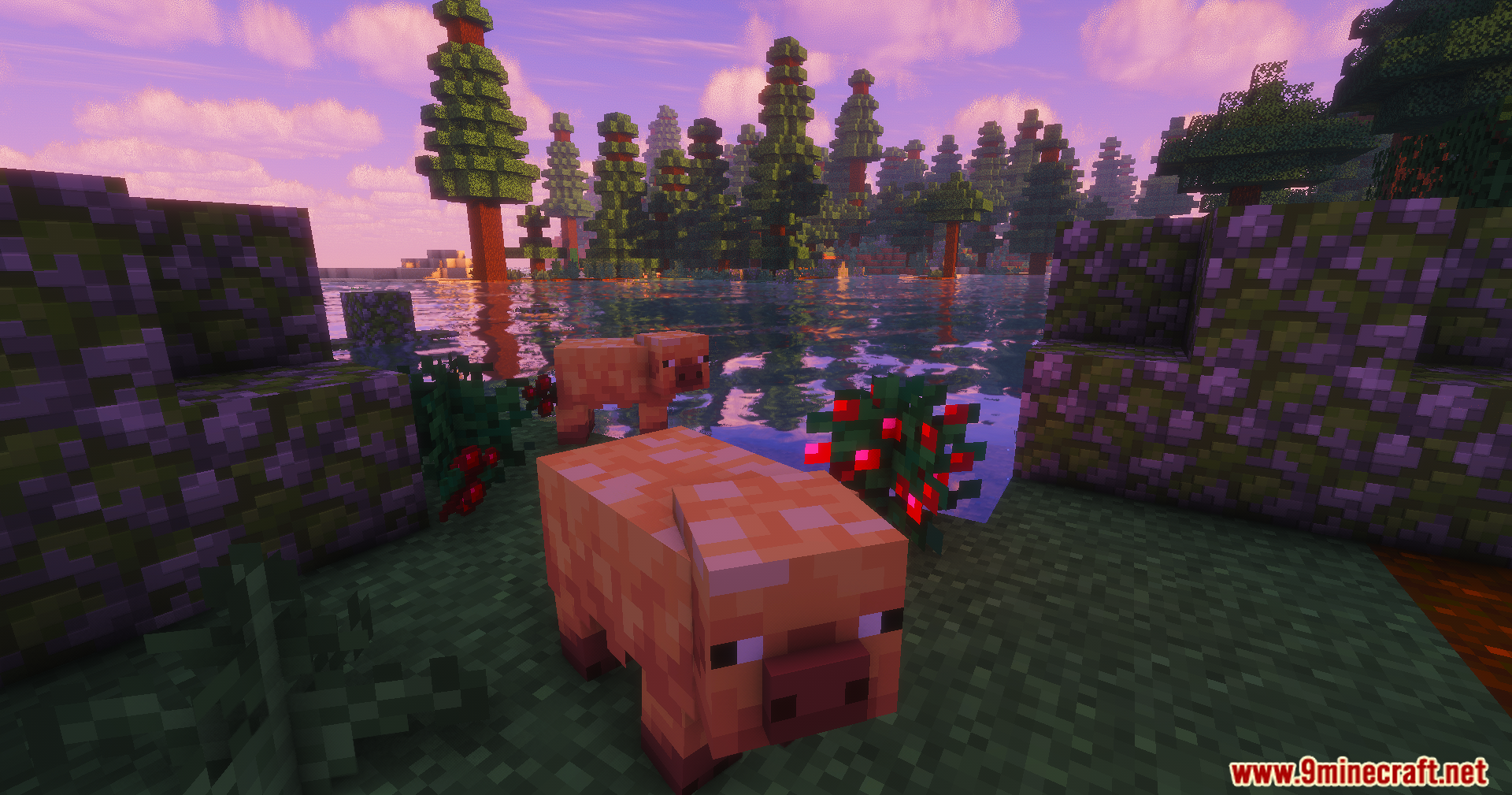
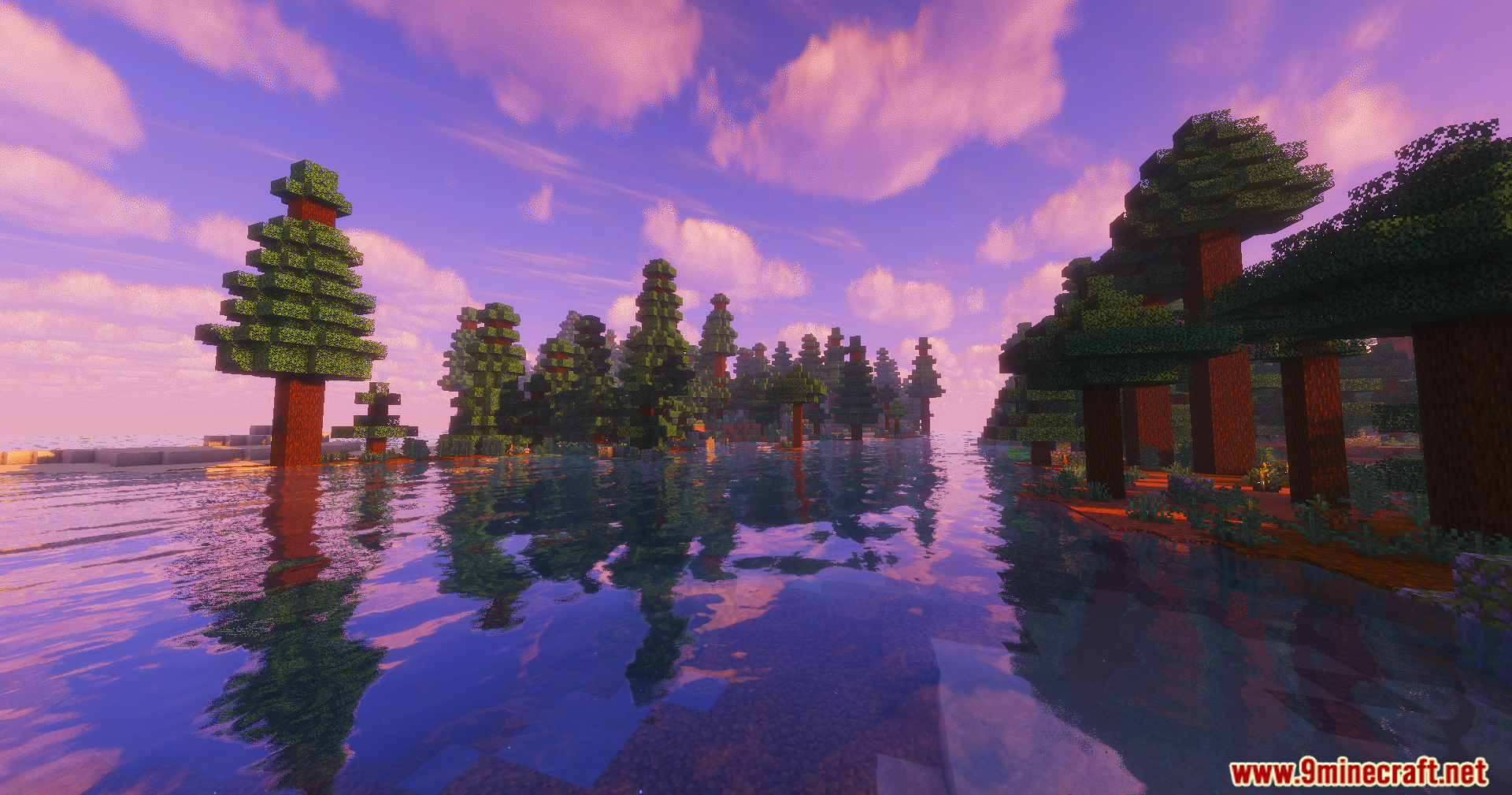
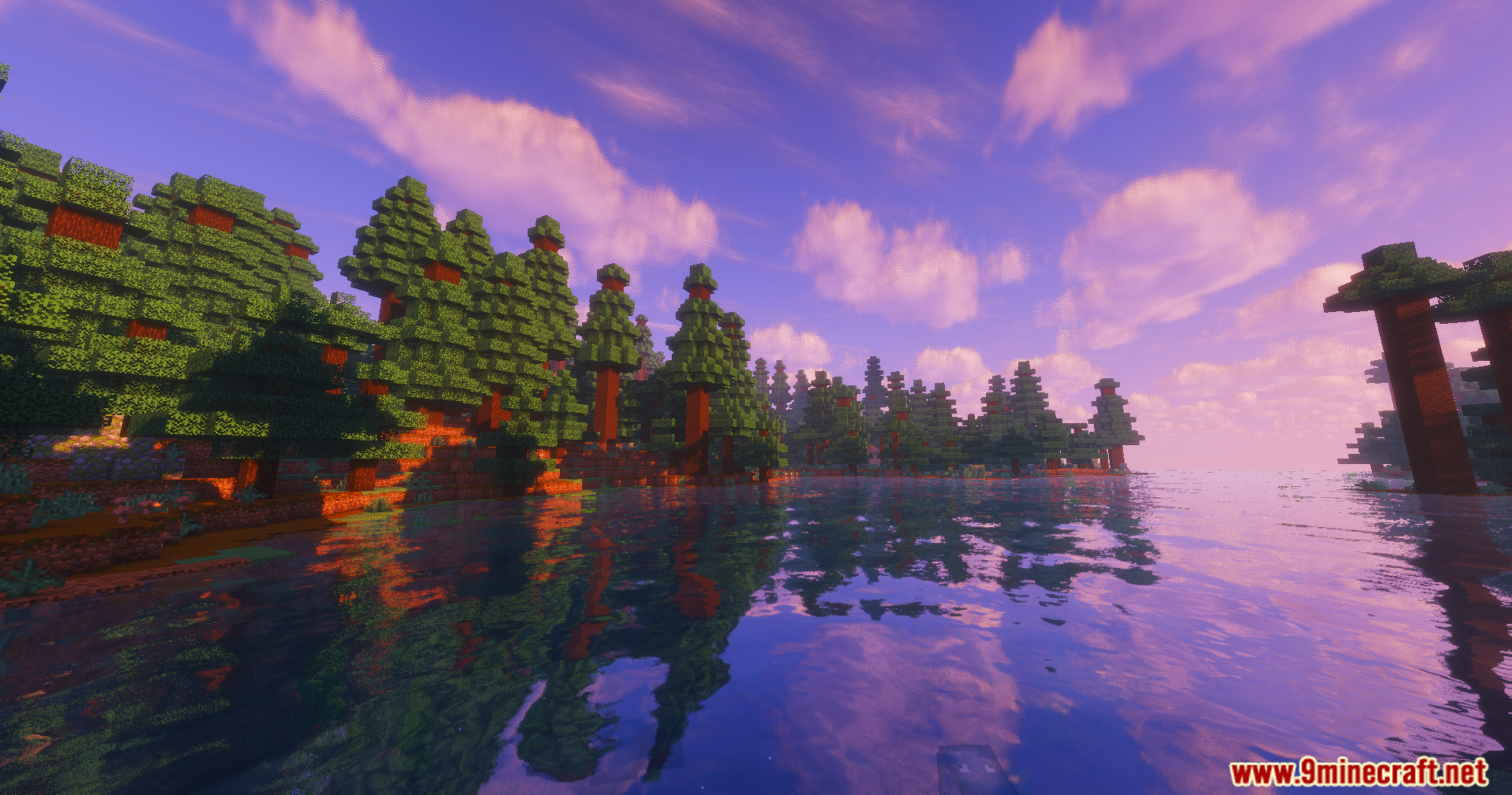
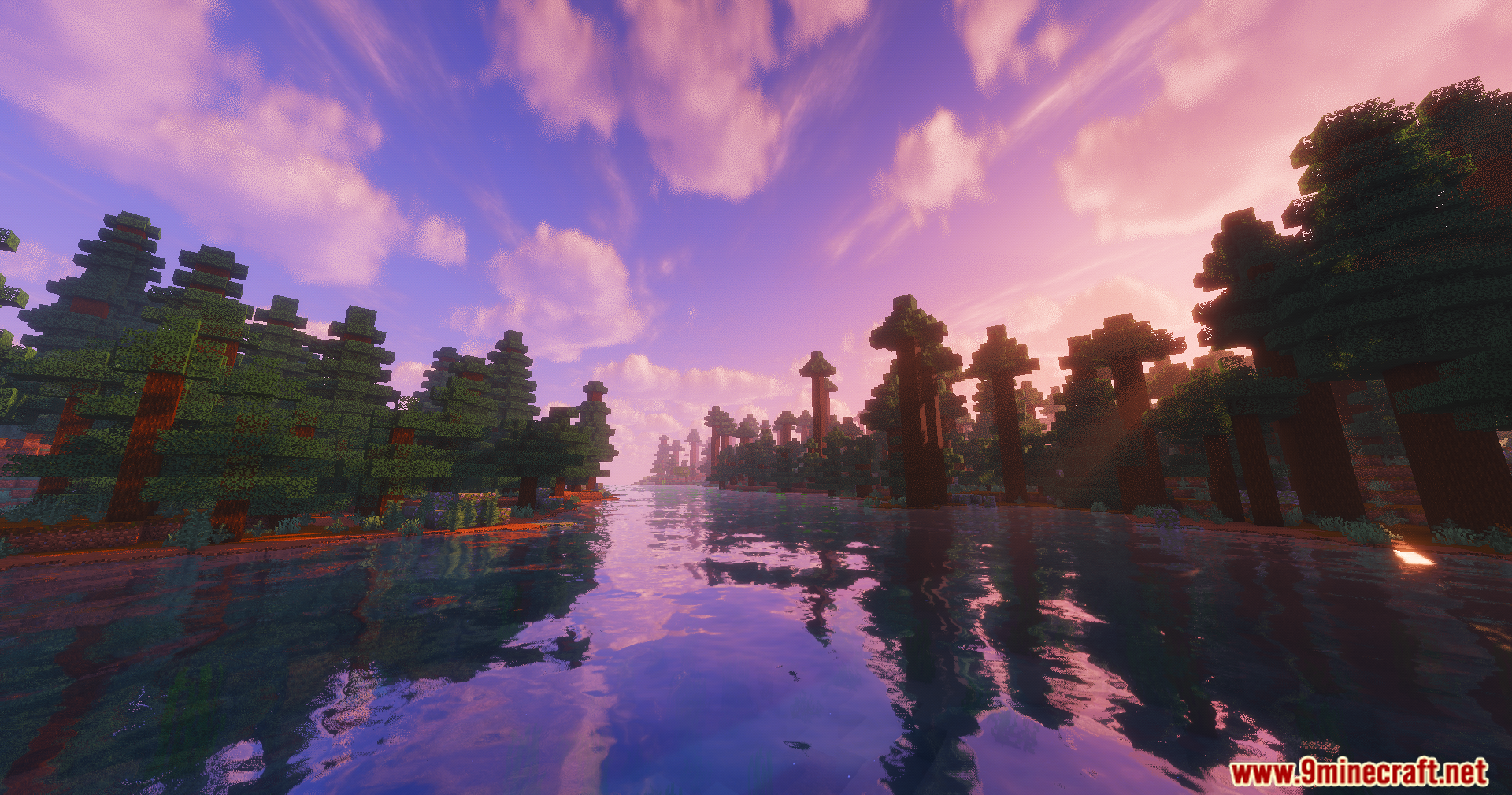
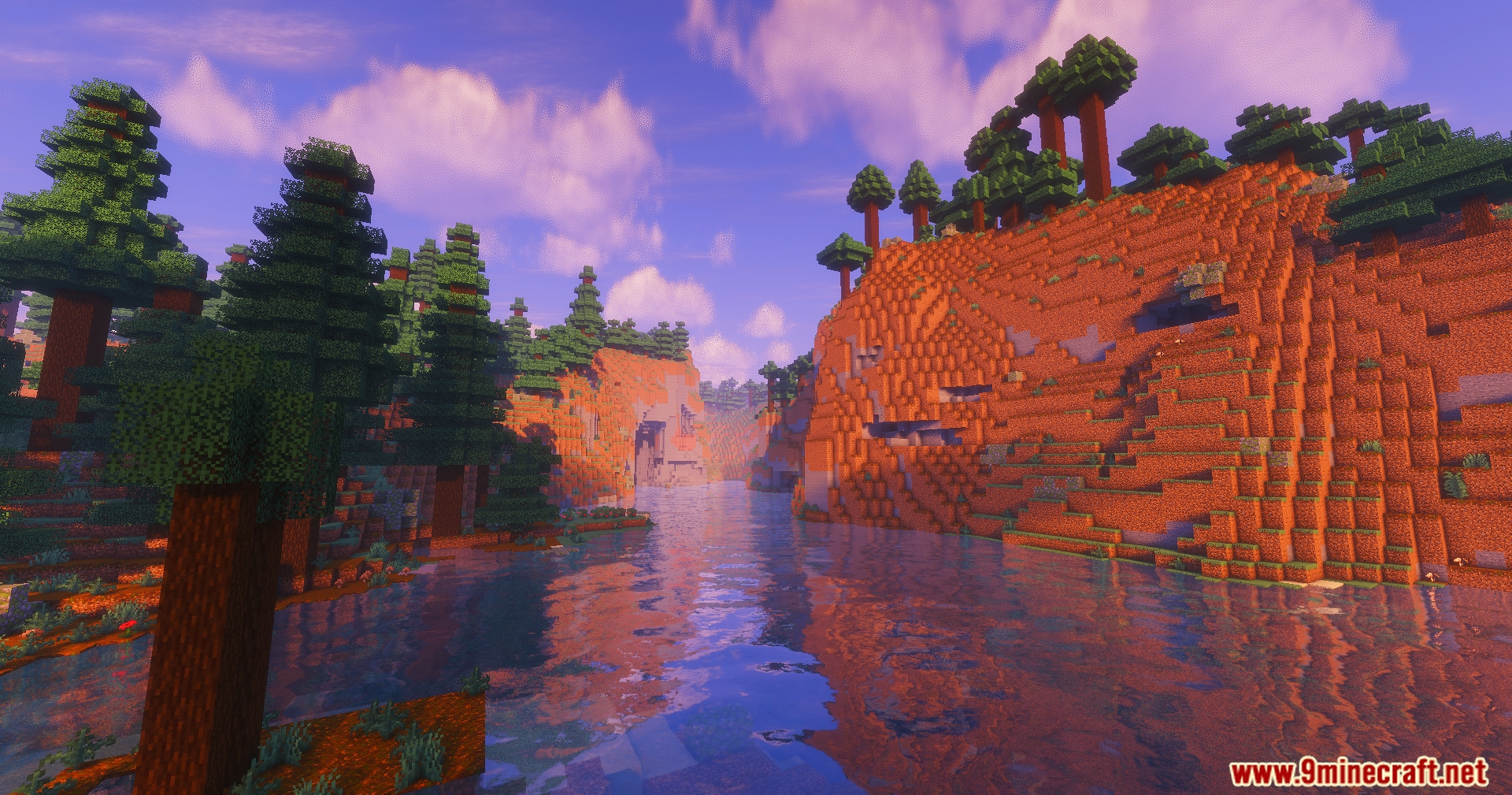
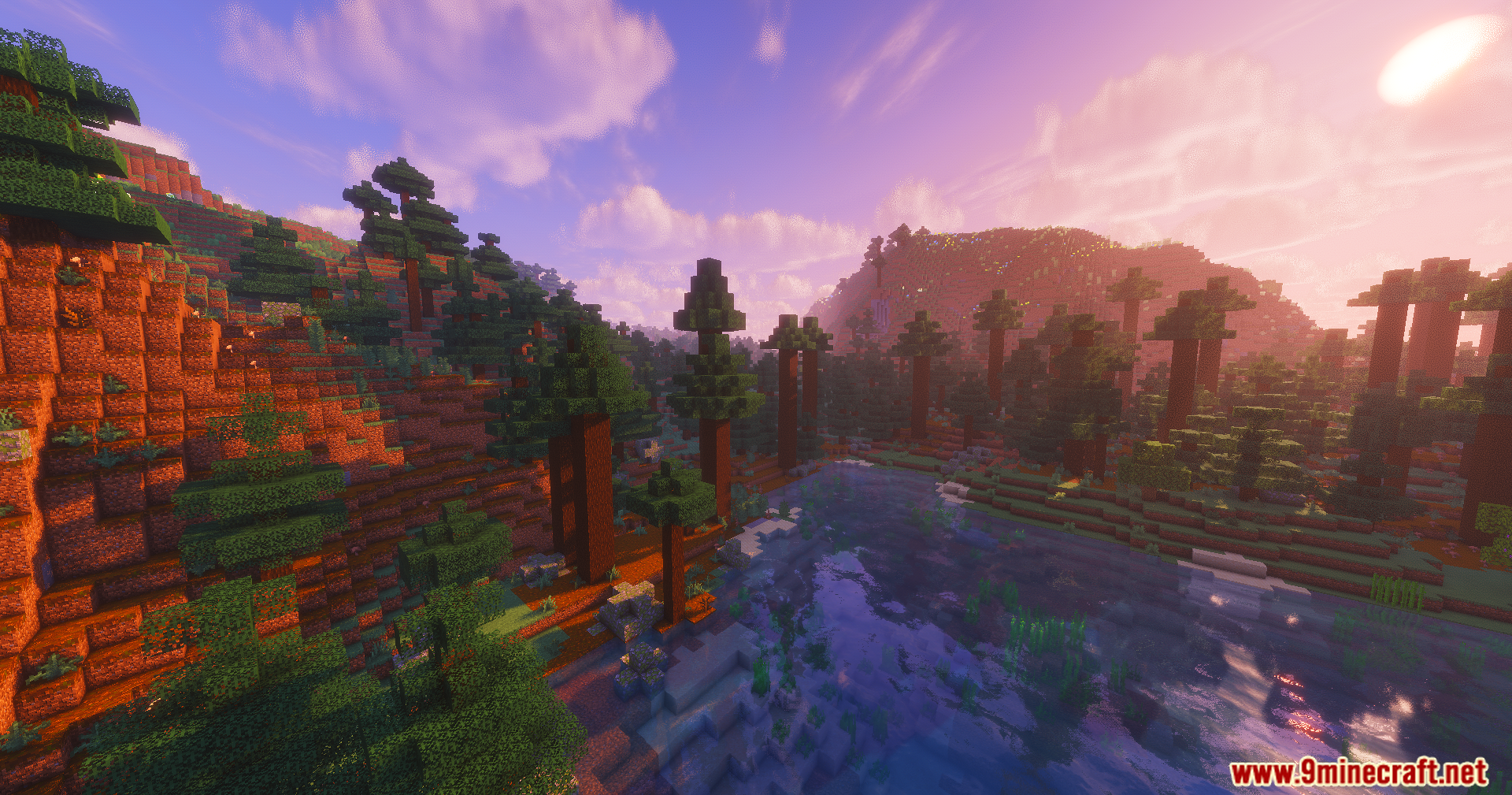
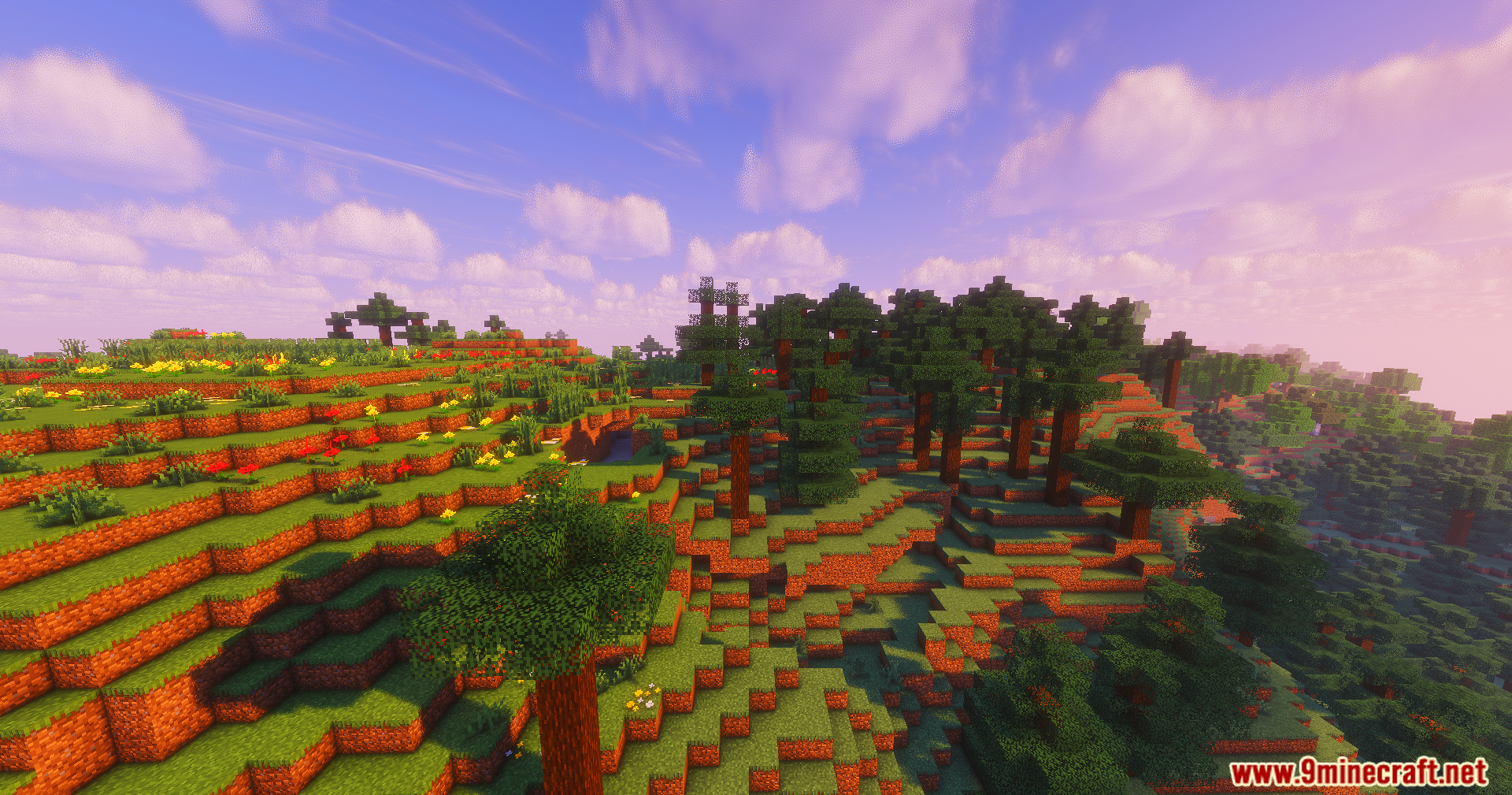
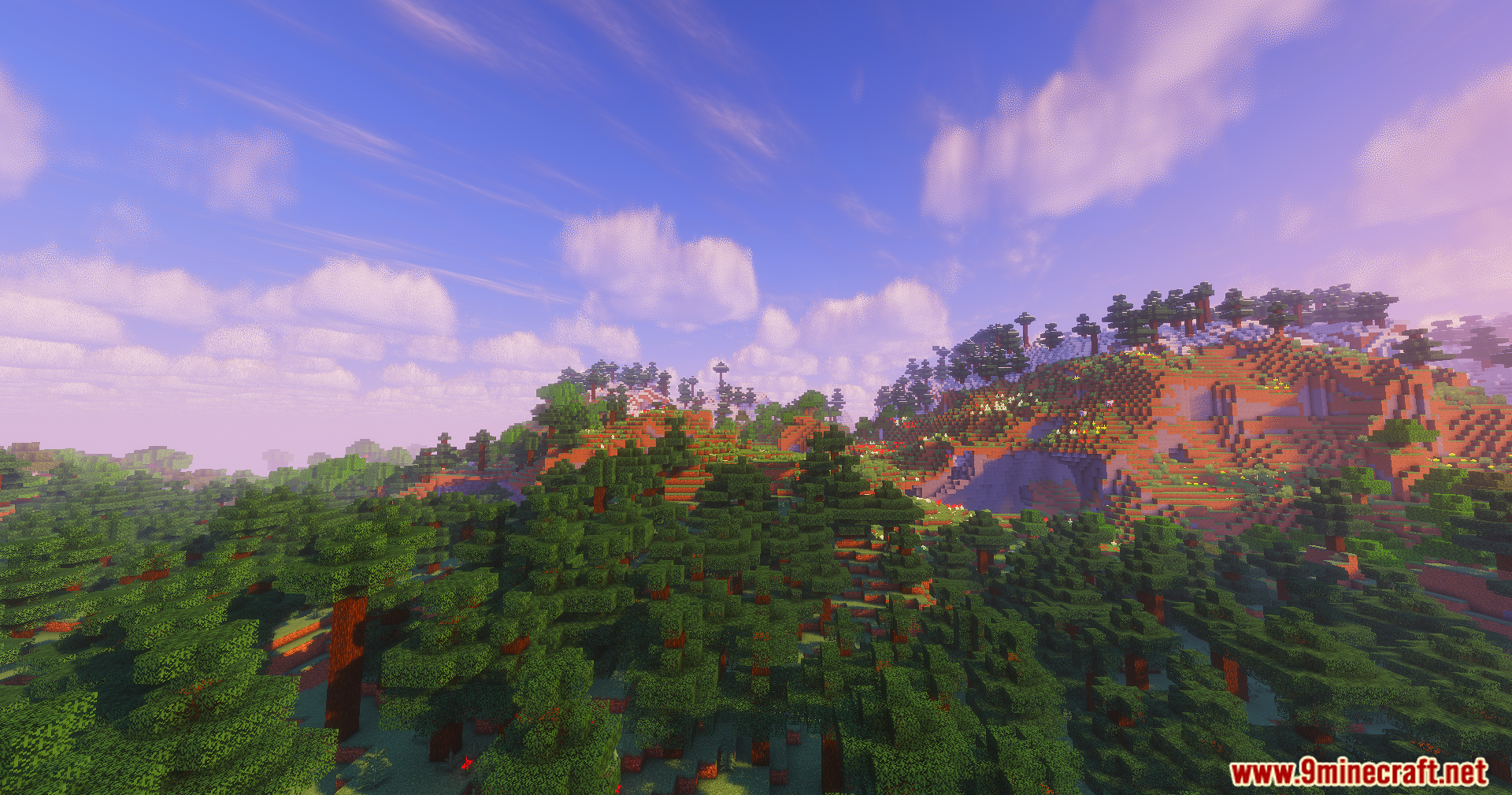
10 images from the Colorfull Ultra Shaders page.
You May Also Like
Wikis that share the most with this one
Wikis on the same theme: light
More shader wikis on the site
The most downloaded mods that have a wiki here