

 DownloadCinematic Static Glow Shaders
Get the files on 9Minecraft
Guides
Step-by-step, in-game.
Adjust Static and Glitch Intensity for Your WorldAccess Shader Settings Open your shader options menu while in-game. This is typically found in Video Settings >…Create an Eerie Atmosphere for a Horror MapMaximize Shader Effects Enable Cinematic Static Glow and push both static and glitch intensity sliders toward…Disable the Shader for Specific ActivitiesTemporarily Toggle Shaders Off Access your Video Settings > Shaders menu and select None or Off to disable Cinematic…Reduce Performance Impact While Keeping Visual EffectsLower Shader Intensity Strategically If you experience lag, start by reducing static and glitch strength rather than…
Frequently asked questions
How do I turn on the shader after installing it?
Open your world or create a new one, then go to Options > Video Settings > Shaders and select Cinematic Static Glow from the list. The effects will apply immediately to your world.
Can I adjust how strong the static and glitch effects are?
Yes, open the shader options menu (usually by clicking the shader name in Video Settings) to find sliders for static intensity, glitch strength, and scanline visibility. You can dial these up for maximum horror or down for a subtle retro look.
The shader is making my game lag. What can I do?
Try reducing the static intensity and glitch strength in the shader settings, or lower your render distance and graphics settings. If performance is still poor, you can disable the shader for specific activities like mining or building, then re-enable it when you want the atmosphere back.
Does this shader work with other mods?
Cinematic Static Glow runs as a vanilla shader pack and is compatible with most mods, but may conflict with other shader packs or visual mods that heavily modify rendering. Test it with your mod list to confirm compatibility.
See all 10 Cinematic Static Glow Shaders questions ›
Gallery
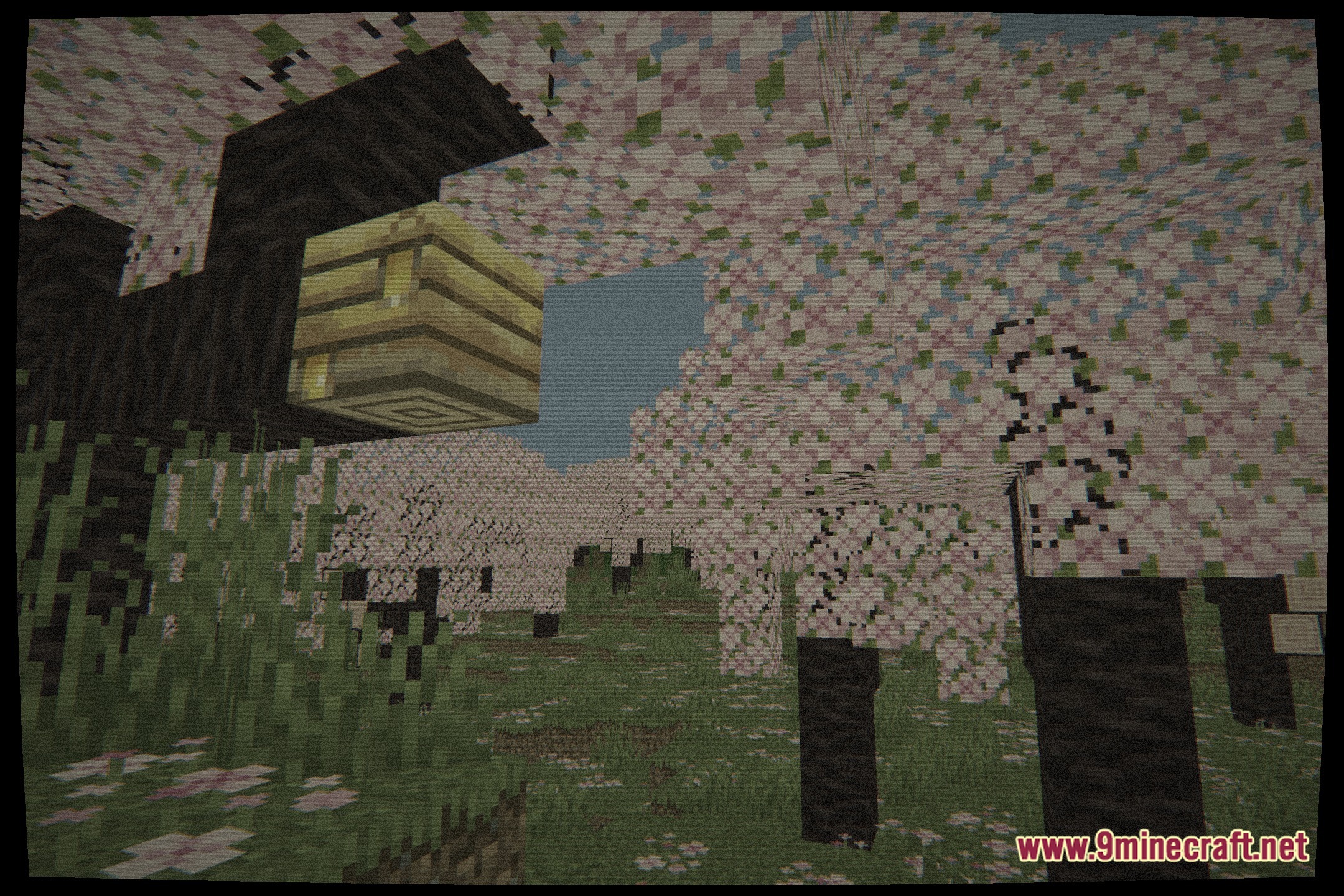
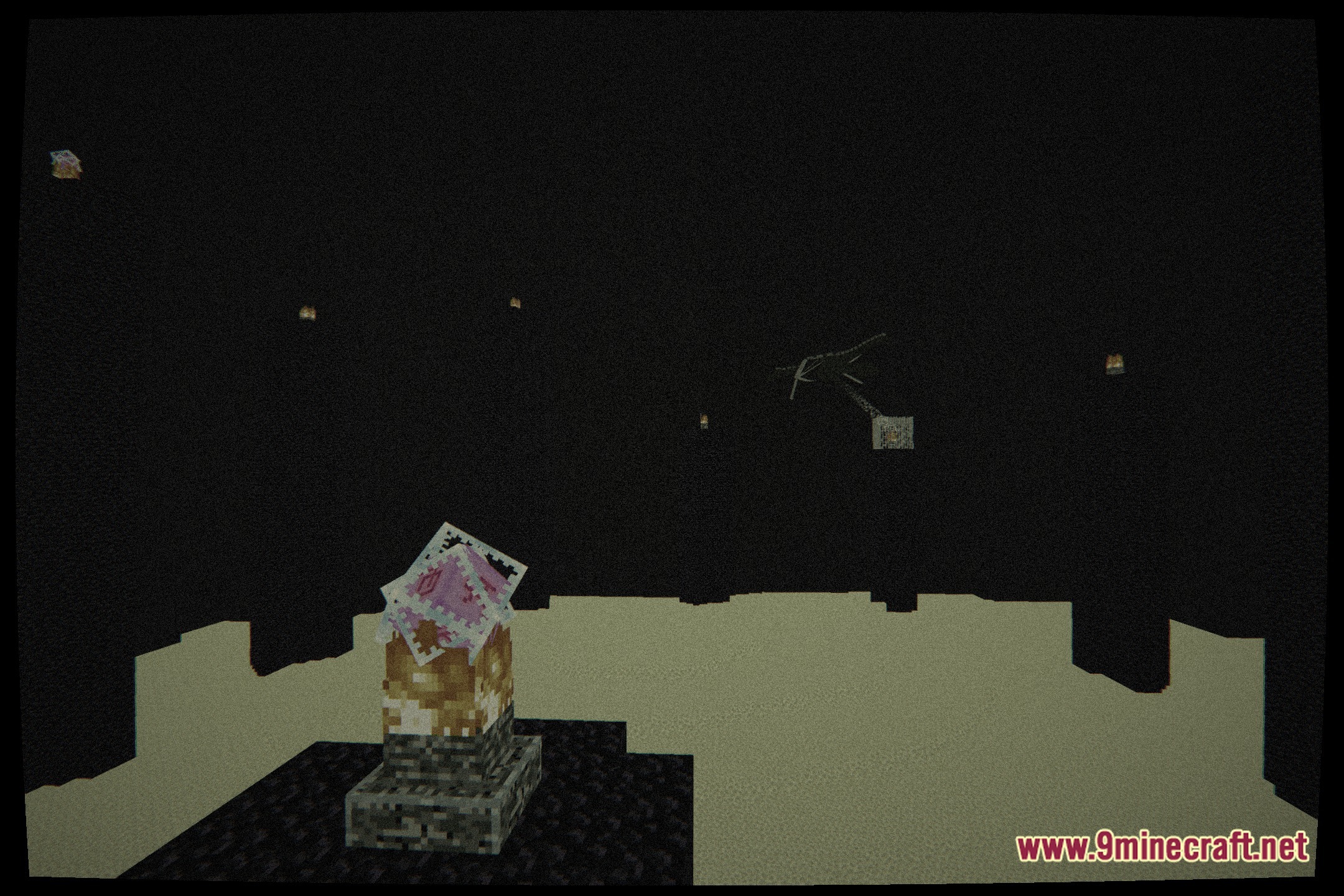
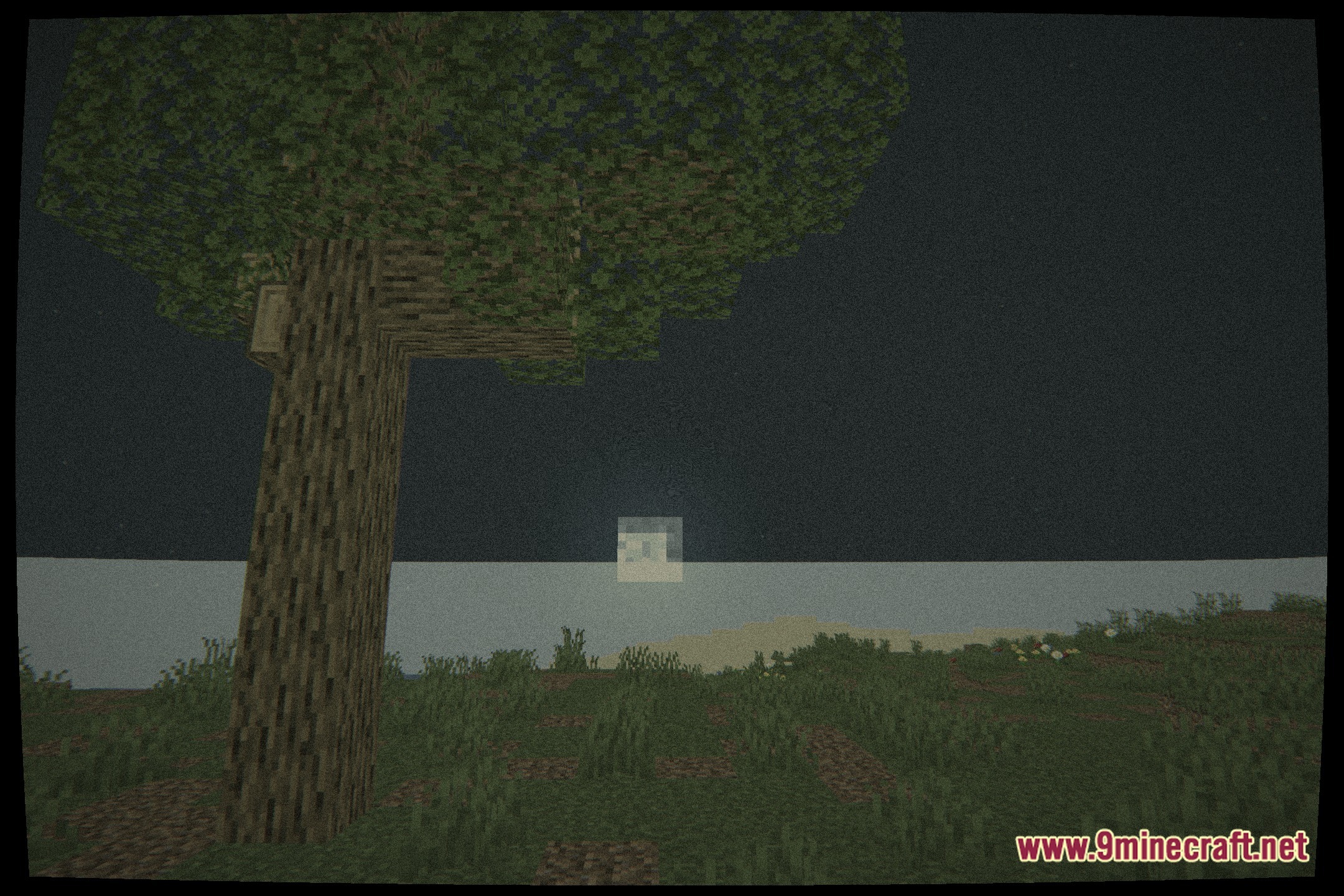
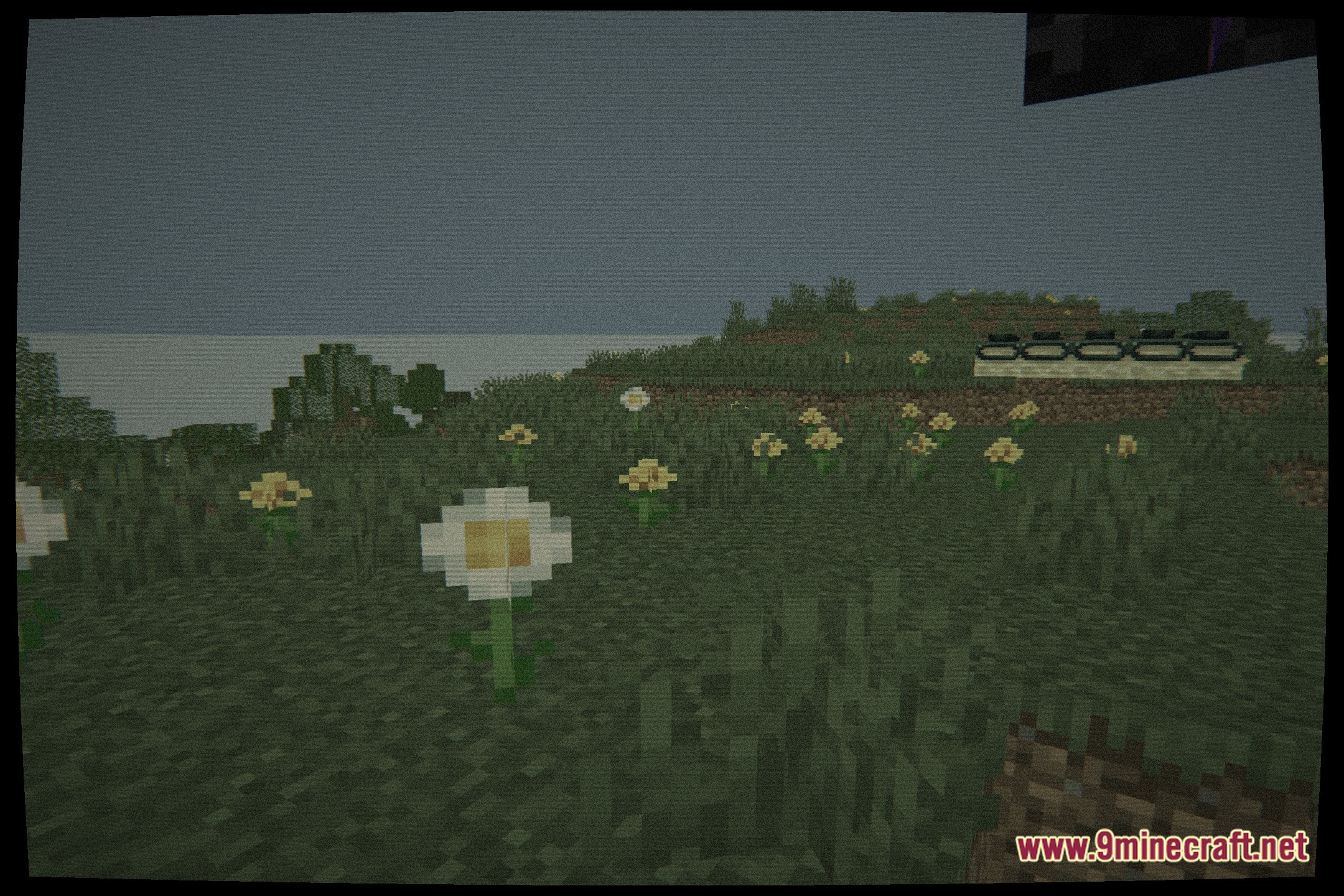
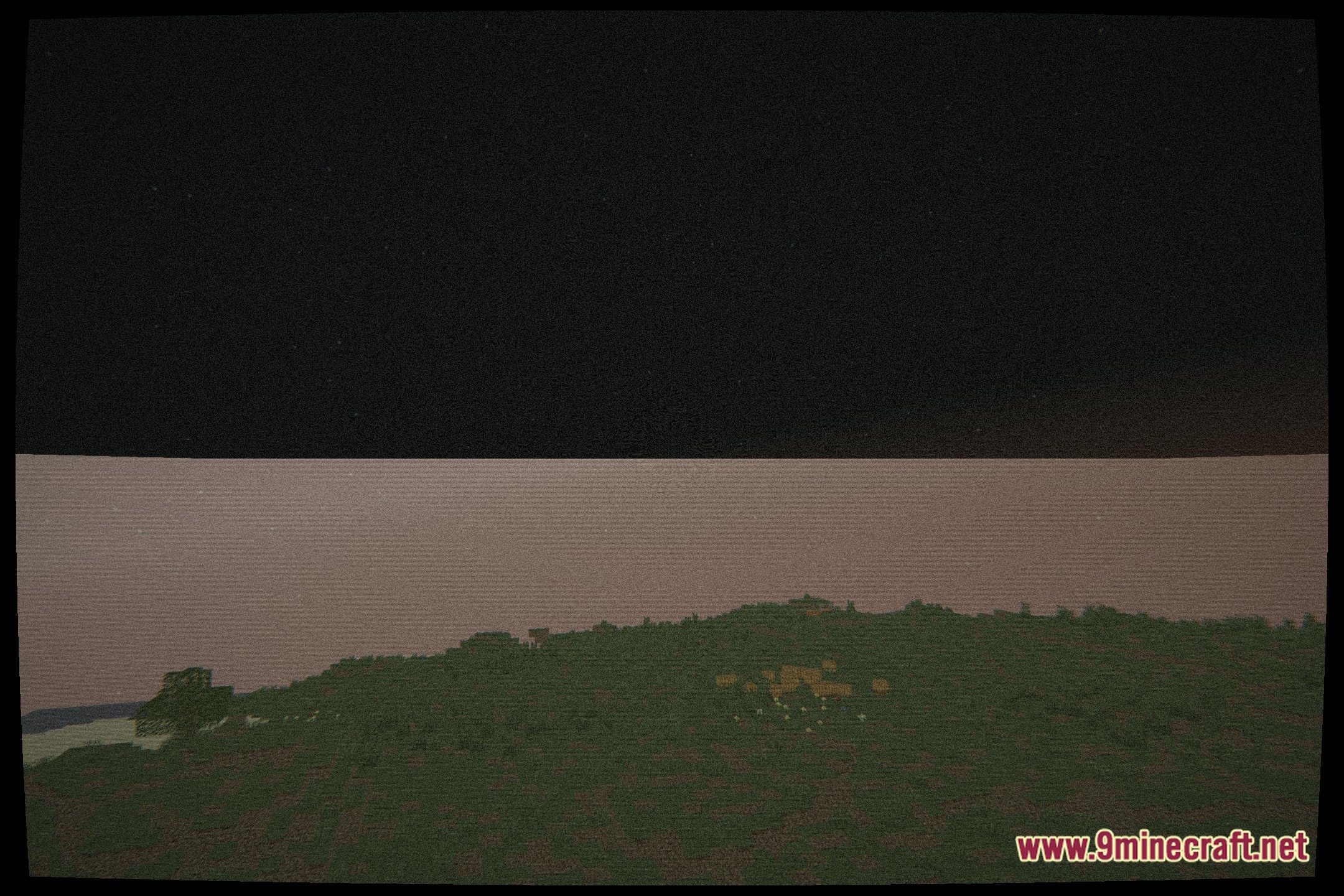
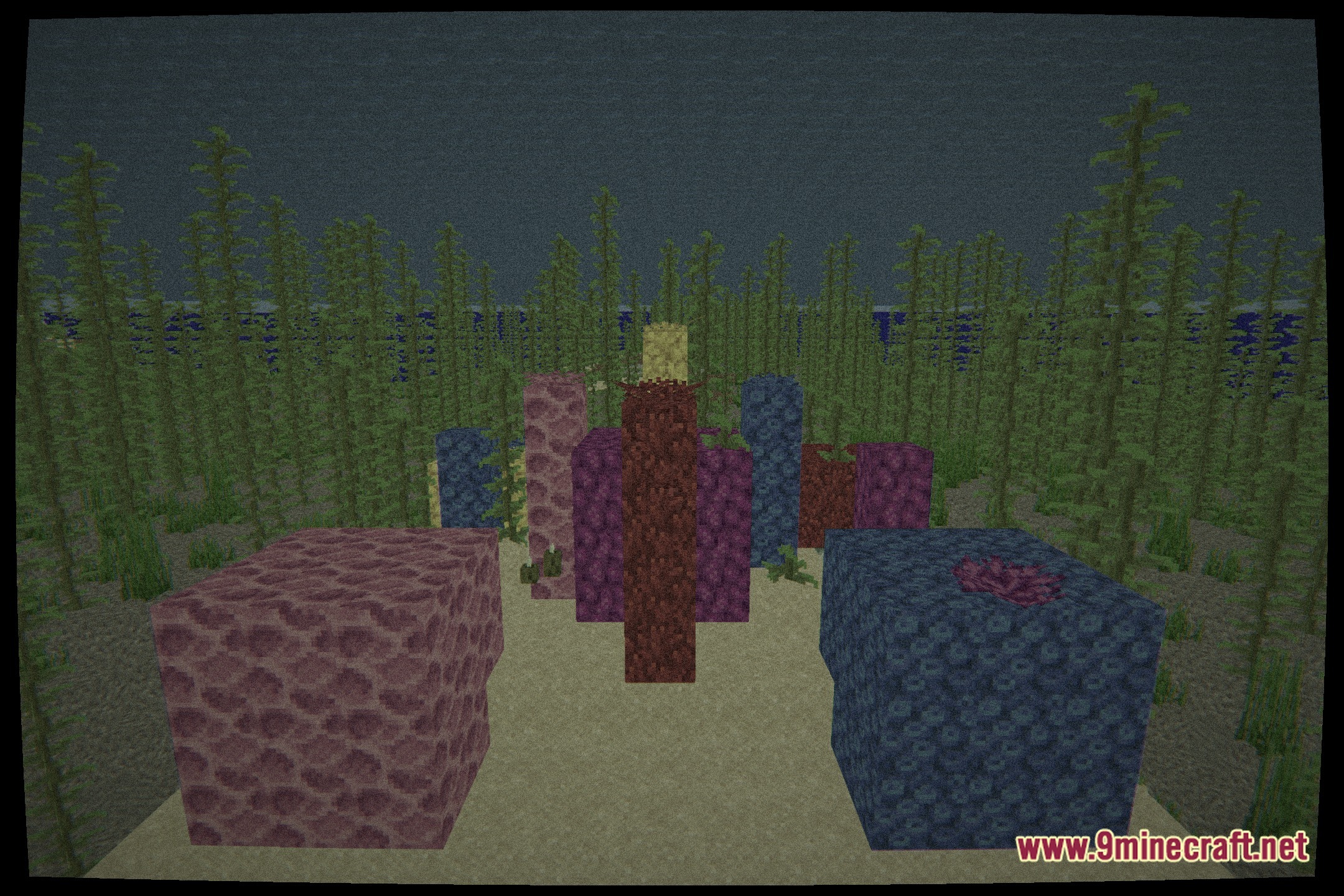
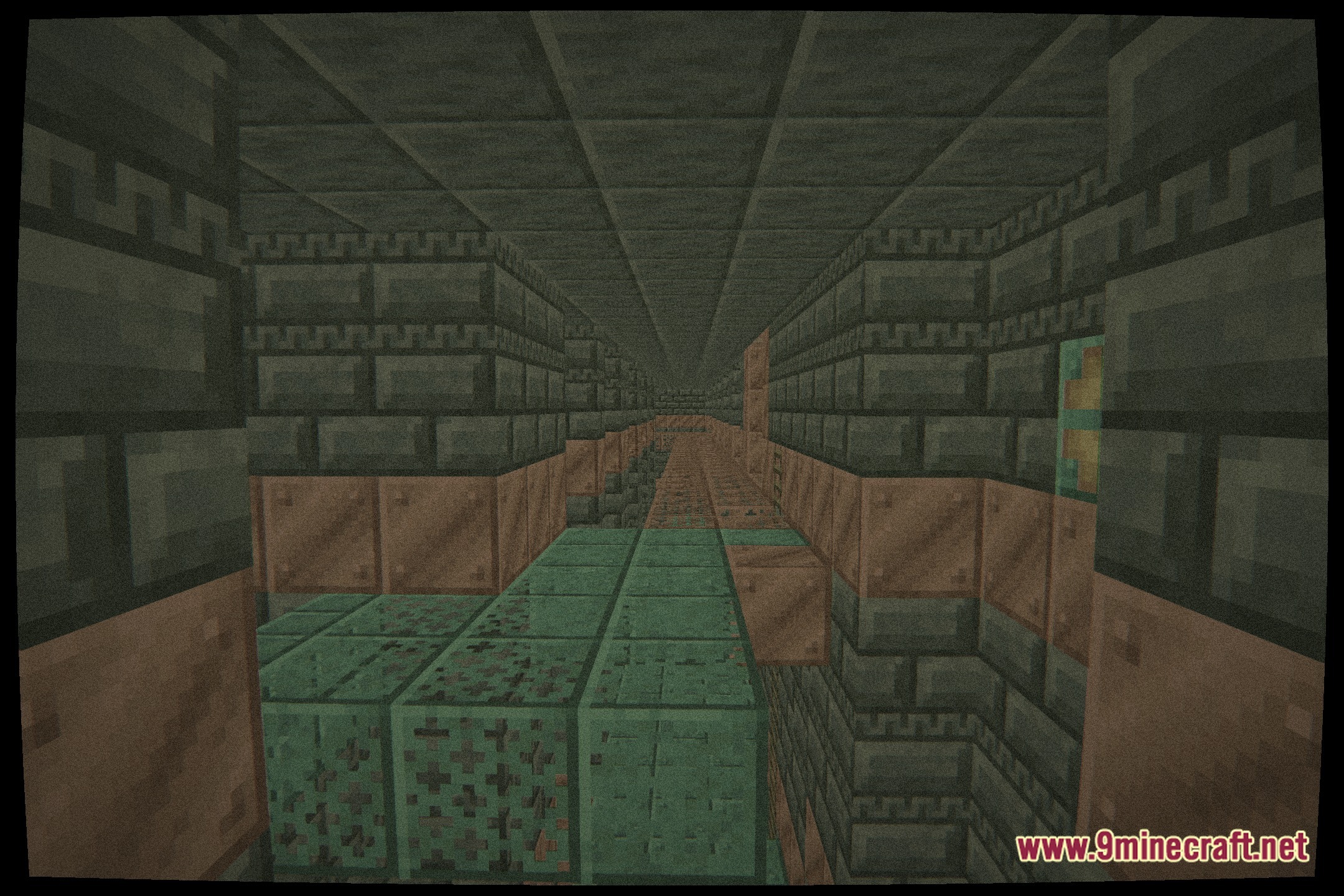
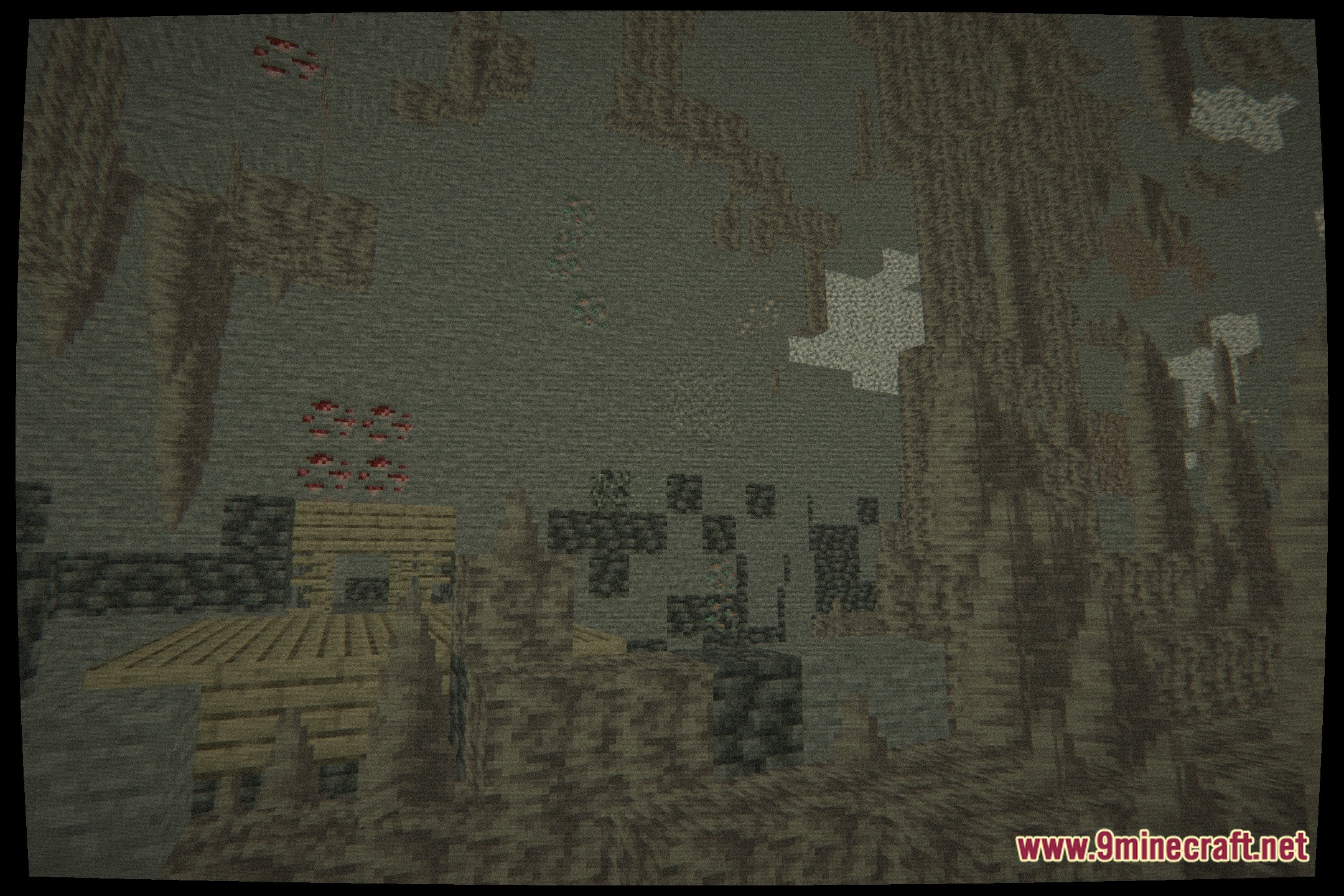
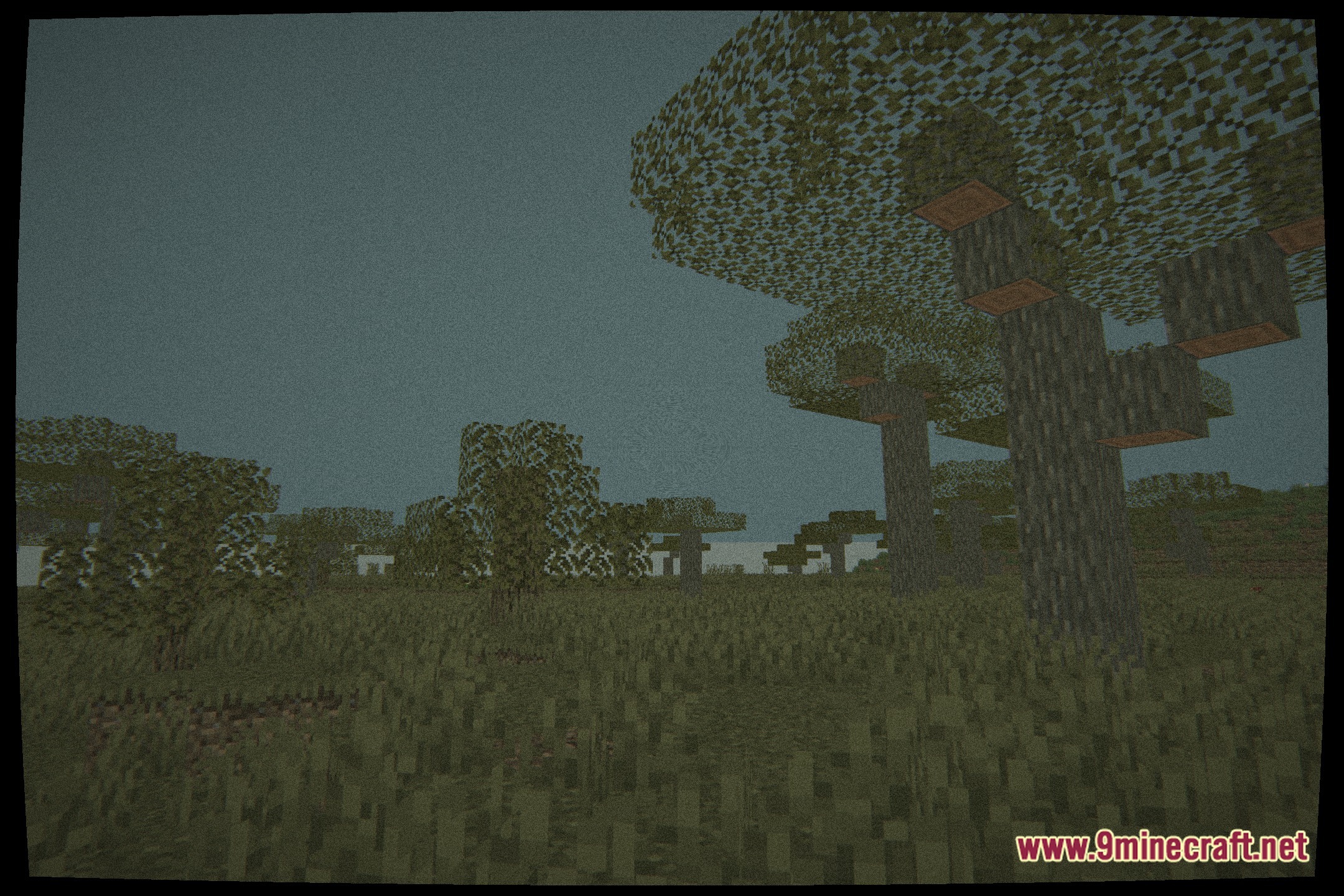
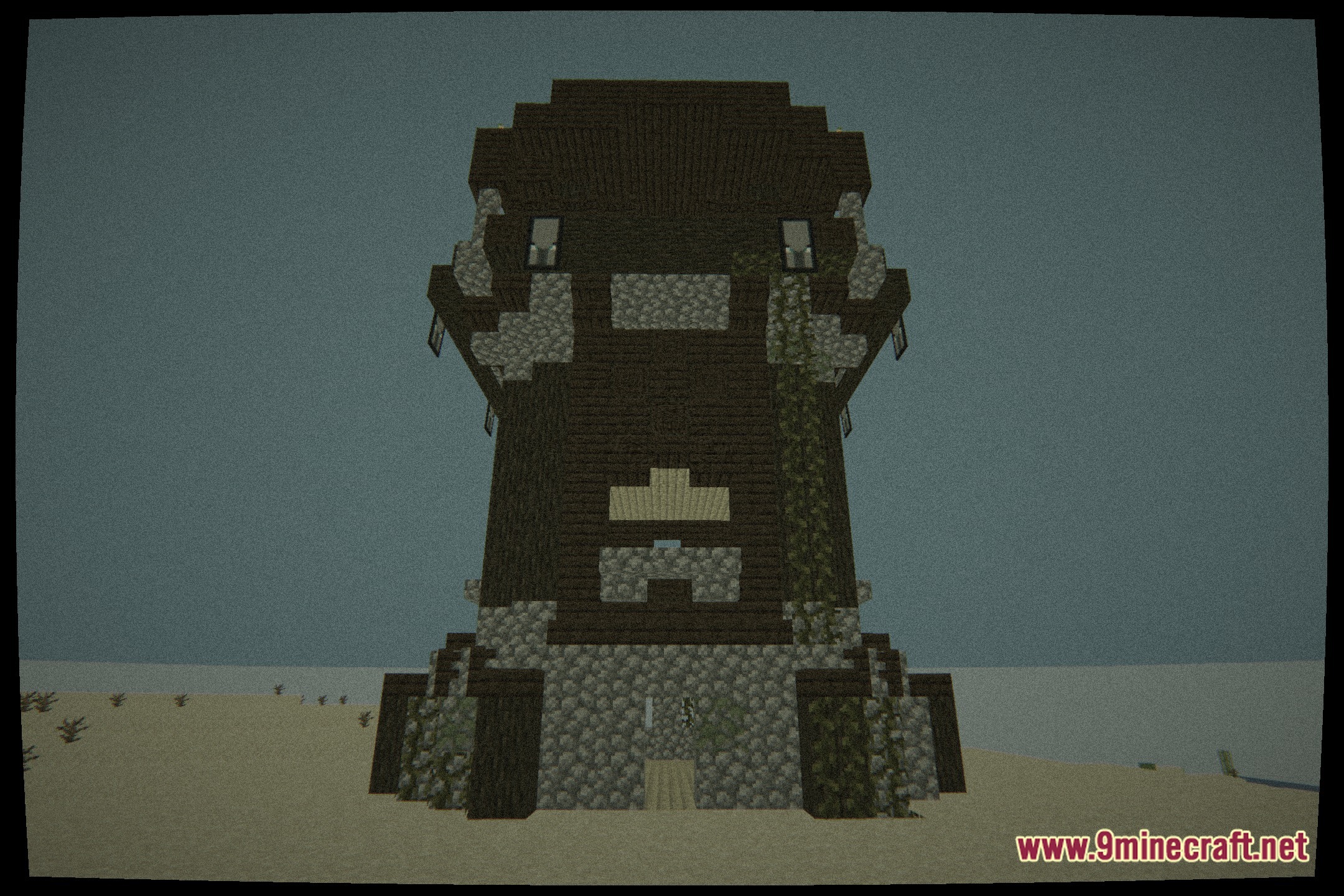
11 images from the Cinematic Static Glow Shaders page.
You May Also Like
Wikis that share the most with this one
Wikis on the same theme: iron
 Cealith Shaders
More shader wikis on the site
Cinematic Noir Lighting ShadersCinematic Linear Perspective ShadersCineFrame ShadersCineDream Plus Java Version Shaders CinderFrame ShadersChunk Tweaks ShadersChroma Lite Shaderpack Realism Low End ShadersChippa256 ShadersChillCrafter ShadersChill ShadersChick Pro Lux ShadersCherry Reimagined Shaders
The most downloaded mods that have a wiki here