

Guides
Step-by-step, in-game.
Adjust Shader Brightness and Contrast for Your SetupAccess Shader Settings Open your pause menu and navigate to Options → Video Settings → Shader Options (or Iris…Make the Nether and End Look Better with Custom LightingLocate Dimension-Specific Settings In shader options, find settings labeled for the Nether or End dimension lighting.…Optimize Frame Rate on Low-End HardwareCheck Current Performance Press F3 (or your debug key) to see your FPS counter. Chick Pro Lux is designed to run…Troubleshoot Flickering, Banding, or Color IssuesIdentify the Problem Flickering often appears as rapid light changes or shadow strobing. Banding shows as visible…
Frequently asked questions
How do I enable Chick Pro Lux Shaders after installing it?
Open your Video Settings in-game, go to Shaders, and select Chick Pro Lux Shaders from the list. The shader will apply immediately to your world.
Why does my world look too bright or washed out?
Adjust the brightness and contrast settings in the shader options menu—access this through Video Settings > Shaders > Shader Options. You can fine-tune the look to match your monitor and preference.
Can I use this shader with OptiFine or Iris?
Yes, Chick Pro Lux Shaders is compatible with both OptiFine and Iris. Make sure you have one of these installed first, then load the shader pack through the Shaders menu.
My FPS dropped a lot after installing the shader. What should I do?
Try disabling shadow effects or lowering shadow quality in the shader options, and ensure your render distance is set to a reasonable level. Check the Optimize Frame Rate on Low-End Hardware guide for more detailed steps.
See all 10 Chick Pro Lux Shaders questions ›
Gallery
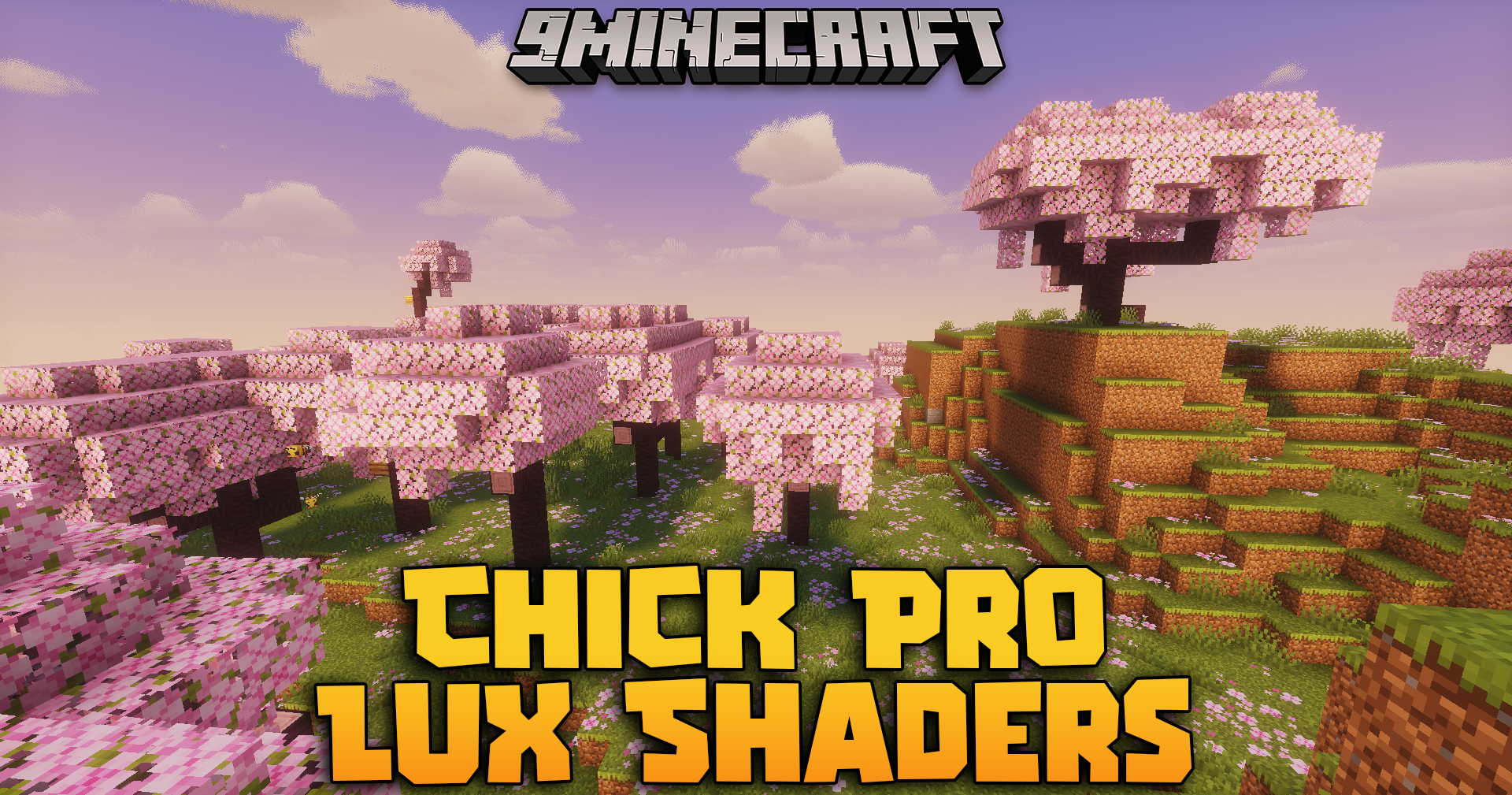
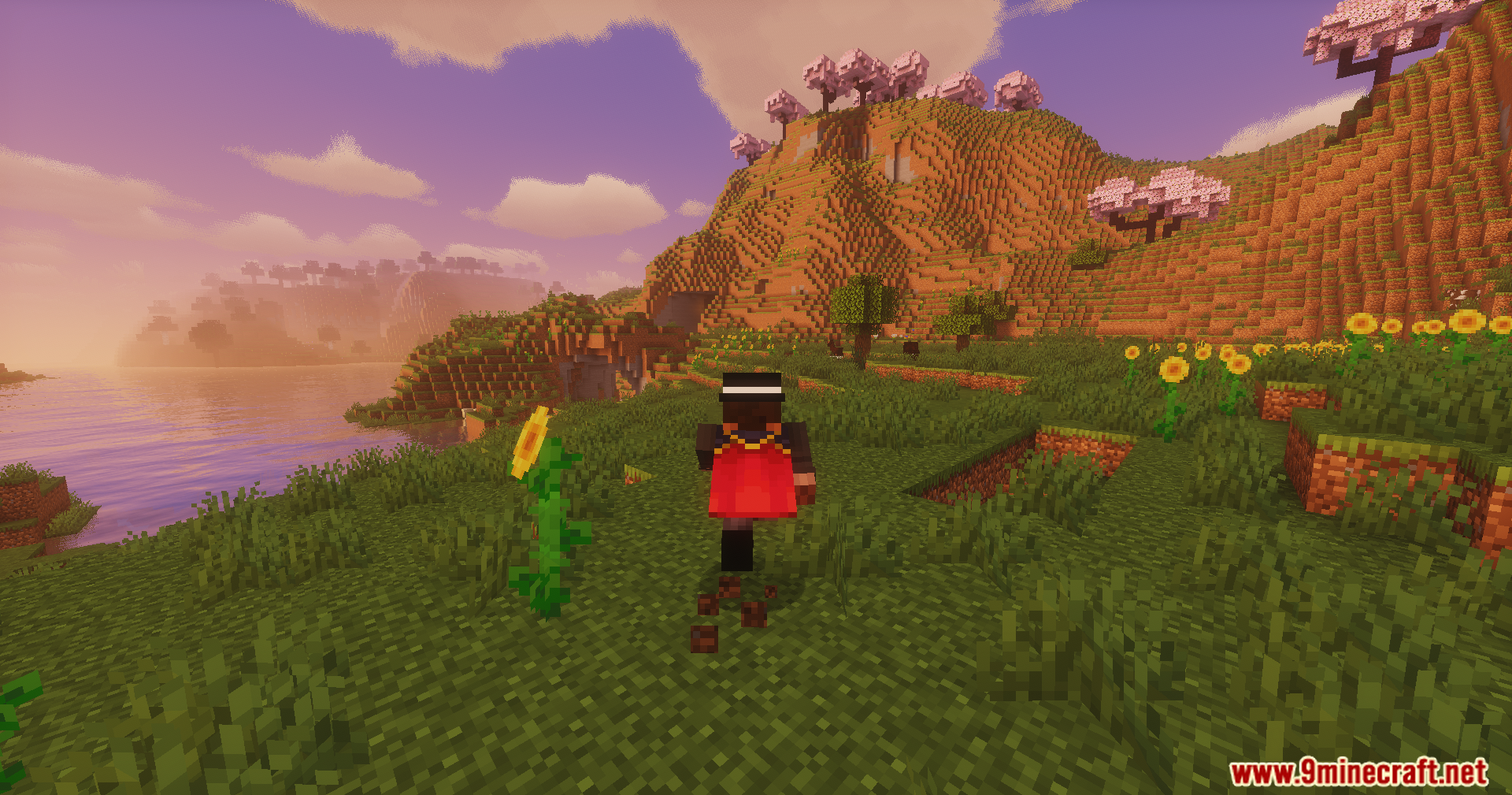
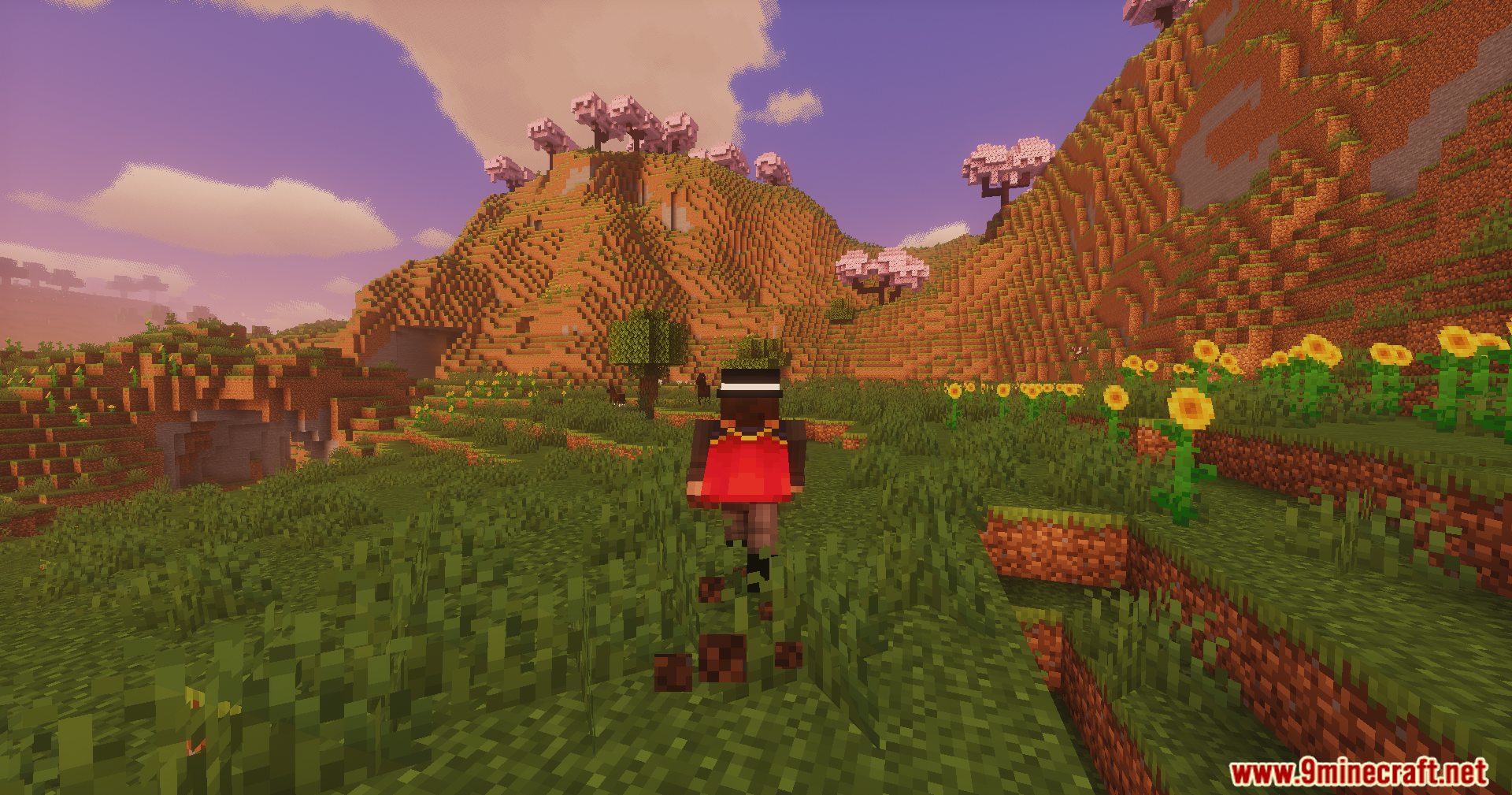
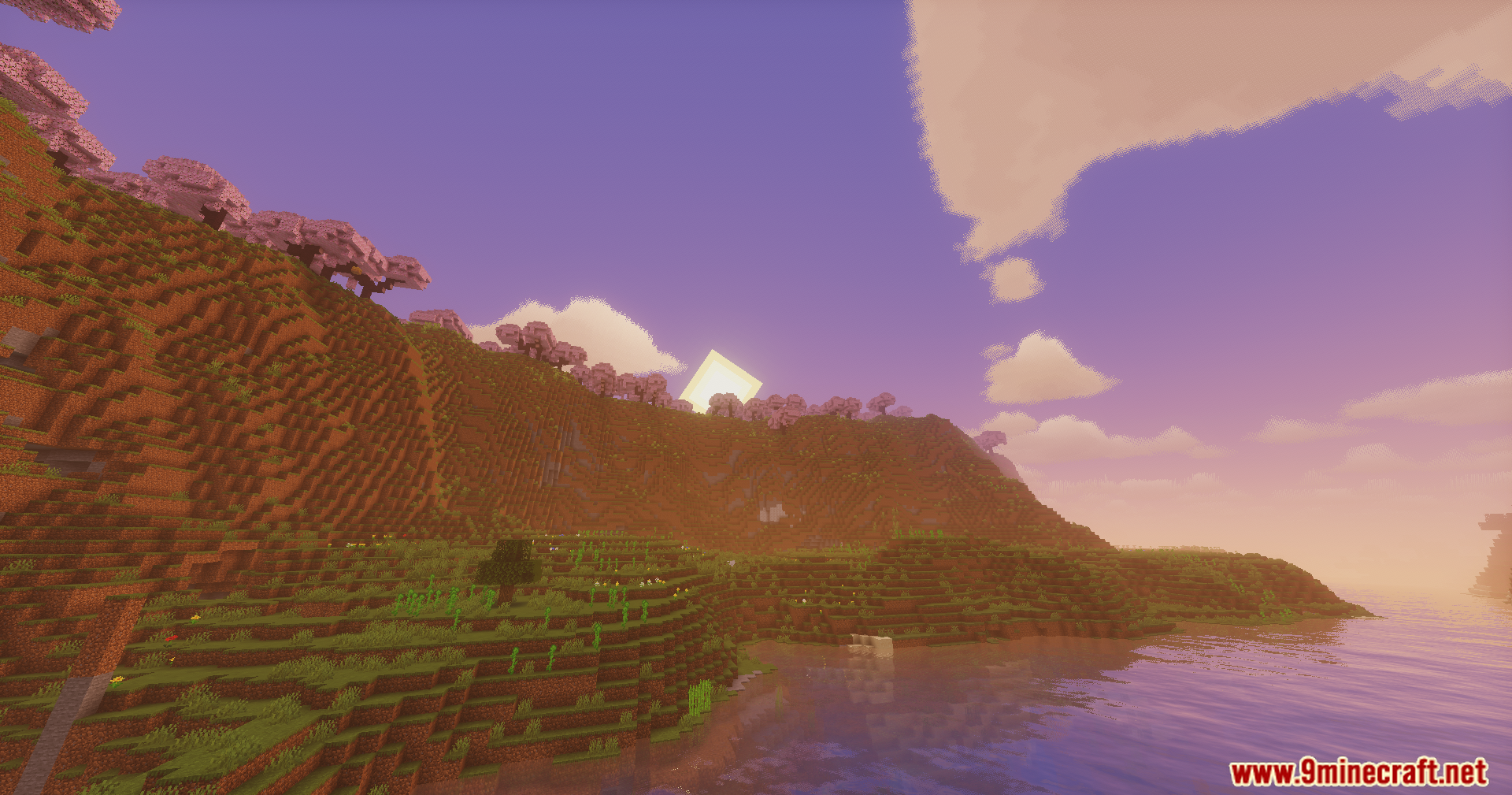
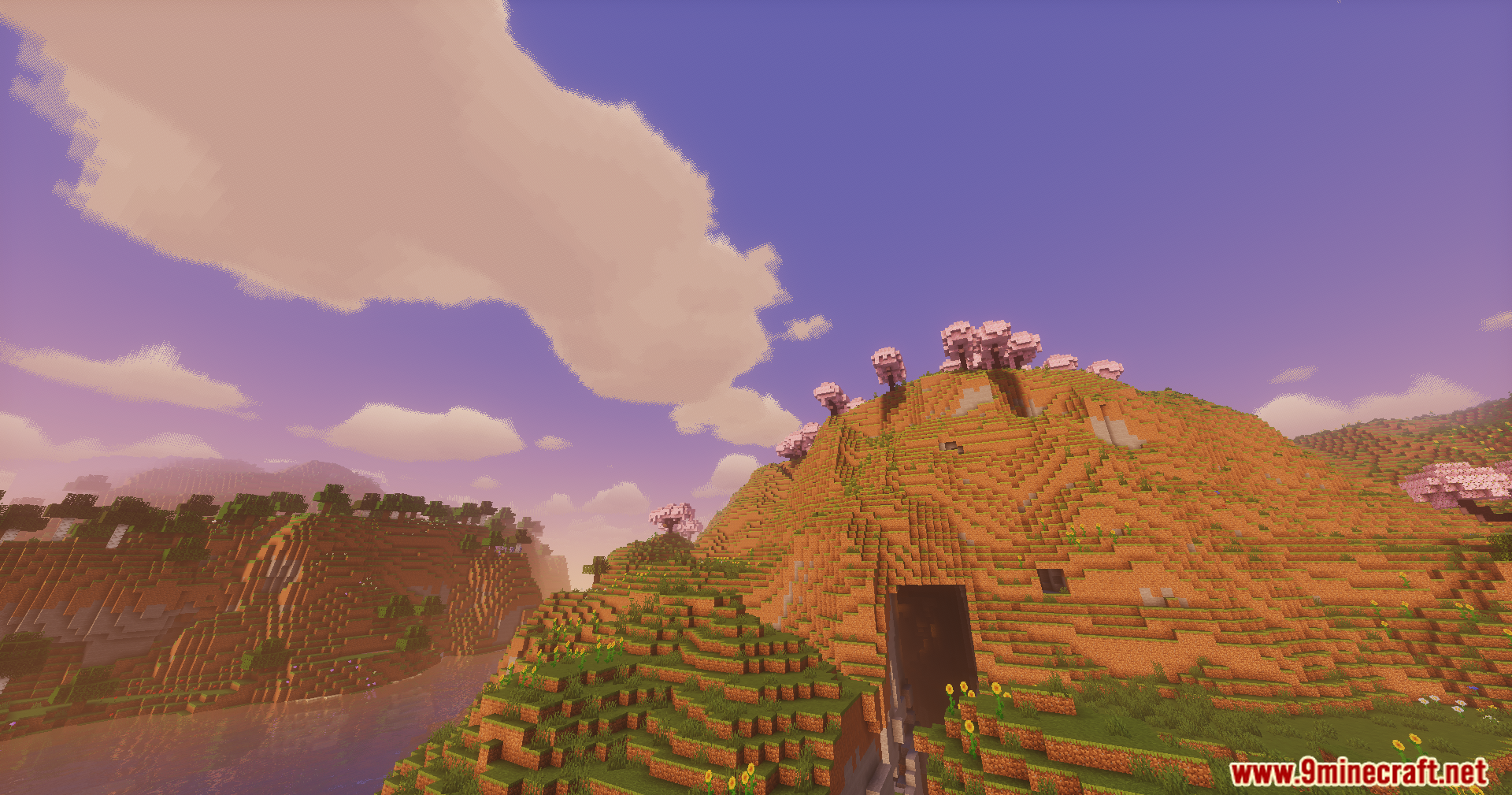
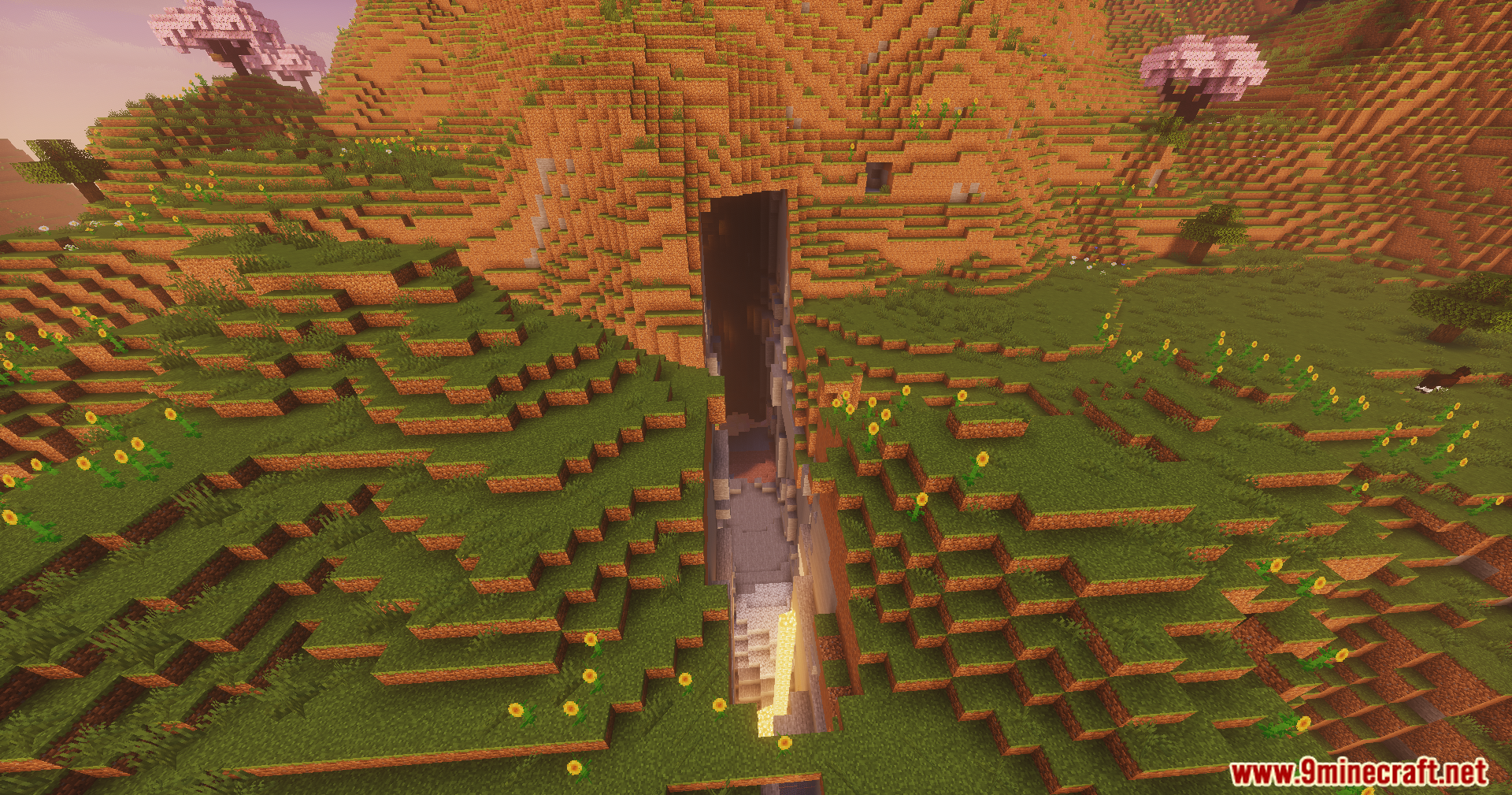
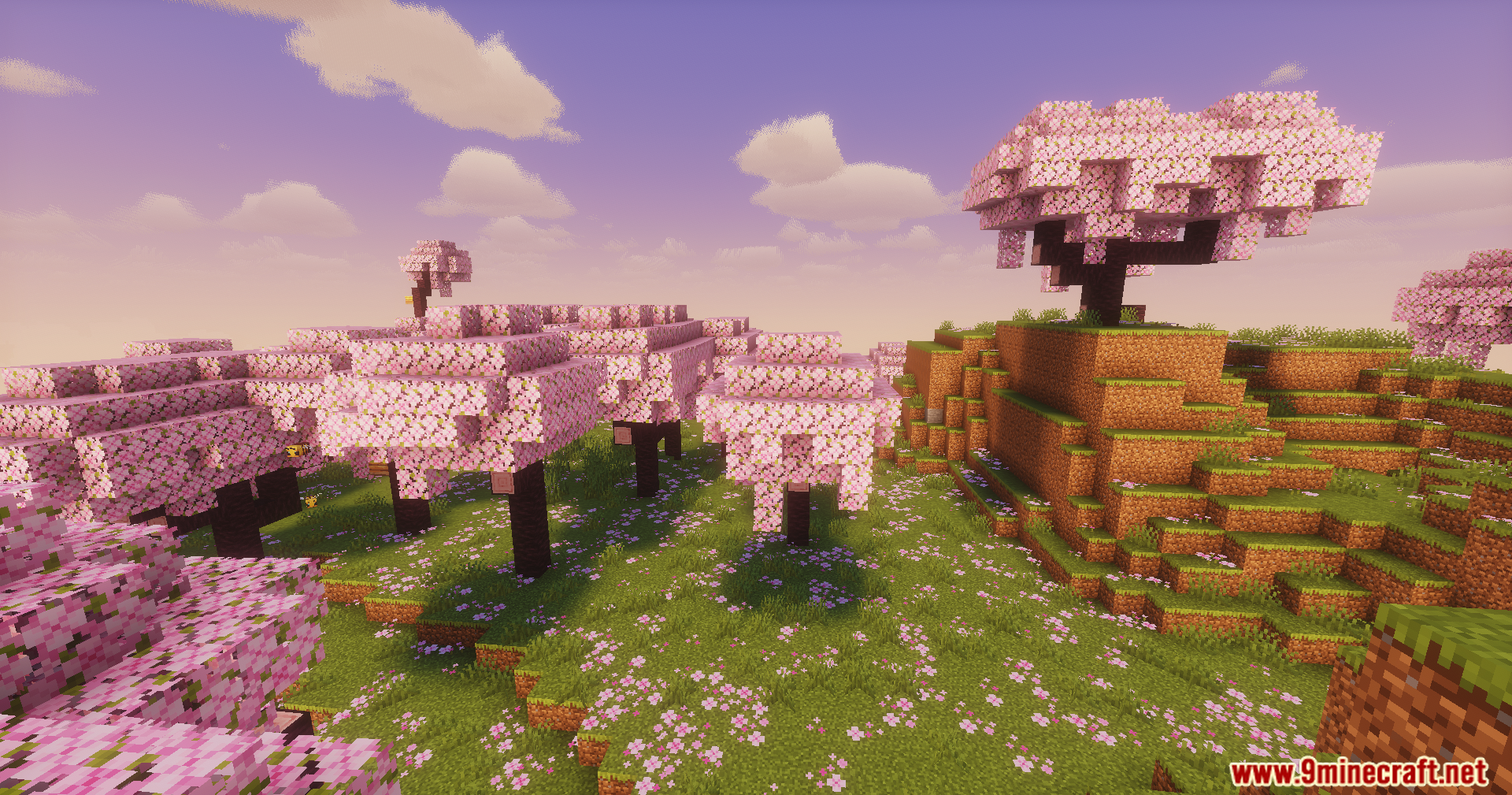
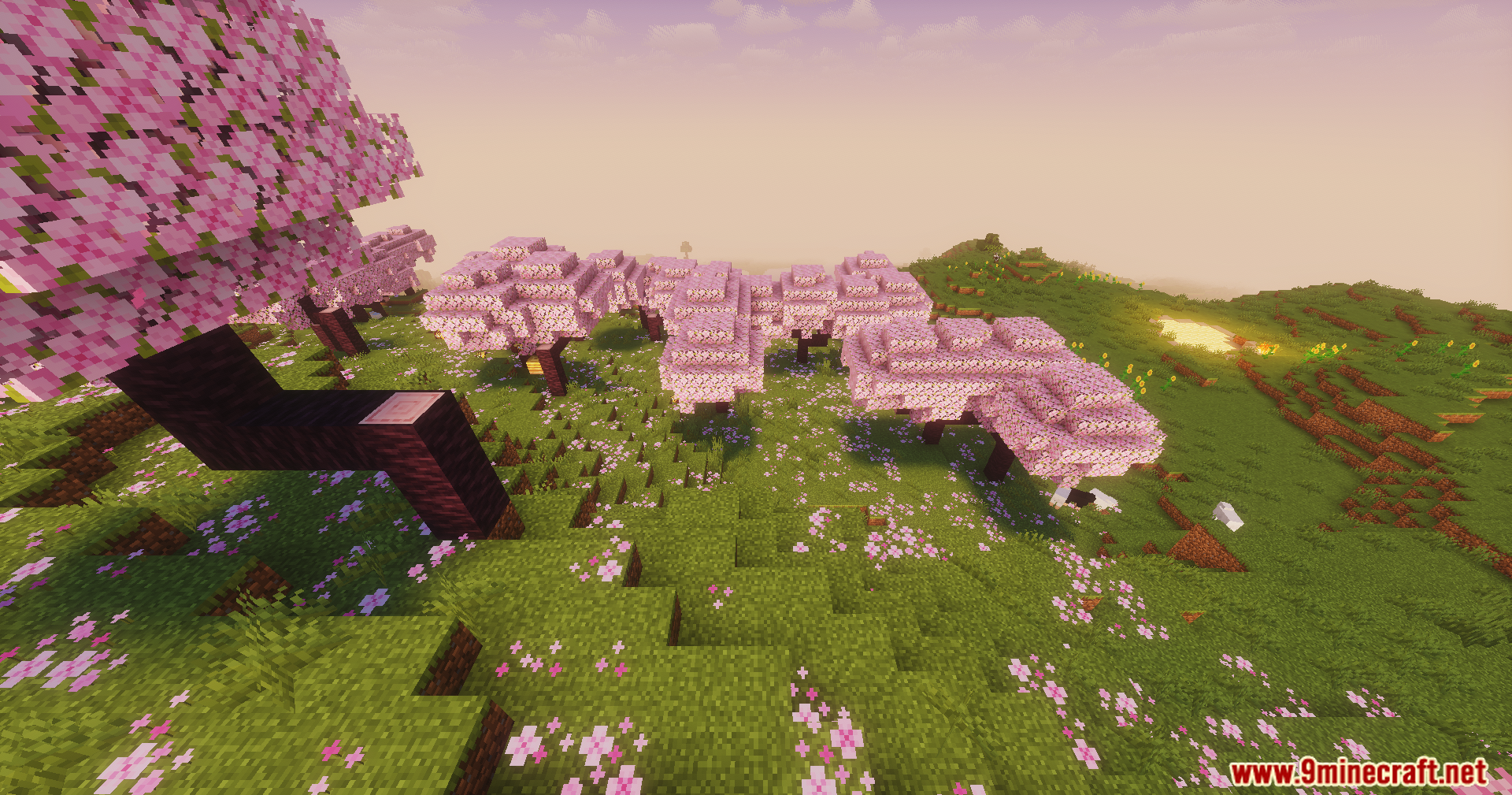
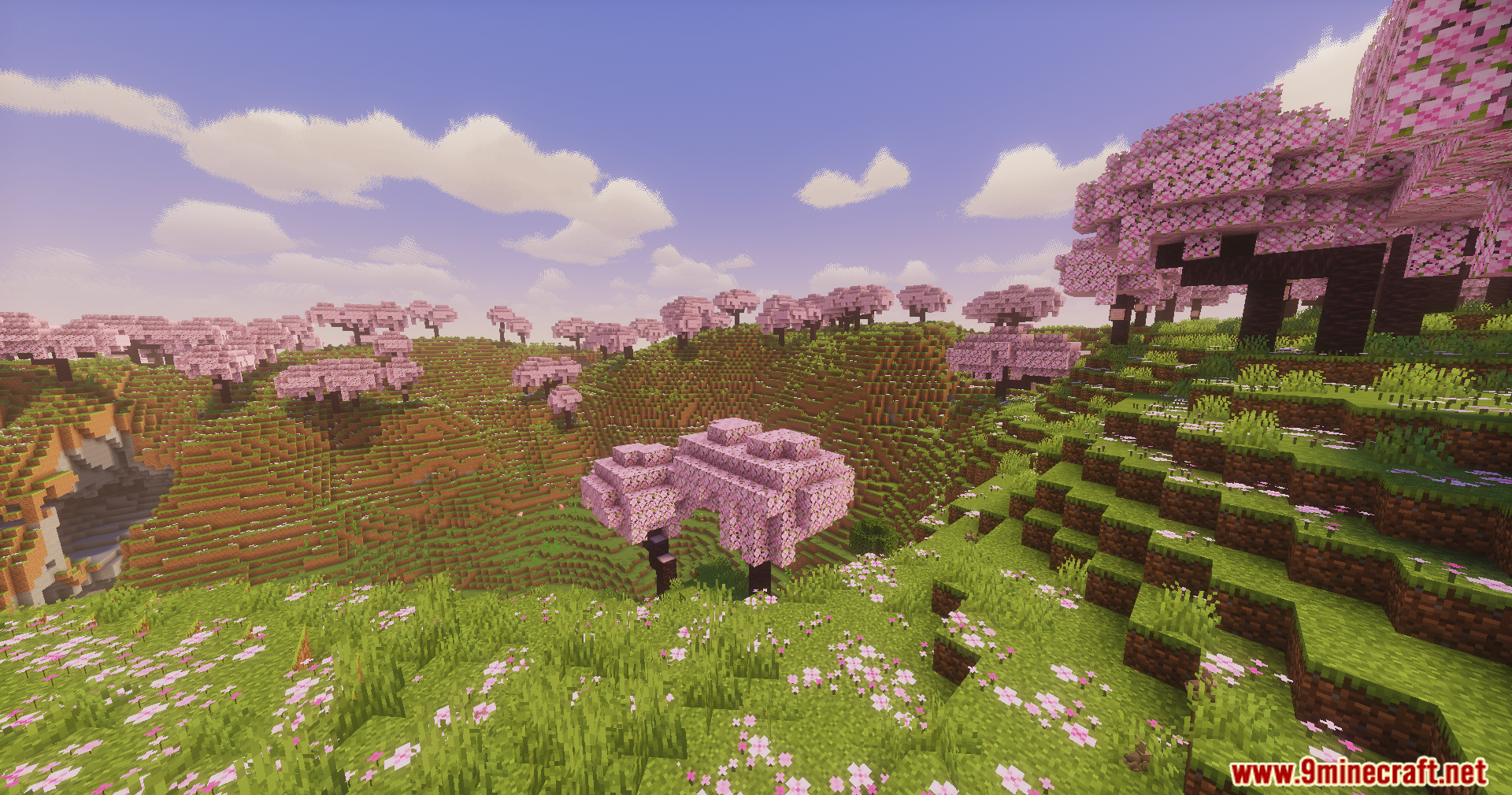
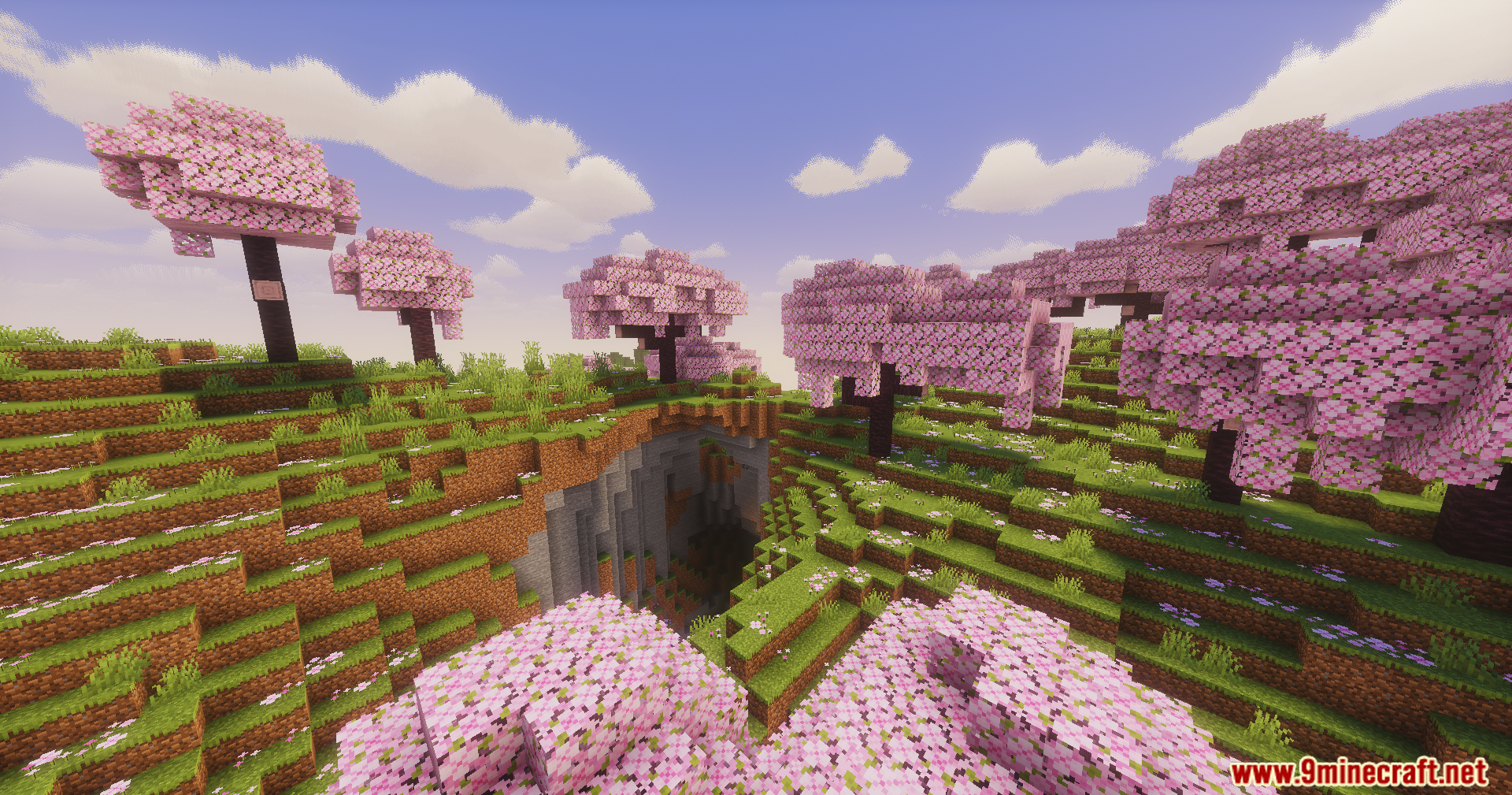
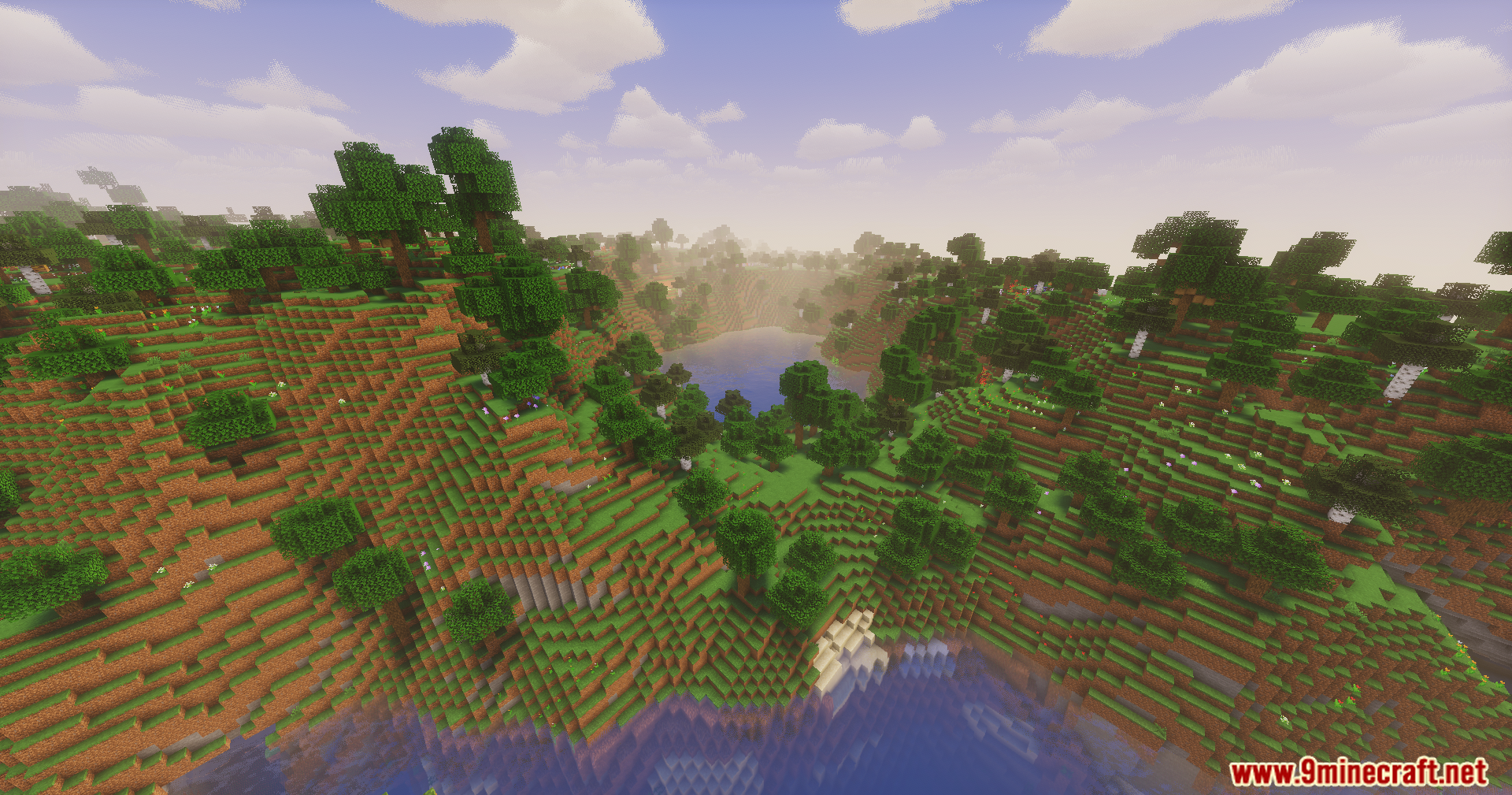
11 images from the Chick Pro Lux Shaders page.
You May Also Like
Wikis that share the most with this one
Wikis on the same theme: light
More shader wikis on the site
 Celestial Order Fix Shaders
 Cealith Shaders
The most downloaded mods that have a wiki here