

 DownloadGlow Up
Get the files on 9Minecraft
Guides
Step-by-step, in-game.
Customize Glow Colors and BrightnessEditing Emissive Textures Glow Up is designed for easy customization. The pack generates glowing textures…Enable Glowing Blocks in Modded DimensionsAccessing Mod-Specific Ores Glow Up supports ores and blocks from dimension mods and specialized content packs. To…Make Ores Glow in Your WorldHow Glow Up Works Glow Up automatically applies emissive (glowing) textures to ores in your world. Once installed,…Use Glow Up with Other Texture PacksCompatibility with Stone and Ore Packs Glow Up is built to layer on top of other texture packs without conflicts.…
Frequently asked questions
Do I need to do anything after installing Glow Up or does it work automatically?
Glow Up works automatically once installed—ores will glow in your world right away. You don't need to enable it in settings or run any commands.
Why aren't my ores glowing?
Make sure you have Emissive Textures enabled in your video settings (usually under Graphics or Quality). If ores still don't glow, check that Glow Up is loaded after any other texture packs that modify stone or ore textures.
Can I use Glow Up with my favorite texture pack?
Yes—Glow Up is designed to layer on top of packs that change stone block textures. Load Glow Up after your other texture pack in your resource pack list so the glow effect applies to your customized ores.
How do I make ores glow brighter or dimmer?
You can customize glow brightness by editing the emissive texture files in the pack. The guide 'Customize Glow Colors and Brightness' walks through which files to modify for different ores.
See all 10 Glow Up questions ›
Gallery
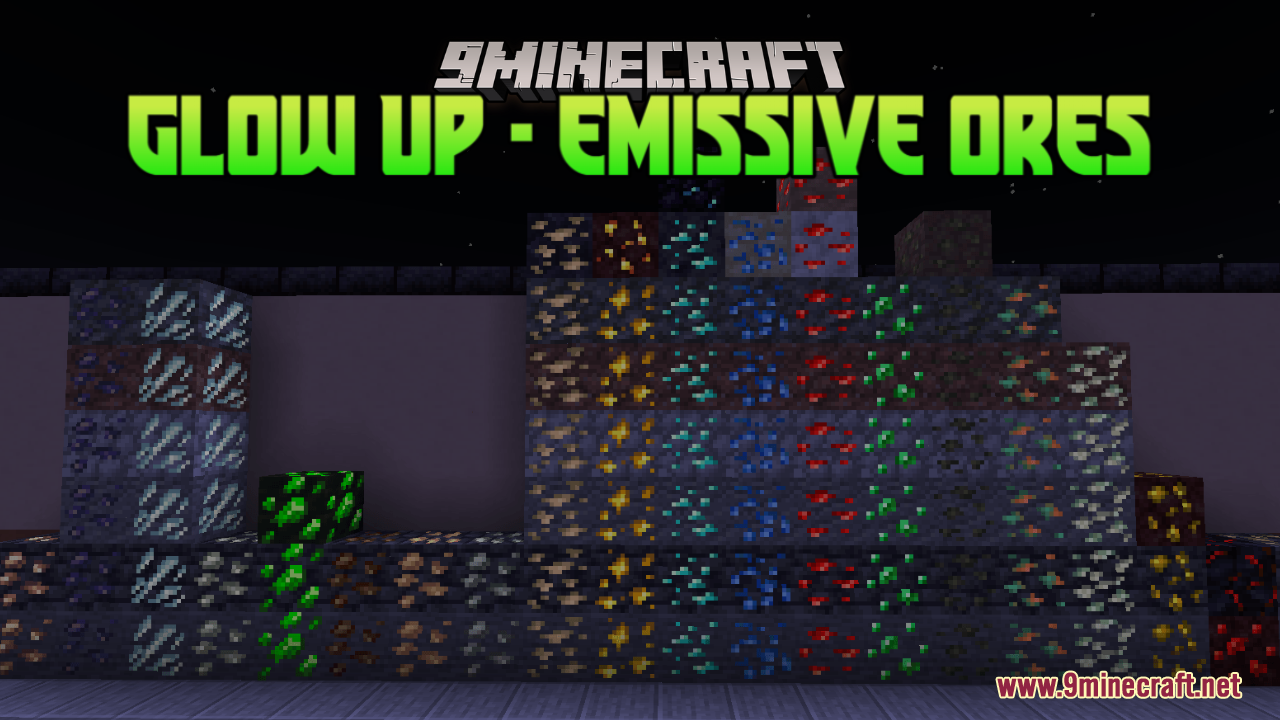
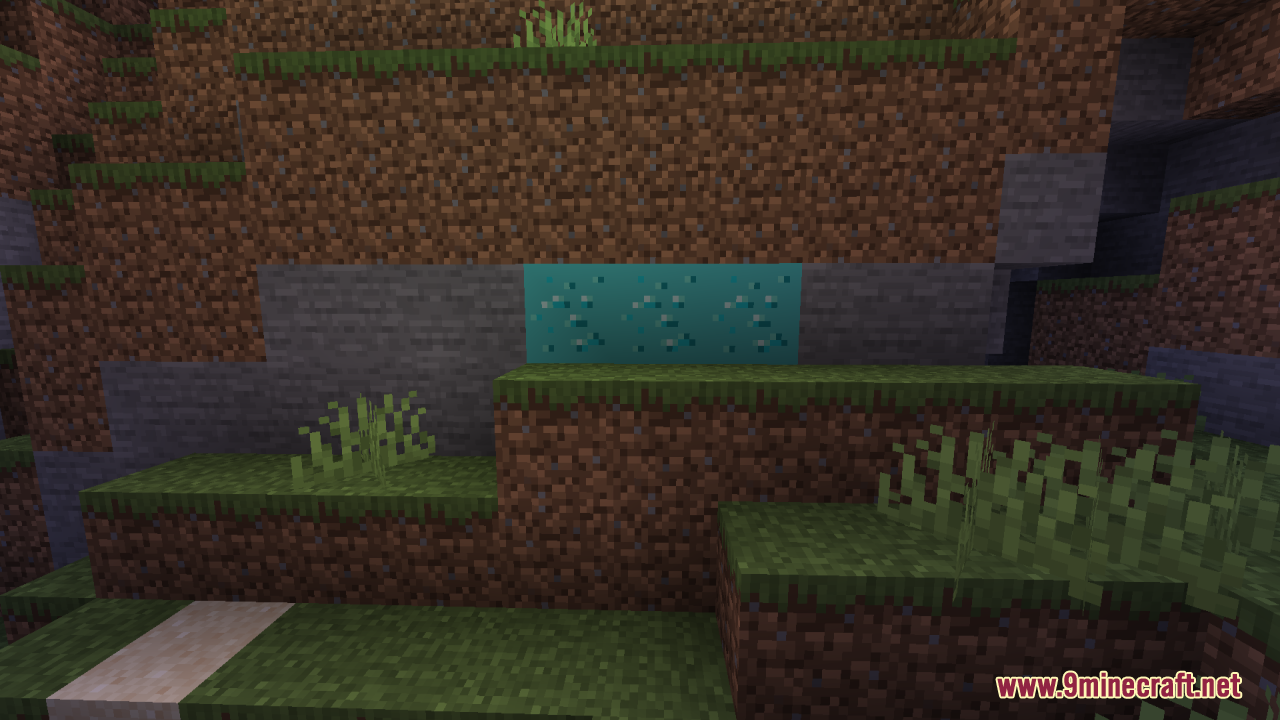
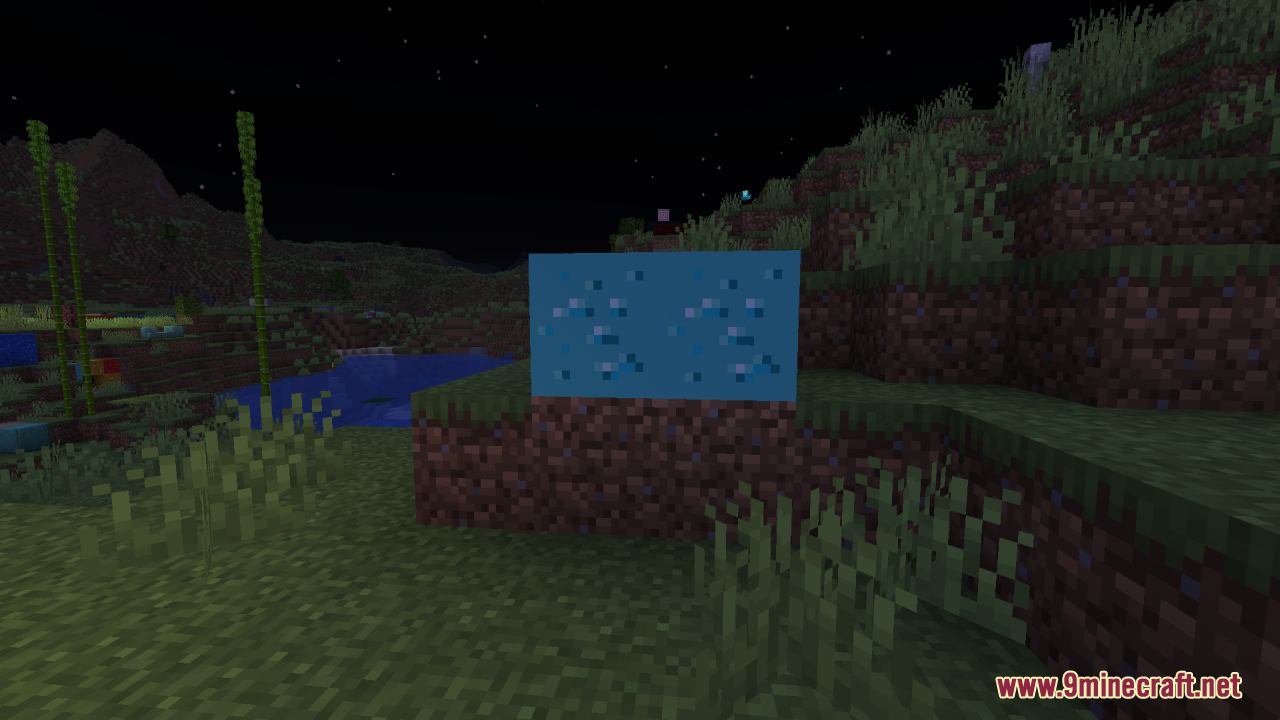
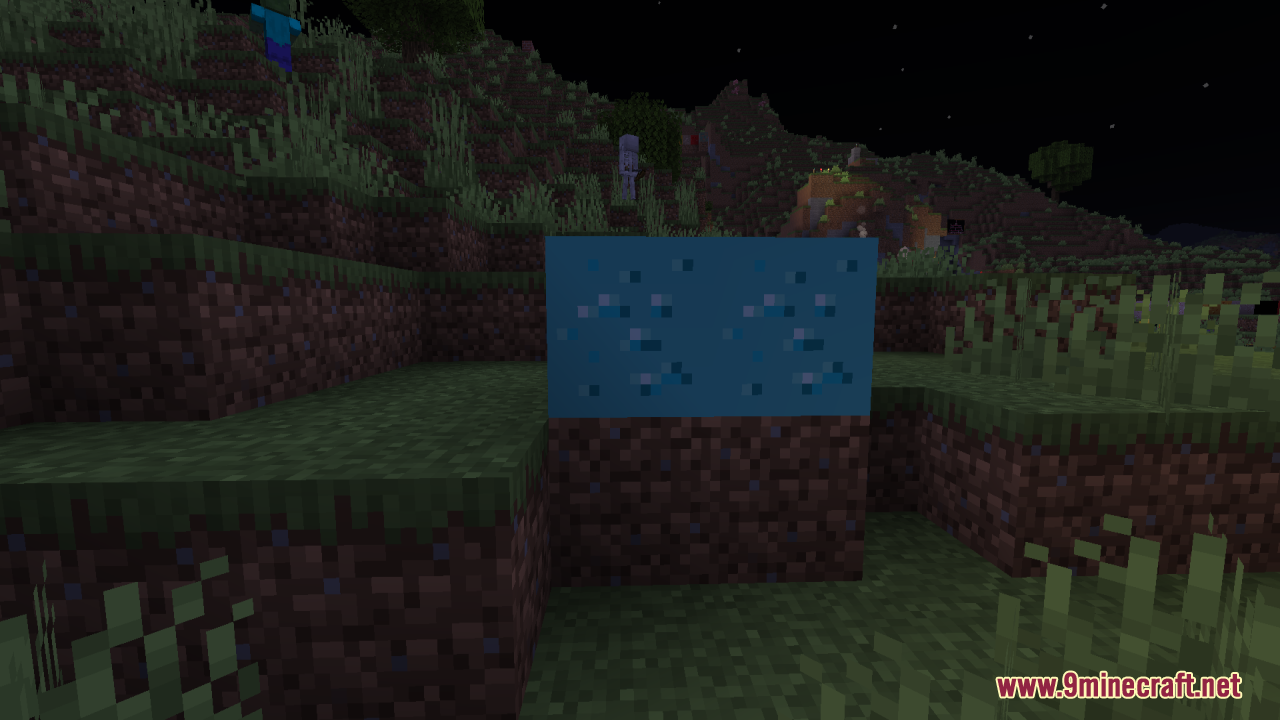
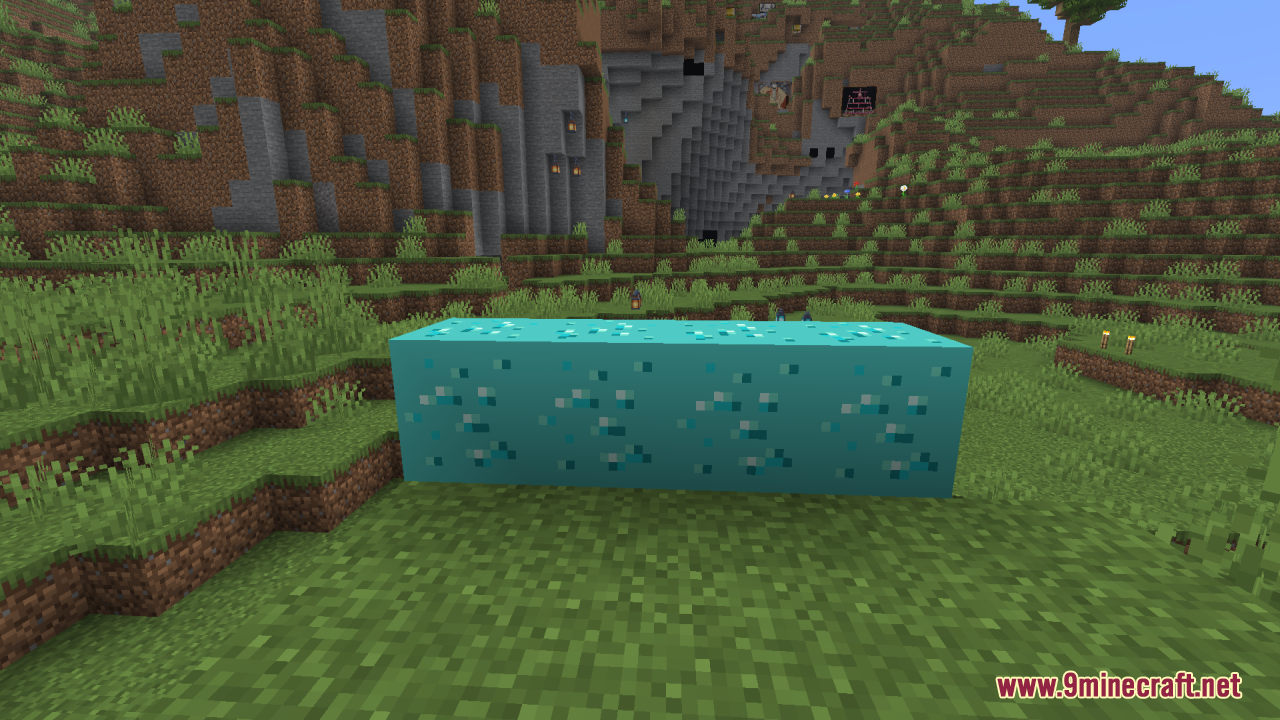
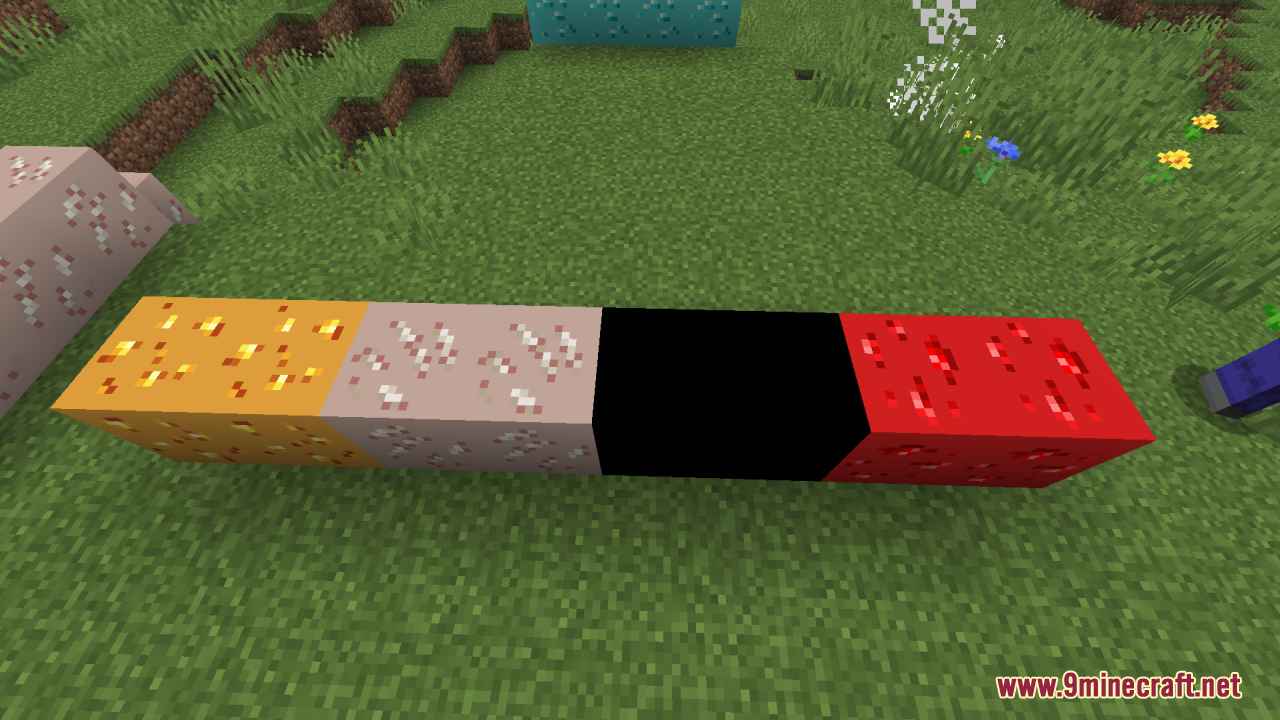
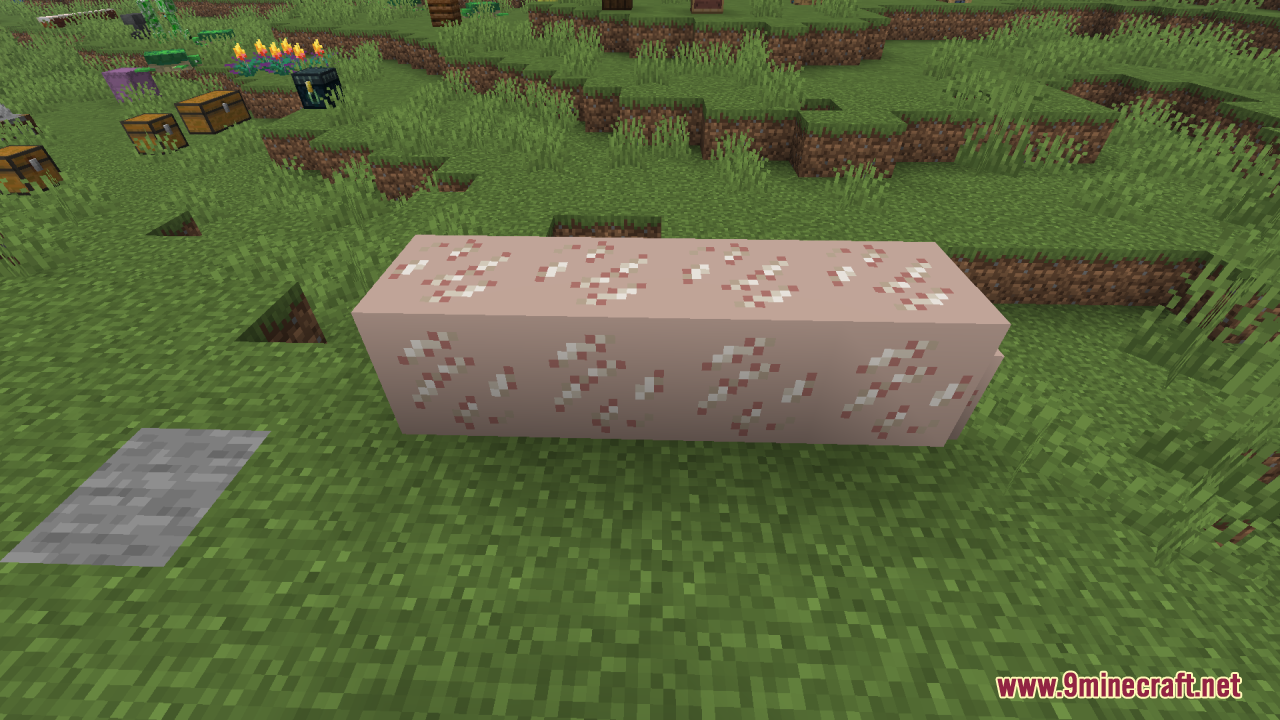
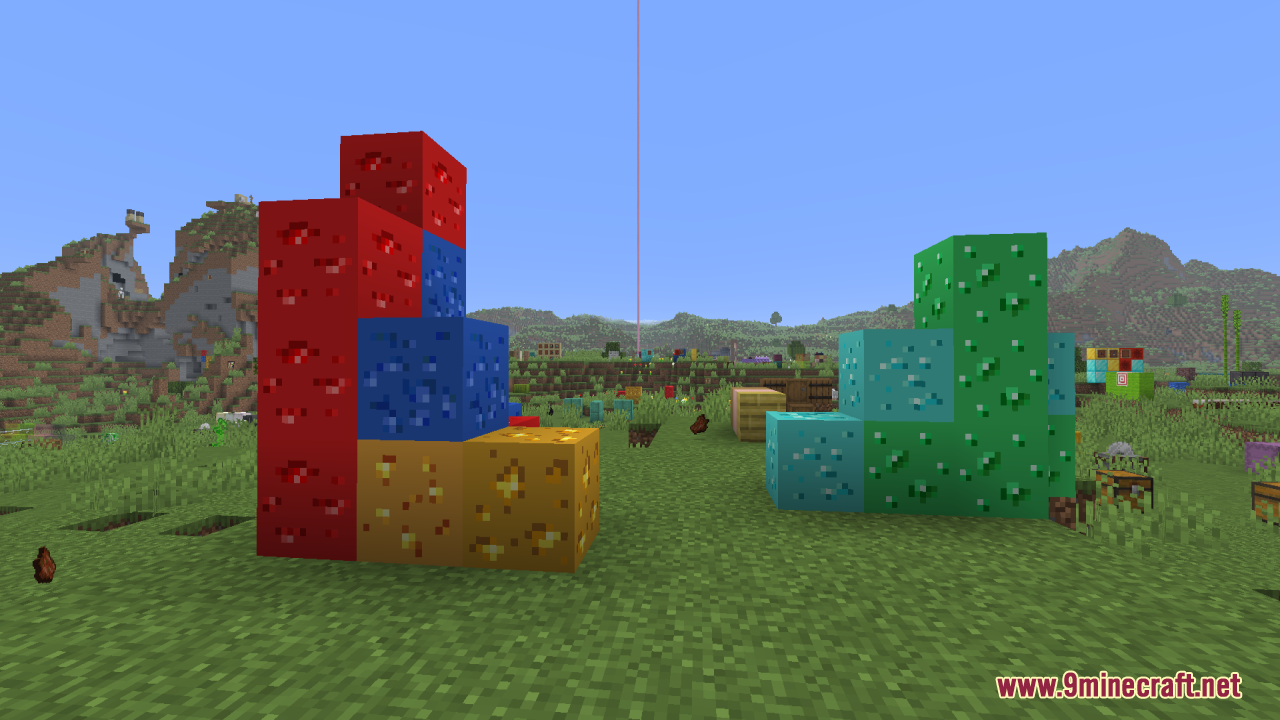
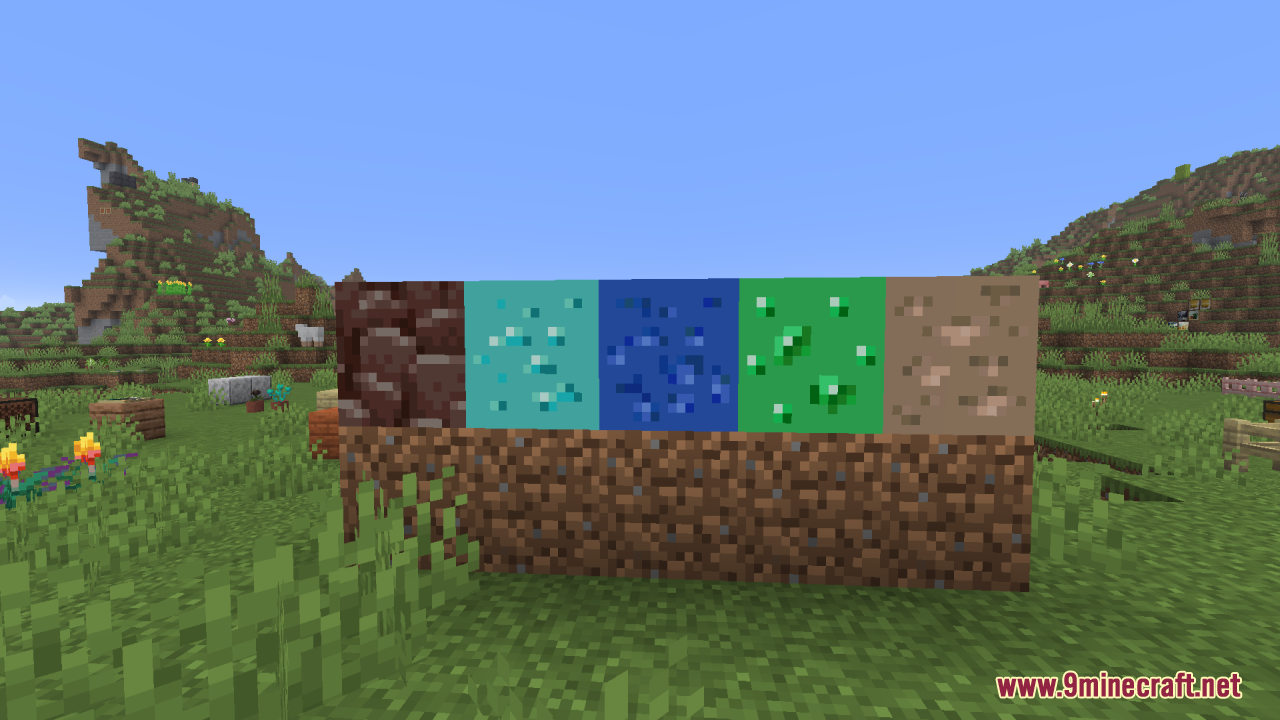
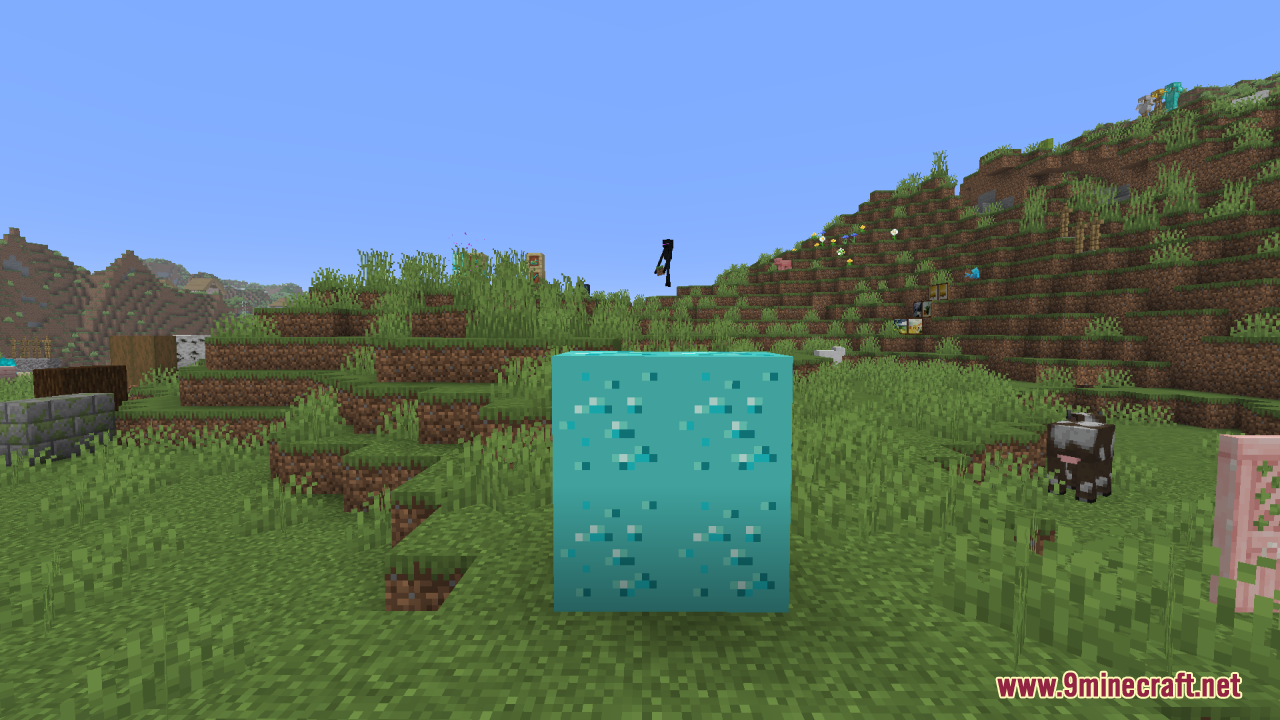
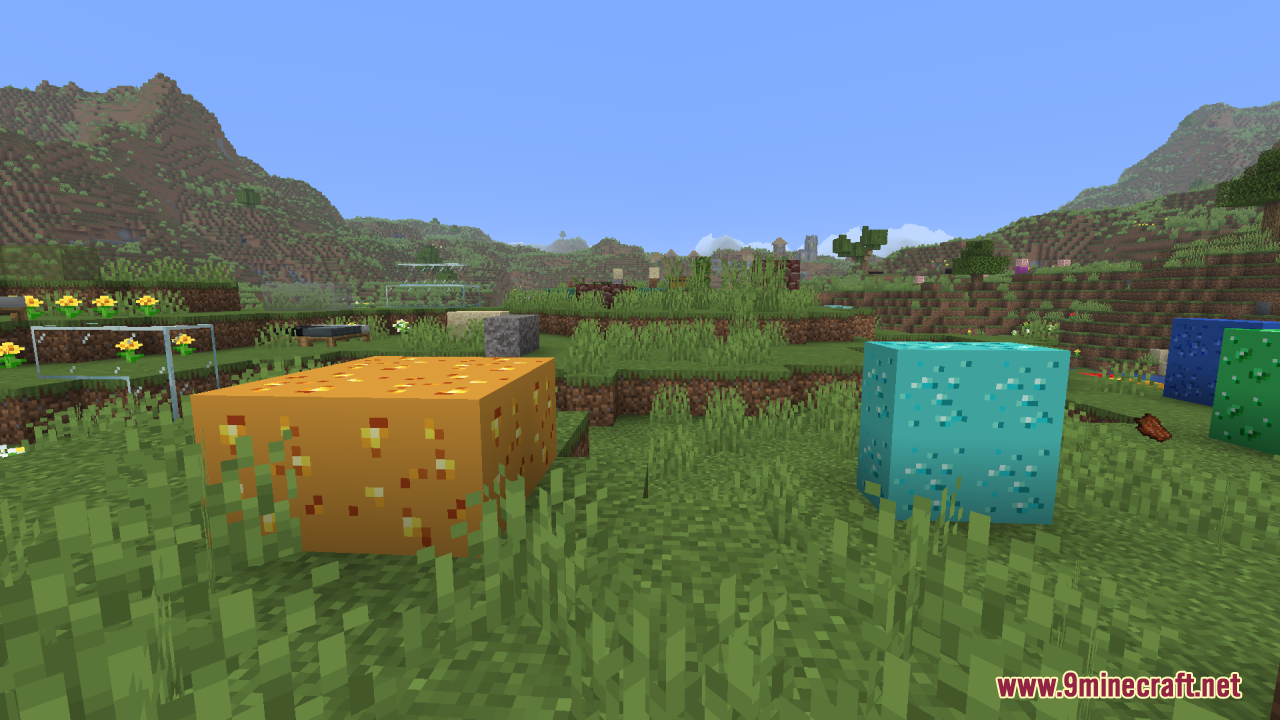
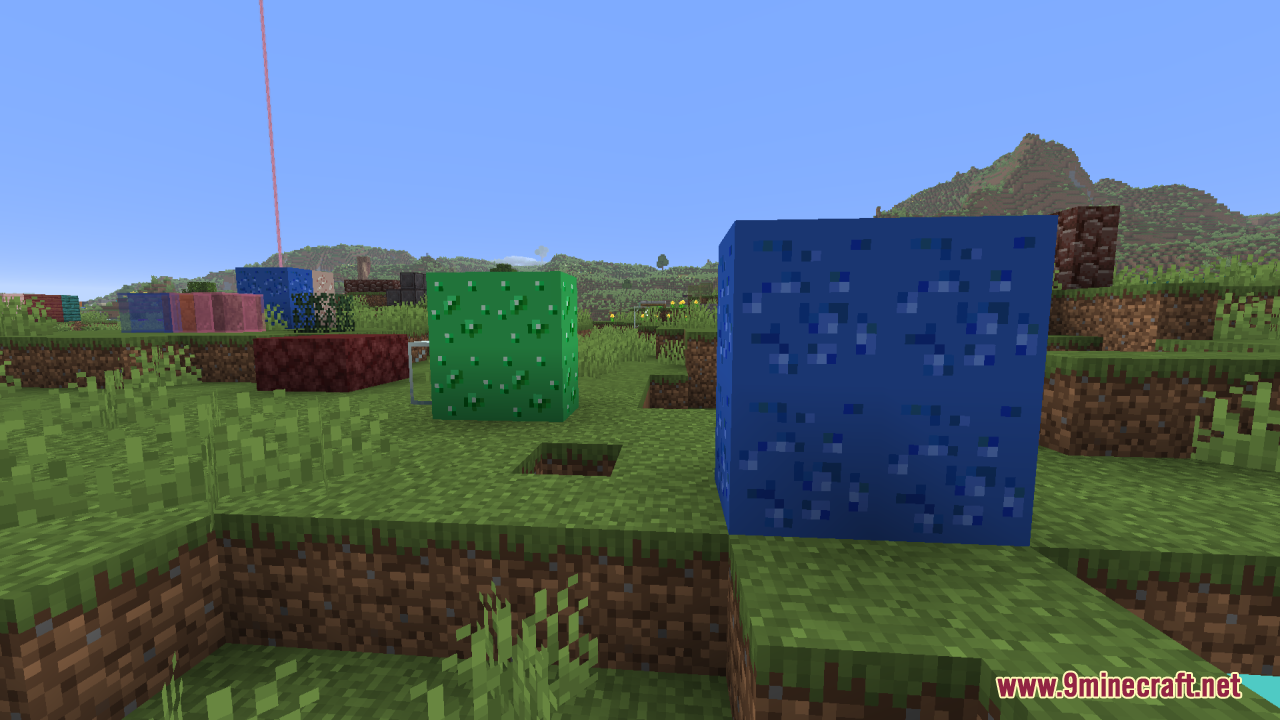
12 images from the Glow Up Resource Pack page.
You May Also Like
Wikis that share the most with this one
More resource pack wikis on the site
Glow Ores Vanilla Resource PackGlamurous ViewGlamorous Glass Resource PackGigachad Villager Resource PackGerudoku Faithful Resource PackGentler Weather Sounds Resource PackGenshin Villager Resource PackGen Assets Resource PackGeforcelegends 3D Default Resource PackGarfield Totem of Undying Resource PackGamma Boost Resource PackFyoncles 3D Trims Resource Pack
The most downloaded mods that have a wiki here
A few wikis from each of the other kinds