

 DownloadCineFrame Shaders
Get the files on 9Minecraft
Guides
Step-by-step, in-game.
Adjust the Height and Position of Cinema BarsFinding the Shader Settings CineFrame Shaders includes configurable options to customize how much of your screen the…Disable or Toggle Cinema Bars for Specific MomentsQuick Toggle Options While CineFrame Shaders is designed to stay active, you can temporarily disable it or switch…Record Cinematic Footage Without External EditingPreparing Your Recording CineFrame Shaders eliminates the need for post-production cropping by applying the cinema…Take Clean Screenshots with Cinema FramingCapturing Your Shot CineFrame Shaders automatically frames every screenshot you take, giving your images a…
Frequently asked questions
How do I turn on the cinema bars after installing the mod?
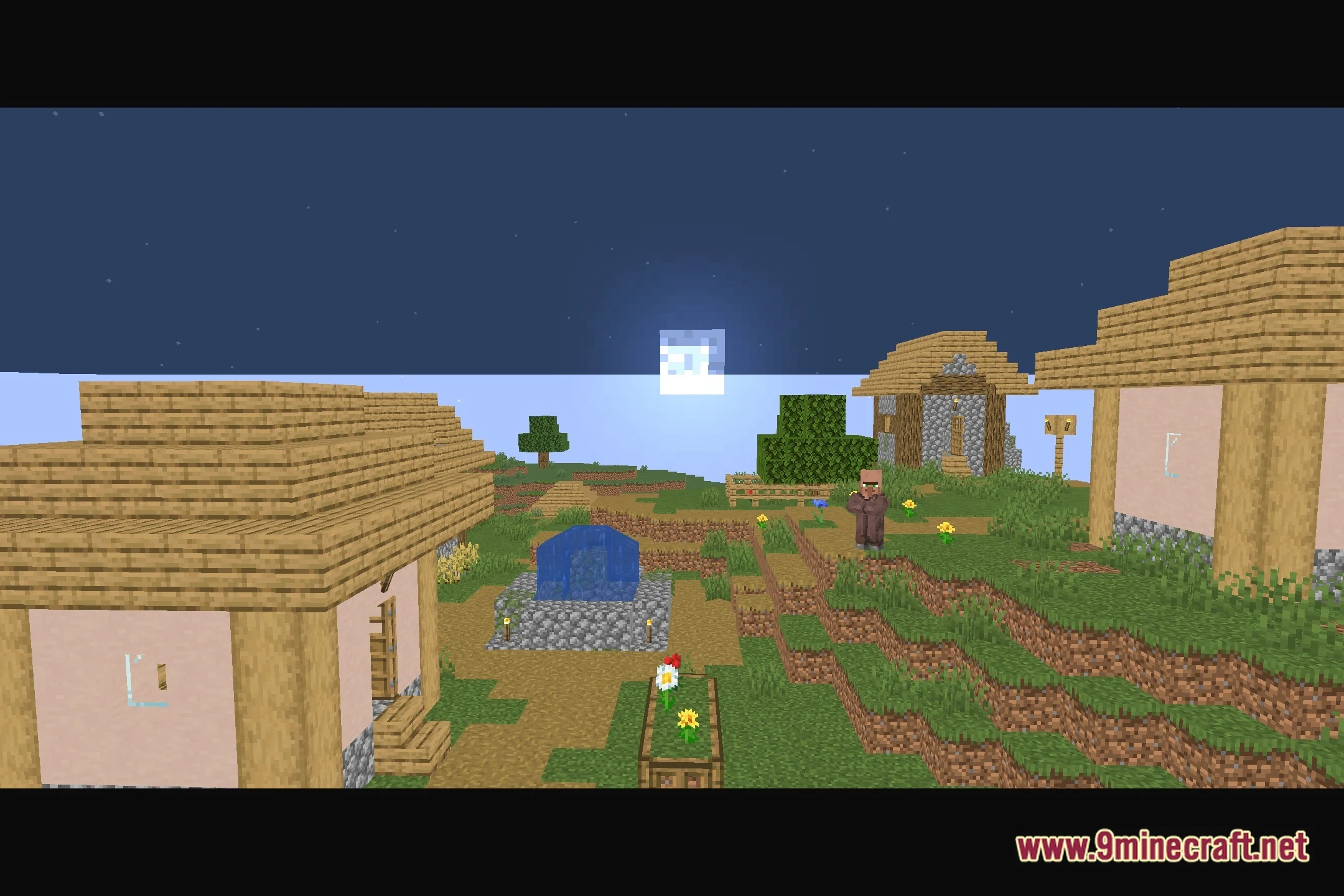
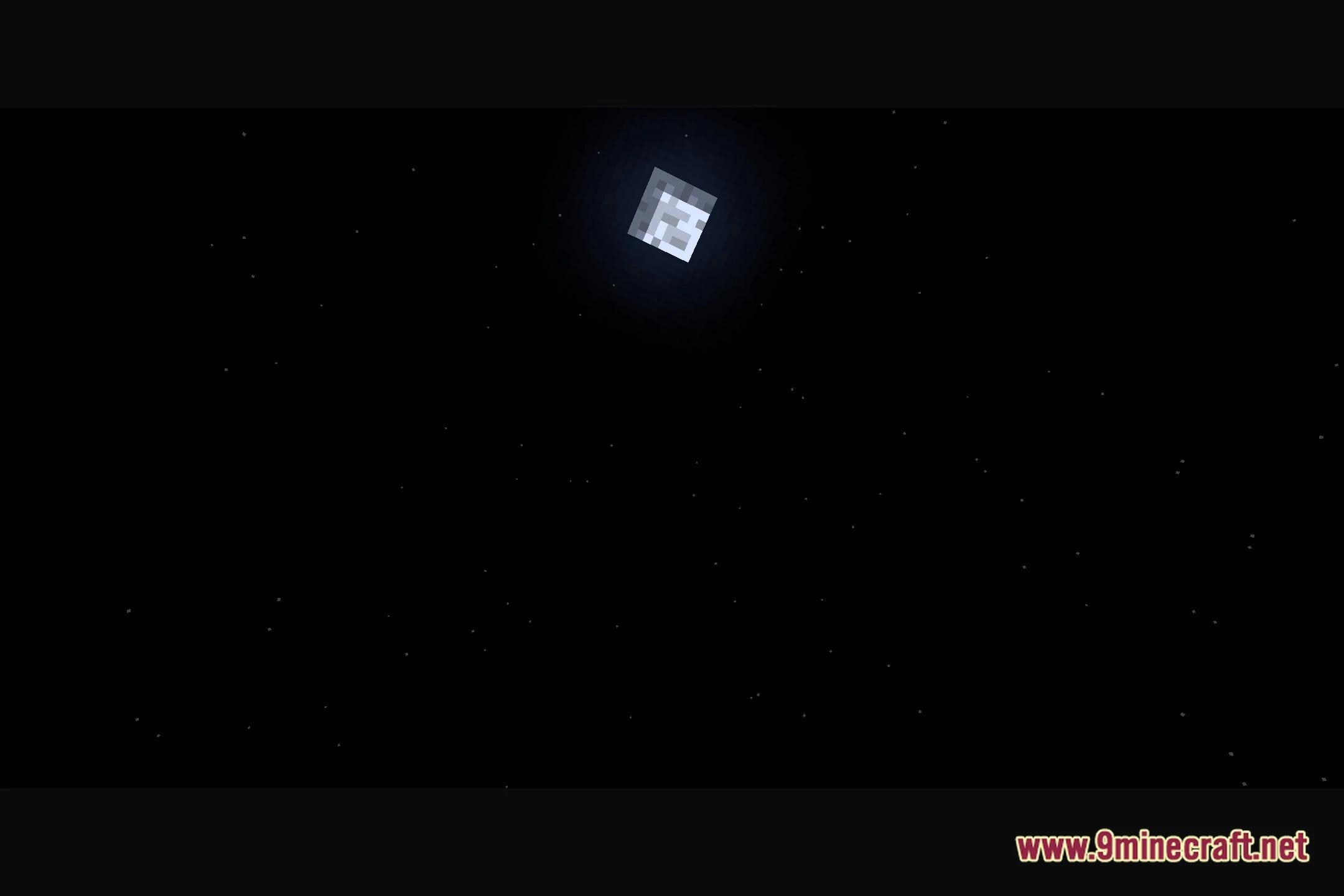
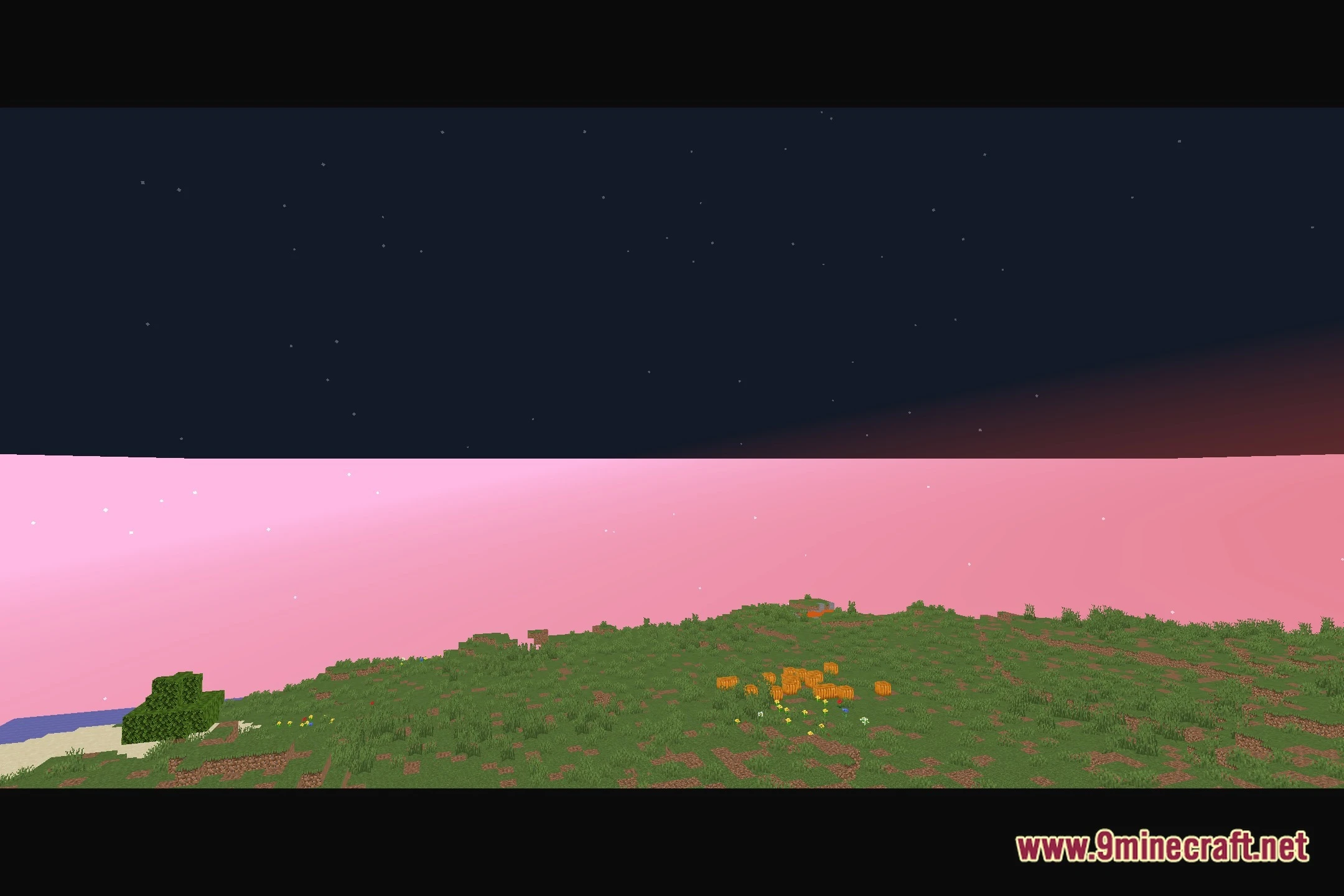
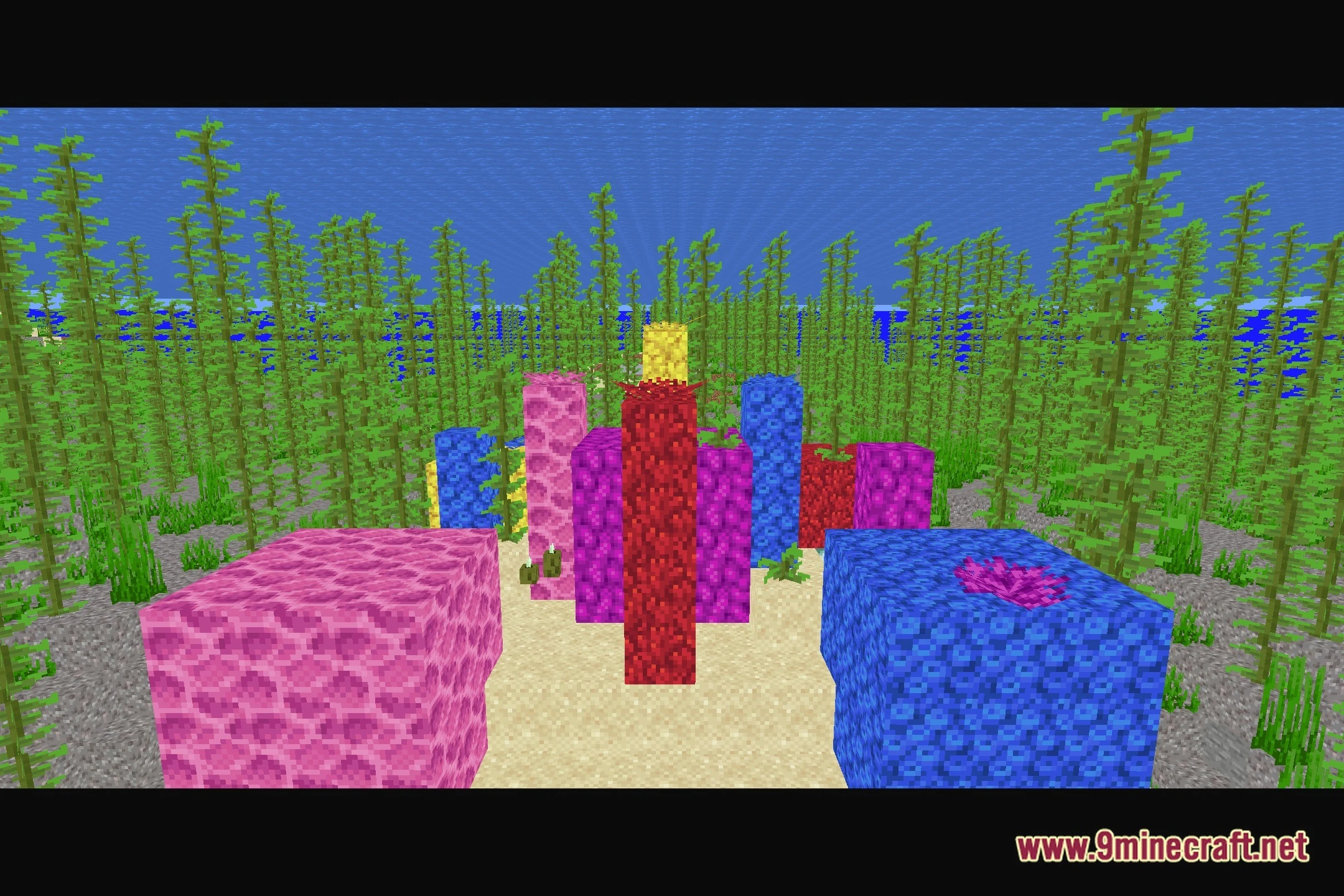
Open your shader pack selection menu from Video Settings, find and select CineFrame Shaders from your installed packs, then apply it. The black bars will appear immediately on your screen.
Can I make the black bars taller or shorter?
Yes, you can adjust the bar height through the shader options menu. Access this by opening Video Settings > Shaders > Shader Options while CineFrame is active, then look for height or size settings.
Do the cinema bars affect my FPS or performance?
No, CineFrame Shaders is designed as a lightweight vanilla shader that only draws the bars without processing complex lighting or effects, so it has minimal impact on frame rate.
Will the black bars show up in my screenshots?
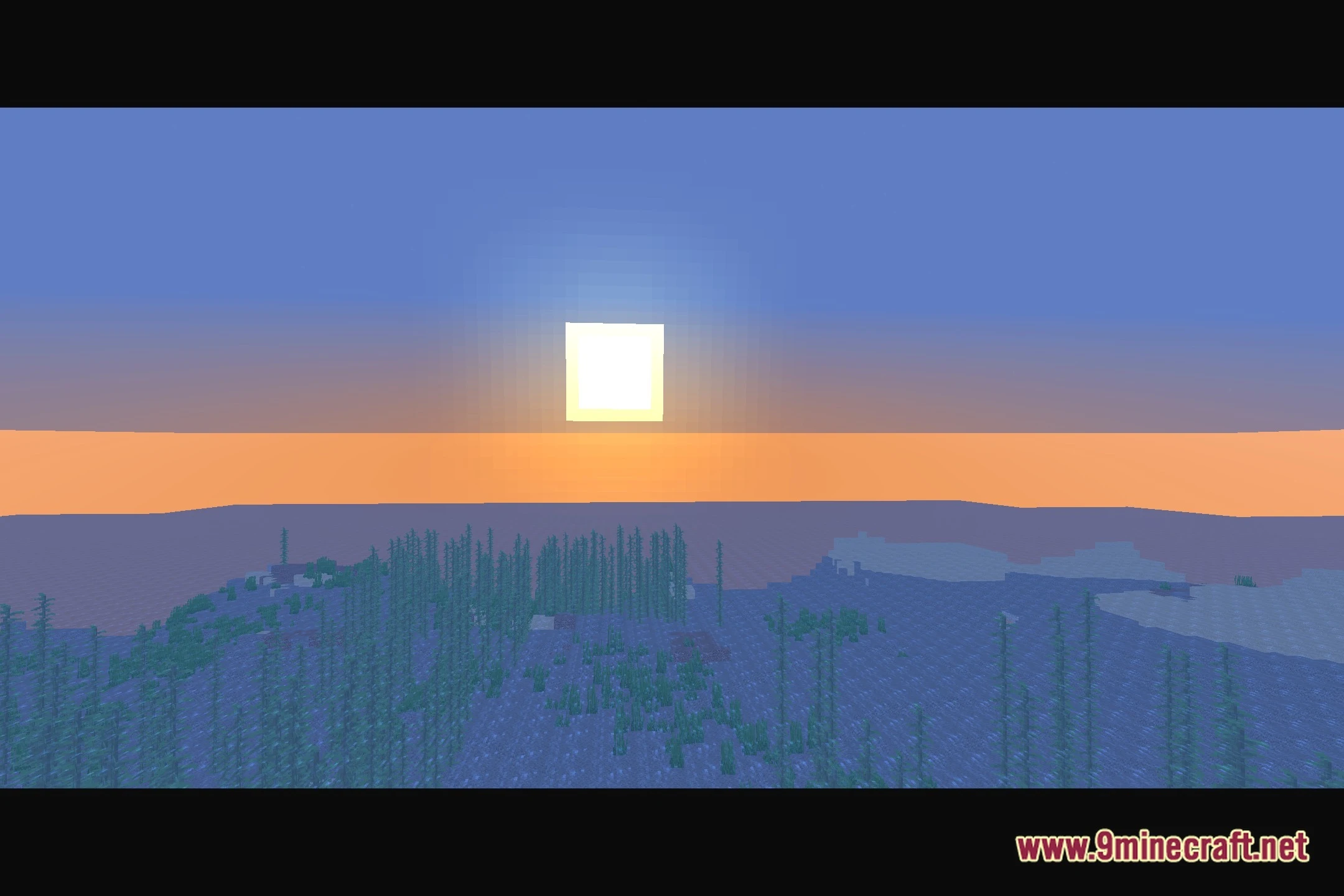
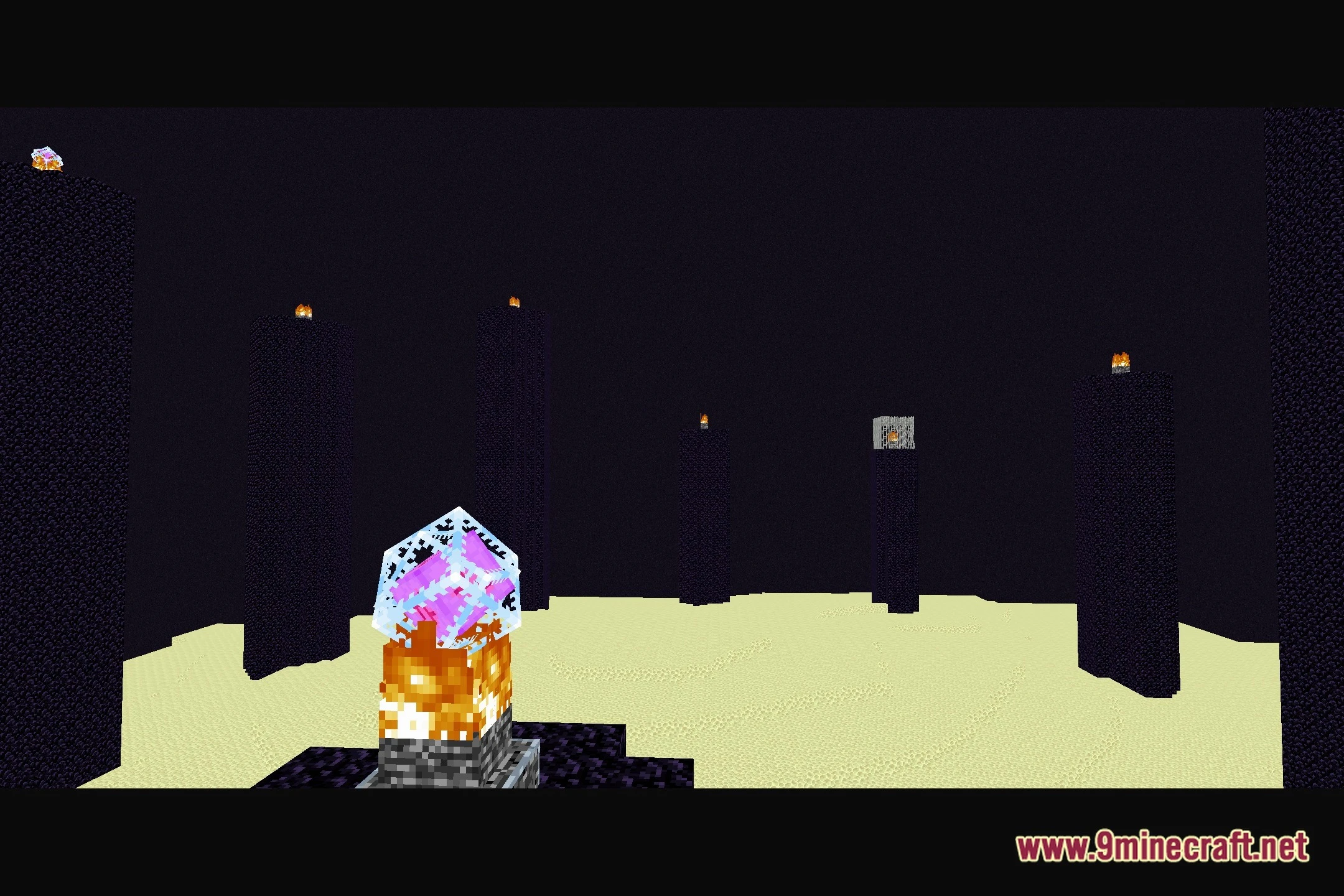
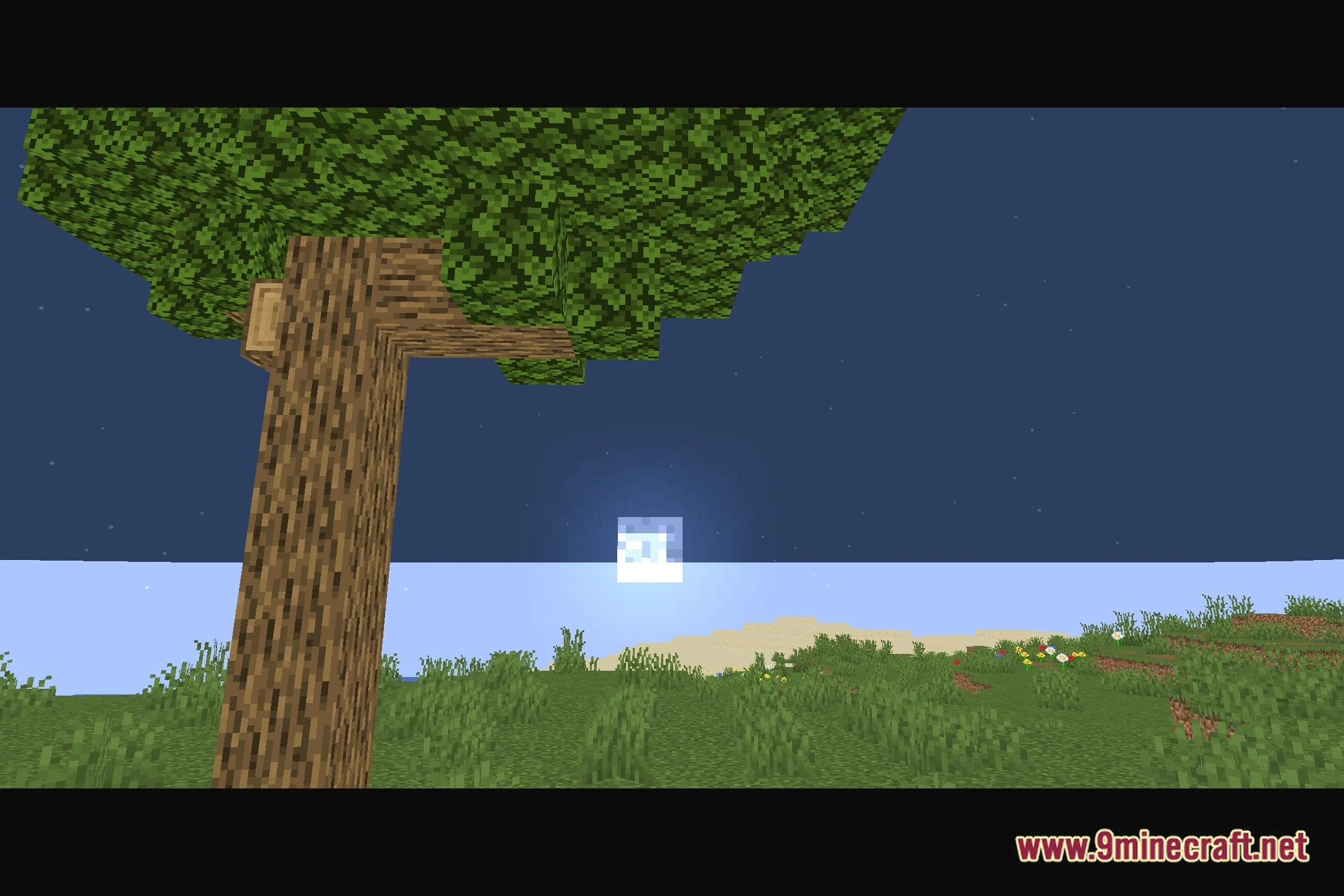
Yes, the bars are part of your screen display, so they will appear in any screenshot you take while the shader is active. This is useful for creating cinematic screenshots without editing.
See all 10 CineFrame Shaders questions ›
Gallery
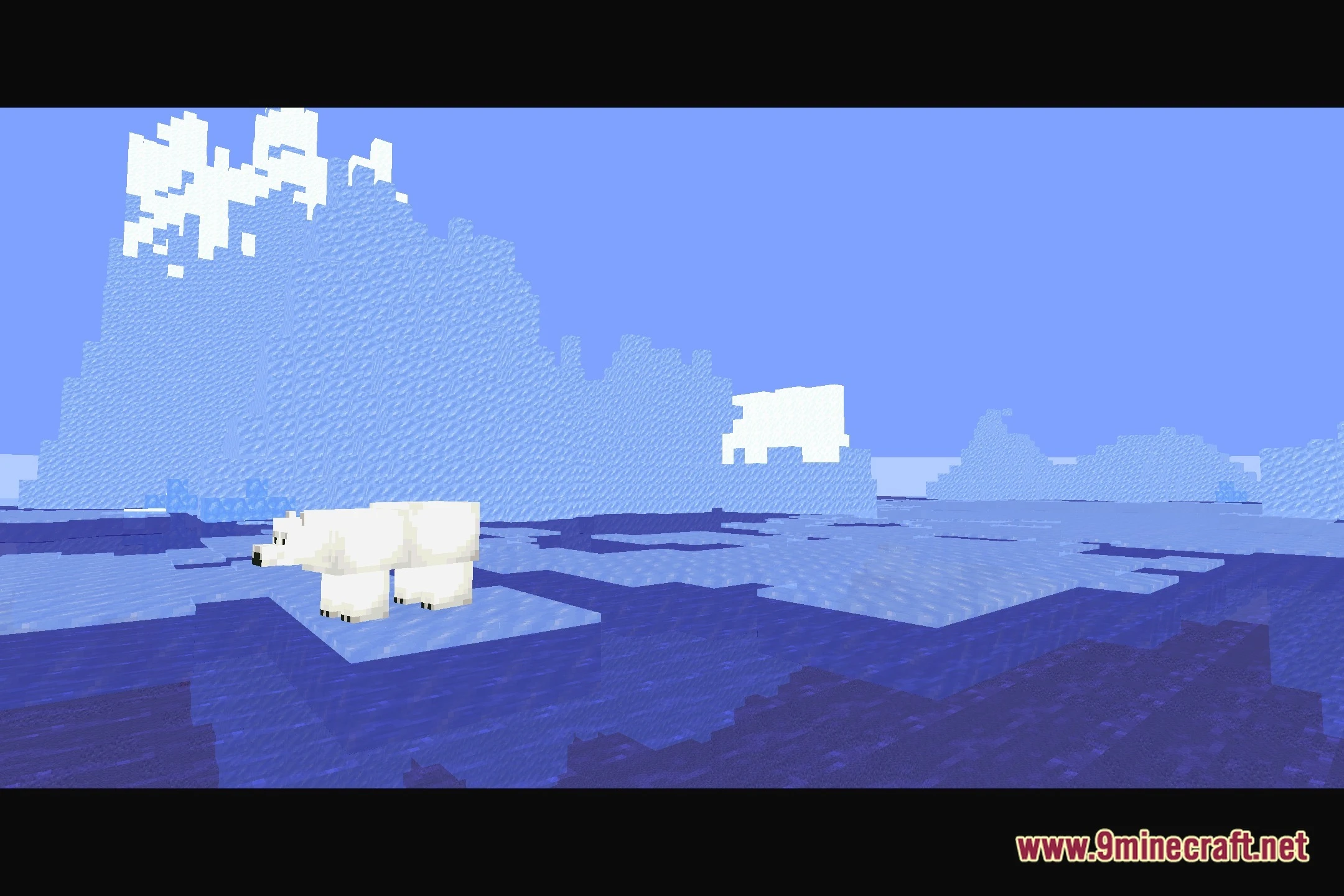
12 images from the Cineframe Shaders page.



You May Also Like
Wikis that share the most with this one
Chick Pro Lux ShadersChill ShadersChillCrafter ShadersChippa256 ShadersChroma Lite Shaderpack Realism Low End ShadersChunk Tweaks Shaders CinderFrame ShadersCineDream Plus Java Version ShadersCinematic Linear Perspective ShadersCinematic Noir Lighting ShadersCinematic Static Glow ShadersCinematic Vanilla Shaders
More shader wikis on the site
 Celestial Order Fix Shaders
 Cealith Shaders
The most downloaded mods that have a wiki here