

 DownloadAetherial Rift Horizon Shaders
Get the files on 9Minecraft
Guides
Step-by-step, in-game.
Adjust Celestial Planet Size and VisibilityAccess Shader Settings Open the shader options menu while in-game by pressing the designated shader menu key…Balance Day and Night Lighting with Shader EffectsUnderstand Lighting Preservation Aetherial Rift Horizon maintains standard Minecraft terrain lighting while upgrading…Customize Galactic Starfield Colors and DensityOpen Starfield Configuration Access the shader settings menu and navigate to the starfield or galaxy section. This is…Enhance Astral Rift Ripple Effects at NightLocate Rift Animation Settings Access your shader configuration menu and find parameters related to astral rifts or…
Frequently asked questions
How do I turn on the shader after installing it?
Open your Options menu, go to Video Settings, then select Shaders. Find Aetherial Rift Horizon in the list and click it to activate. You'll see the cosmic sky effects take effect immediately in your world.
Why do the planets look too small or too big?
Open the shader settings (usually by clicking the Settings button in the Shaders menu) and look for the Celestial Planet Size or Scale option. Adjust the slider to make planets more or less prominent on your horizon.
Can I make the astral rifts glow brighter at night?
Yes—open shader settings and find the Astral Rift Intensity or Glow Strength option. Increasing this value will make the rippling rifts more luminous and visible against the night sky.
The starfield looks washed out during the day. How do I fix this?
The starfield is designed to fade during daylight for realism, but you can adjust this in shader settings under Starfield Visibility or Day Fade. Lowering the fade intensity will keep stars more visible throughout the day cycle.
See all 10 Aetherial Rift Horizon Shaders questions ›
Gallery
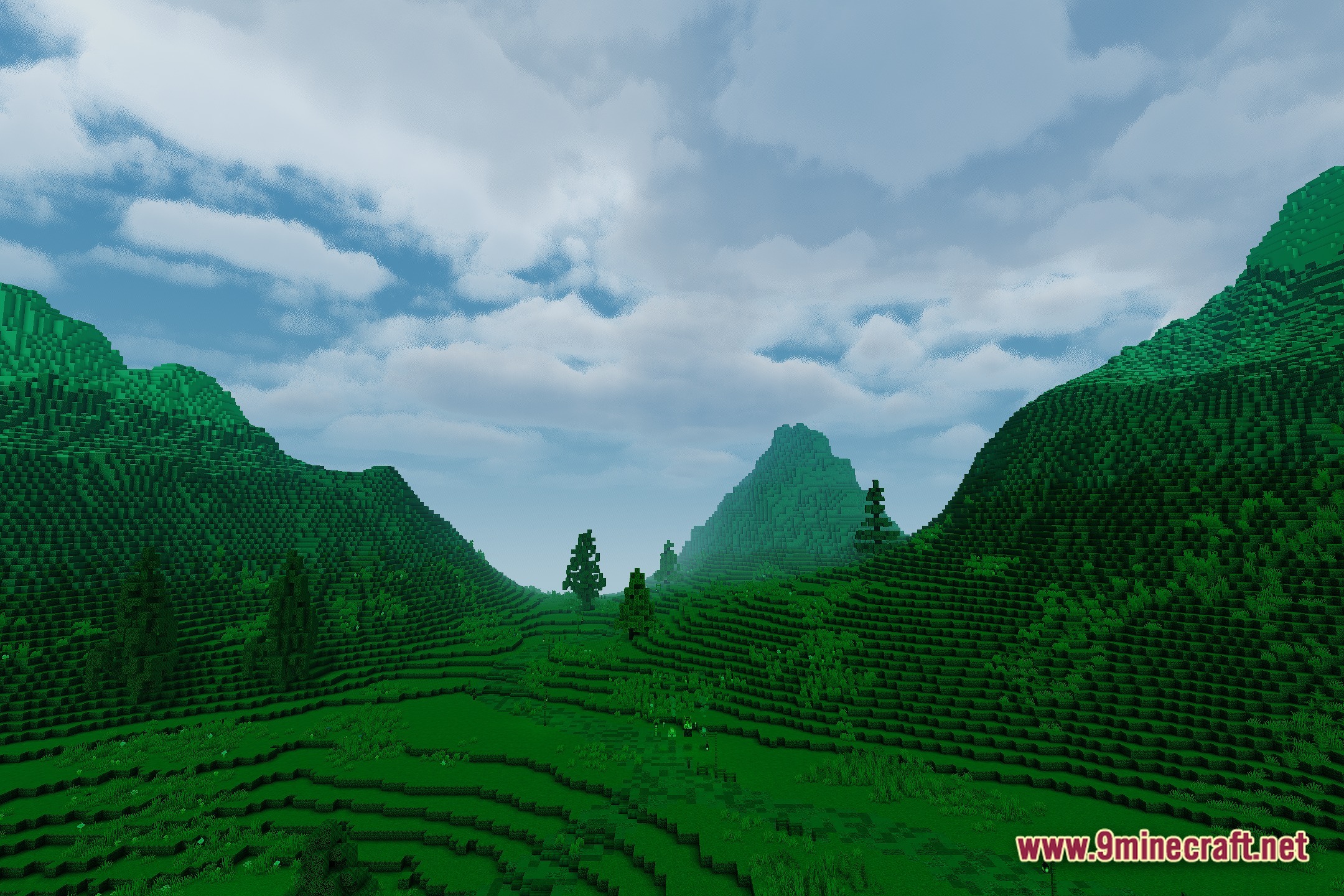
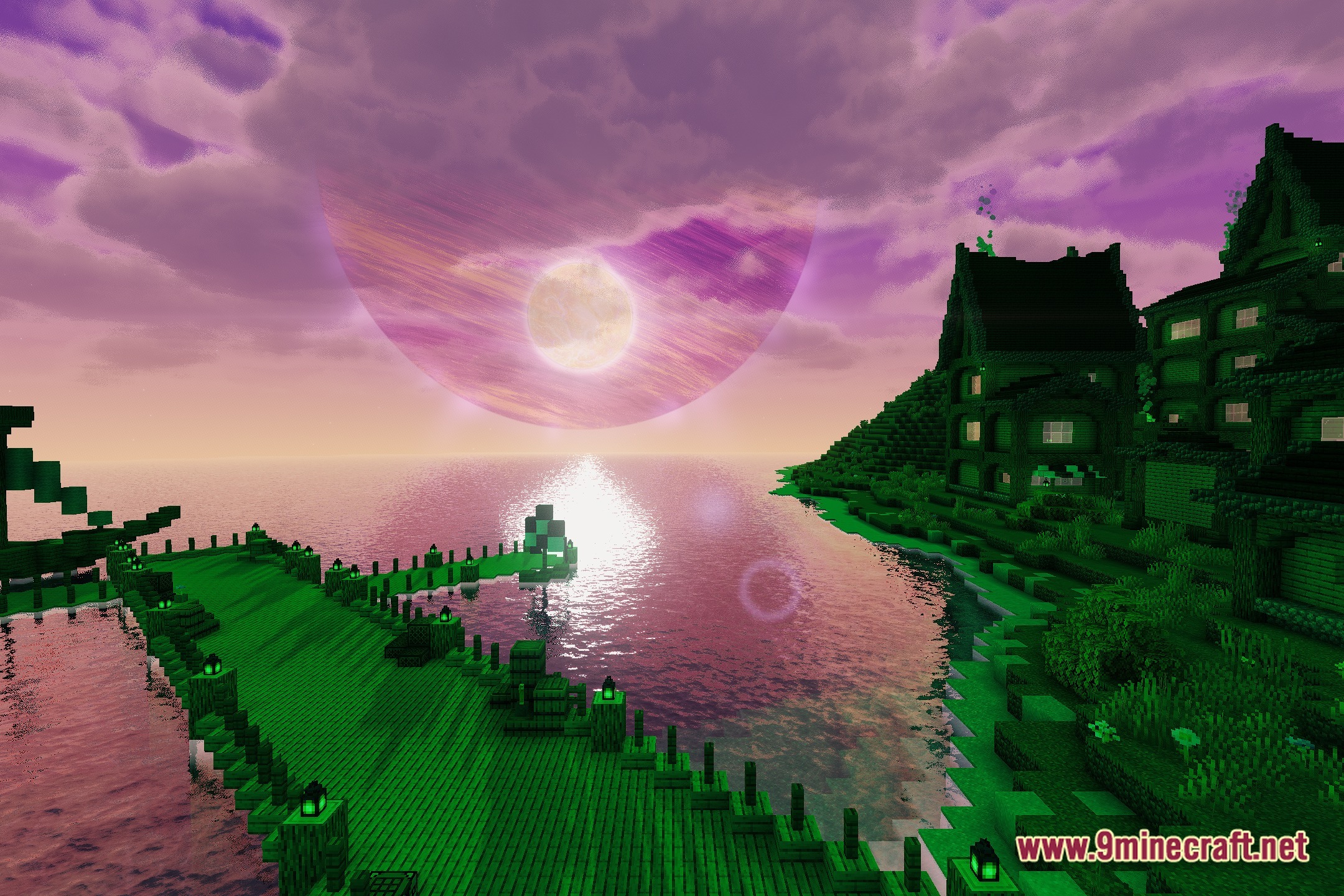
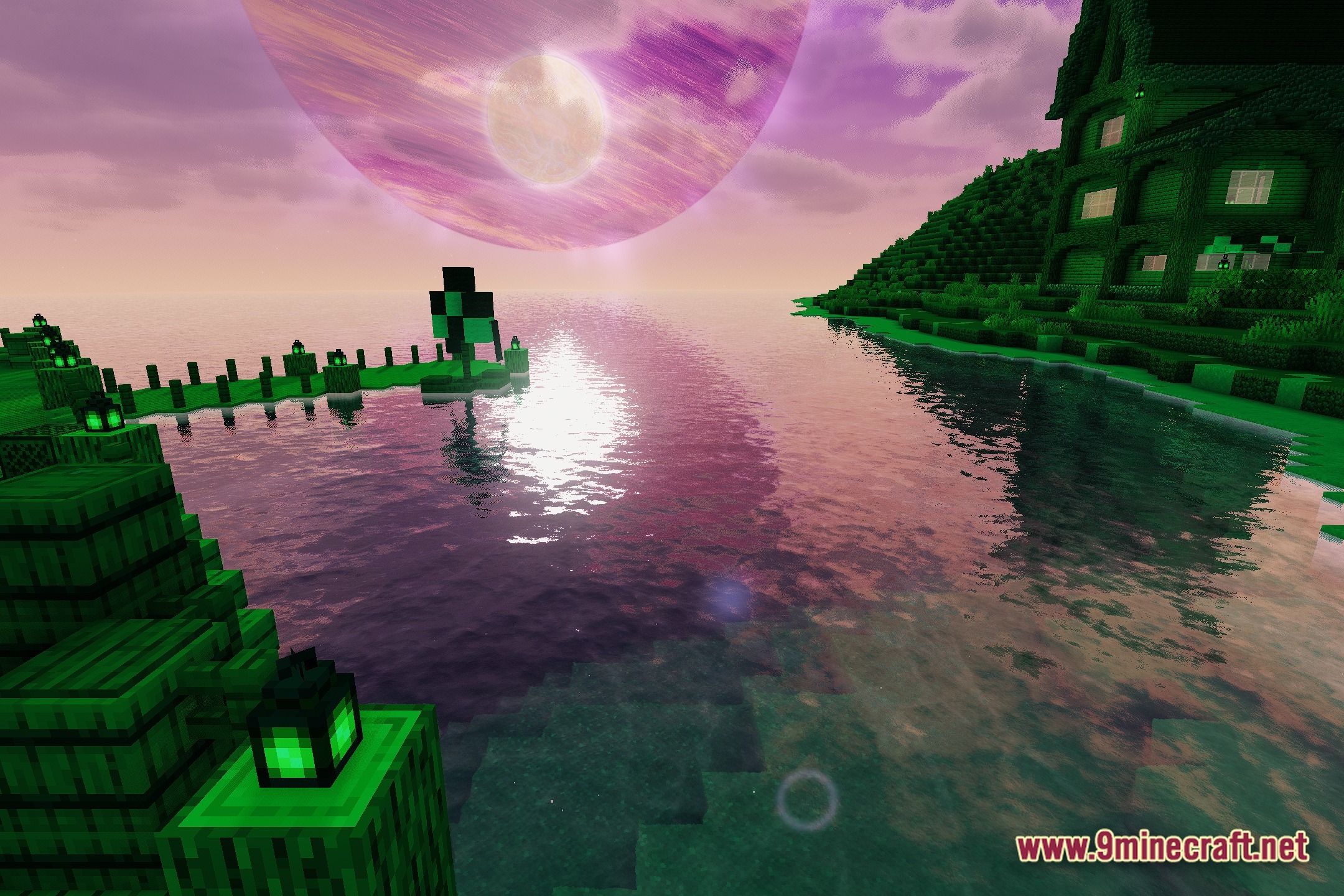
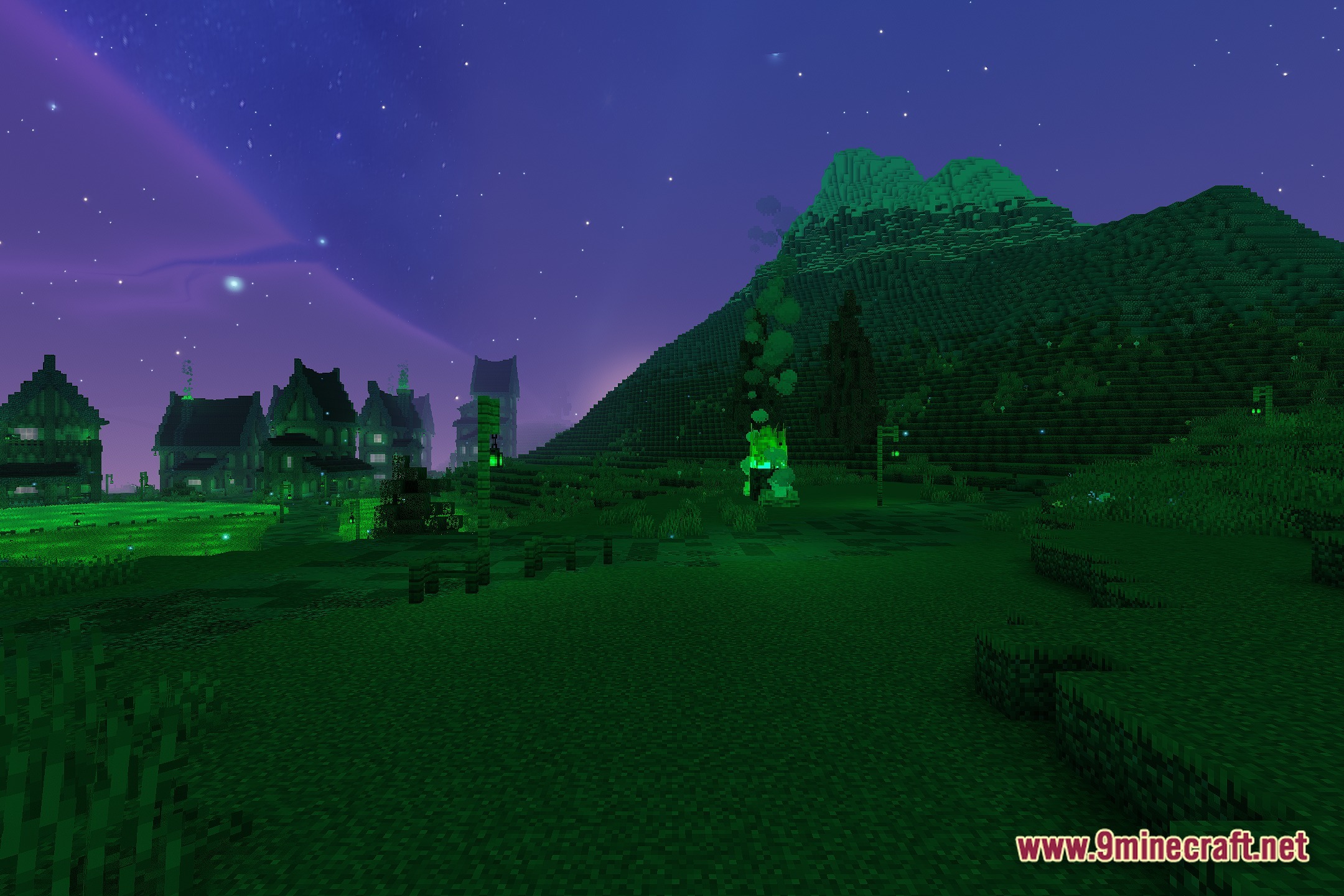
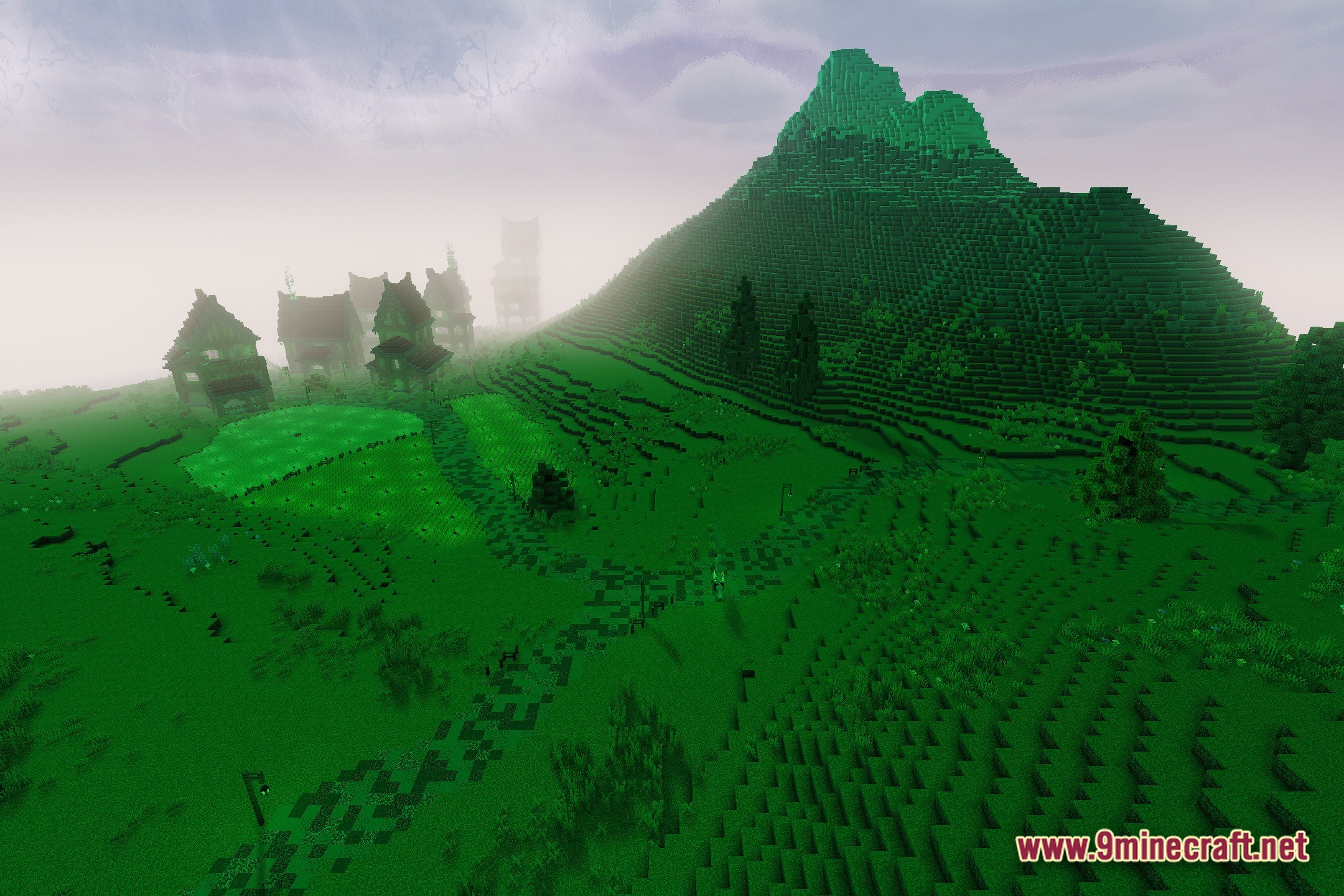
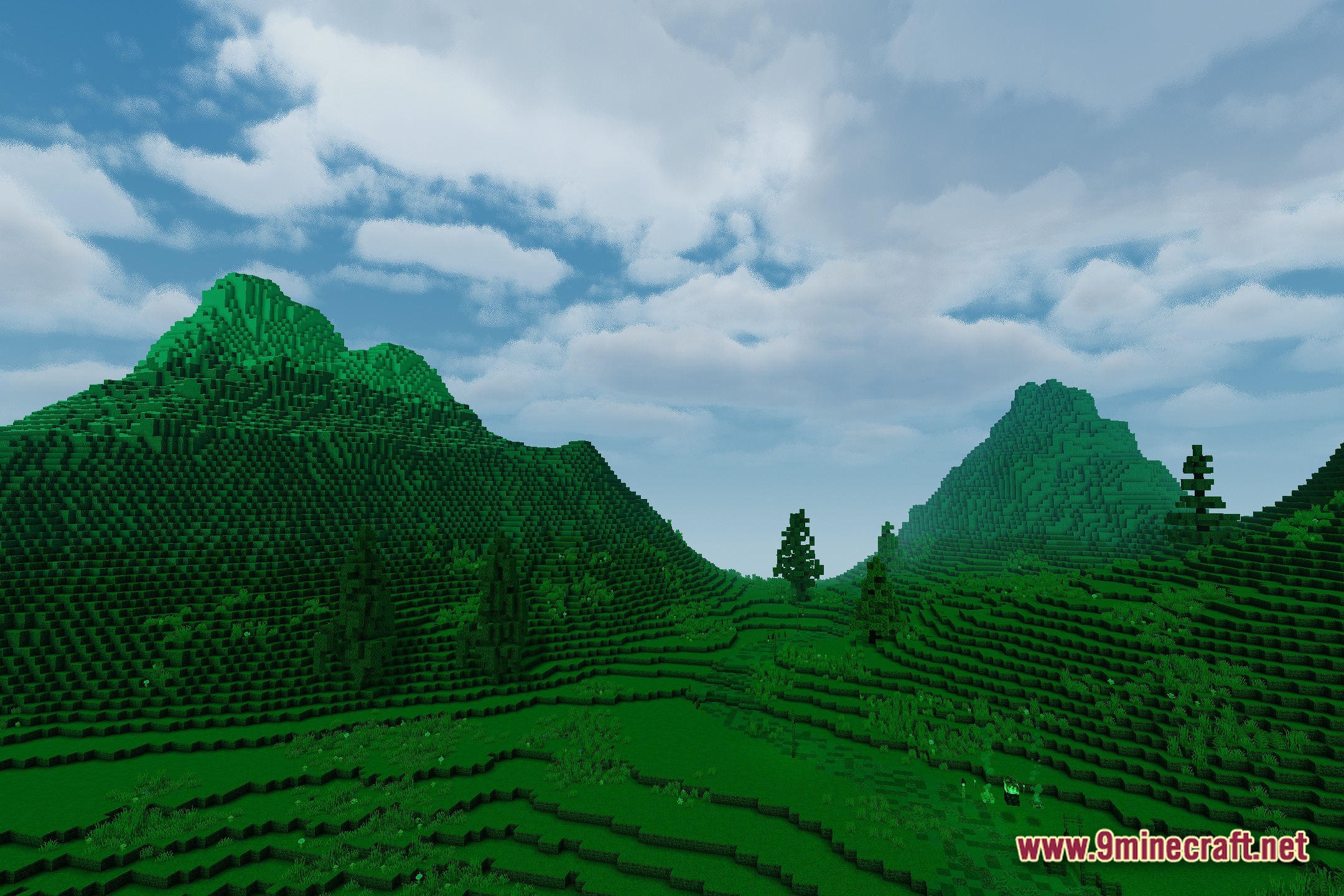
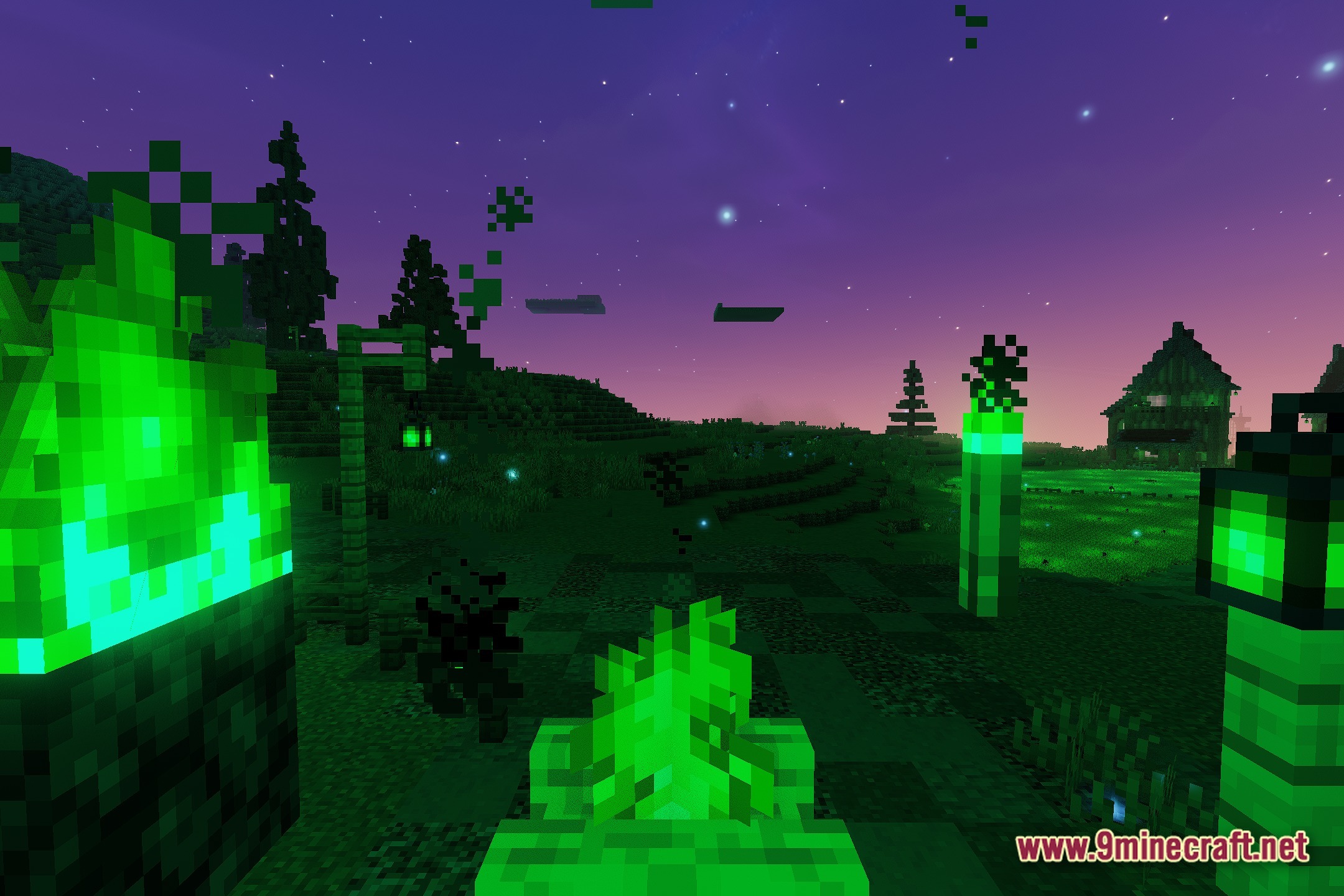
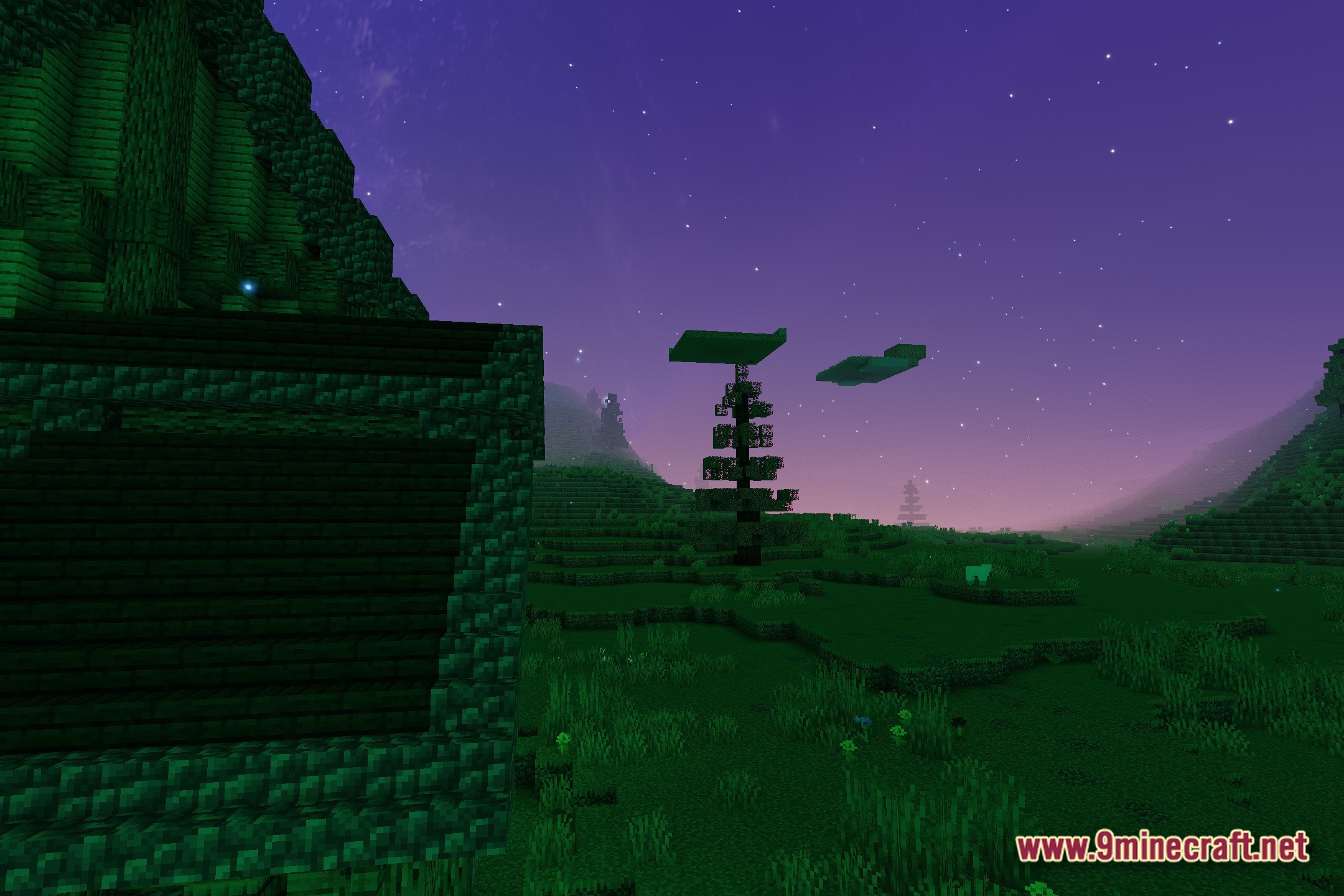
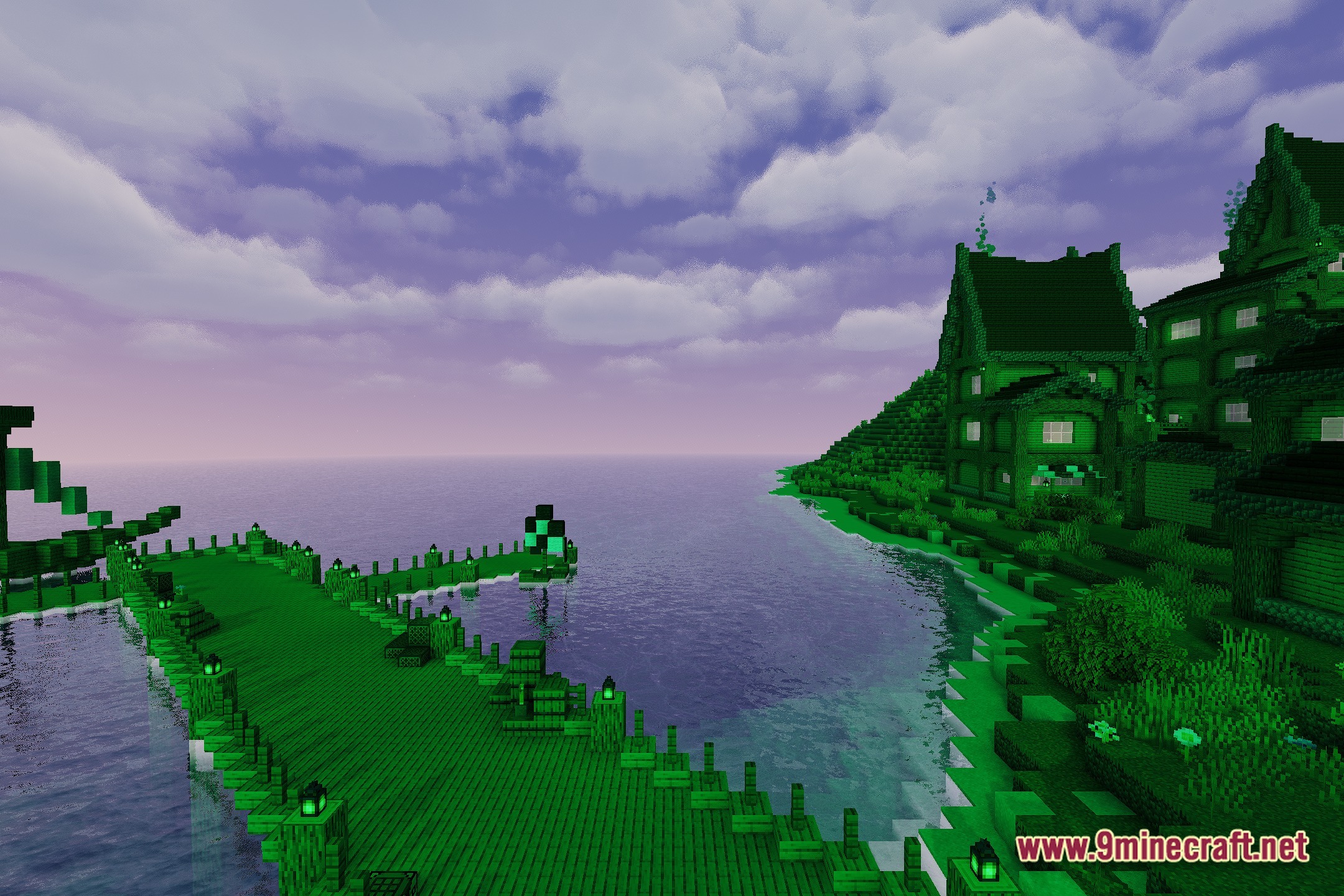
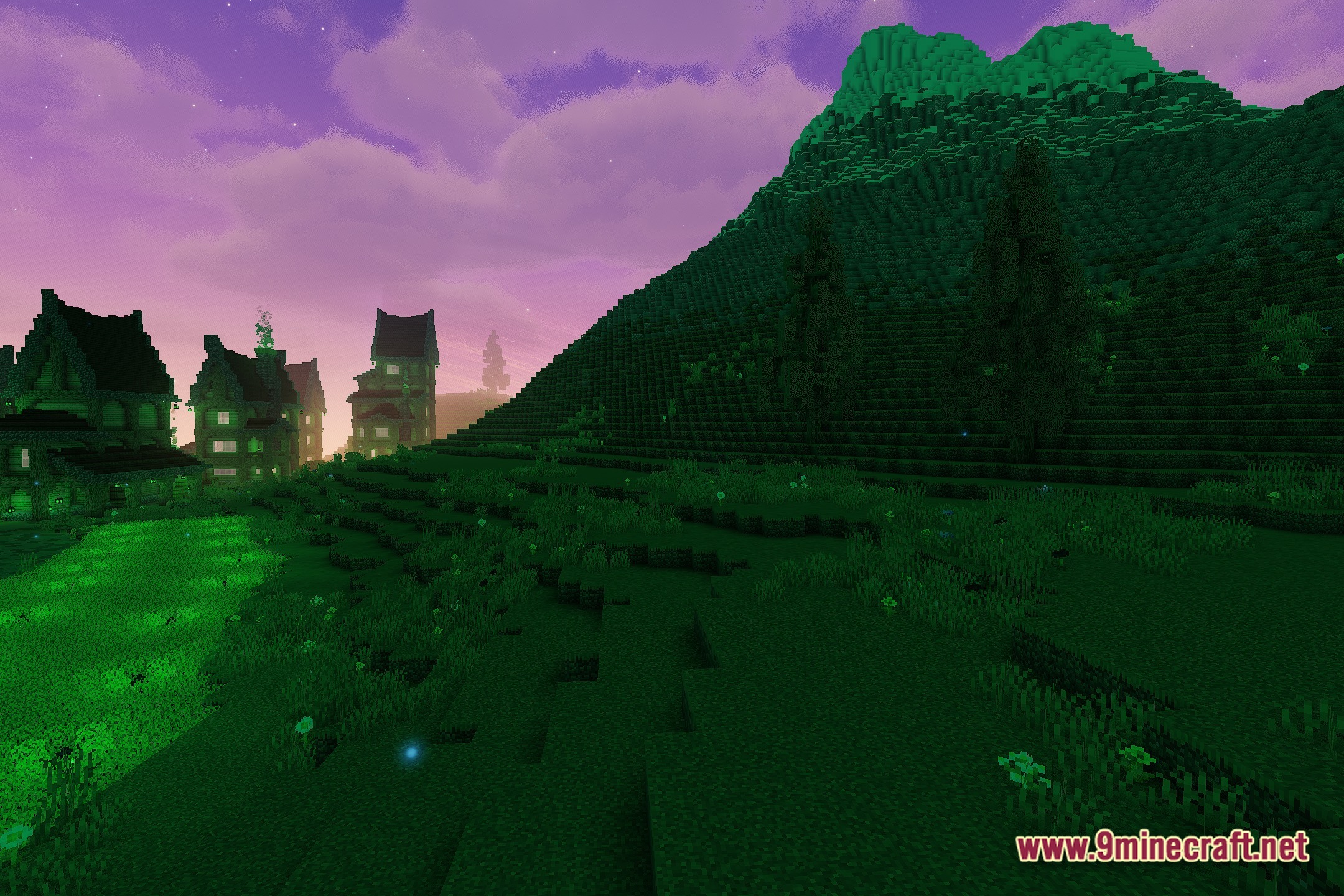
12 images from the Aetherial Rift Horizon Shaders page.

You May Also Like
Wikis that share the most with this one
Wikis on the same theme: iron
 Cealith Shaders
More shader wikis on the site
The most downloaded mods that have a wiki here