

 DownloadPencil Trace Horizon
Get the files on 9Minecraft
Contents (5)
Guides
Step-by-step, in-game.
Recipes
Every recipe the mod adds, grouped by how it is made.
Items
 Color Marker
 Color Pencil
 Drawing Compass
 Empty Page
 Eraser
 Kneaded Eraser
 Magnifying Glass
 Pencil
 Pencil Case
 Ruler
 Sketchbook
 Sketched Page
 Smudge
Frequently asked questions
How do I start drawing in the Pencil Trace Horizon Mod?
Open the sketchbook to bring up the drawing interface, then press B for the pencil or C for the colored pencil and use the Left Mouse Button to draw.
What drawing tools are included in this mod?
How do I change brush sizes and hardness?
Scroll the Mouse Wheel to switch brush sizes, and hold Shift + Mouse Wheel to change brush hardness levels.
Can I preserve my drawings after finishing them?
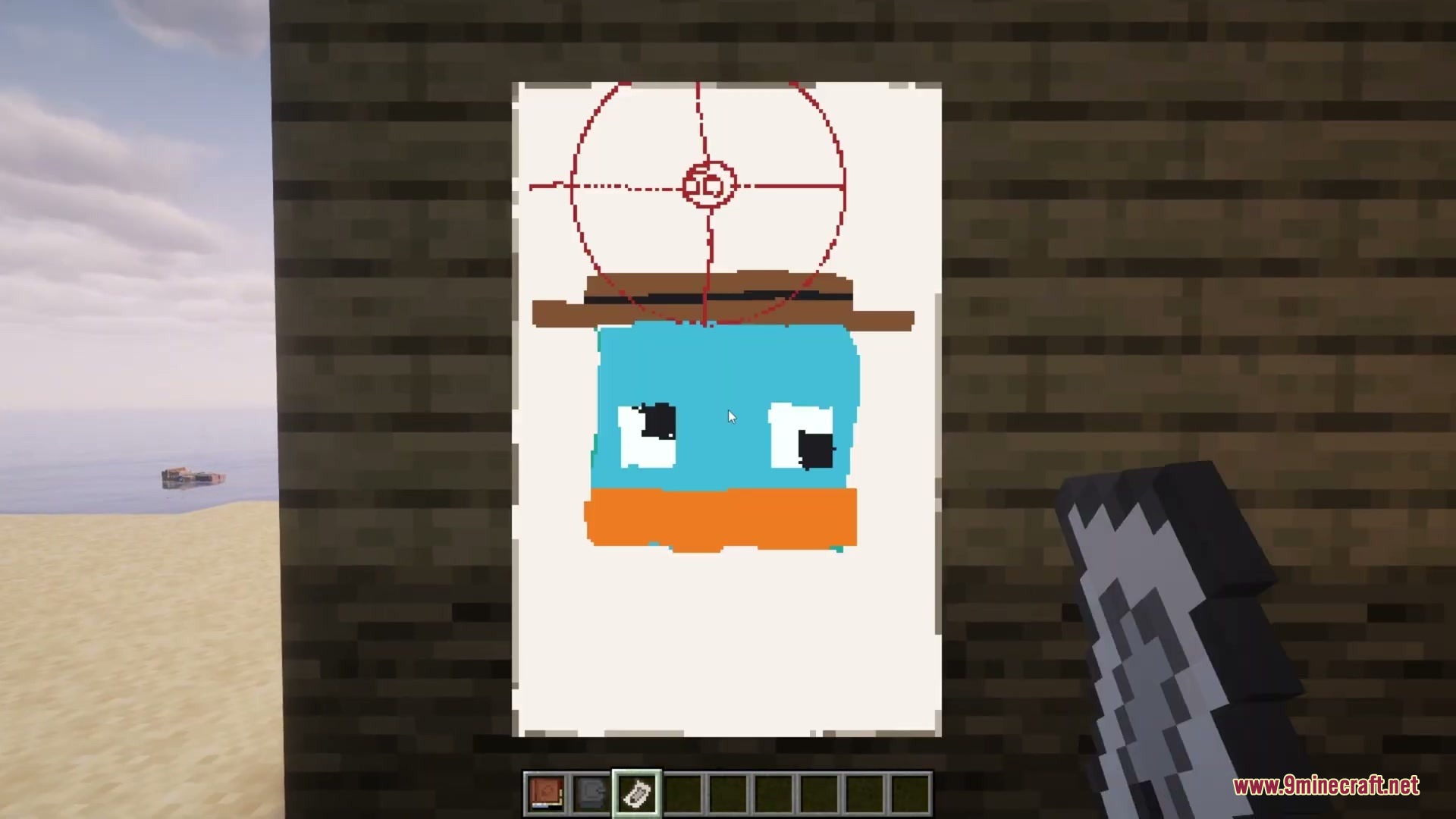
Yes, you can tear out completed pages by clicking the red dotted line inside the book, which creates a separate item with a thumbnail preview in your inventory.
How do I hang my artwork on walls?
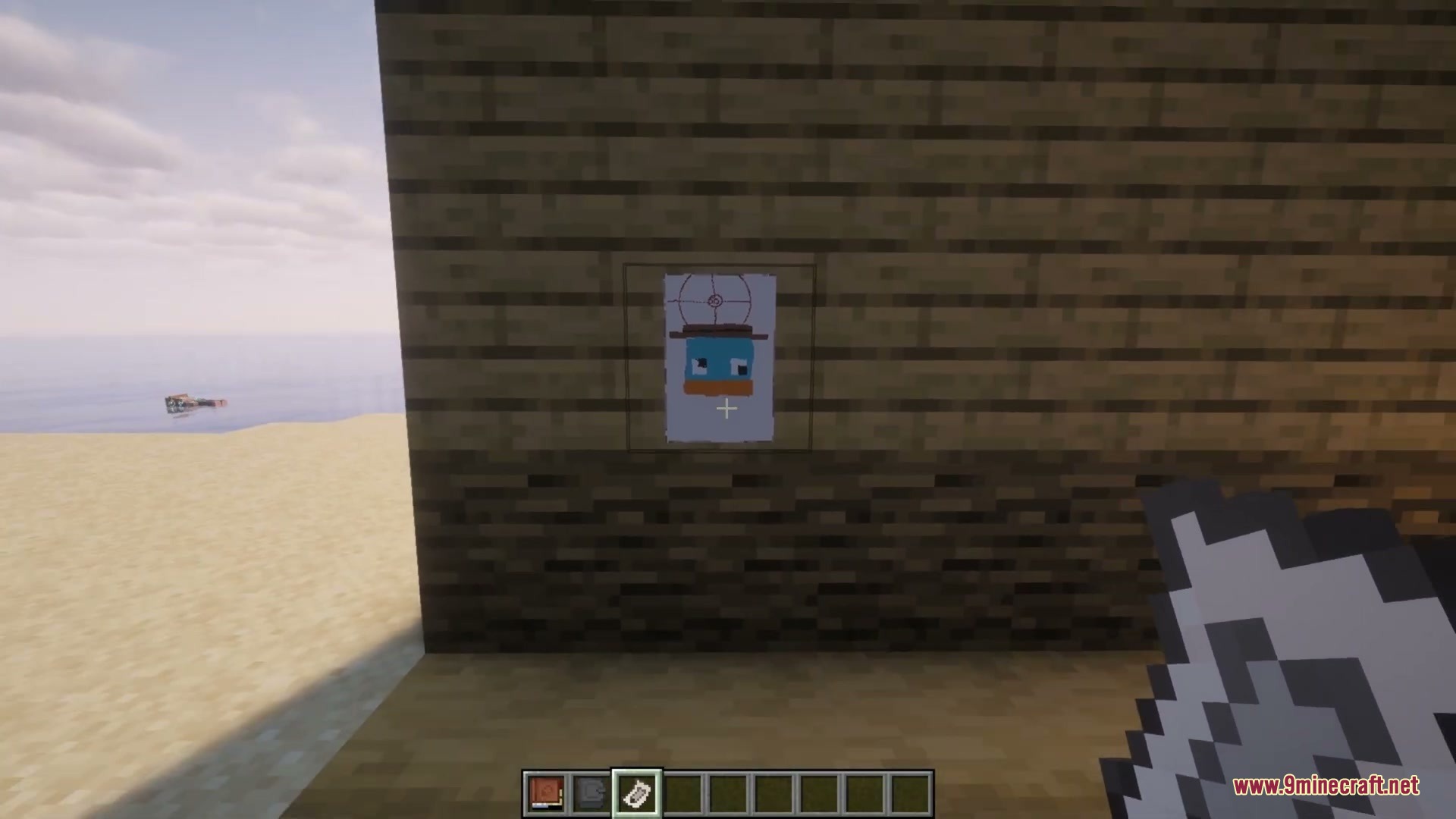
Hold Shift + Right-Click on any wall with your torn sketch to hang it up as a picture, and you can rotate it to fit your room.
How do I use colored pencils and markers?
You can load dyes into colored pencils and markers by right-clicking them with dyes, then use them to paint with different colors and adjustable opacity settings.
Gallery
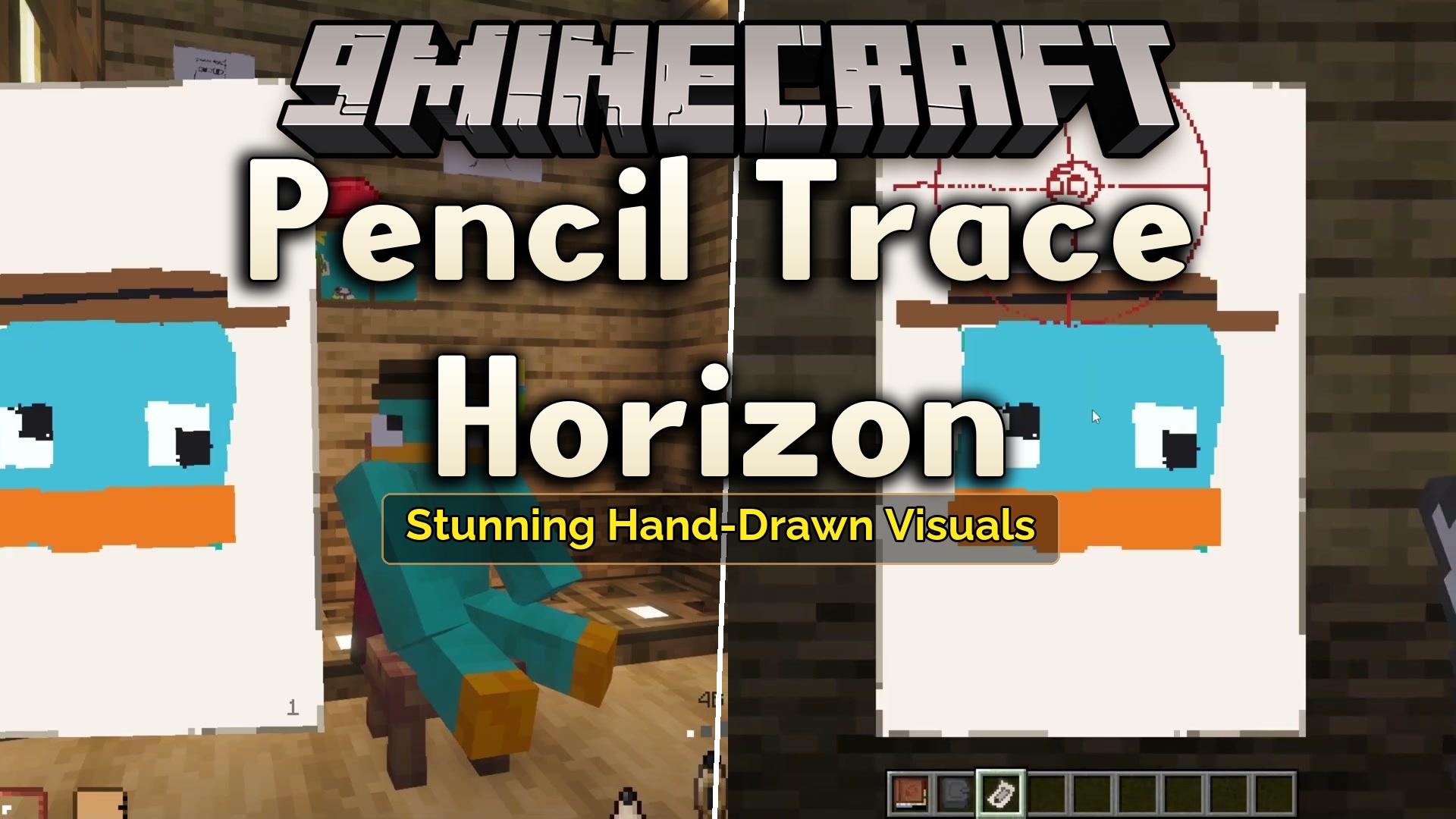
4 images from the Pencil Trace Horizon Mod page.

You May Also Like
Wikis that share the most with this one
Wikis on the same theme: tool
More mod wikis on the site
 Pay Bot Mod
The most downloaded mods that have a wiki here
A few wikis from each of the other kinds