

 DownloadOD Horizon Shaders
Get the files on 9Minecraft
Guides
Step-by-step, in-game.
Adjust Shadow Quality and DistanceAccess Shader Settings Press Shift + O (or your configured key) to open the OD Horizon Shaders configuration menu.…Enable and Customize Colored Lighting EffectsOpen Shader Configuration Access the OD Horizon Shaders menu using your configured hotkey (default Shift + O ). The…Maintain Vanilla Minecraft Aesthetics While Using ShadersUnderstand OD Horizon's Design Philosophy This shader pack is built to enhance without replacing vanilla visuals. It…Optimize Performance on Low-End HardwareIdentify Performance Bottlenecks Open the shader menu and note your current settings. Monitor frame rate using F3…
Frequently asked questions
How do I turn on the shader after installing it?
Open Options > Video Settings > Shaders, then locate OD Horizon Shaders in your shader folder and select it. The shader will activate immediately and you'll see lighting and shadow changes in your world.
Why do my shadows look weird or blocky?
Adjust the shadow quality and distance settings in the shader options menu—lower quality settings can cause visible artifacts, while distance controls how far shadows render from the player. Increasing these values will smooth out shadows but may impact performance.
Can I use this shader with other mods?
OD Horizon Shaders works with most mods, but mods that heavily modify lighting or rendering may conflict. Test compatibility by enabling the shader with your mod list and checking for visual glitches or crashes.
How do I enable colored lighting from light sources?
Colored lighting is typically enabled by default, but you can customize it in the shader settings menu under lighting options. You can adjust the intensity and saturation of colored light effects from torches, lamps, and other light-emitting blocks.
See all 10 OD Horizon Shaders questions ›
Gallery
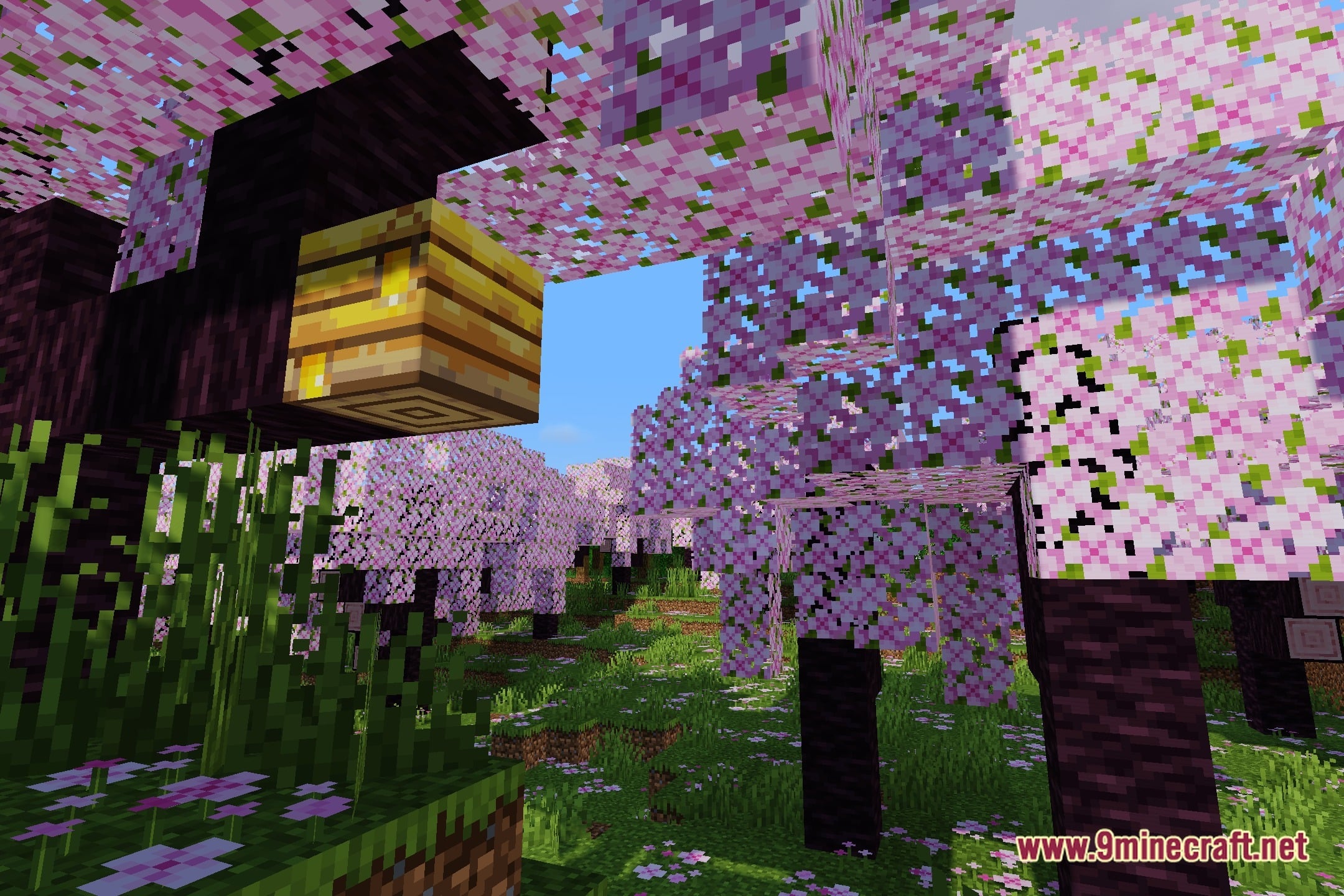
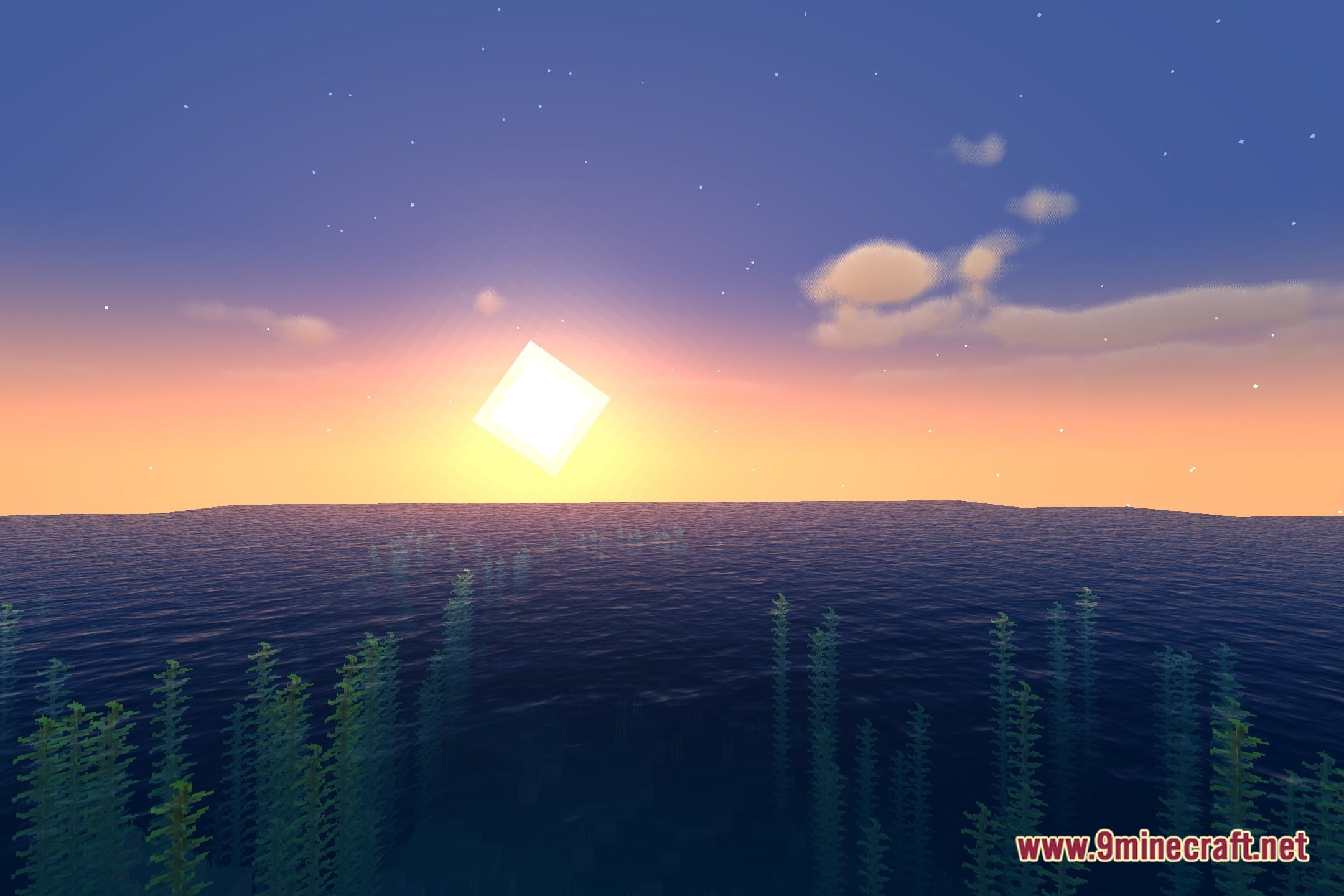
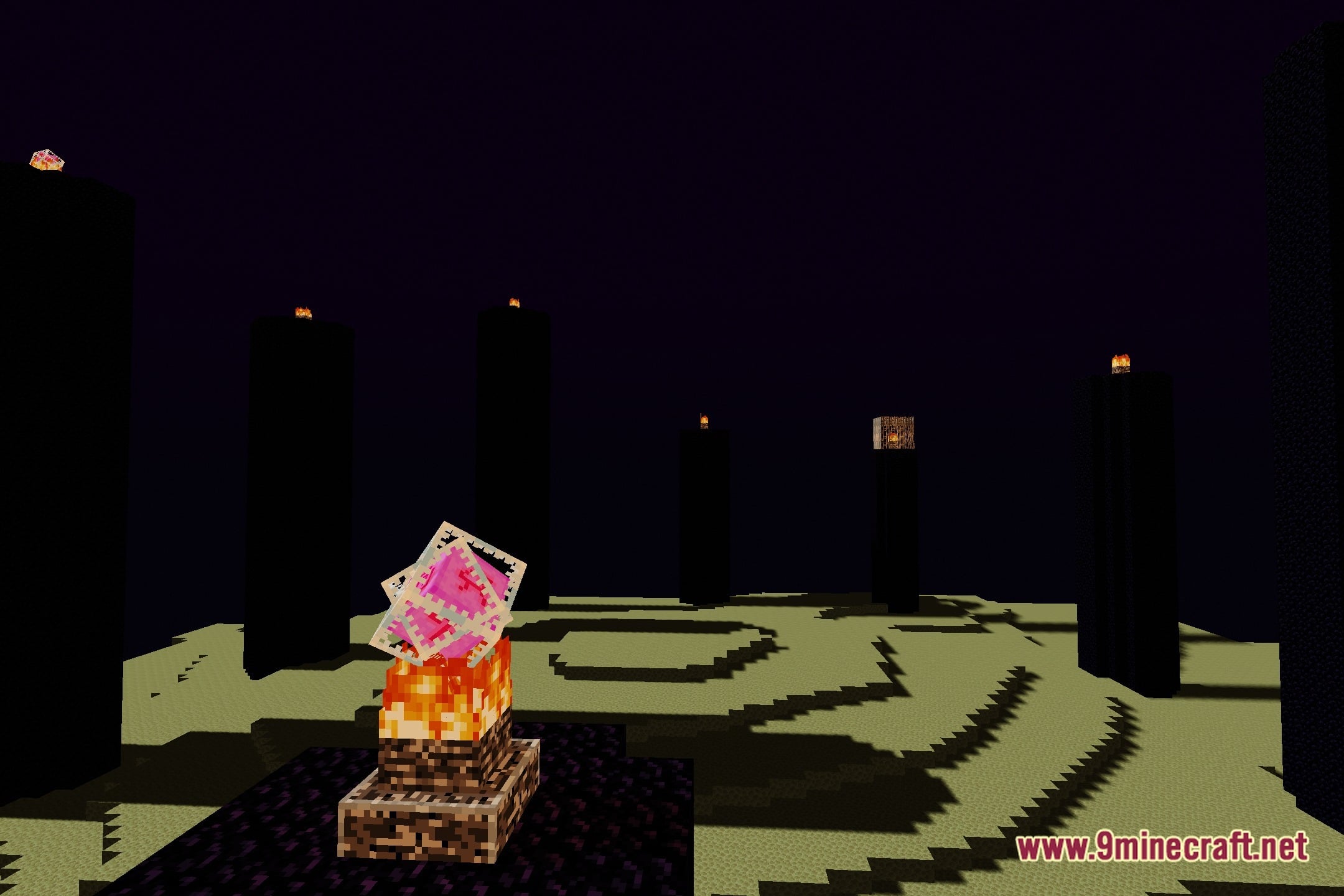
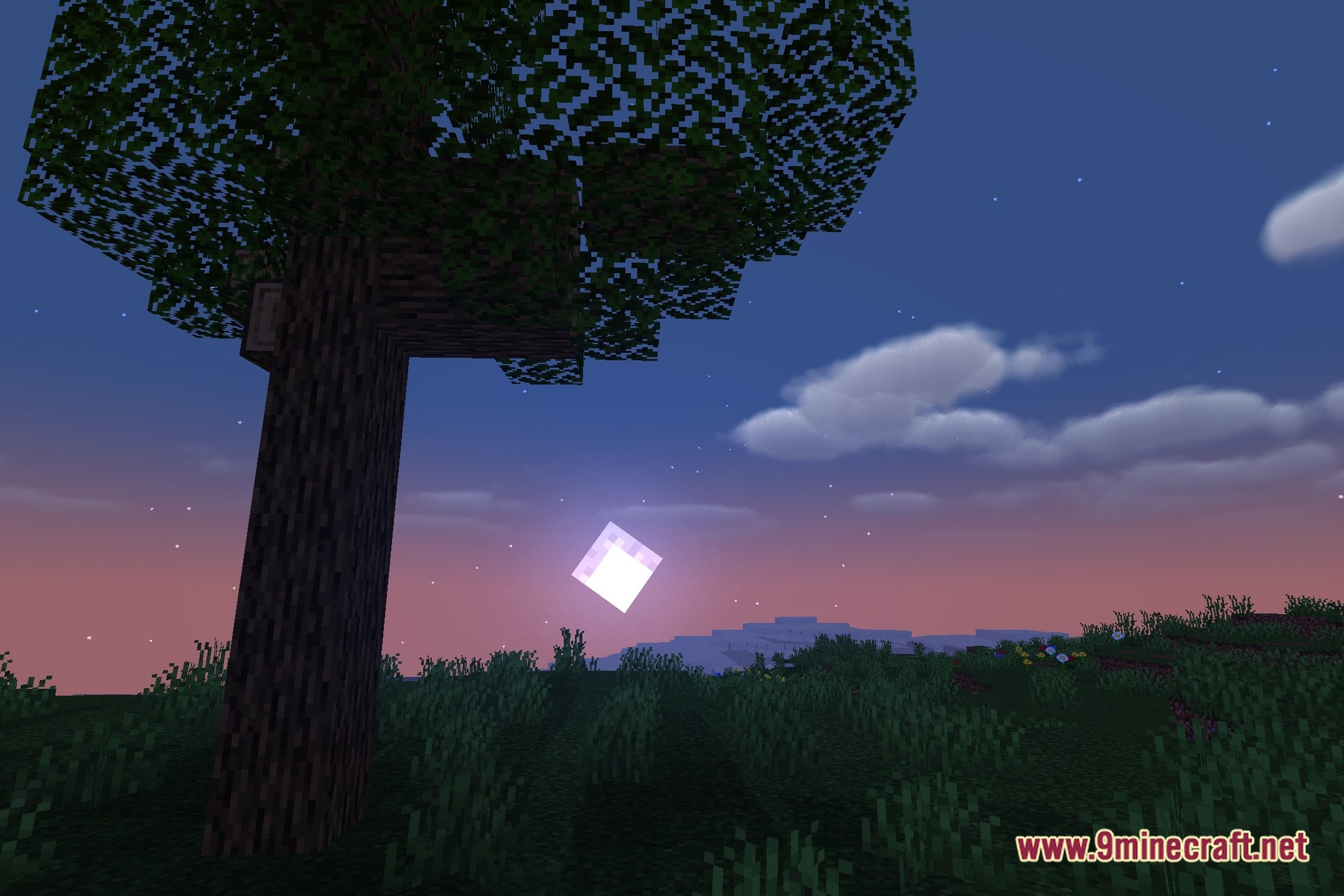
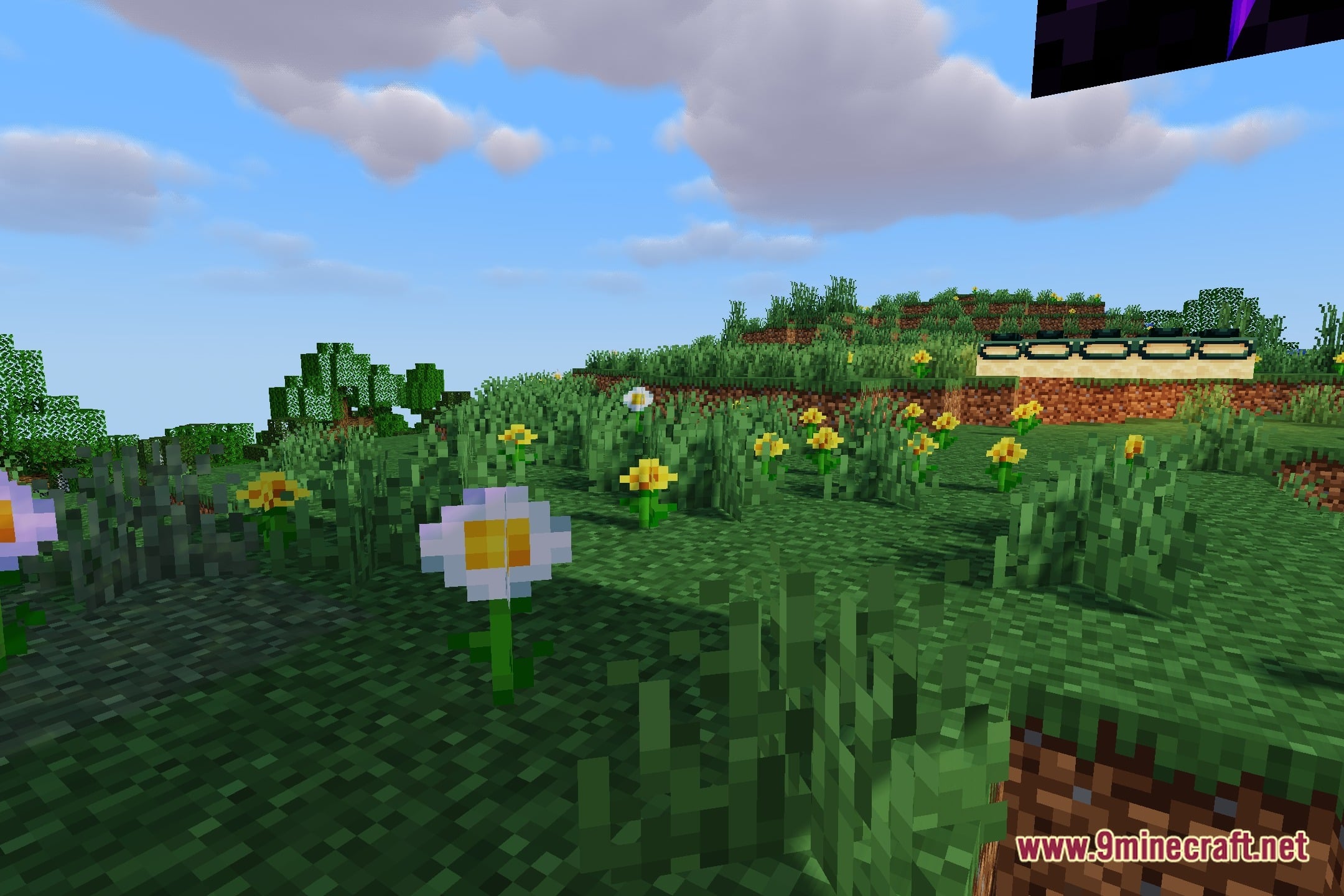
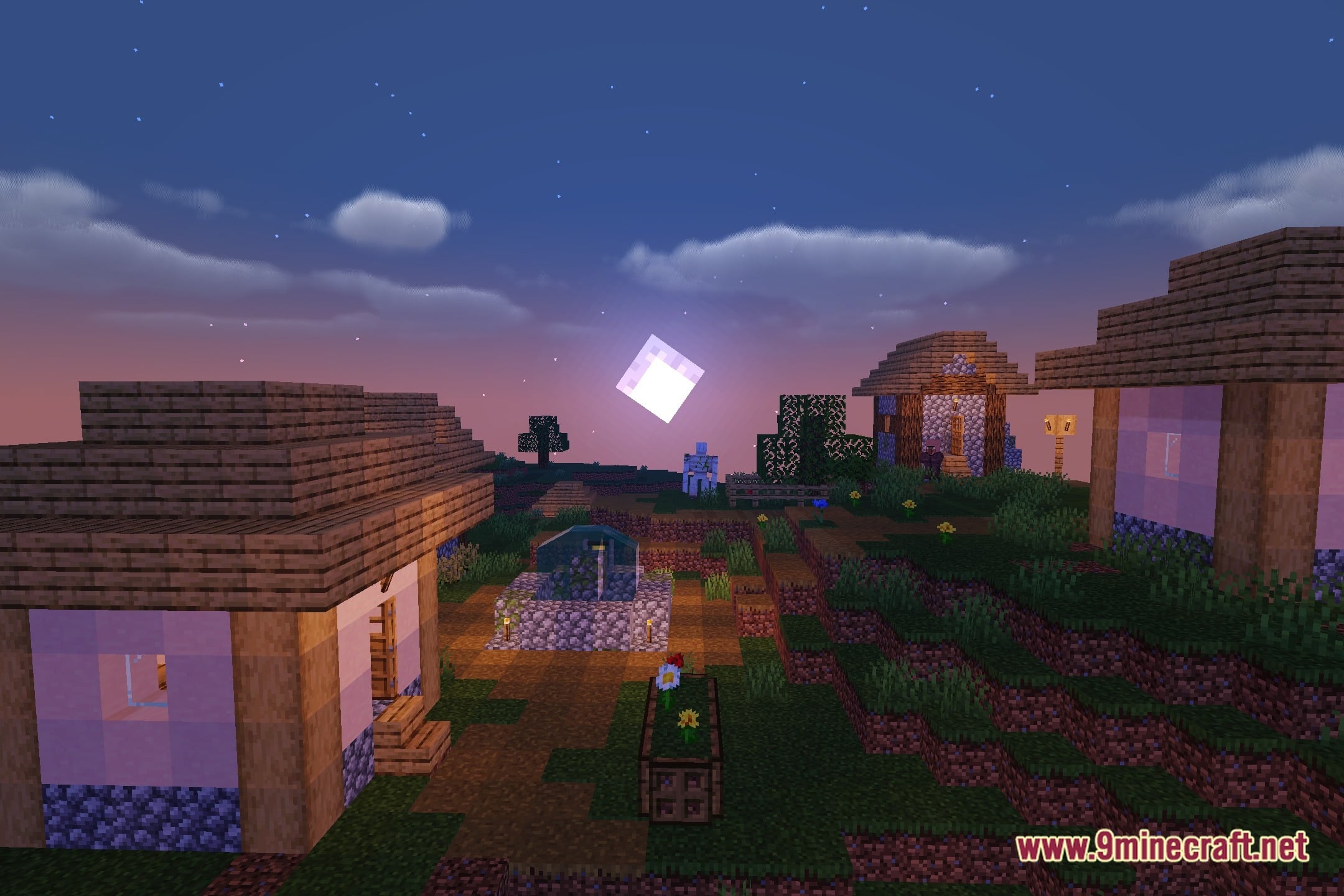
12 images from the Od Horizon Shaders page.
You May Also Like
Wikis that share the most with this one
Wikis on the same theme: light
More shader wikis on the site
 Obsidian Shaders
The most downloaded mods that have a wiki here