

 DownloadAeonRealism Shaders
Get the files on 9Minecraft
Guides
Step-by-step, in-game.
Adjust Shadow Quality and Distance for Your HardwareFinding the Shader Settings Open the shader options menu by pressing the designated key while in-game (usually…Enhance Bloom and Light Source GlowLocating Bloom Controls Open the shader settings menu and find the bloom or glow section. This controls how bright…Optimize Night Vision and Low-Light VisibilityAdjusting Night Brightness Access shader settings and locate the night brightness or ambient light slider. This…Reduce Temporal Anti-Aliasing Ghosting and FlickeringUnderstanding TAA Artifacts Temporal anti-aliasing smooths jagged edges by blending frames over time. However, this…
Frequently asked questions
How do I turn on the shader after installing it?
Launch Minecraft, go to Options > Video Settings > Shaders, then select AeonRealism Shaders from the list and apply. You'll see the changes take effect immediately in your world.
Why do my shadows look weird or keep flickering?
Flickering shadows are usually caused by temporal anti-aliasing artifacts or shadow distance set too high for your hardware. Lower the shadow distance in the shader settings or reduce the anti-aliasing quality to stabilize them.
Can I use this shader with other mods like Optifine or Sodium?
AeonRealism Shaders works best with Iris (the shader loader), which is compatible with Sodium for better performance. Avoid running it alongside Optifine, as they conflict with each other.
My FPS dropped a lot after installing the shader. How do I fix it?
Lower shadow quality and distance first, then reduce bloom intensity and anti-aliasing samples in the shader settings. If you're on low-end hardware, disable features like bloom or use the performance preset if available.
See all 10 AeonRealism Shaders questions ›
Gallery
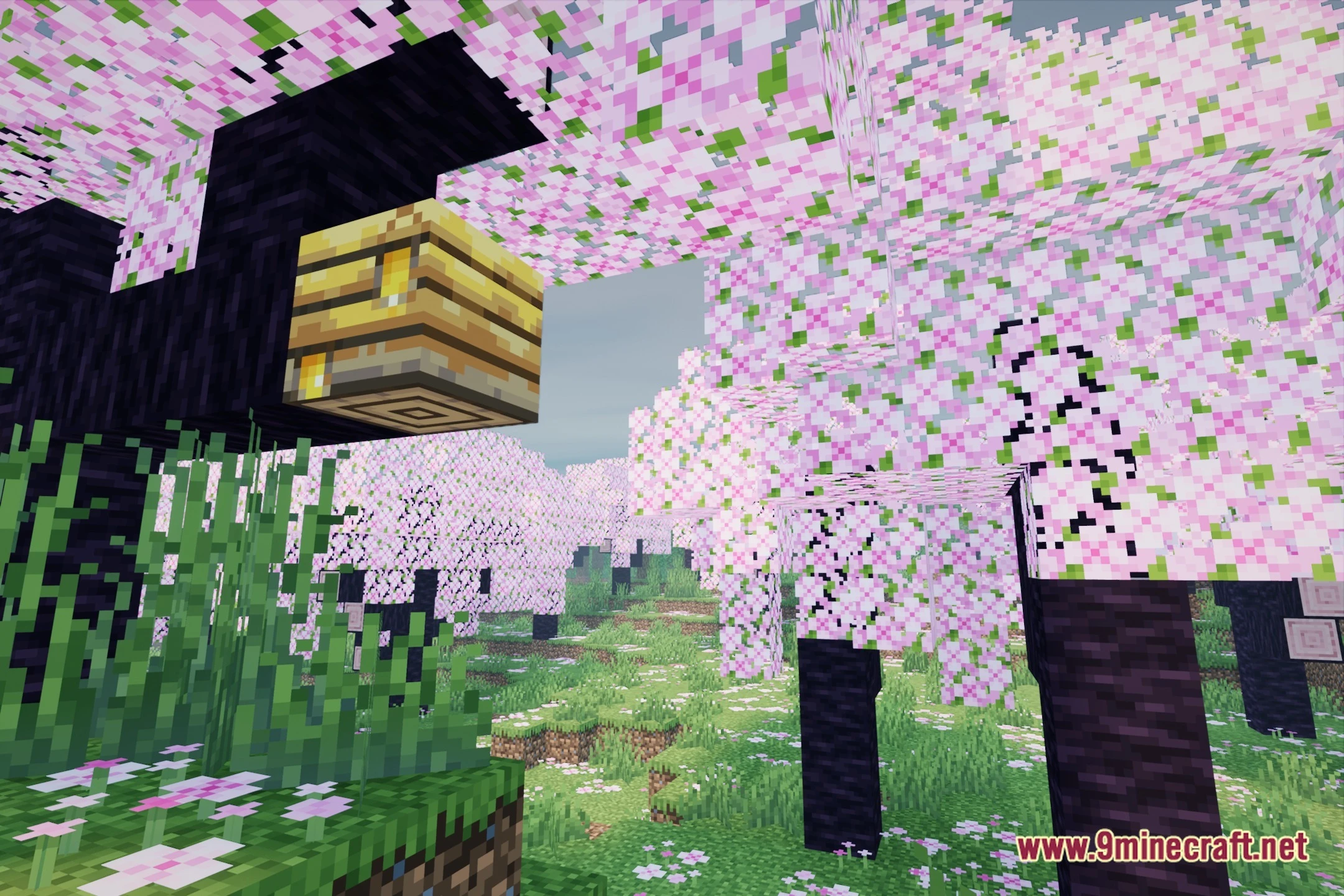
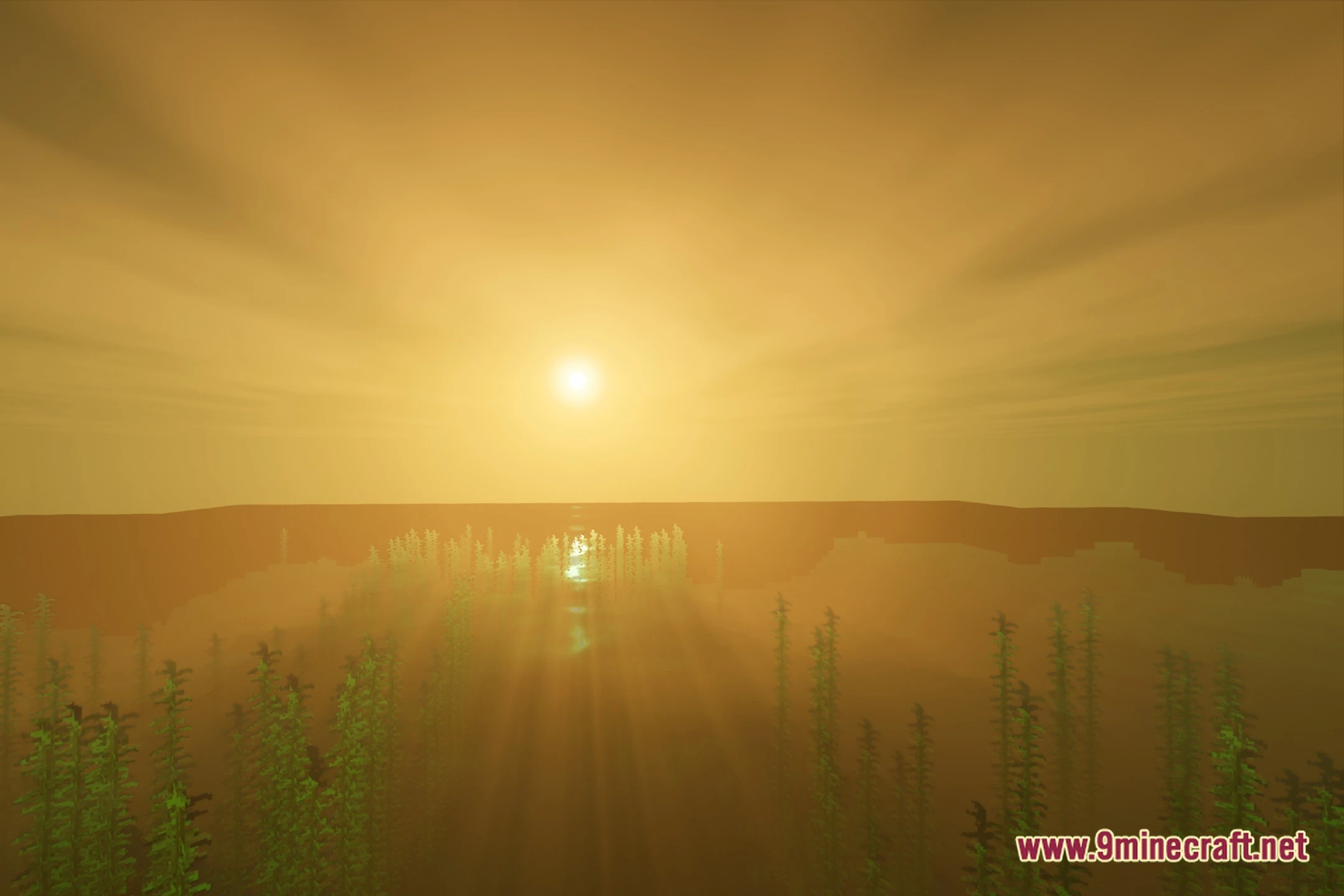
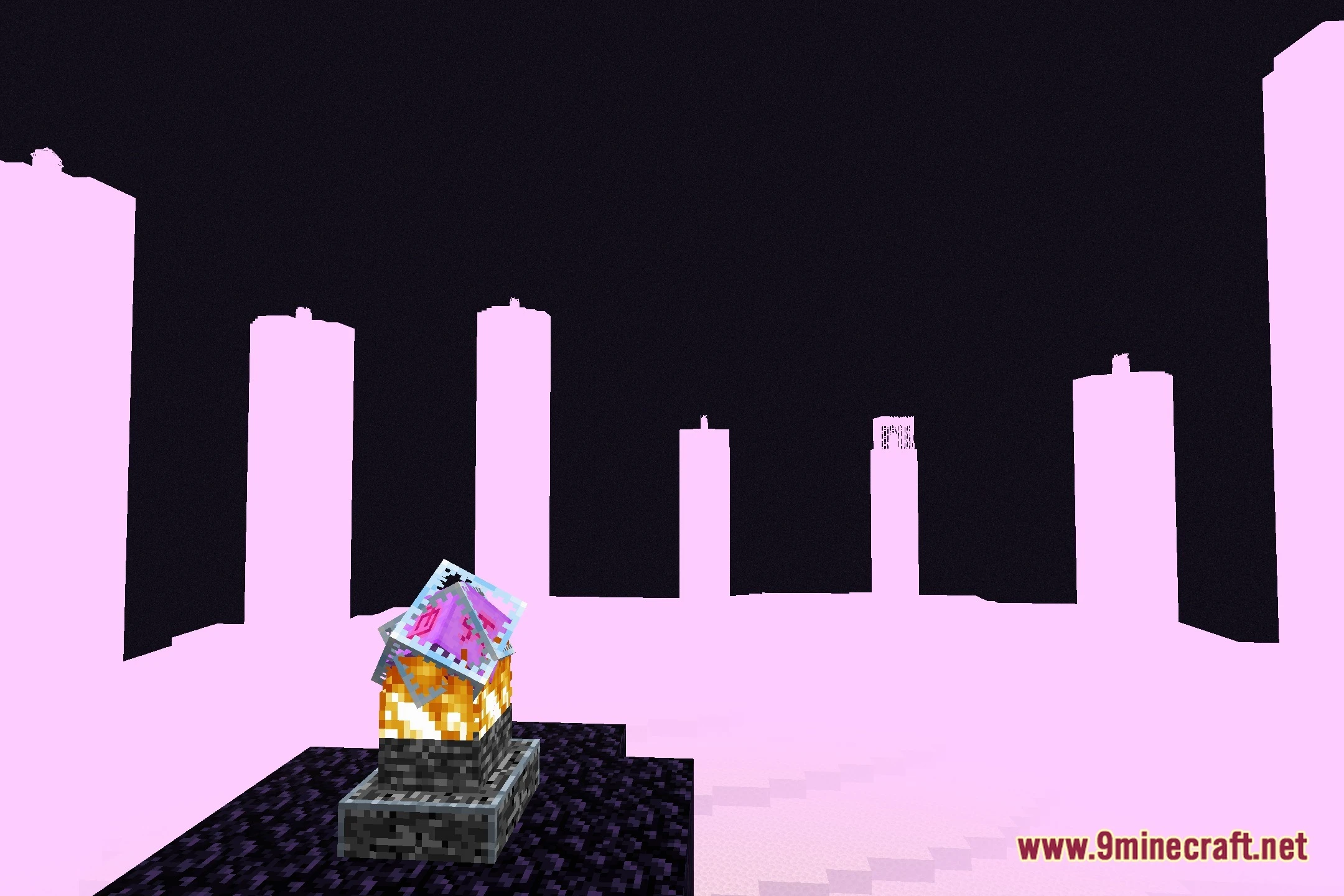
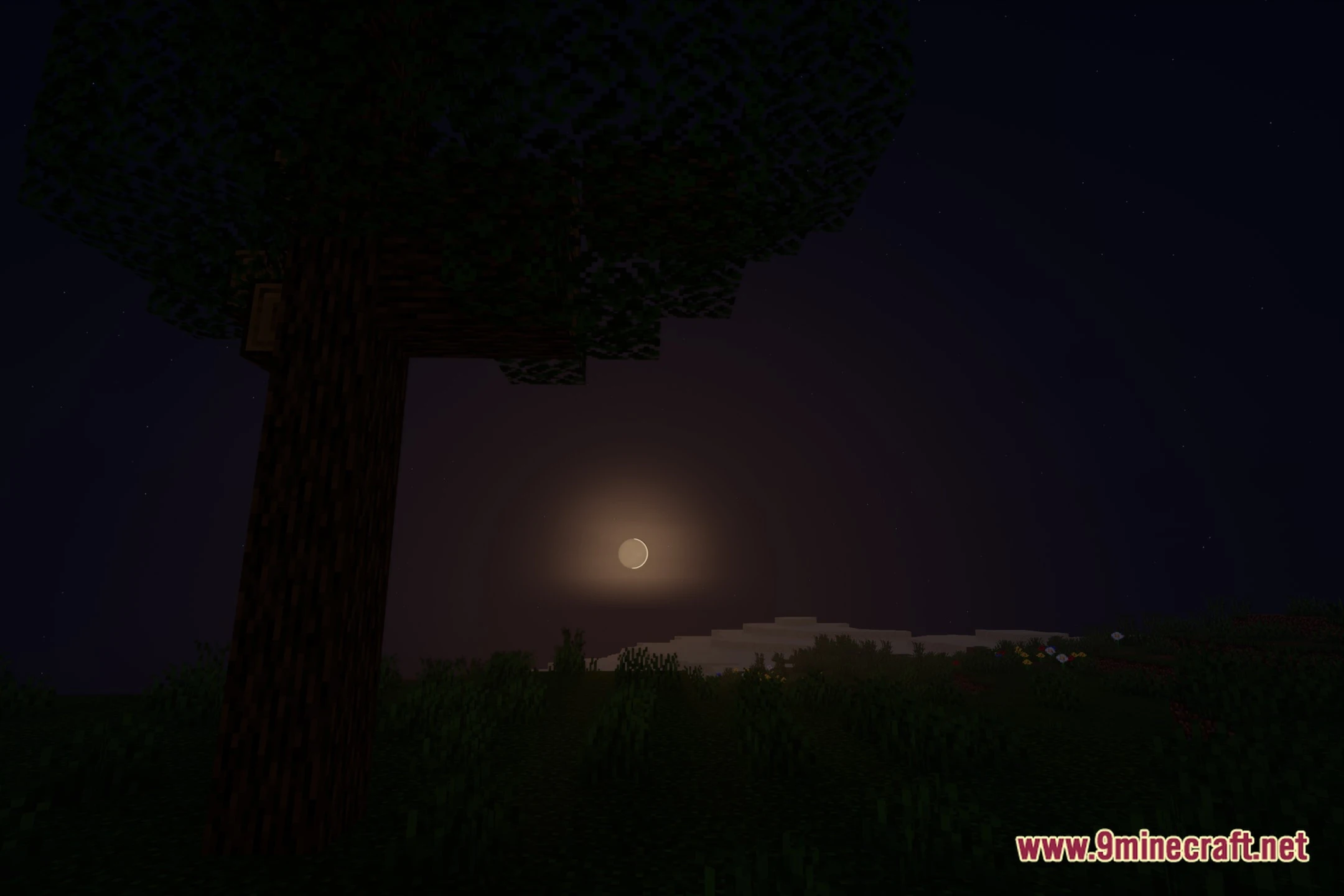
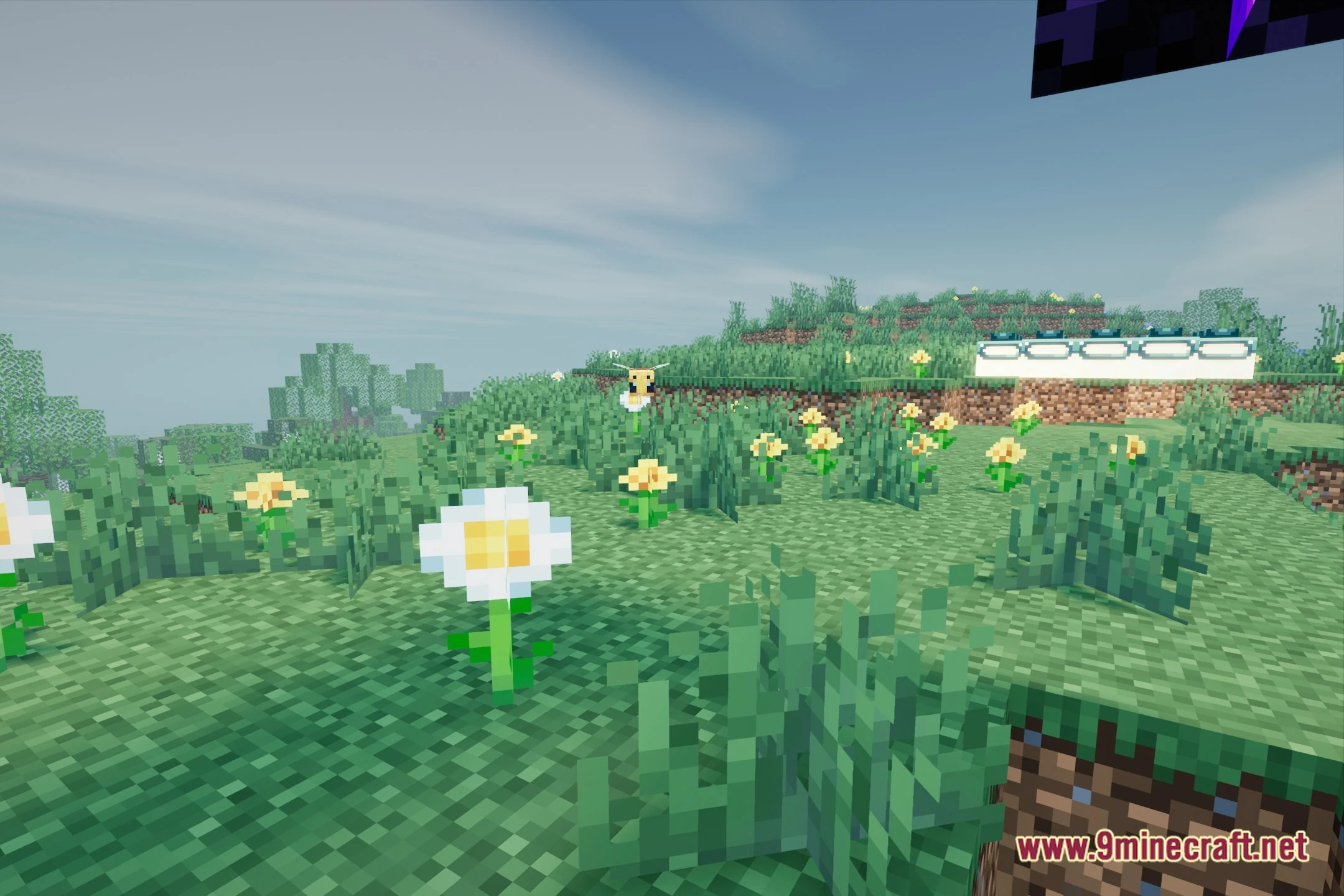
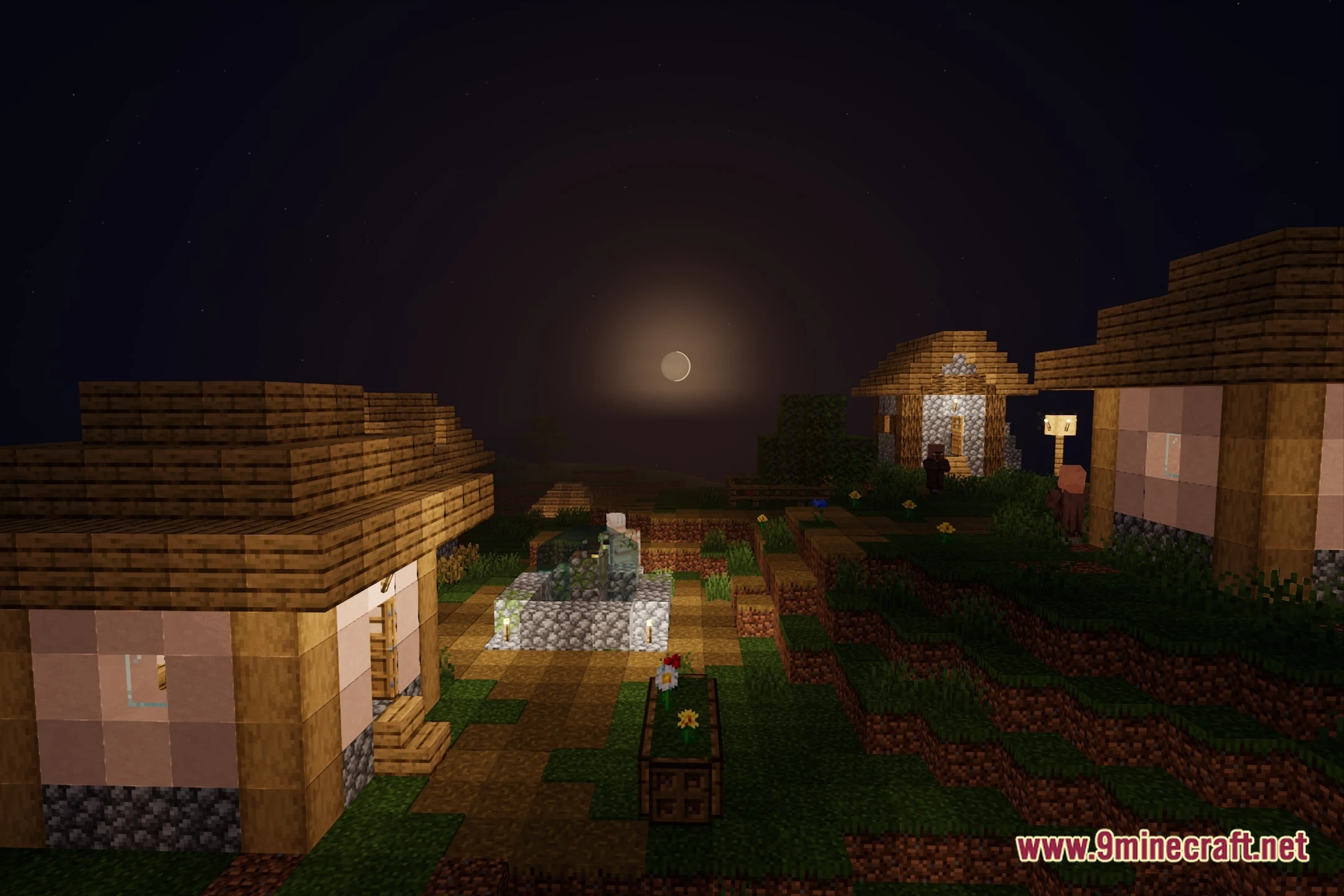
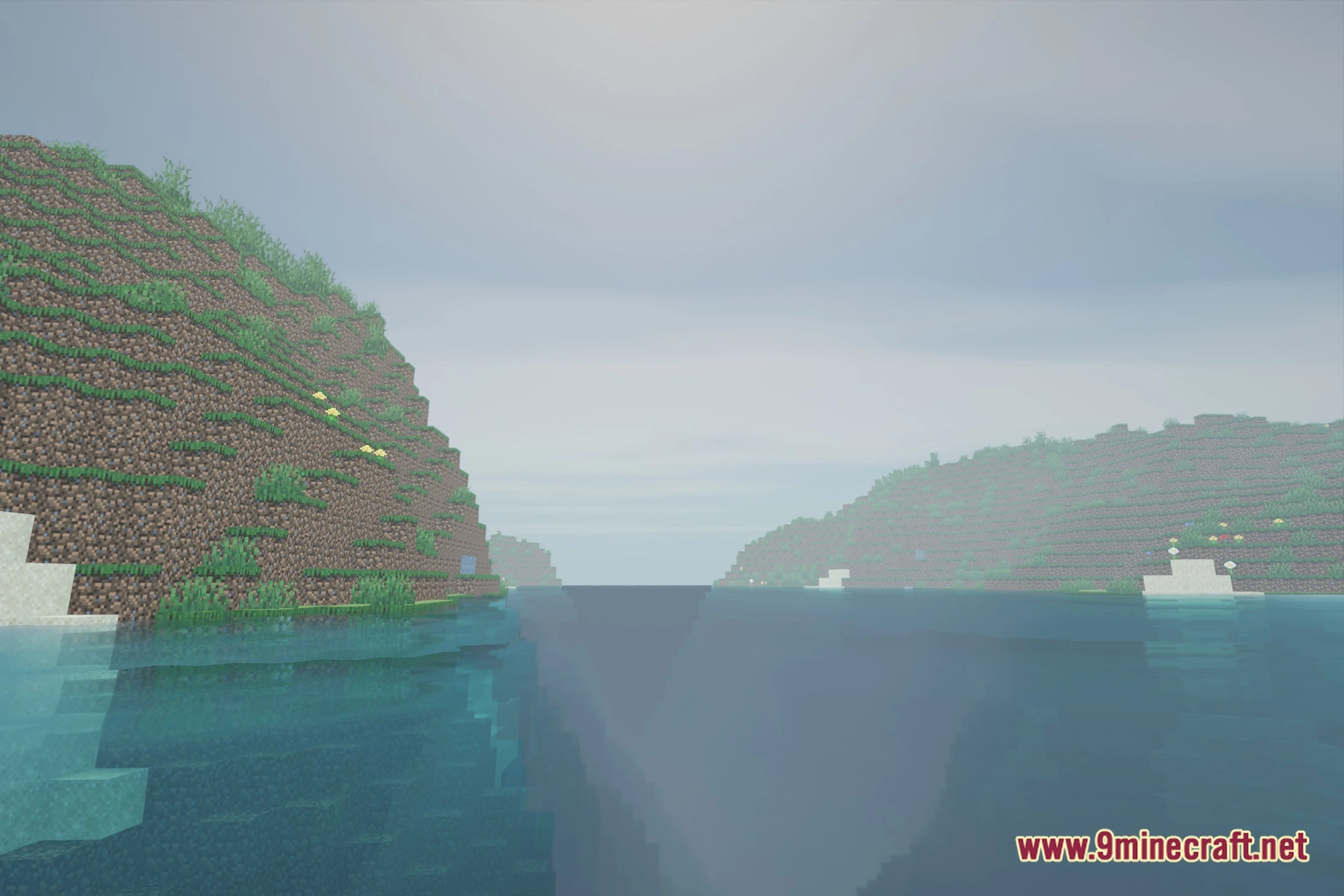
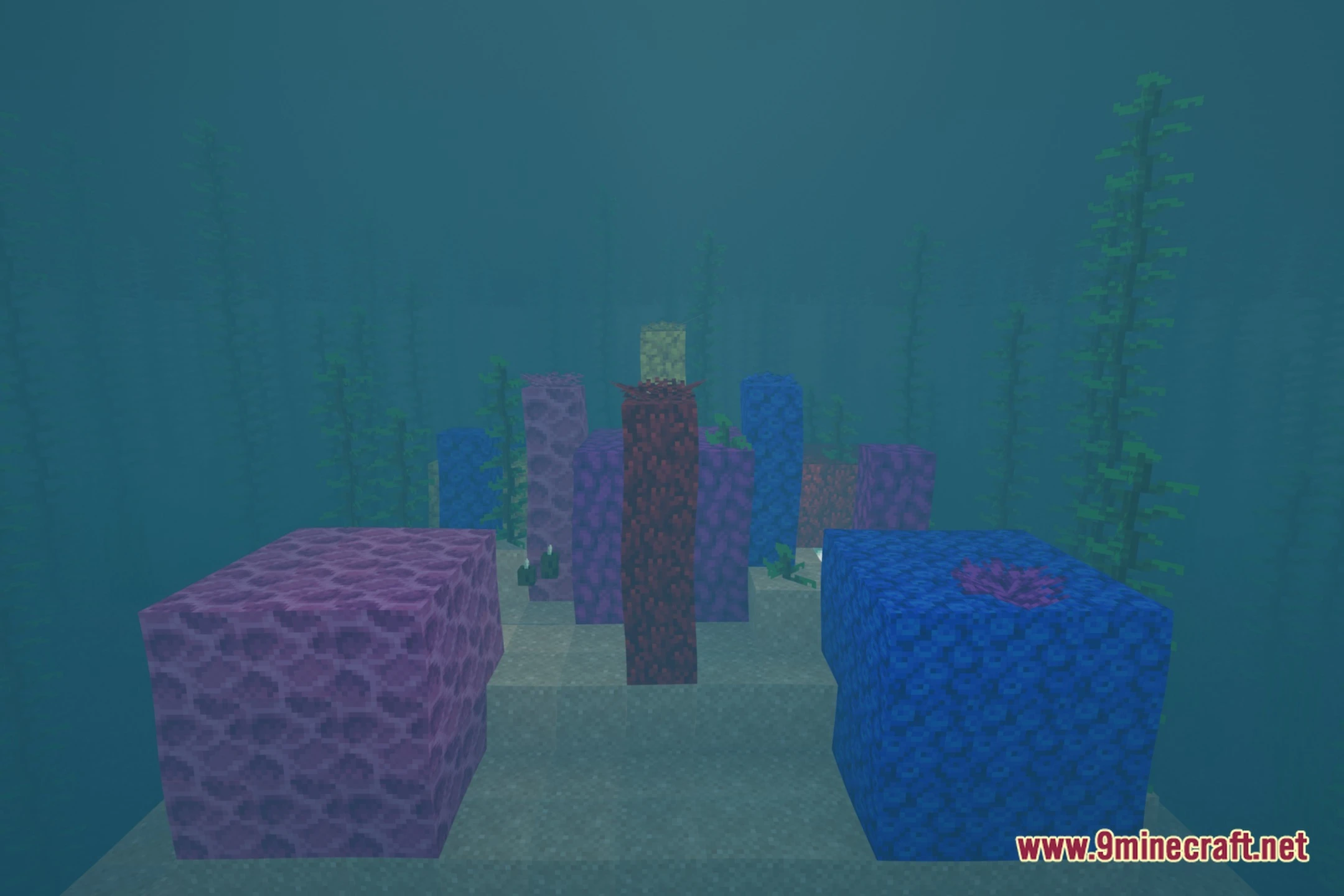
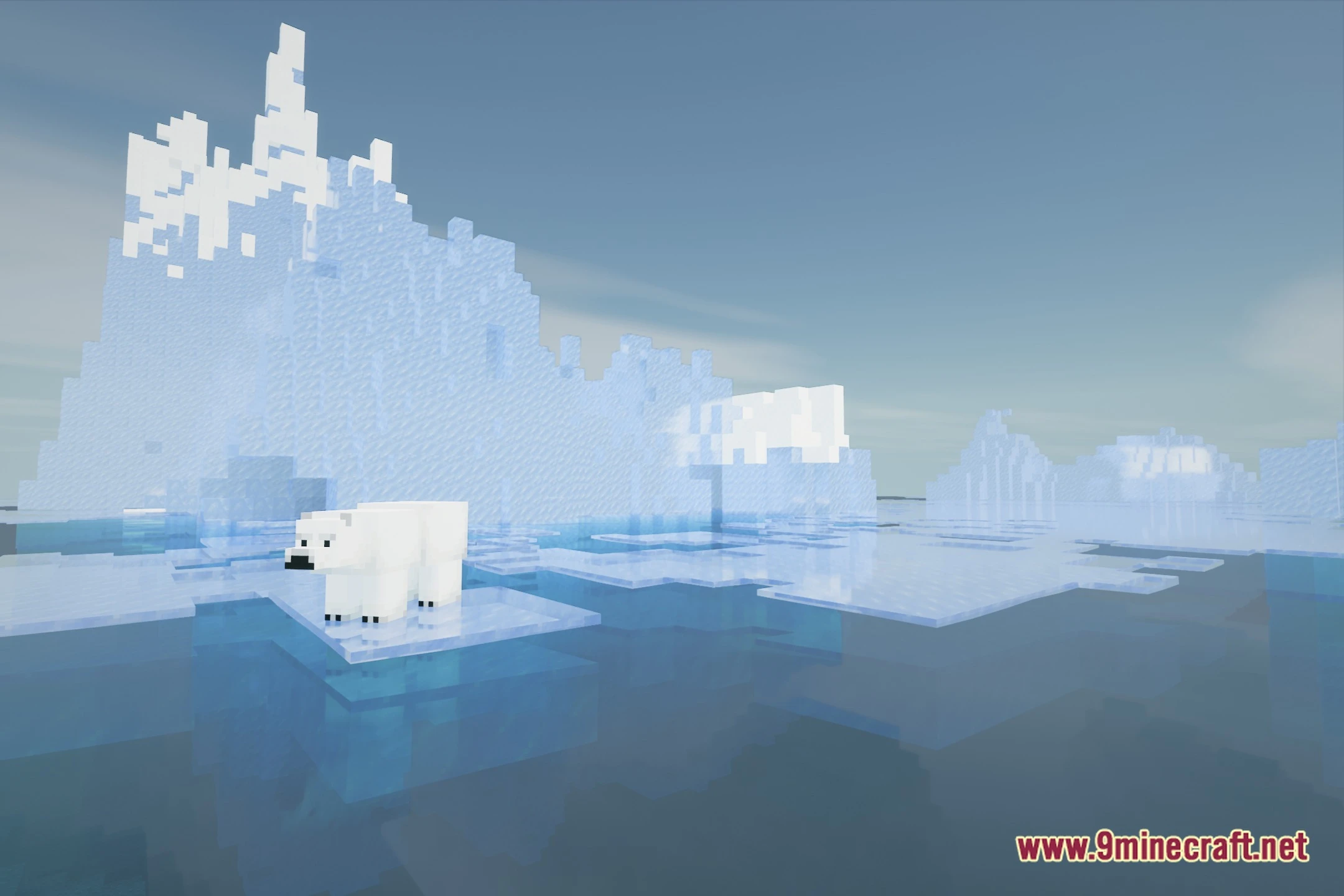
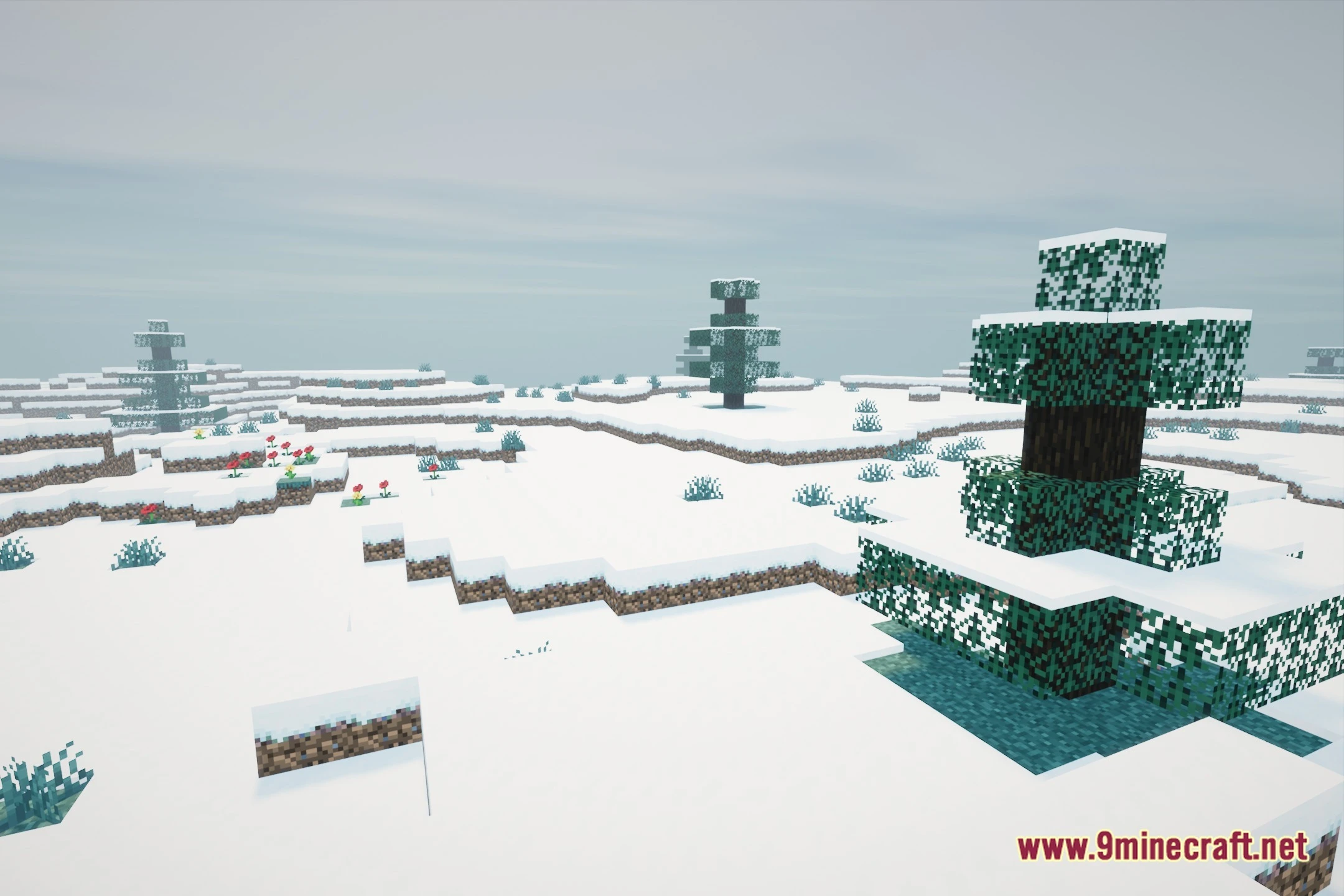
12 images from the Aeonrealism Shaders page.
You May Also Like
Wikis that share the most with this one
Wikis on the same theme: light
More shader wikis on the site
The most downloaded mods that have a wiki here