

 DownloadTag Tooltips Mod
Get the files on 9Minecraft
Guides
Step-by-step, in-game.
Change the Tag Tooltip Toggle KeyAccessing Configuration The mod uses a configurable key to show/hide tags. To change it: 1. Open your mod…Debug Modpack Recipes Using TagsFinding Why Recipes Work or Fail When a recipe isn't working as expected, tags often explain why: 1. Hold the toggle…Learn Item Classifications in Your ModpackExploring Tags Systematically Use Tag Tooltips to understand how your modpack organizes items: 1. Start with common…View Item and Block Tags in TooltipsHow to Display Tags Tags are hidden by default to keep tooltips clean. To reveal them: 1. Hold down the configured…
Frequently asked questions
How do I see tags in my tooltips?
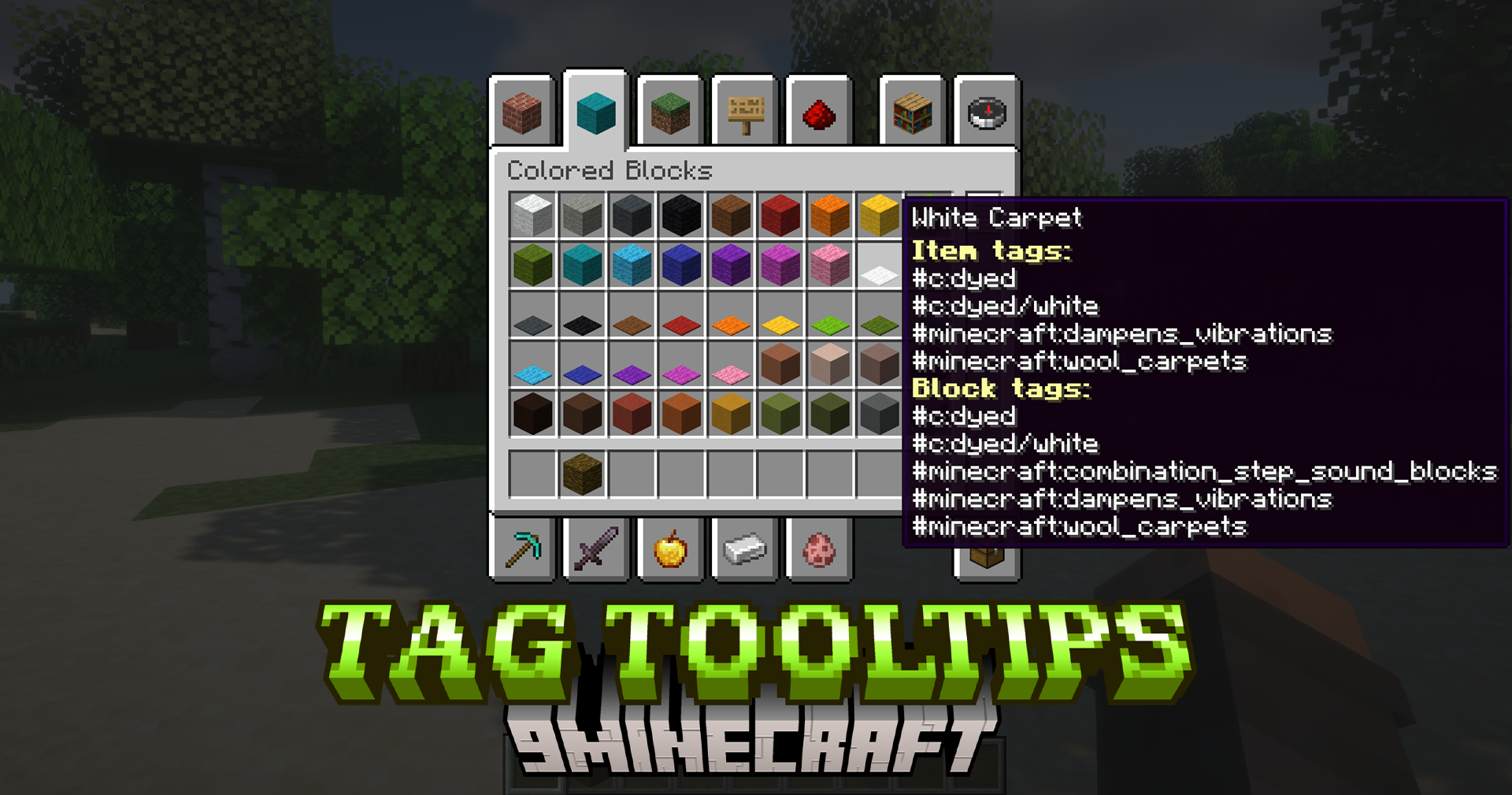
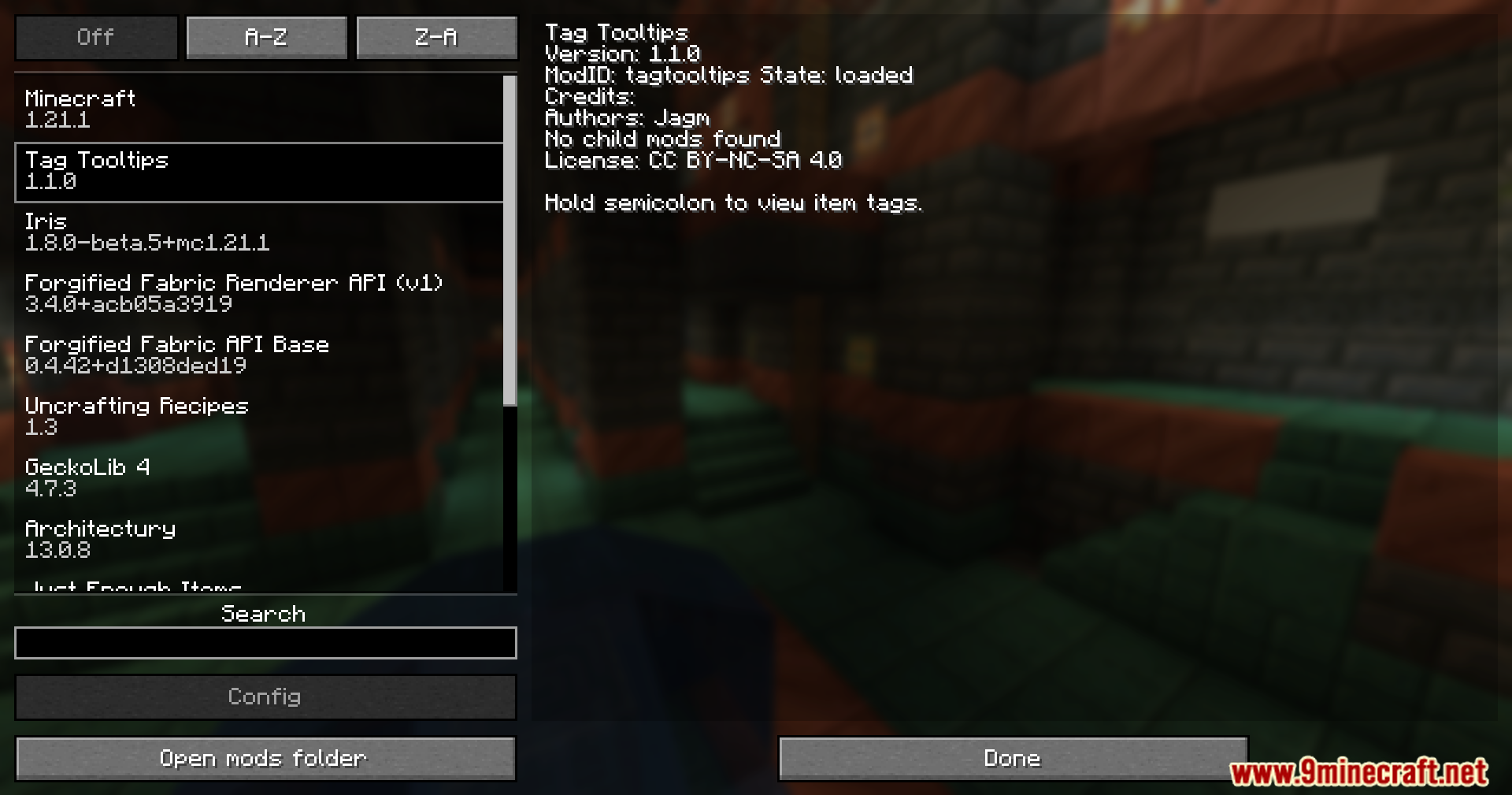
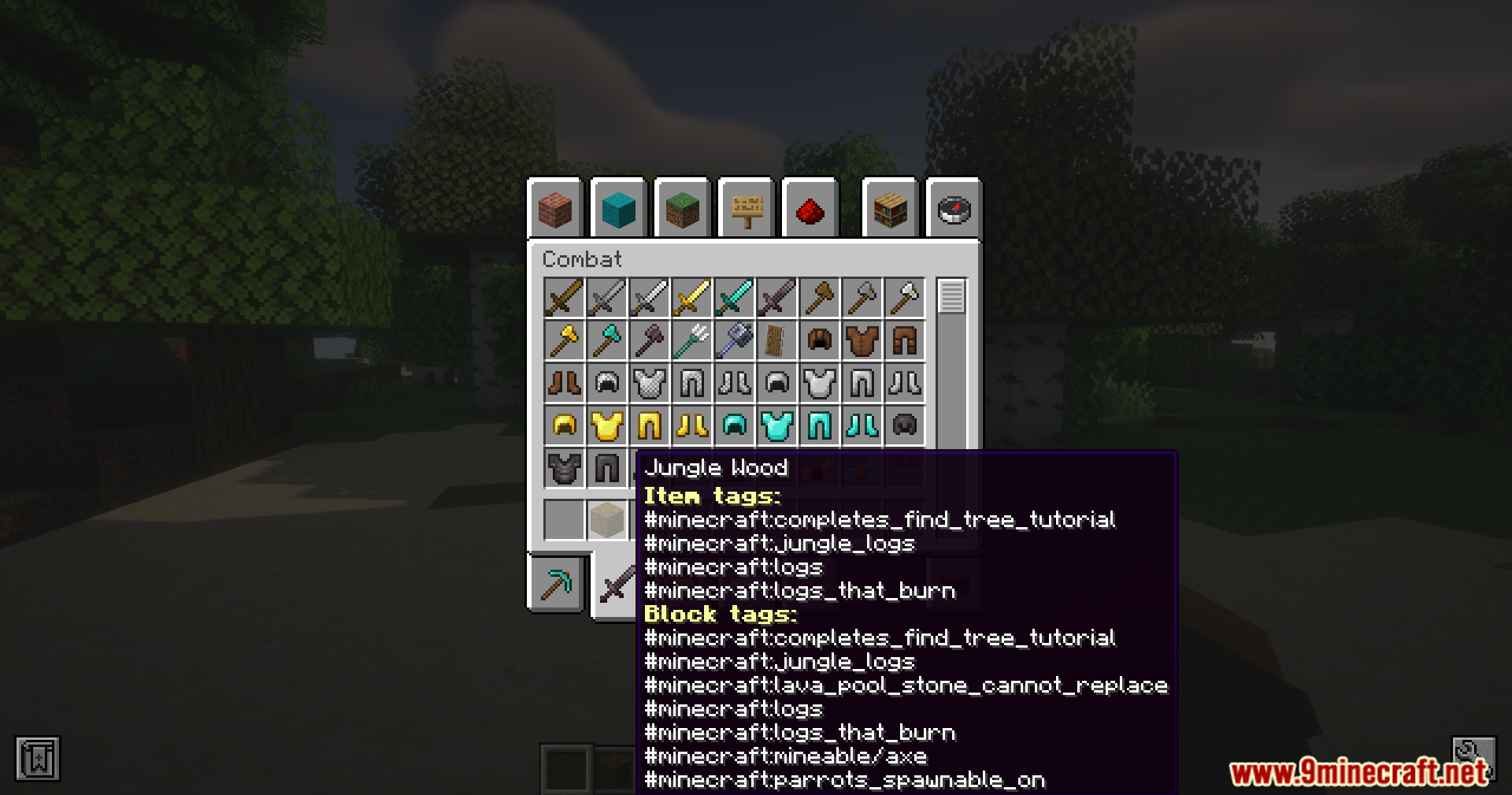
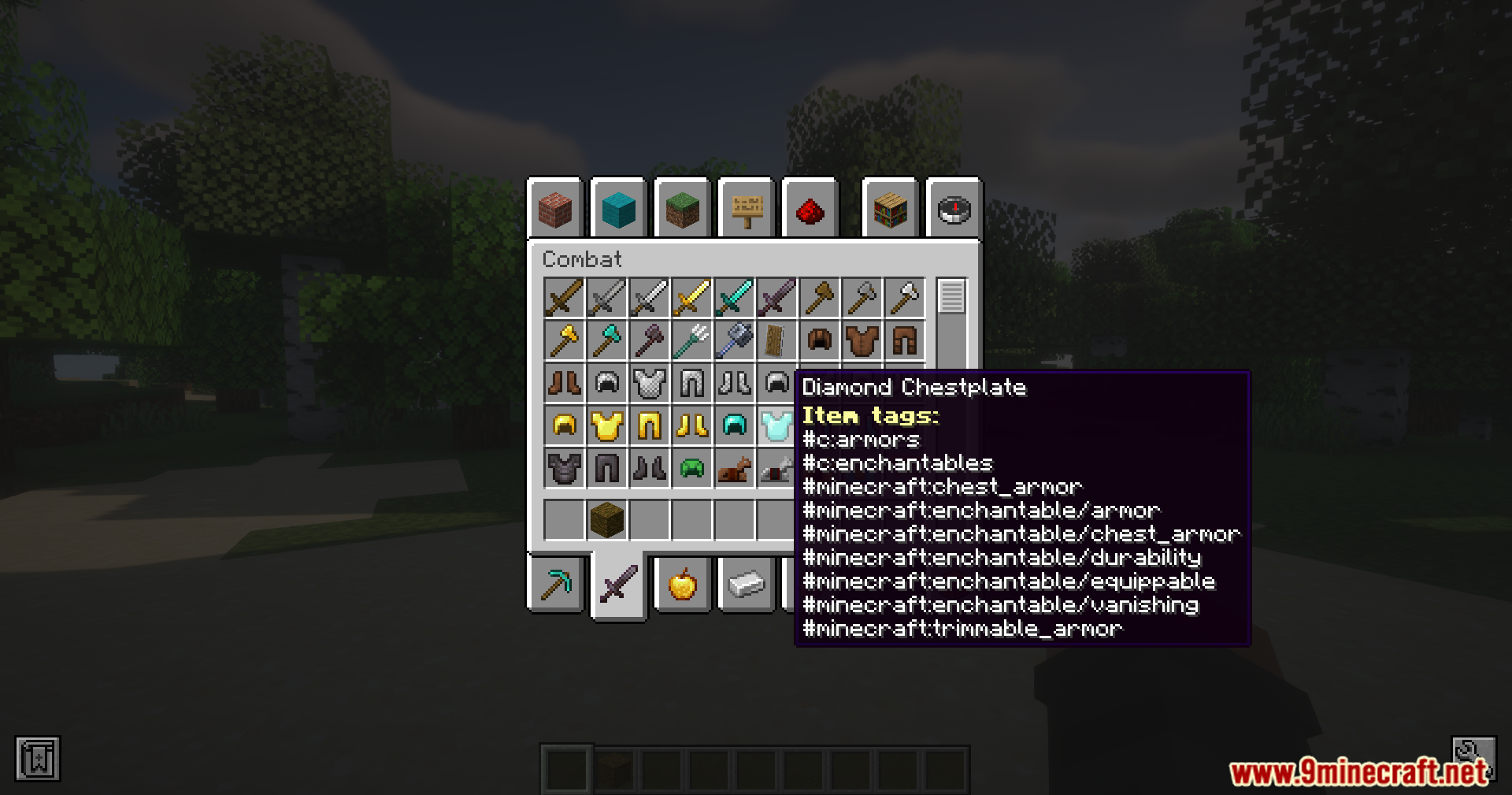
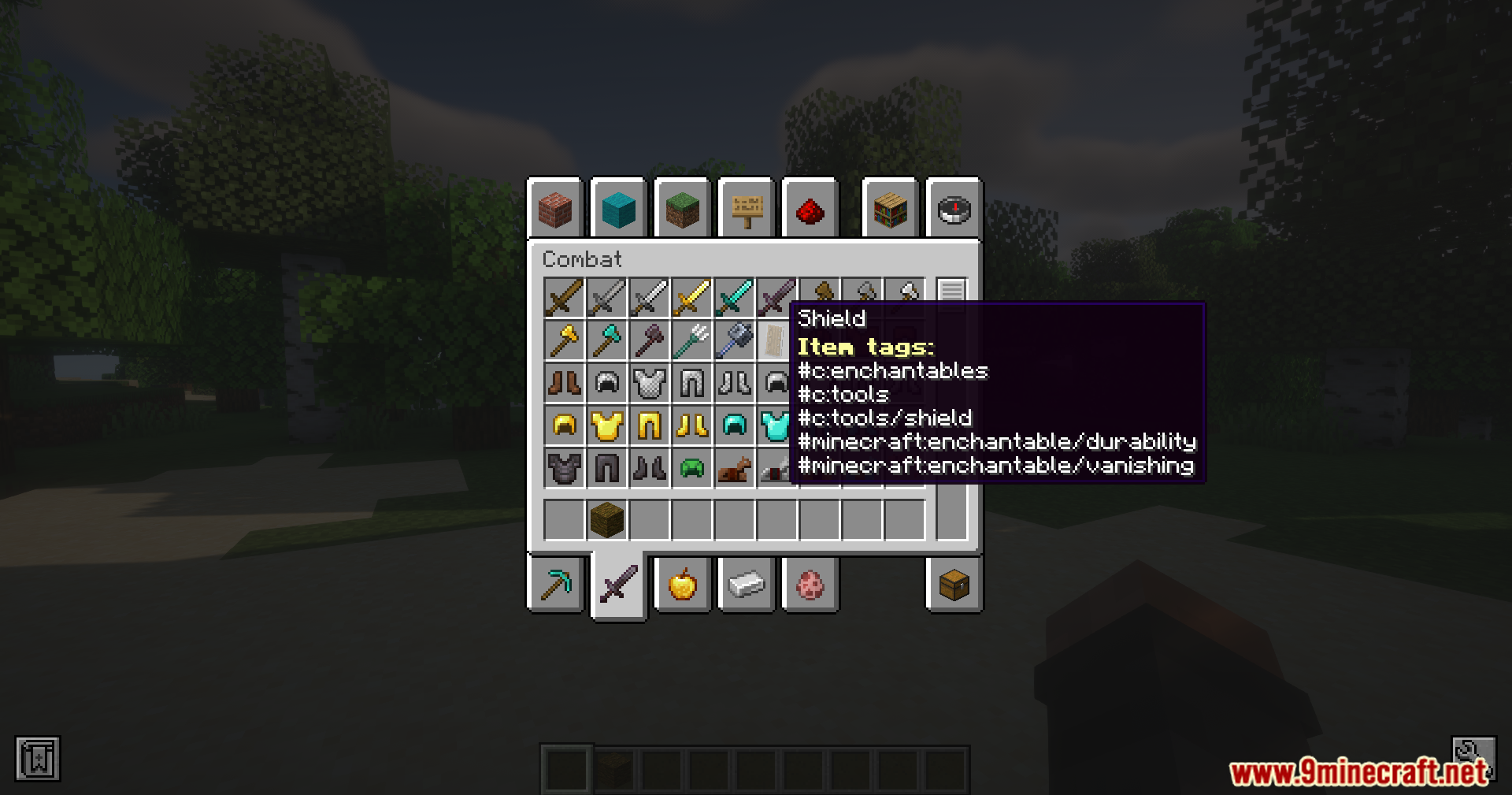
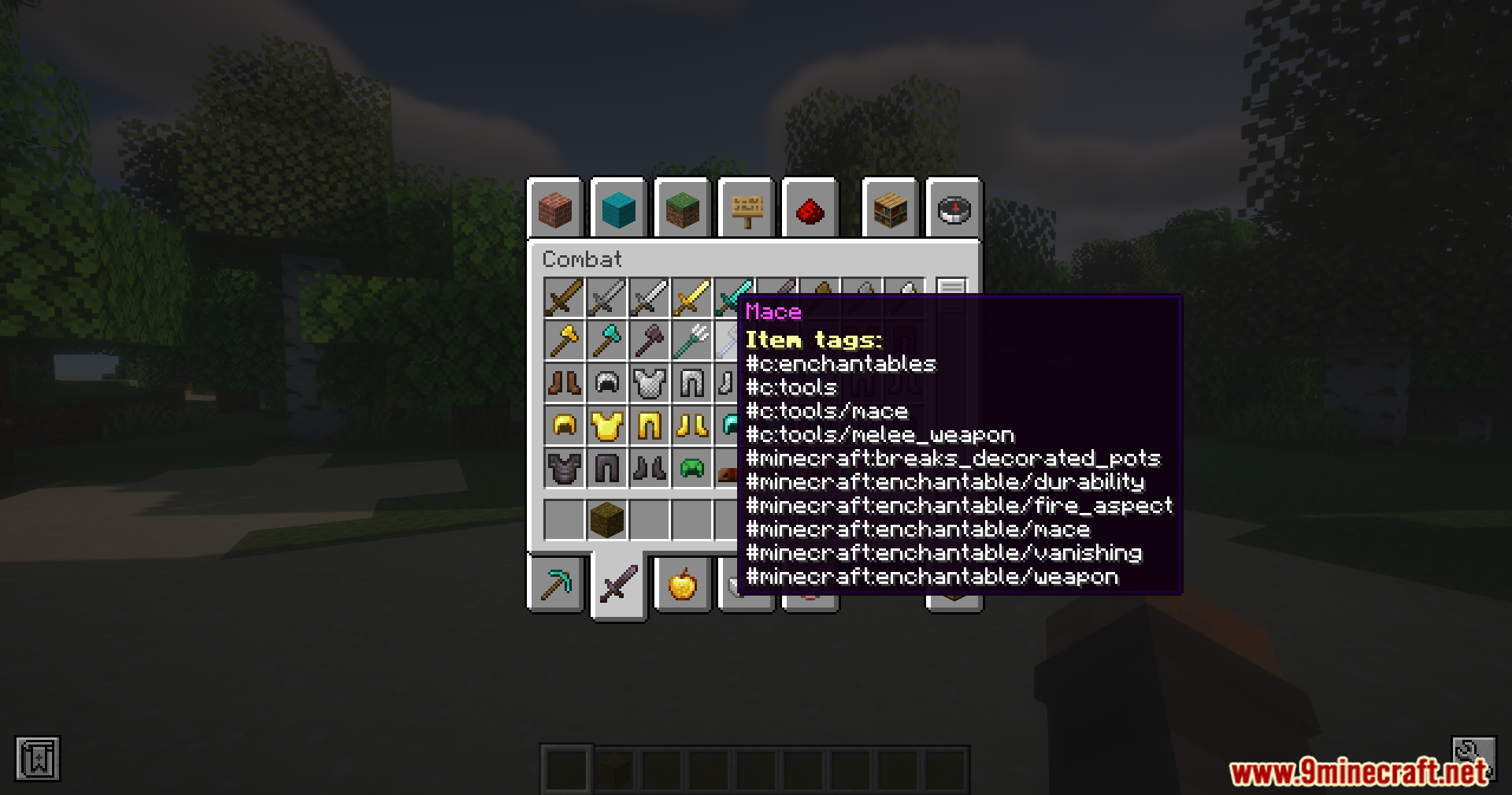
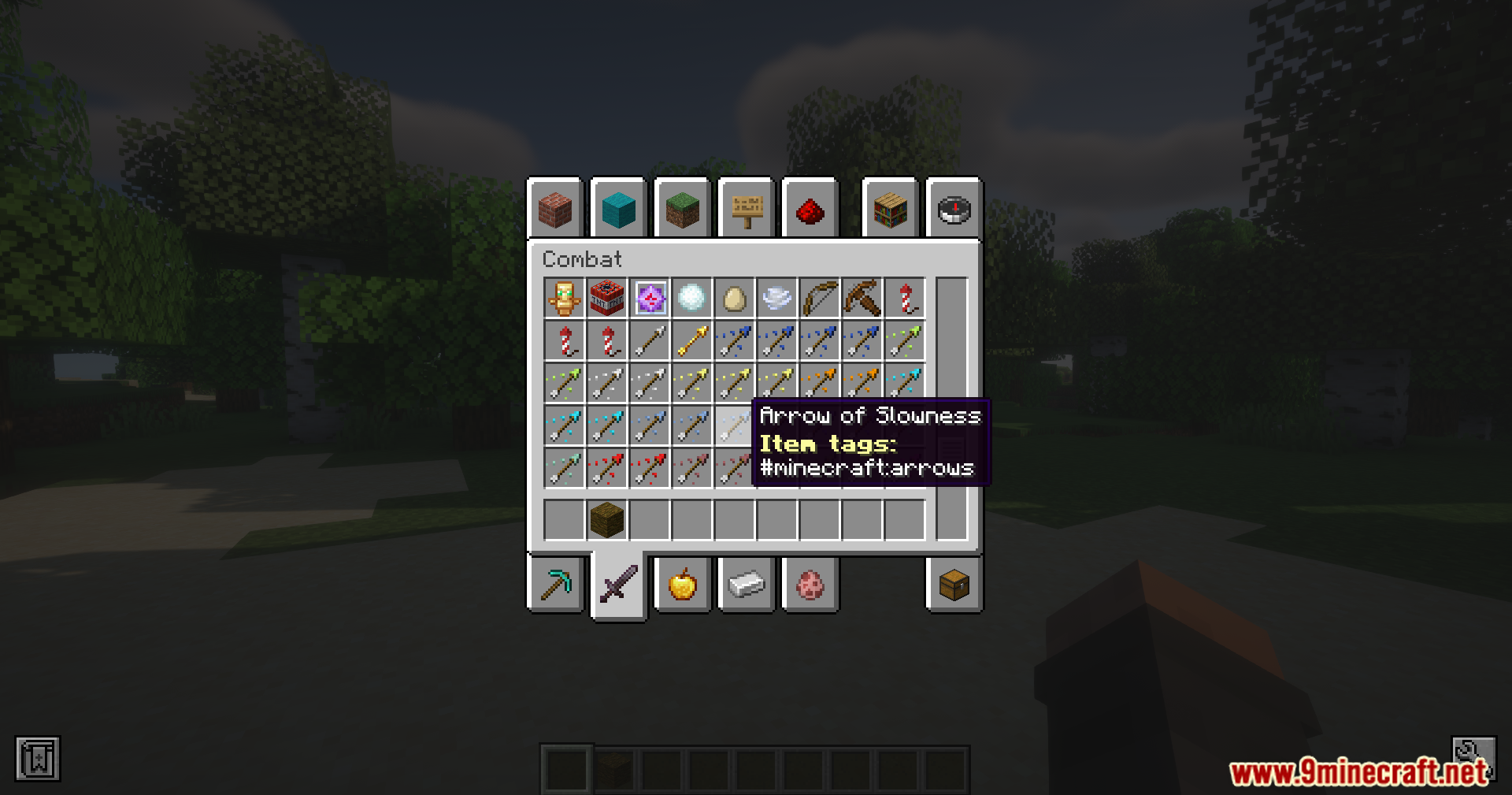
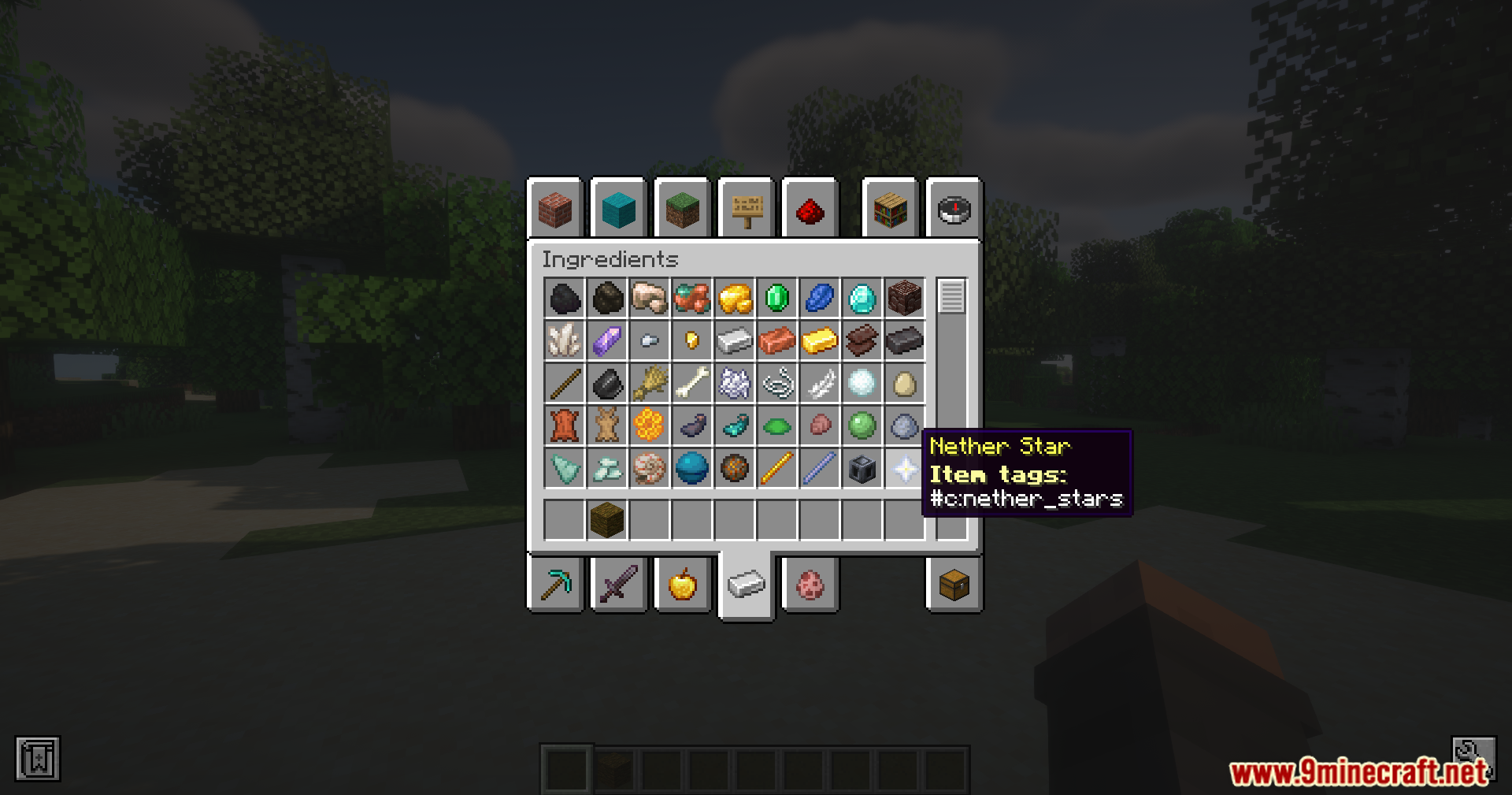
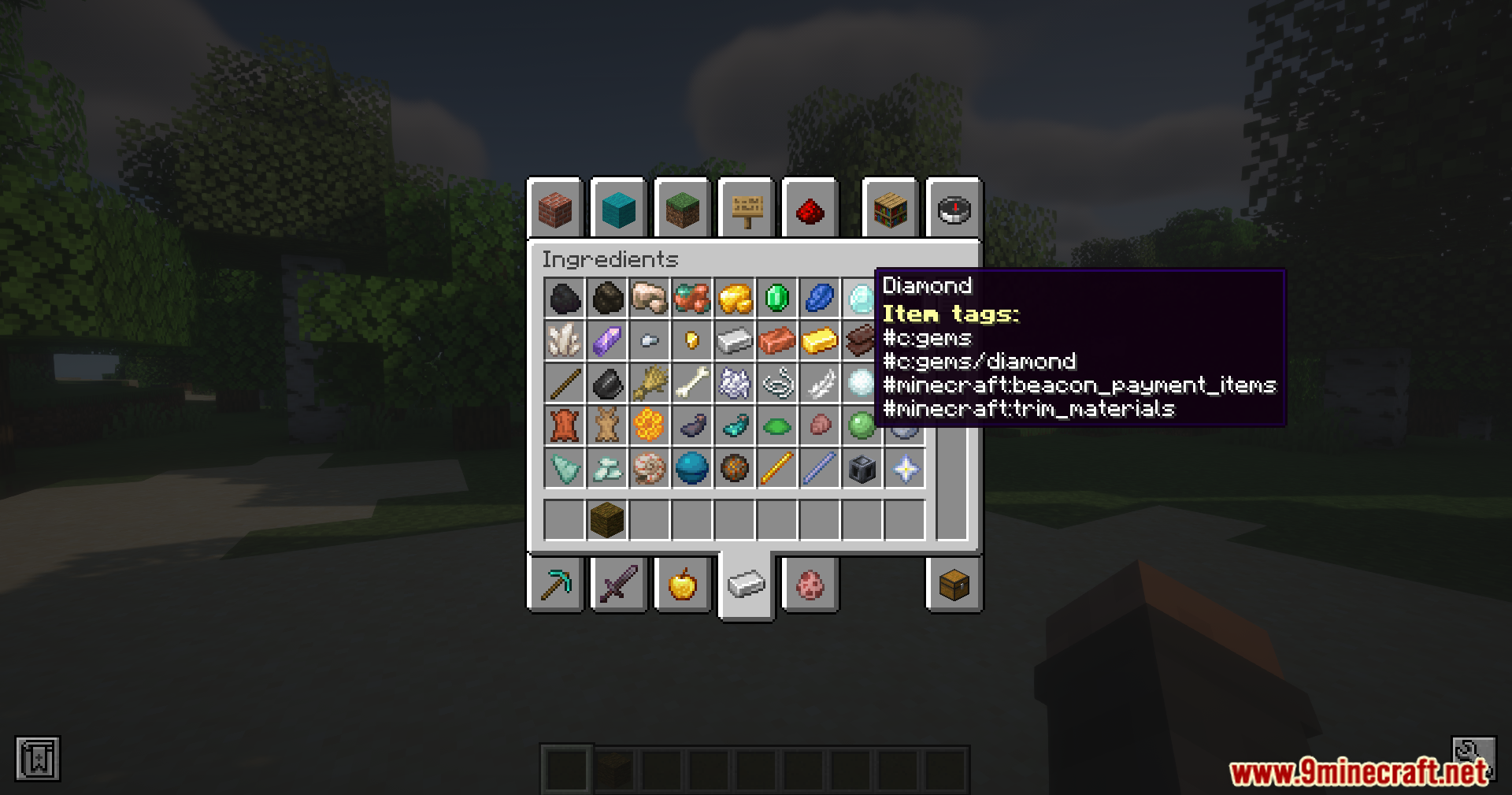
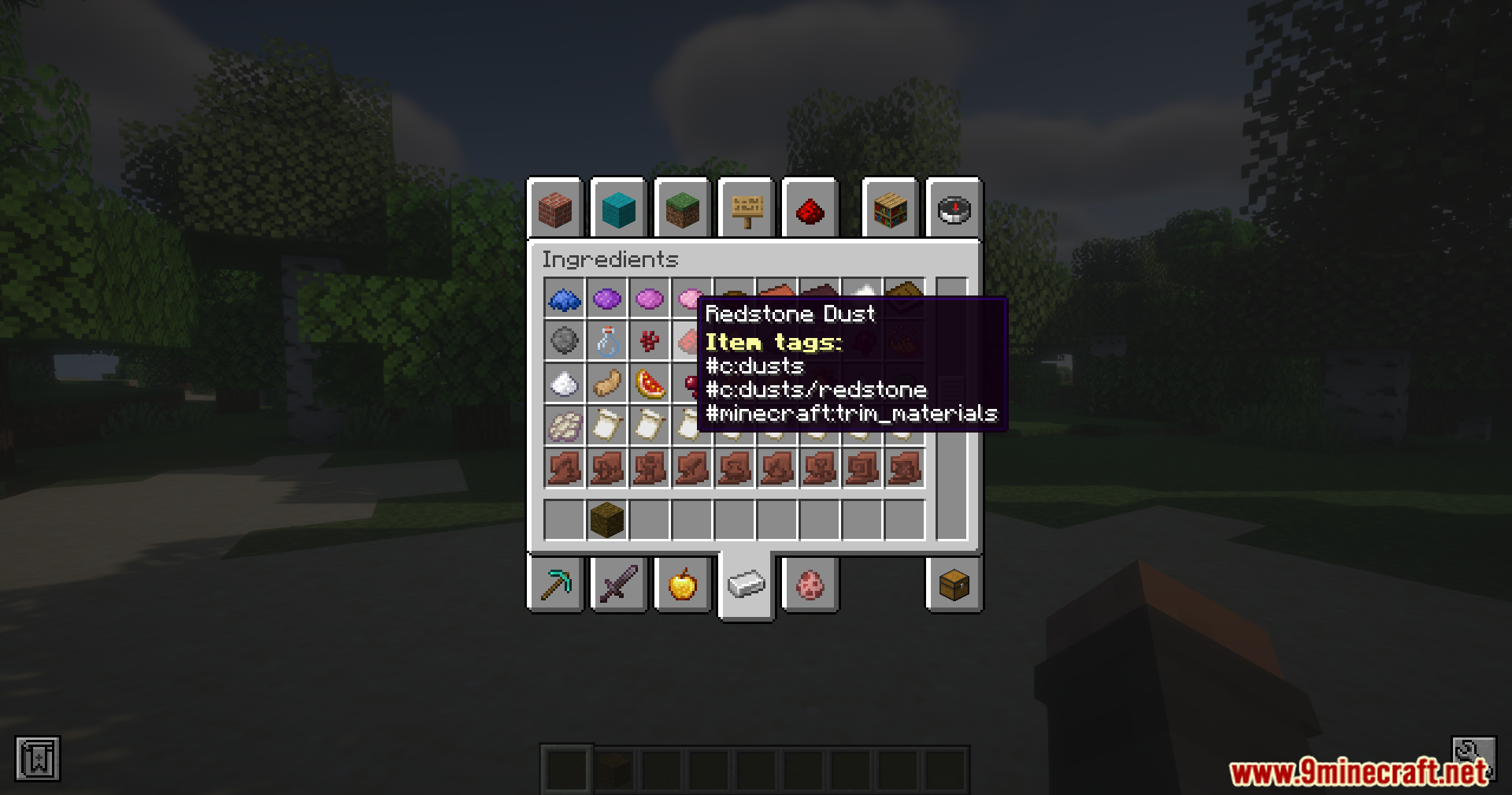
Hold down the semicolon key (;) by default while hovering over an item or block to reveal its tags in the tooltip. You can change this key in the mod's configuration settings if semicolon doesn't work for your keyboard layout.
What's the difference between item tags and block tags?
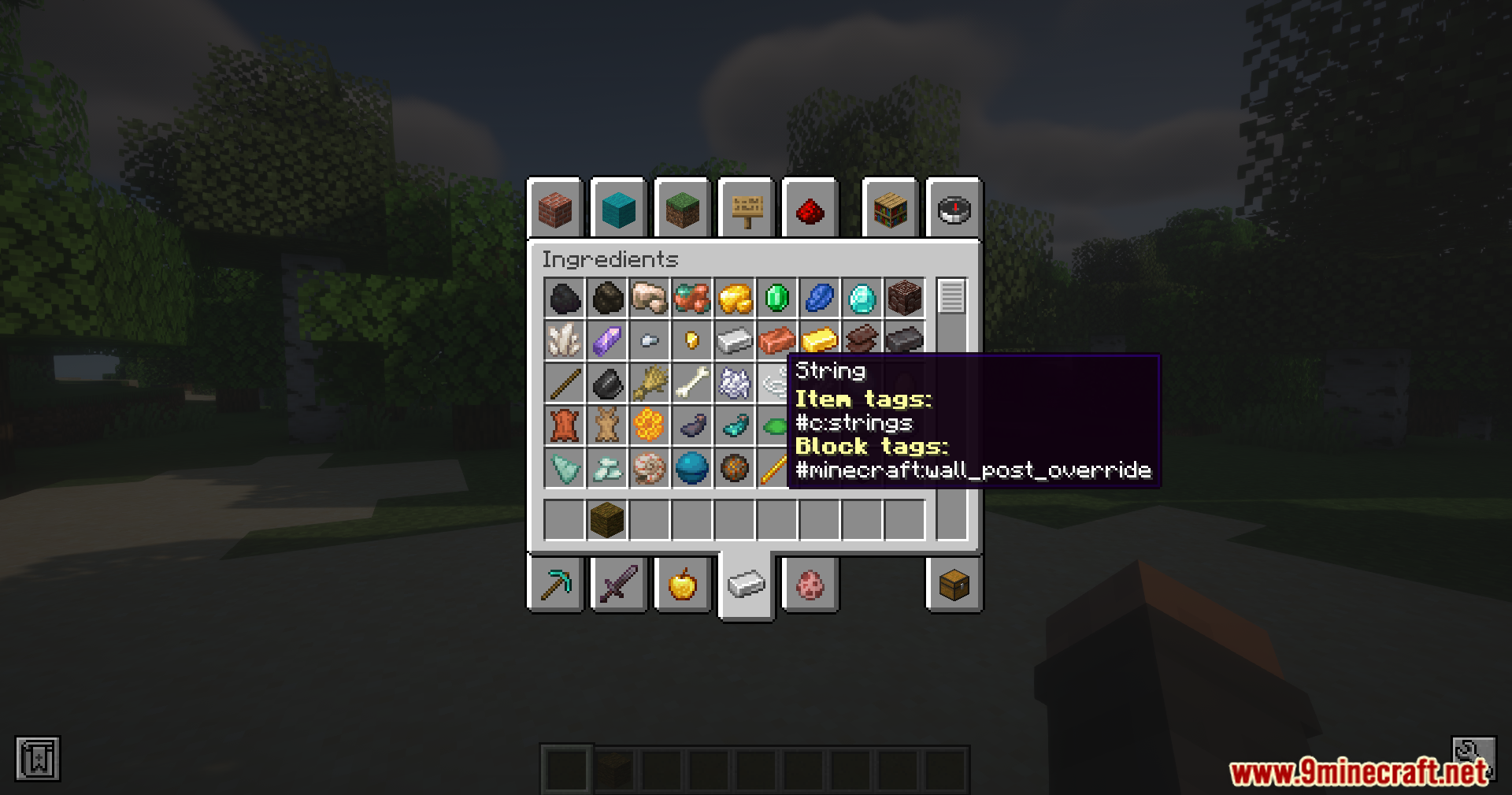
Item tags classify items (like tools, materials, or mod-specific categories), while block tags classify blocks in the world. Both appear in the same tooltip when you hold the toggle key, helping you understand how the game or modpack categorizes things.
Can I change which key toggles the tags?
Yes, open the mod's configuration file and change the toggle key setting from the default semicolon (;) to any key you prefer. Restart the game for the change to take effect.
Why would I need to see tags?
Tags are essential for debugging modpack recipes, understanding item compatibility with machines, and learning how mods classify items. If a recipe isn't working, checking tags helps you verify you're using the correct item variant.
See all 10 Tag Tooltips questions ›
Gallery
11 images from the Tag Tooltips Mod page.
You May Also Like
Wikis that share the most with this one
Wikis on the same theme: tool
More mod wikis on the site
The most downloaded mods that have a wiki here
A few wikis from each of the other kinds