

 DownloadUltimate Colored Tooltips Model
Get the files on 9Minecraft
Guides
Step-by-step, in-game.
Apply Multiple Tooltip Lines with Different ColorsLayering Information with Color Separation While each item typically has one tooltip color, you can create visual…Create a Custom Colored Tooltip for Your ItemSetting Up Your Item Configuration Custom colored tooltips are defined in your ItemsAdder or Nexo configuration…Customize Tooltip Colors for Different Item RaritiesOrganizing Items by Rarity Use the 16 available colors to create a visual rarity system for your server's items.…Troubleshoot Missing or Incorrect Tooltip ColorsVerifying Configuration Syntax If your colored tooltips aren't appearing or showing the wrong color: 1. Open your…
Frequently asked questions
How do I apply a colored tooltip to an item I've already created?
In your item's configuration file, add a `display_name` or `lore` section and reference one of the 16 vanilla chat color tooltips (like `&1` for Dark Blue or `&6` for Gold). The tooltip will render with that color when players hover over the item.
Can I use multiple different colored tooltips on the same item?
Yes. Each line of your item's lore can use a different color code, so you can create multi-colored tooltip text by assigning different vanilla chat colors to different lore lines in your configuration.
My tooltips aren't showing up after I added them to the config. What's wrong?
Make sure you ran the reload command for your plugin (such as `/iazip` for ItemsAdder or `/nexo reload` for Nexo) after editing the configuration files. Also verify that your YAML syntax is correct and that the color codes match the mod's supported format.
Do these colored tooltips work with item rarities like Rare or Legendary?
Yes. You can assign different colored tooltips to items of different rarities by setting the appropriate color code in each item's individual configuration, allowing you to color-code your entire item system by rarity.
See all 10 Ultimate Colored Tooltips Model questions ›
Gallery
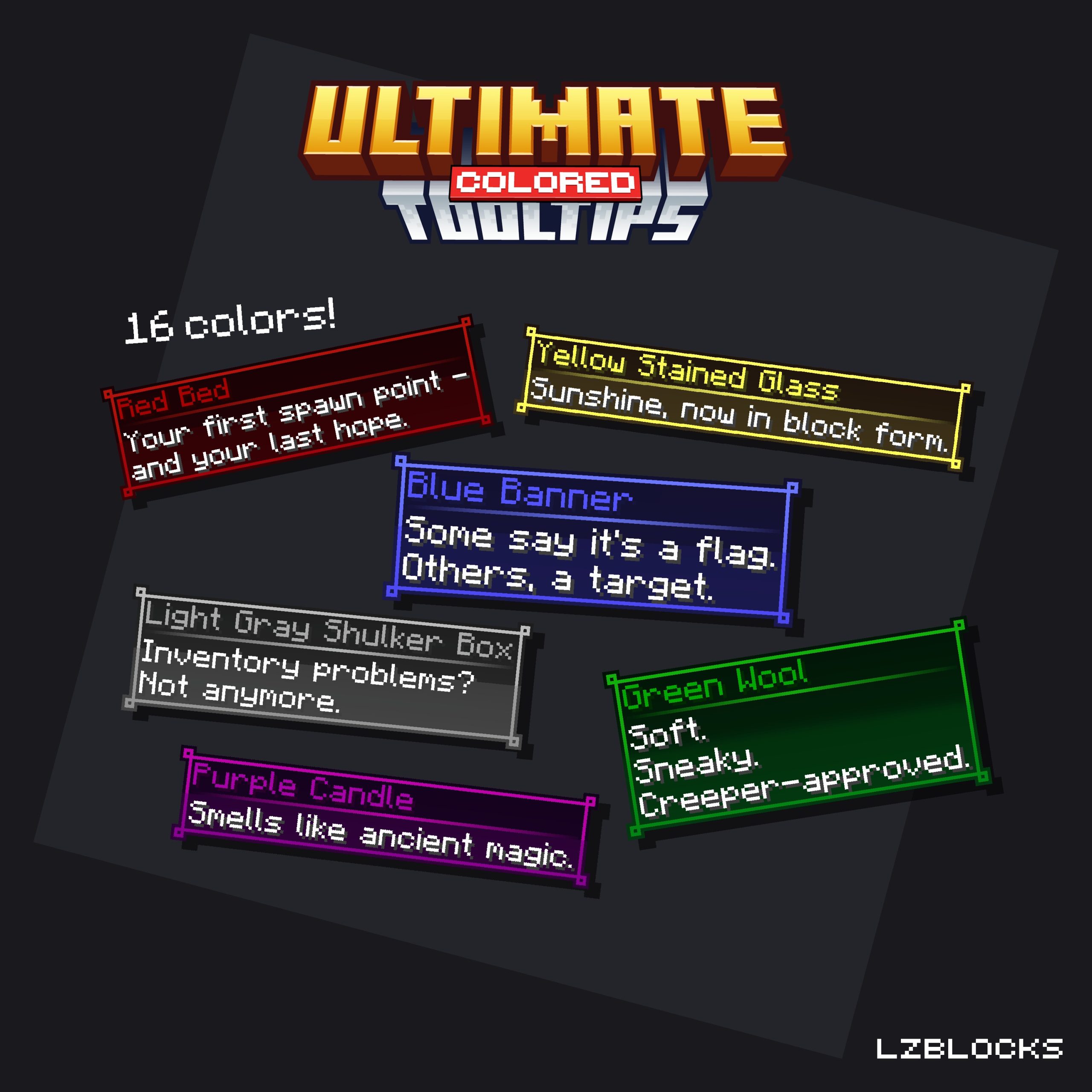
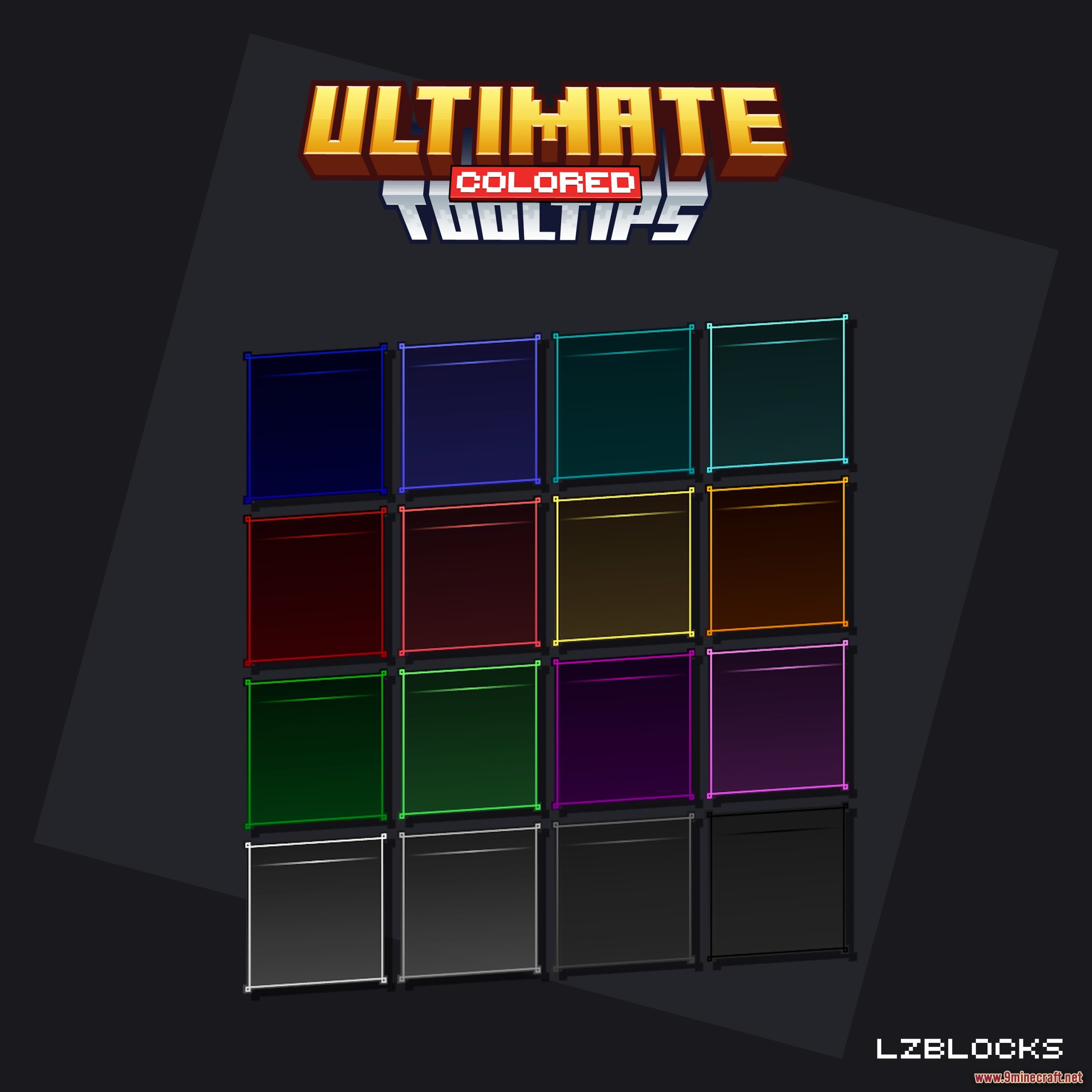
2 images from the Ultimate Colored Tooltips Model page.
You May Also Like
Wikis that share the most with this one
Wikis on the same theme: tool
More mod wikis on the site
 Tws Baking Process Mod
The most downloaded mods that have a wiki here
A few wikis from each of the other kinds