

 DownloadEffect Tooltips Mod
Get the files on 9Minecraft
Guides
Step-by-step, in-game.
How to Check Effect Amplifier and Duration Before They ExpireKnowing exactly how strong an effect is and how long it has left changes how you play. Effect Tooltips Mod surfaces…How to Inspect Effects on Other Entities and MobsEffect Tooltips is not limited to your own status bar. When you can view another entity's effects, the tooltip…How to Read Effect Tooltips to Identify an Effect's Source ModWhen you hover over an effect icon in your inventory or HUD, the tooltip expands with extra lines. The most useful of…How to Use Effect IDs for Troubleshooting and CommandsEffect Tooltips can display the internal ID of an effect when that option is enabled. The ID is the registry name the…
Frequently asked questions
How do I get the effect tooltips to show up?
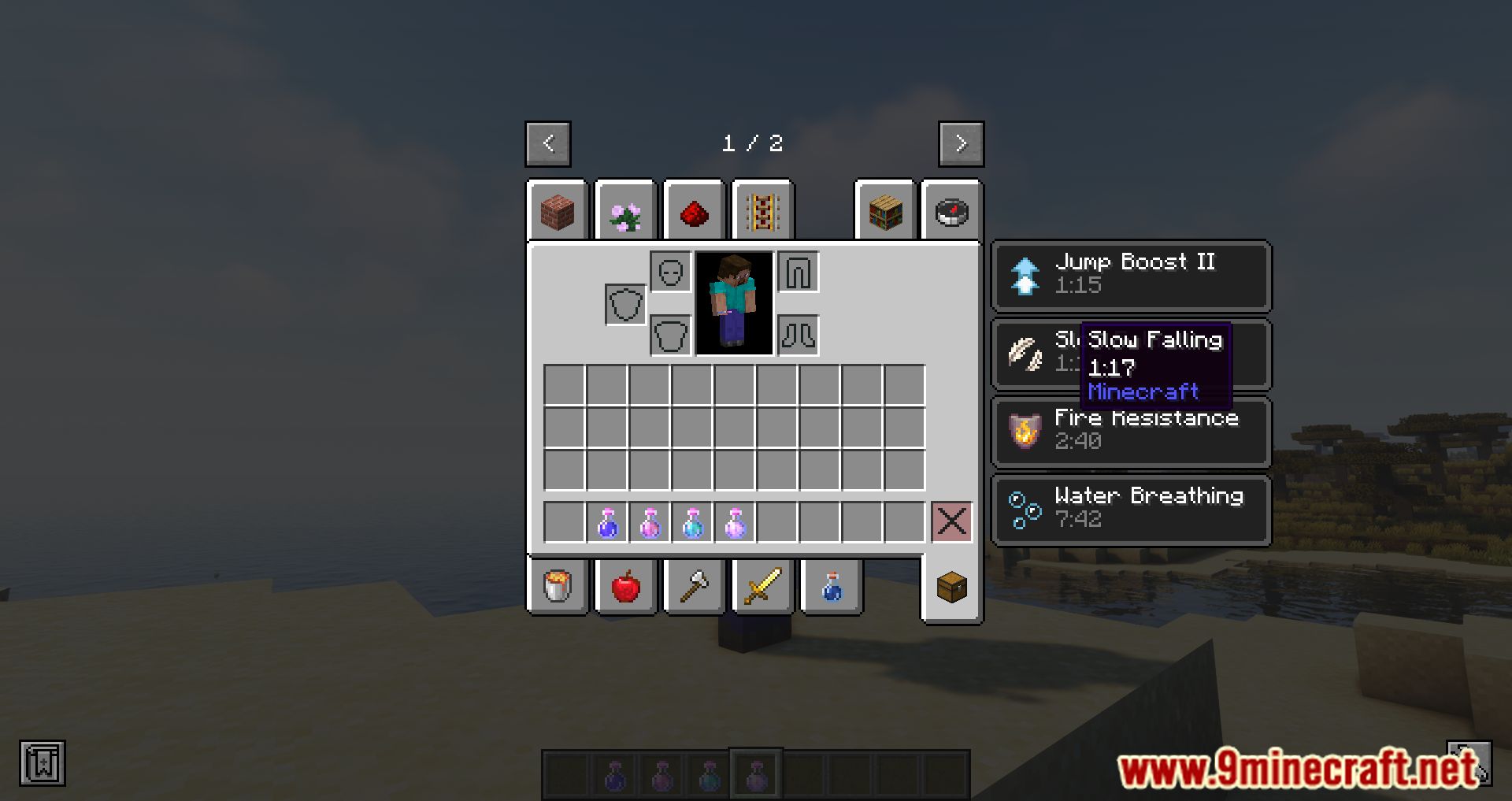
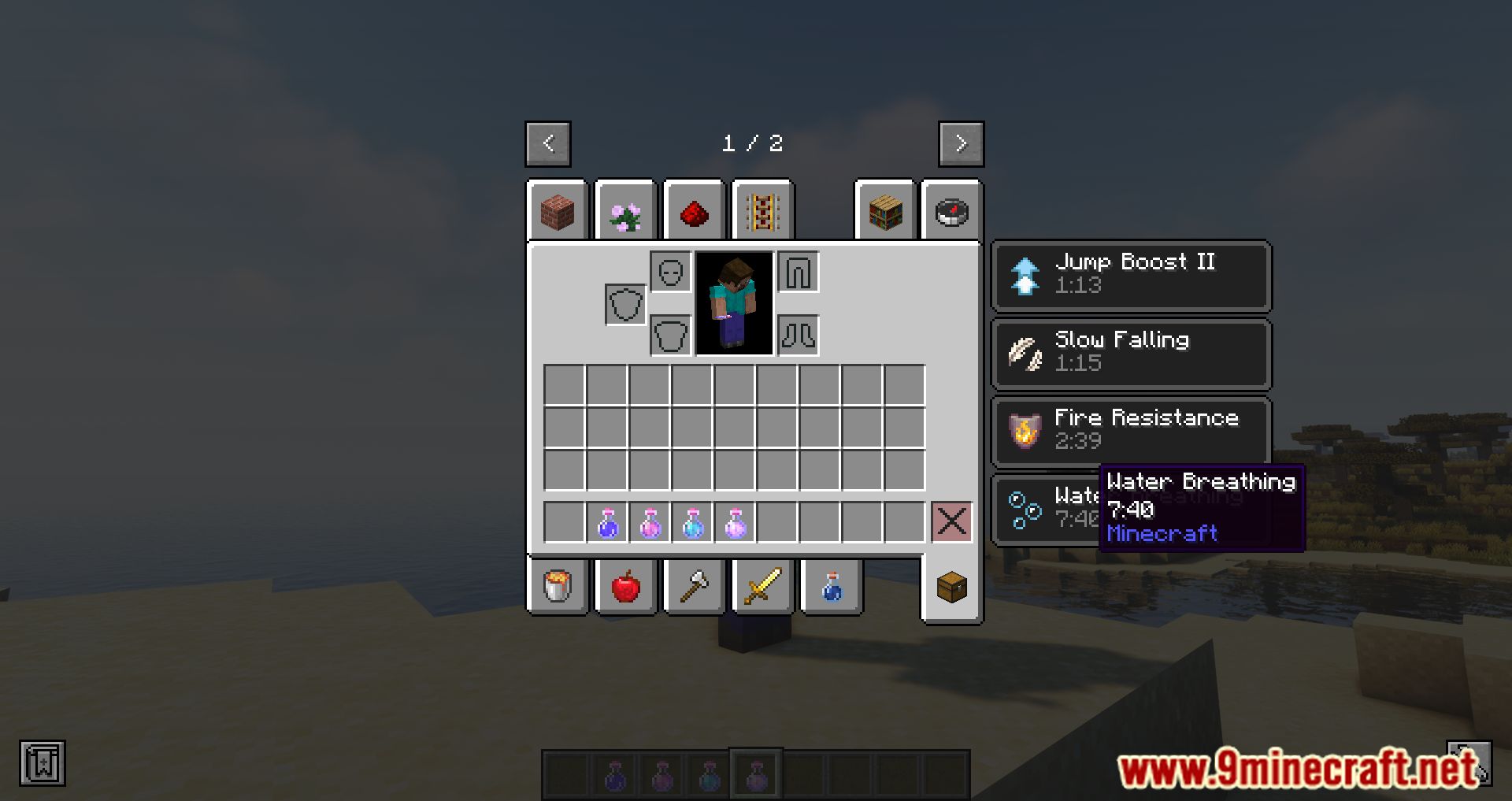
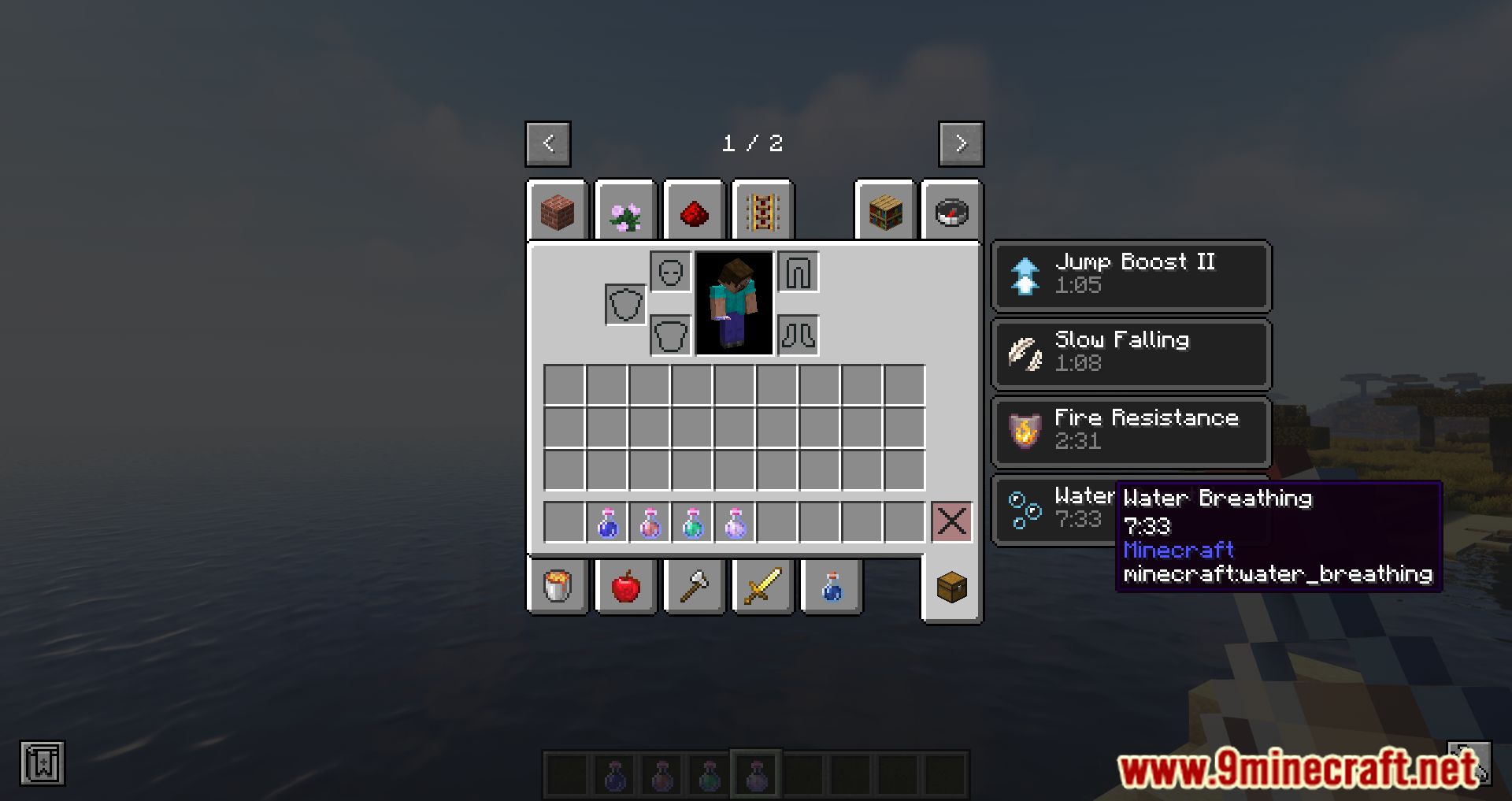
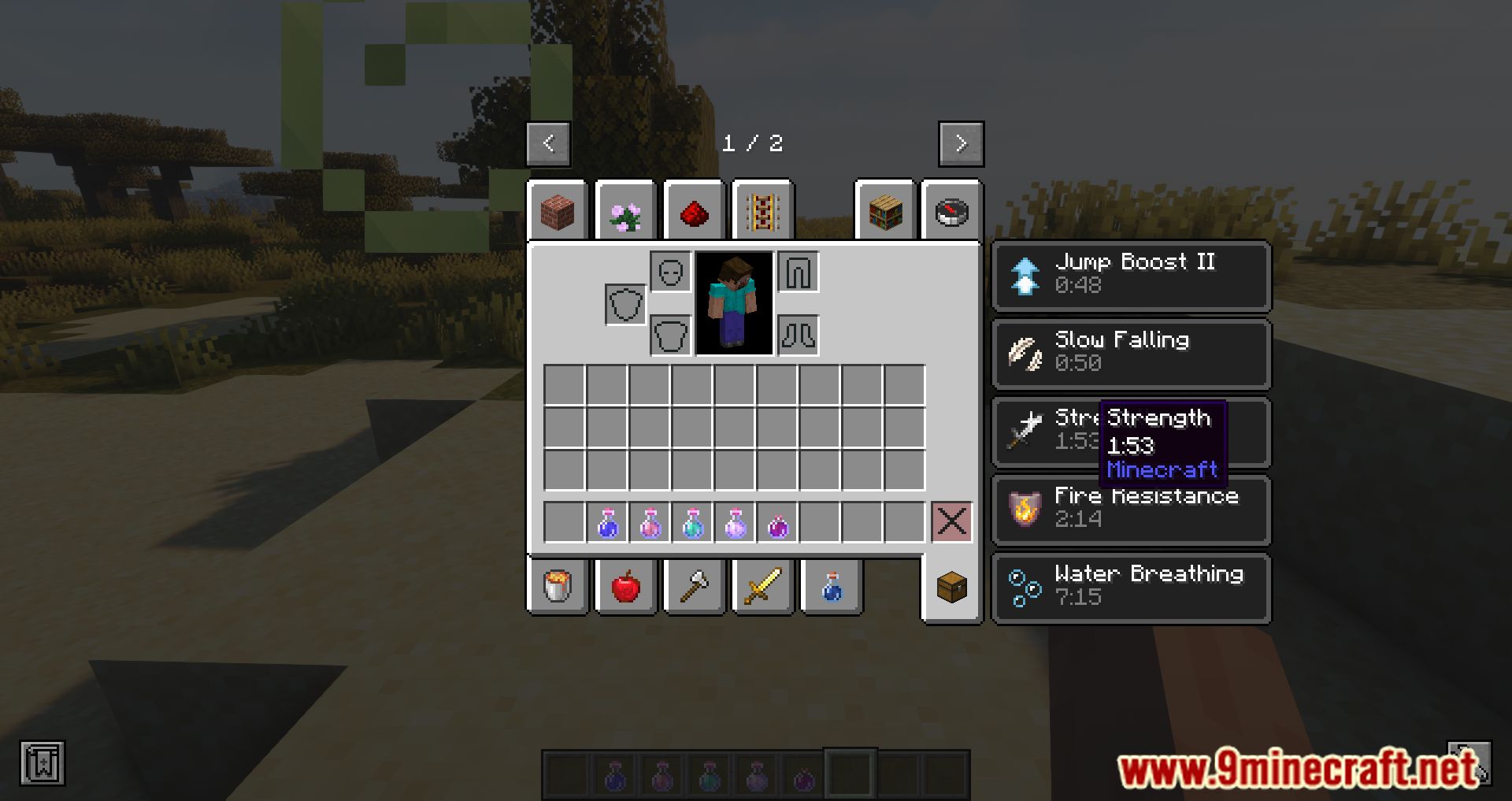
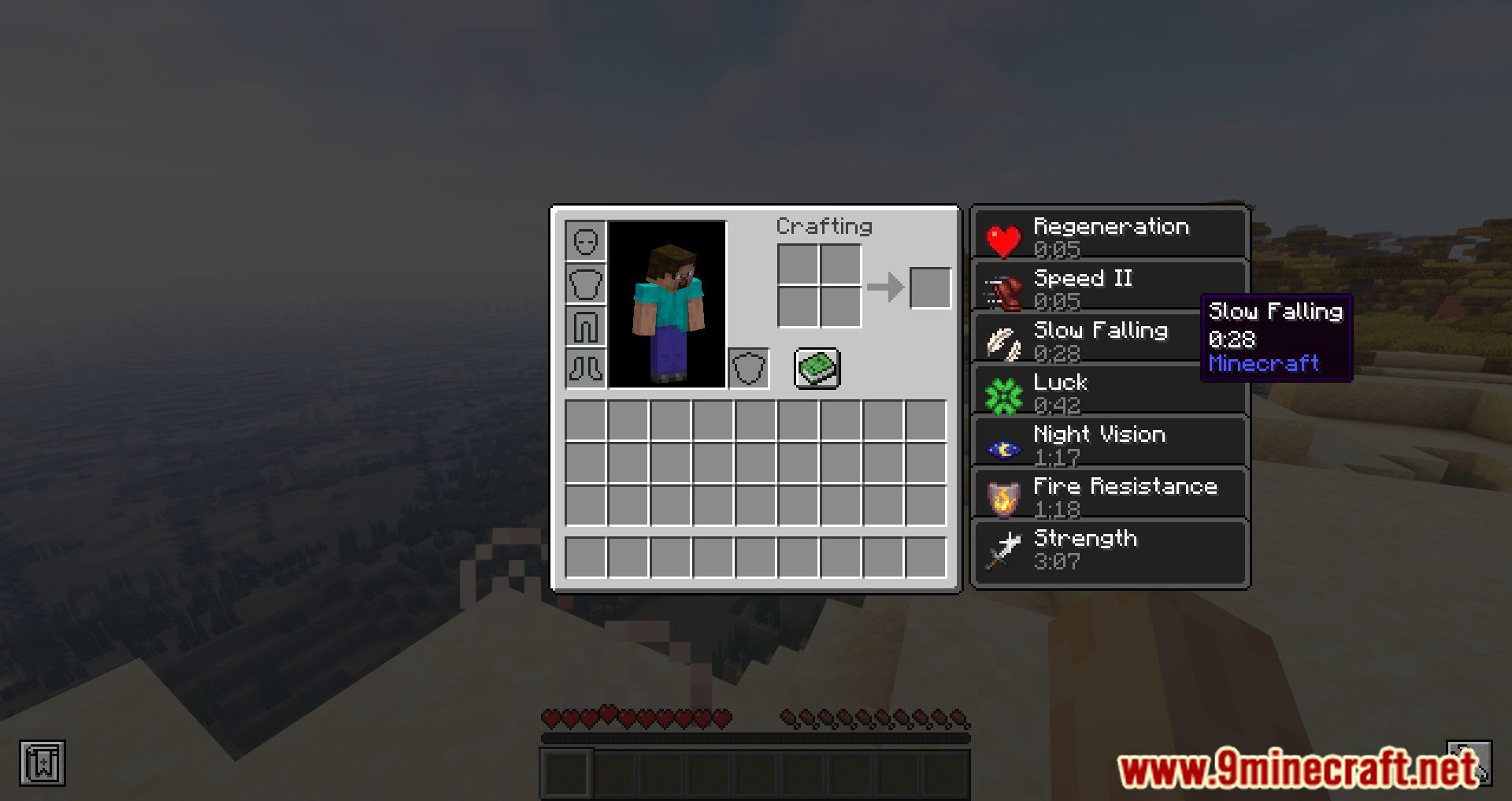
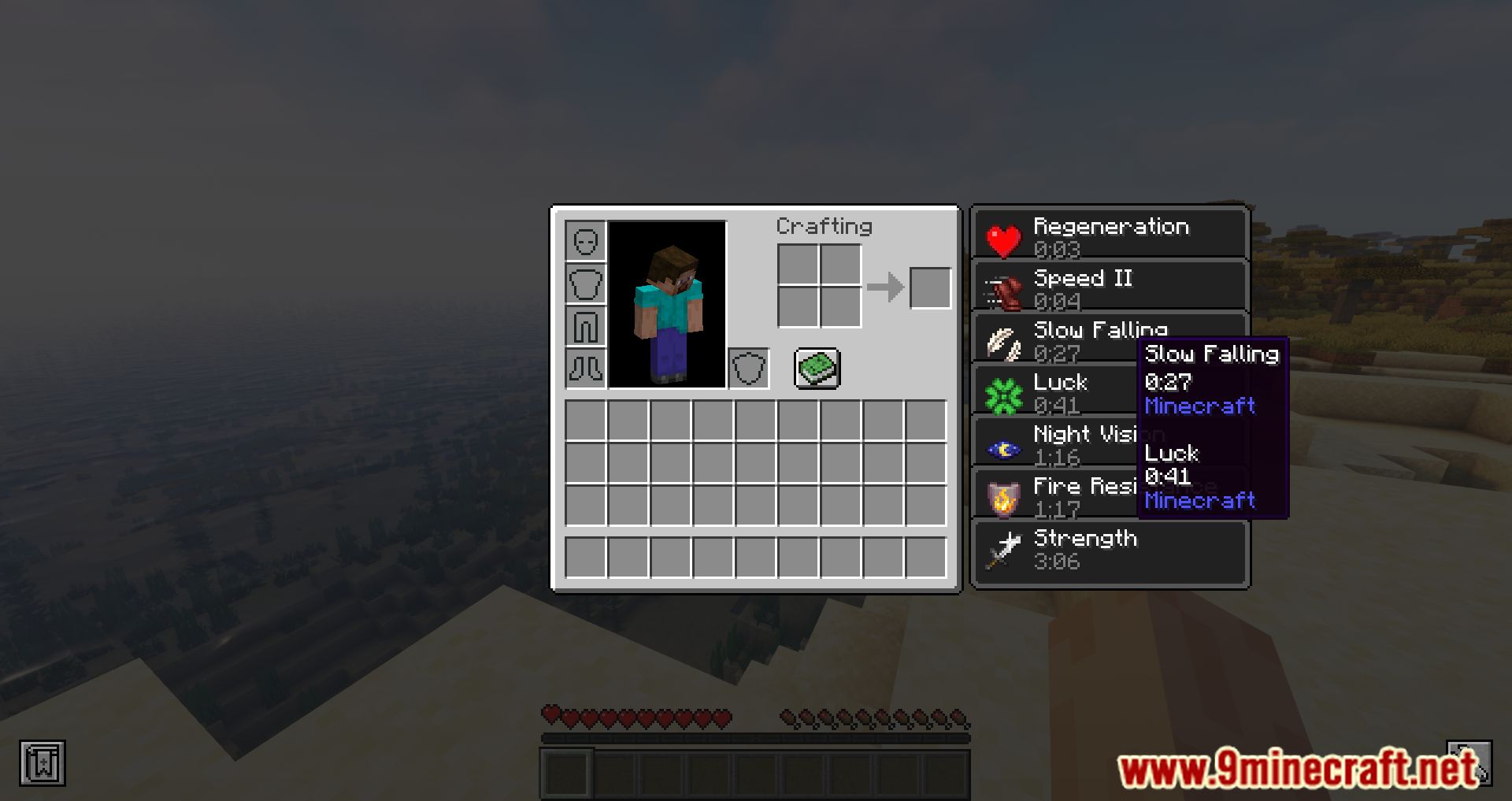
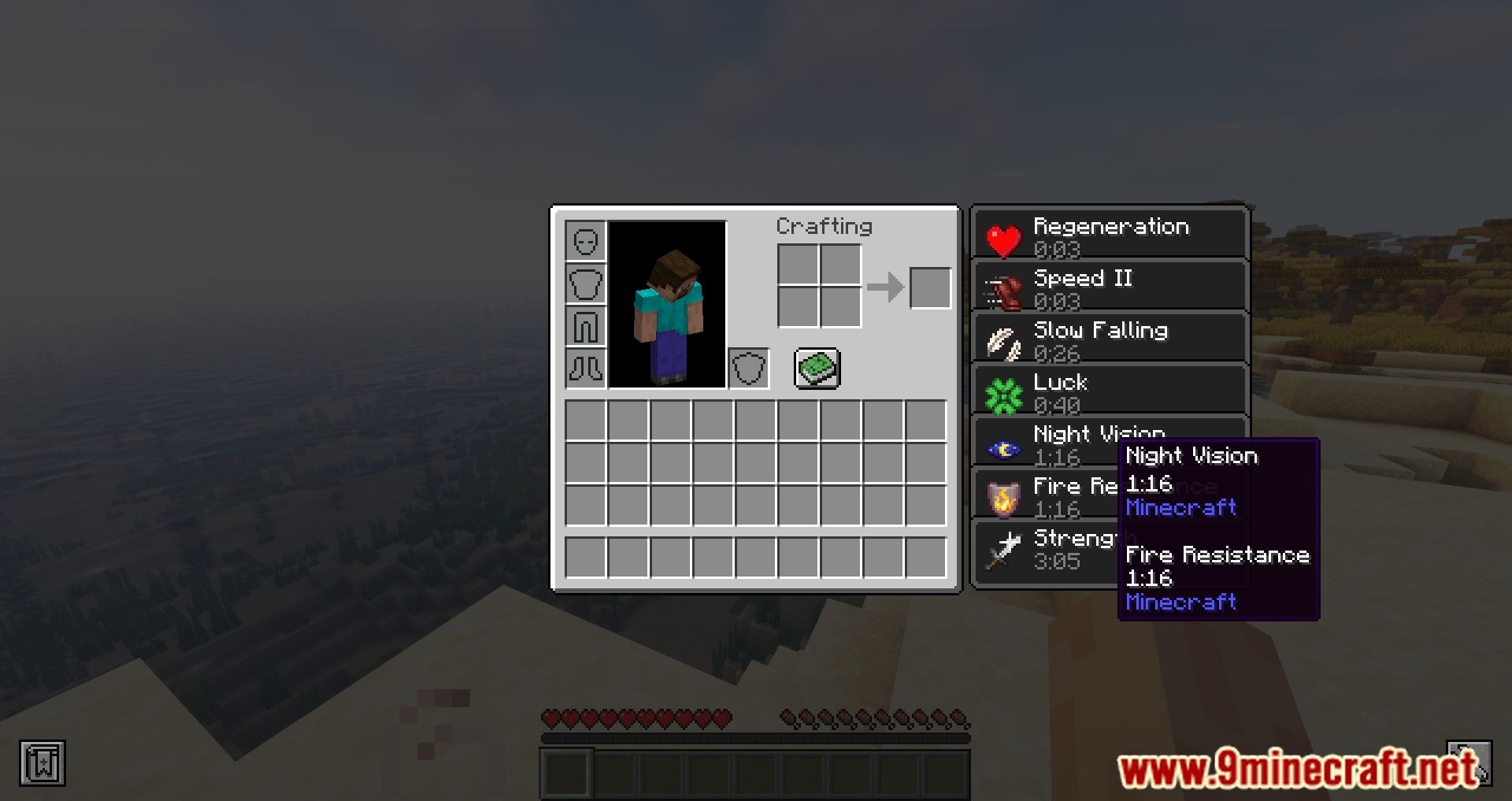
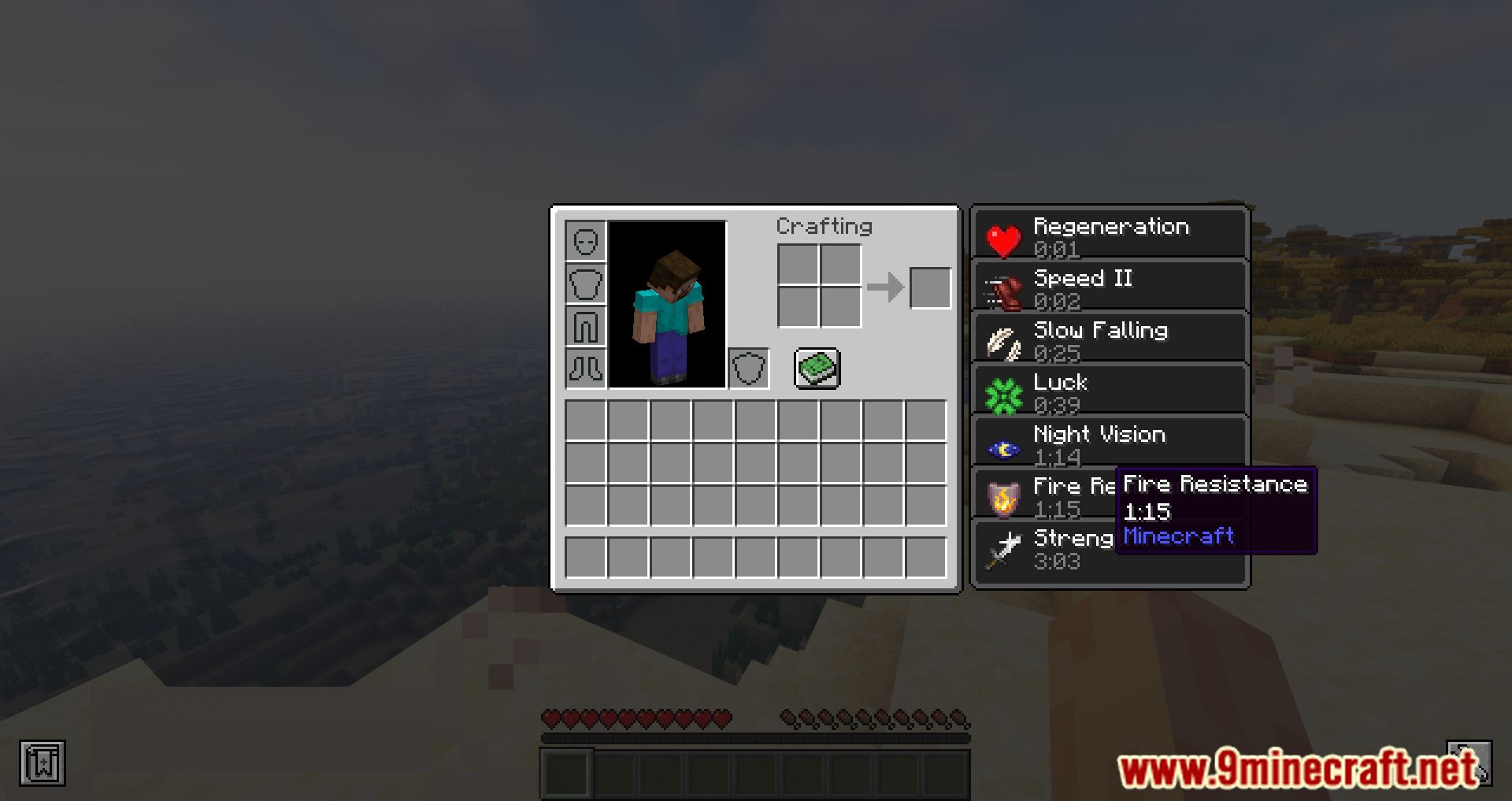
Just hover your cursor over an active effect icon in your inventory or status HUD area. The tooltip appears automatically — no keybind or setup is needed.
Where do I see the effect tooltip in the inventory screen?
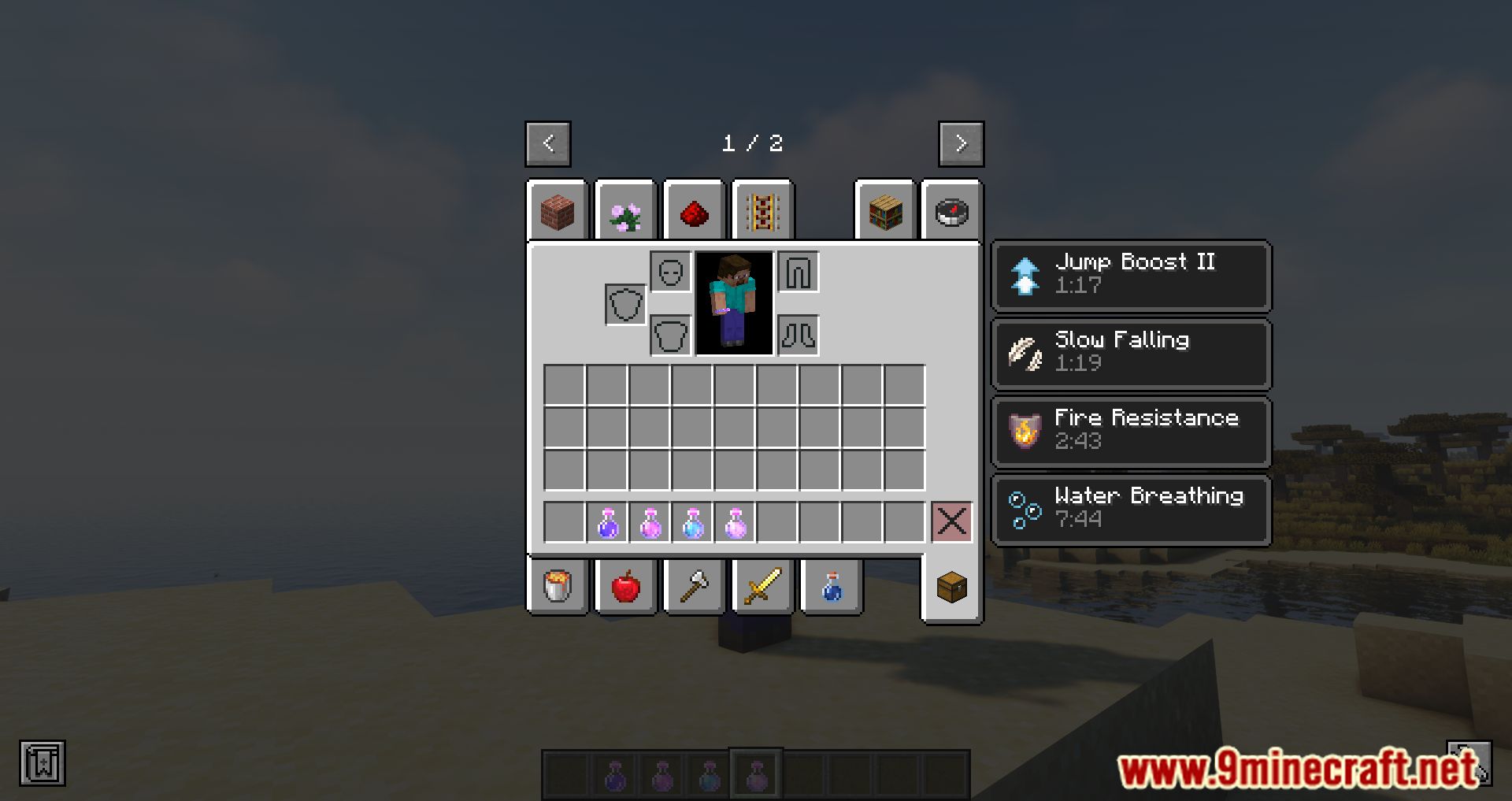
Open your inventory and look at the effect icons displayed on the side of the screen. Hovering over any of those icons brings up the tooltip with name, level, duration, and source mod.
Can I see effect tooltips on mobs and other entities?
Yes, hovering over the effect icons shown for another entity reveals the same information as for yourself. This works whenever that entity's effects are visible to you.
How do I know which mod added a specific effect?
The tooltip includes a line naming the mod that registered the effect. This is the main way to trace an unfamiliar effect back to its source.
See all 10 Effect Tooltips questions ›
Gallery
11 images from the Effect Tooltips Mod page.
You May Also Like
Wikis that share the most with this one
Wikis on the same theme: tool
More mod wikis on the site
 Editable World Generation Mod
The most downloaded mods that have a wiki here
A few wikis from each of the other kinds