

 DownloadObscure Tooltips Mod
Get the files on 9Minecraft
Guides
Step-by-step, in-game.
How to Create Multiple Rarity Tiers for Your ItemsA common goal is making common, rare, epic, and legendary items each look distinct. The mod supports unlimited custom…How to Display a 3D Item Model Inside a TooltipOne of the mod's headline features is rendering an actual rotating 3D model inside the tooltip instead of a flat…How to Make Custom Tooltip Styles with a Resource PackThe Obscure Tooltips mod reads its styling from resource packs, so you can define your own tooltip looks without…How to Troubleshoot Tooltips That Do Not ChangeIf your custom styles are not showing up, the cause is almost always a resource pack or mapping problem. Work through…Obscure Tooltips Mod GuideStyling Tooltips with Obscure Tooltips Obscure Tooltips changes how item tooltips look in Minecraft. Instead of the…
Configuration
Every setting in the mod config file, with what it changes.
| Option | What it does |
|---|---|
Model-Preview3D Preview | Controls 3D item previews inside tooltips. |
armorPreviewBlacklistArmor Blacklist | Item IDs that should never display an armor preview. |
armorPreviewEnabledArmor Preview | Displays 3D armor models inside tooltips. |
armorPreviewWidthArmor Preview Width | Width of the armor preview in pixels. |
armorPreviewWhitelistArmor Whitelist | Item IDs that should always display an armor preview. |
autoWrapEnabledAuto Wrap | Automatically wraps long lines inside tooltips. |
defaultPanelBackgroundBottomBackground (Bottom) | Bottom background color in #AARRGGBB (ARGB) format. |
epicPanelBackgroundBottomBackground (Bottom) | Bottom background color in #AARRGGBB (ARGB) format. |
rarePanelBackgroundBottomBackground (Bottom) | Bottom background color in #AARRGGBB (ARGB) format. |
uncommonPanelBackgroundBottomBackground (Bottom) | Bottom background color in #AARRGGBB (ARGB) format. |
defaultPanelBackgroundTopBackground (Top) | Top background color in #AARRGGBB (ARGB) format. |
epicPanelBackgroundTopBackground (Top) | Top background color in #AARRGGBB (ARGB) format. |
rarePanelBackgroundTopBackground (Top) | Top background color in #AARRGGBB (ARGB) format. |
uncommonPanelBackgroundTopBackground (Top) | Top background color in #AARRGGBB (ARGB) format. |
defaultPanelBorderBottomBorder (Bottom) | Bottom border color in #AARRGGBB (ARGB) format. |
epicPanelBorderBottomBorder (Bottom) | Bottom border color in #AARRGGBB (ARGB) format. |
rarePanelBorderBottomBorder (Bottom) | Bottom border color in #AARRGGBB (ARGB) format. |
uncommonPanelBorderBottomBorder (Bottom) | Bottom border color in #AARRGGBB (ARGB) format. |
defaultPanelBorderTopBorder (Top) | Top border color in #AARRGGBB (ARGB) format. |
epicPanelBorderTopBorder (Top) | Top border color in #AARRGGBB (ARGB) format. |
rarePanelBorderTopBorder (Top) | Top border color in #AARRGGBB (ARGB) format. |
uncommonPanelBorderTopBorder (Top) | Top border color in #AARRGGBB (ARGB) format. |
contentMarginContent Margin | Spacing (in pixels) between the tooltip frame and its content. |
Cursed-ItemsCursed Items | Special animated visual effects for cursed items. |
Frequently asked questions
What does the Obscure Tooltips Mod change about tooltips?
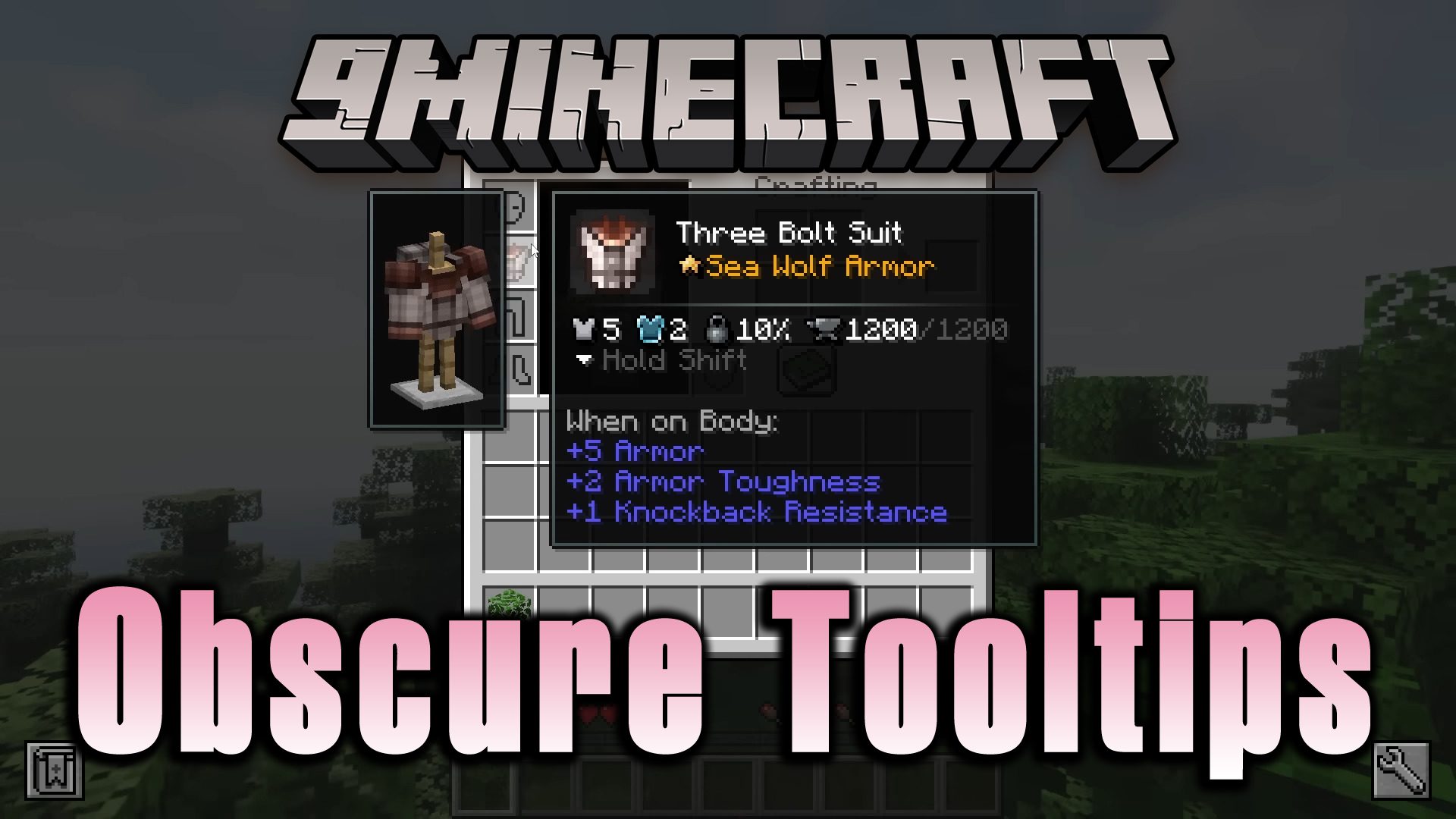
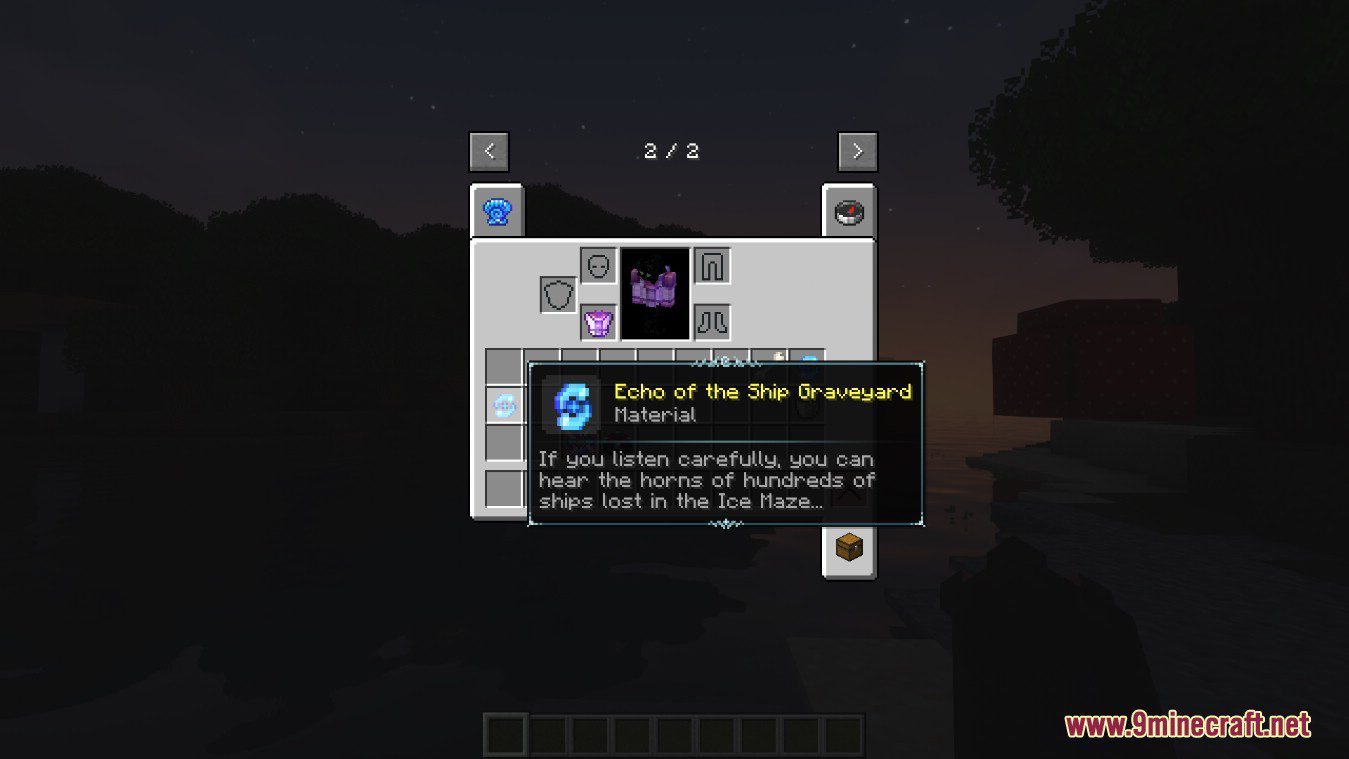
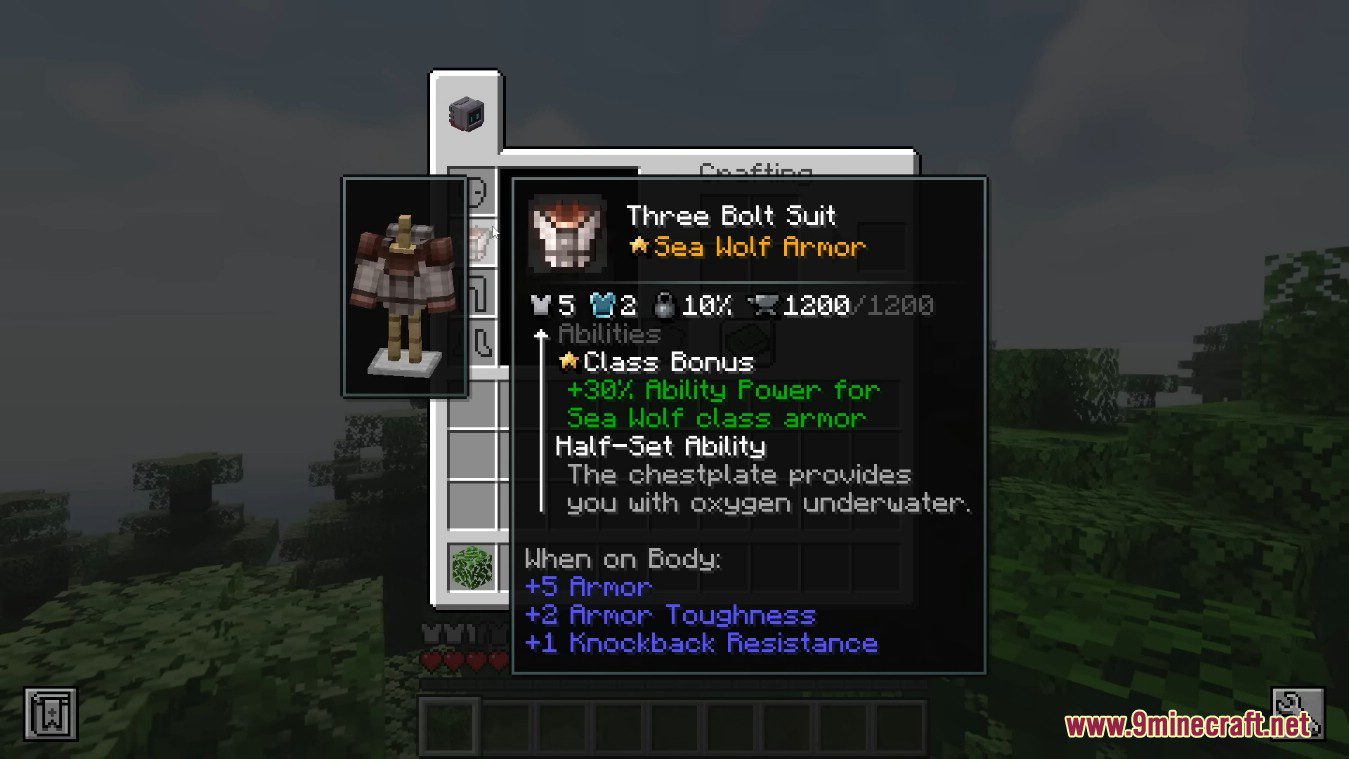
It changes the appearance of tooltips by adding styling support and the ability to display 3D models.
Can the mod display item models in tooltips?
Yes, it can display 3D models within tooltips.
How customizable is the Obscure Tooltips Mod?
It is fully customizable, allowing you to define your own tooltip styles.
How do you add custom tooltip styles?
You add custom styles with the help of a resource pack.
See all 6 Obscure Tooltips questions ›
Gallery
9 images from the Obscure Tooltips Mod page.



You May Also Like
Wikis that share the most with this one
Wikis on the same theme: tool
More mod wikis on the site
The most downloaded mods that have a wiki here
A few wikis from each of the other kinds