

 DownloadLegendary Tooltips Mod
Get the files on 9Minecraft
Guides
Step-by-step, in-game.
How to Add Custom Tooltip Borders with a Resource PackPreparing the Pack Custom borders are supplied through a resource pack, not through the config alone. Create a…How to Center Item Names and Adjust Tooltip SpacingCentering the Name By default, Minecraft left-aligns the item name at the top of the tooltip. Legendary Tooltips can…How to Change Tooltip Borders and Colors in Legendary TooltipsUnderstanding Border Selection Legendary Tooltips assigns a border to each item based on rules. By default, items are…How to Enable 3D Item Previews in TooltipsWhat the 3D Preview Does When enabled, hovering over an item shows a rotating 3D model of it inside the tooltip…
Frequently asked questions
How do I open the Legendary Tooltips config?
Legendary Tooltips is  configured through the in-game mod config screen, reachable from the mods list on the main menu or via your mod loader's config menu. If you use a config library like Cloth Config or Configured, you can also open it from there.
Why do all my tooltips look the same even though the mod is installed?
The default setup only applies a single generic border, so rarity- or mod-specific borders won't appear until you define them. You need to set up border rules (or install a resource pack that provides them) for tooltips to look different per item.
How do I make tooltips show a different border for rare or enchanted items?
In the config you create border rules that match items by criteria such as rarity, mod ID, or specific items, then assign a border to each rule. Rules are evaluated in order, so put your more specific rules above the general ones.
How do I turn on the 3D item preview inside the tooltip?
Enable the 3D preview option in the config; once on, hovering an item renders a rotating 3D model in the tooltip instead of the flat icon. You can usually also adjust the preview's size and rotation speed there.
See all 10 Legendary Tooltips questions ›
Gallery
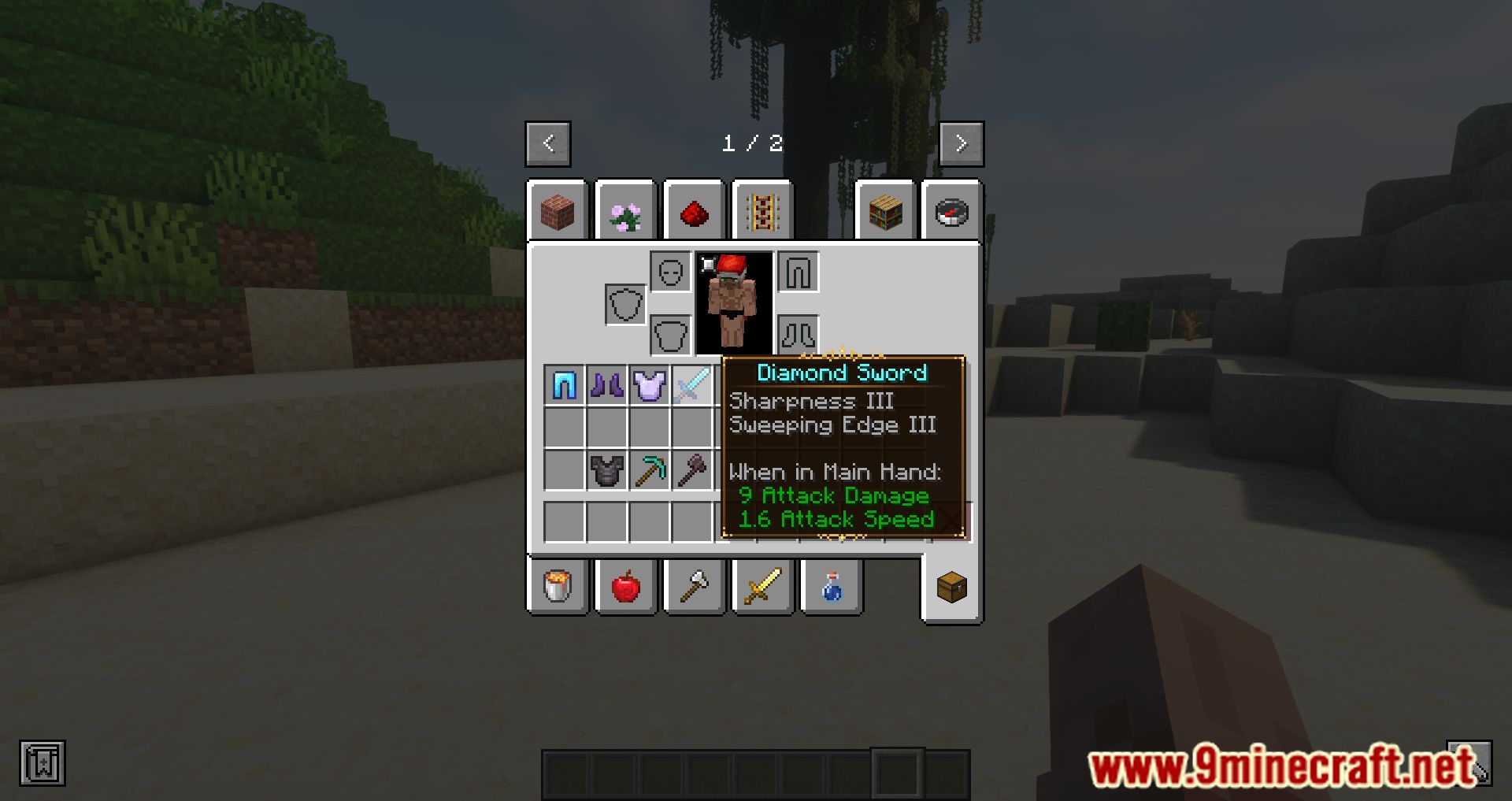
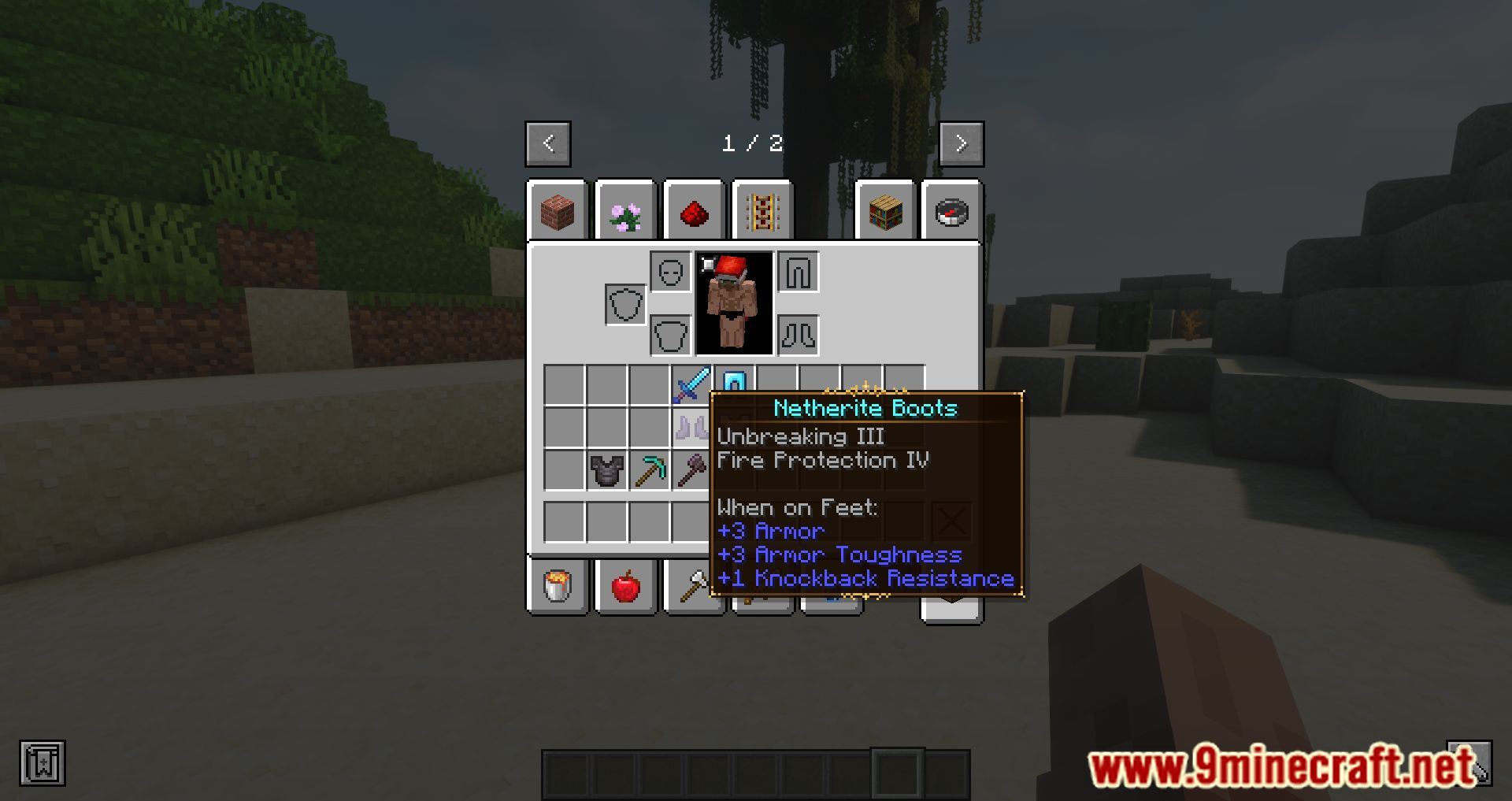
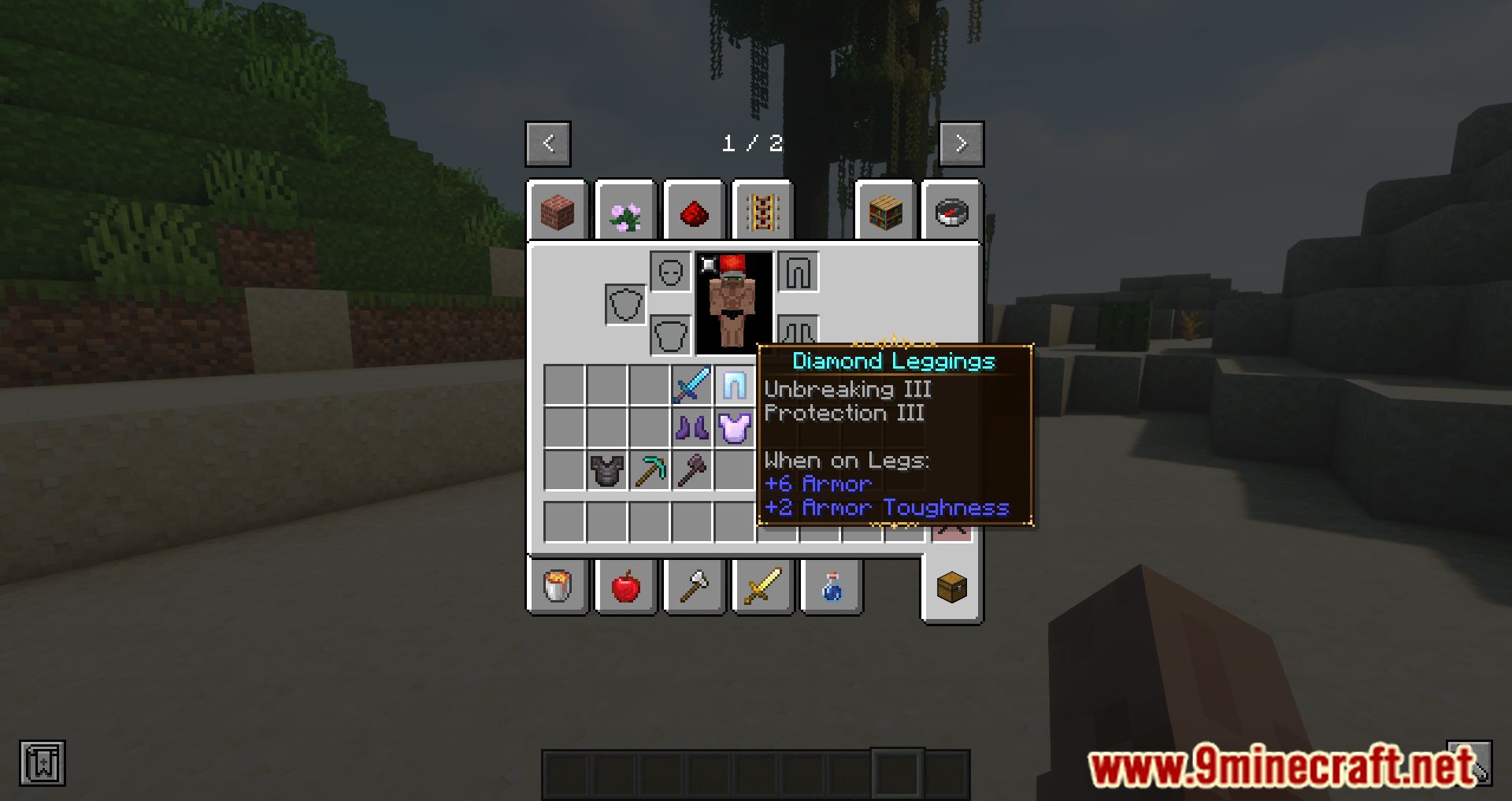
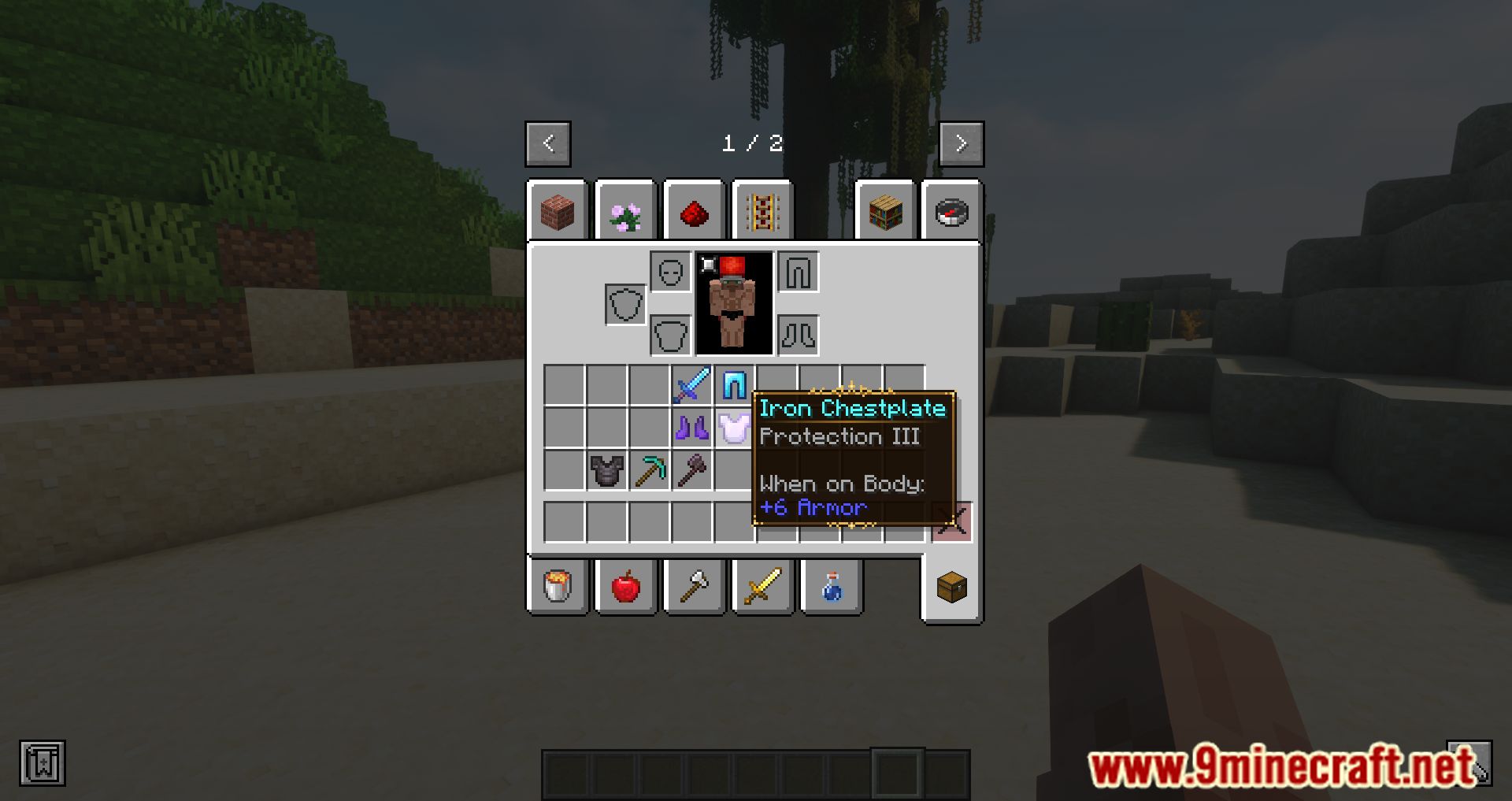
9 images from the Legendary Tooltips Mod page.
You May Also Like
Wikis that share the most with this one
Wikis on the same theme: end
More mod wikis on the site
The most downloaded mods that have a wiki here
A few wikis from each of the other kinds