

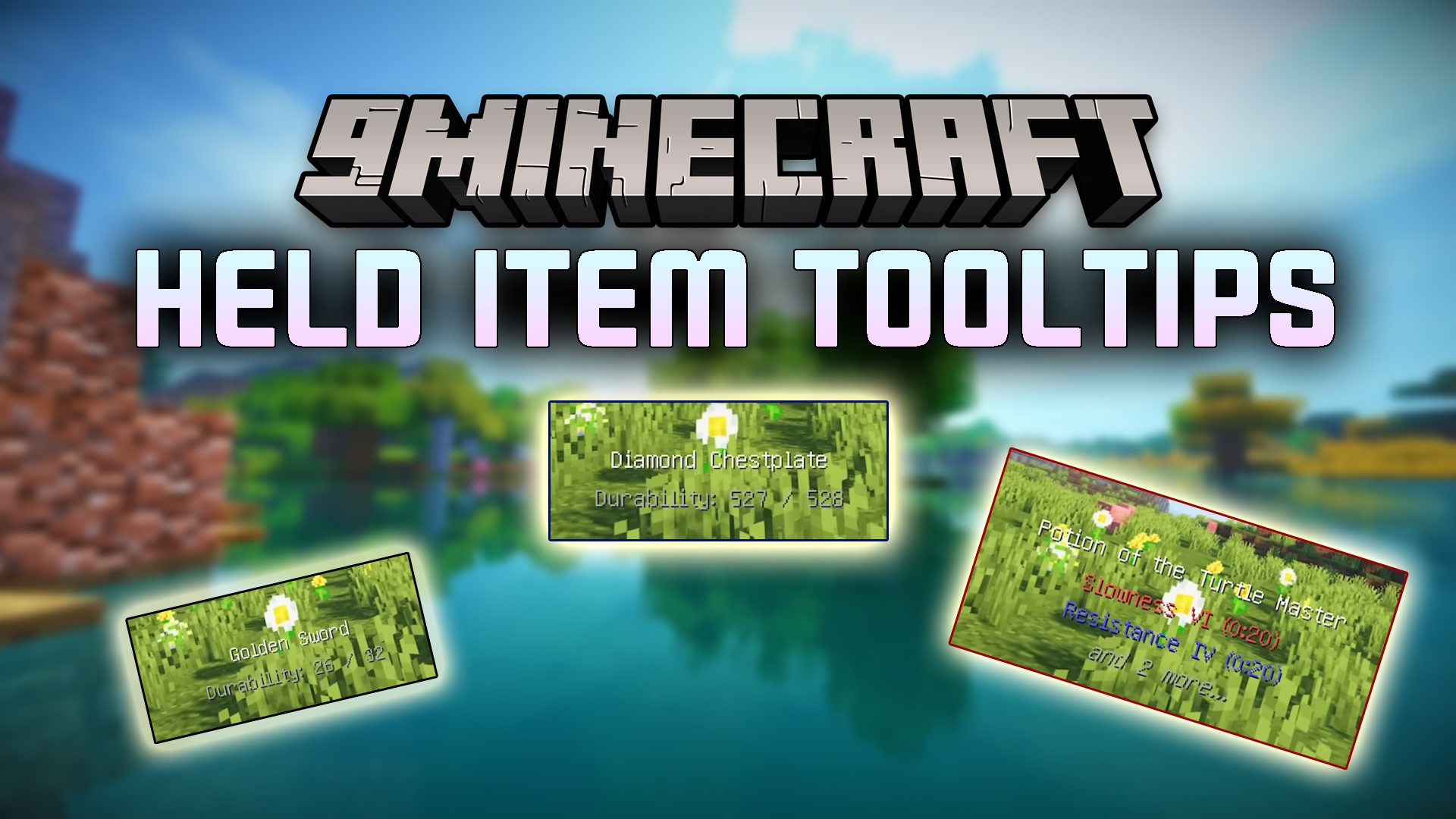
 DownloadHeld Item Tooltips Mod
Get the files on 9Minecraft
Guides
Step-by-step, in-game.
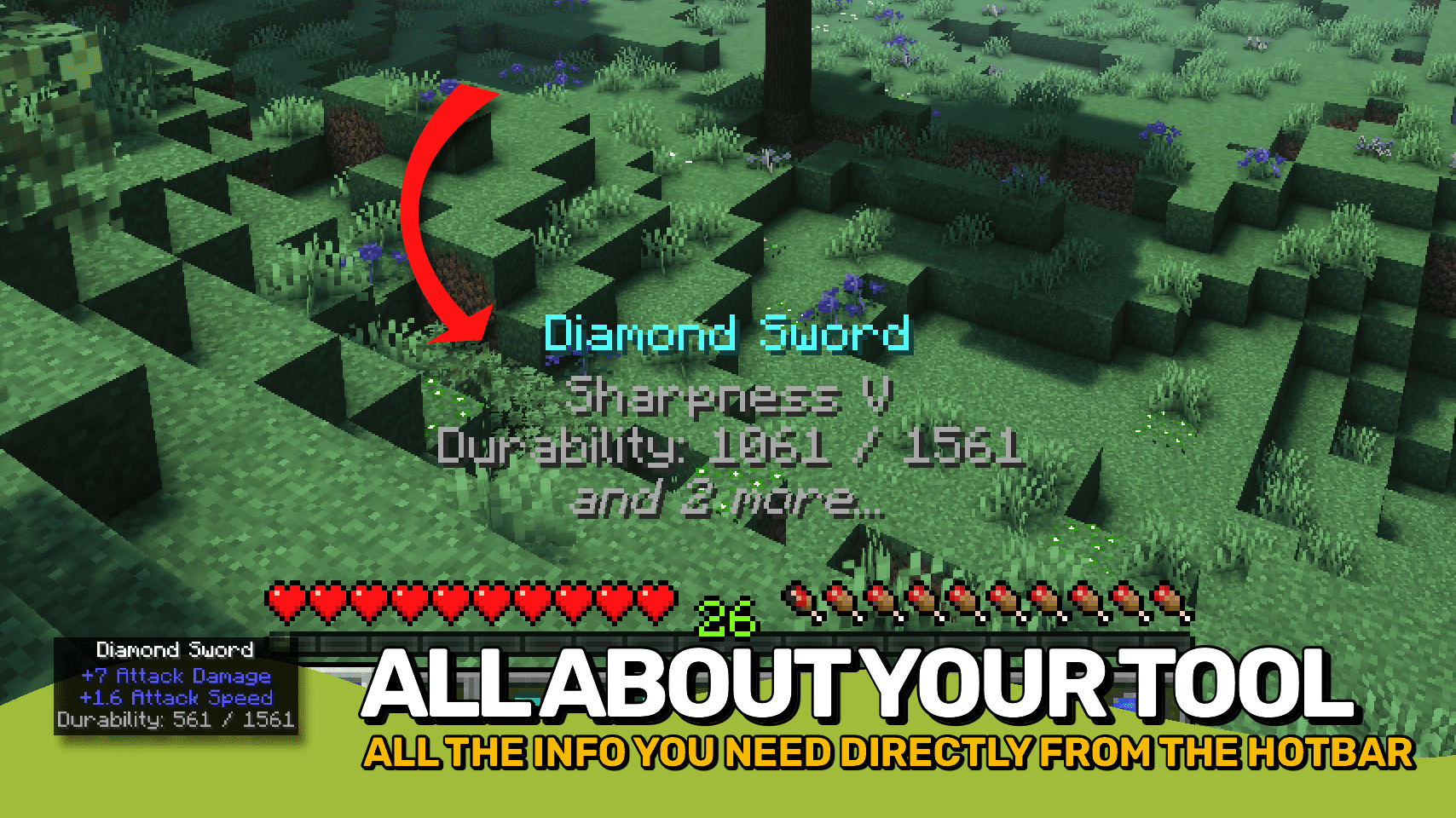
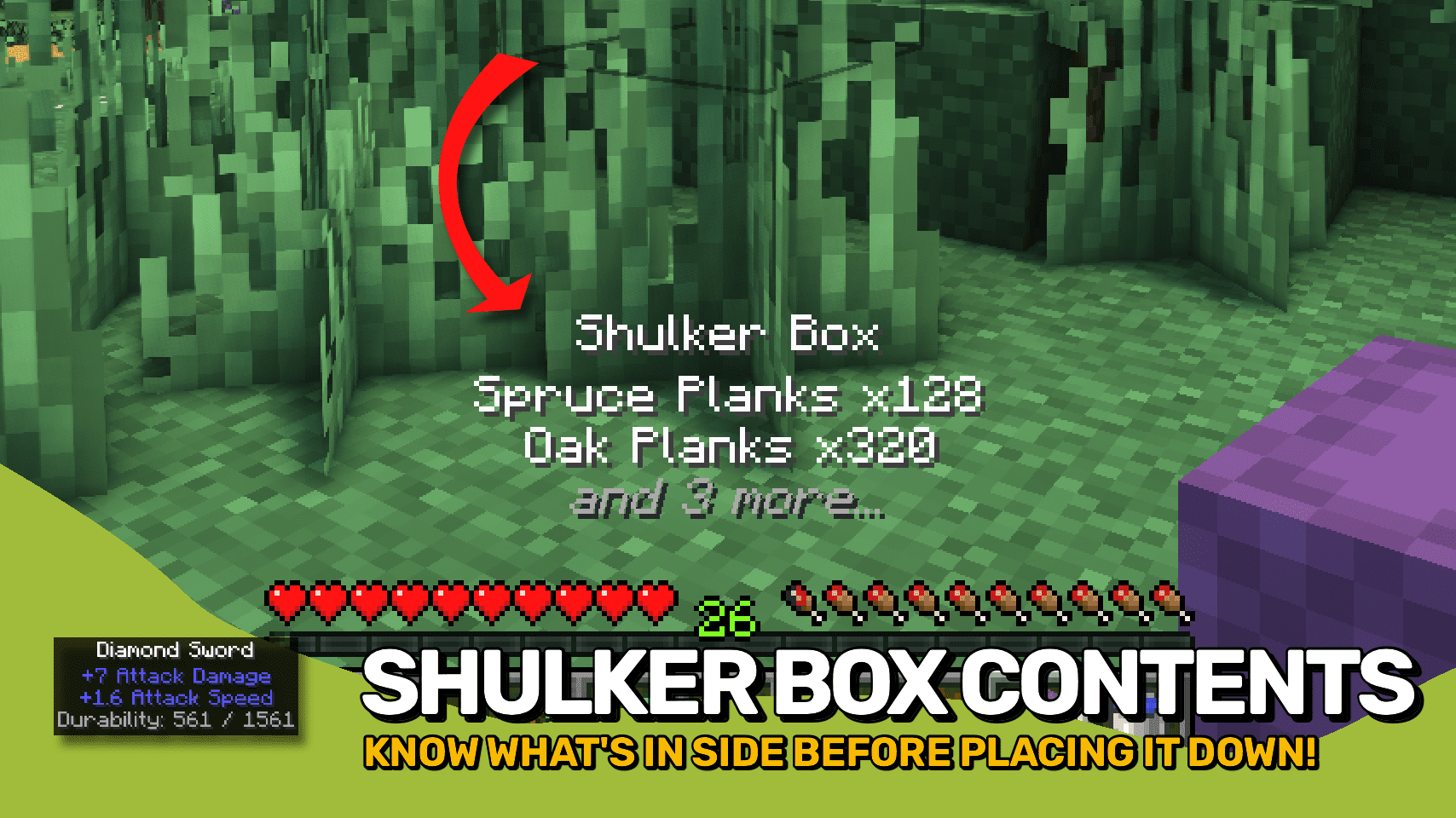
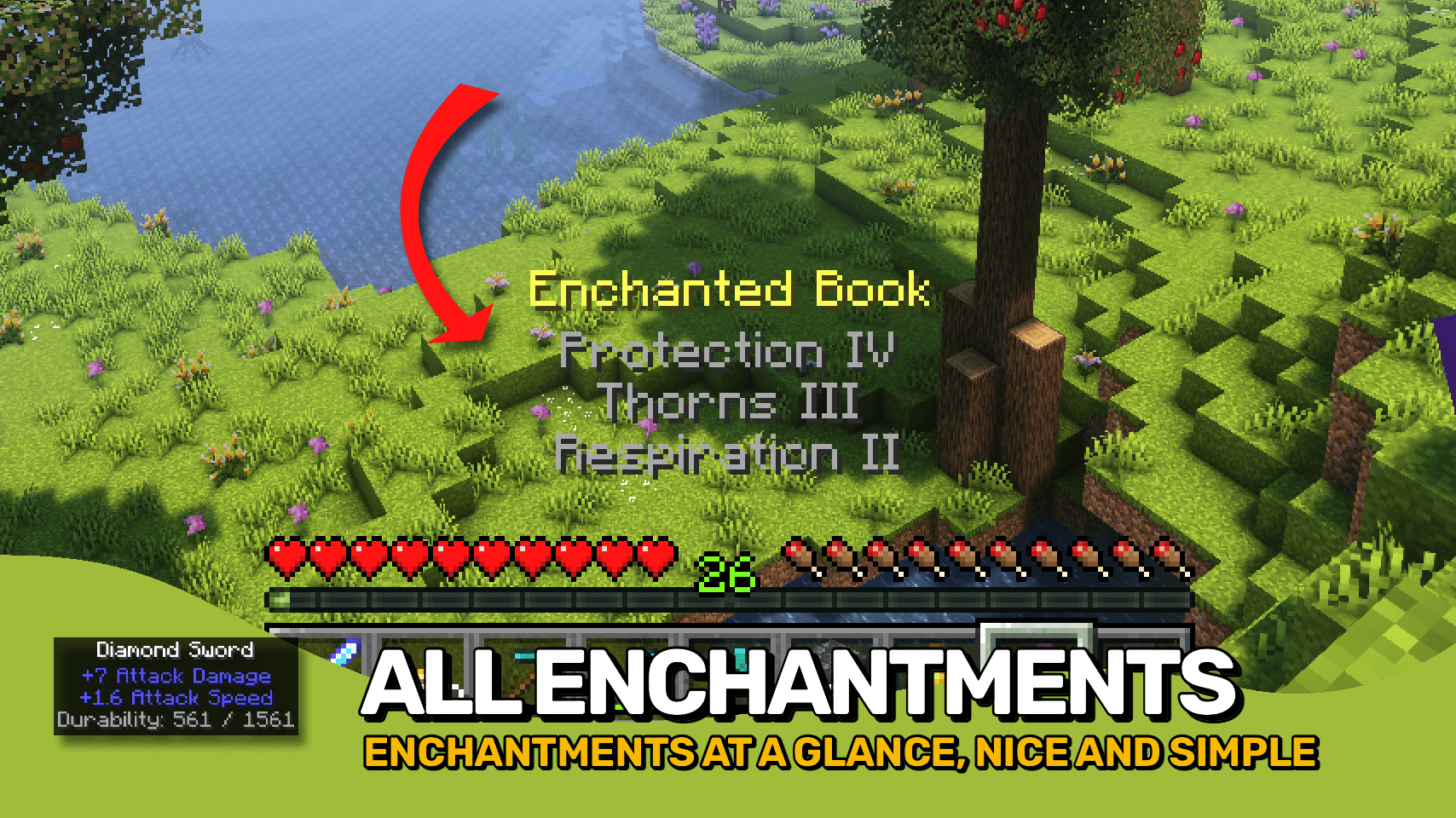
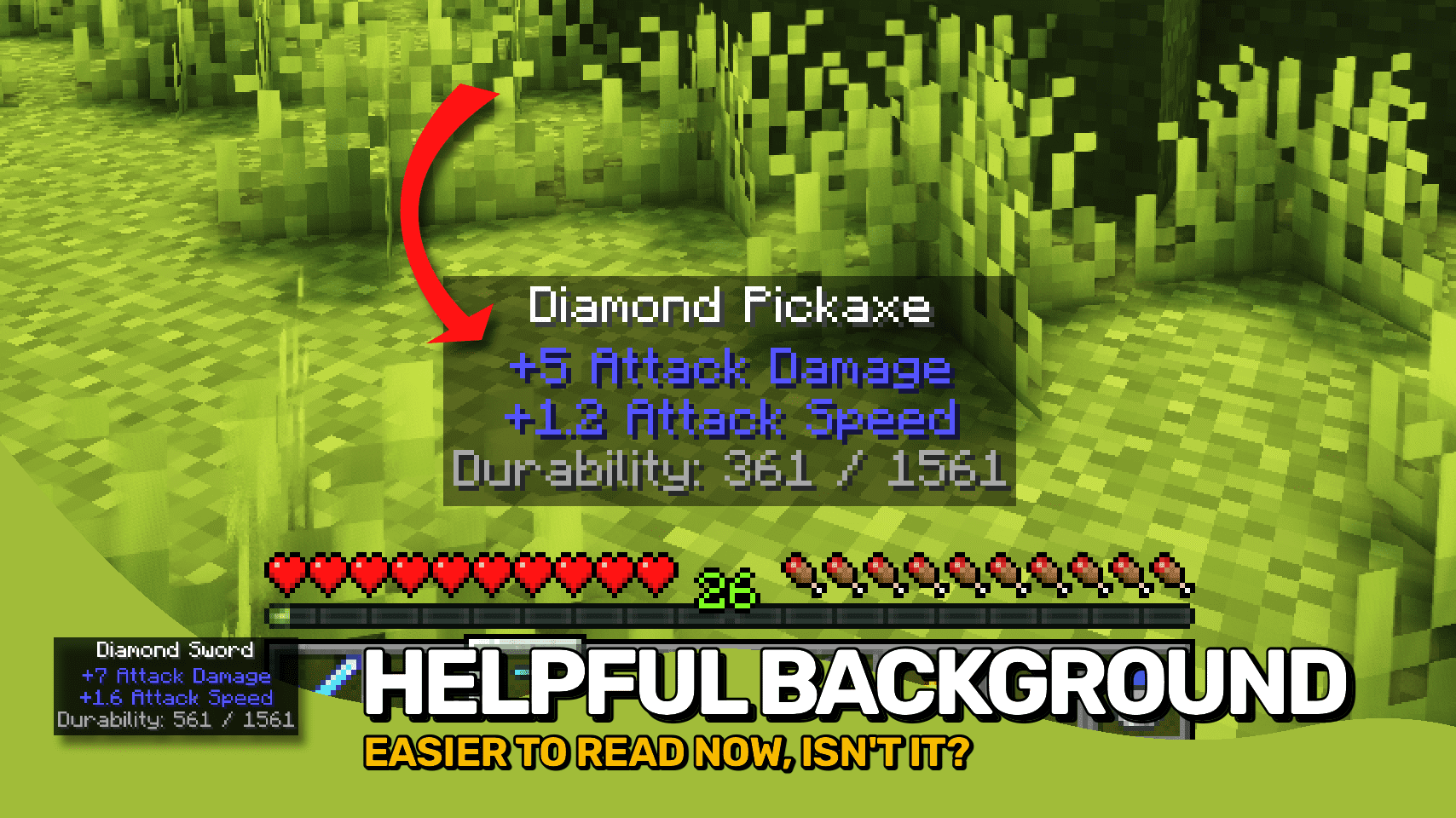
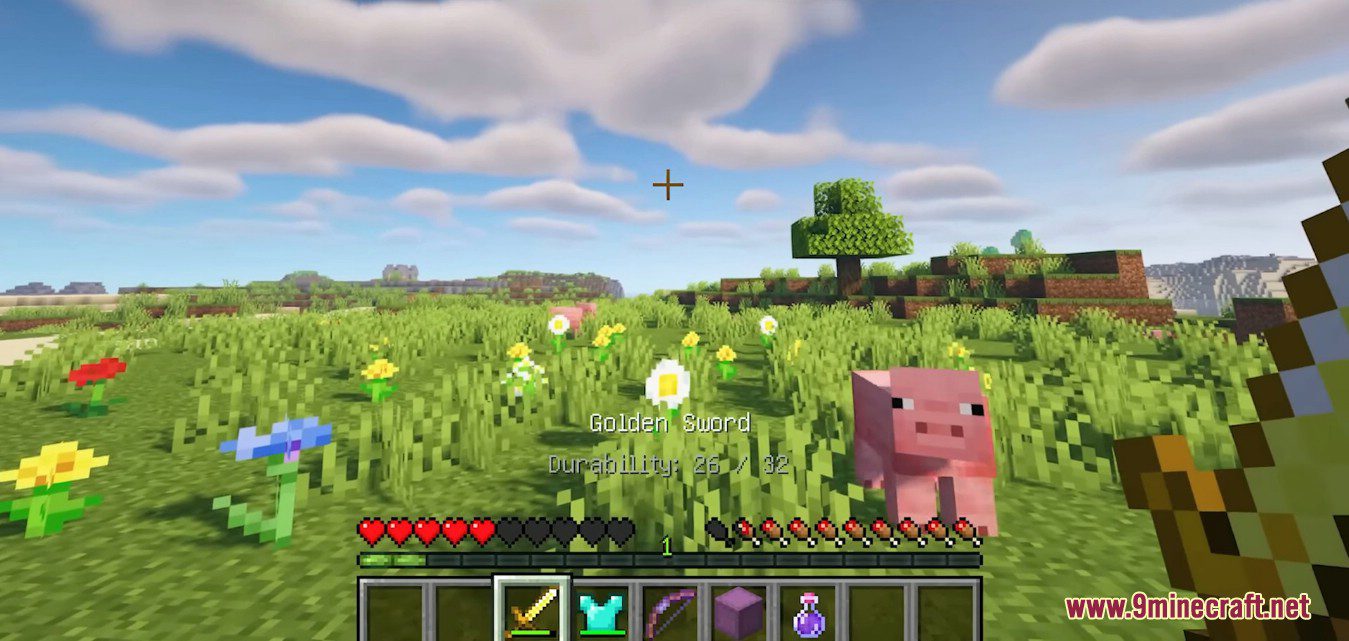
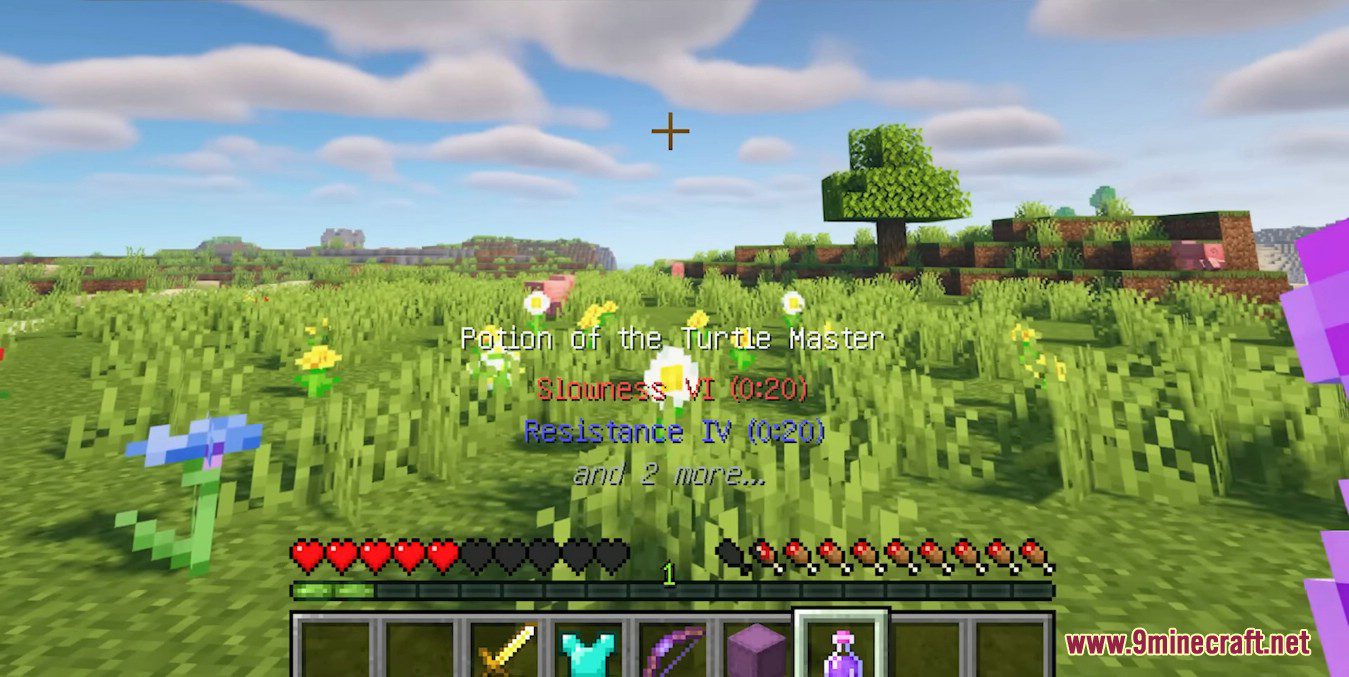
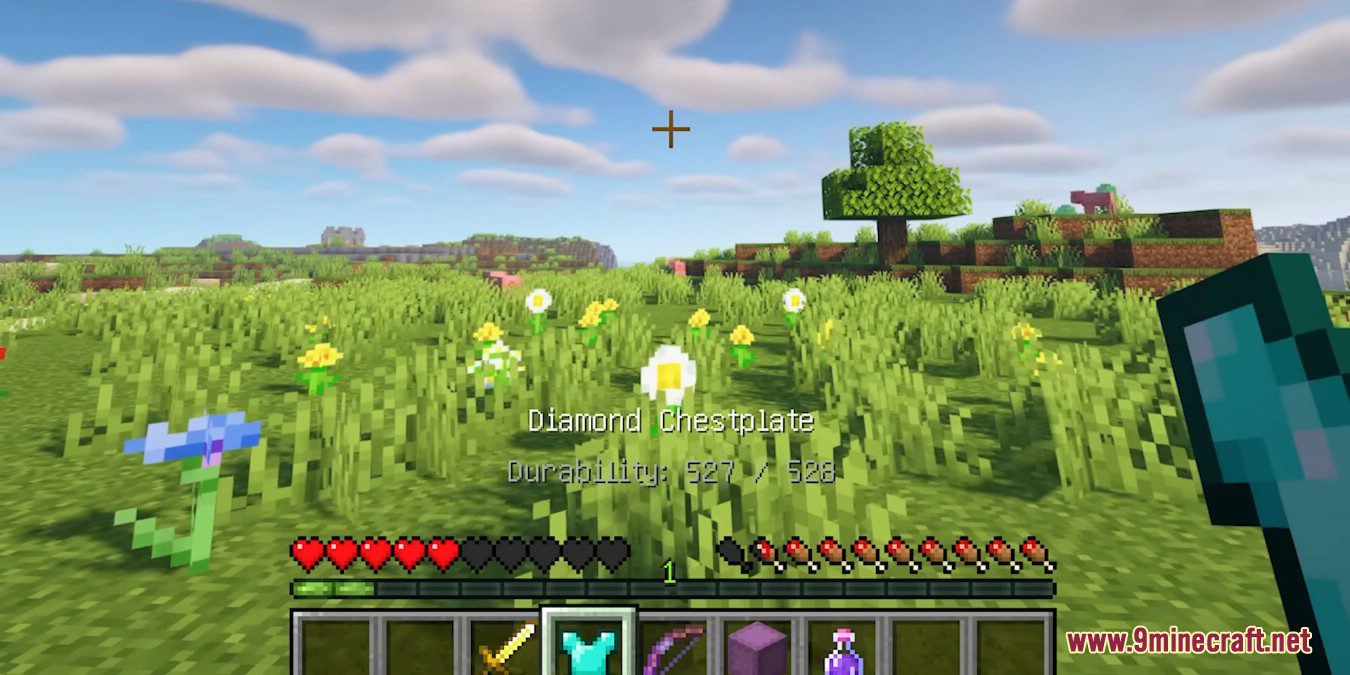
How to Change the Font Color and Order of Lines in Held Item TooltipsThe mod's whole point is that the tooltip above your hotbar is yours to shape. All of this lives in the mod's config…How to Make Shulker Box Contents Show Above Your HotbarShulker box preview is one of the most useful things this mod adds: instead of placing a box and opening it, you hold…How to Reduce Tooltip Clutter and Fix Overlapping TextOnce you enable everything, the tooltip can grow tall enough to cover your view or overlap other HUD elements.…How to Show Potion Effects and Rocket Durations on Held ItemsPotions, tipped arrows, and fireworks all carry hidden data that vanilla Minecraft makes you guess at. This mod…
Frequently asked questions
How do I open the Held Item Tooltips config?
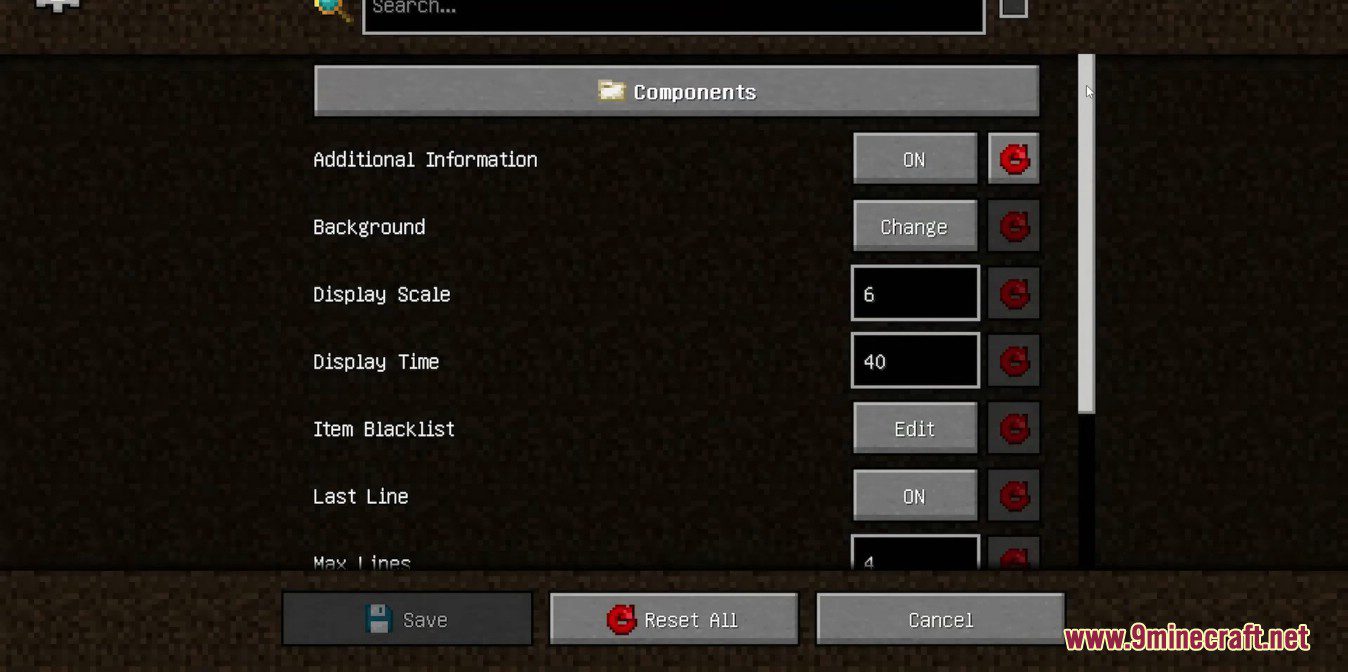
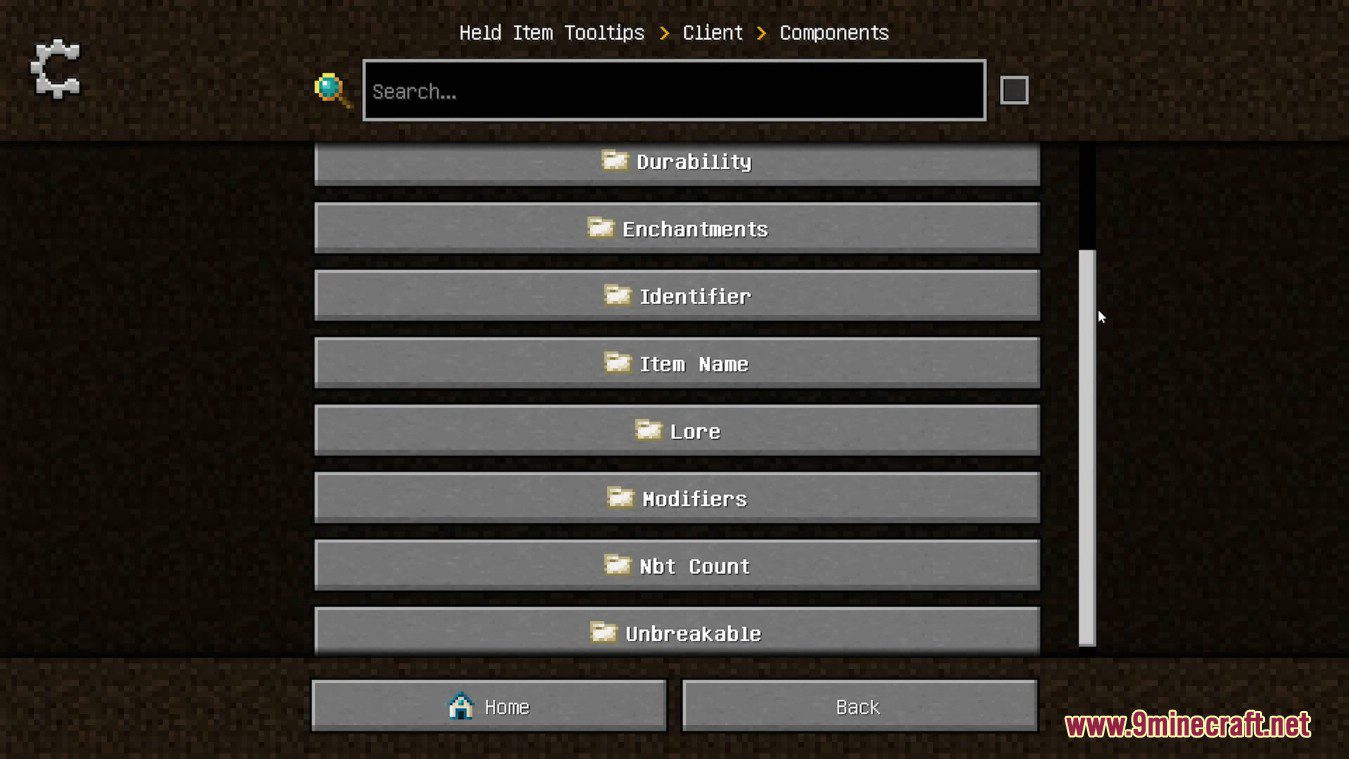
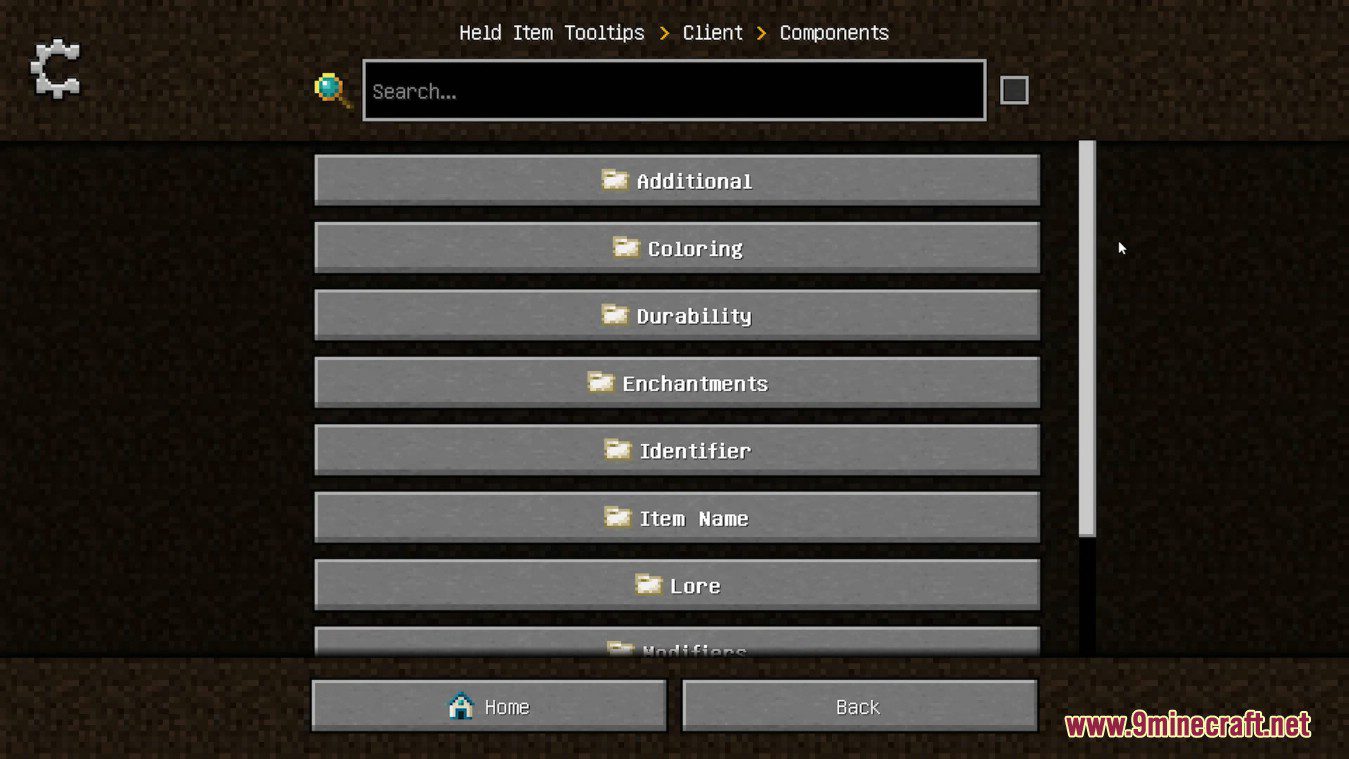
Open the mod list from the pause menu, select Held Item Tooltips, and click the Config button. Most versions also let you reach the same settings screen from the main menu's Mods section.
Why are my tooltips not showing up above the hotbar?
Check that the mod is enabled in your mod loader and that the tooltip display toggle in the config hasn't been turned off. If you're in a GUI or holding nothing, tooltips naturally won't appear.
How do I change which lines appear on the tooltip?
Can I move the tooltip to a different position on screen?
Yes, the config lets you adjust the tooltip's vertical offset so it sits higher or lower above the hotbar. Some versions also expose horizontal alignment options.
See all 10 Held Item Tooltips questions ›
Gallery
11 images from the Held Item Tooltips Mod page.
You May Also Like
Wikis that share the most with this one
Wikis on the same theme: tool
More mod wikis on the site
The most downloaded mods that have a wiki here
A few wikis from each of the other kinds