

 DownloadScrollable Tooltips Mod
Get the files on 9Minecraft
Guides
Step-by-step, in-game.
Examine Enchantment and Ability Lists on ItemsReading Stacked Enchantments Items with multiple enchantments, buffs, or special abilities can have tooltips that…Navigate Tooltips That Extend Beyond Screen BoundariesHandling Oversized Tooltips Some items have descriptions so long or wide that they would normally extend far beyond…Read Complex Server Item Stats Without Information LossUnderstanding Full Item Details On servers with custom items (like economy or RPG servers), items often contain…Scroll Through Long Item TooltipsBasic Scrolling When you hover over an item with a long description, the tooltip may extend beyond your screen.…
Frequently asked questions
How do I scroll through a tooltip that's too long to read?
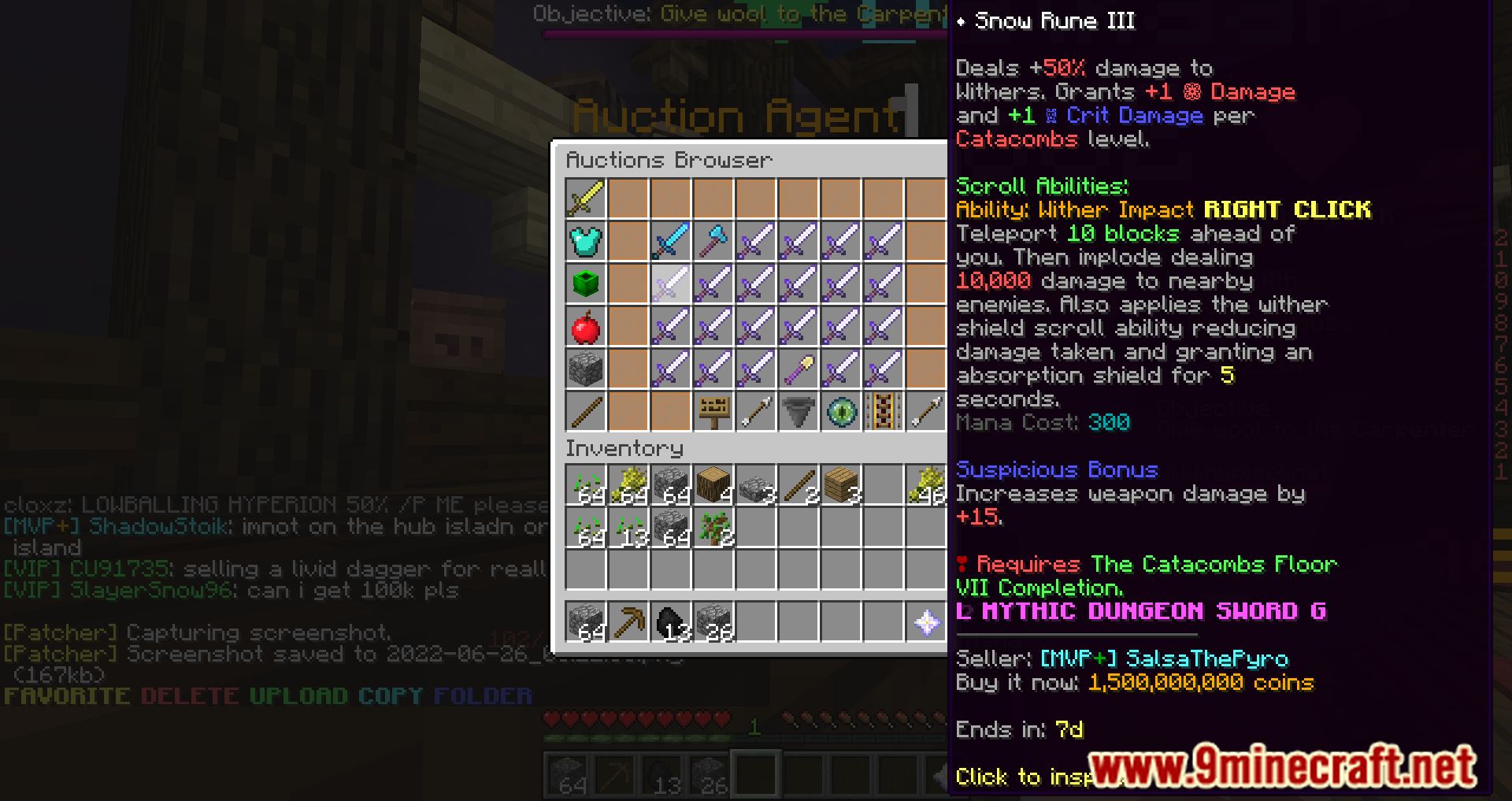
Hover your mouse over an item to open its tooltip, then use your mouse wheel to scroll up and down through the description. If the tooltip extends horizontally, hold Shift while scrolling to move left and right instead.
Why can't I see all the stats on my server item?
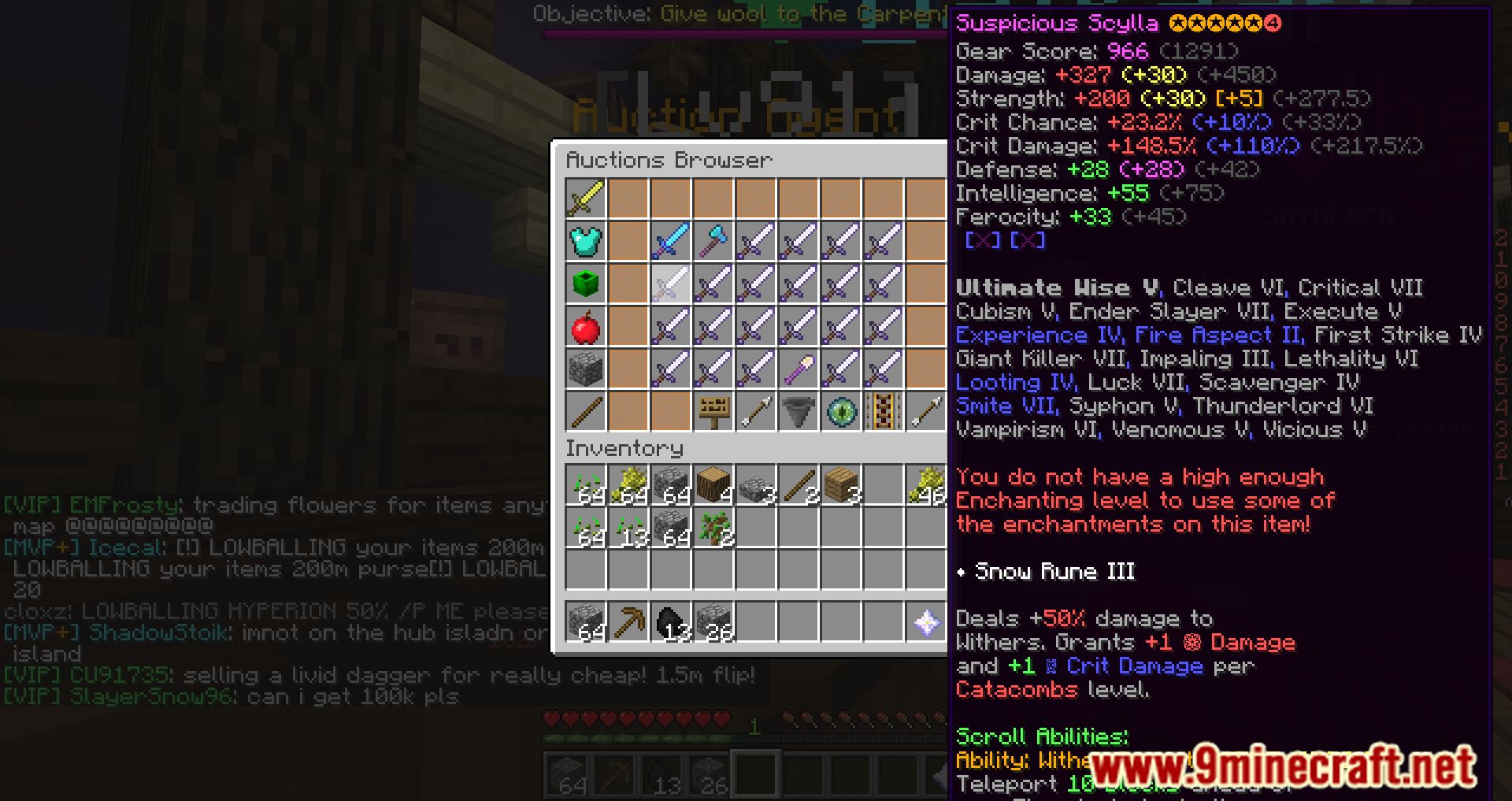
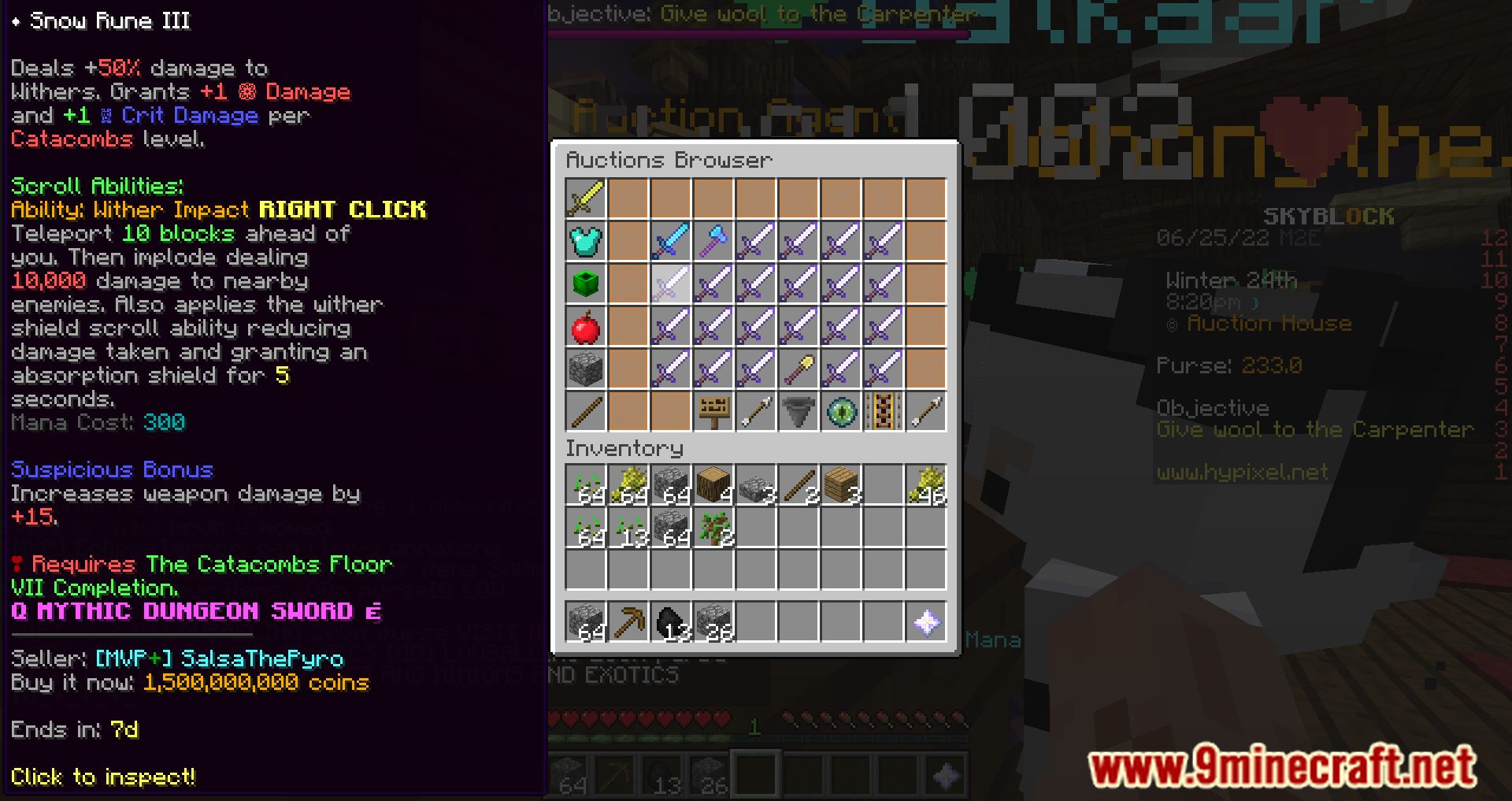
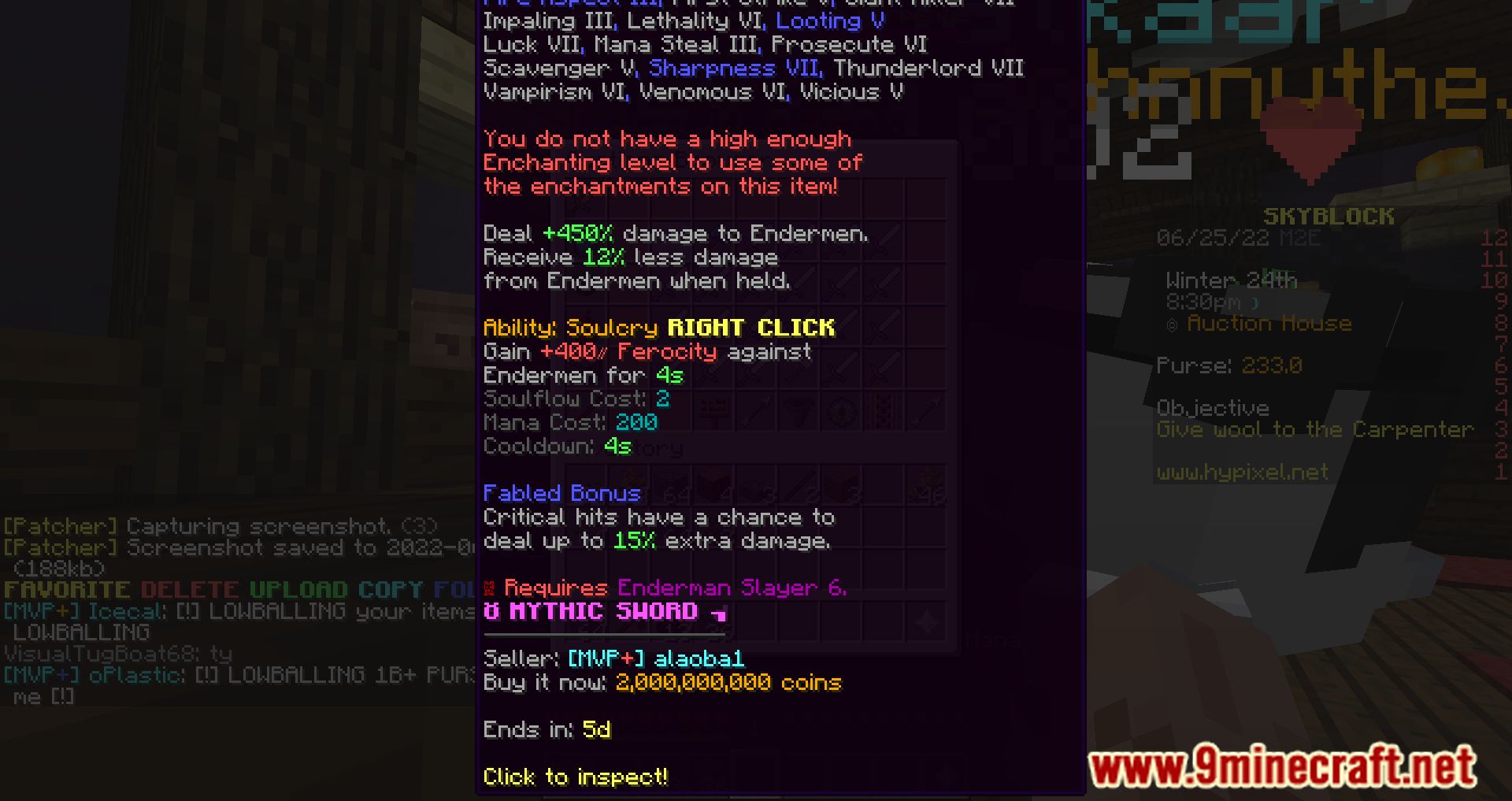
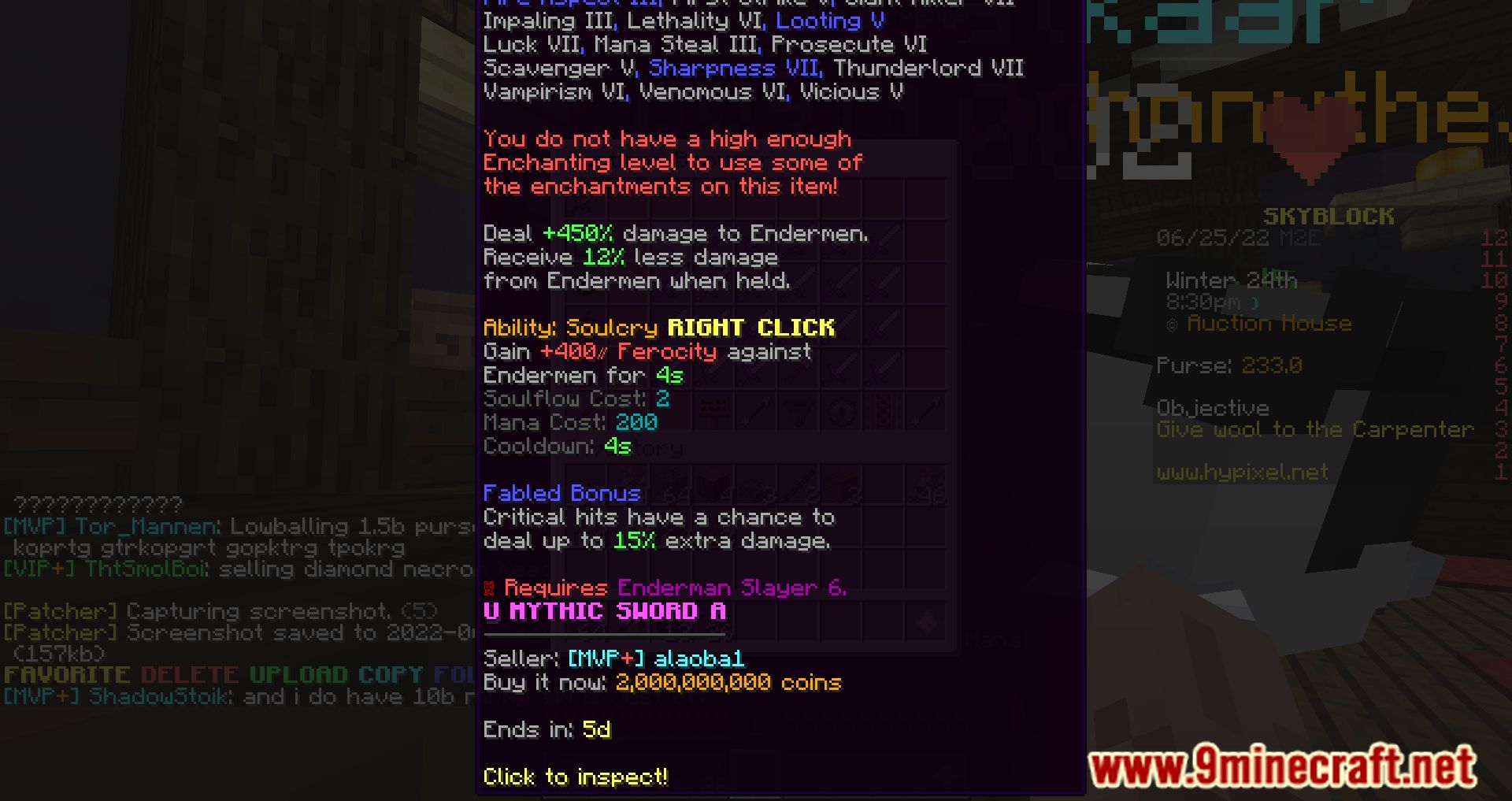
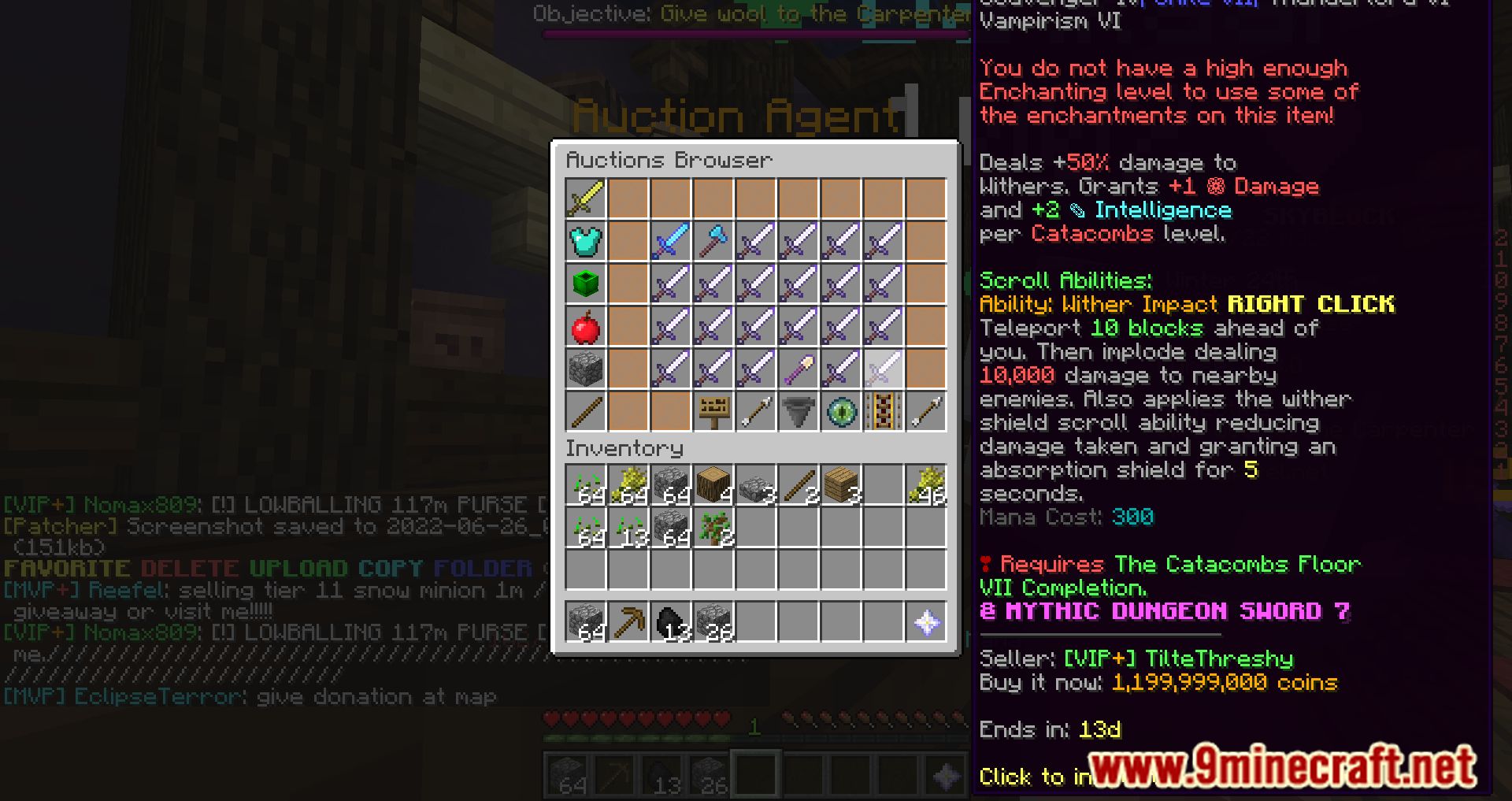
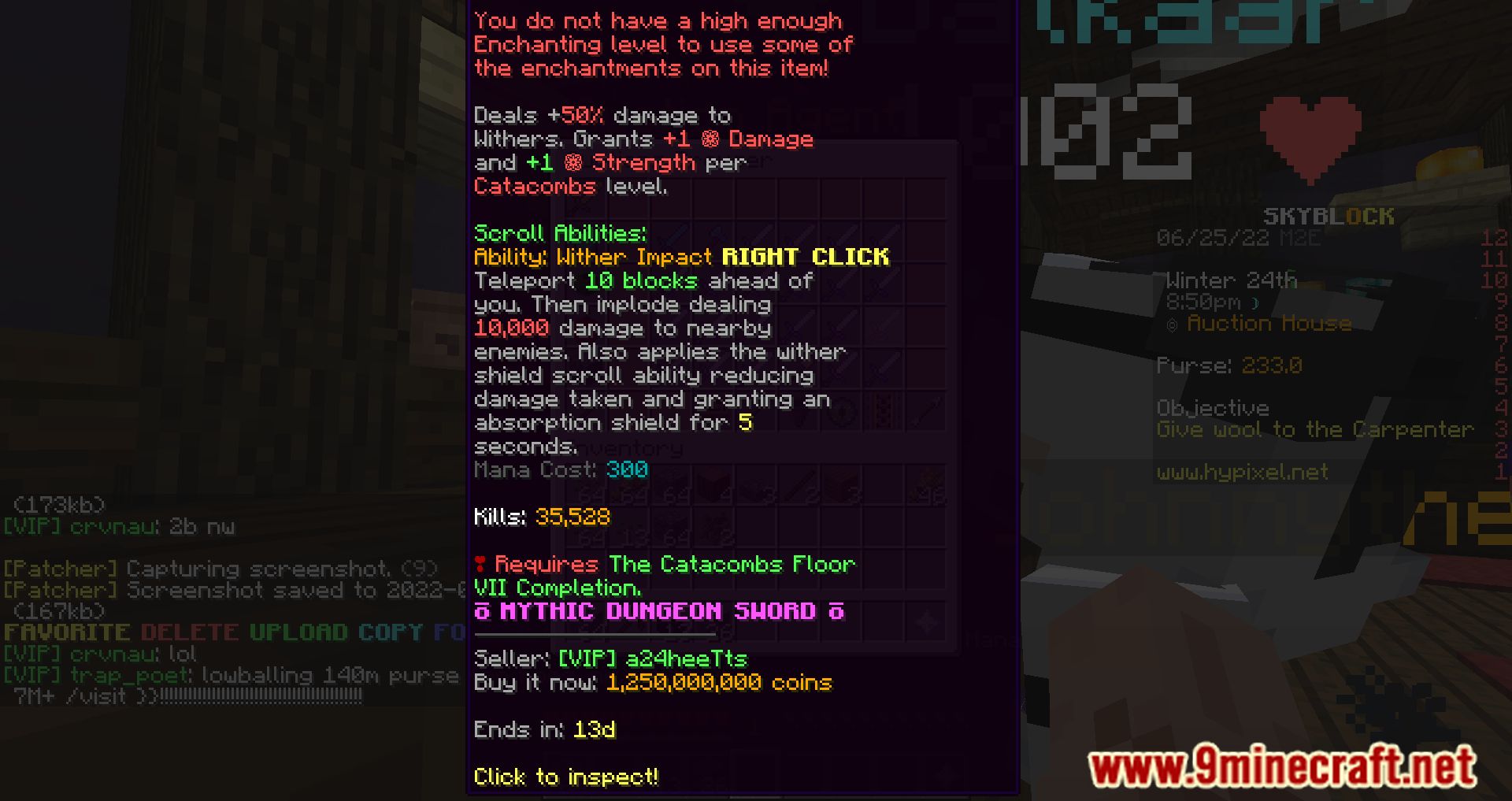
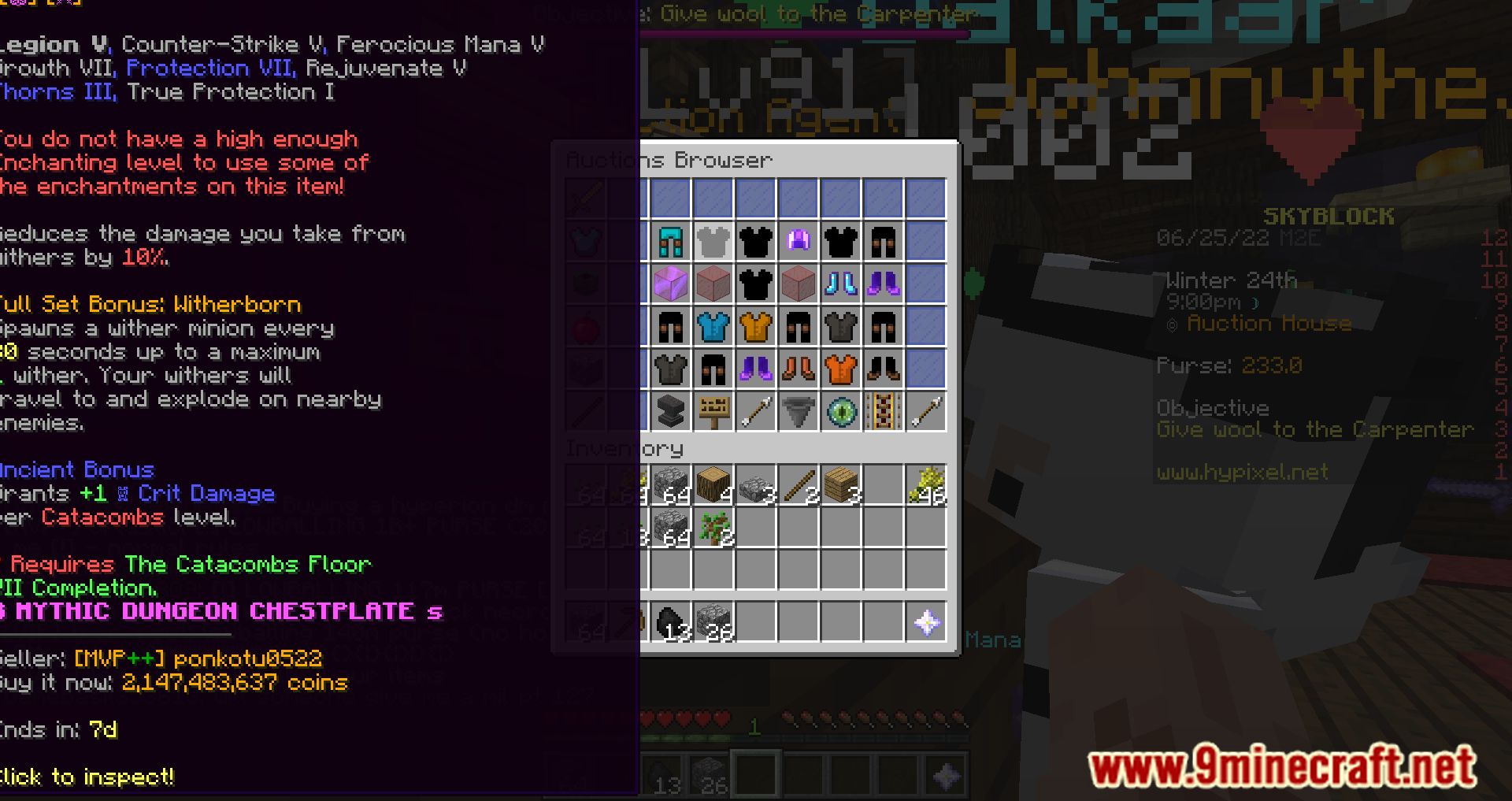
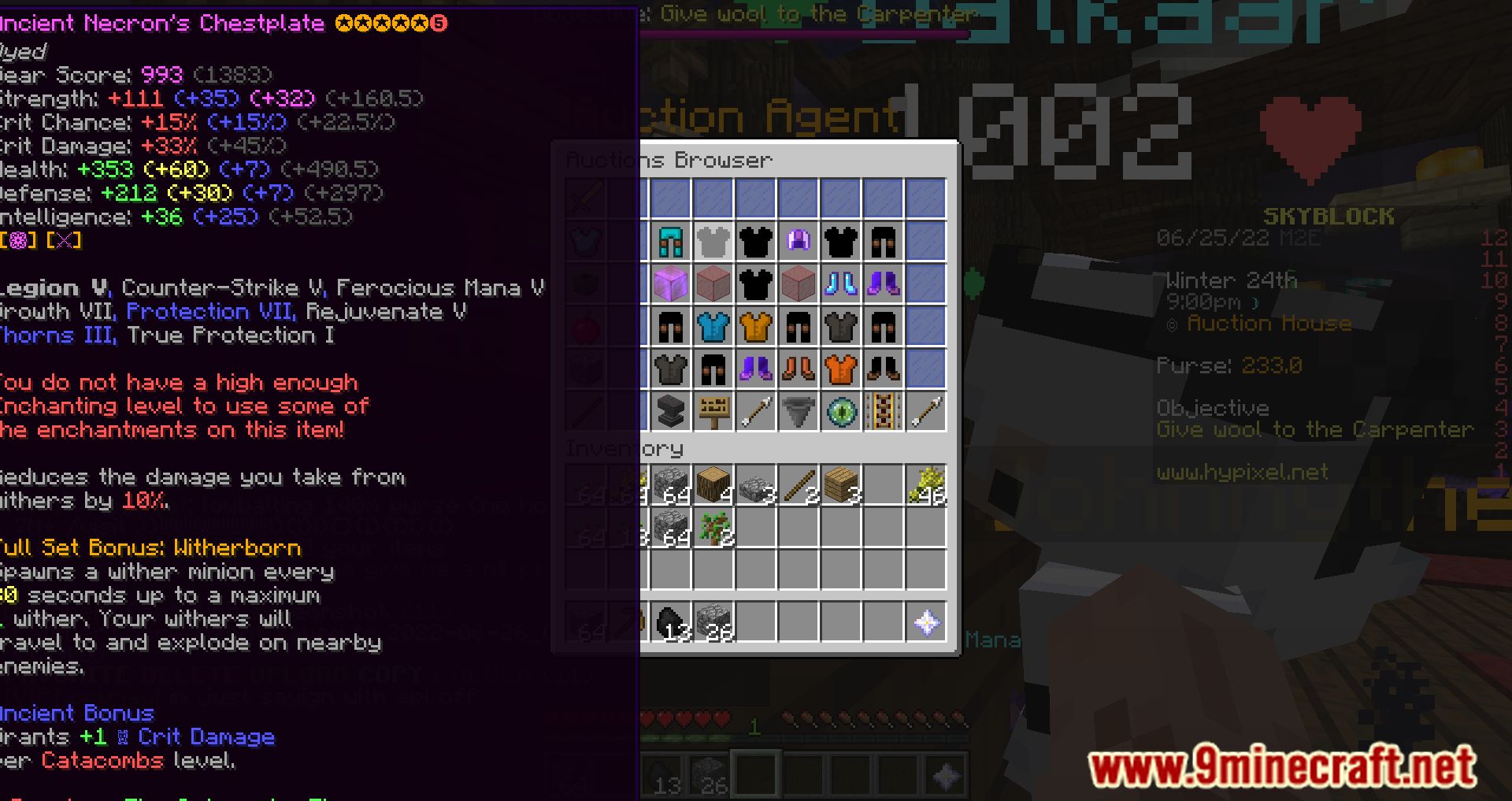
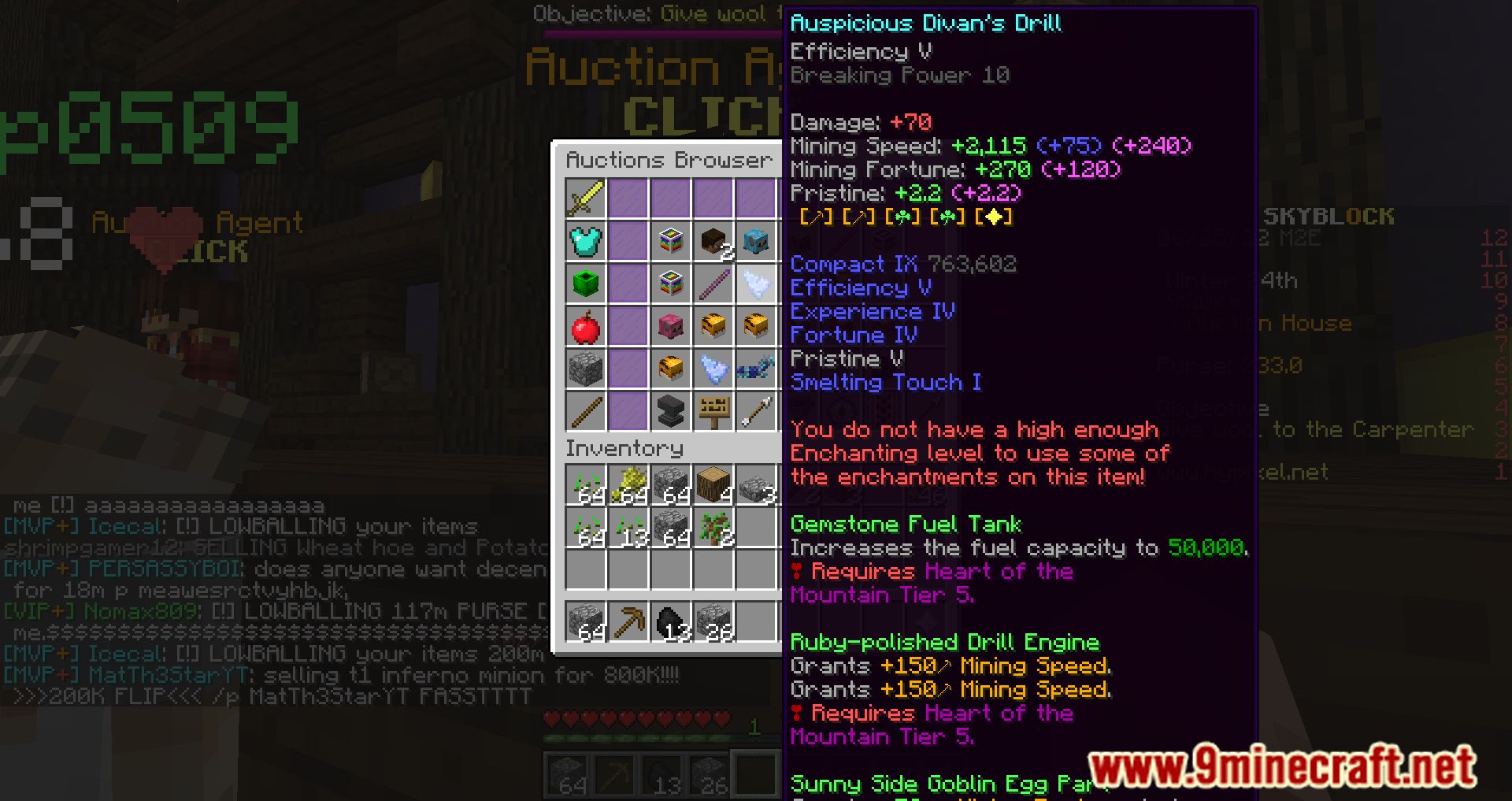
Long tooltips on customized servers often extend beyond your screen. Use the scroll feature (mouse wheel) to reveal hidden information below—the mod prevents text from being cut off by letting you scroll through the entire description.
Does this mod work with enchanted items?
Yes, you can scroll through enchantment lists and ability descriptions on enchanted items just like any other tooltip. This is especially useful for items with many enchantments or custom effects.
Can I scroll tooltips horizontally?
Yes, hold Shift while using your mouse wheel to scroll left and right through tooltips that are too wide for your screen.
See all 10 Scrollable Tooltips questions ›
Gallery
11 images from the Scrollable Tooltips Mod page.
You May Also Like
Wikis that share the most with this one
Wikis on the same theme: cat
More mod wikis on the site
The most downloaded mods that have a wiki here
A few wikis from each of the other kinds