

 DownloadStatus Mod
Get the files on 9Minecraft
Guides
Step-by-step, in-game.
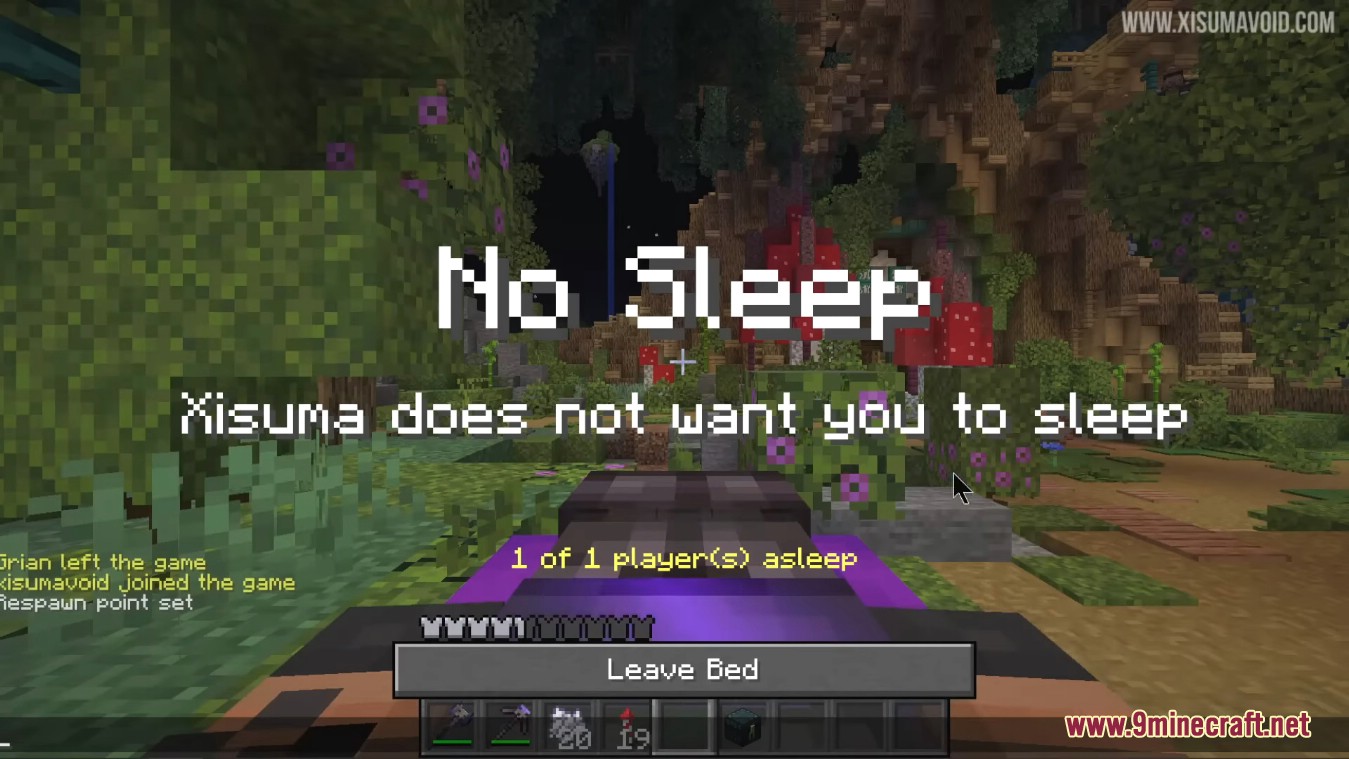
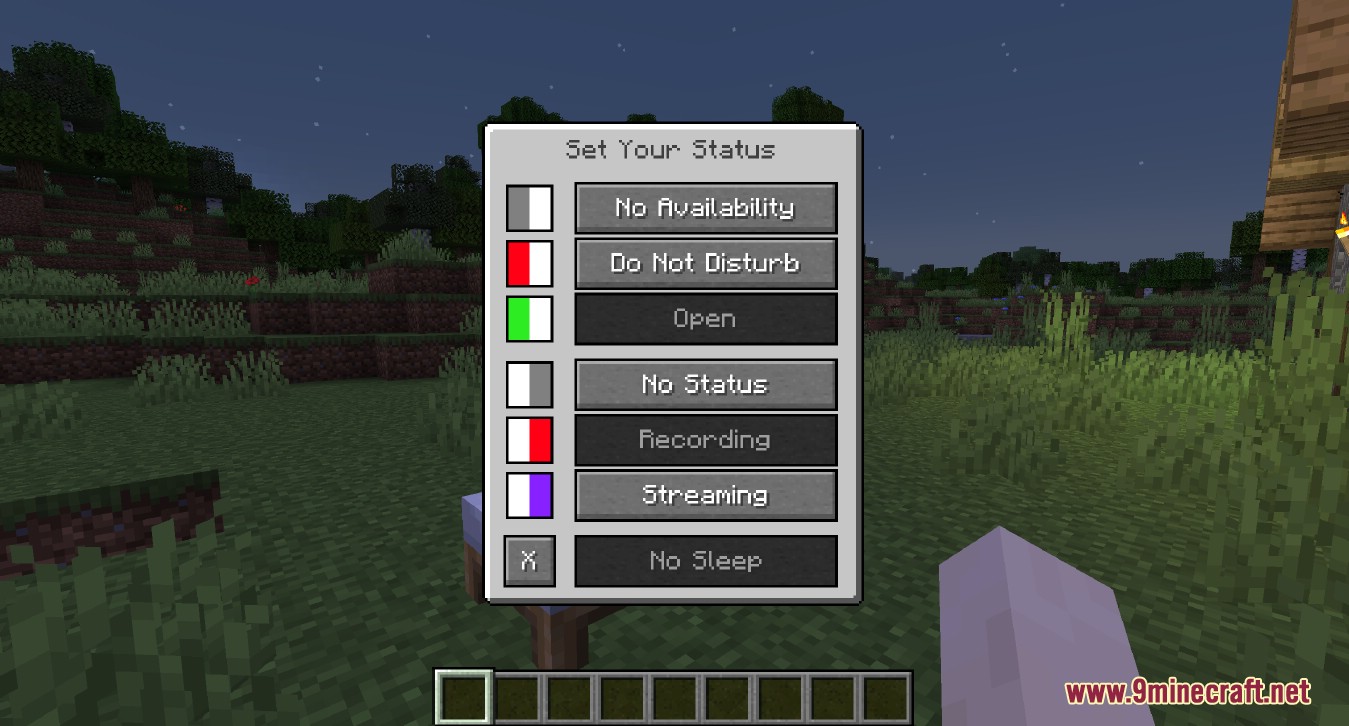
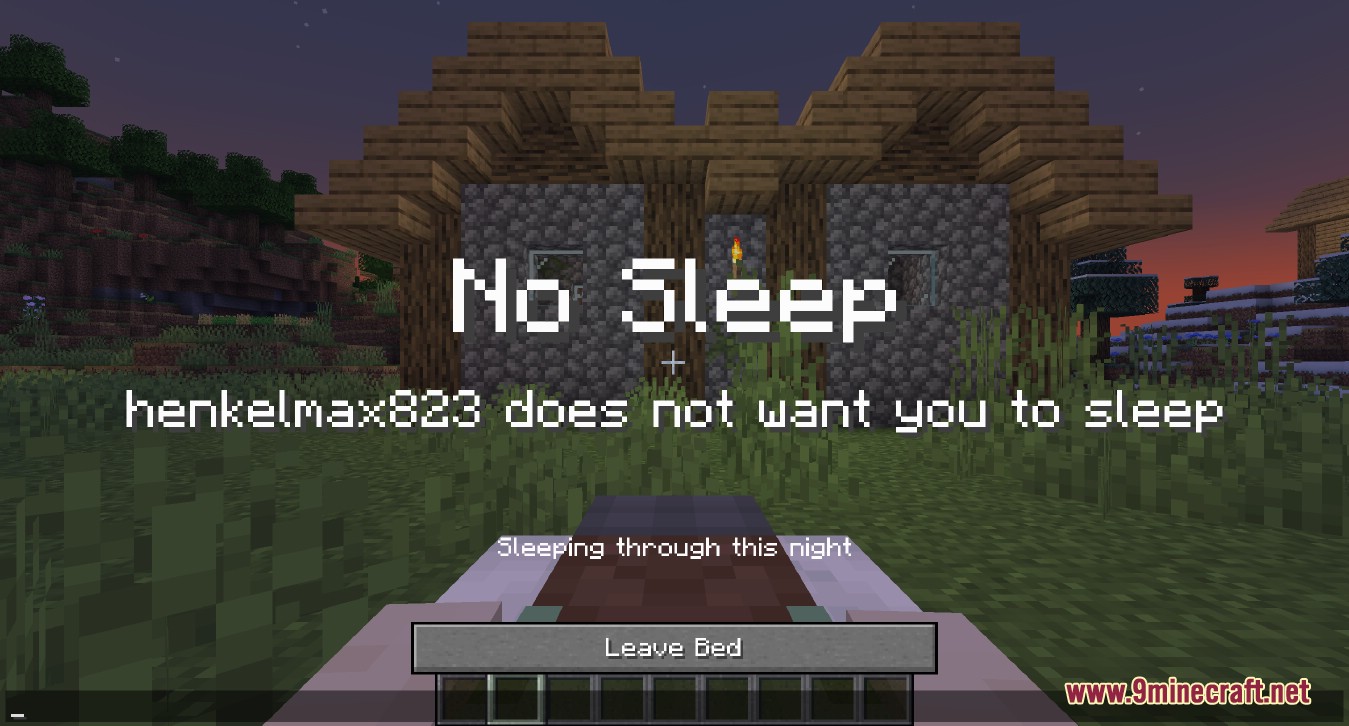
How to Set Your Status in Status ModOpening the Status Menu Press the U key while in-game to open the status configuration screen. This works anywhere —…How to Show You're Streaming or Recording in Status ModTurning On the Streaming and Recording Flags Press U to open the status screen and enable the Streaming toggle if…How to Stop the Night From Being Skipped With Status ModEnabling the No Sleep Status Open your status menu with the U key and turn on the No Sleep option. This is the part…How to Tell Other Players You're Available or Open for CollaborationSetting Availability and Collaboration Flags Open the status menu with U . Two of the parts you can toggle are…
Frequently asked questions
How do I open the status menu?
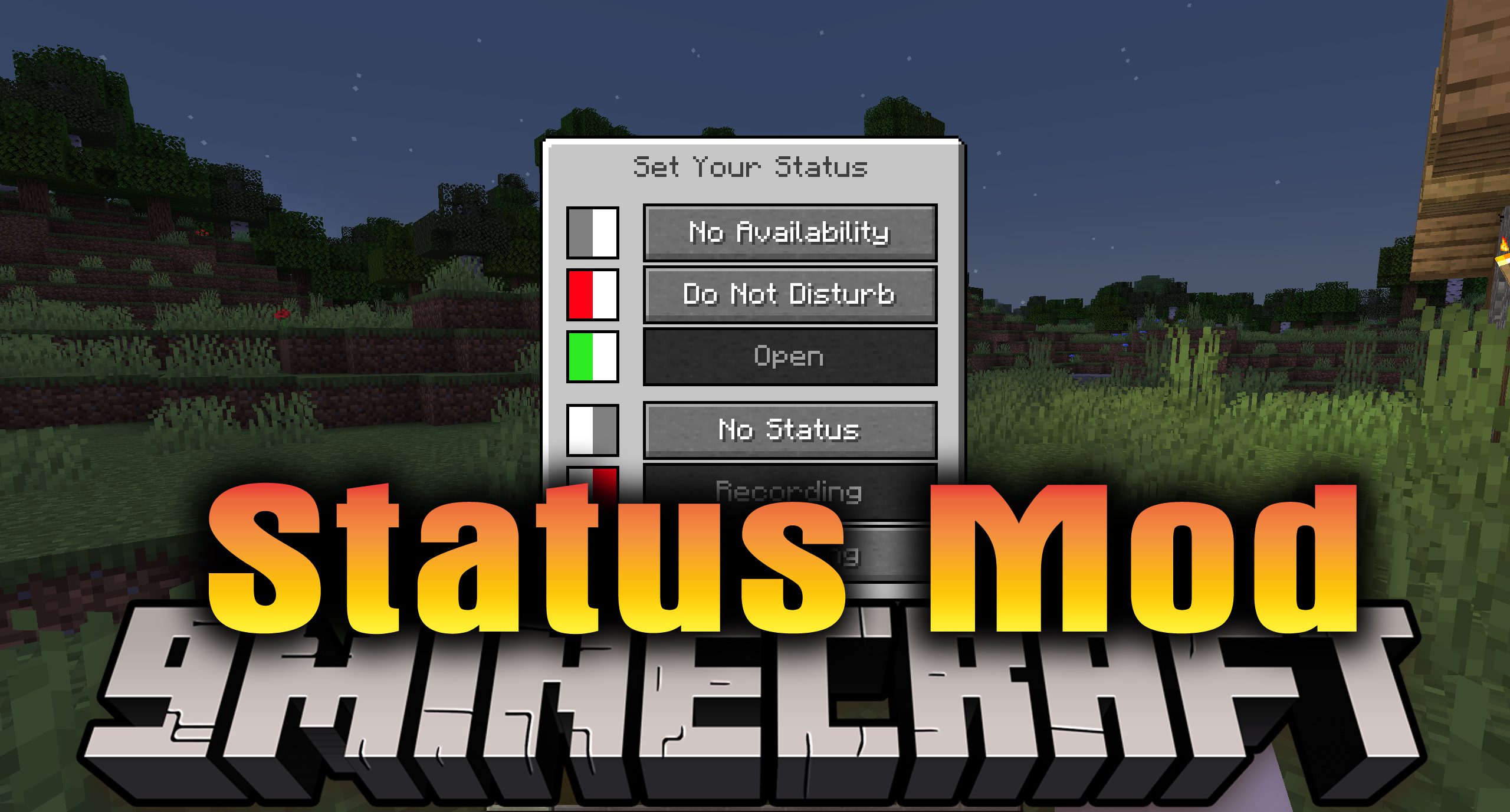
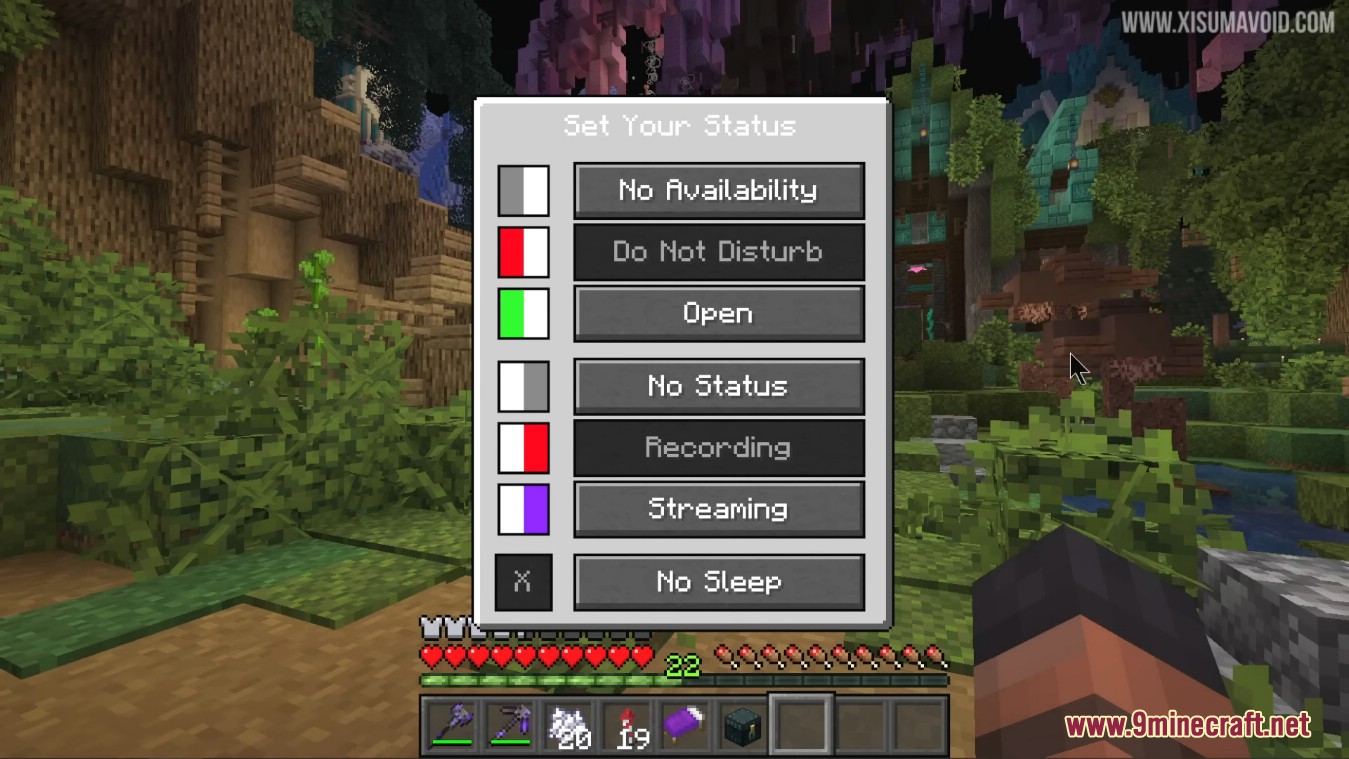
Press the U key while in-game to open the status setting screen. From there you can toggle each part of your status on or off.
Do other players need the mod installed to see my status?
No. The mod only needs to be installed on the server, and vanilla clients can still join. However, if you want to set your own status, you need the mod on your client too.
Why can't I set my status on a server?
The mod must be installed on the server for statuses to work. If you're on a server without the mod, the U key won't do anything useful.
Where does my status show up?
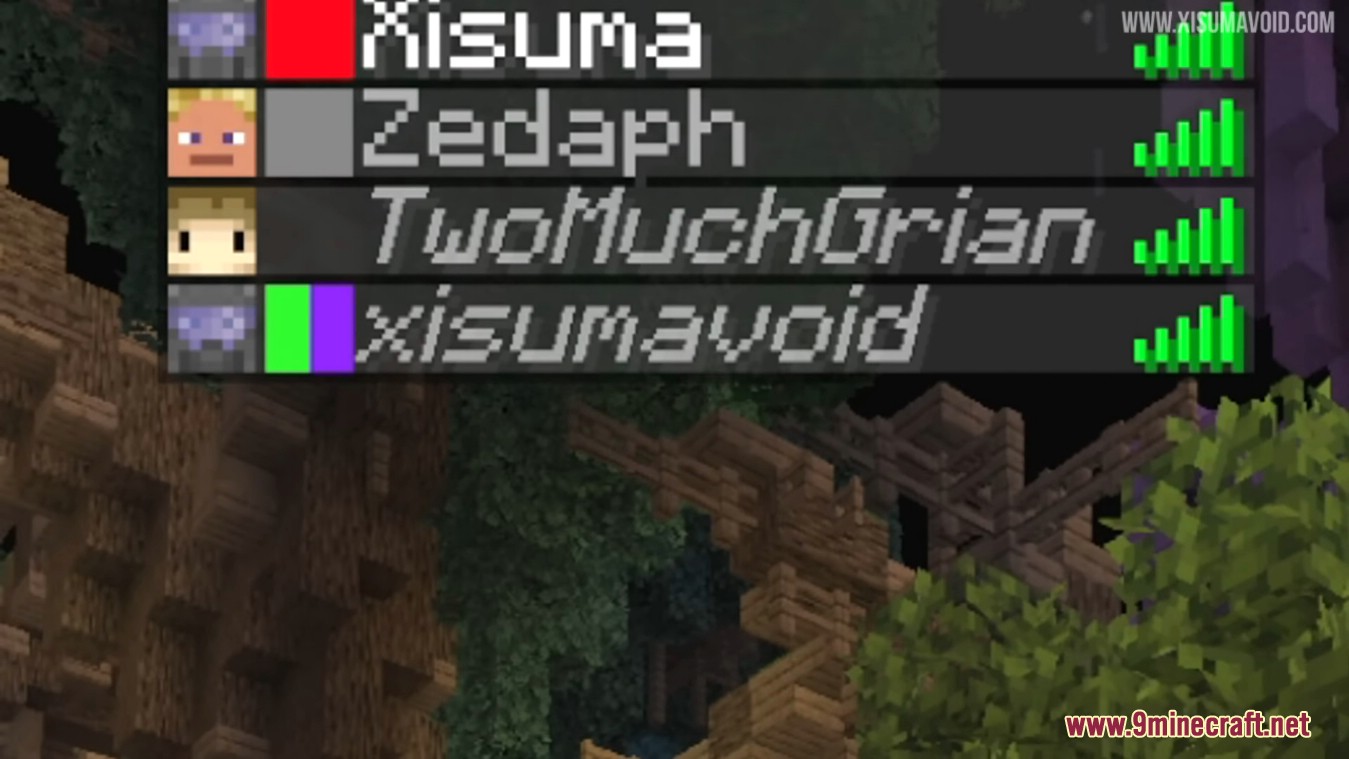
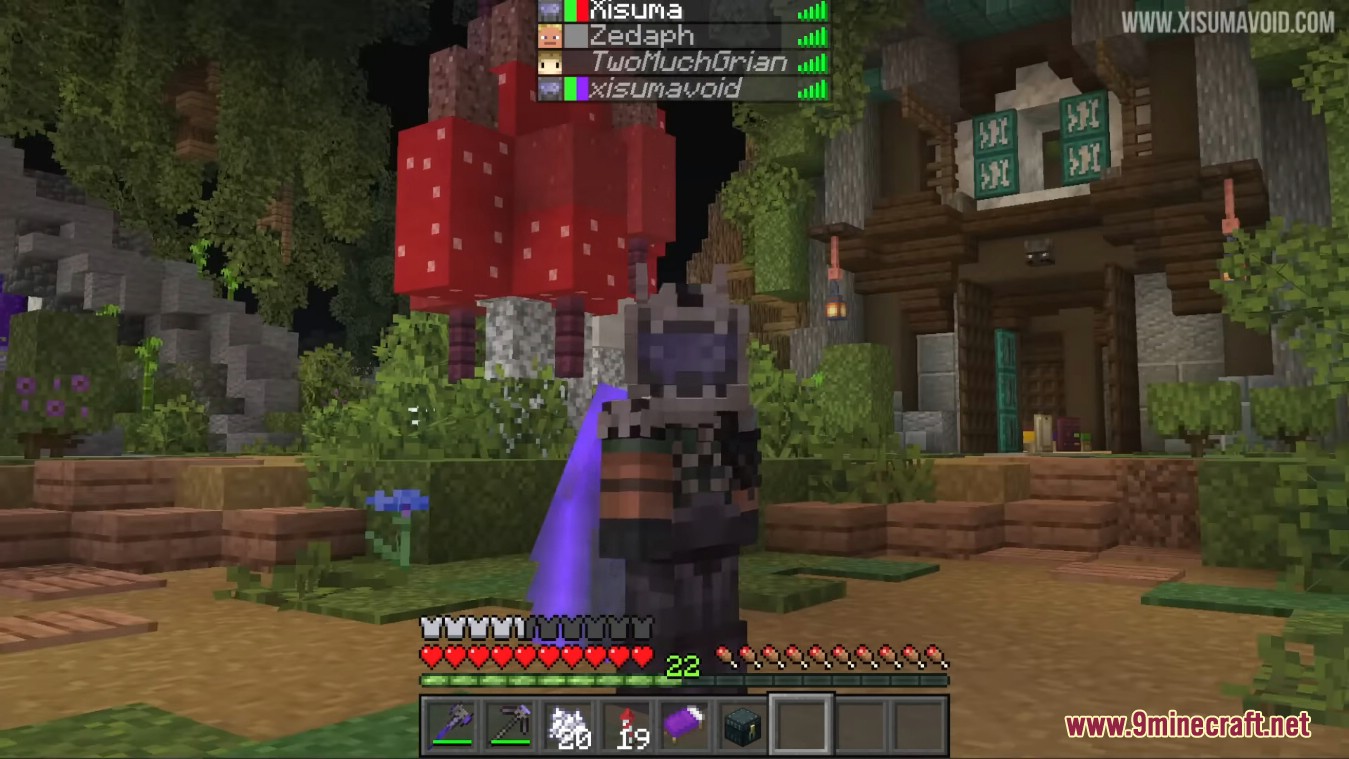
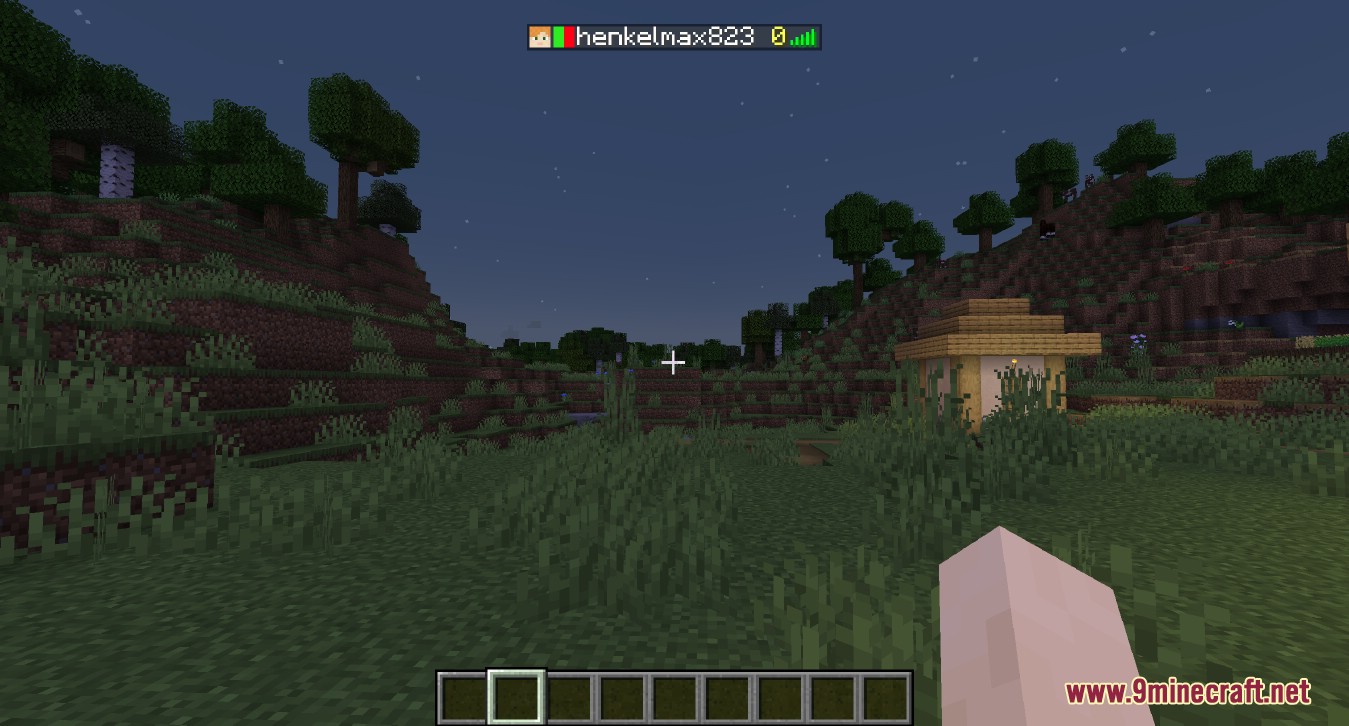
Your status icons appear next to your player head in the tab list. Other players can see them there at a glance.
Gallery
9 images from the Status Mod page.
You May Also Like
Wikis that share the most with this one
More mod wikis on the site
The most downloaded mods that have a wiki here
A few wikis from each of the other kinds