

 DownloadStatus Effect Timer Mod
Get the files on 9Minecraft
Guides
Step-by-step, in-game.
Adjusting the Timer Display to Suit Your HUDFind the Mod's Options Open the mod's configuration through your usual mod menu or config screen. Look for settings…Fixing Overlapping or Missing Timers Caused by Other ModsIdentify the Conflicting Mod If your timers are doubled up, flickering, or not showing at all, another HUD mod is…How to Read the Timer on Your Status Effect IconsWhat the Numbers Mean Once the mod is installed, every status effect icon in your HUD gets a small time readout drawn…Status Effect Timer Mod GuideReading the timers on your status effect icons The Status Effect Timer Mod places the remaining duration of each…Using the Timer to Manage Potions and Effects in CombatTime Your Re-Drinks Because the countdown sits right on the icon, you can plan when to drink your next potion instead…
Frequently asked questions
What does the Status Effect Timer Mod do?
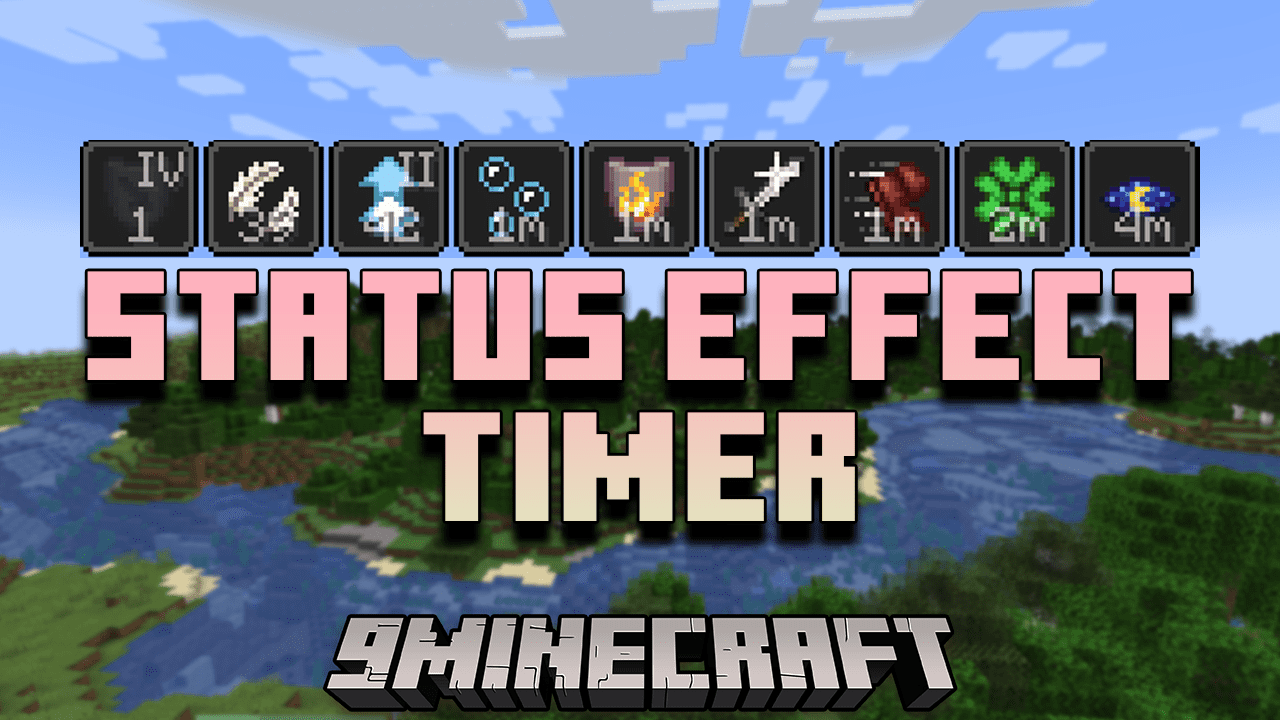
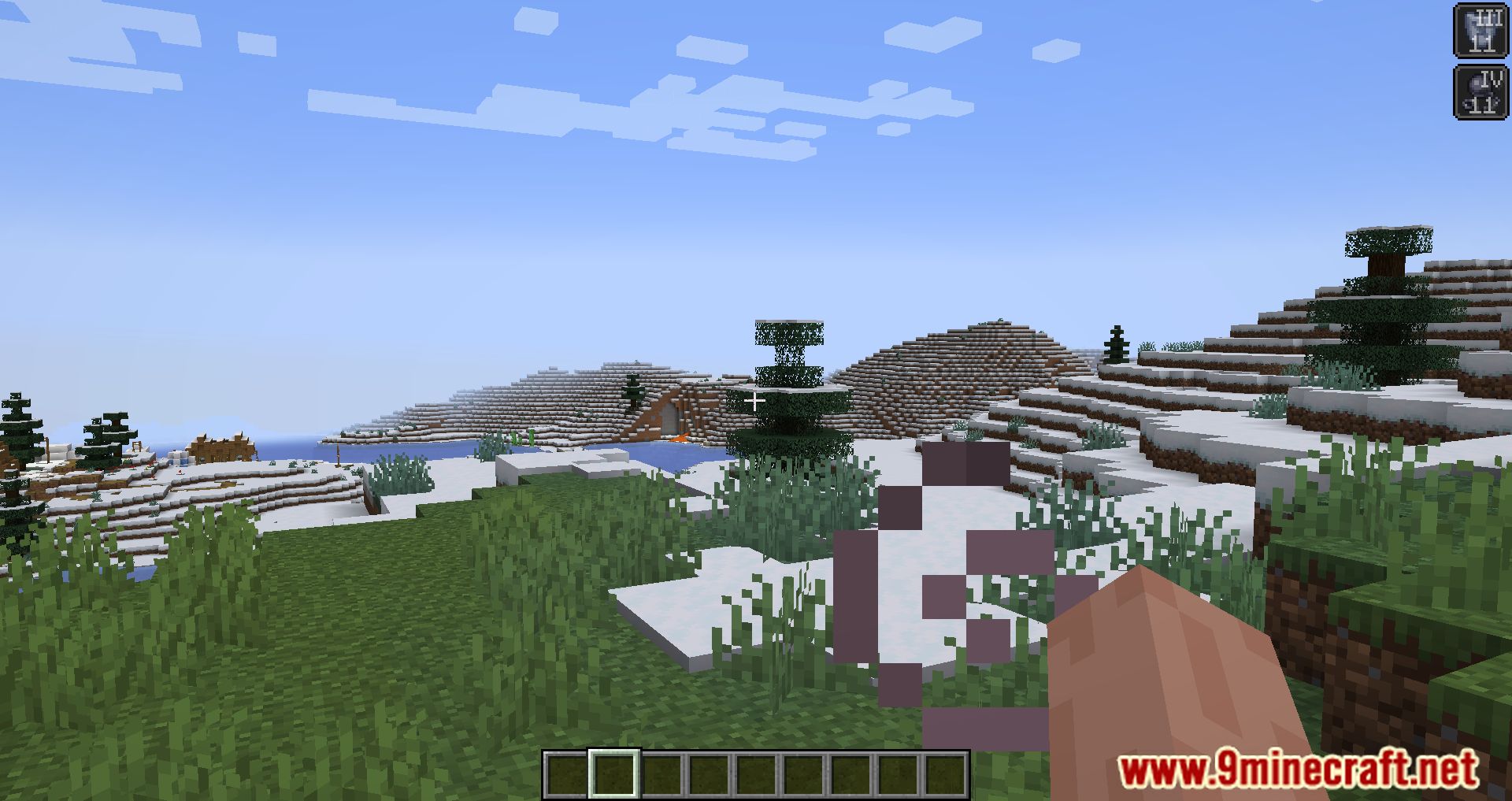
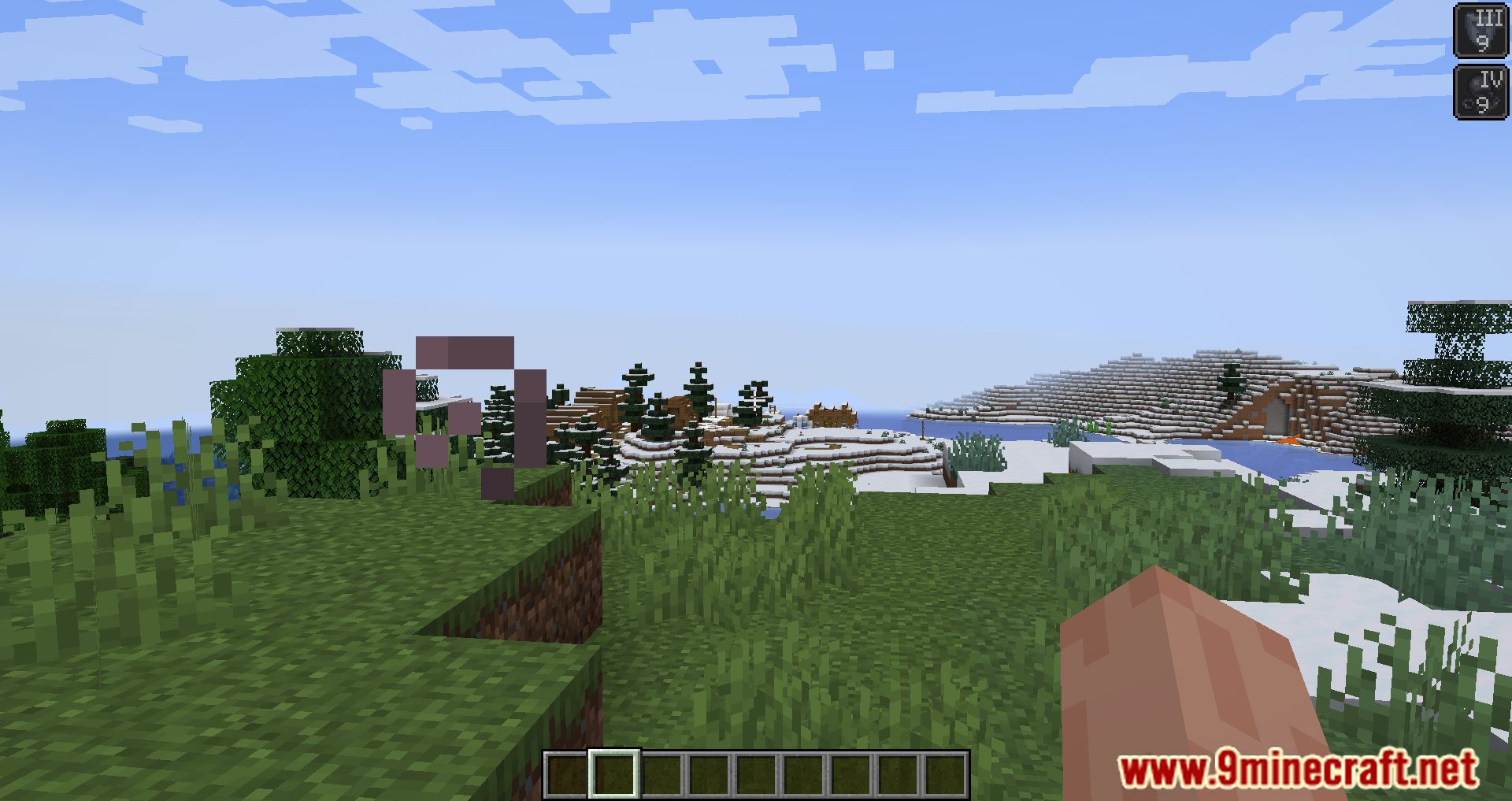
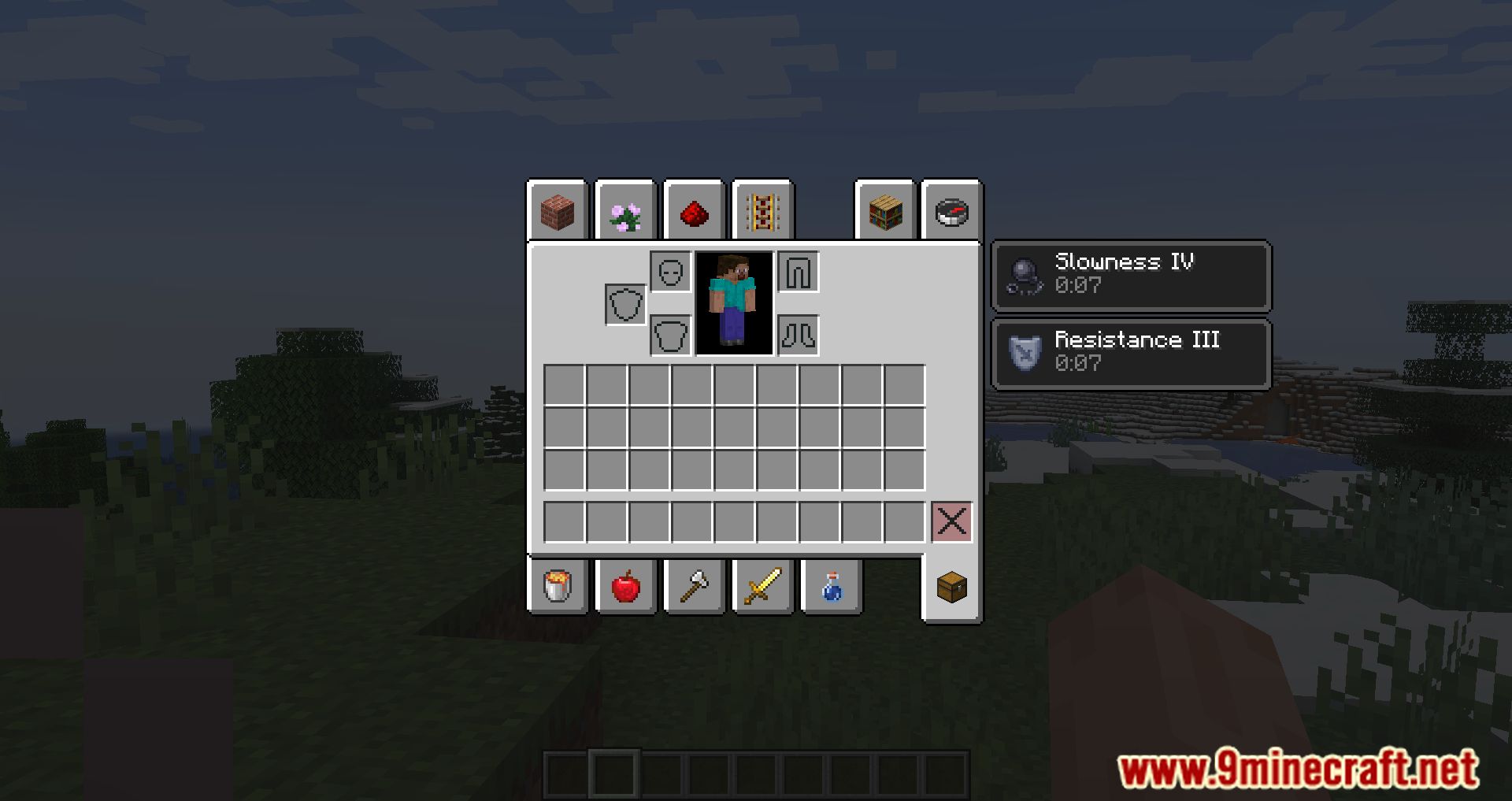
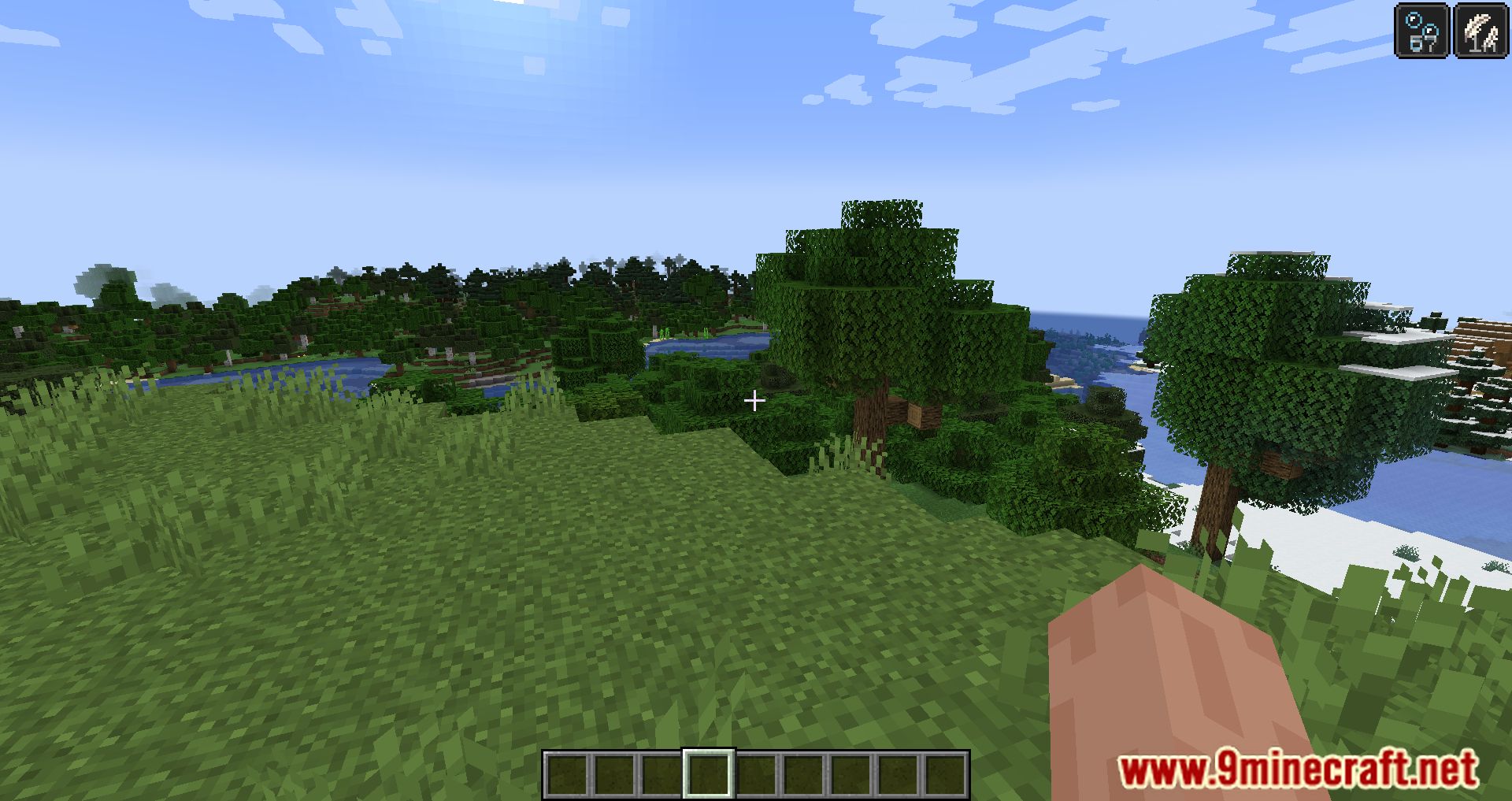
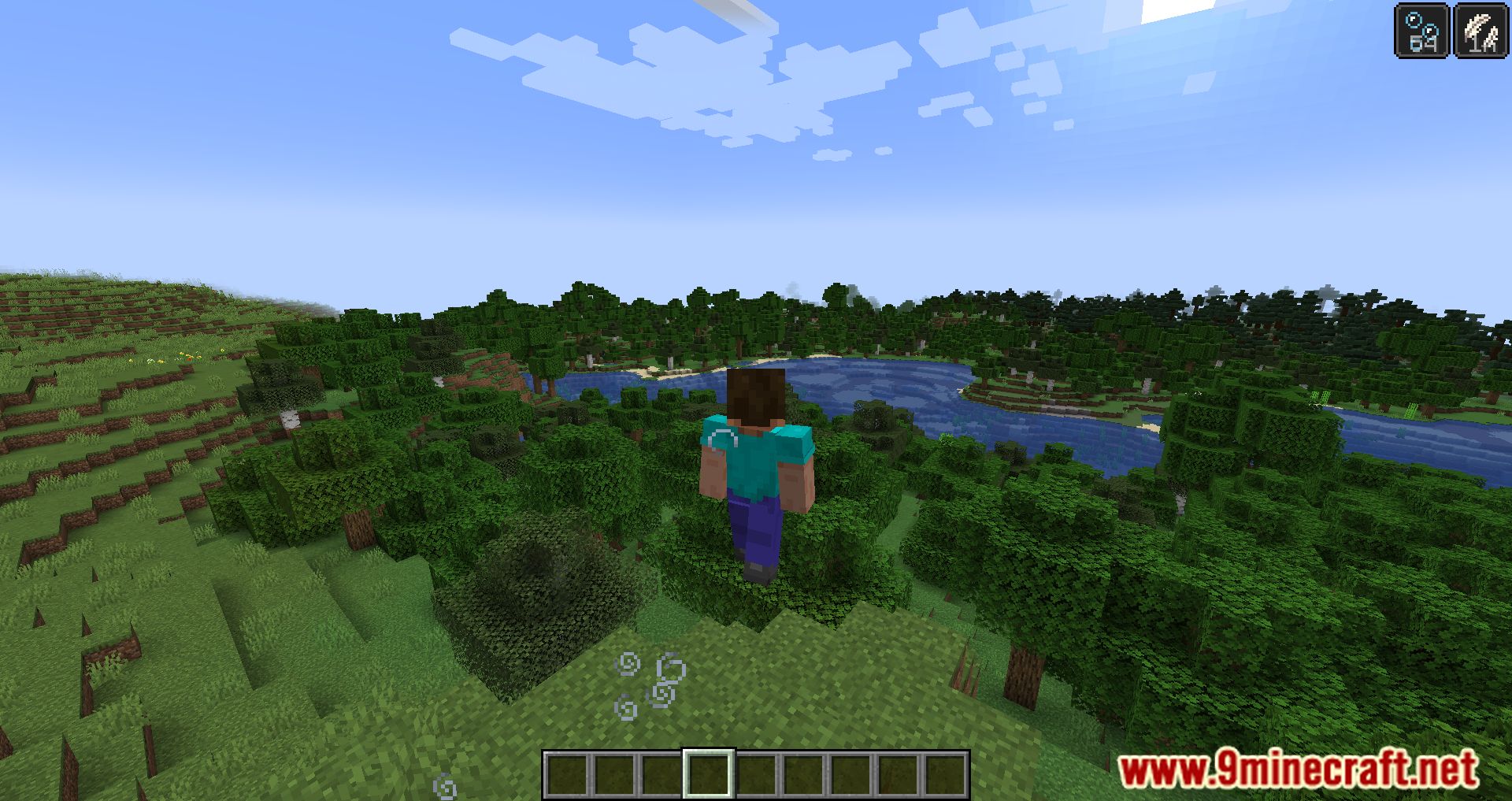
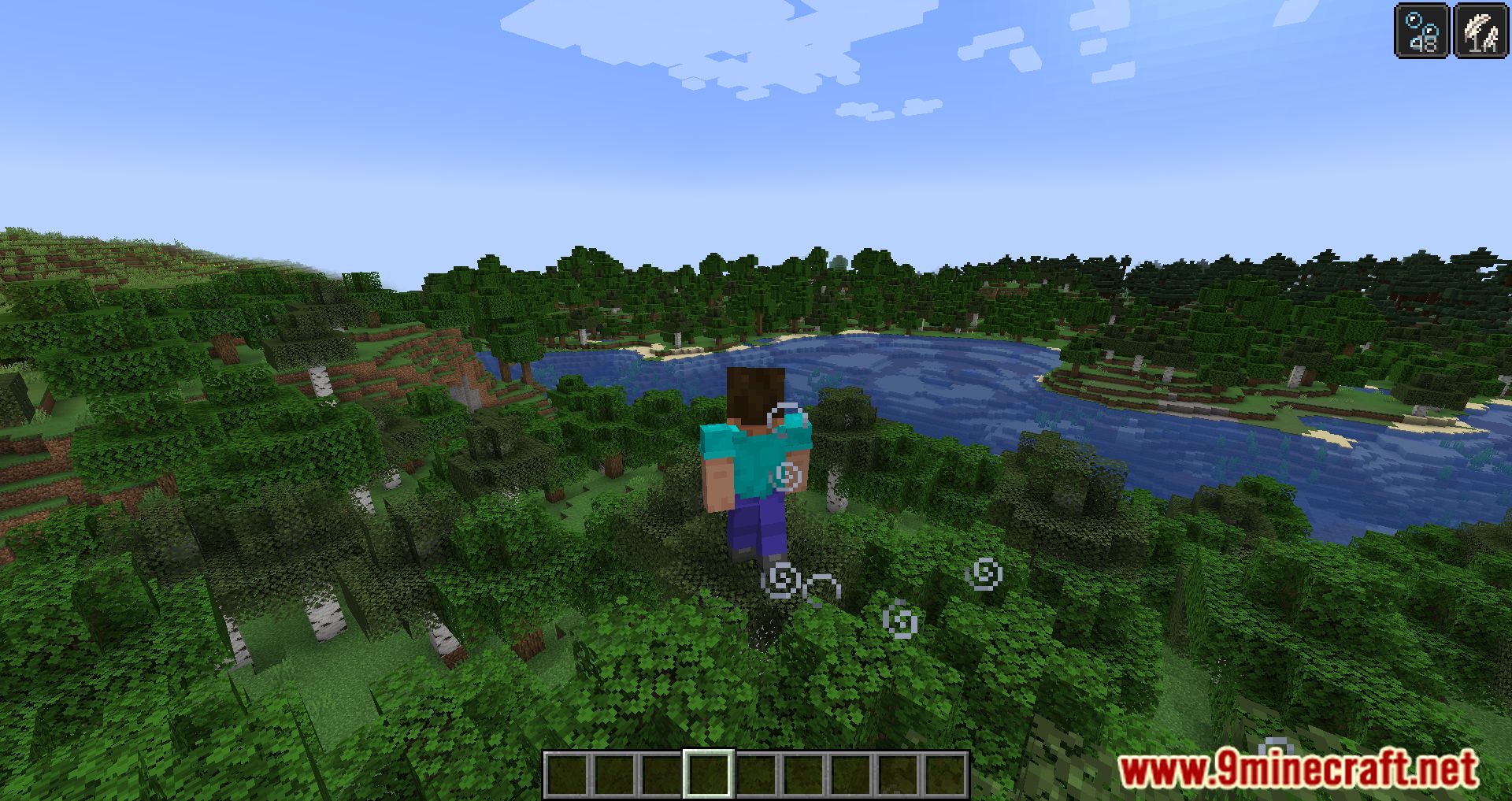
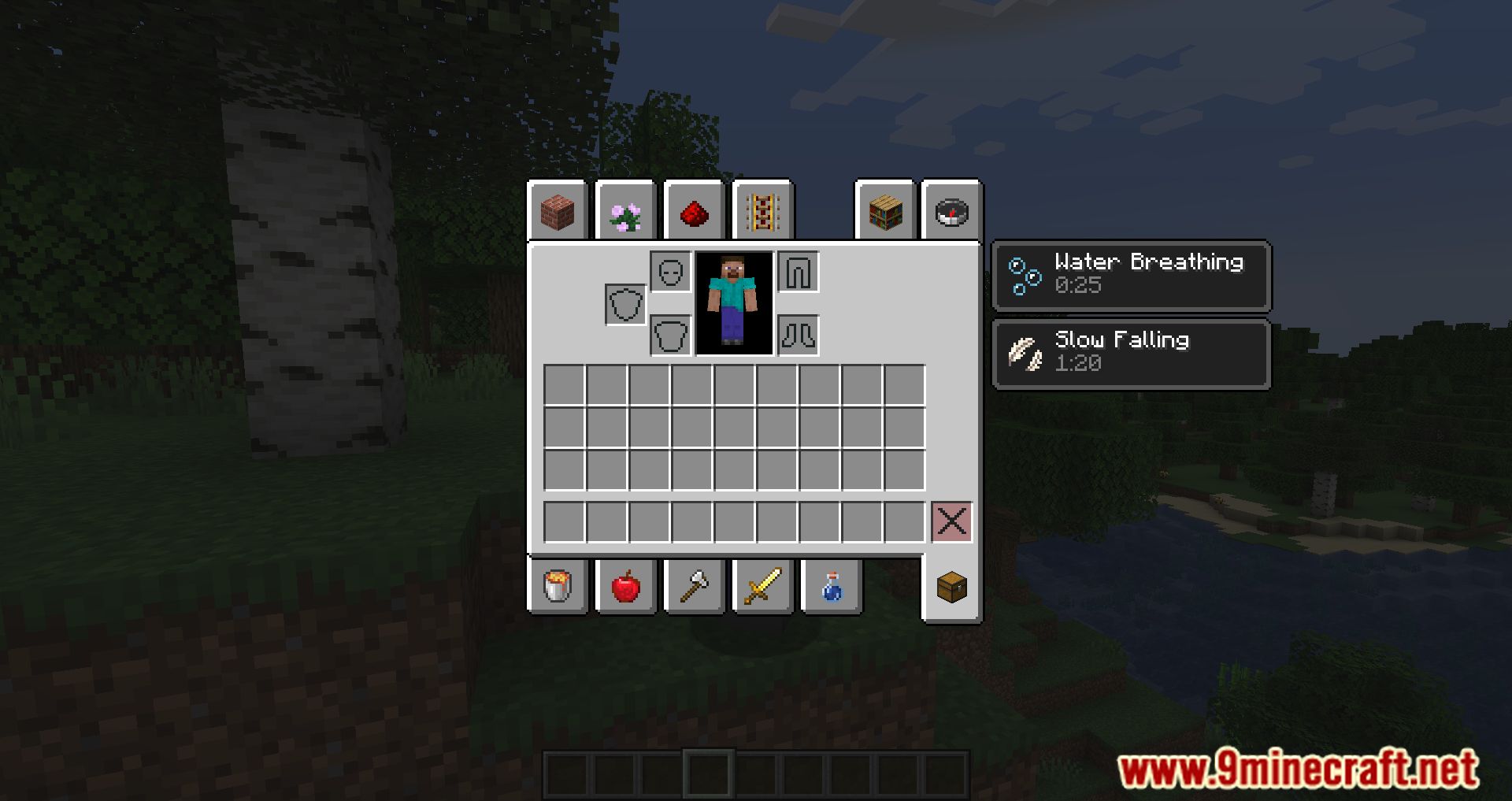
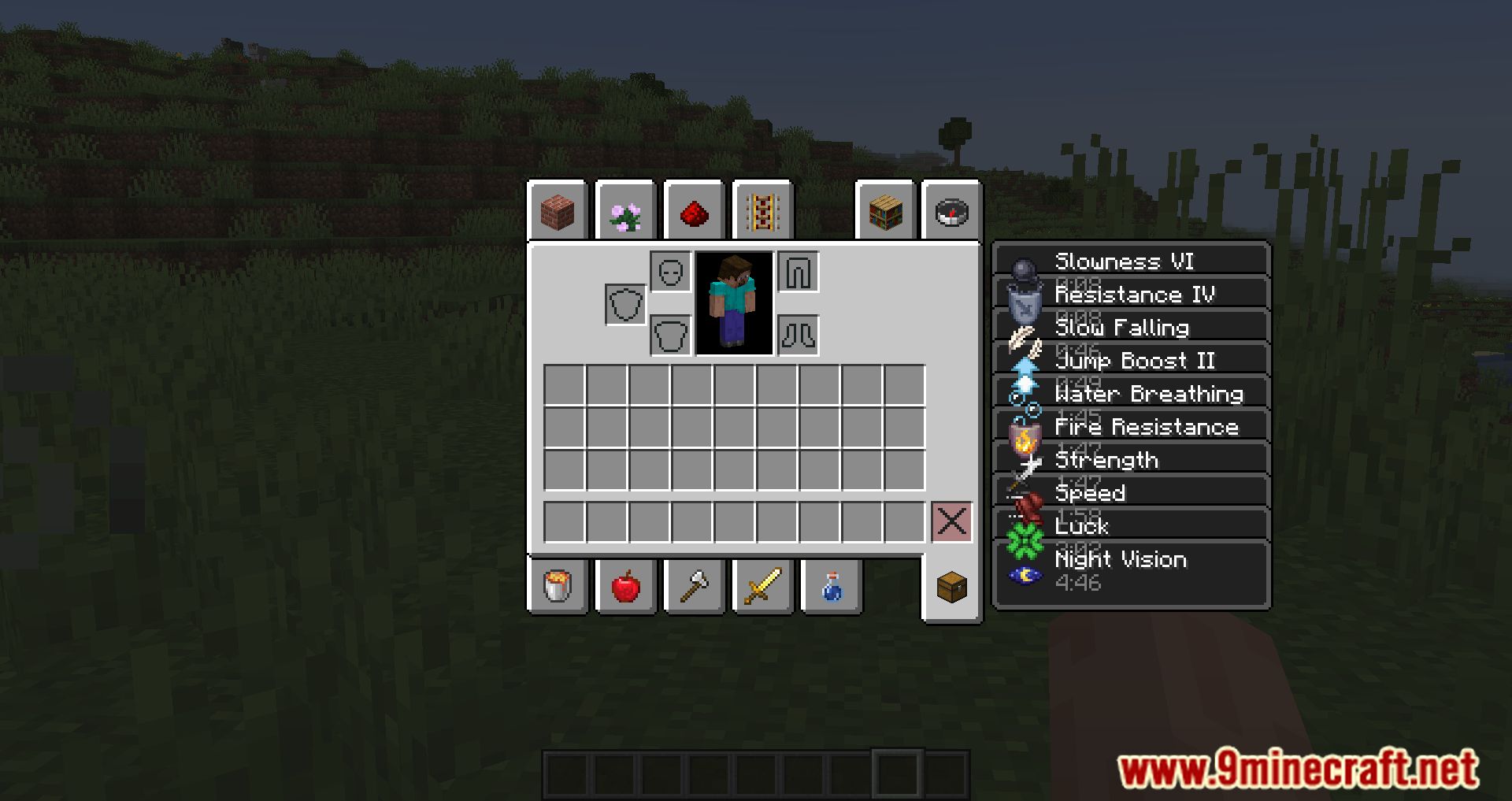
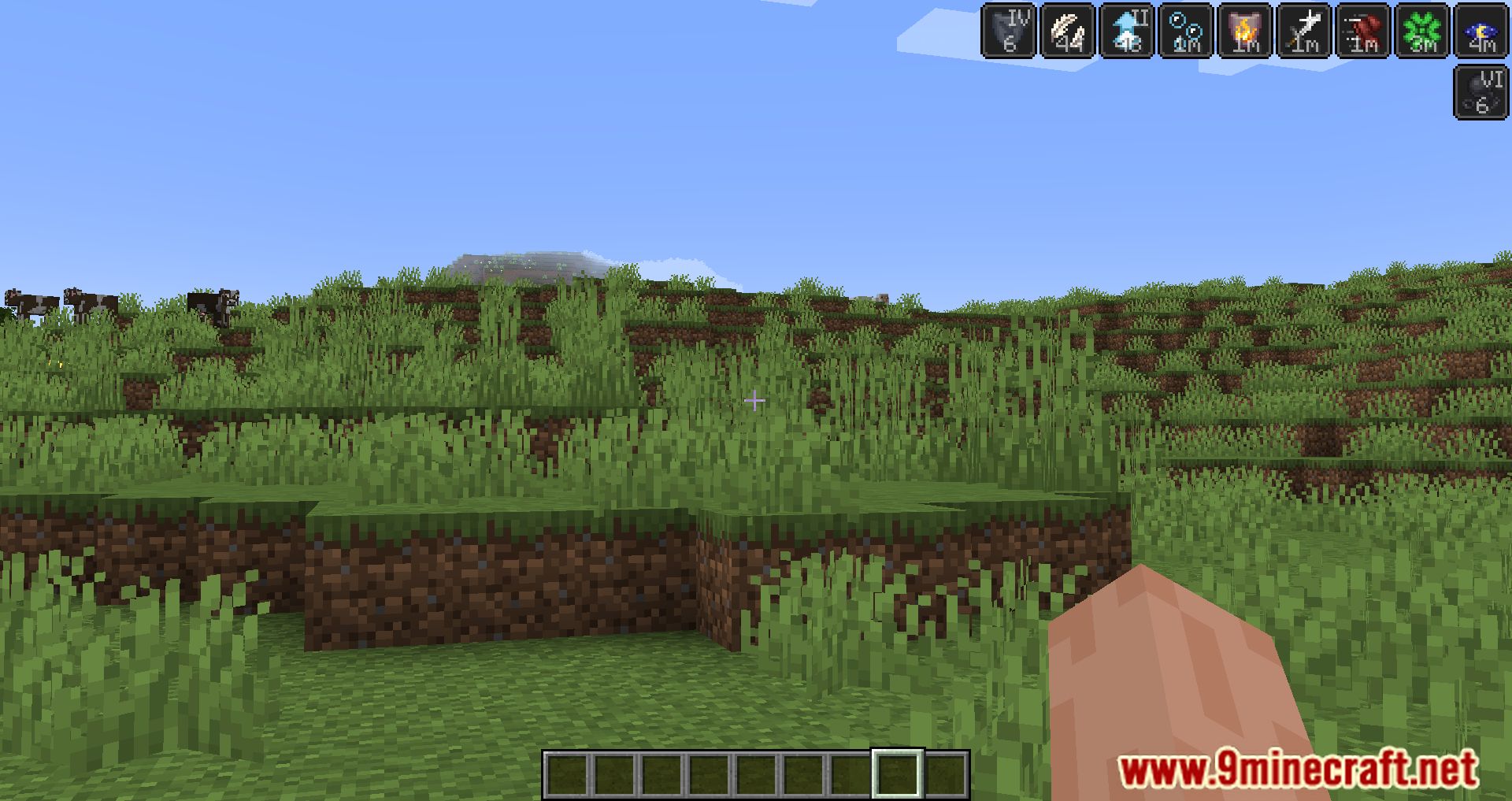
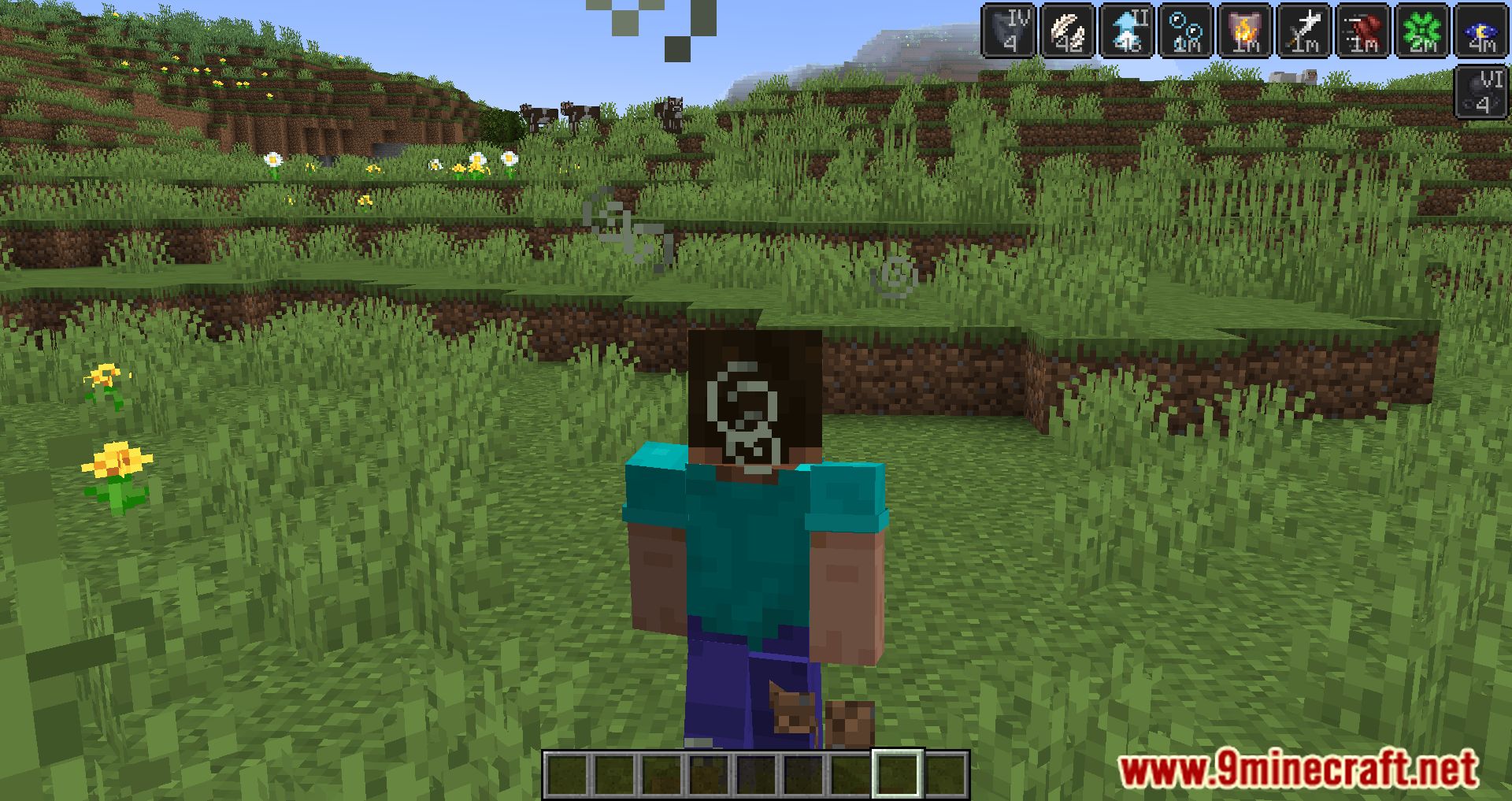
It adds a timer to the icons of status effects showing how much time is left before the effect wears off. This lets you see when an effect will end without opening the menu.
How does the mod display time for different effect durations?
It shows seconds for short effects, minutes (m) for effects over 60 seconds, and hours (h) for effects over 60 minutes. Infinite effects are marked with ∞.
Does the mod show the effect's level?
Yes, it shows the effect level right on the icon, such as "Haste II". This appears alongside the remaining time.
How are infinite-duration effects displayed?
Effects with infinite duration are marked with the ∞ symbol. This applies from version 1.19.4 onward.
See all 6 Status Effect Timer questions ›
Gallery
12 images from the Status Effect Timer Mod page.
You May Also Like
Wikis that share the most with this one
More mod wikis on the site
The most downloaded mods that have a wiki here
A few wikis from each of the other kinds