

 DownloadStash Tracker Mod
Get the files on 9Minecraft
Guides
Step-by-step, in-game.
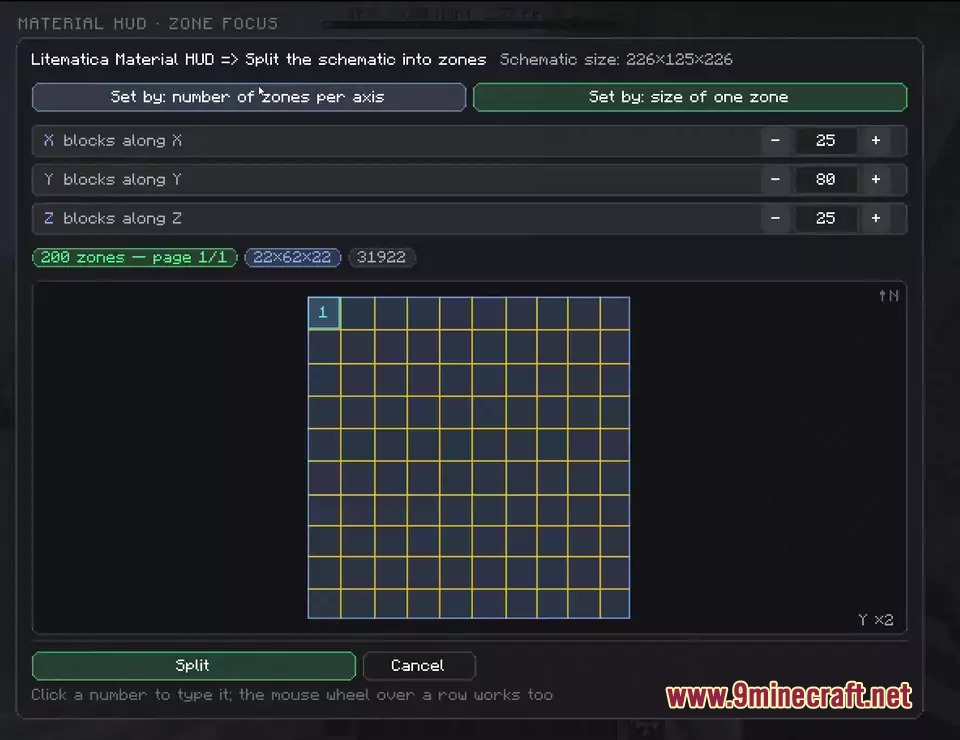
Break a Large Schematic into Smaller Building ZonesUse Zone Selection Tools Large schematics can feel overwhelming. Stash Tracker includes zone selection tools to…Find and Collect Missing Materials from Your ChestsLocate Your Stored Items When building from a schematic, use Stash Tracker to instantly find materials you've already…Prevent Mistakes When Placing Multi-Layer BlocksUnderstand Multi-Layer Block Challenges Some blocks stack in layers and can be placed incorrectly: candles, snow…Verify Your Build and Fix Placement MistakesCheck Block Placement Accuracy After placing blocks in your schematic layer, verify everything matches the design. 1.…
Frequently asked questions
How do I start using Stash Tracker after loading a schematic?
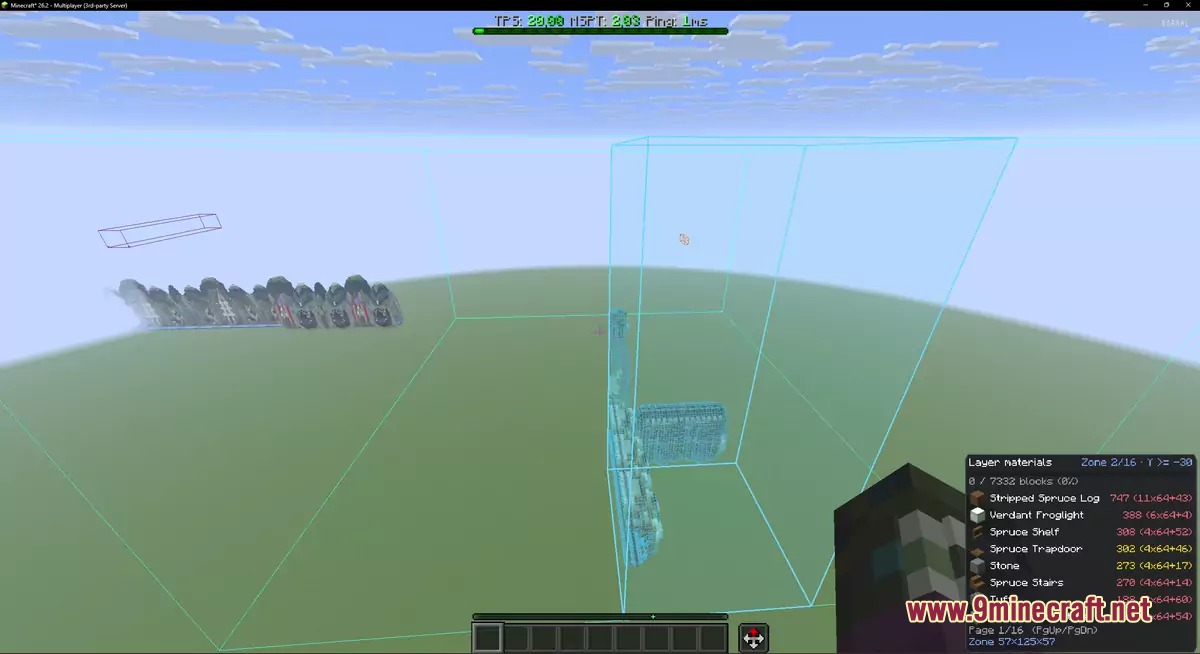
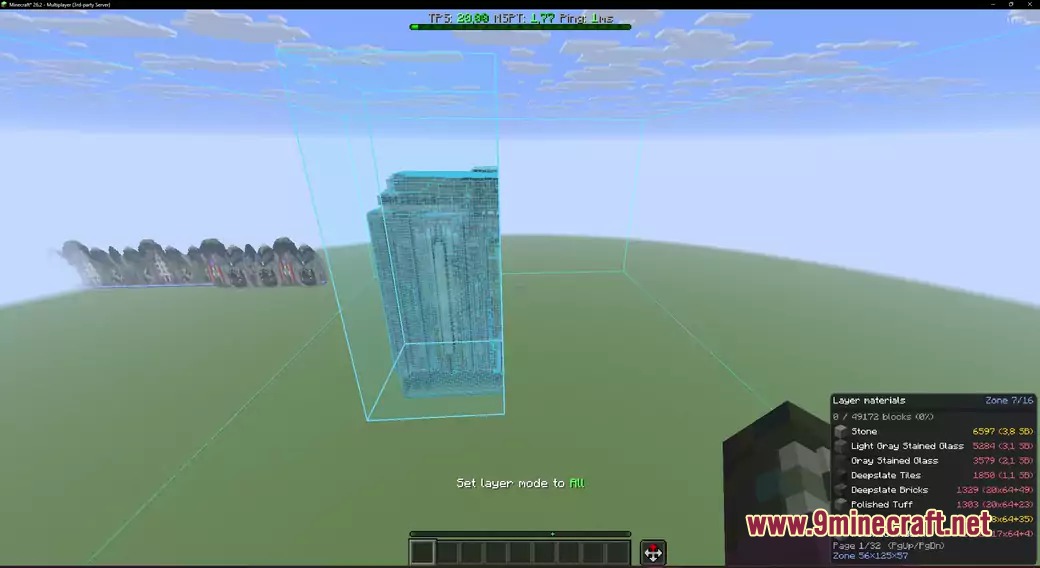
Load your schematic in Litematica, select your desired render layer mode, then press Y to open the material list HUD. This shows all blocks needed for that layer with live progress counts as you build.
Why isn't the mod showing items in my chests?
Stash Tracker only remembers containers you've opened or looked at with an item frame. Open each chest, barrel, or shulker box once so the mod can scan and track its contents.
How do I find which chest has the blocks I need?
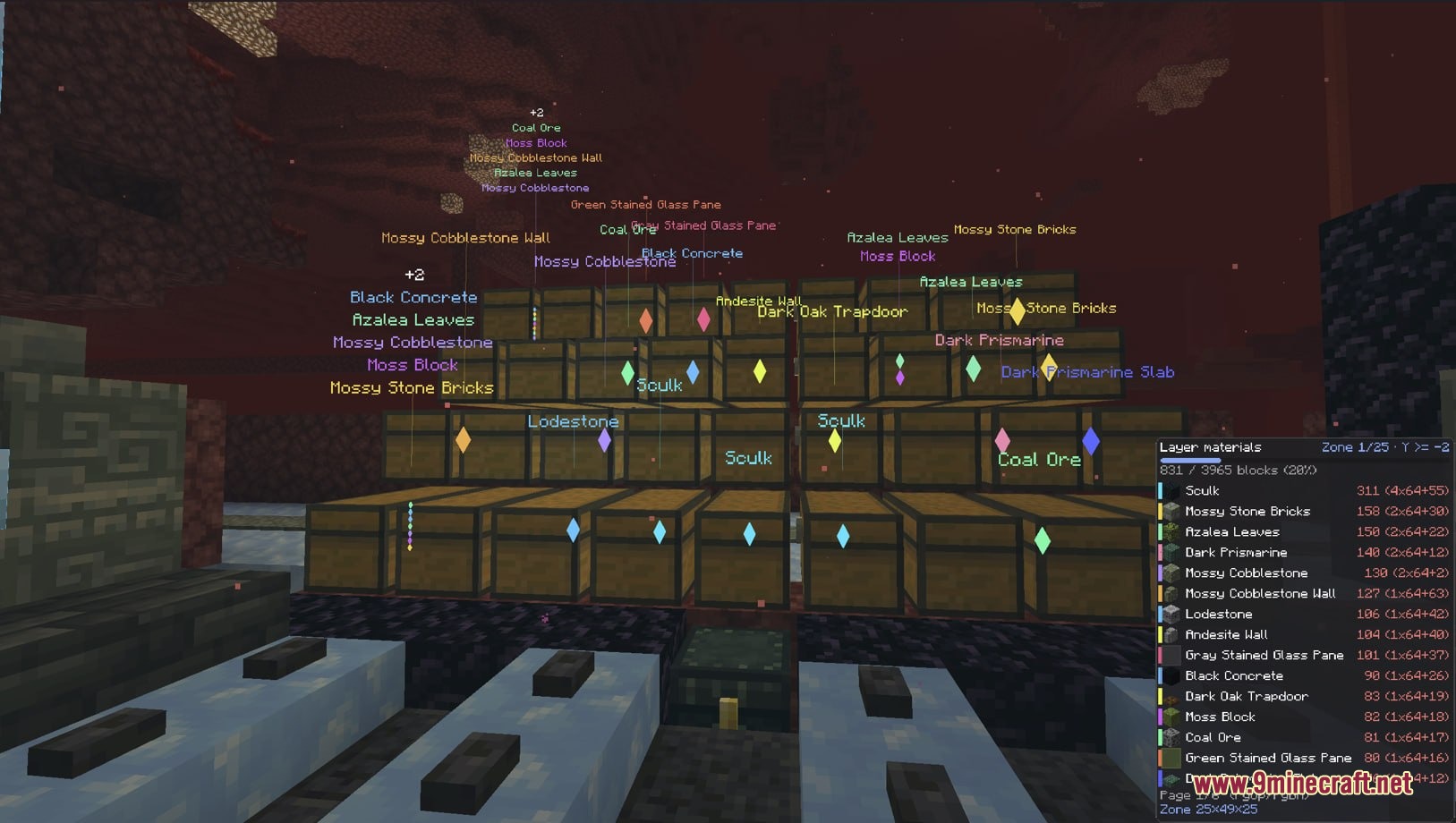
Press U to highlight all nearby storage containers holding materials for your current layer—they'll glow with matching colors visible through walls. Open the highlighted containers to see glowing item slots you can grab directly.
Can I use this mod on multiplayer servers?
Yes, Stash Tracker remembers container contents across worlds and servers, so your chest data persists when you switch between them.
See all 10 Stash Tracker questions ›
Gallery
6 images from the Stash Tracker Mod page.
You May Also Like
Wikis that share the most with this one
Wikis on the same theme: chest
More mod wikis on the site
The most downloaded mods that have a wiki here
A few wikis from each of the other kinds