

 DownloadStarHUD Mod
Get the files on 9Minecraft
Guides
Step-by-step, in-game.
Create a Minimalist HUD Setup That Doesn't Clutter Your ScreenPlan Your Essential Information Decide which HUD elements you actually need during gameplay. Most players benefit…Display Your Coordinates Without Opening F3Enable the Coordinates HUD Element StarHUD lets you see your X, Y, and Z position at all times without cluttering…Monitor Your FPS and Performance in Real-TimeAdd the FPS Counter to Your HUD Instead of pressing F3 to check your frame rate, StarHUD can display FPS…Show Your Current Biome and Dimension InformationEnable Biome and Dimension Display Know exactly where you are without opening debug screens. 1. Open the HUD…
Frequently asked questions
How do I open the StarHUD config screen?
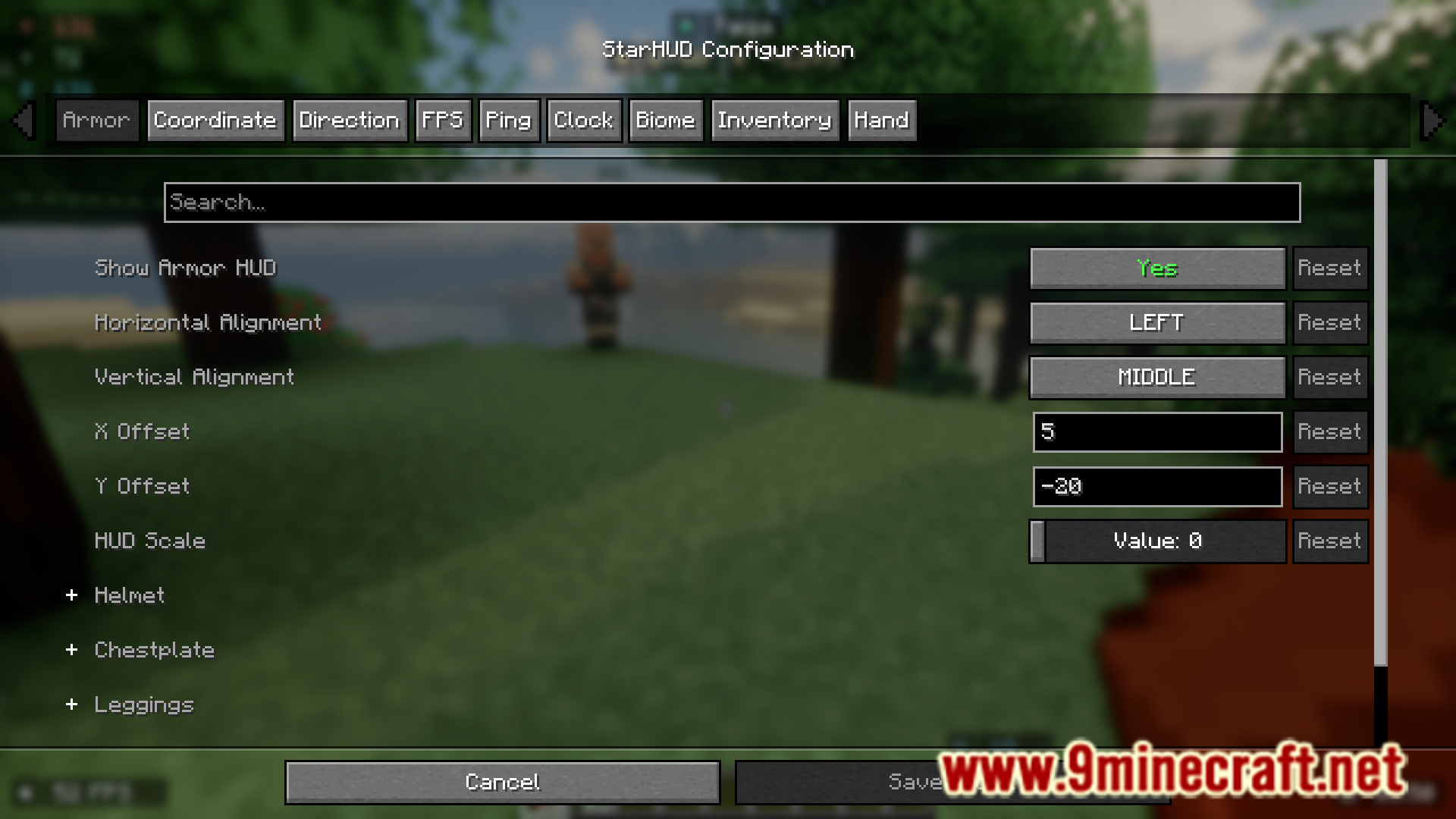
Press the config key (default is usually a specific key you can rebind in controls) to open the HUD configuration menu, where you can toggle individual elements on/off and adjust their positions.
Can I move HUD elements around the screen?
Yes, in the config menu you can click and drag each HUD element to reposition it anywhere on your screen, and changes save automatically.
How do I show only coordinates without the F3 screen?
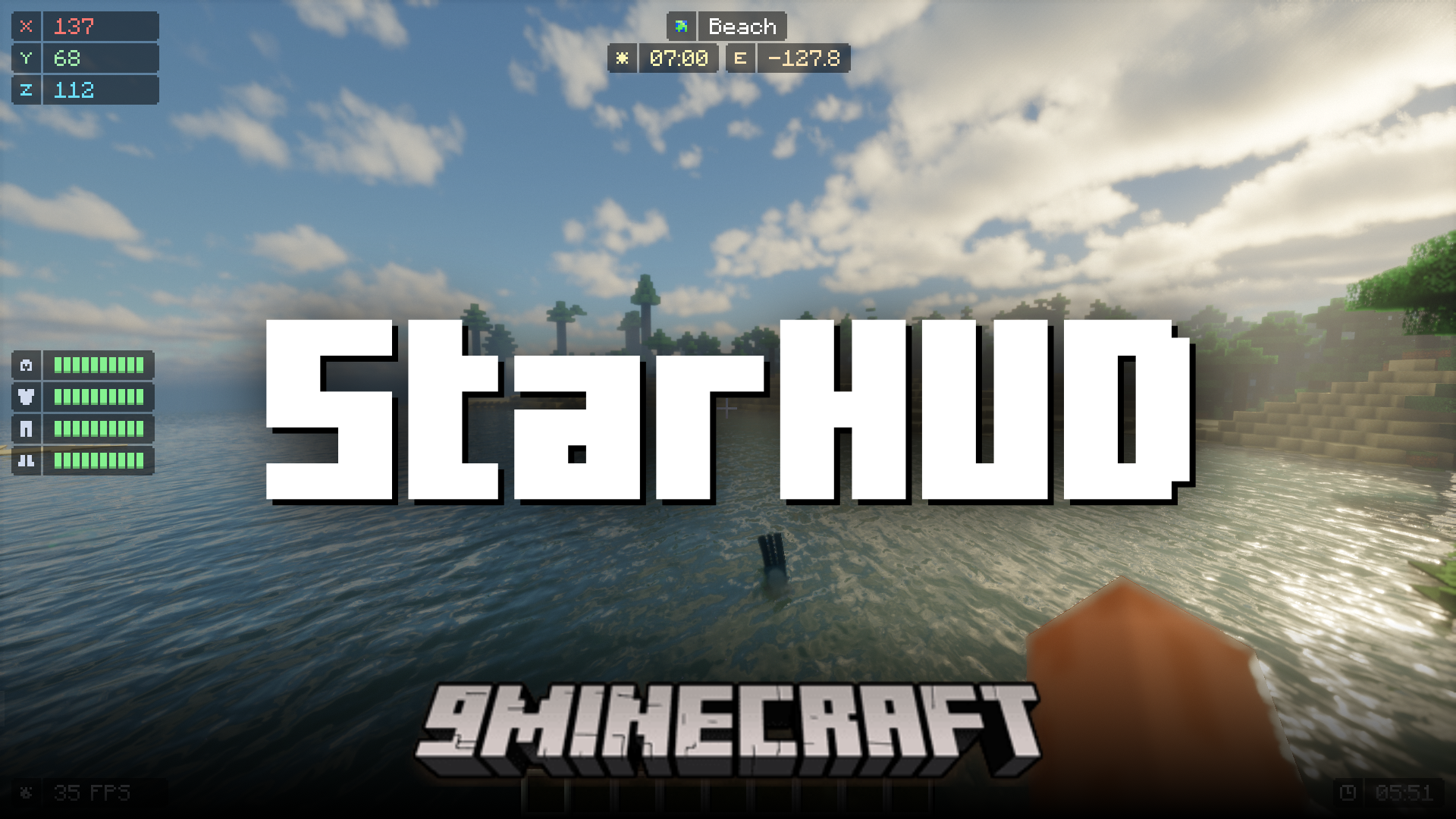
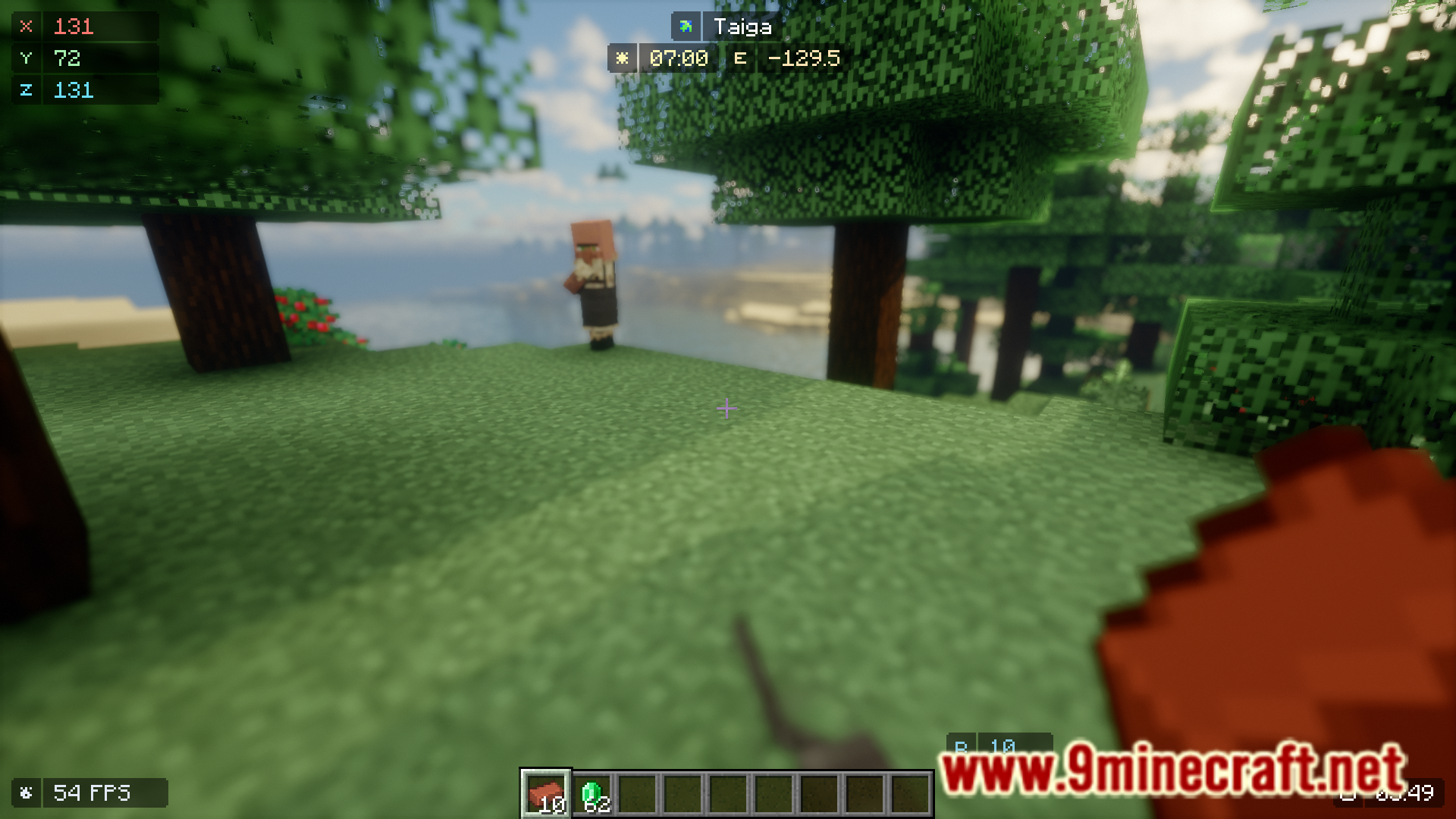
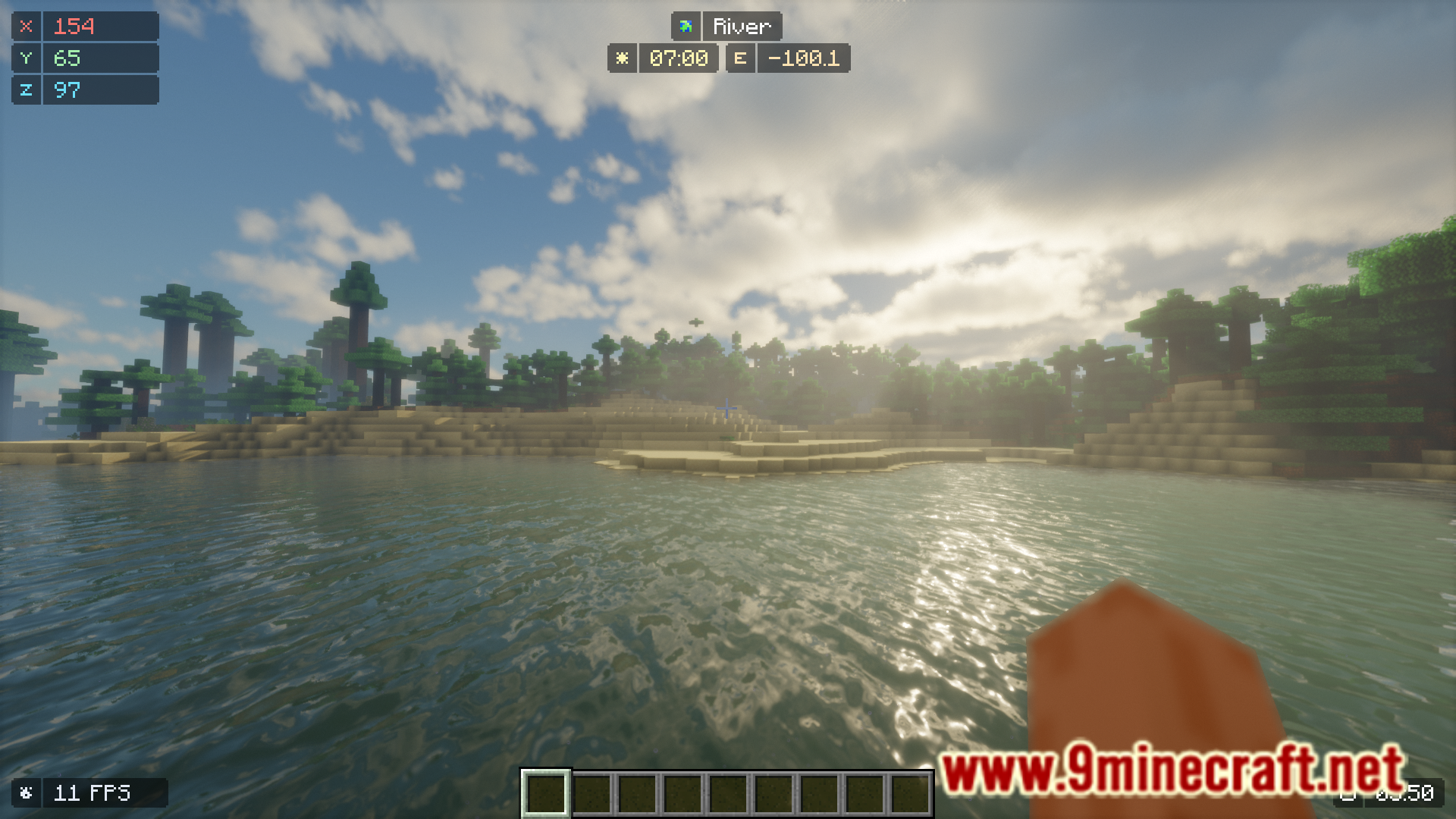
Enable the Coordinates HUD element in the config menu—it displays your X, Y, Z position in a compact format without opening the full F3 overlay.
Why is my FPS counter showing but it looks wrong?
Make sure you've enabled the FPS element in the config and that it's not positioned off-screen; you can also check if another mod is conflicting with performance monitoring.
See all 10 StarHUD questions ›
Gallery
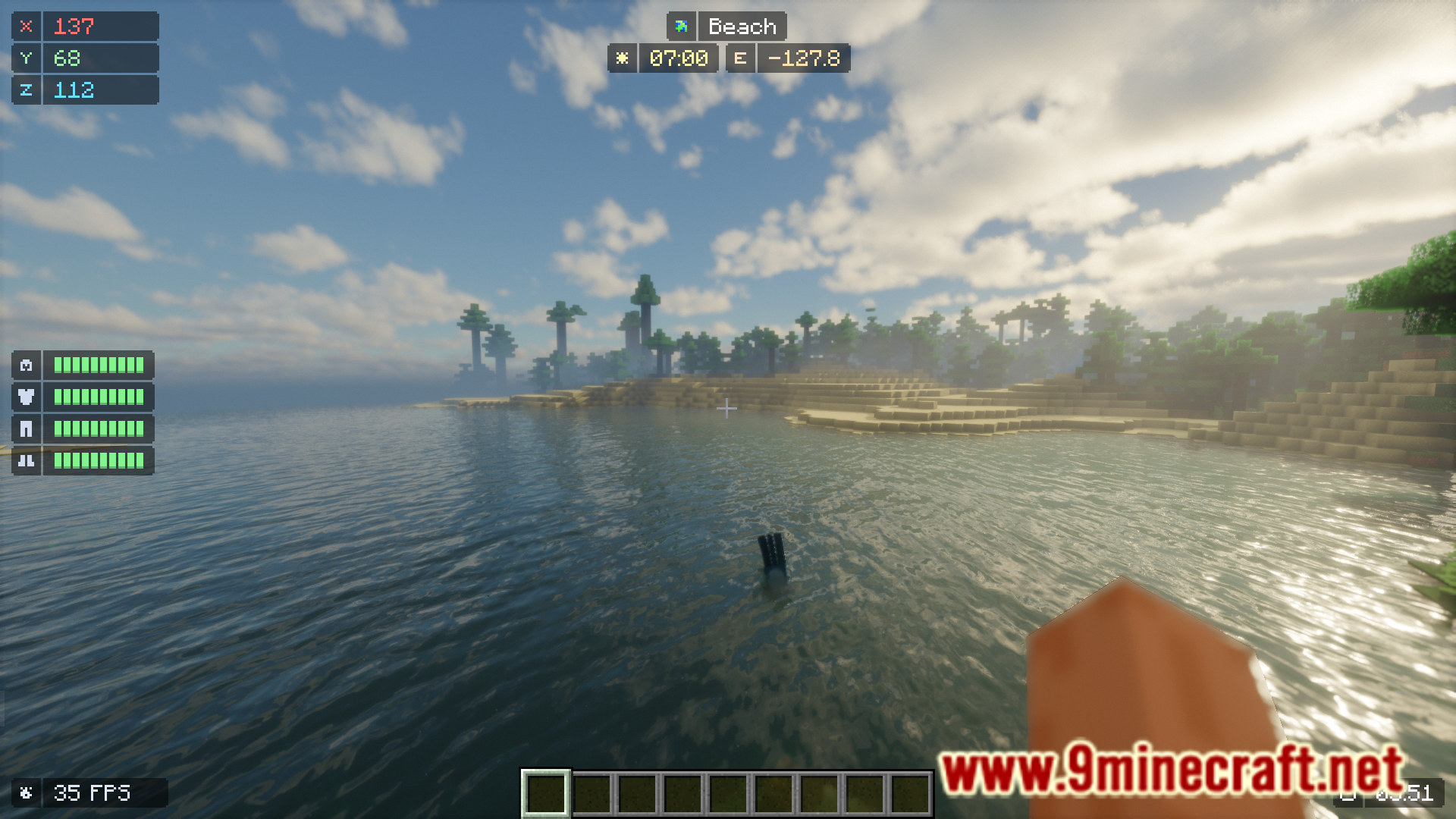
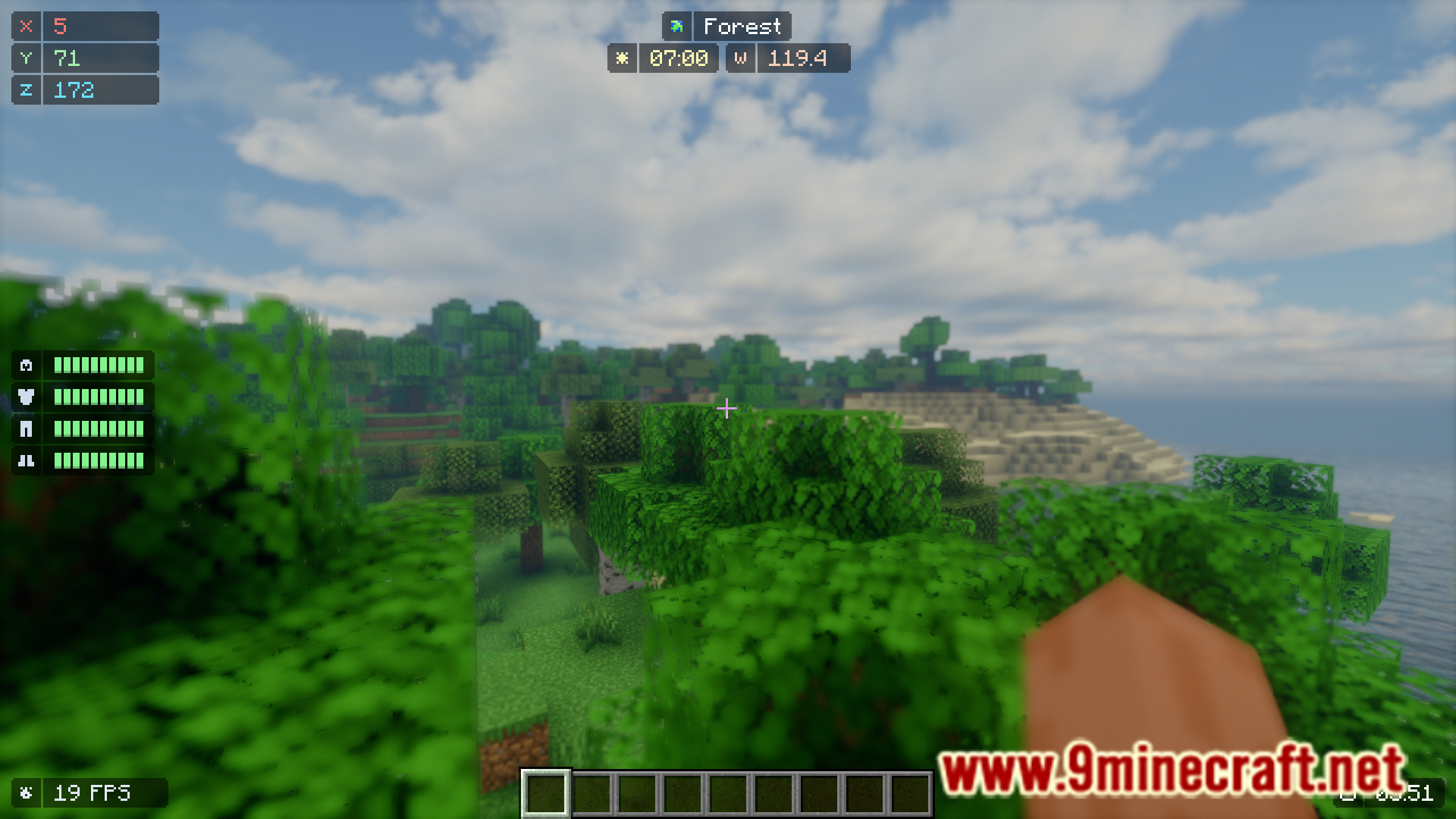
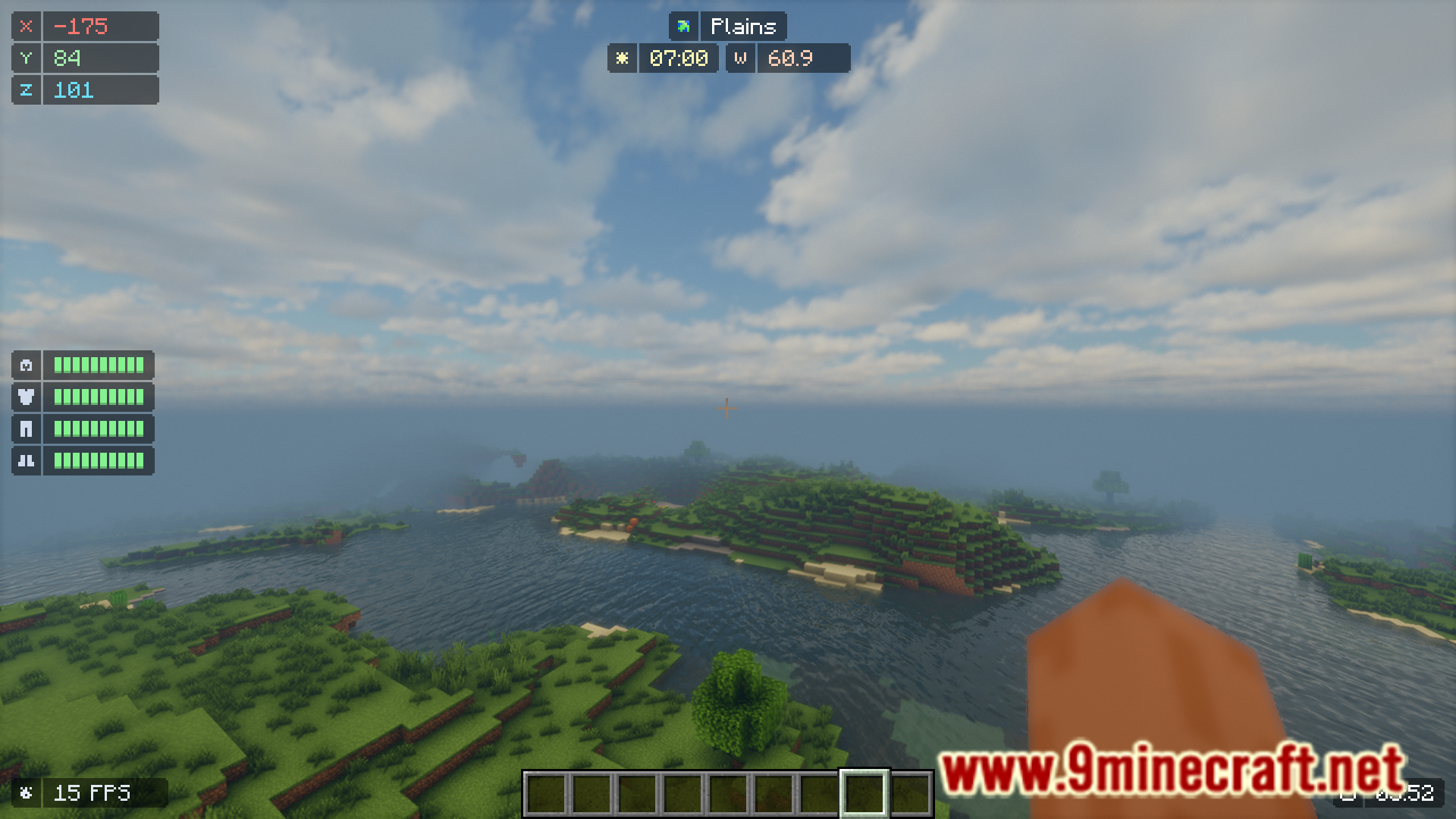
7 images from the Starhud Mod page.
You May Also Like
Wikis that share the most with this one
 Stargate Journey More Gates Addon Mod
More mod wikis on the site
The most downloaded mods that have a wiki here
A few wikis from each of the other kinds