

 DownloadStartup Time Mod
Get the files on 9Minecraft
Guides
Step-by-step, in-game.
How to Read Your Minecraft Startup Time ReportWhere the Number Appears Once Minecraft finishes loading and you reach the main menu, the Startup Time Mod prints the…Reducing Your Minecraft Load Time Using Startup Time FeedbackUse the Number as Your Guide You cannot optimize what you do not measure. Launch the game, note the startup time the…Tracking Startup Time Changes Across Modpack UpdatesWhy Track Over Time When you update a modpack or add several mods at once, startup time can creep upward without you…Using Startup Time to Measure the Impact of a New ModEstablish a Baseline First Before adding the mod you want to test, launch the game and record the startup time the…
Frequently asked questions
How do I see my startup time after the game loads?
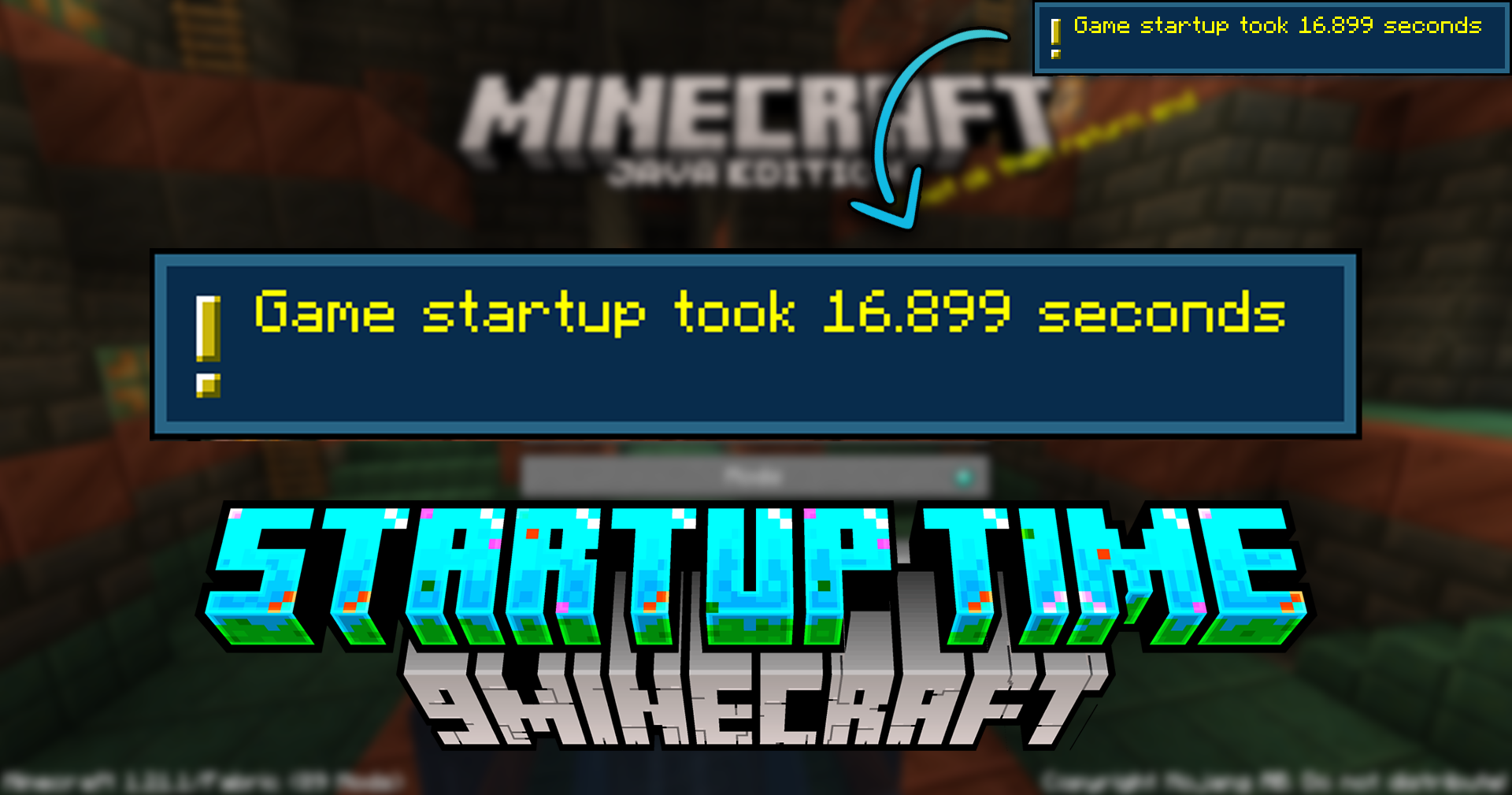
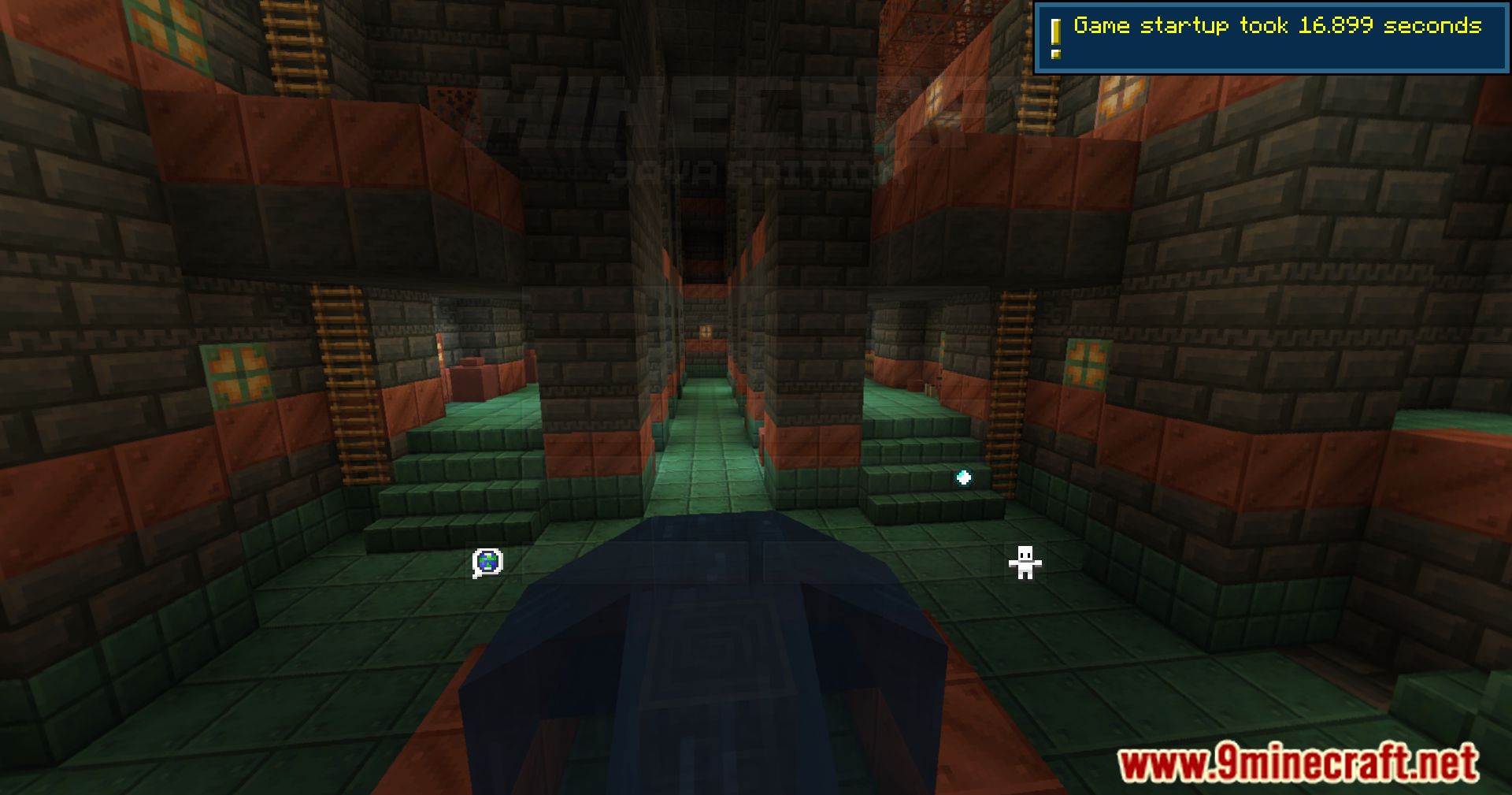
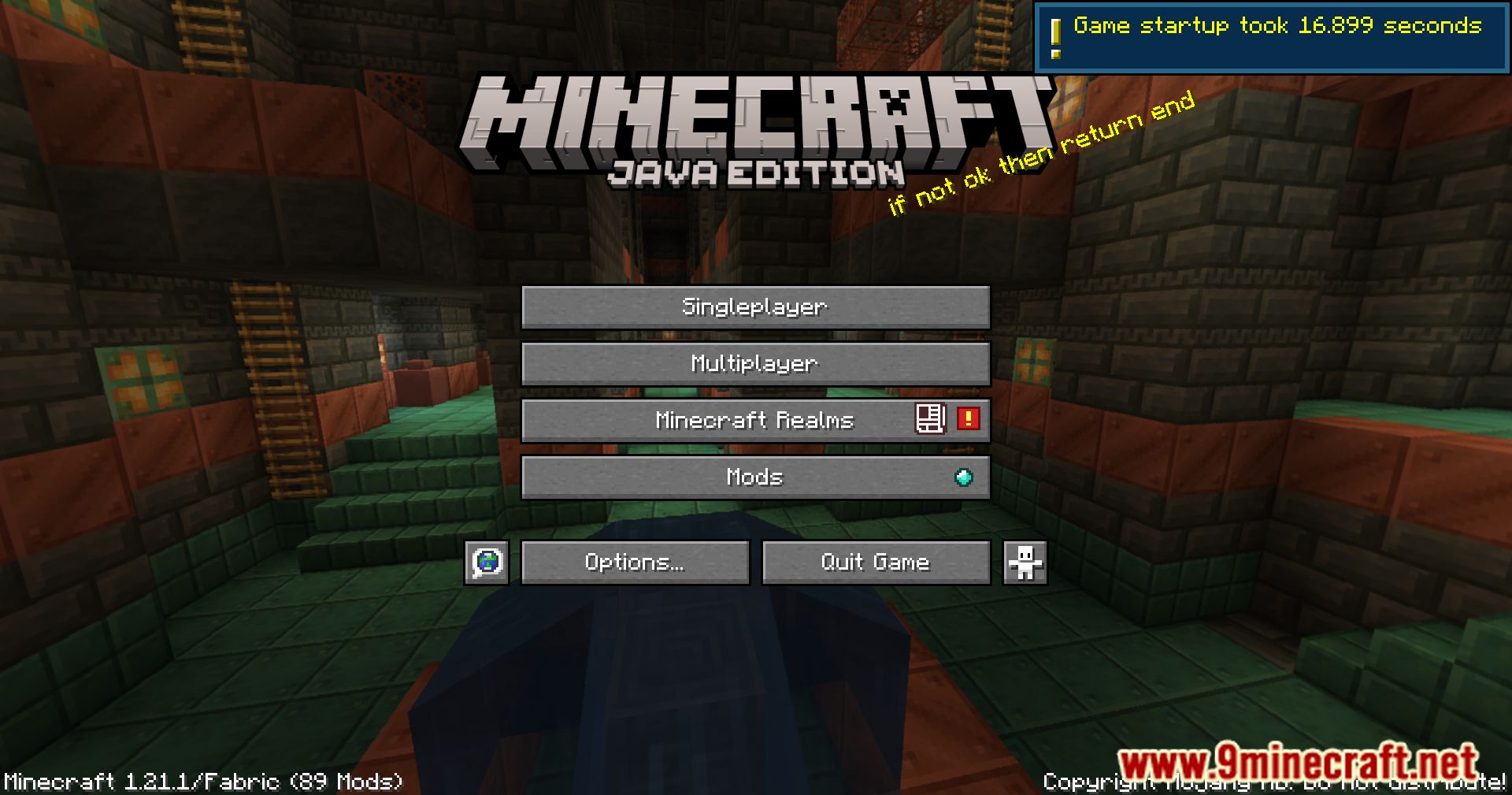
Once Minecraft finishes loading and you reach the main menu, the mod automatically displays the total startup time. You don't need to press anything — the result appears on screen or in chat depending on your setup.
Where does the startup time message appear?
The mod shows the total load time once loading completes, typically as an on-screen message or chat notification. If you missed it, check your log file, where the mod also records the result.
Does the timer start when I click Play or when the game window opens?
The timer measures the game's loading process itself, from early startup through to the main menu being ready. It does not include time you spend sitting on the launcher before launching.
Why is my startup time different every time I launch?
Load times vary due to disk caching, background programs, and how much of the game is already cached in memory. The first launch after a restart is usually slower than subsequent ones.
See all 10 Startup Time questions ›
Gallery
9 images from the Startup Time Mod page.

You May Also Like
Wikis that share the most with this one
More mod wikis on the site
The most downloaded mods that have a wiki here
A few wikis from each of the other kinds