

 DownloadContent Creator Server Status Mod
Get the files on 9Minecraft
Guides
Step-by-step, in-game.
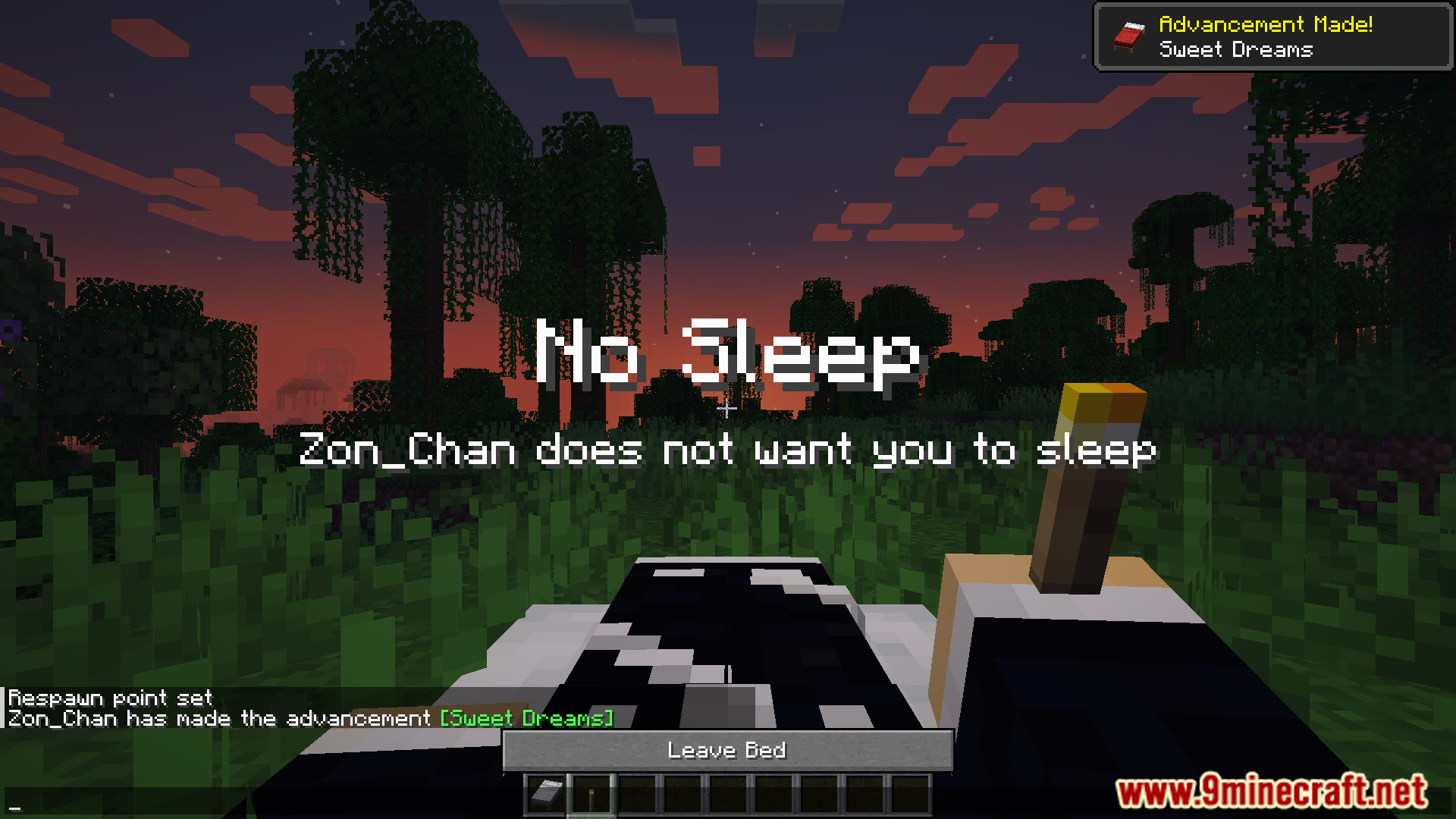
Keep Your Status Between Server SessionsUnderstanding Status Persistence By default, your status resets each time you leave and rejoin the server. If you…Prevent Others From Skipping the NightUsing the Additional Status Settings Press U and look for the additional settings section of your status menu. This…Set Your Availability StatusOpening the Status Menu Press U to open your status interface. This is your main hub for communicating with other…Tell Others You're Recording or StreamingAccessing Base Status Options Press U to open your status menu. The base status section is where you communicate what…
Frequently asked questions
How do I open the status menu?
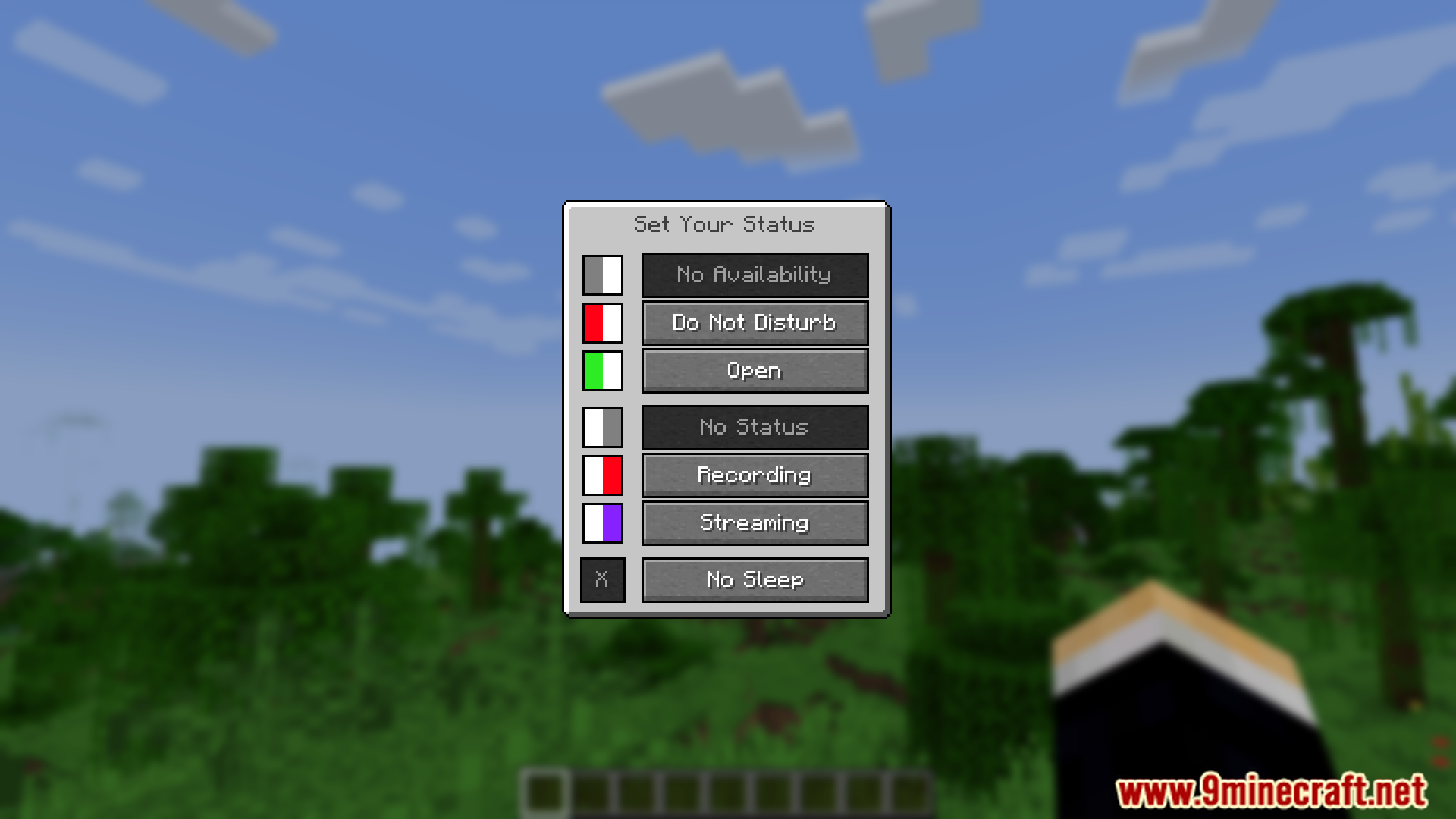
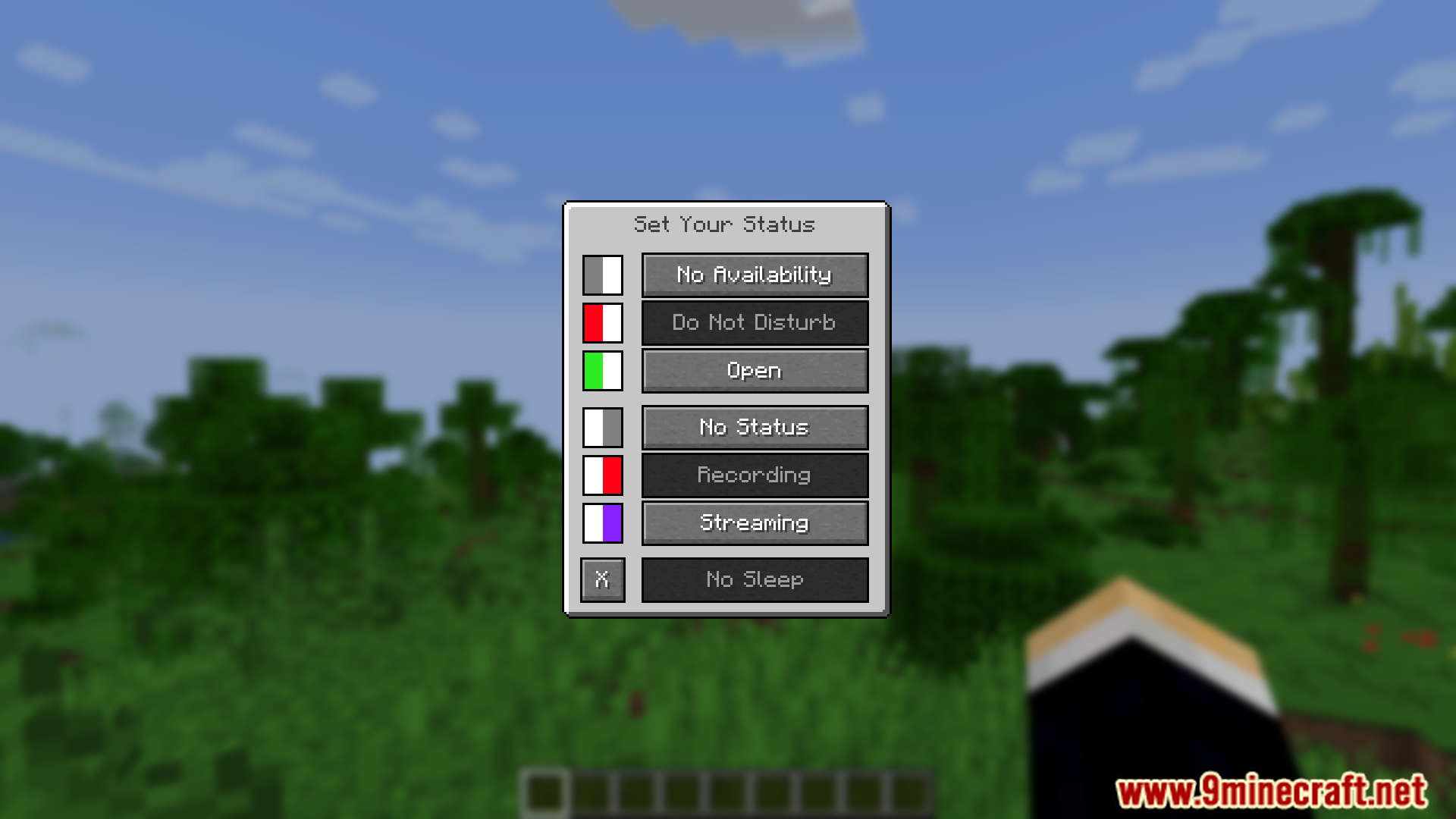
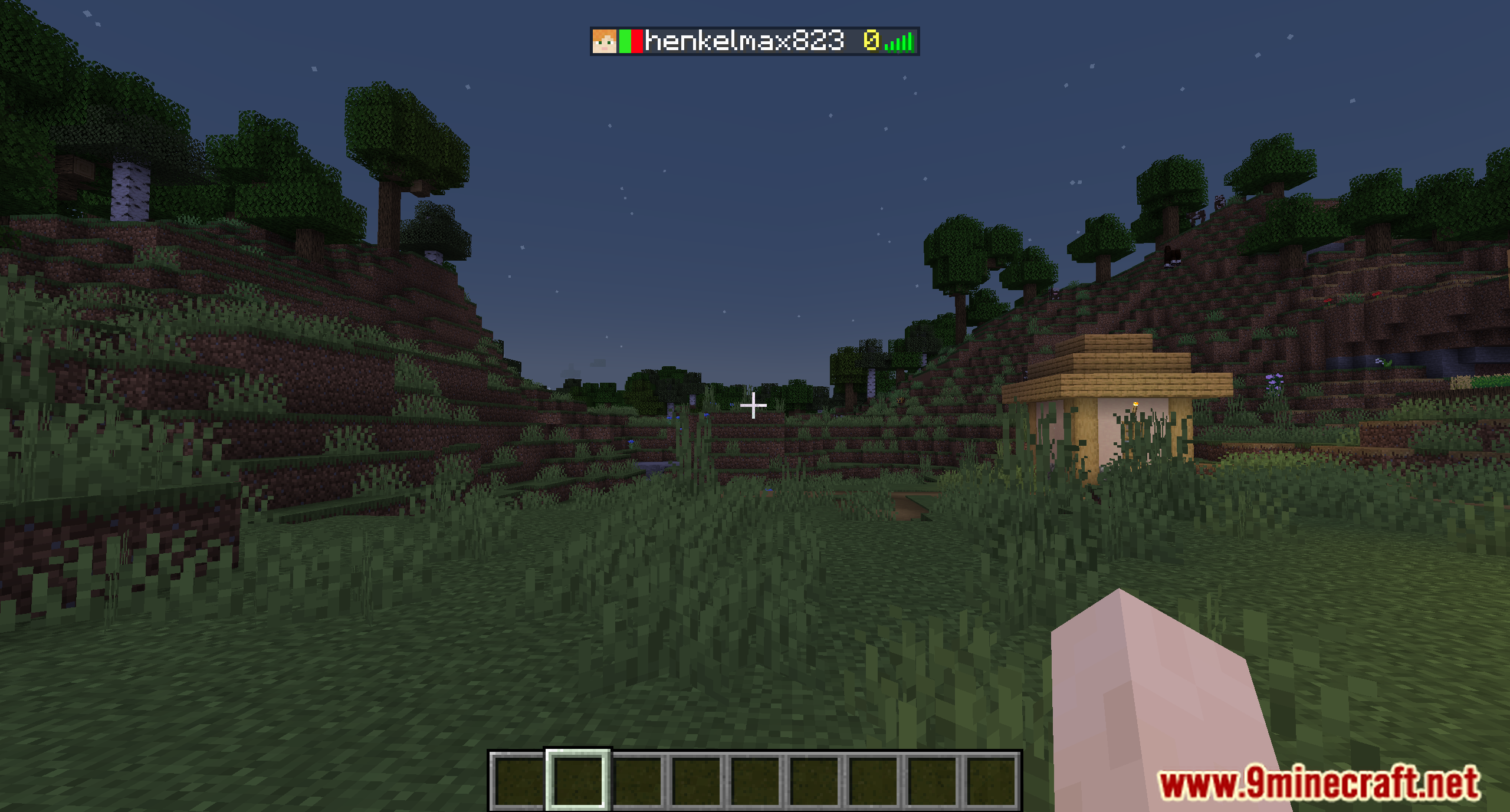
Press the U key to open your status menu. From there you can set your availability, recording status, streaming status, and other options.
What's the difference between availability and base status?
Availability tells others if you're busy or open to interaction (like whether you want to be disturbed), while base status communicates what you're actively doing (recording, streaming, or neither).
Can I hide my status from other players?
Yes—the mod includes a "don't want to get disturbed" option in the availability section, which signals to others that you prefer not to be bothered.
See all 10 Content Creator Server Status questions ›
Gallery
7 images from the Content Creator Server Status Mod page.
You May Also Like
Wikis that share the most with this one
More mod wikis on the site
The most downloaded mods that have a wiki here
A few wikis from each of the other kinds