

 DownloadStatus Effect Bars Mod
Get the files on 9Minecraft
Guides
Step-by-step, in-game.
How to Compare Multiple Active Effects at a GlanceReading Several Bars at Once When you have many effects active, the icons stack in the top-right corner, each with…How to Read the Status Effect Duration BarsWhere the Bars Appear Once the mod is installed, every active status effect you have shows a small horizontal bar.…How to Track Potion Durations Without Opening Your InventoryThe Problem the Mod Solves Vanilla Minecraft shows effect icons in the top-right corner, but those icons never tell…How to Use the Bars to Time Potion RefreshesTiming Your Next Drink Wasting potions by drinking too early is common. A Simple Routine 1. After drinking a potion,…
Frequently asked questions
How do I turn on the status effect duration bars?
Why aren't the bars showing up on my effect icons?
Make sure you actually have an active status effect; the bars only render alongside effects that are currently applied. If you're using other HUD mods, they may be drawing over the effect icons and hiding the bars.
Do the bars show up in my inventory too?
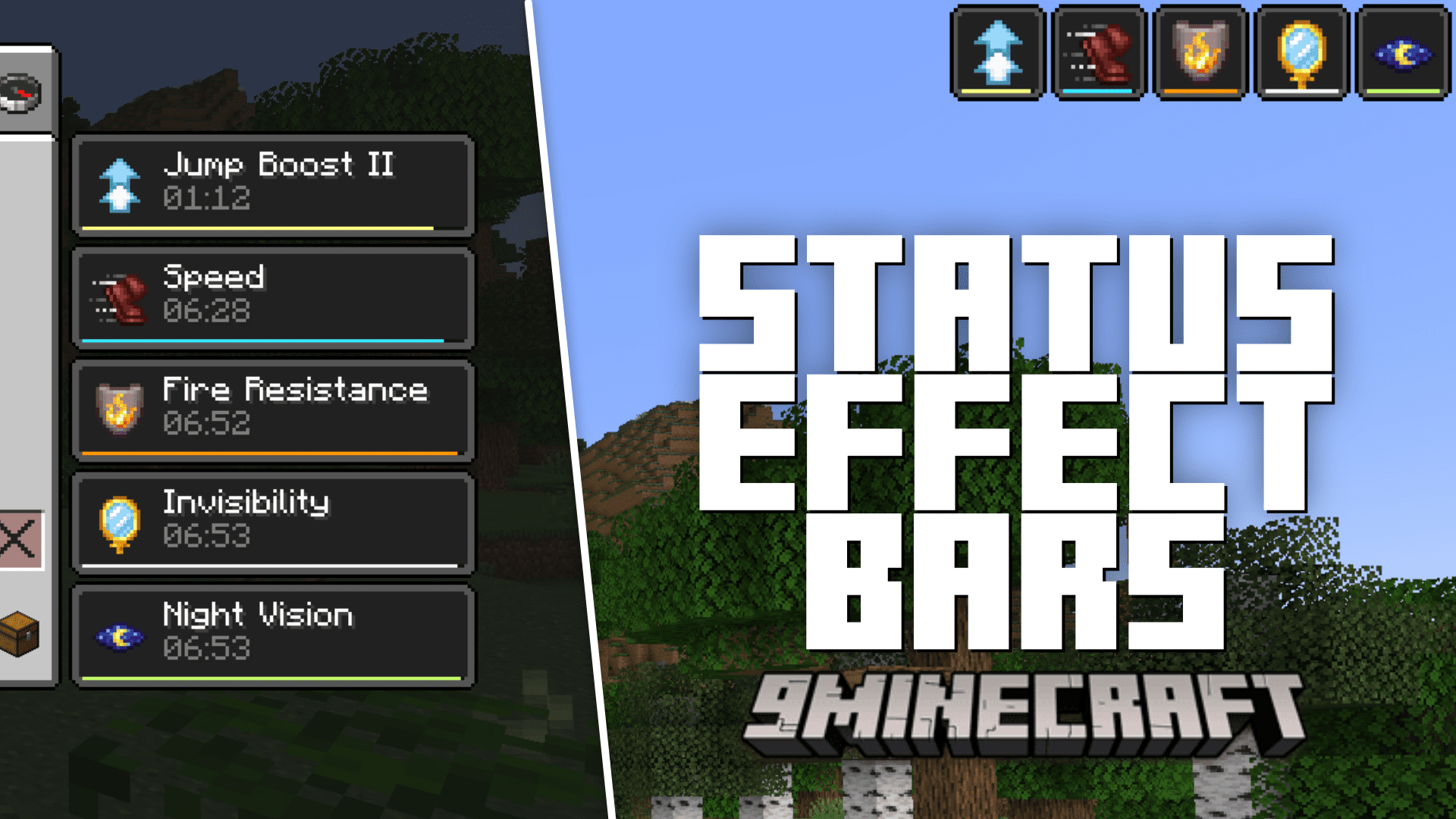
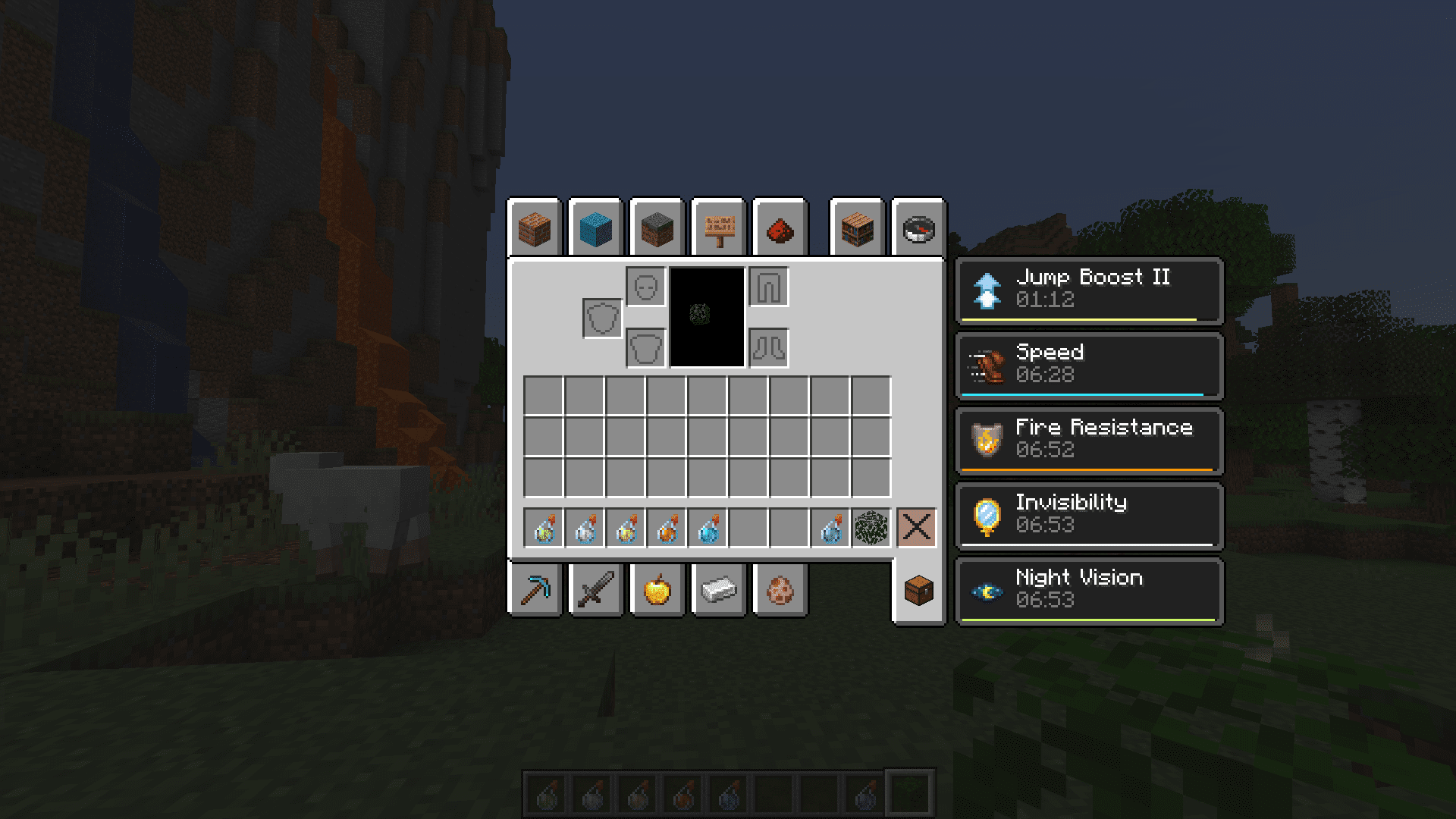
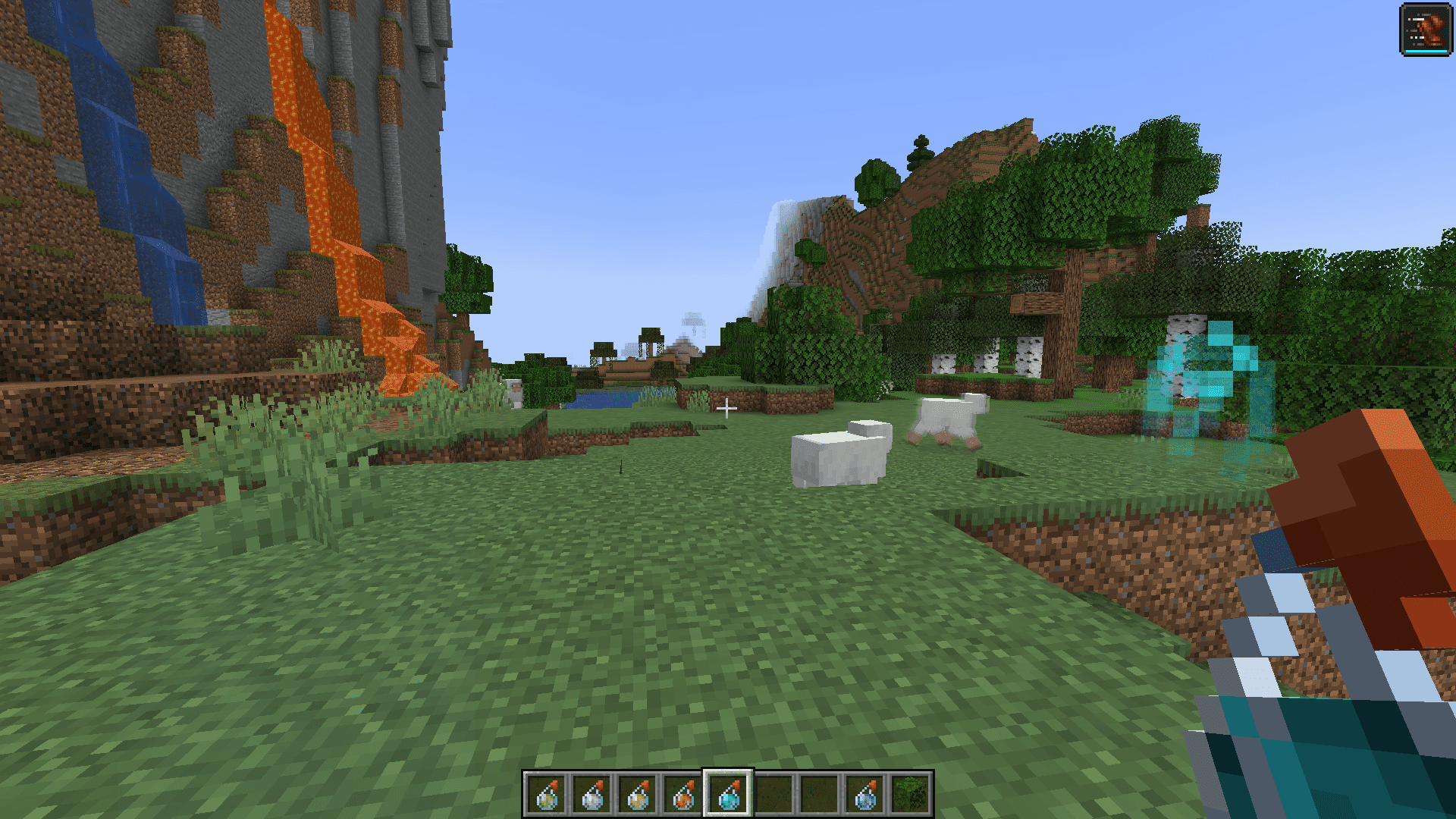
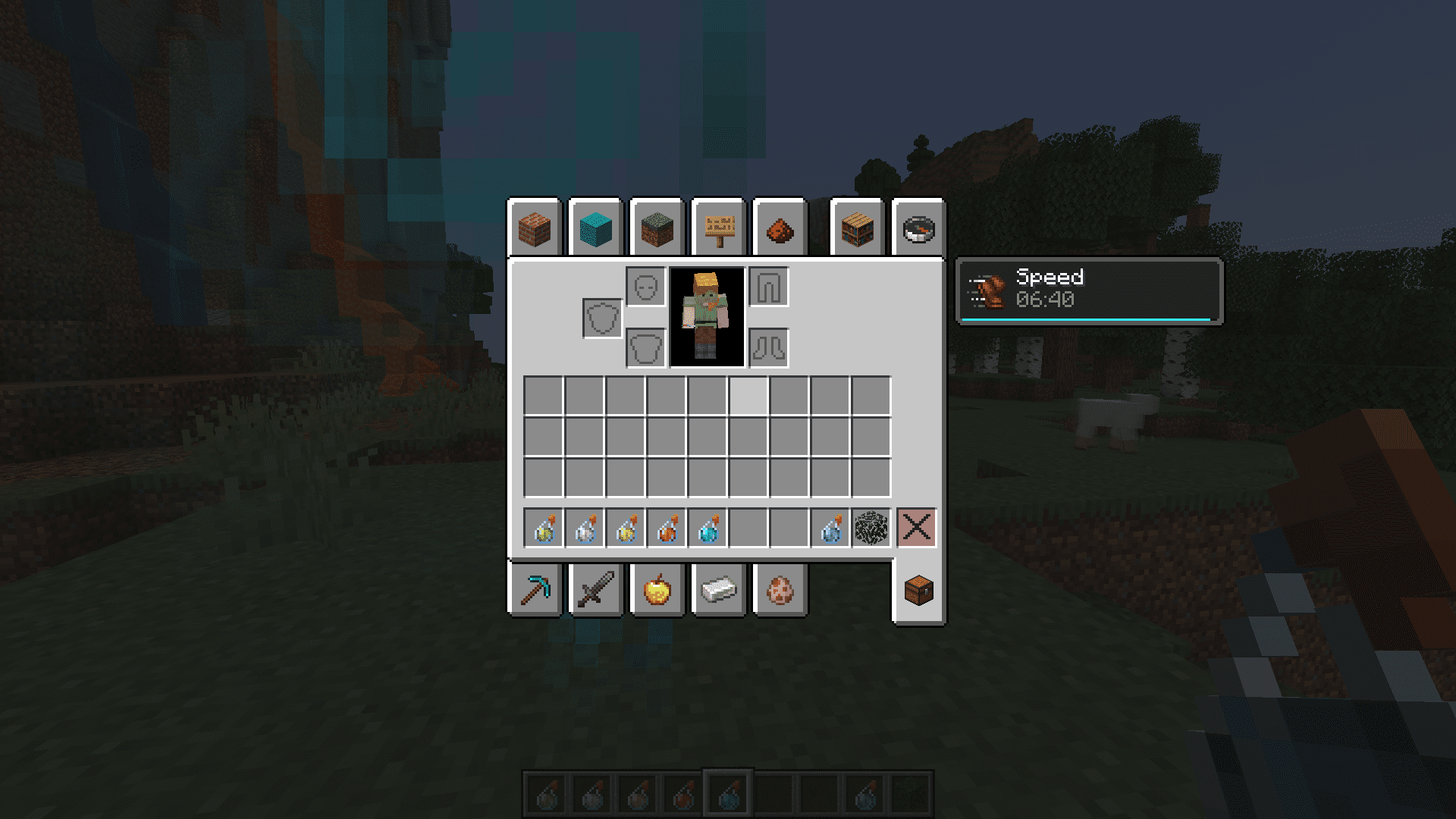
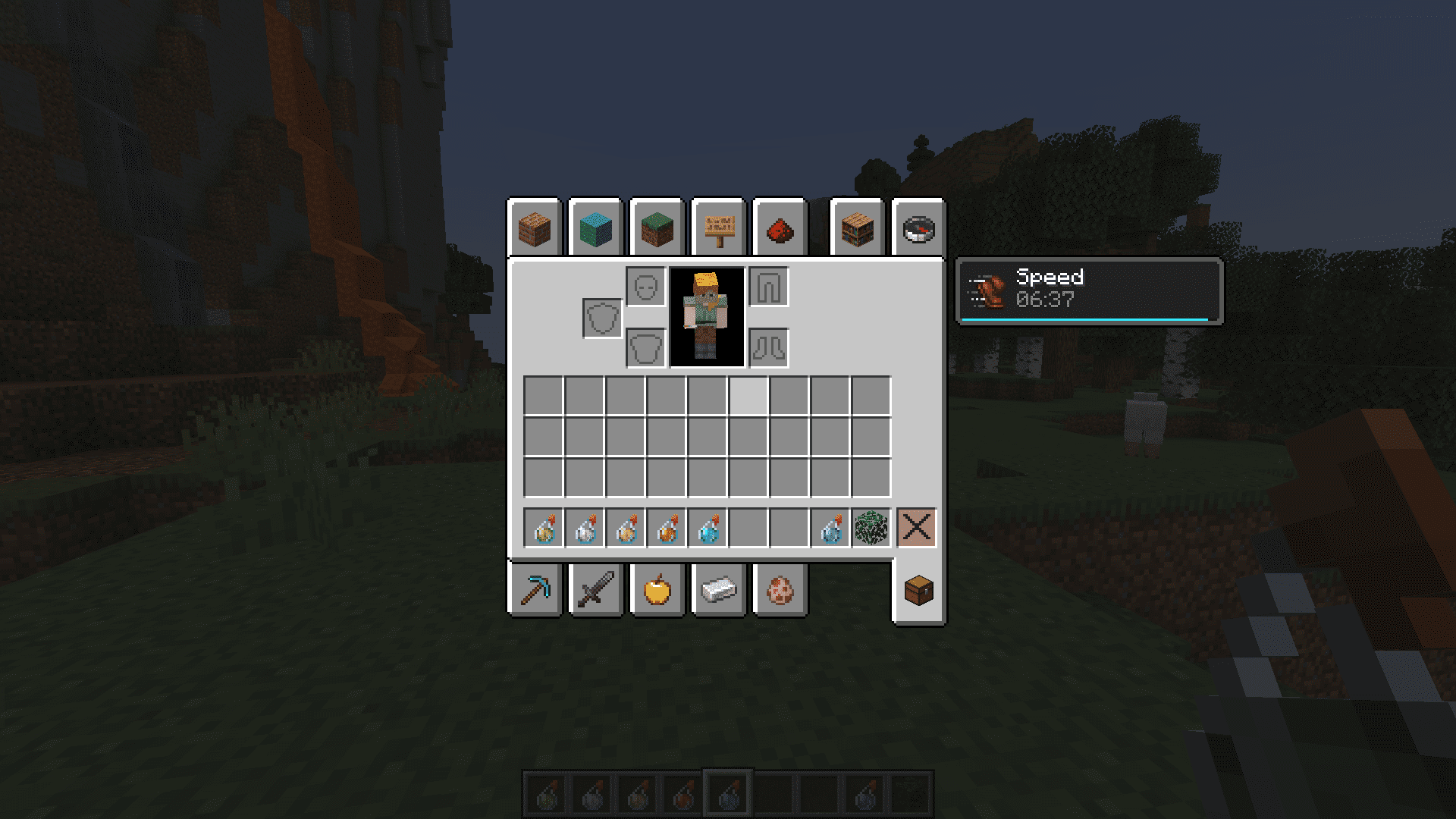
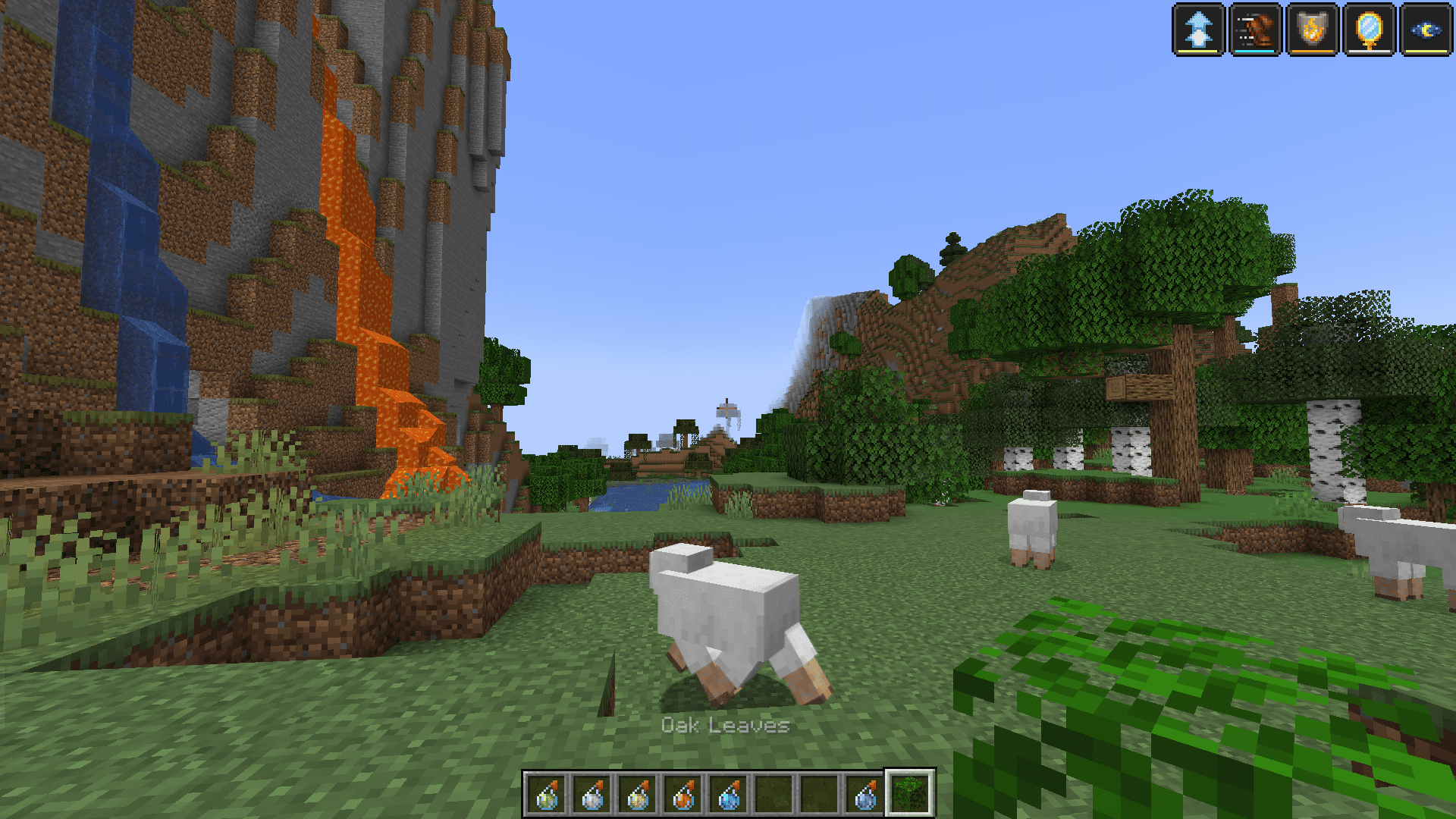
Yes. The mod adds duration bars both to the effect icons in the top-right of your screen and to the effect list shown next to your inventory tab.
What do the bars actually represent?
Each bar fills or drains to reflect how much time is left on that specific effect relative to its total duration. A nearly empty bar means the effect is about to expire.
See all 10 Status Effect Bars questions ›
Gallery
6 images from the Status Effect Bars Mod page.
You May Also Like
Wikis that share the most with this one
More mod wikis on the site
The most downloaded mods that have a wiki here
A few wikis from each of the other kinds