

 DownloadScreenshot Viewer Mod
Get the files on 9Minecraft
Guides
Step-by-step, in-game.
Configuration
Every setting in the mod config file, with what it changes.
| Option | What it does |
|---|---|
screenshot_element_background_colorBackground Color of the Screenshot Elements | Color of the background that appears when the screenshot elements are hovered. |
compression_ratioCompression Ratio | If set to none, will not generate any thumbnails. Controls the downscale ratio between a screenshot image and its thumbnail. |
default_list_orderDefault Screenshot List Ordering | The ordering of the screenshots when the screen is opened. |
display_hint_tooltipDisplay Hint Tooltip | Controls whether a tooltip giving useful info should appear when hovering a screenshot for a prolonged period. |
enable_screenshot_enlargement_animationEnable Screenshot Enlargement Animation | Whether a growing animation should play when a screenshot on the screen is clicked to be enlarged. |
initial_screenshot_amount_per_rowInitial Screenshot Amount Per Row | Number of screenshots to be displayed per row when the screen is opened (from 2 to 8). |
invert_zoom_directionInvert Zoom Direction | If enabled, it inverts the scroll direction during zoom in the Screenshot Viewer menu |
pause_menu_button_offsetPause Menu Button Offset | The offset in pixels of the screenshot manager button if shown in the pause menu (from 0 to how much you want). |
pause_menu_button_positionPause Menu Button Position | Position of the screenshots button on the pause menu. |
prompt_when_deleting_screenshotPrompt When Deleting Screenshot | Warns you with a confirmation screen when trying to delete a screenshot. |
redirect_screenshot_chat_linksRedirect Screenshot Chat Links | If enabled, clicking on the link printed in the chat when taking a screenshot will open it directly in the screenshot manager. |
render_screenshot_element_font_shadowRender Screenshot Element Font Shadow | If a font shadow should be rendered under the screenshot elements text. |
render_wide_properties_buttonRender Wide Properties Button | Whether the properties buttons should be rendered wide or square. |
screenshot_element_text_colorScreenshot Elements Text Color | Color of the texts describing the screenshots elements. |
screenshot_element_text_visibilityScreenshot Names Visibility | The visibility state of the screenshots names. |
screenshots_folderScreenshots Folder | The path to the folder containing the screenshots images that will be displayed in the screen. |
screen_scroll_speedScroll speed | Scroll speed of the screen (from 1 to 50). |
show_button_in_game_pause_menuShow Button In Pause Menu | Shows a button to access screenshots directly in the pause menu. |
show_button_on_title_screenShow Button On Title Screen | Shows a button to access screenshots directly on the title screen. |
thumbnail_folderThumbnail Folder | The path to the folder containing the screenshots thumbnails that will be displayed in the screen. |
title_screen_button_positionTitle Screen Button Position | Position of the screenshots button on the title screen. |
Frequently asked questions
What does the Screenshot Viewer Mod do?
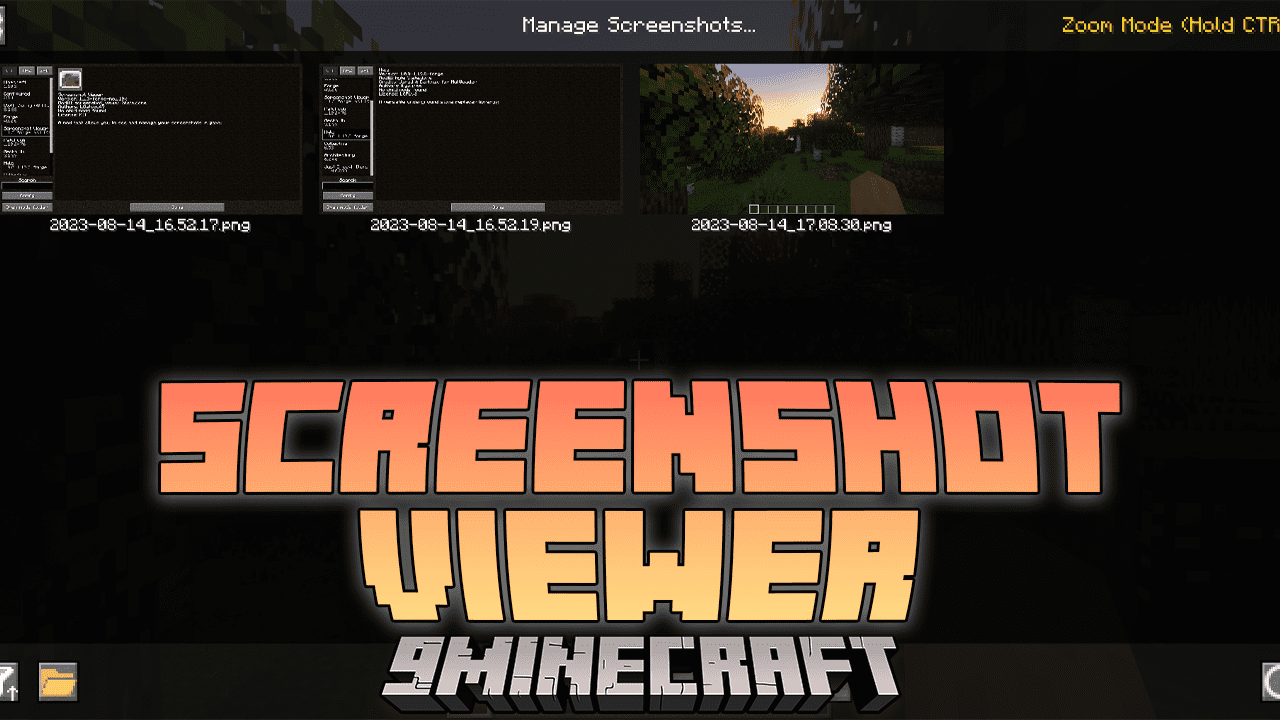
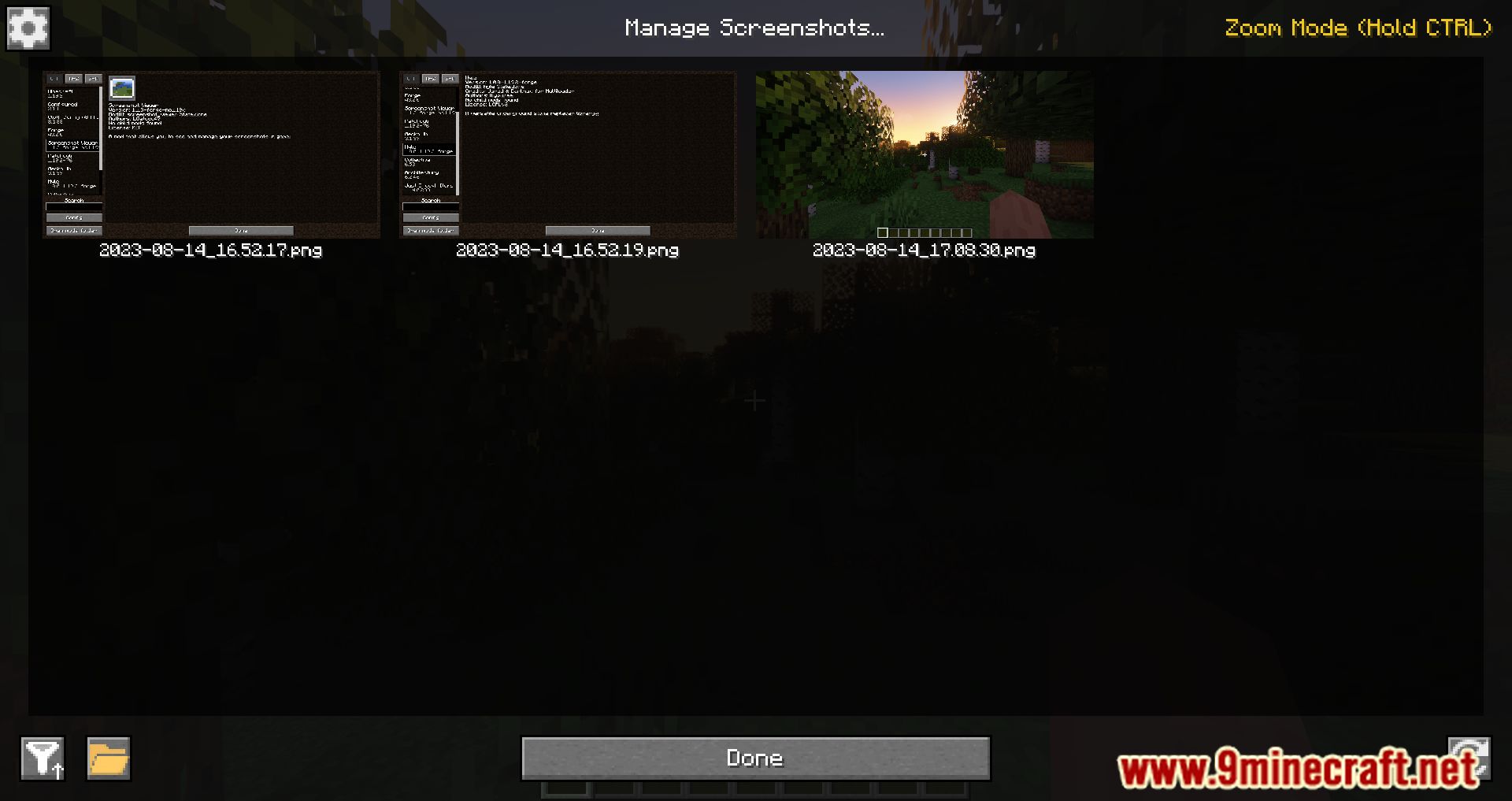
It lets you view the screenshots you take in Minecraft without leaving the game. It provides a graphical interface for browsing your captured images.
How do I open the screenshot viewer in-game?
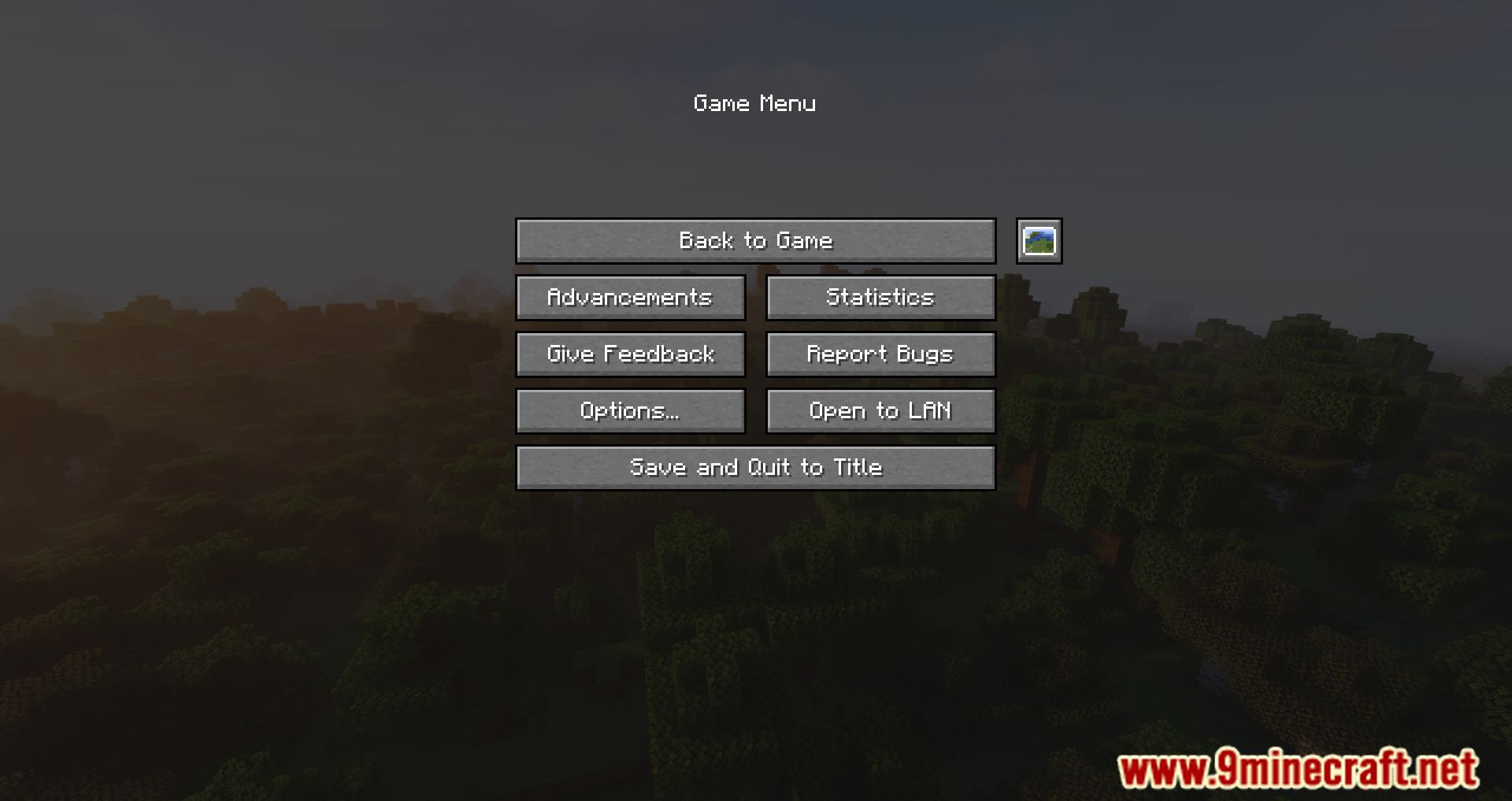
Open the pause menu and click the 'Manage Screenshots' icon. This launches the mod's interface for viewing your screenshots.
Where are my screenshots normally stored?
By default, screenshots taken by pressing F2 are saved in the 'screenshots' folder of your Minecraft installation. The mod lets you view them without navigating to that folder manually.
Do I need to exit Minecraft to see my screenshots?
No, with this mod installed you can view them inside the game. You no longer have to leave Minecraft and open the screenshots folder.
See all 6 Screenshot Viewer questions ›
Gallery
10 images from the Screenshot Viewer Mod page.
You May Also Like
Wikis that share the most with this one
More mod wikis on the site
The most downloaded mods that have a wiki here
A few wikis from each of the other kinds