

 DownloadItem Scroller
Get the files on 9Minecraft
Guides
Step-by-step, in-game.
How to Configure Item Scroller's Scroll and Drag BehaviorFinding the Options Item Scroller is client-side, so its settings live in your mod config menu rather than in a…How to Mass-Craft with Item ScrollerFilling a Crafting Grid Fast Place your crafting table and open it. Instead of clicking each ingredient into each…How to Move Items Quickly Between Inventories with Item ScrollerThe Basic Scroll Transfer Item Scroller lets you move items without clicking each stack individually. Open any…What the Item Scroller Mod Actually DoesThe Core Idea Item Scroller is a client-side inventory utility. It does not add new items, blocks , or recipes.…
Configuration
Every setting in the mod config file, with what it changes.
| Option | What it does |
|---|---|
sortAssumeEmptyBoxStacksAssume that empty shulker boxes can stack when sorting the inventory. This is useful if you installed mods to allow shul | Treats unopened box stacks as empty when sorting |
modMainToggleCan disable all the functionality of the entire mod | Enables or disables the entire Item Scroller mod |
carpetCtrlQCraftingEnabledOnServer | Tells the client the server has Carpet's ctrlQCrafting enabled |
clientCraftingFixOn1_12 | Enables client-side crafting output updates to fix quick and mass crafting |
translationModeConfigure the Translation 'Mode' to be used. Follow Vanilla, Follow MaLiLib, Independent, or OFF. | Controls how item names are translated in the GUI |
craftingRecipesSaveFileIsGlobal | Saves the recipe file globally instead of per-world or per-server |
craftingRecipesSaveToFile | Saves the crafting feature recipes to a file on disk |
craftingRenderRecipeItems | Renders recipe result items inside the crafting recipe view when enabled |
debugMessages | Enables debug messages in the game console |
translationTryBaseLanguageEnable tracking MaLiLib's configured language. Leave this disabled to customize ItemScroller's language independently. § | Falls back to base language when translation is unavailable |
useRecipeCachingEnables caching the last used recipe in the crafting recipe output item fetching code. This can help a lot with lowering | Caches recipe lookups to speed up crafting operations |
sortInventoryToggleEnables the Quick Inventory Sorting feature. This is activated by hovering over any item, and then pressing the bound | Enables or disables the inventory sorting feature |
massCraftIterationsHow many massCraft iterations/attempts to do per execution. With unstackable items or a full inventory and "small recipe | Sets how many crafting iterations are performed per mass craft step |
massCraftHold | Enables hold-to-mass-craft using the Craft-Fix style method |
massCraftToggle | Enables the mass craft toggle feature for bulk crafting operations |
massCraftInhibitMidUpdates | Prevents recipe output slot updates mid-move to reduce CPU usage |
massCraftInterval | Sets how many game ticks between each mass crafting operation |
Frequently asked questions
How do I start using Item Scroller Mod?
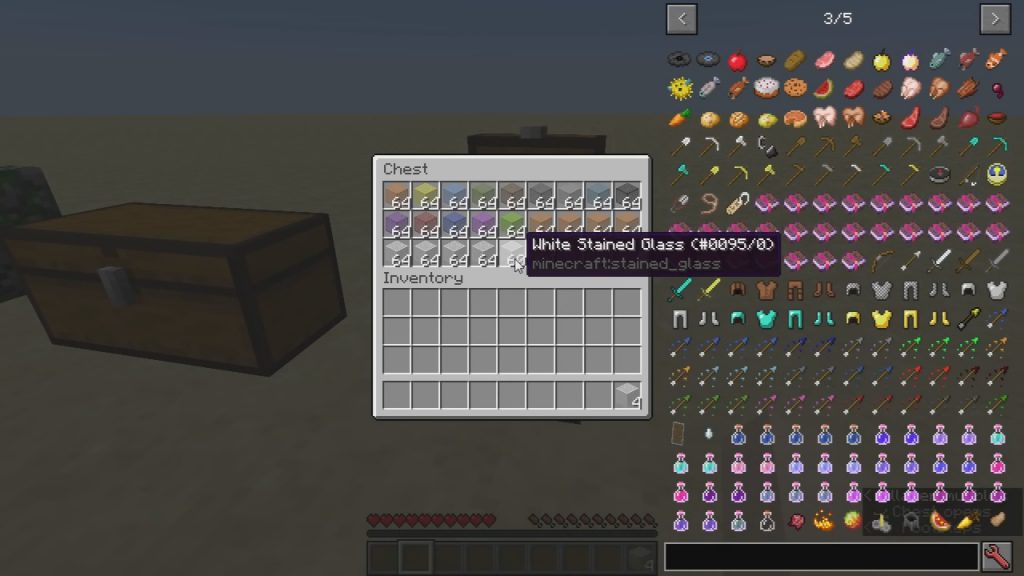
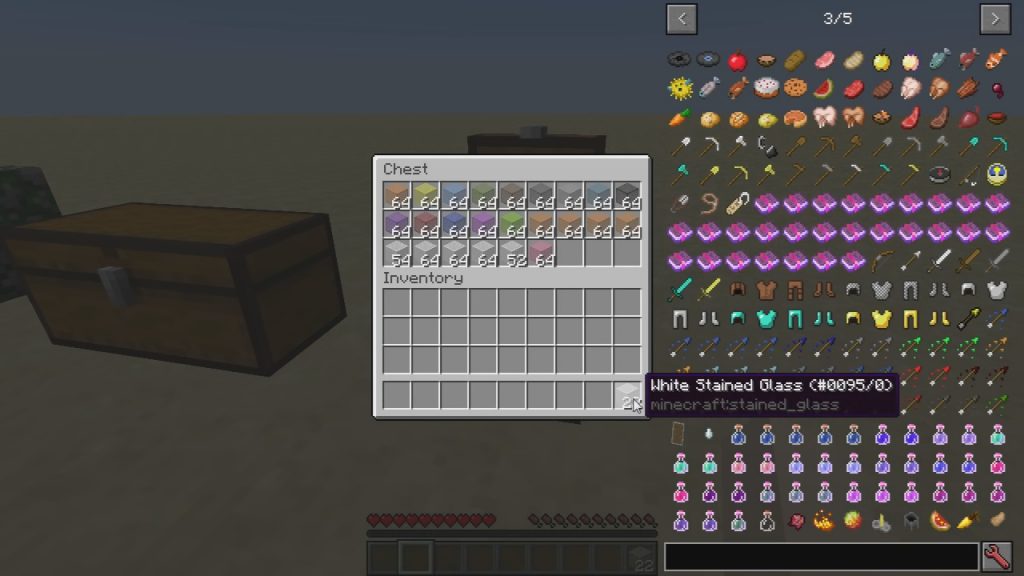
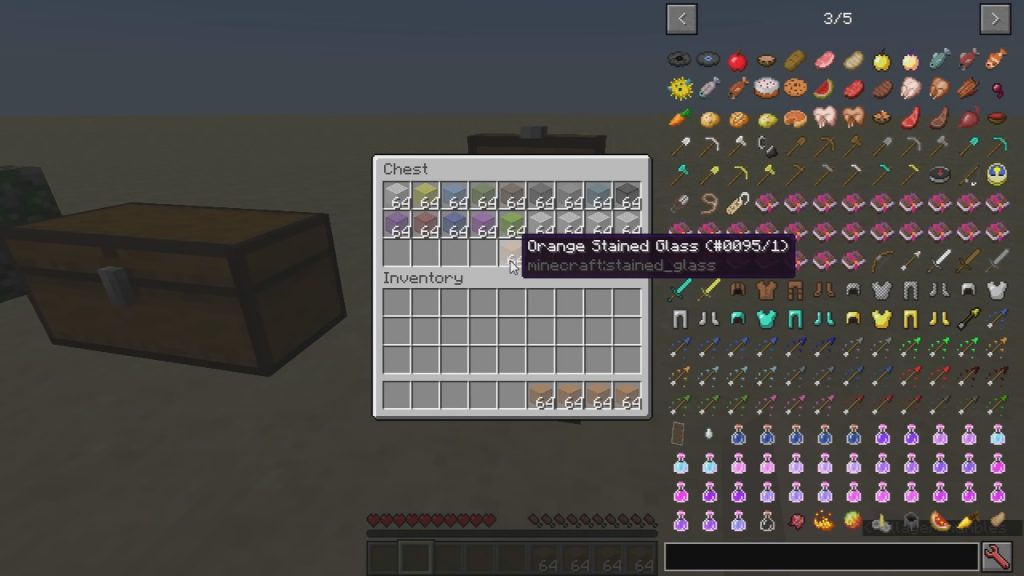
Just hover your cursor over an item slot and scroll your mouse wheel — that's the core interaction, no keybind needed. Scrolling over a slot moves items one at a time between the inventory you're viewing and your own.
What does Item Scroller Mod actually do?
It's a client-side utility that lets you move items between inventories and crafting grids using mouse-wheel scrolling and drag-based shortcuts instead of shift-clicking one stack at a time. It doesn't add new items or blocks — it just speeds up  inventory management.
How to use Item Scroller crafting?
Open a crafting grid, place your recipe once, then scroll over the output slot to craft repeatedly as long as the ingredients are available in your inventory. You can also drag across the grid to fill multiple slots at once.
How to use Item Scroller mass craft?
Set up the recipe in the grid, then scroll on the result slot — each scroll tick crafts one batch and pulls replacement ingredients automatically. Hold the scroll to keep crafting until you run out of materials.
See all 10 Item Scroller questions ›
Dependencies
Other mods needed to run this one.
Gallery
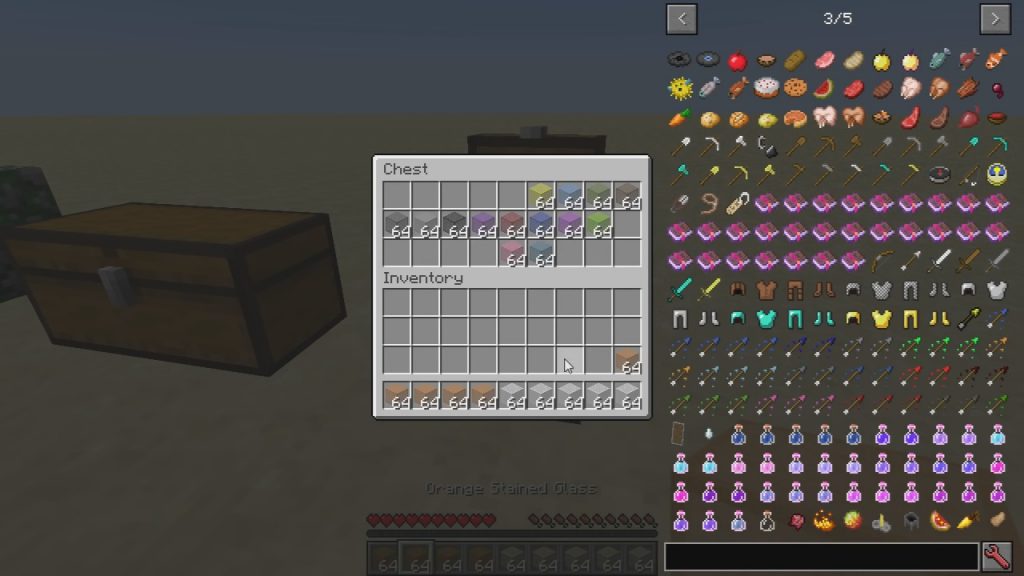
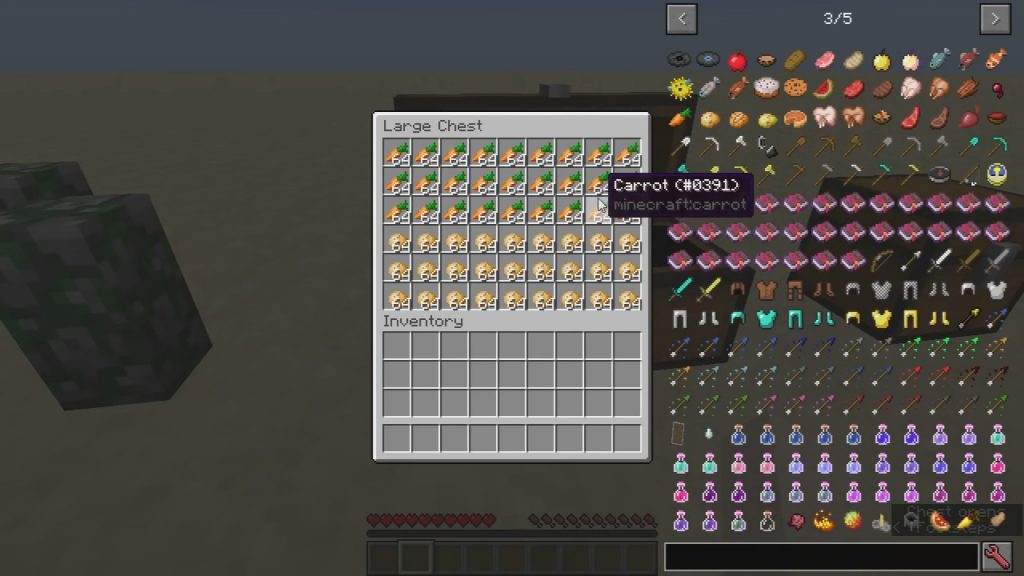
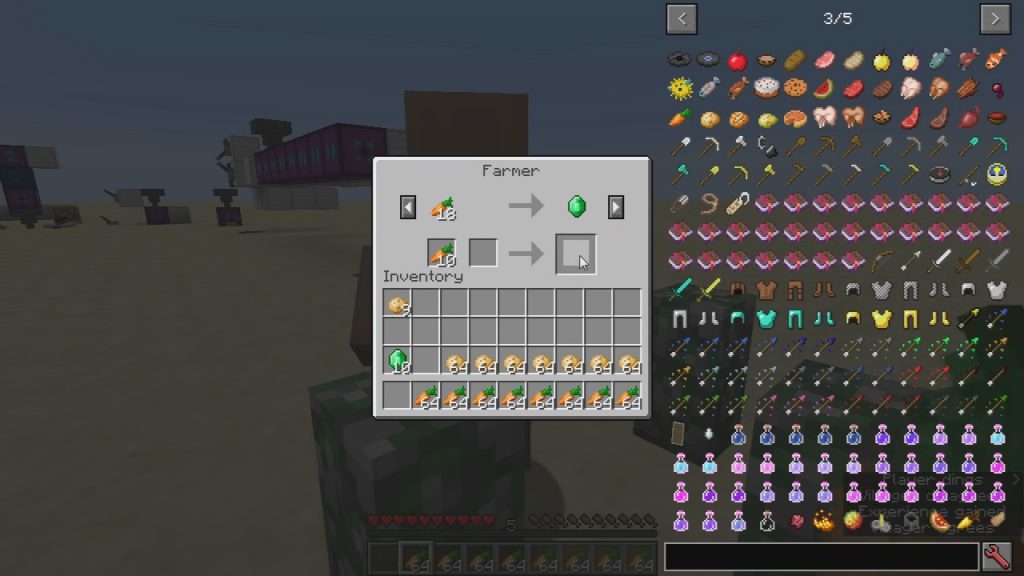
7 images from the Item Scroller Mod page.
You May Also Like
Wikis that share the most with this one
More mod wikis on the site
The most downloaded mods that have a wiki here
A few wikis from each of the other kinds