

 DownloadInventory Management Mod
Get the files on 9Minecraft
Guides
Step-by-step, in-game.
How to Fix the Sort or Transfer Button Not AppearingCheck for Mod Conflicts First If the sort or transfer button is missing from your inventory or chest GUI, the most…How to Keep Your Hotbar From Being SortedWhy the Hotbar Is Excluded The mod deliberately leaves the hotbar untouched when sorting. Your hotbar holds the items…How to Sort Your Inventory with the Inventory Management ModSorting Your Player Inventory The core feature of the mod is one-click sorting. Open your inventory screen and look…How to Transfer All Items Between Your Inventory and a Chest at OnceThe One-Click Bulk Transfer Instead of shift-clicking every stack individually, the mod adds a transfer button that…
Frequently asked questions
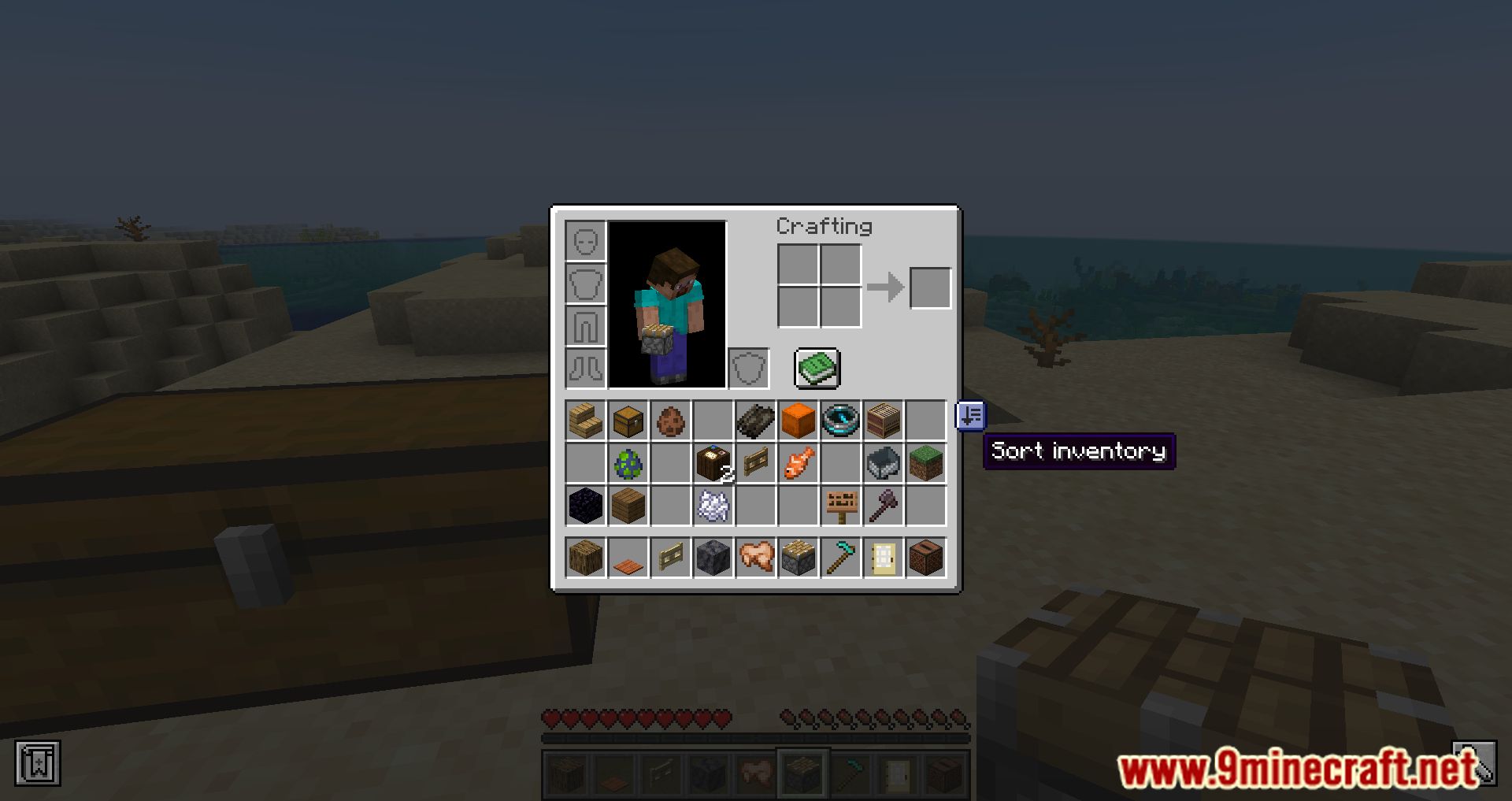
How do I sort my inventory with this mod?
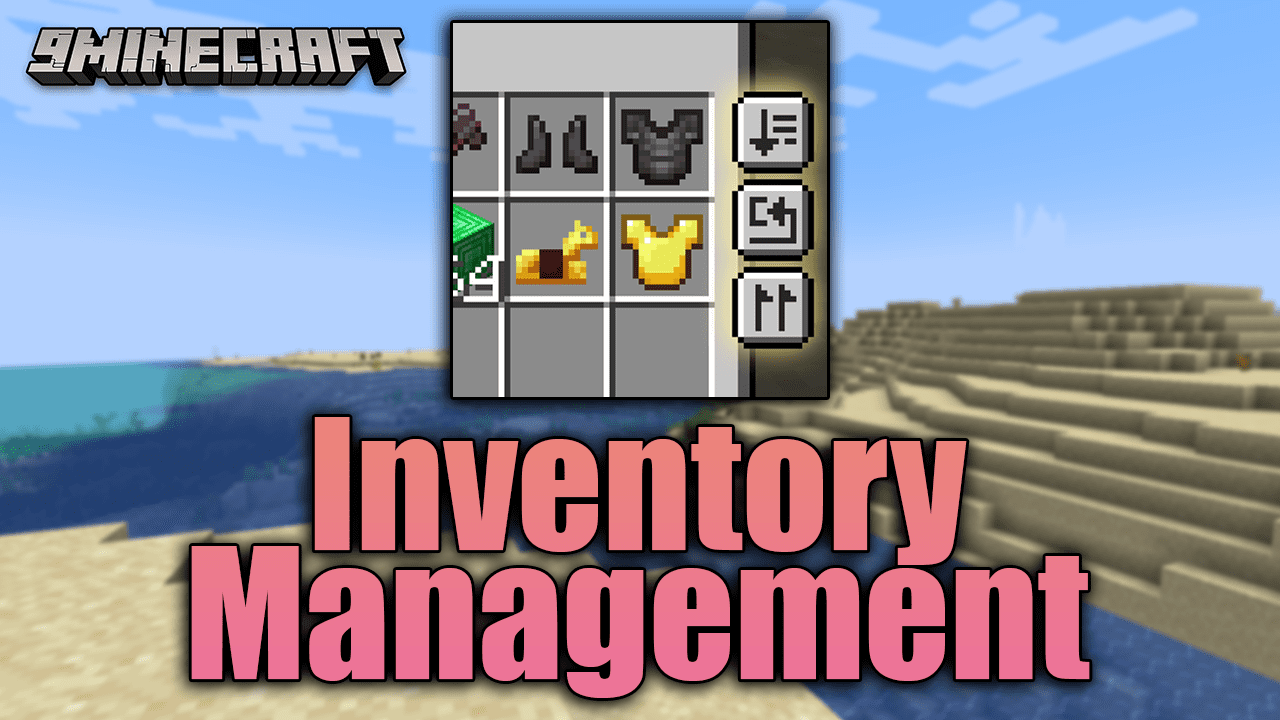
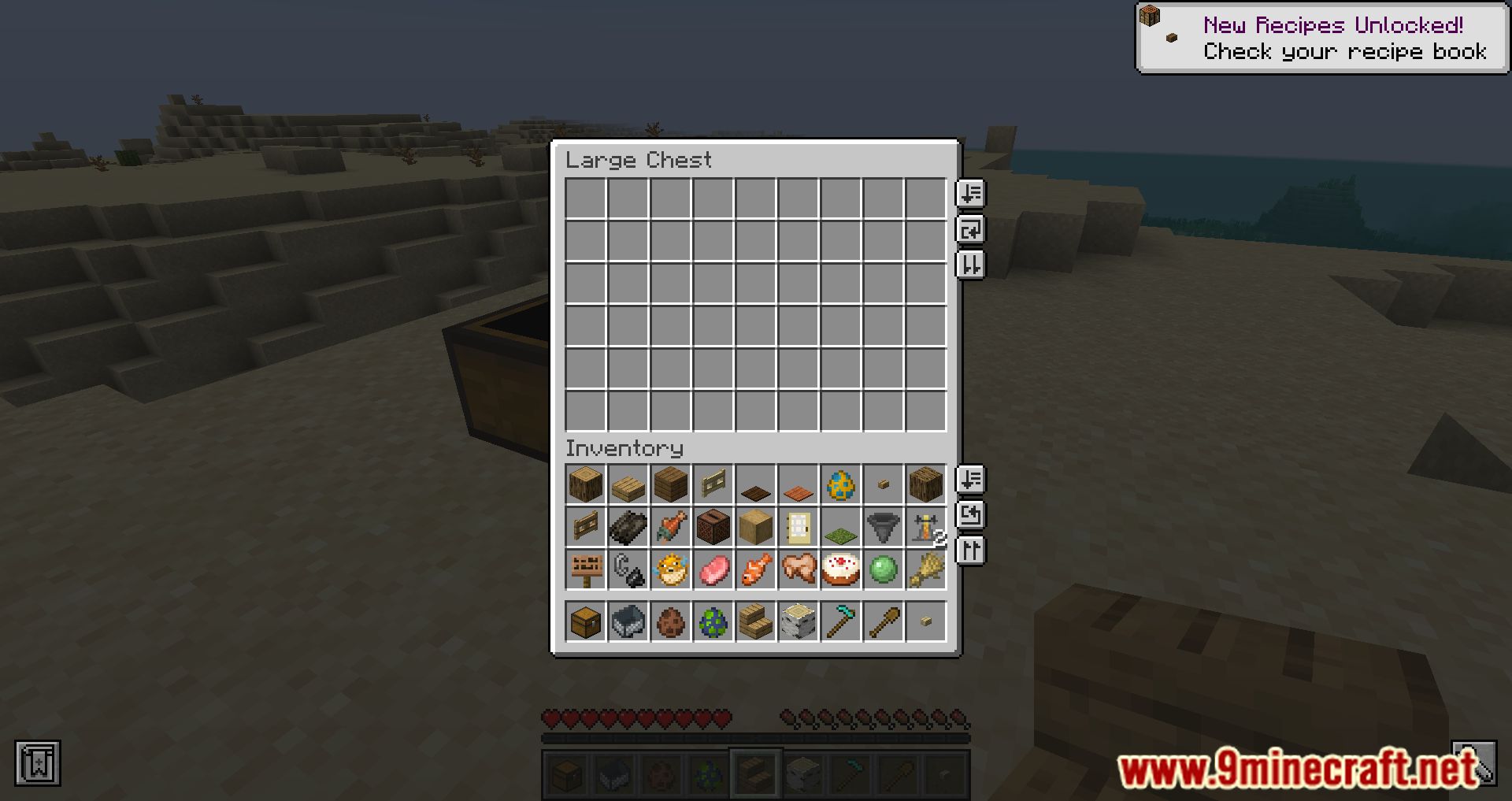
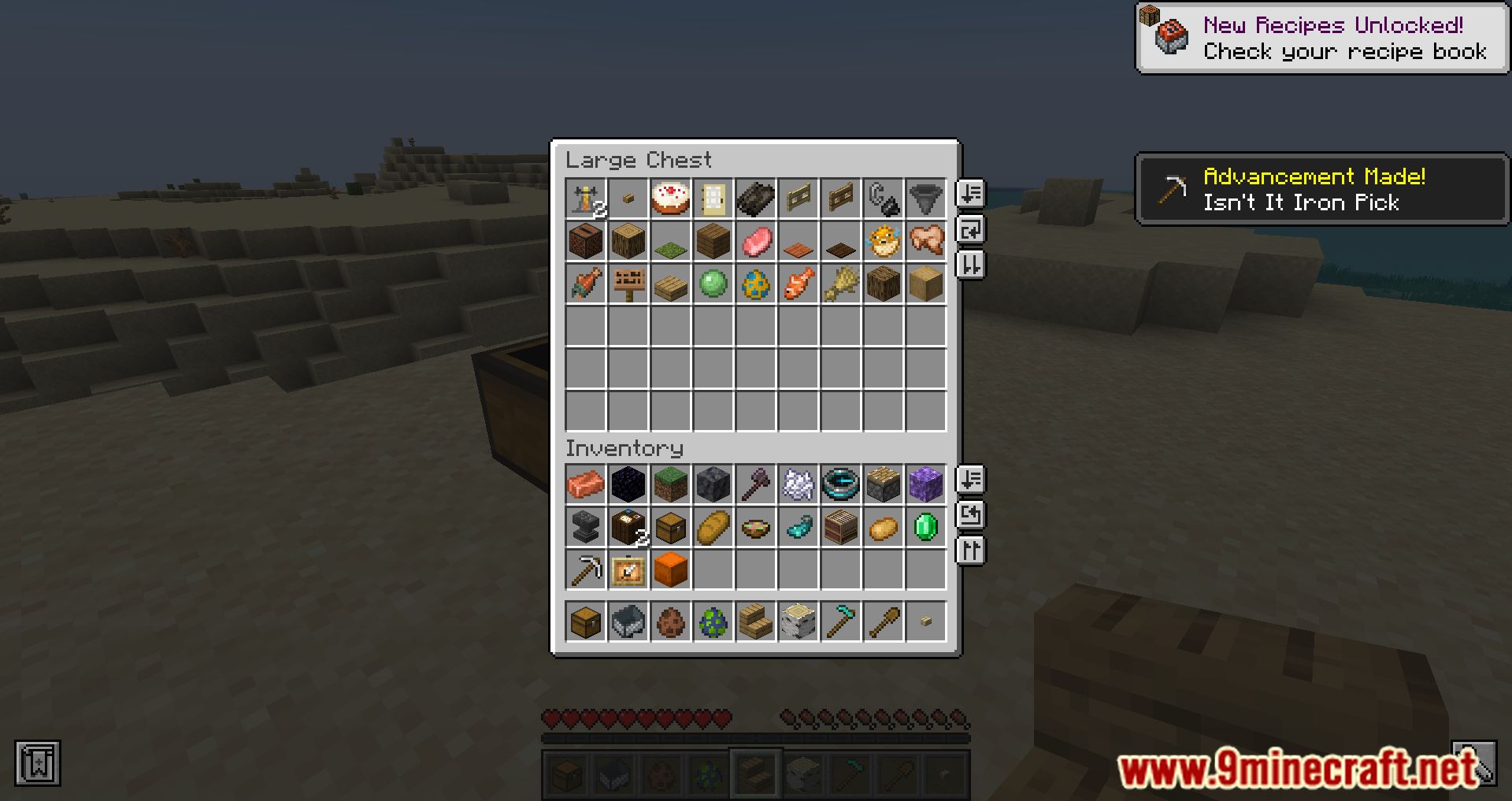
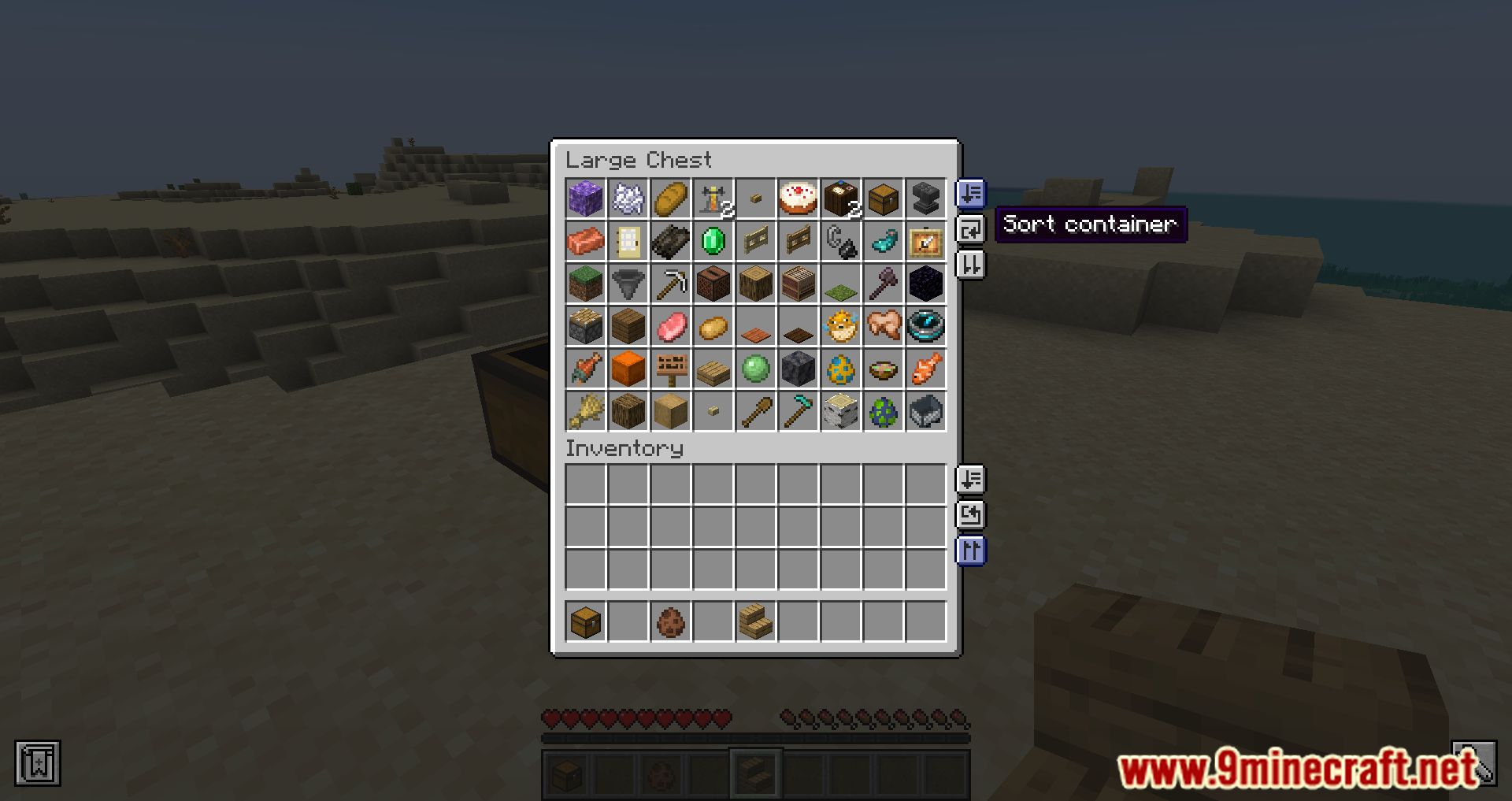
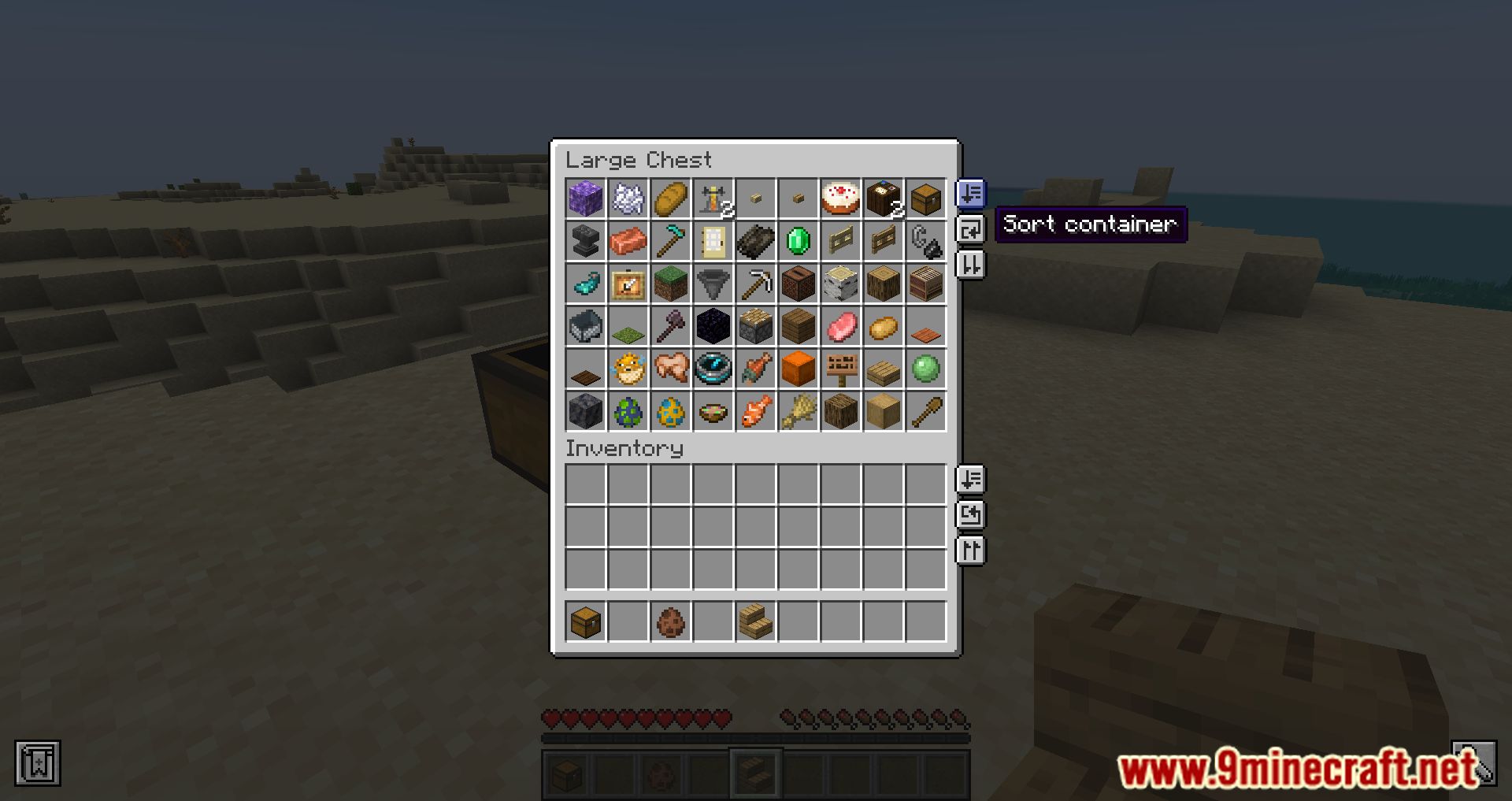
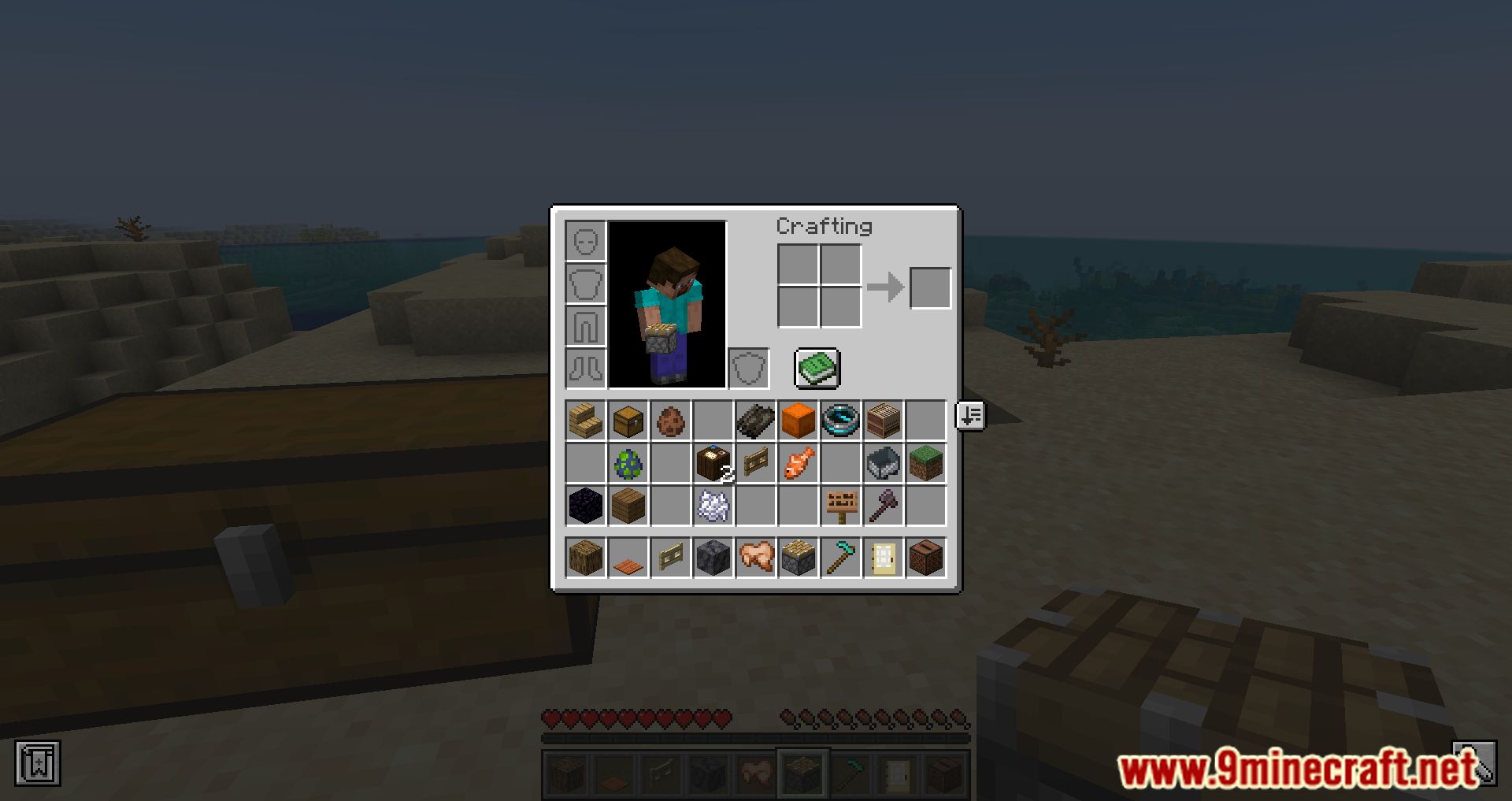
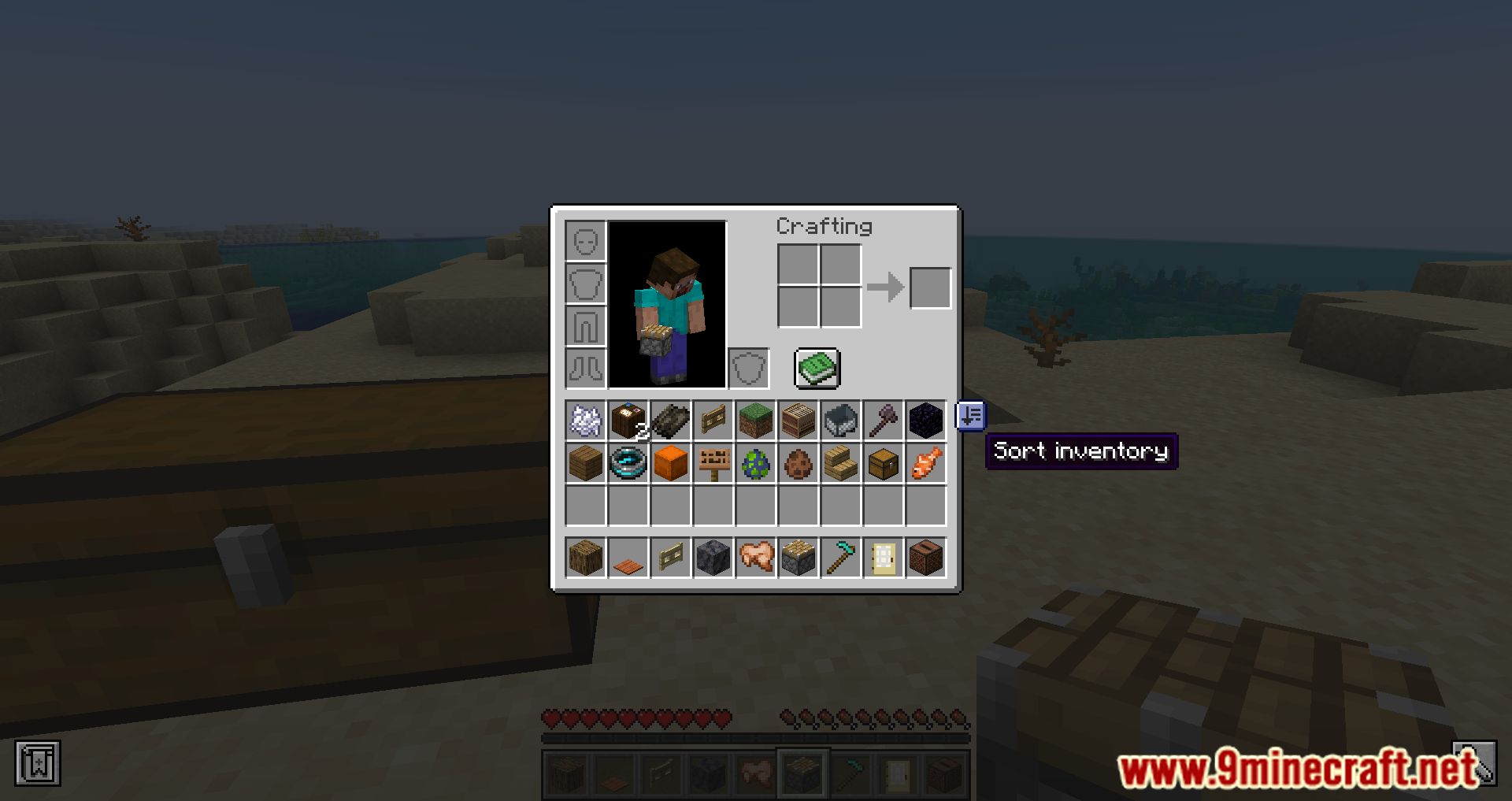
Open your inventory and click the sort button that appears in the interface. Your items get rearranged alphabetically, but your hotbar stays untouched so your quick-access items don't move.
Why isn't my hotbar being sorted?
That's intentional. The mod excludes the hotbar from sorting so your tools, food, and blocks stay where you put them. If you want the hotbar sorted too, you'd need to move items into the main inventory first.
How do I transfer everything from my inventory to a chest at once?
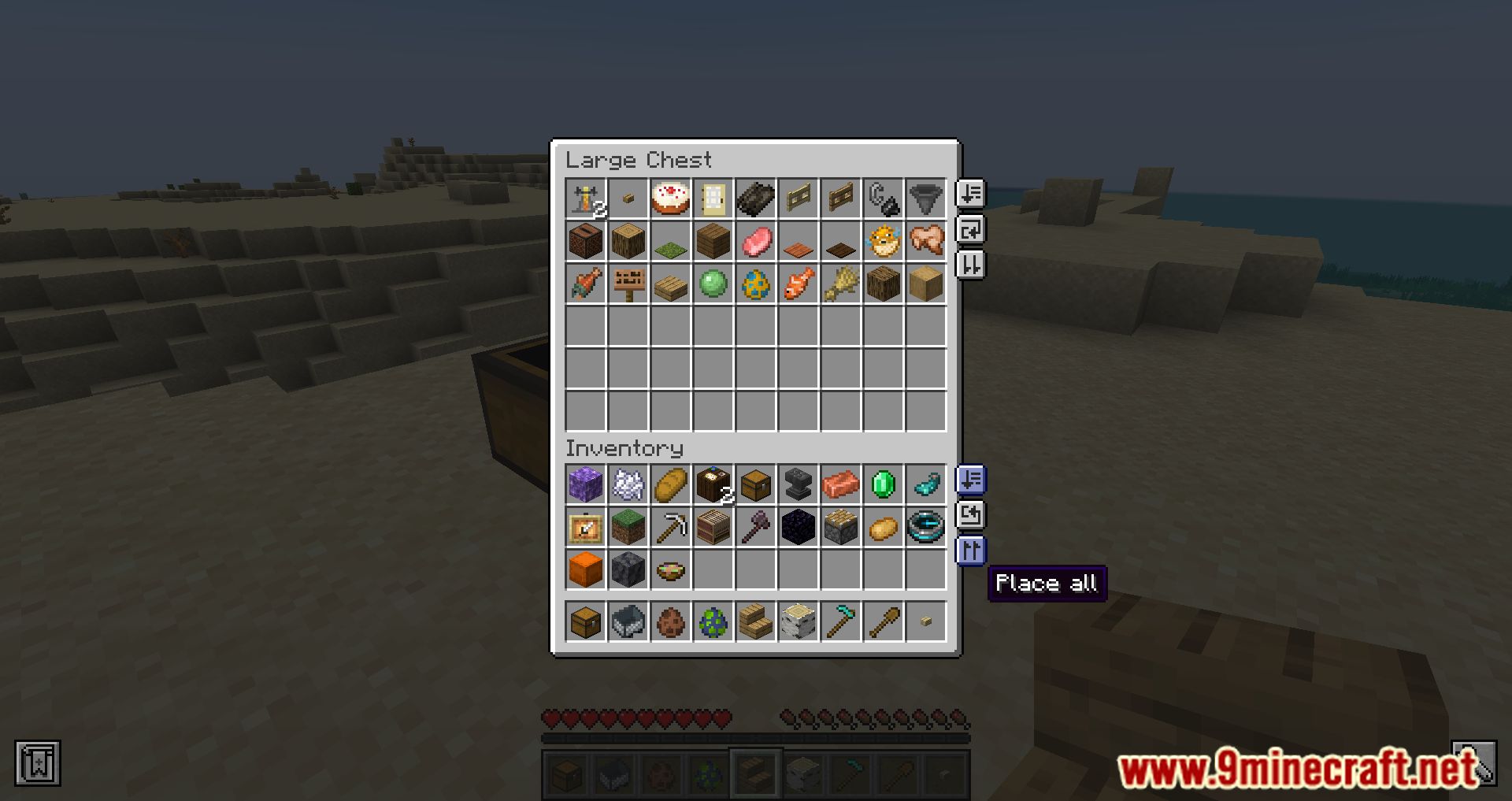
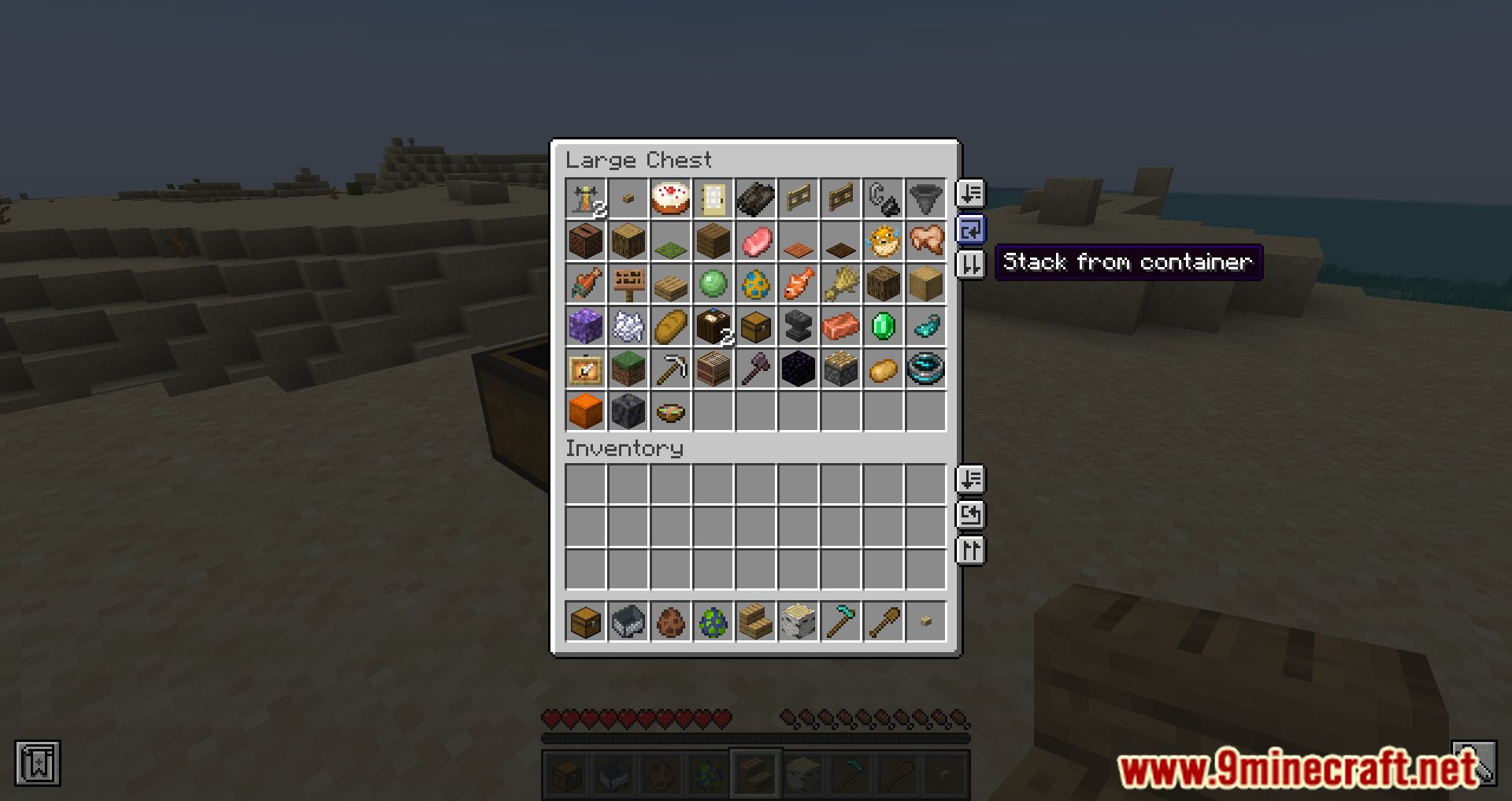
Open the chest while your inventory is also visible, then click the transfer button. All items move from your inventory into the chest in one action instead of dragging stacks one by one.
Can I move items from a chest back into my inventory in one click?
Yes. The transfer button works both ways — clicking it while a container is open moves items between your inventory and that container. The direction depends on which side the button is on.
See all 10 Inventory Management questions ›
Gallery
11 images from the Inventory Management Mod page.
You May Also Like
Wikis that share the most with this one
More mod wikis on the site
The most downloaded mods that have a wiki here
A few wikis from each of the other kinds