

 DownloadIsocraft Mod
Get the files on 9Minecraft
Guides
Step-by-step, in-game.
Navigate and Move Using Mouse-Directed WalkingUnderstanding Action RPG Movement Instead of using WASD keys to move, Isocraft lets you point your mouse cursor where…Navigate Buildings and Caves with Automatic Wall HidingSmart Room Reveal Explained When you walk inside a building, cave, or any enclosed space, Isocraft automatically…Switch Between Isometric and Normal ViewToggling the Camera Mode Isocraft lets you switch between the isometric top-down view and Minecraft's standard…Use the Bridge Assist Tool to Build on Hidden LedgesWhat Bridge Assist Does When you're standing near a ledge or cliff edge, some block faces become hidden or hard to…
Frequently asked questions
How do I turn on isometric mode?
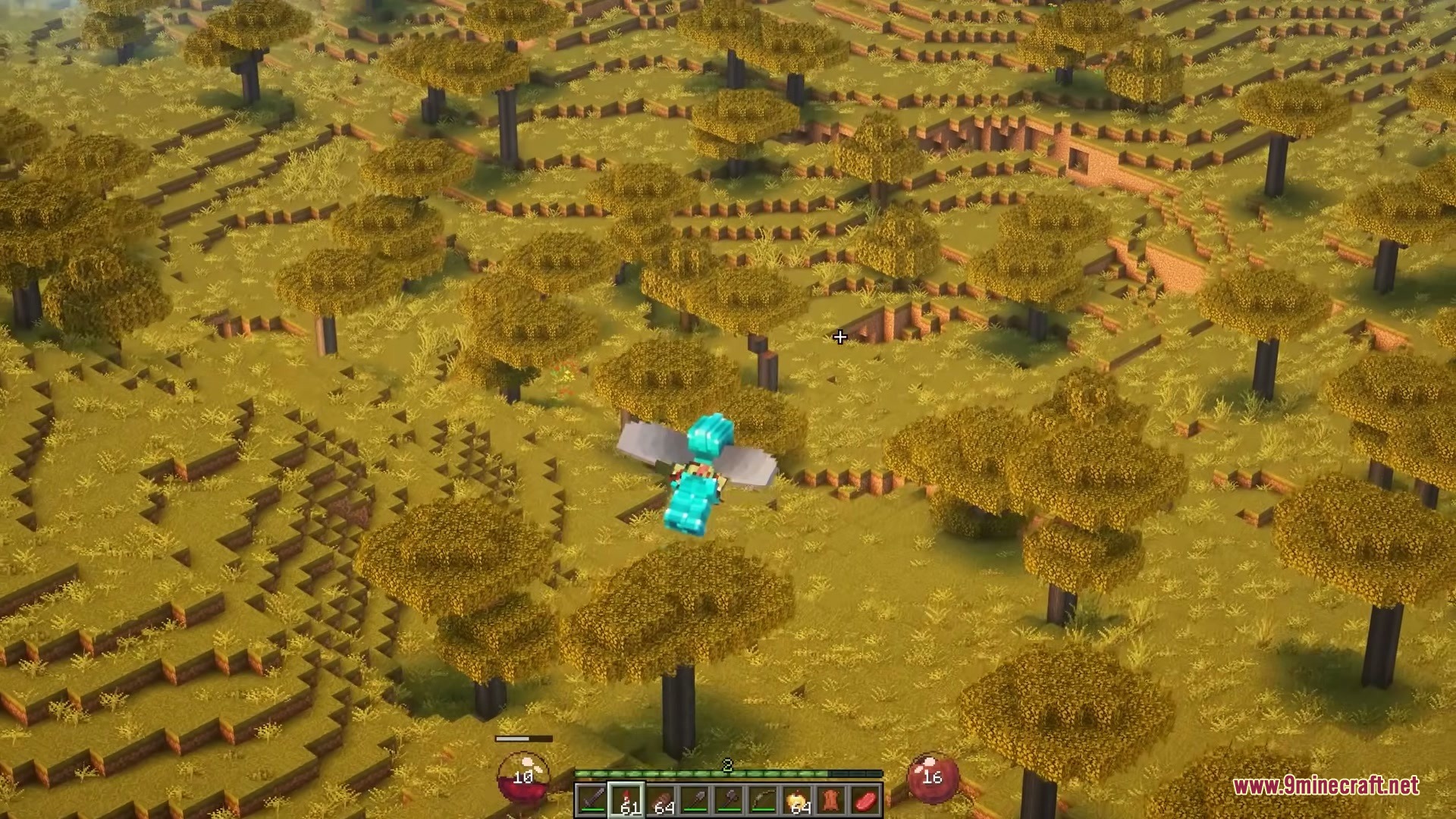
Press the isometric view toggle key (default is a configurable hotkey in your controls menu) to switch between isometric and normal Minecraft view. You can toggle back and forth at any time without restarting your game.
How do I move around in isometric mode?
Hold down the right mouse button and move your cursor to where you want to walk—your character will move toward that point. Release the button to stop, just like in classic top-down action RPGs.
Can I use isometric mode on multiplayer servers?
Yes, the mod is entirely client-side, so other players won't see any difference and you won't cause issues on any server. It's purely a visual and control change for your own game.
Why can't I see inside buildings or caves?
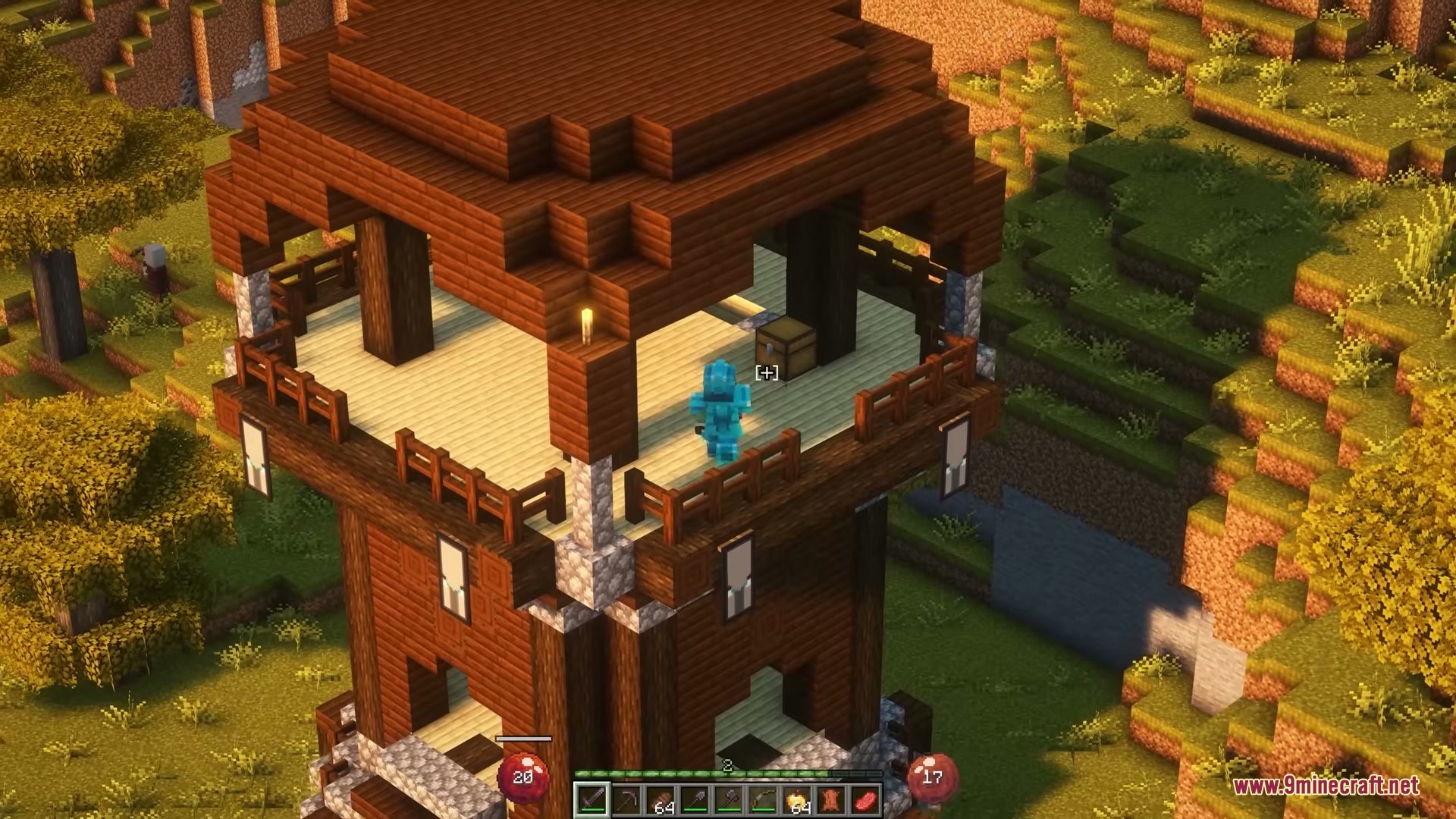
The mod automatically hides walls and ceilings that block your view when you enter enclosed spaces. This is intentional—it keeps your view clear so you can see enemies and navigate easily.
See all 10 Isocraft questions ›
Gallery
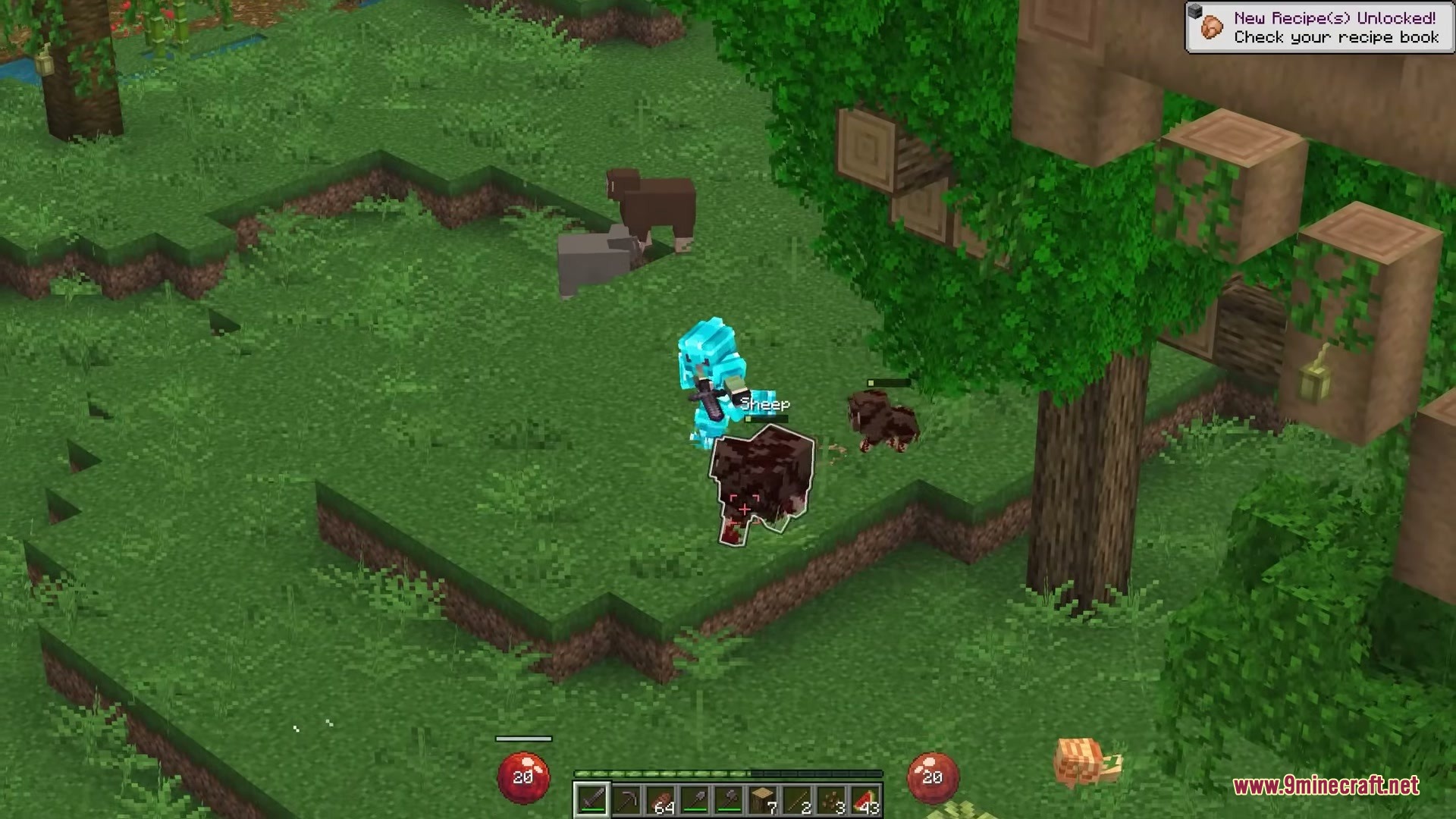
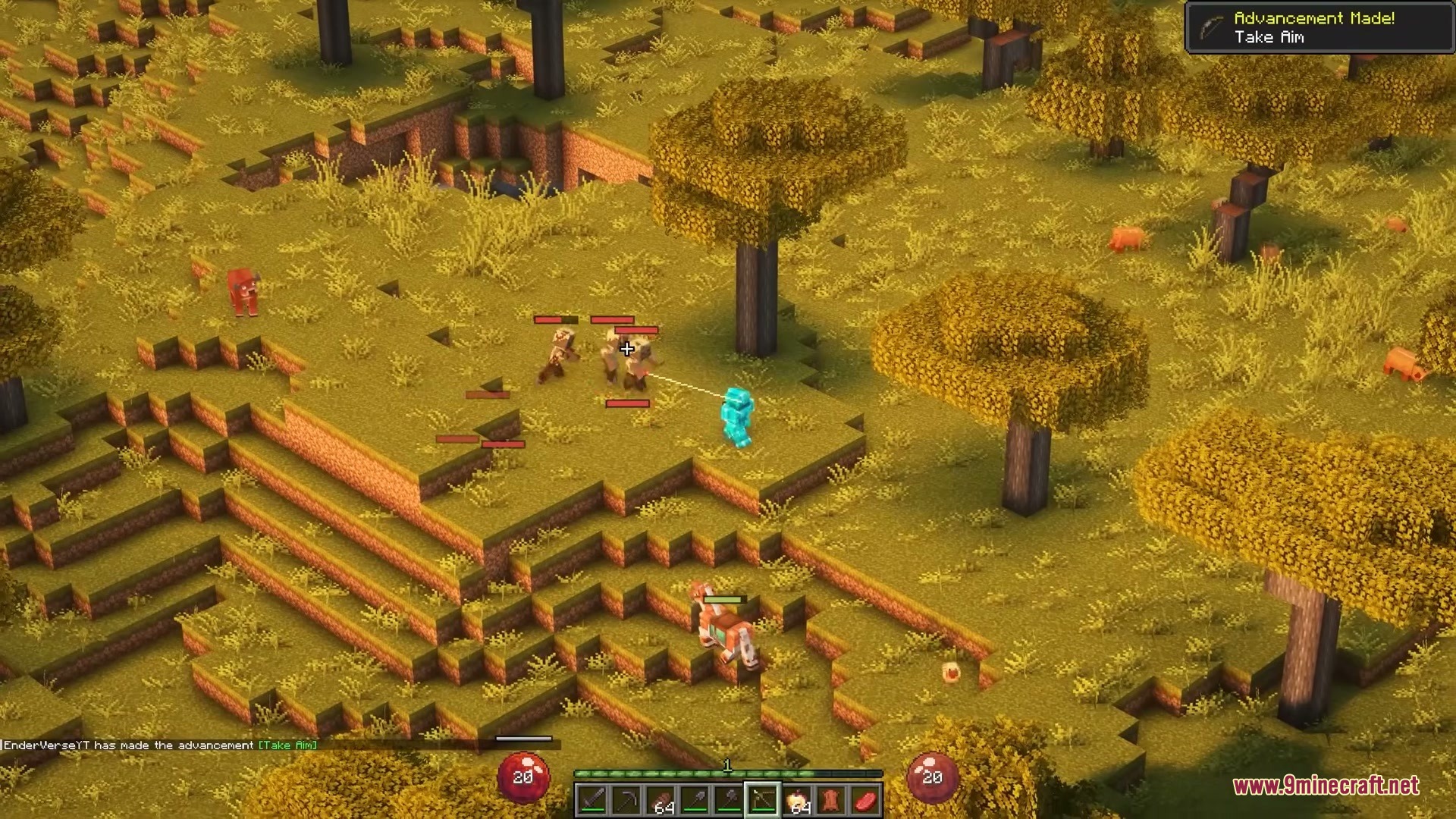
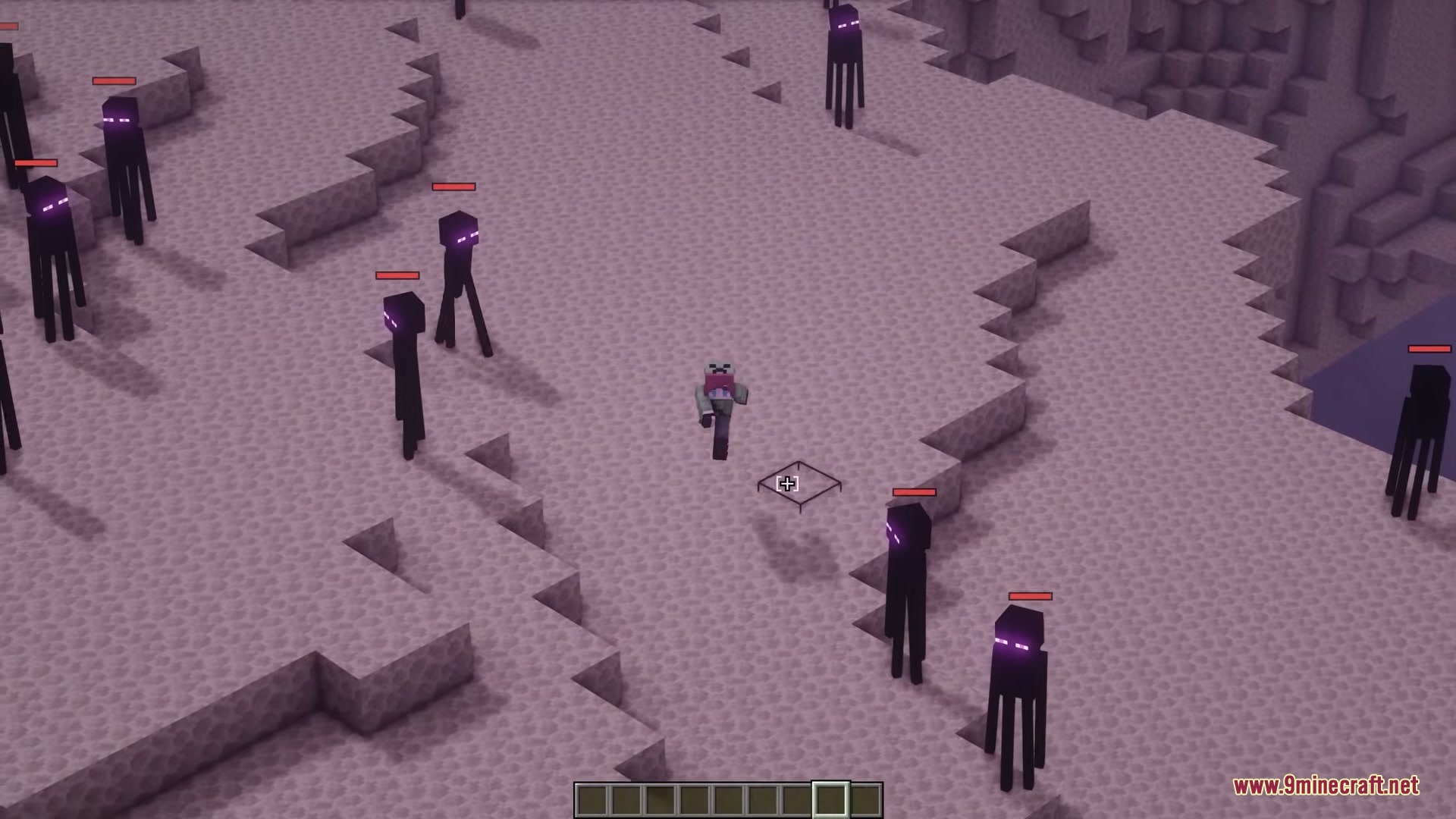
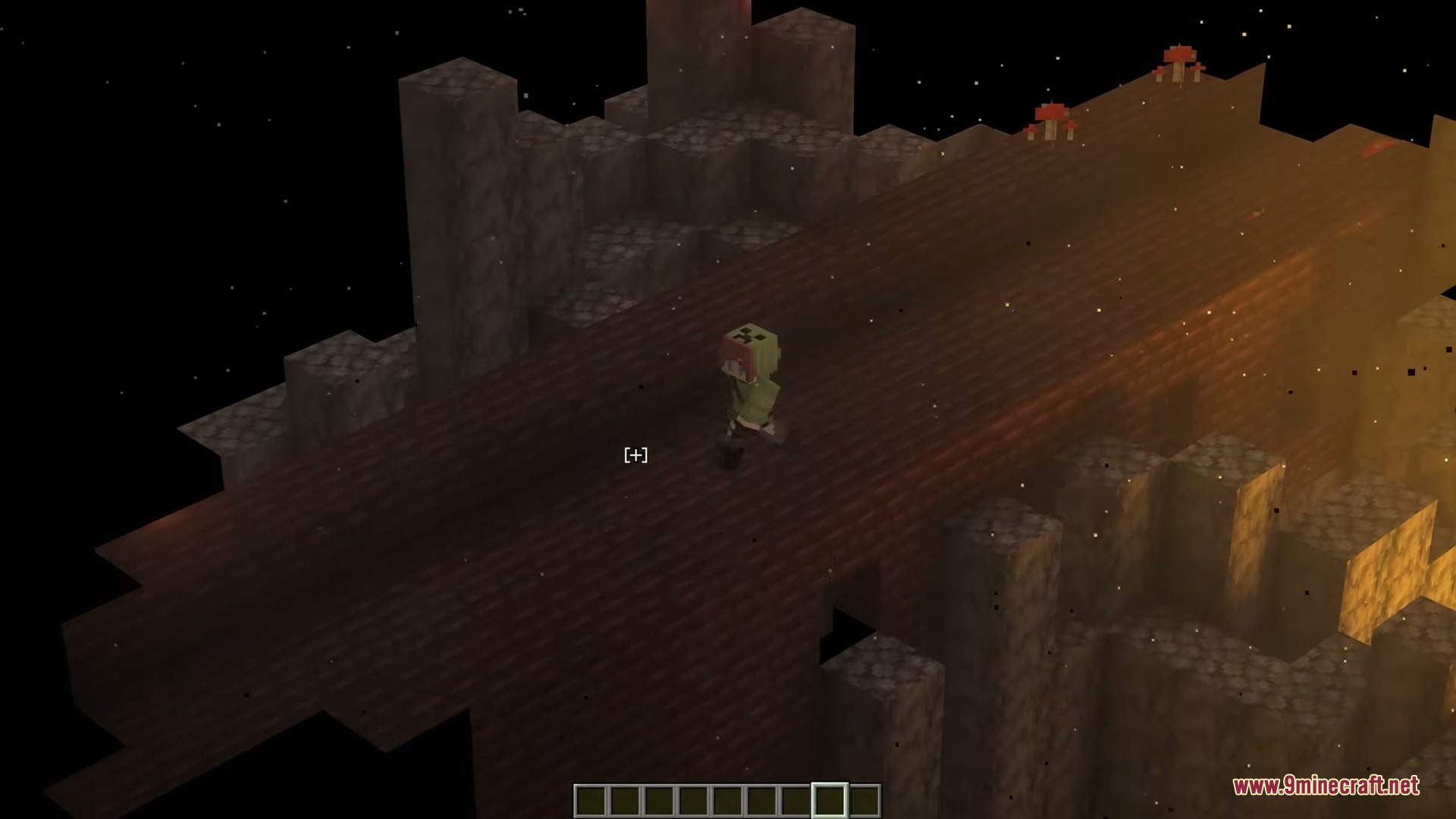
10 images from the Isocraft Mod page.
You May Also Like
Wikis that share the most with this one
Wikis on the same theme: world
More mod wikis on the site
The most downloaded mods that have a wiki here
A few wikis from each of the other kinds