
 blocks
 DownloadMaLiLib
Get the files on 9Minecraft
Guides
Step-by-step, in-game.
Fixing MaLiLib Config Options That Won't Save or ApplyA common frustration is changing an option in a MaLiLib-powered config screen and finding it reverts after restarting…How to Open and Use the MaLiLib Config Menu In-GameMaLiLib itself has no blocks or items, so the only way to interact with it is through its config screens. These…Understanding What MaLiLib Actually Does for Your Other ModsPlayers often install MaLiLib expecting a standalone mod with its own features, then get confused when nothing…Using MaLiLib Keybinds and Hotkeys Without ConflictsBecause MaLiLib provides keybind handling for dependent mods, many of your in-game hotkeys actually route through it.…
Configuration
Every setting in the mod config file, with what it changes.
| Option | What it does |
|---|---|
allow_extra_keysAre extra keys allowed to be held to still activate the keybind | Allows additional keys to be held while still triggering the keybind |
contextCan the keybind be activated in-game or inside a GUI | Restricts whether the keybind works in-game, in GUIs, or both |
cancel_furtherCancel further (vanilla) processing of the last pressed key, when the keybind activates | Stops vanilla processing of the pressed key once the keybind activates |
activate_onDoes the keybind activate on press or release of the key combination | Chooses whether the keybind triggers on key press or release |
exclusiveIf true, then no other keybinds can have been activated before the keybind in question. This check resets when all keys | Requires no other keybind to have activated before this one |
allow_empty_keybindIs an empty keybind valid (will always be considered to be active) | Treats an unbound keybind as always active |
order_sensitiveShould the keybind keys be pressed in the specific order they were defined in | Requires keys to be pressed in the defined order to activate |
configElementDebug | Prints each individual config element call to the game console and log |
debugMessages | Enables printing of debug-level events to the game console and log |
mouseScrollDebugIf enabled, some debug values from mouse scrolling are printed to the game console/log | Prints mouse scroll wheel input events to the game log |
keybindDebuggingIngameIf enabled, then the messages from 'keybindDebugging' are also printed to the in-game action bar | Prints key press and release events to the game log while playing |
inputCancellationDebugging | Prints the cancellation reason for keyboard and mouse inputs |
keybindDebugging | Prints key presses and held keys to the console and action bar |
printTranslationKeysPrint all translation keys to the logger that are translated via the StringUtils.translate() method. This is intende | Logs every translation key passed through StringUtils.translate for debugging |
Frequently asked questions
What does MaLiLib Mod do?
MaLiLib is a client-side library that other mods (like  Litematica,
 MiniHUD, and
 Tweakeroo) depend on to provide their config menus and keybind handling. It adds no blocks, items, or gameplay of its own — you only notice it through the config screens and hotkeys of the mods that use it.
Litematica, MiniHUD, and Tweakeroo) depend on to provide their config menus and keybind handling. It adds no blocks, items, or gameplay of its own — you only notice it through the config screens and hotkeys of the mods that use it.How to use MaLiLib?
You don't interact with MaLiLib directly; instead you open the config menu of a mod that depends on it, such as Litematica or MiniHUD, and edit settings there. MaLiLib is the  framework powering those menus, so any option you change in a dependent mod is being saved and applied through MaLiLib.
Litematica or MiniHUD, and edit settings there. MaLiLib is the framework powering those menus, so any option you change in a dependent mod is being saved and applied through MaLiLib.How to open MaLiLib config menu?
There is no standalone MaLiLib menu — you open the config screen of a dependent mod instead, usually by pressing that mod's config hotkey (often bound to a key like M or via the mod's own keybind) or through the  Mod Menu / mod list entry for that mod. The screen you see is rendered by MaLiLib but belongs to the mod you opened.
MaLiLib Mod for litematica
Litematica requires MaLiLib to run, so if you have Litematica installed you already need MaLiLib in the same mod loader profile. All of Litematica's config options, hotkeys, and its in-game config menu are provided through MaLiLib, so updating one usually means updating the other to matching versions.See all 10 MaLiLib questions ›
Dependencies
Other mods needed to run this one.
Fabric Networking API V1 (required)Fabric Resource Loader V1 (required)
Gallery
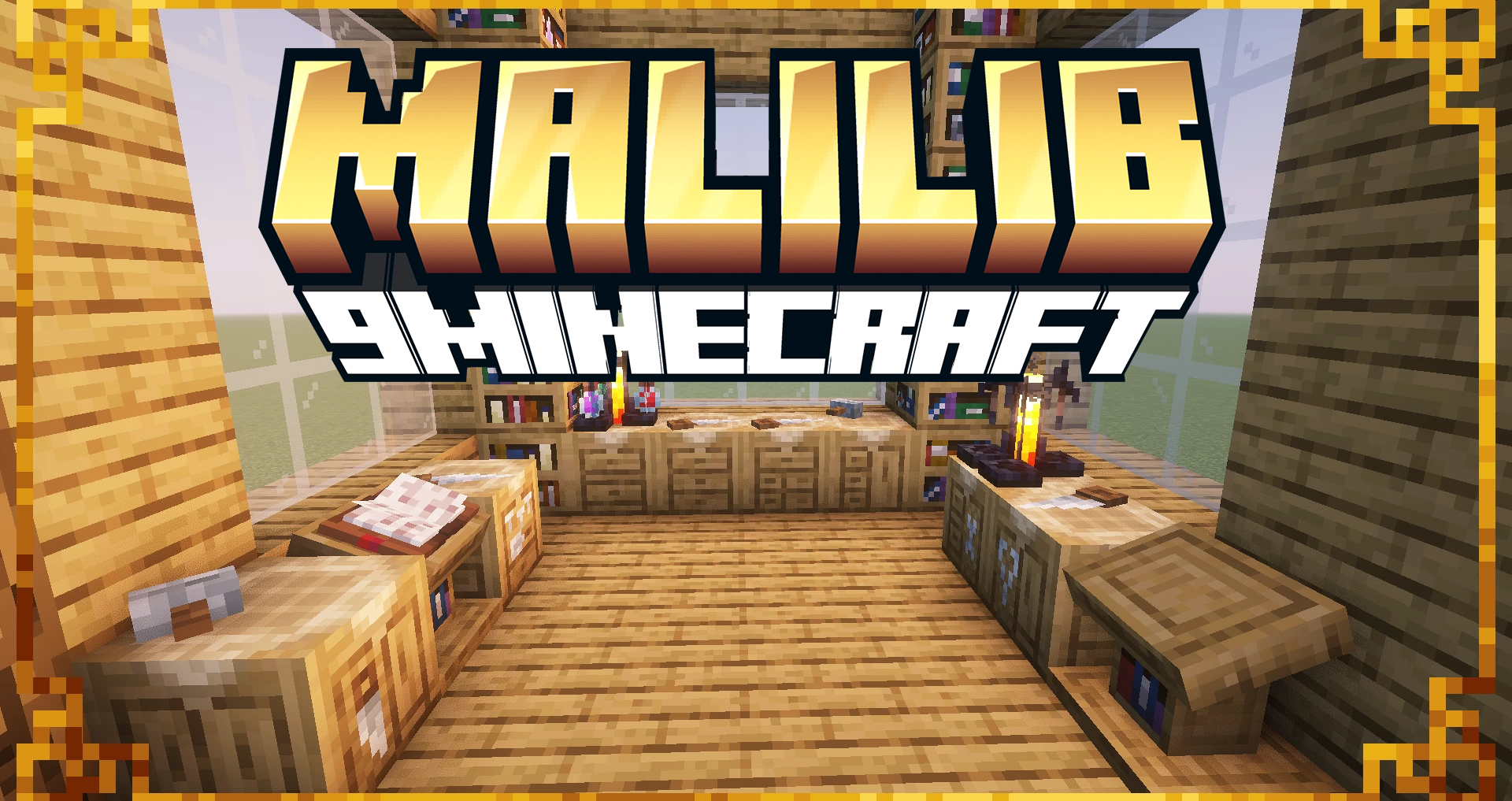
1 image from the Malilib page.
You May Also Like
Wikis that share the most with this one
Wikis on the same theme: craft
More mod wikis on the site
The most downloaded mods that have a wiki here
A few wikis from each of the other kinds