

 DownloadIso Pulse Navigation Mod
Get the files on 9Minecraft
Guides
Step-by-step, in-game.
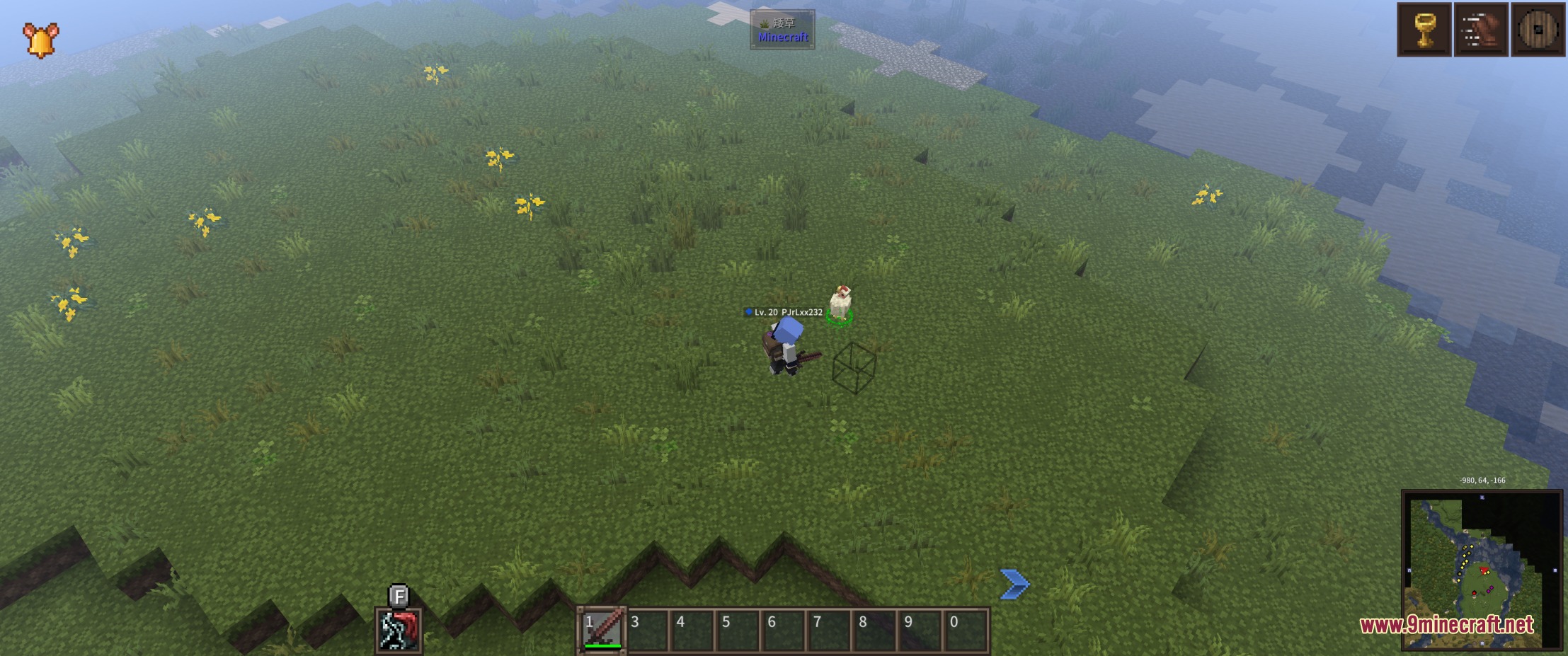
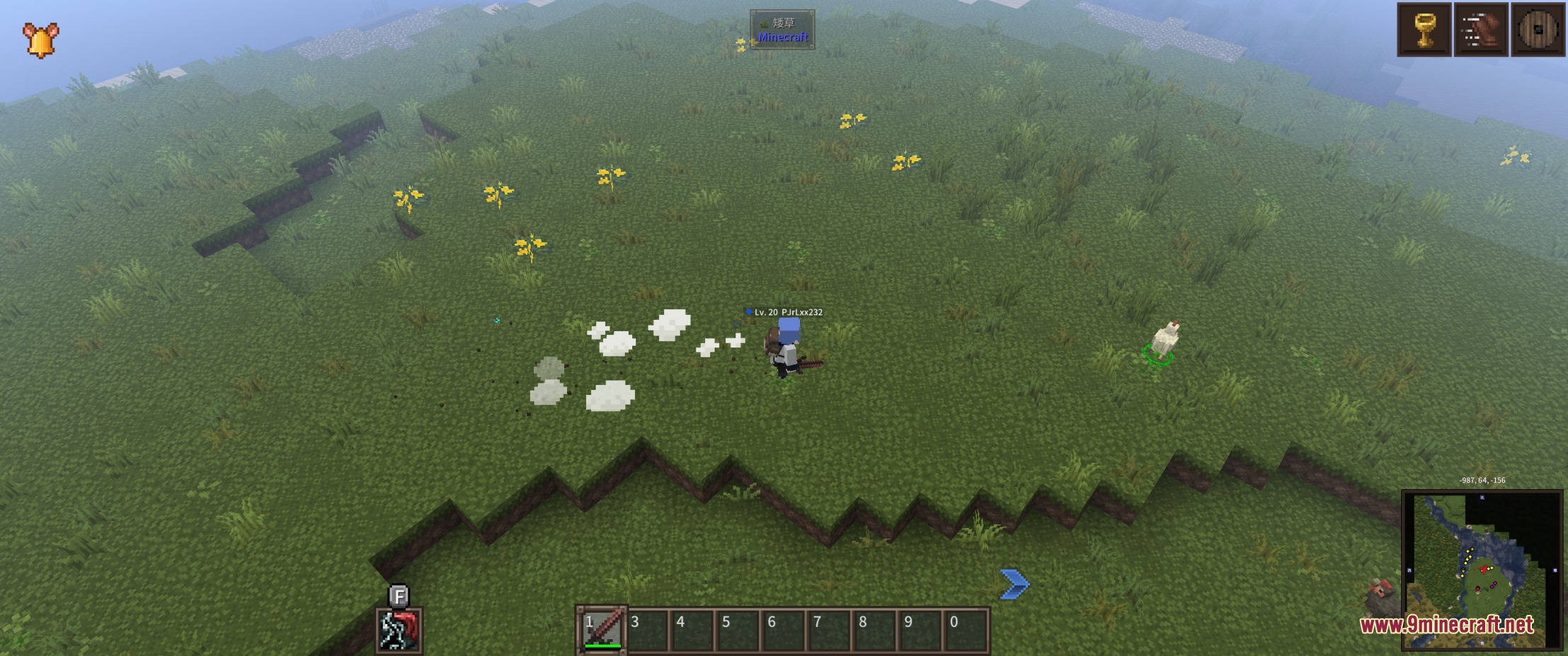
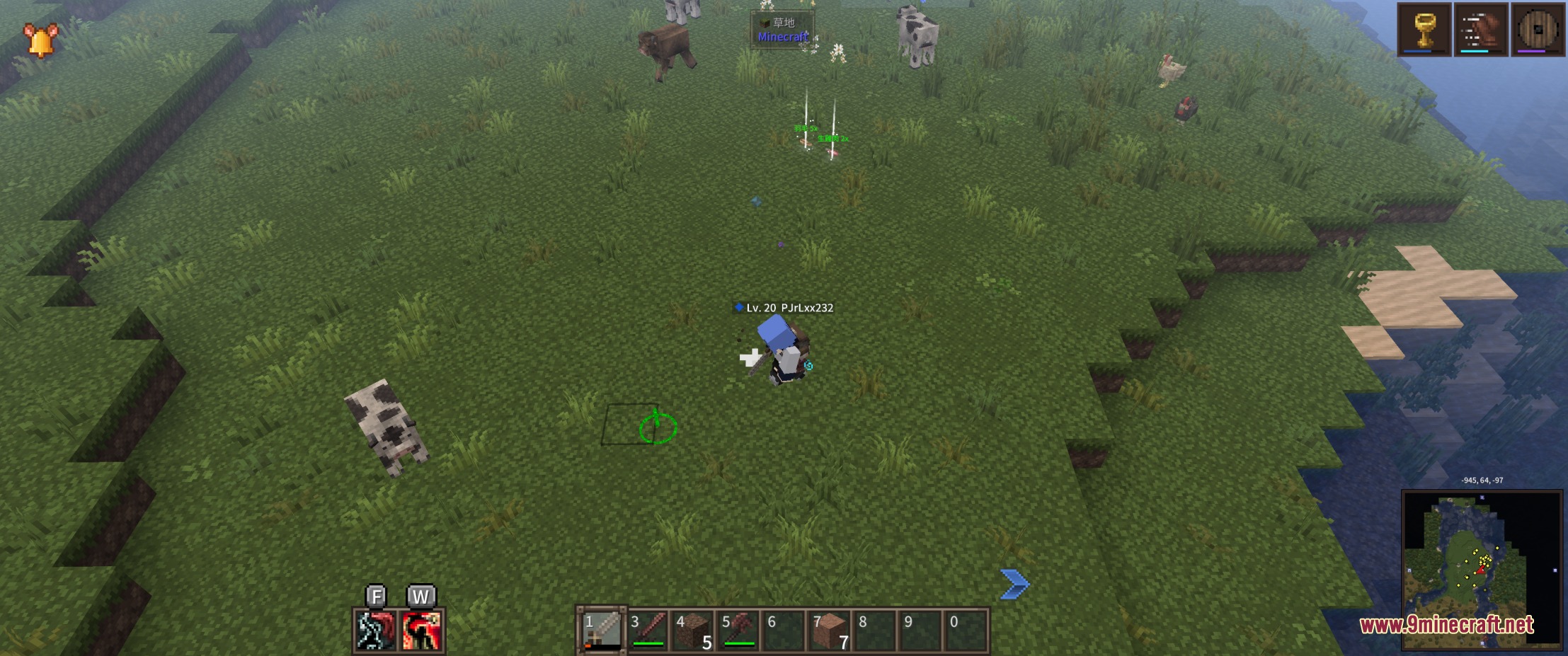
Customize Marker Colors and AppearanceAccess the Settings Menu Open your Minecraft settings or pause menu while in-game. Look for the Iso Pulse Navigation…Navigate Dungeons More Precisely with Ground MarkersPlan Your Route Before Moving In dungeon environments, use the marker system to preview your path. Click waypoints…Troubleshoot Markers Not AppearingVerify the Mod is Active Confirm that Iso Pulse Navigation Mod is loaded in your mod list. Check your mods folder to…Use Navigation Markers Effectively in Top-Down ViewUnderstand Marker Components When you click the ground to move, three visual elements appear: a ring marker showing…
Frequently asked questions
How do I make markers appear when I click?
Can I turn off the light beam effect?
Yes, the light beam is optional and can be disabled in the mod's settings menu. You can keep just the ring and arrow markers if you prefer a cleaner look.
Do I need to be in a specific camera mod to use this?
This mod is designed to work with Dungeons Perspective or similar top-down camera views, though it functions best when you're using an isometric or overhead camera angle. It will still spawn markers in normal first-person view, but they're most useful in top-down perspectives.
Will this mod work on multiplayer servers?
Yes, the mod runs entirely on the client side, so it won't conflict with server rules or require any server-side installation. Other players won't see your markers.
See all 10 Iso Pulse Navigation questions ›
Gallery
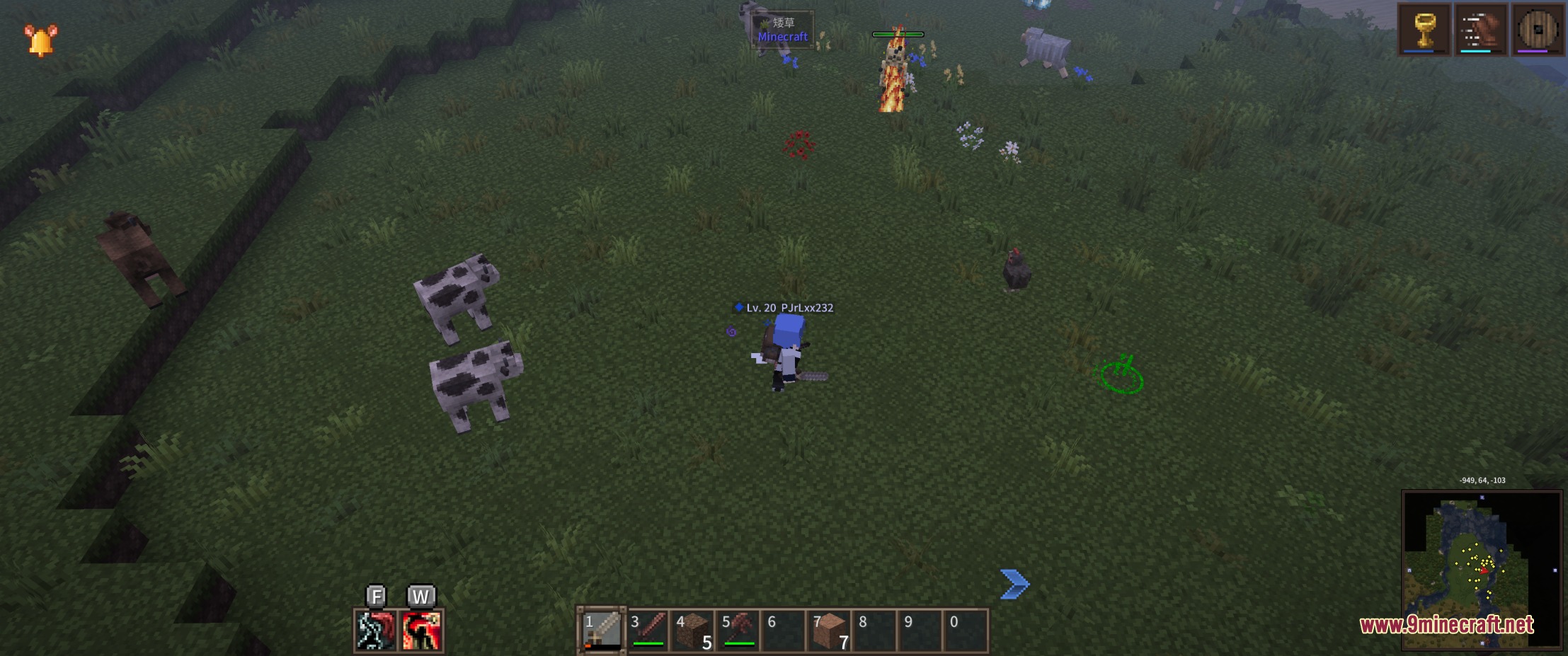
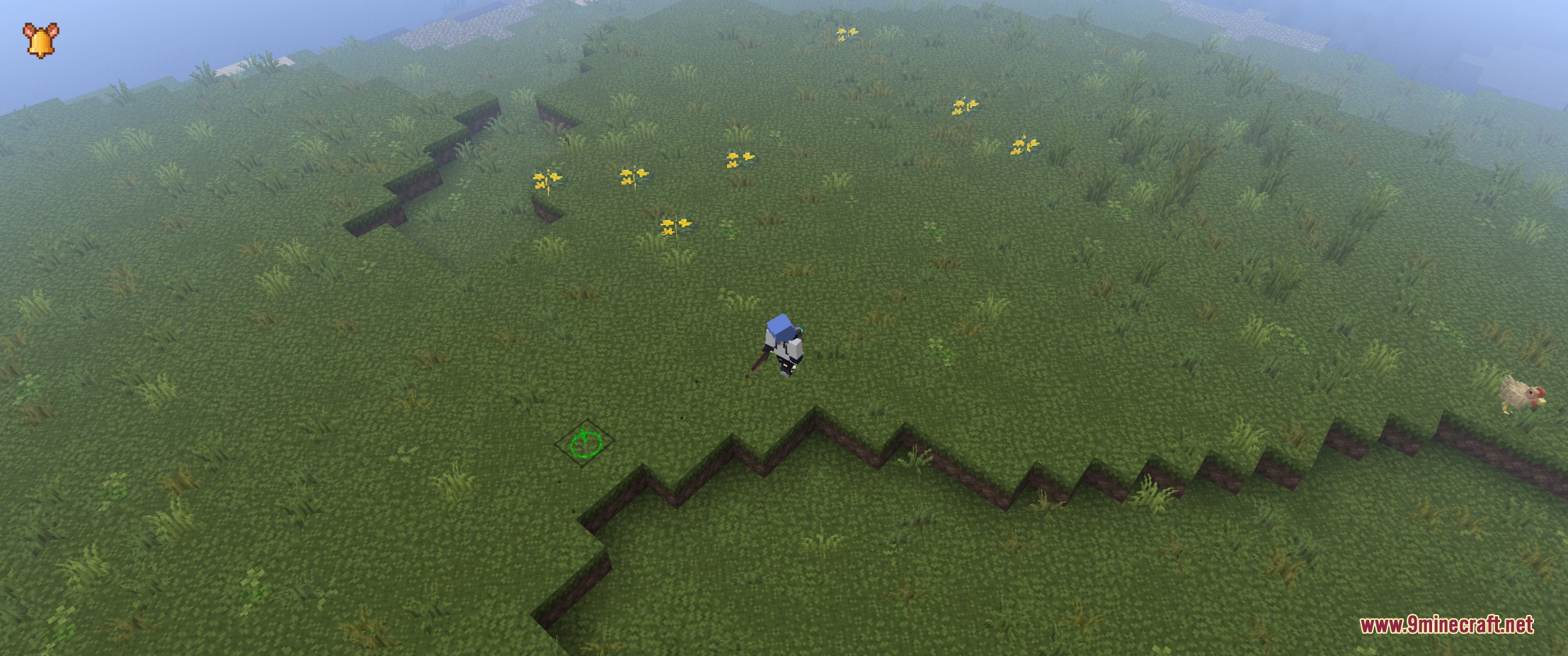
6 images from the Iso Pulse Navigation Mod page.
You May Also Like
Wikis that share the most with this one
More mod wikis on the site
The most downloaded mods that have a wiki here
A few wikis from each of the other kinds