

 DownloadItem Borders Mod
Get the files on 9Minecraft
Guides
Step-by-step, in-game.
How to Add Custom Item Borders to Items in Item Borders ModFinding and Opening the Config File Item Borders reads its rules from a config file inside your .minecraft/configs…How to Highlight Items From Other Mods With Item BordersWhy Modded Items Need Tags Modded items rarely share the vanilla naming you're used to, and typing every single ID by…How to Make Item Borders Match Loot Beams ColorsWhat the Sync Does Item Borders can synchronize with the Loot Beams mod so that the colored outline on an item in…How to Turn Off Item Borders in the Hotbar OnlyWhy Separate Hotbar and Inventory Settings Matter Borders are useful in your inventory, where you're deciding what to…
Frequently asked questions
How do I get started with Item Borders Mod?
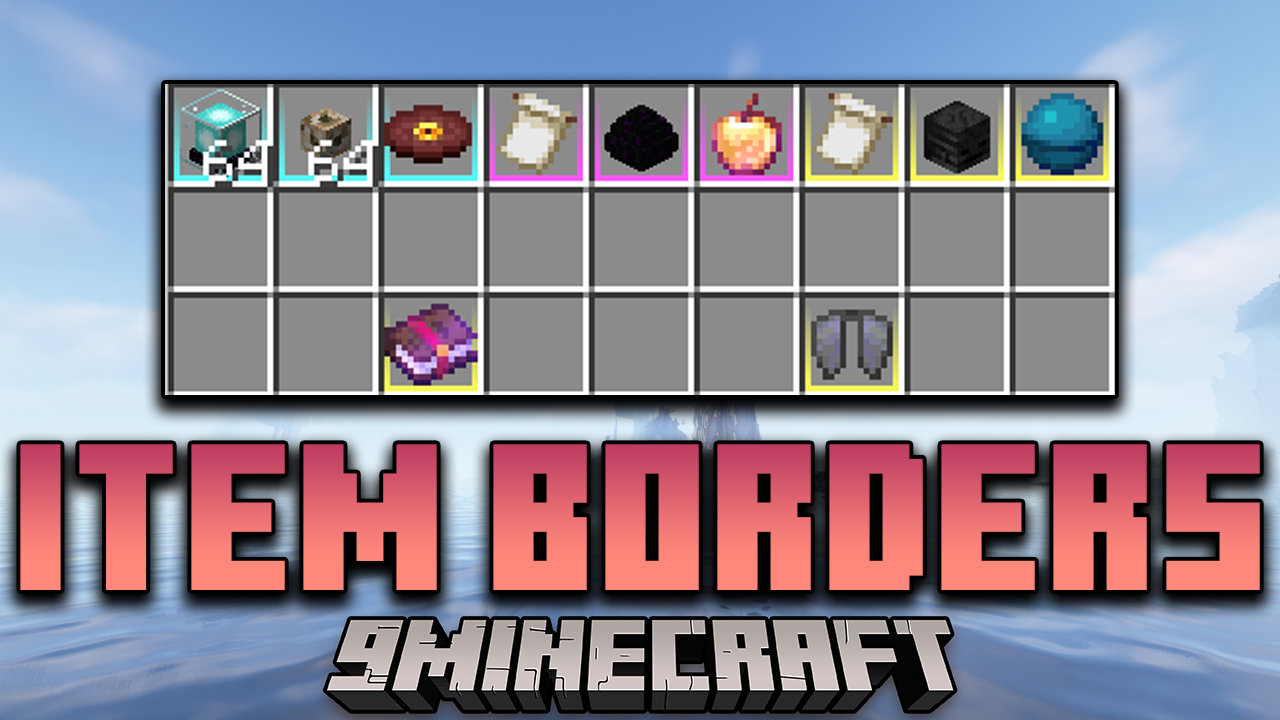
Launch the game once with the mod installed so it generates its config file in your .minecraft/configs folder. Open that file to see the built-in explanations, then add your first item and color entry to see a border appear in your inventory.
Where is the Item Borders config file located?
It lives in the .minecraft/configs folder alongside other mod configs. Open it with any text editor; every option is documented with comments right inside the file.
How do I add a border to a specific item?
In the config, map a color to the item's registry name, like "minecraft:stick", using the format the file's comments show. Save the file and reload or restart the game for the change to take effect.
Can I highlight a whole group of items at once instead of listing each one?
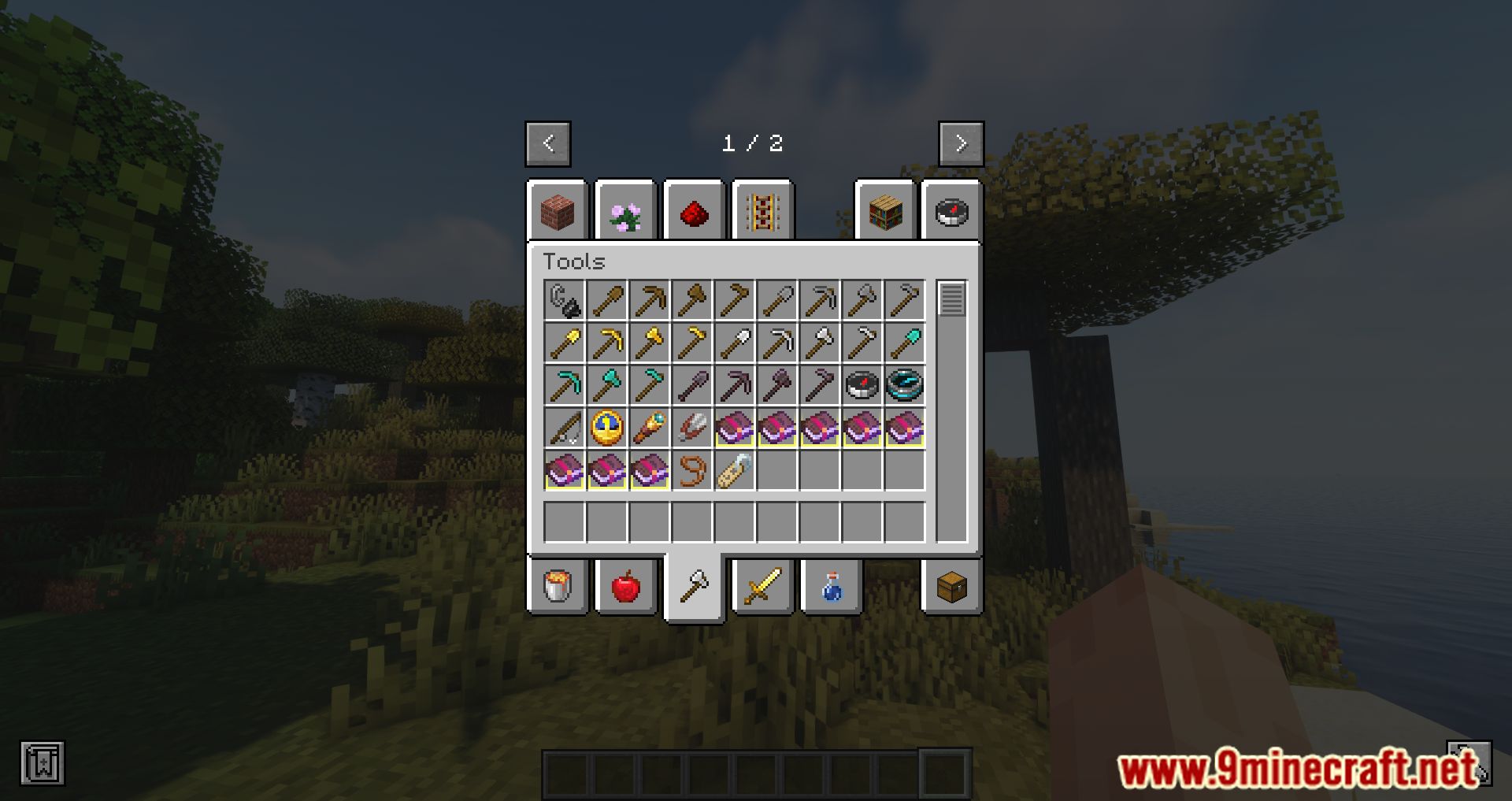
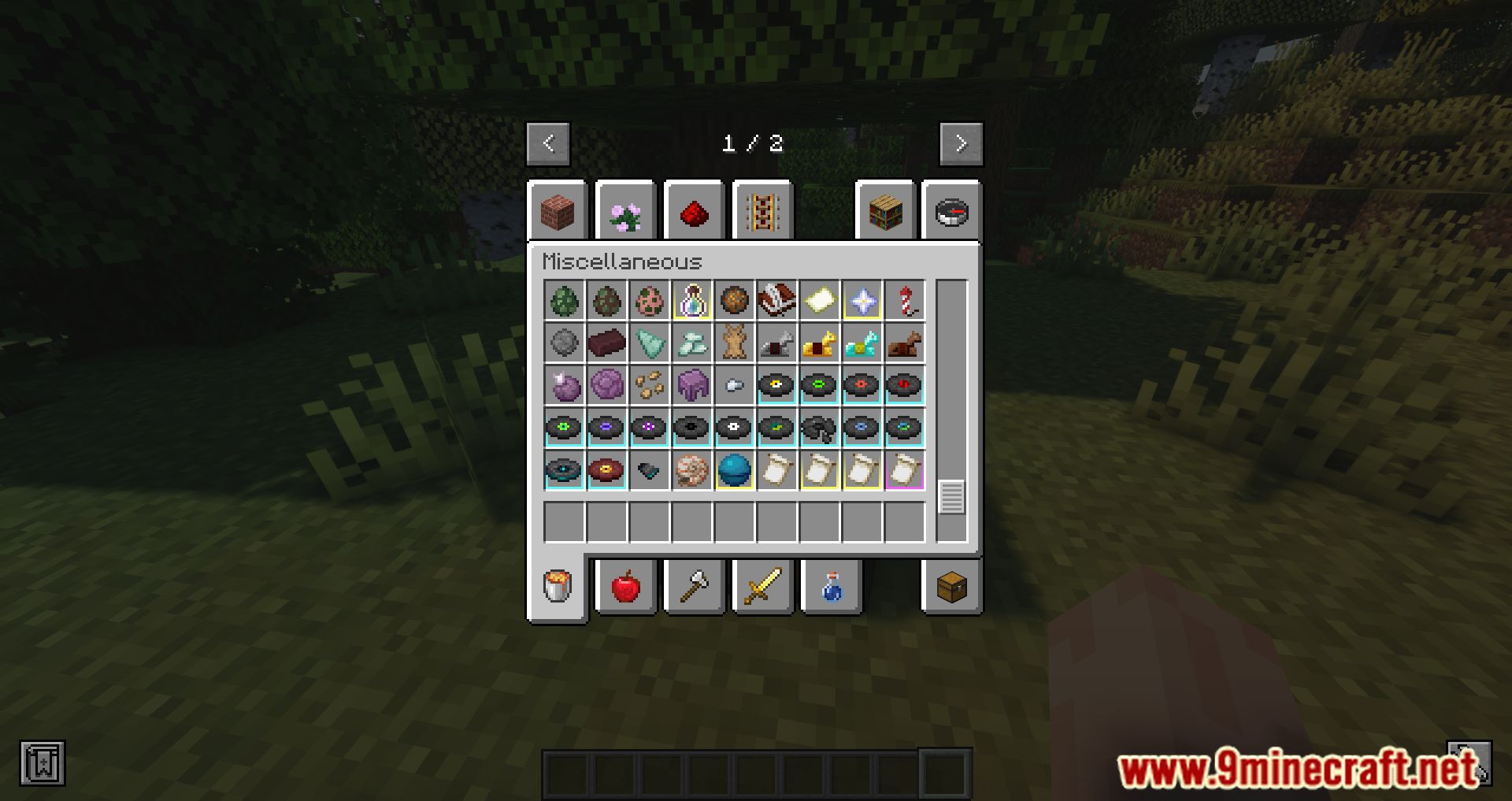
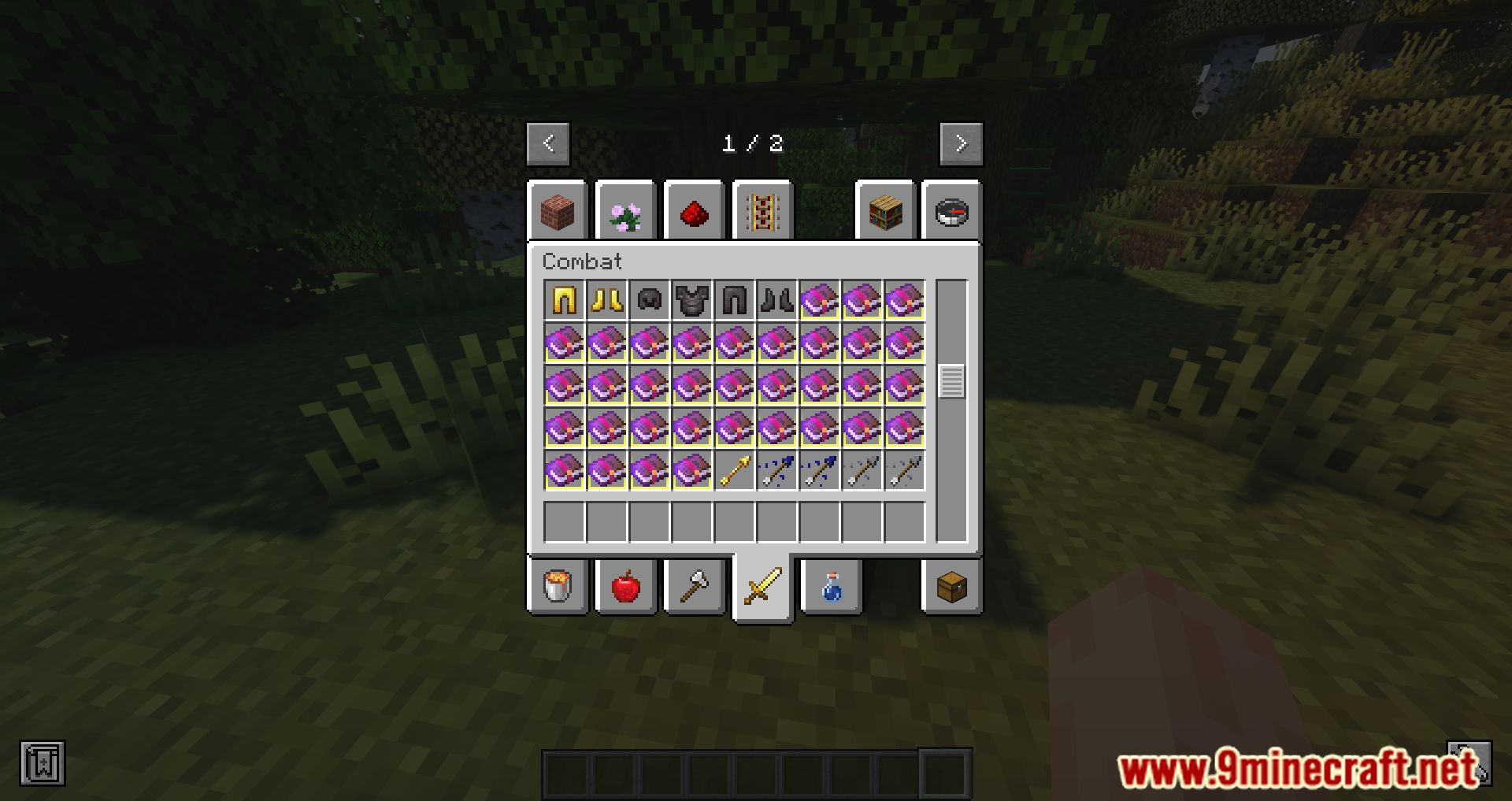
Yes, you can use item tags instead of individual item IDs, such as "#forge:ores", so every item in that tag gets the same border color. This is the easiest way to cover large categories without listing every item.
See all 10 Item Borders questions ›
Gallery
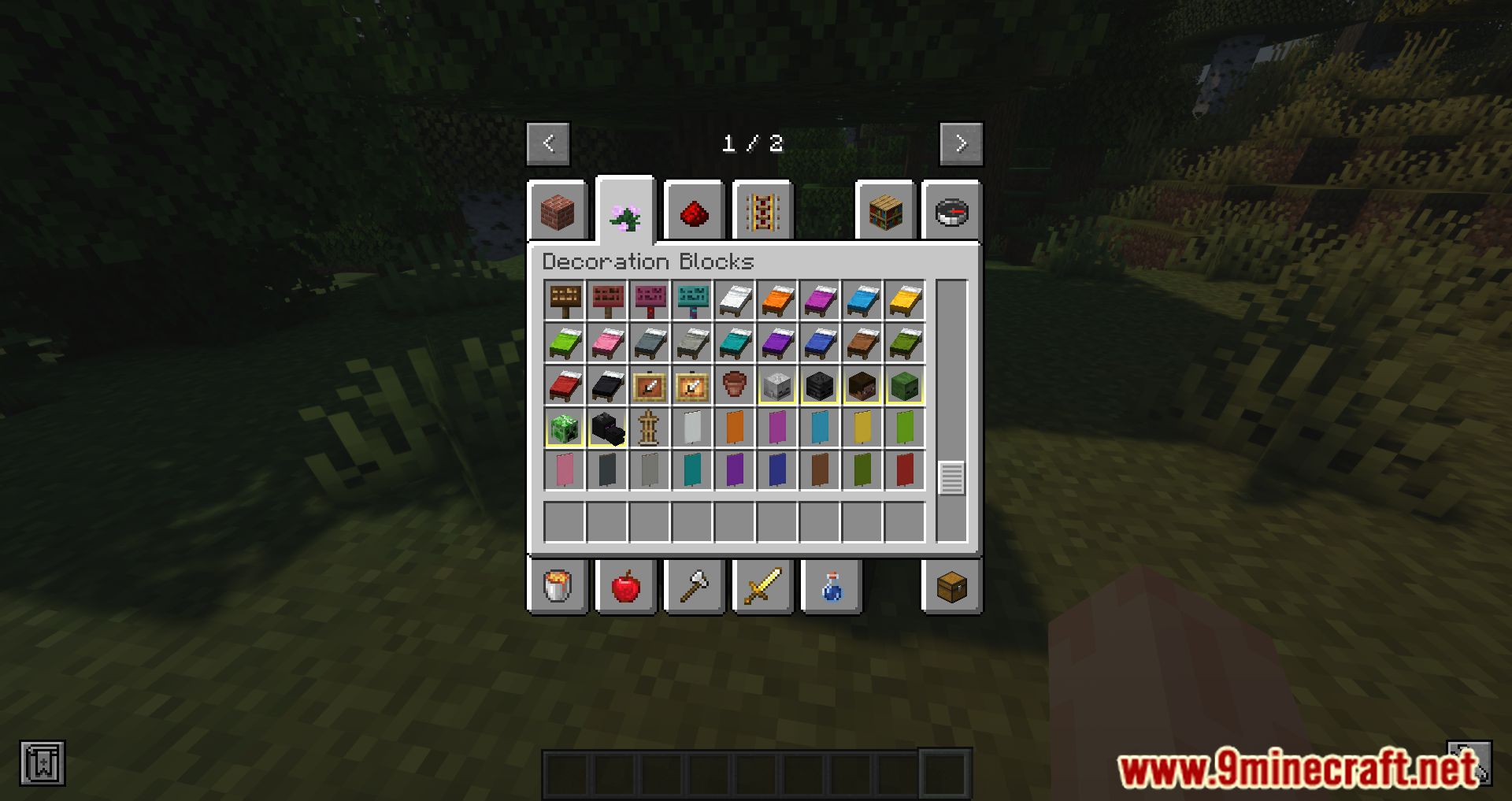
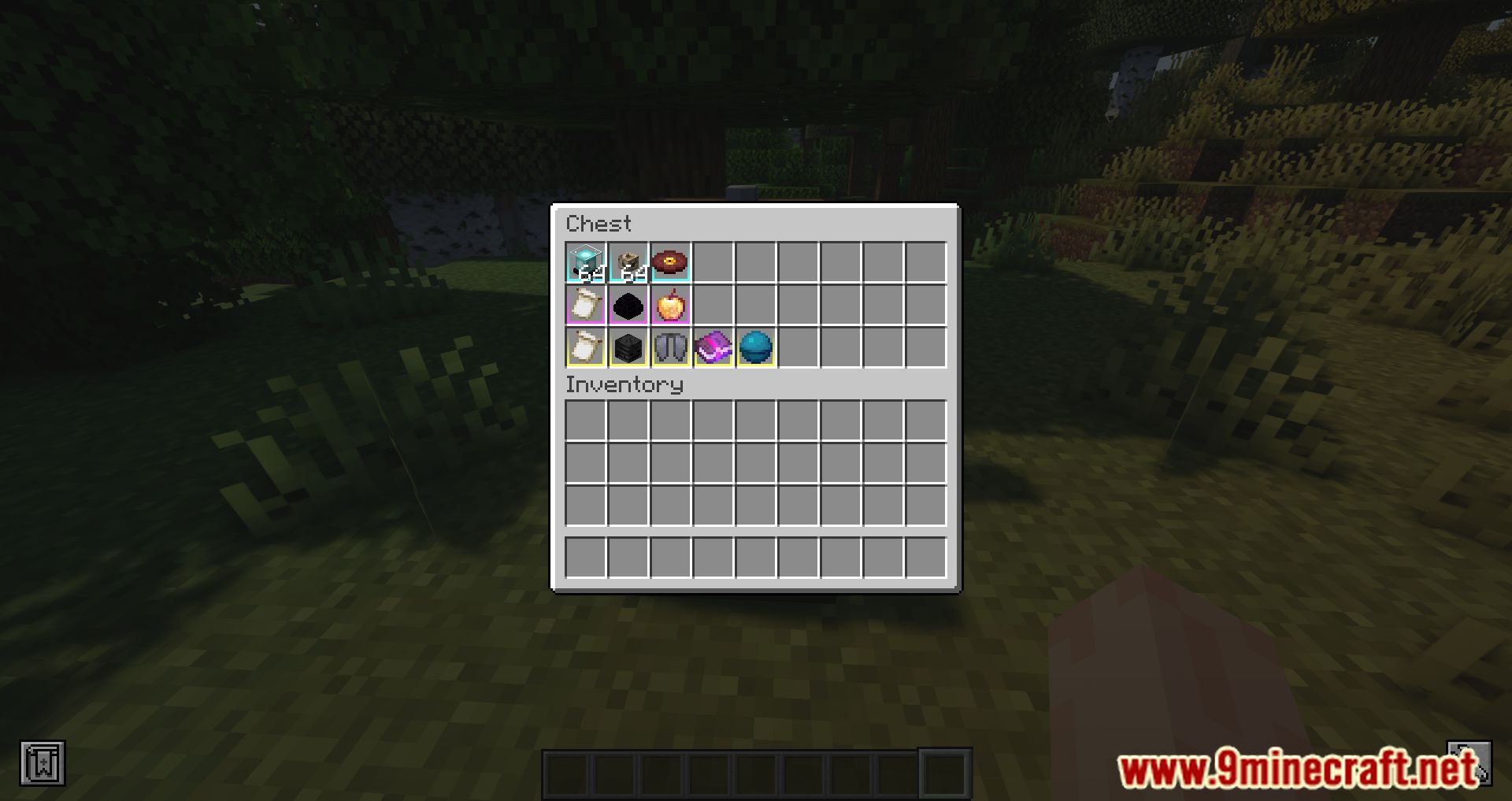
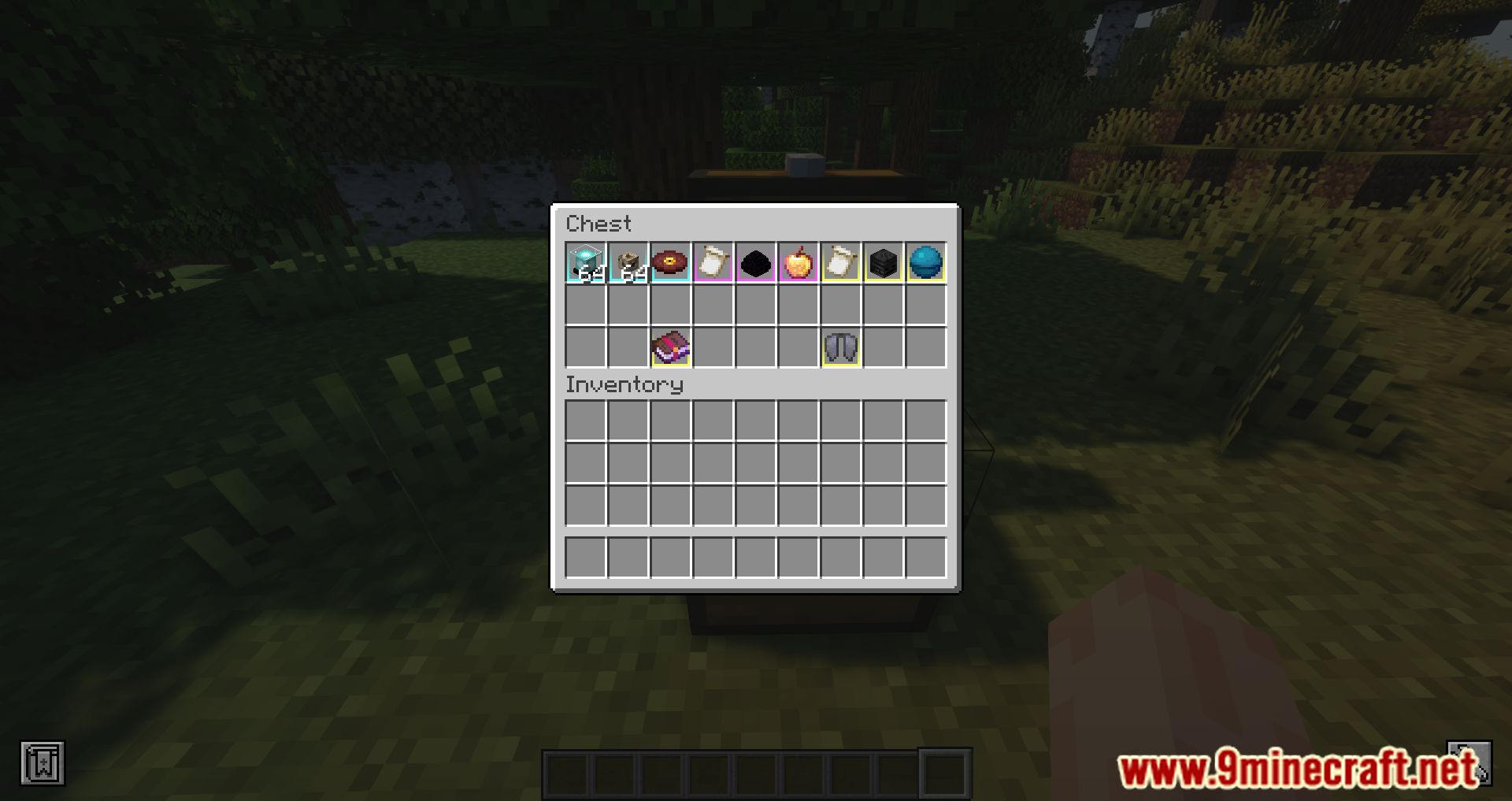
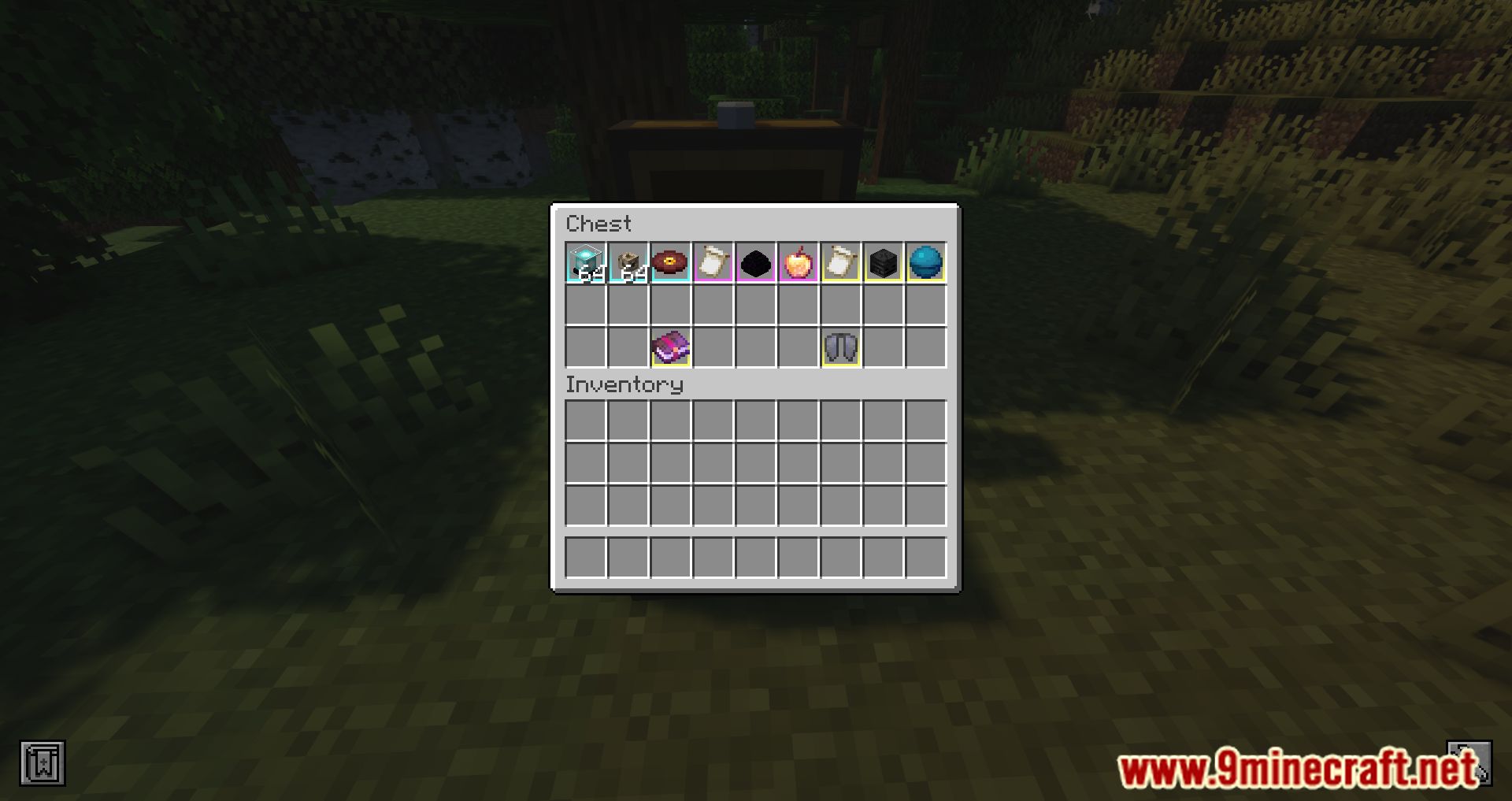
9 images from the Item Borders Mod page.
You May Also Like
Wikis that share the most with this one
More mod wikis on the site
The most downloaded mods that have a wiki here
A few wikis from each of the other kinds