DownloadCamera Monitoring Fully Customizable Screens
Get the files on 9Minecraft
Guides
Step-by-step, in-game.
Add Night Vision to Cameras for Dark AreasObtaining the Night Vision Module Craft a Night Vision upgrade module. This module improves visibility in dark rooms,…Monitor Your Base While Away with Handheld MonitorsCrafting Handheld Remote Monitors The mod offers three tiers of portable handheld monitors with increasing capability…Set Up Motion Tracking to Follow IntrudersInstalling Motion Tracking Craft a Motion Tracking upgrade module and insert it into a Security Camera 's upgrade…Set Up Your First Security CameraCrafting and Placement Craft a Security Camera using the mod's crafting recipe. Place it on any wall or ceiling…
Recipes
Every recipe the mod adds, grouped by how it is made.
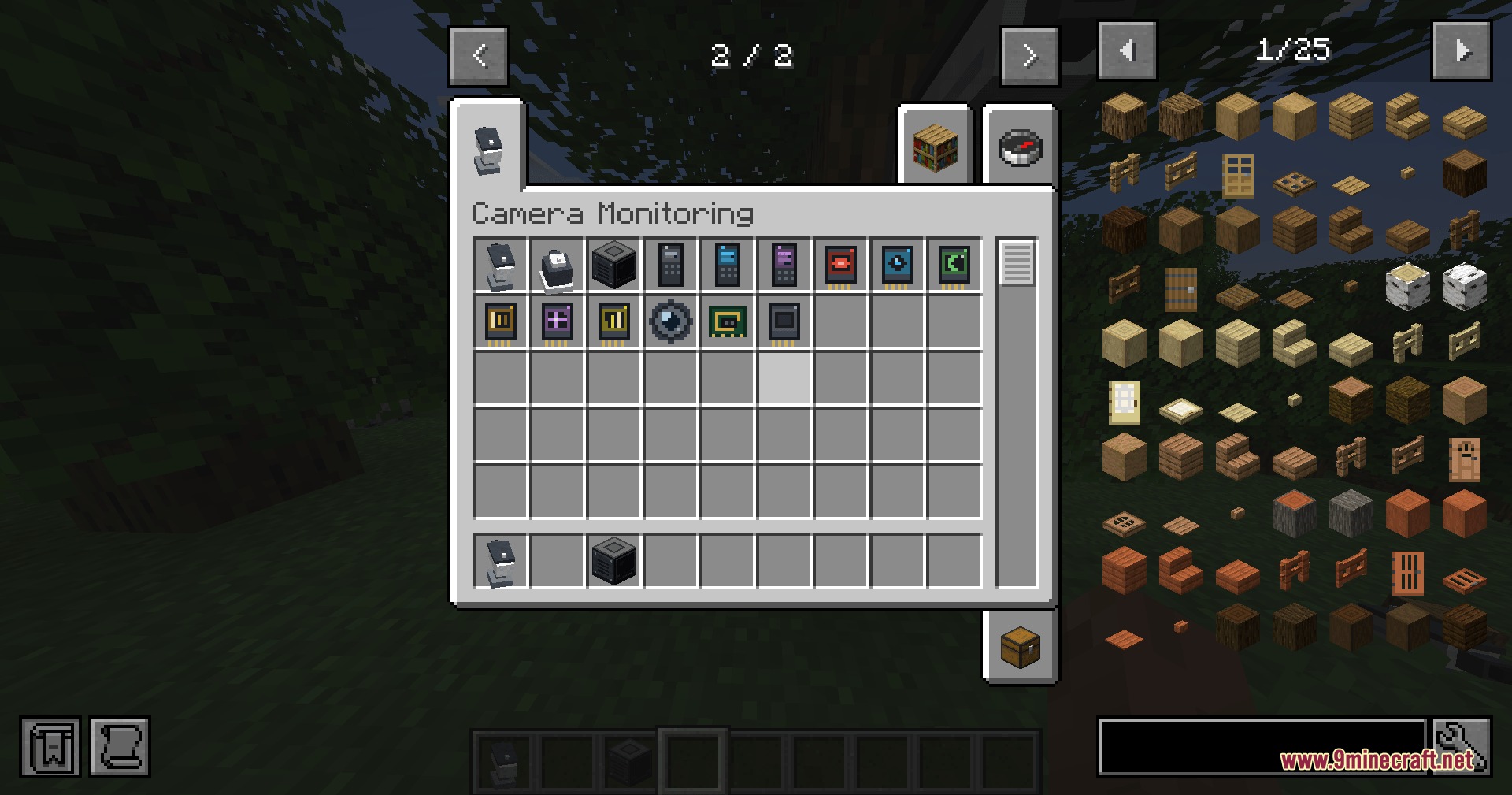
Items
 Advanced Remote Monitor
 Audio Module
 Basic Remote Monitor
 Camera Lens
 Entity Detector Module
 Infrared Module
 Module Housing
 Motion Tracking Module
 Night Vision Module
 Patrol Module
 Professional Remote Monitor
 Security Circuit
 Zoom Enhancement Module
Blocks
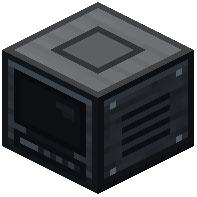 Camera Monitoring Station
 Dome PTZ Camera
 Monitor Screen
 Security Camera
Frequently asked questions
How do I craft a Security Camera?
Craft a Security Camera using the recipe shown in your crafting menu—it requires basic materials like copper, glass, and redstone components. Once crafted, place it on any wall or ceiling around your base by right-clicking the surface.
Can I view camera feeds from multiple locations?
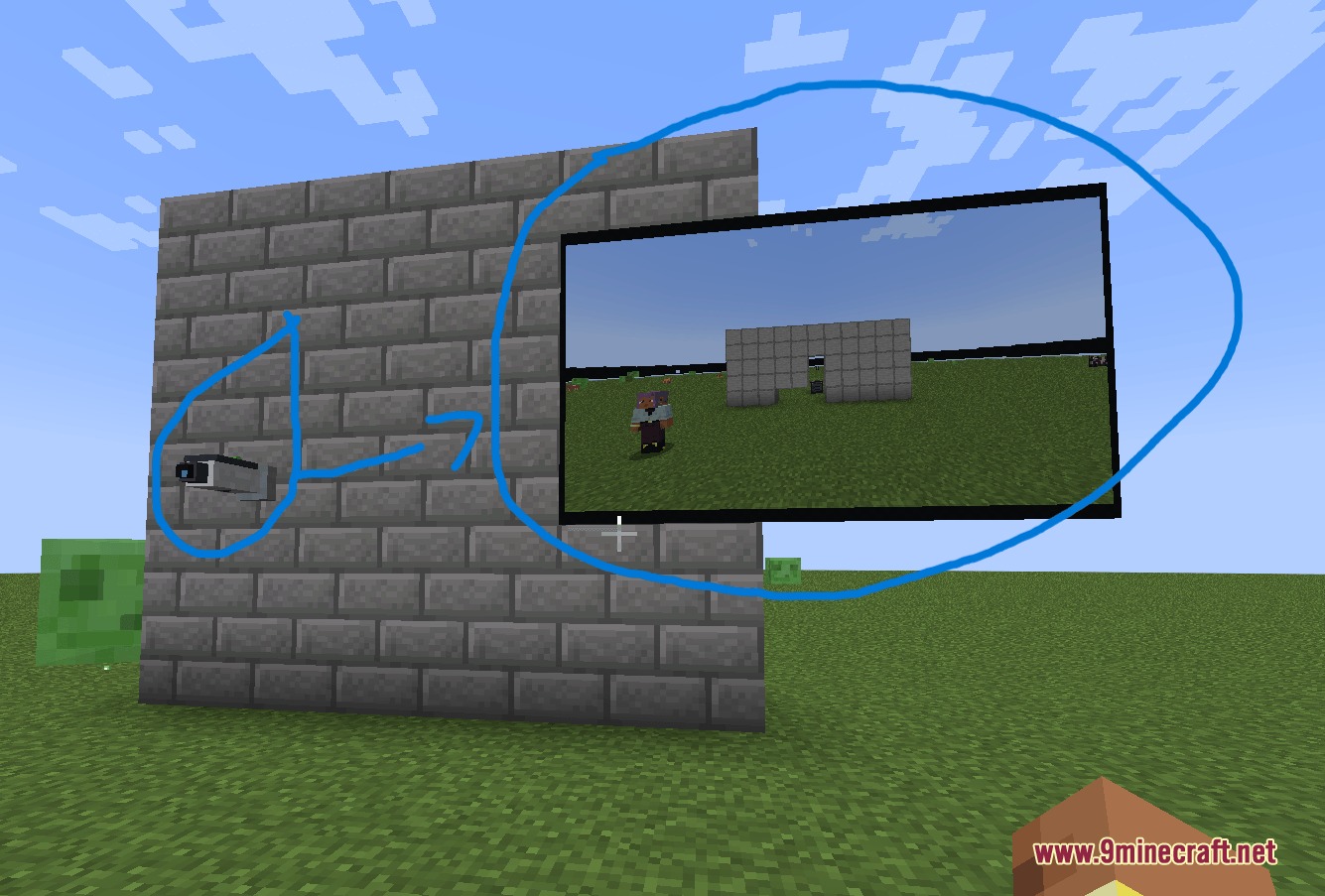
Yes—place a Camera Monitoring Station in your control room to view all linked cameras from a desktop, or craft a handheld Remote Monitor to watch feeds while traveling away from your base.
What's the difference between the three tiers of handheld monitors?
The three tiers of Remote Monitors offer increasing durability and features; higher tiers can display more detailed information and may have better range or faster refresh rates, but all three let you view live feeds away from your station.
How do I set up motion tracking to catch intruders?
Craft a Motion Tracking upgrade module and insert it into your camera's upgrade slot at the Monitoring Station; the camera will then automatically pan and tilt to follow any entity that enters its view until they leave.
Do cameras work in complete darkness?
No—place a Night Vision upgrade for improved visibility in dark areas, or use an Infrared upgrade to illuminate targets in total darkness and see them clearly on your monitor.
Can I password-protect my cameras on a multiplayer server?
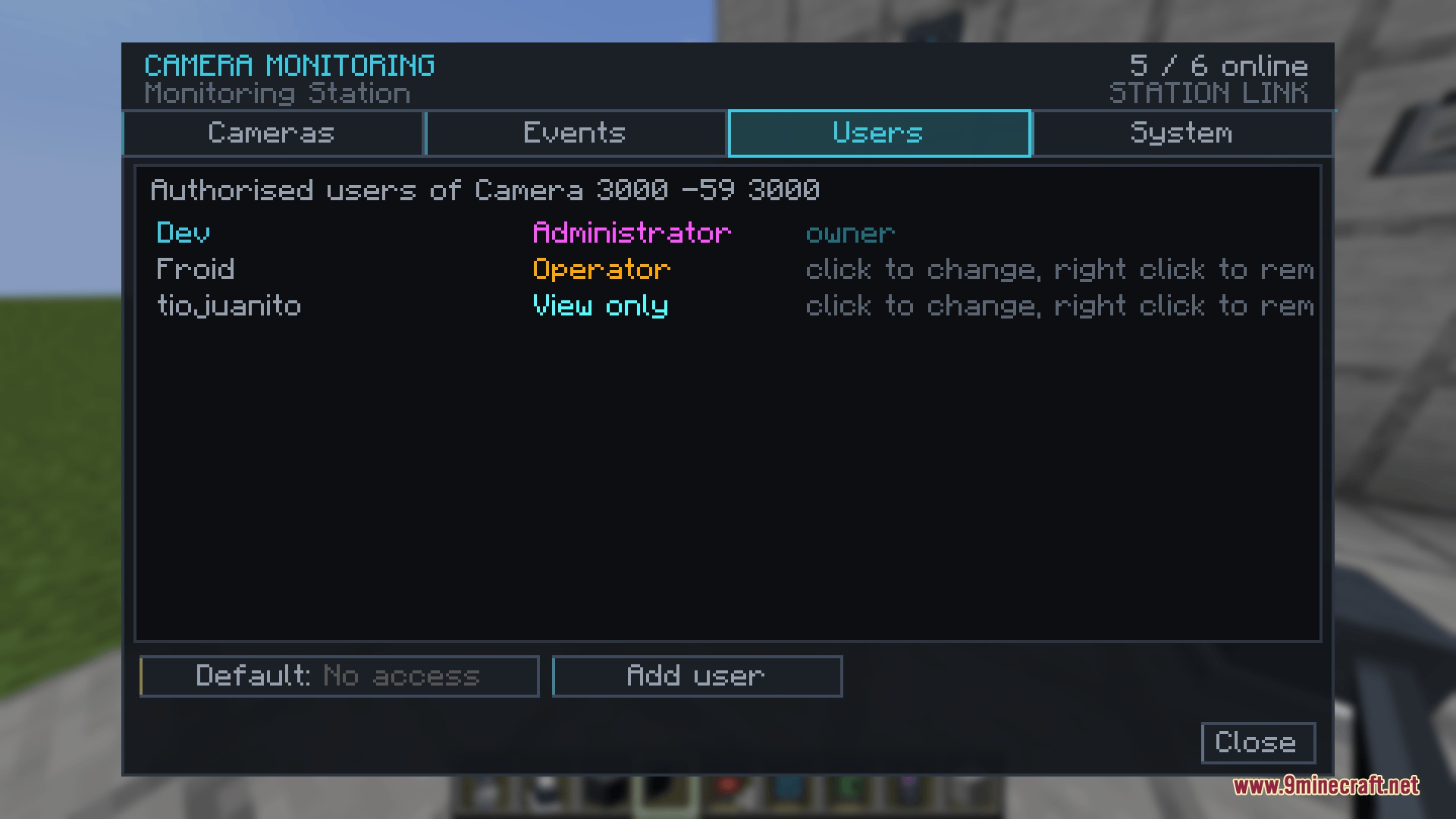
Yes—use the Monitoring Station interface to set passwords and assign role permissions (Administrator, Operator, View-Only) to individual cameras or the entire station, preventing unauthorized access.
How do I know if someone tried to access my cameras?
Open the event log in your Monitoring Station to review past detections, login attempts, and setting changes; this log persists across server restarts so you have a complete security history.
Can I use the Entity Detector to find specific mobs?
The Entity Detector upgrade scans for players, monsters, or peaceful animals within a custom range you set; you can configure what types of entities trigger alerts at your Monitoring Station.
What happens to my cameras if the server restarts?
All camera orientations, ownership permissions, and installed upgrade modules are saved automatically and will be restored exactly as you left them when the server restarts.
You May Also Like
Wikis that share the most with this one
More mod wikis on the site
The most downloaded mods that have a wiki here
A few wikis from each of the other kinds
Gallery
5 images from the Camera Monitoring Fully Customizable Screens Mod page.