

 DownloadThird Person Mod
Get the files on 9Minecraft
Guides
Step-by-step, in-game.
How to Adjust Camera Offset and Distance in Third PersonMoving the Camera Offset Hold Z and move your mouse. This shifts where your character sits on the screen — the camera…How to Fix Jittery or Unsmooth Third Person Camera MovementThe Common Cause If your third-person camera stutters, jumps, or interpolates poorly, the most likely cause is…How to Switch Between First and Third Person ViewToggling the Camera Press F5 to cycle your perspective. The mod keeps the vanilla keybind, so you do not need to…How to Switch Camera Bias Left, Right, and CenterShort Press vs Long Hold In third-person view, CapsLock controls camera bias — which side of your character the…
Configuration
Every setting in the mod config file, with what it changes.
| Option | What it does |
|---|---|
adjusting_distance_half_lifeAdjusted Distance Half-Life | Smooth distance changes made with the wheel while adjusting the camera |
adjusting_offset_half_lifeAdjusted Offset Half-Life | Smooth screen offset changes while holding the camera adjustment key |
hold_to_aim_item_patternsAim While Holding | Use the aiming composition when either hand matches an additional predicate |
use_to_aim_item_patternsAim While Using | Use the aiming composition while the active item matches an additional predicate |
aimingAiming | Rules for entering the aiming state automatically |
aiming_cameraAiming Camera | Closer composition used while aiming |
aiming_distance_half_lifeAiming Distance Half-Life | Smooth distance changes while aiming |
aiming_fov_half_lifeAiming FOV Half-Life | Smooth changes to the aiming composition's FOV multiplier; vanilla dynamic FOV remains immediate |
aiming_pivot_horizontal_half_lifeAiming Horizontal Follow Half-Life | Smooth horizontal camera following while aiming |
aiming_offset_half_lifeAiming Offset Half-Life | Smooth shoulder and screen-offset changes while aiming |
aiming_pivot_vertical_half_lifeAiming Vertical Follow Half-Life | Smooth vertical camera following while aiming |
cameraCamera | Adjust the camera composition for normal and aiming states |
camera_adjustmentCamera Adjustment | Smoothing while adjusting shoulder position and camera distance |
camera_behaviorCamera Behavior | Control when the camera temporarily changes perspective |
aiming_distanceDistance Factor | Aiming distance relative to the size of the entity and its vehicle |
normal_distanceDistance Factor | Camera distance relative to the size of the entity and its vehicle |
do_not_rotate_when_eatingDo Not Rotate While Eating | Ignore interaction-triggered rotation while using food |
flying_pivot_half_lifeFlight and Swimming Pivot Half-Life | Smooth how the camera follows the player while flying or swimming |
aiming_fovFOV Multiplier | Multiplier applied to the field of view while aiming |
generalGeneral | General camera, aiming, and HUD behavior |
hudHUD | Interface display in the third-person perspective |
interaction_rotationInteraction Rotation | Rules that determine player facing while using, attacking, or picking blocks |
item_predicatesItem Predicates | Add matching rules using the same item syntax as /clear; resource packs can also provide rules |
rotation_half_lifeMouse Rotation Half-Life | Smooth mouse-controlled camera rotation; zero disables rotation smoothing |
Frequently asked questions
How do I get into third person with this mod?
Press F5 to toggle between first-person and third-person view, just like vanilla. The mod enhances the third-person  camera once you are in it.
How do I move the camera around the player in third person?
Hold Z and move your mouse to adjust the camera offset, which changes where the player sits on the screen. Release Z when you are happy with the position.
camera offset, which changes where the player sits on the screen. Release Z when you are happy with the position.How do I zoom the camera in or out in third person?
While holding Z, scroll the mouse wheel to change the camera's distance from the player. This lets you pull the view closer or push it further out.
camera's distance from the player. This lets you pull the view closer or push it further out.How do I switch the camera between left and right shoulder?
Tap CapsLock to smoothly shift the camera bias between the left and right sides. A short press switches sides; holding CapsLock smoothly centers the view instead.
camera bias between the left and right sides. A short press switches sides; holding CapsLock smoothly centers the view instead.See all 10 Third Person questions ›
Gallery
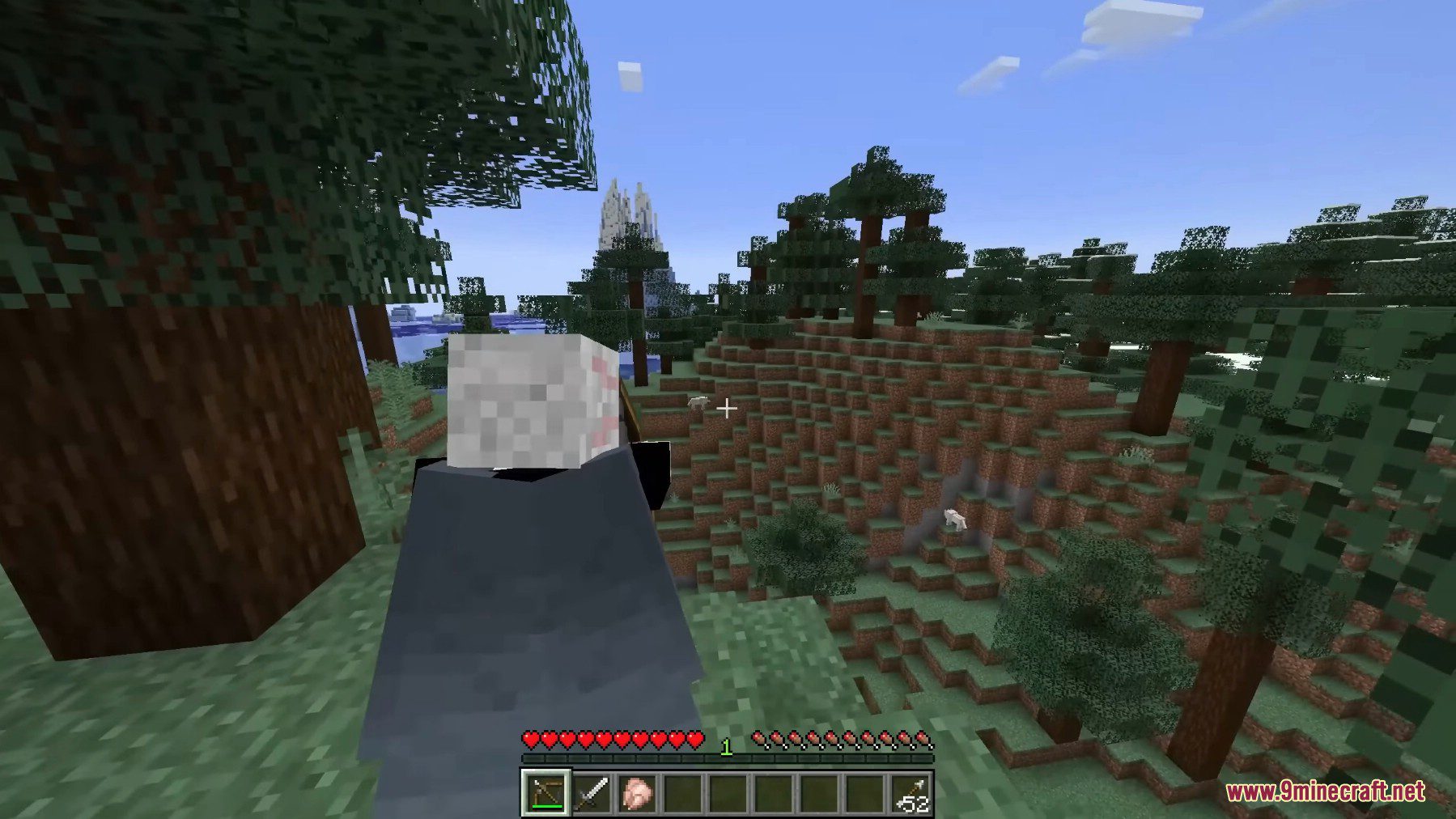
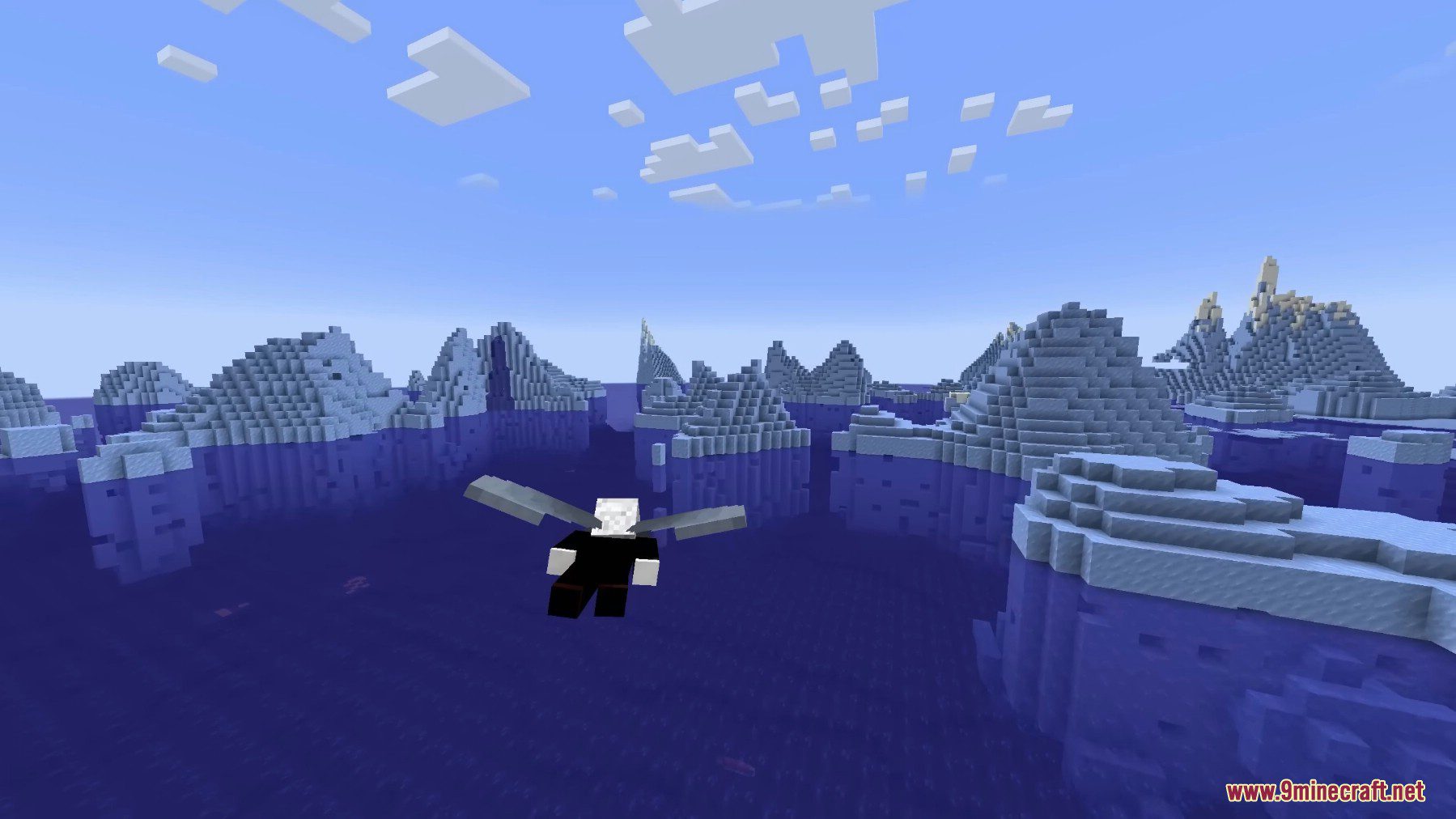
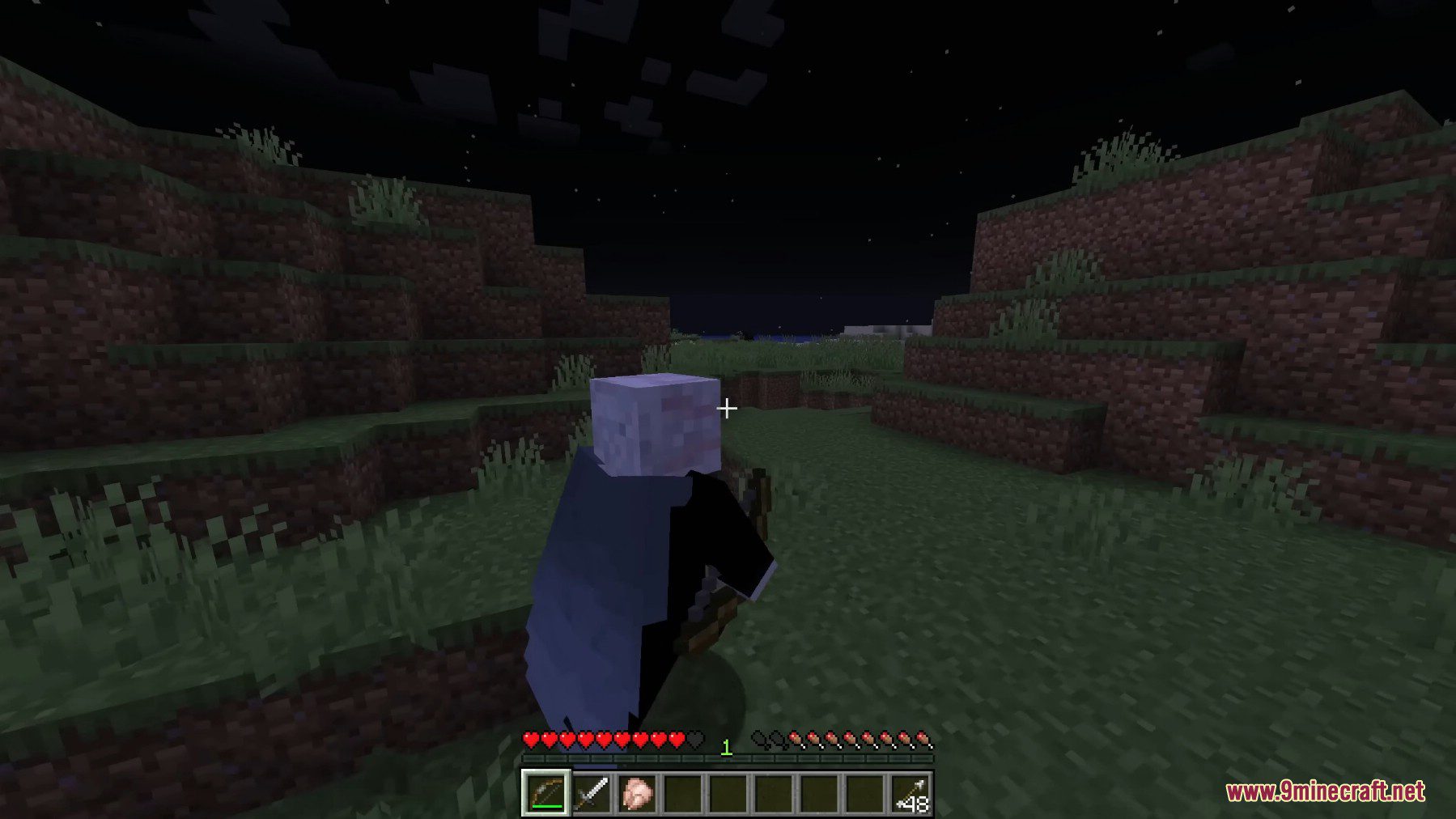
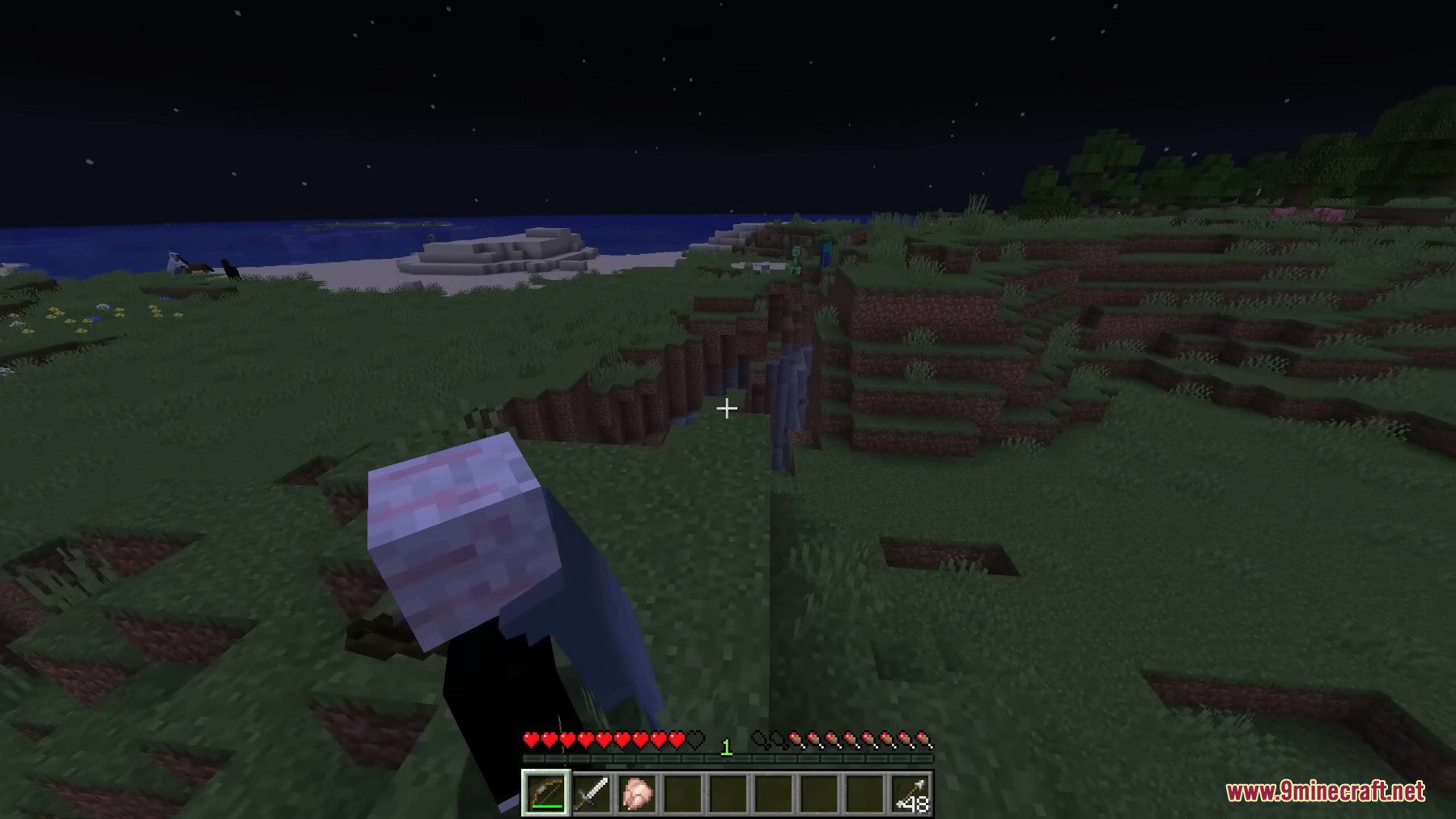
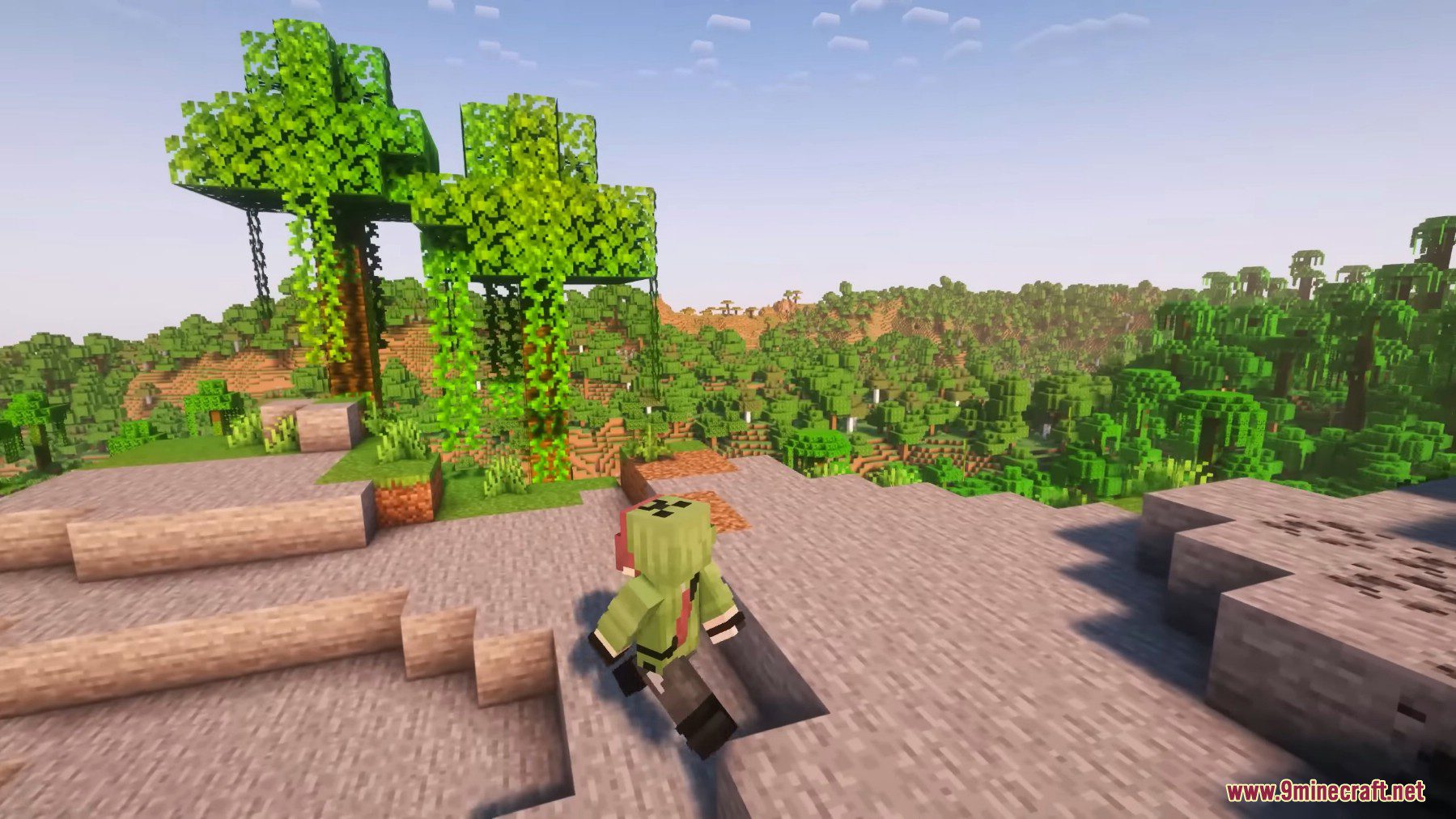
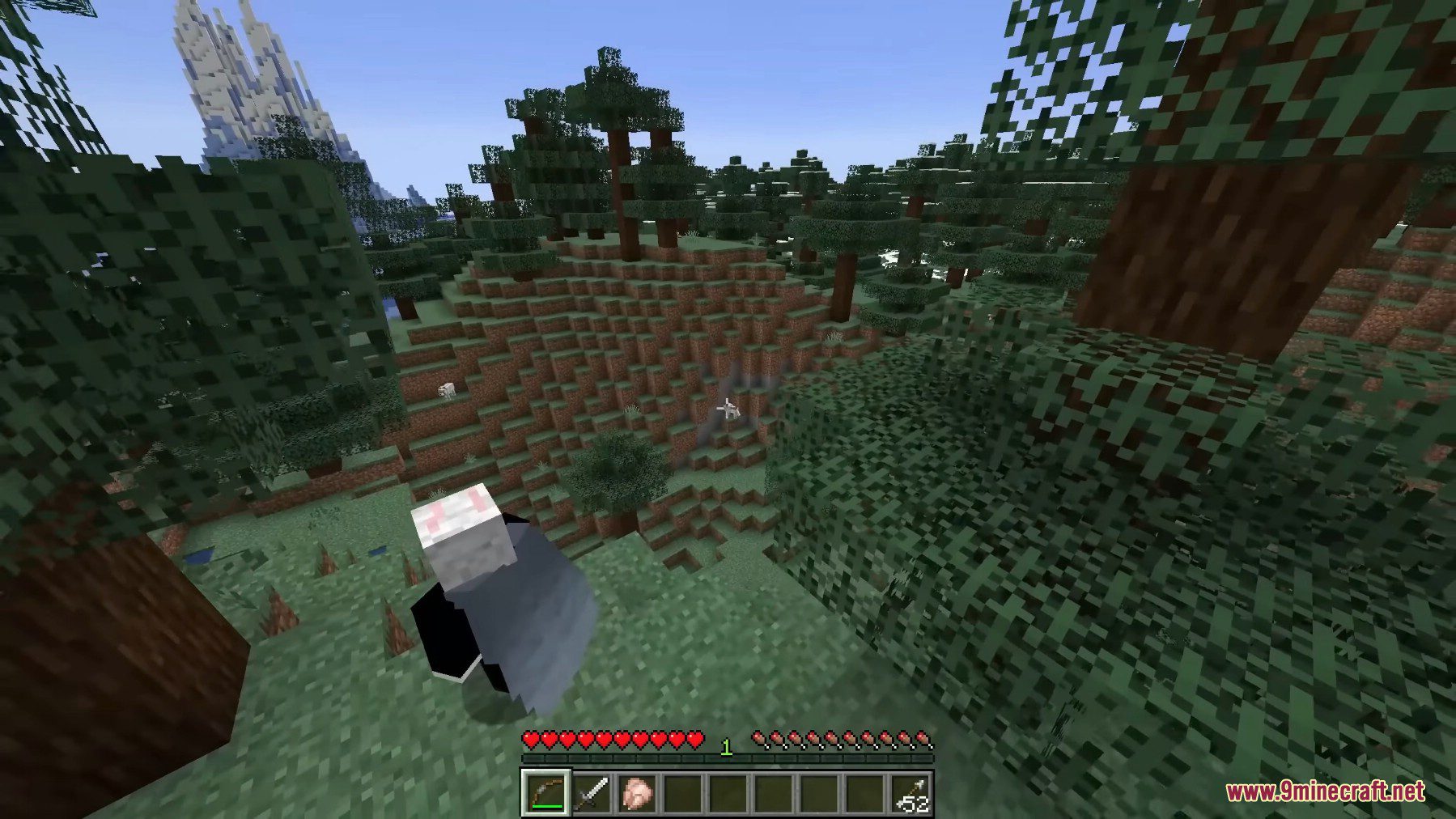
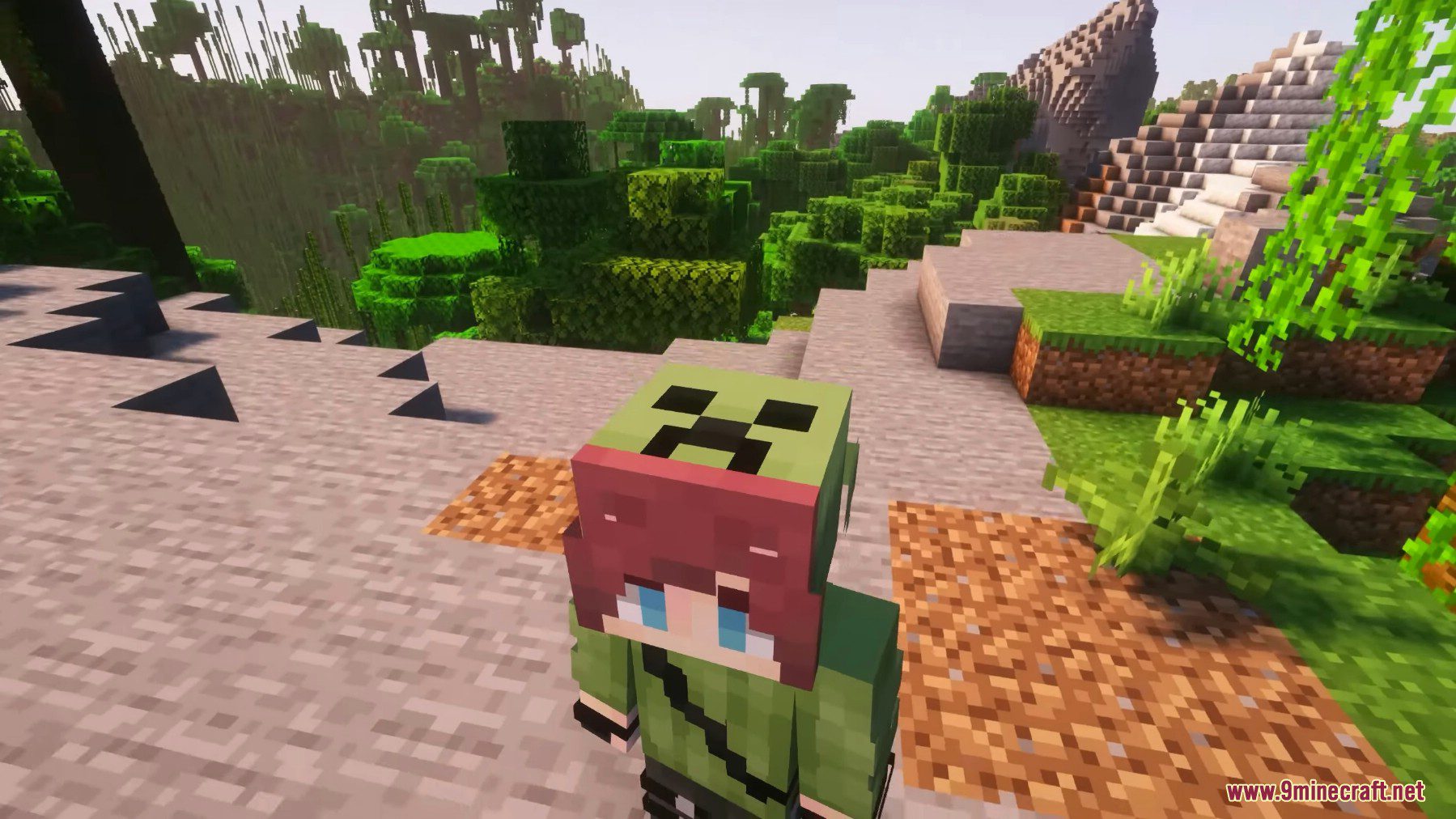
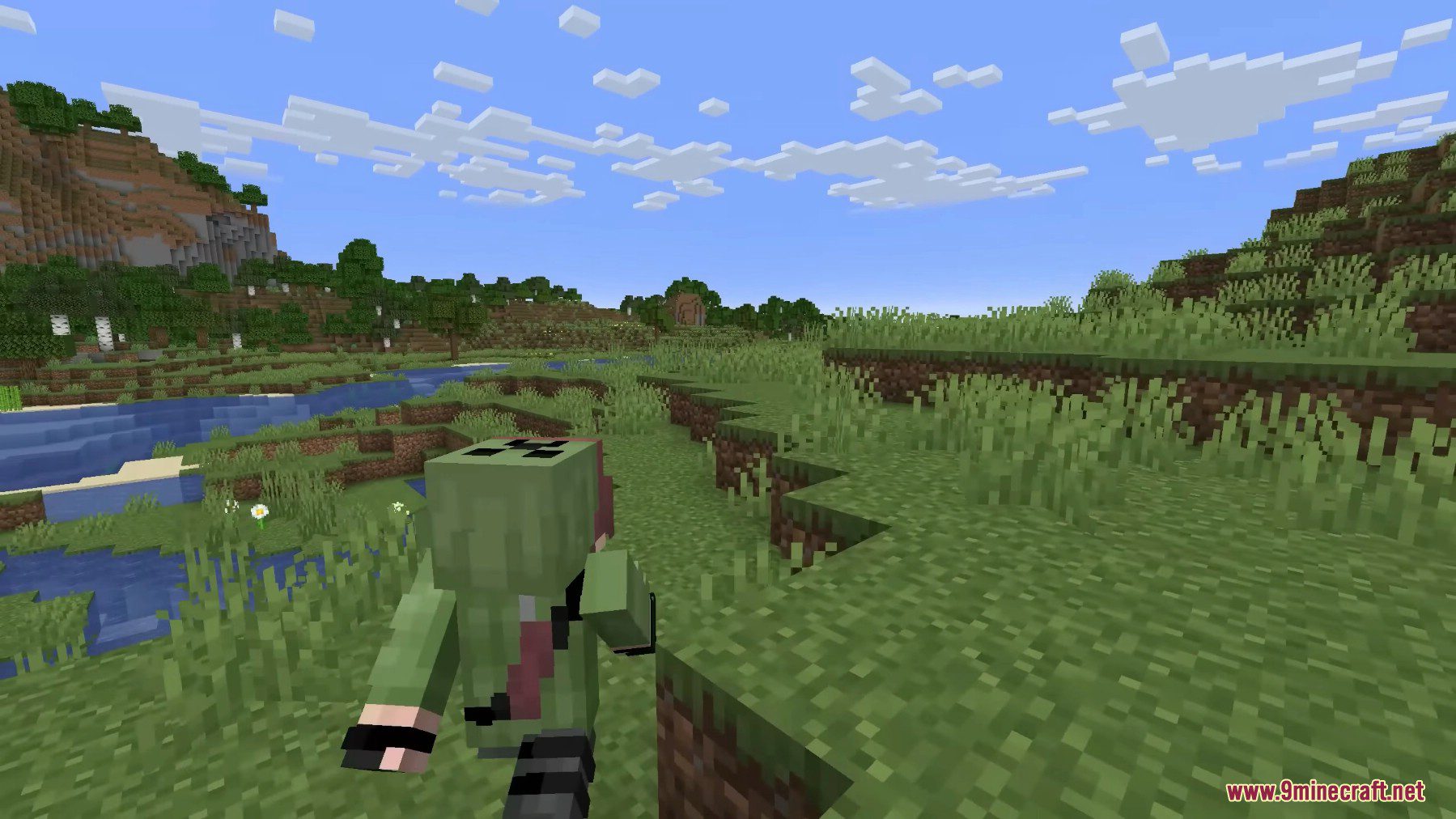
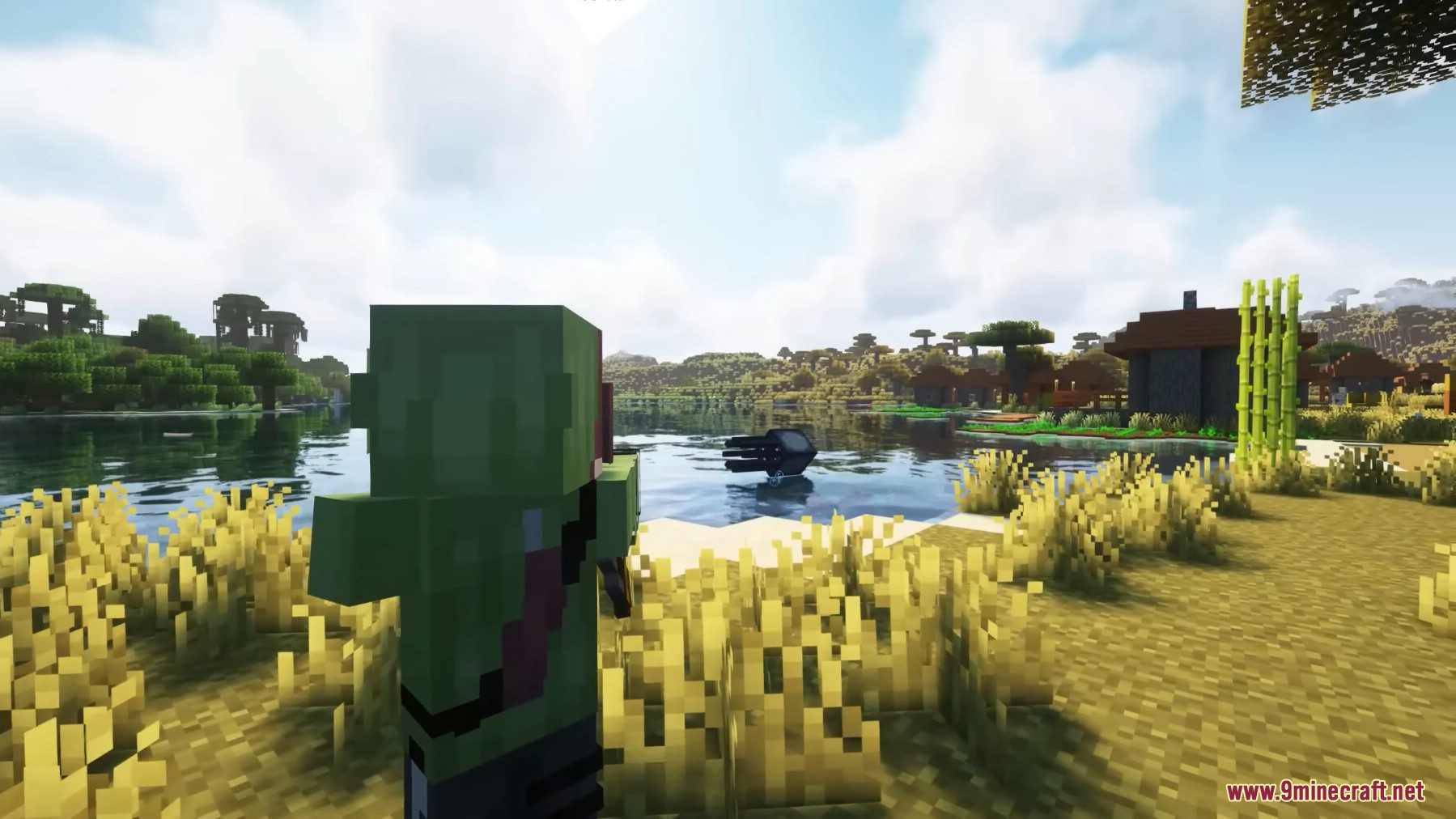
12 images from the Third Person Mod page.
You May Also Like
Wikis that share the most with this one
More mod wikis on the site
 Thematic Core Mod
The most downloaded mods that have a wiki here
A few wikis from each of the other kinds