

 DownloadLuneX Client Mod
Get the files on 9Minecraft
Guides
Step-by-step, in-game.
Finding Hidden Bases and StashesEnable ESP Modules Press Right Shift to open the ClickGUI. Navigate to the Render category and enable both Storage…Setting Up Your HUD and RadarAccess HUD Settings Press Right Shift to open the ClickGUI and navigate to the Client category. Enable HUD to display…Staying Invisible to Anti-Cheat DetectionUnderstand Ghost Client Mode LuneX includes Ghost Client Tools designed to hide your mod usage from other players and…Winning Crystal PvP FightsSet Up Combat Modules Press Right Shift and navigate to the Combat category. Enable Auto Totem first—this…
Frequently asked questions
How do I open the mod menu?
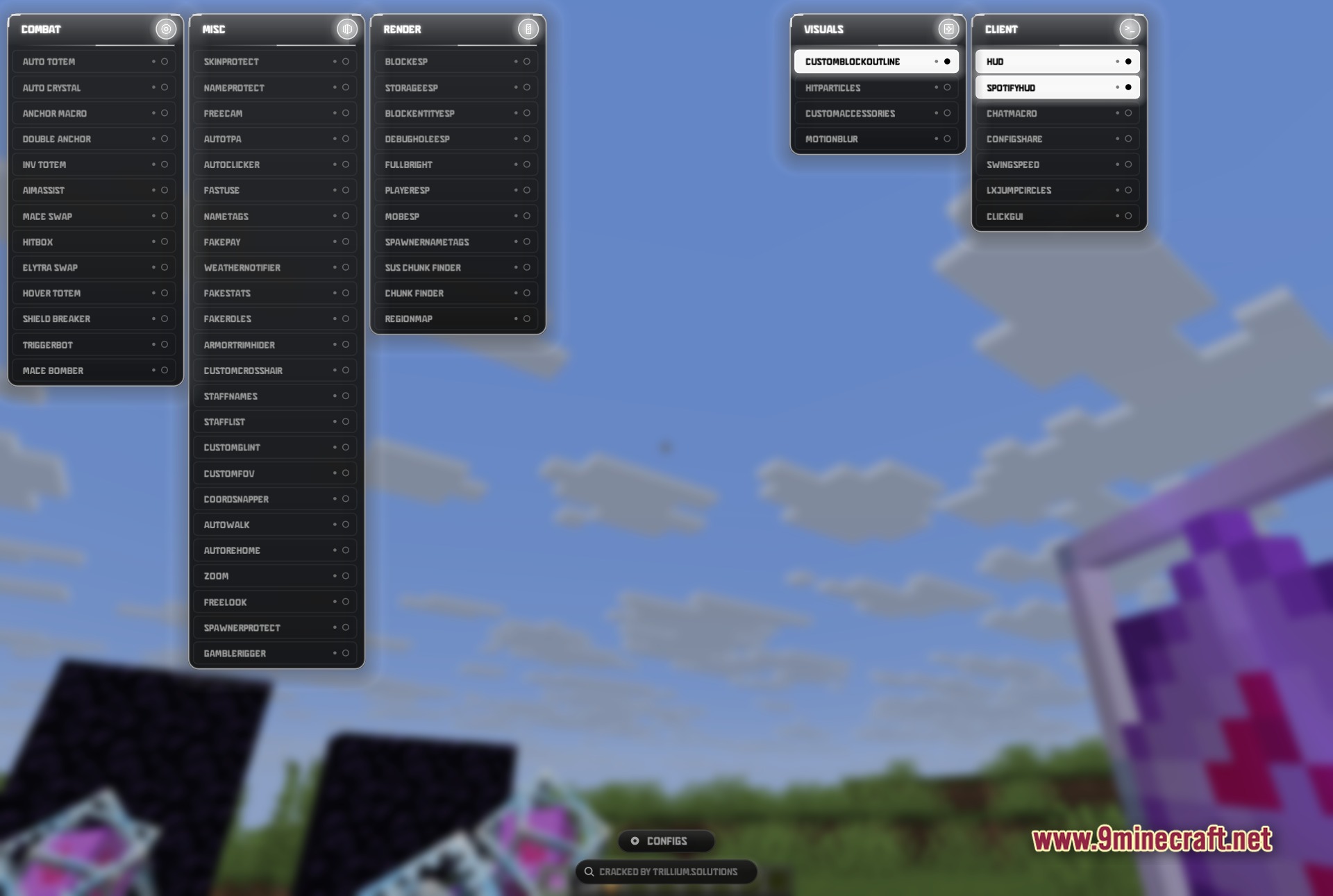
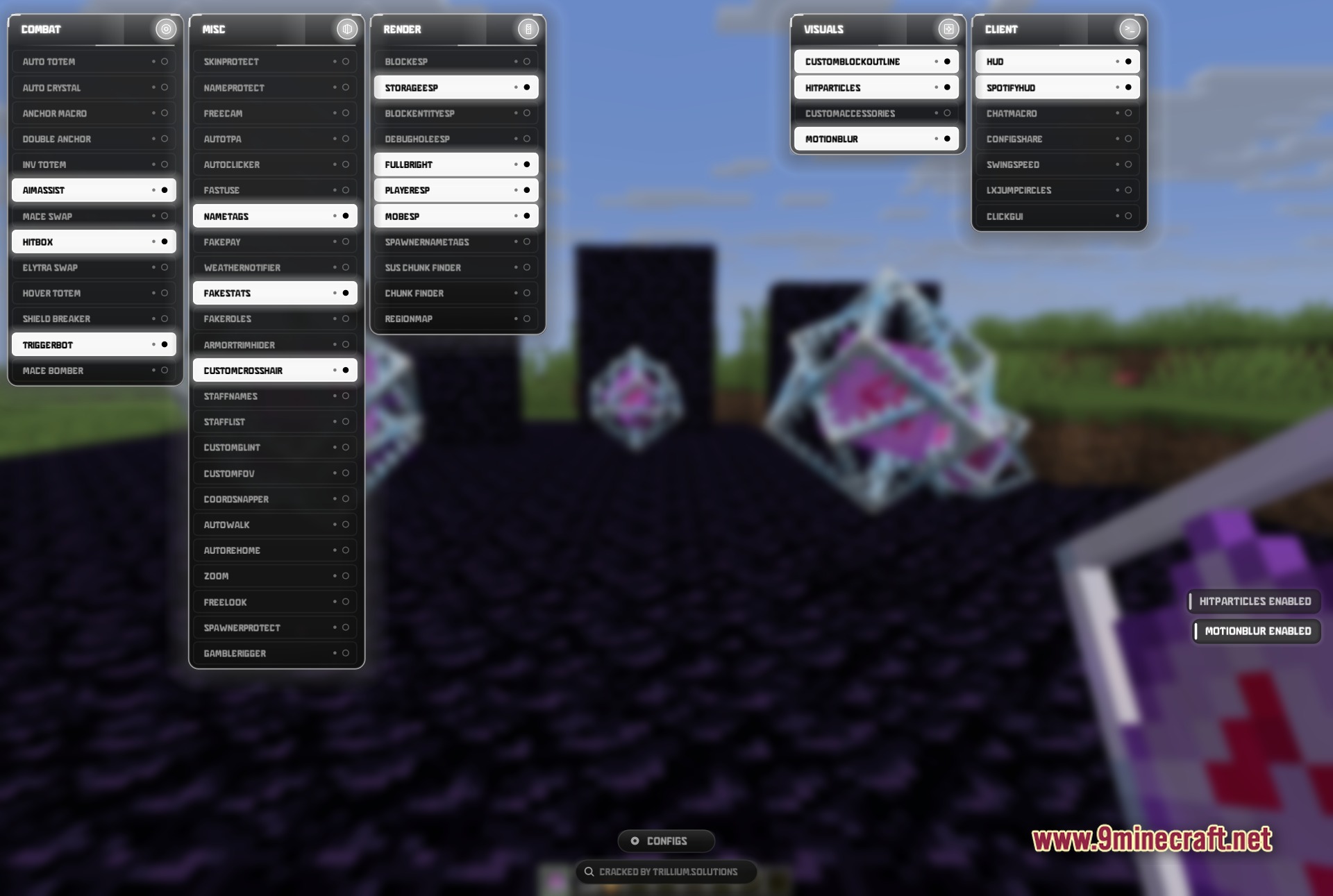
Press Right Shift to open the ClickGUI menu. You'll see all your modules organized into categories like Combat, Render, Visuals, Miscellaneous, and Client modules that you can toggle on or off.
What's the difference between left-click and right-click on a module?
Left-click toggles a module on or off (you'll see a green indicator when it's active). Right-click opens that module's settings menu where you can adjust how it behaves.
How do I find hidden bases and chests?
Enable Storage ESP and Block ESP from the Render modules category—these will highlight chests and other storage blocks through walls so you can spot hidden stashes. You can also use Chunk Finder to scan for suspicious patterns.
What modules help me win crystal fights?
Use Auto Totem to automatically consume totems when you take heavy damage, Auto Crystal to place crystals quickly, Aim Assist to lock onto opponents, and Hitbox to expand the area where your hits register. Triggerbot can also speed up your attack timing.
Gallery
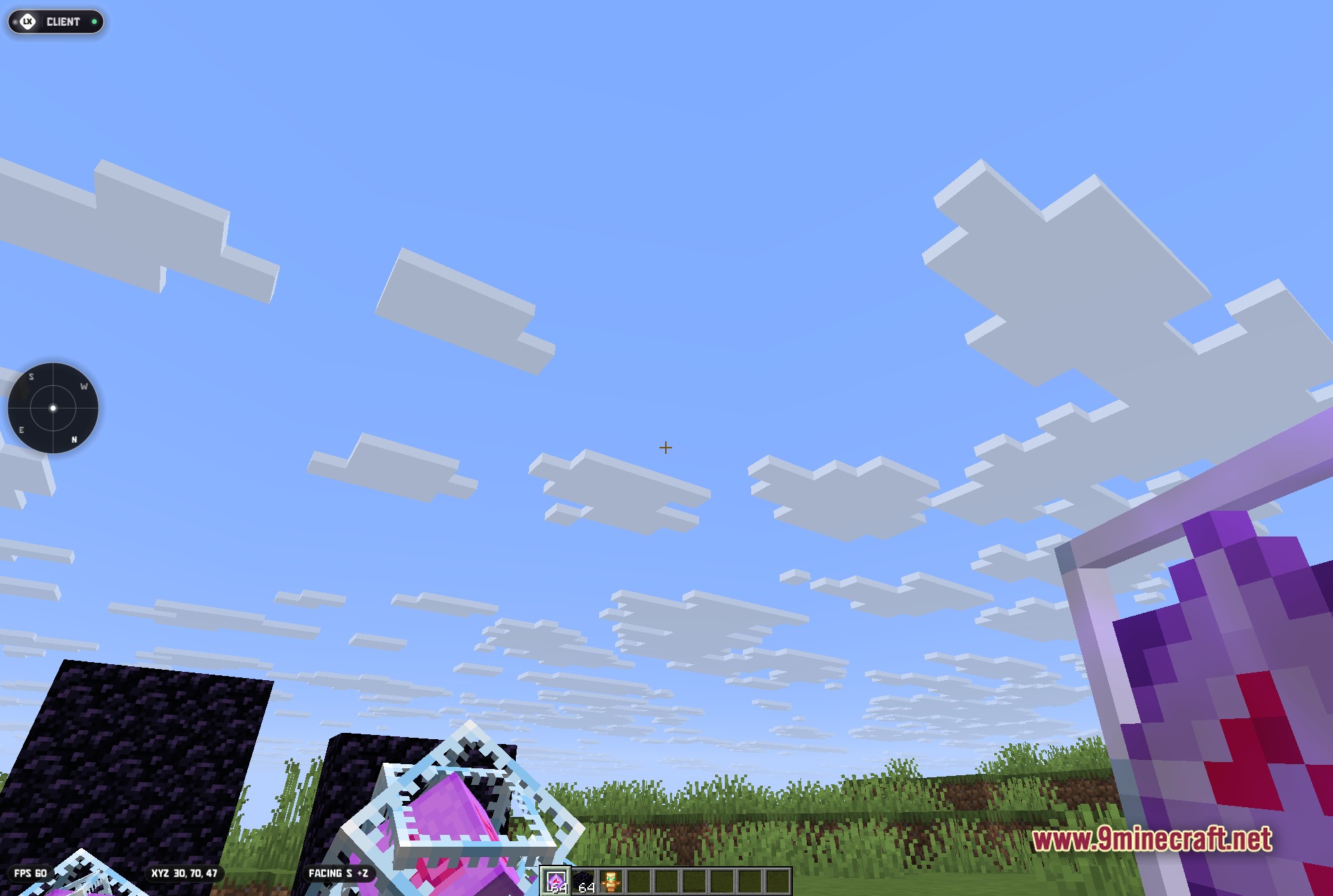
5 images from the Lunex Client Mod page.
You May Also Like
Wikis that share the most with this one
More client wikis on the site
The most downloaded mods that have a wiki here
A few wikis from each of the other kinds