

 DownloadDqrkis Client Mod
Get the files on 9Minecraft
Guides
Step-by-step, in-game.
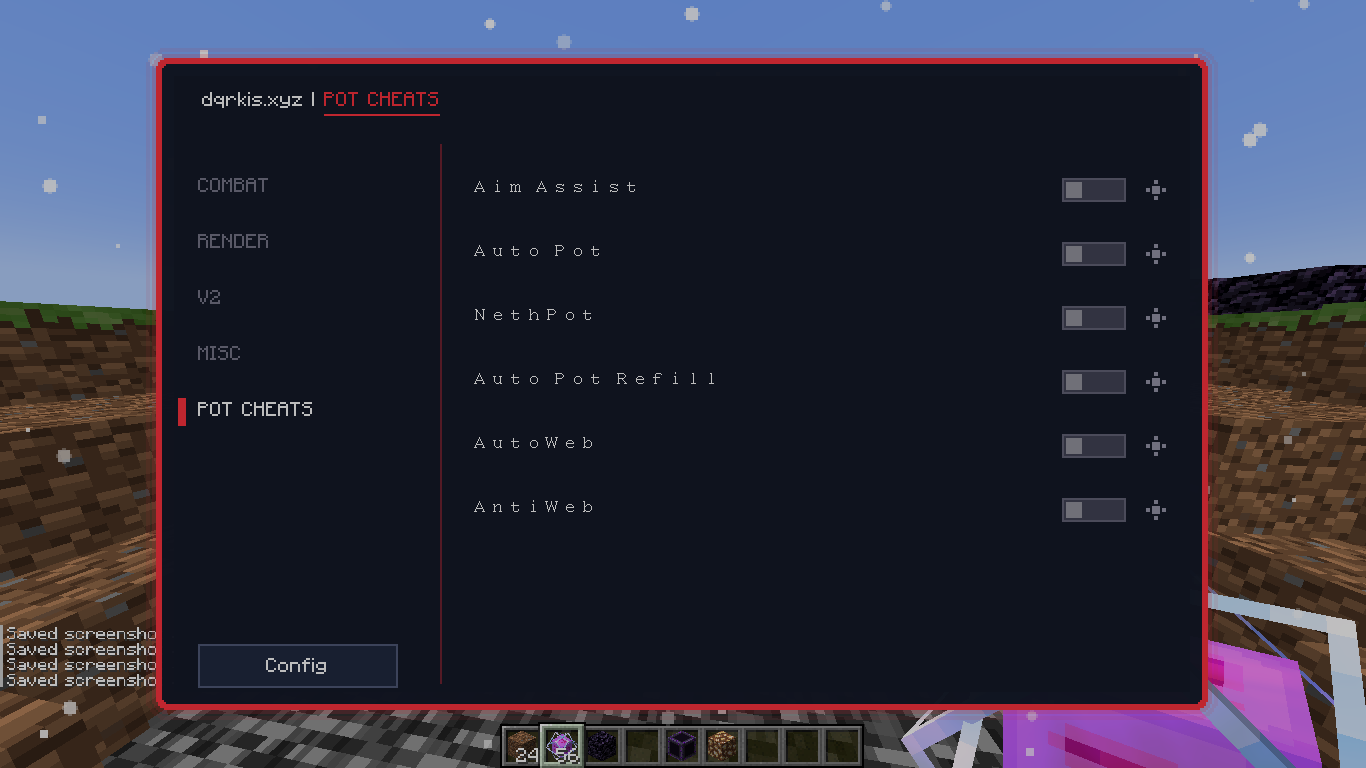
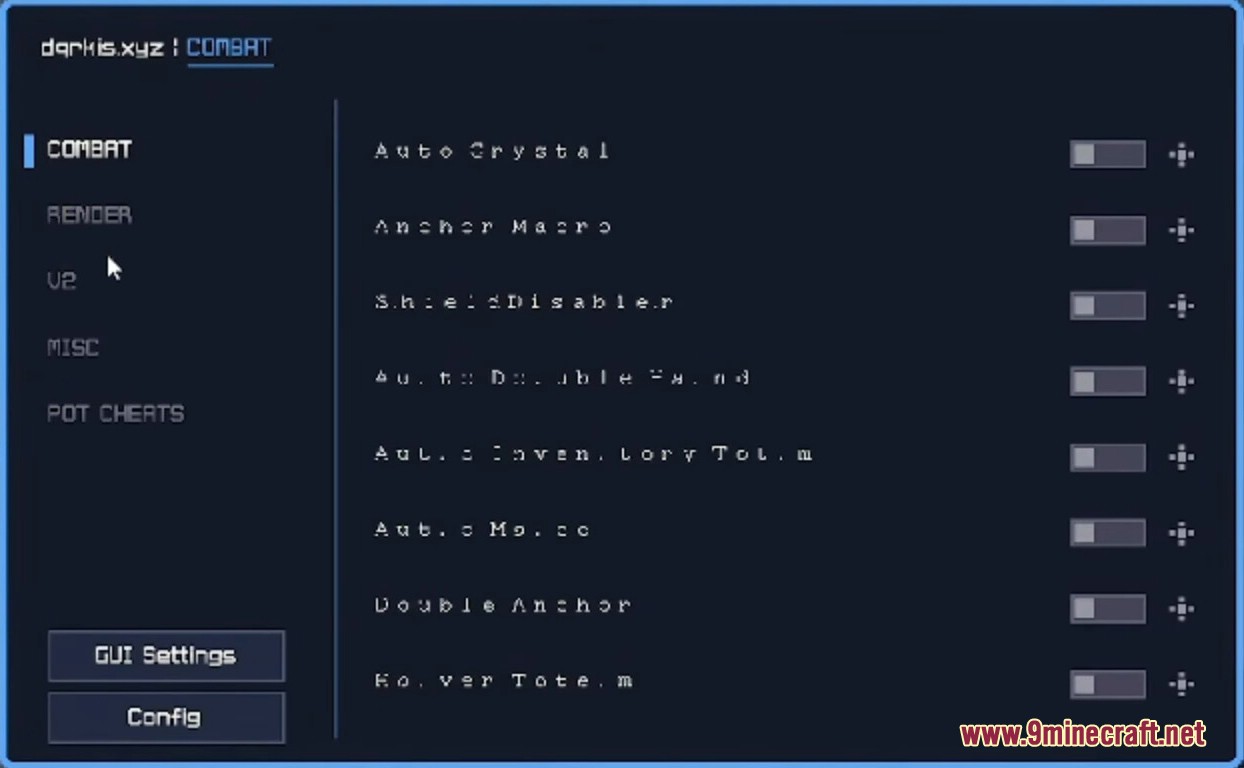
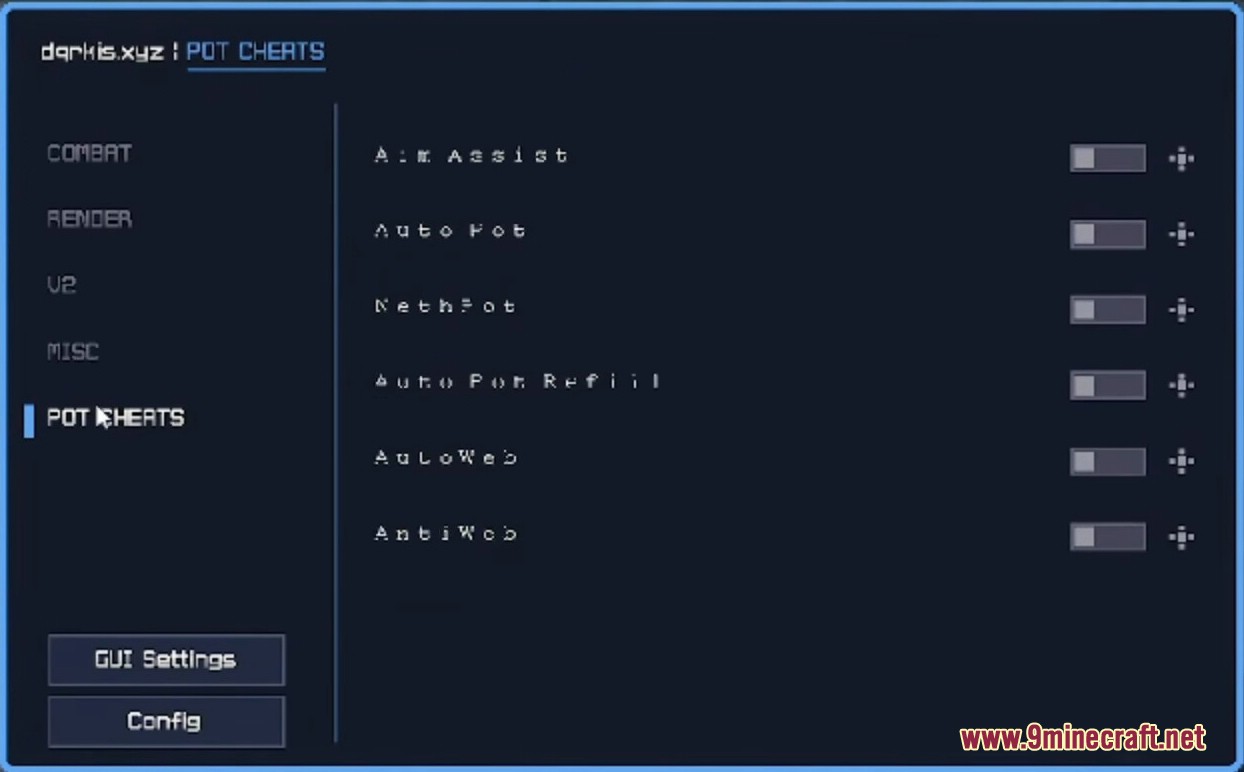
Automate Potion Throwing and ManagementEnable Auto Pot for Combat Open ClickGUI ( F12 ) and go to POT CHEATS . Toggle on Auto Pot to automatically throw…Maximize Totem Protection with Offhand AutomationEnable Auto Totem for Offhand Open ClickGUI ( F12 ) and navigate to COMBAT . Toggle on Auto Totem to automatically…Reduce Knockback and Improve Combat PositioningEnable Velocity Module Open ClickGUI ( F12 ) and find Velocity in the MISC section. Toggle this on to reduce the…Set Up Auto Crystal for Efficient Crystal PvPEnable Auto Crystal Module Open the ClickGUI by pressing F12 , then navigate to the COMBAT section. Locate Auto…
Frequently asked questions
How do I open the mod menu?
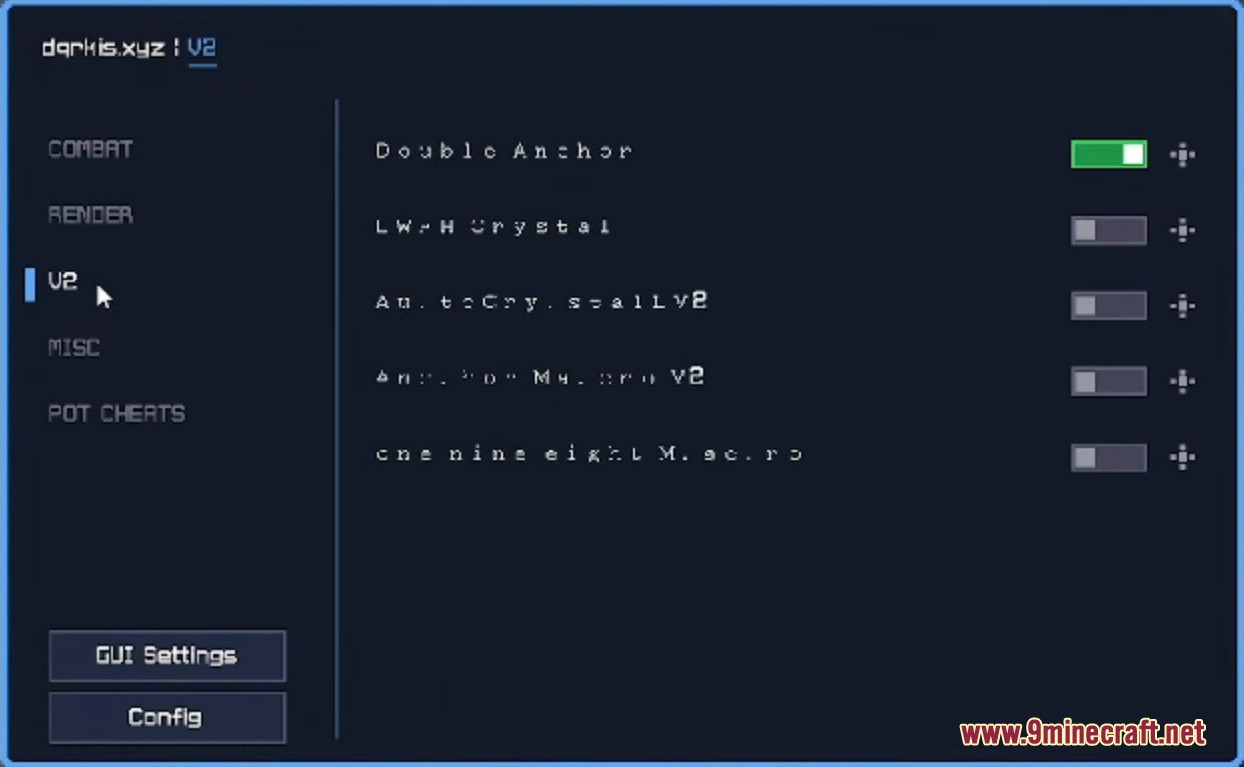
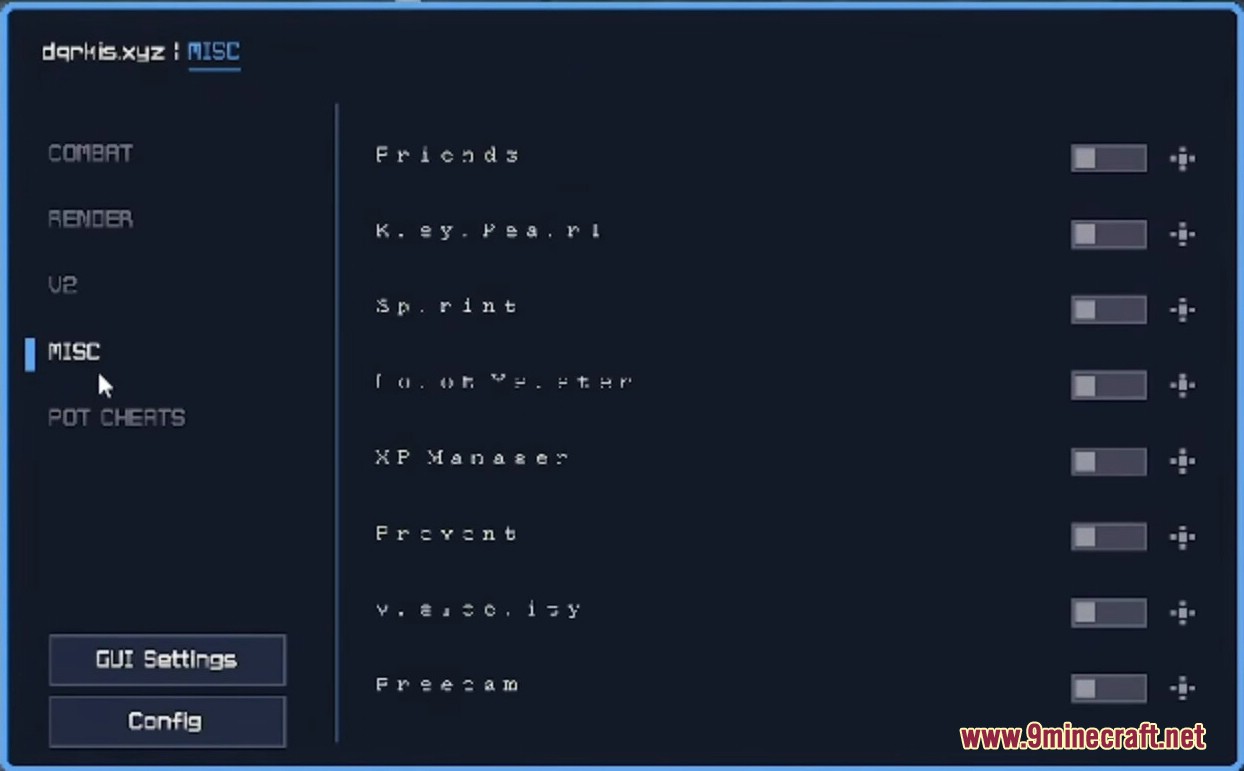
Press F12 to open the ClickGUI. If the menu doesn't appear or looks blurry, make sure you've disabled Menu Background Blur in your Accessibility Settings first.
What's the main keybind for this mod?
The main keybind is Insert. You can use this to toggle modules on and off quickly during combat.
Why is my menu blurry or not showing up?
Go to Options > Accessibility Settings and turn OFF Menu Background Blur. This is required for the mod to display properly.
How do I set up Auto Crystal?
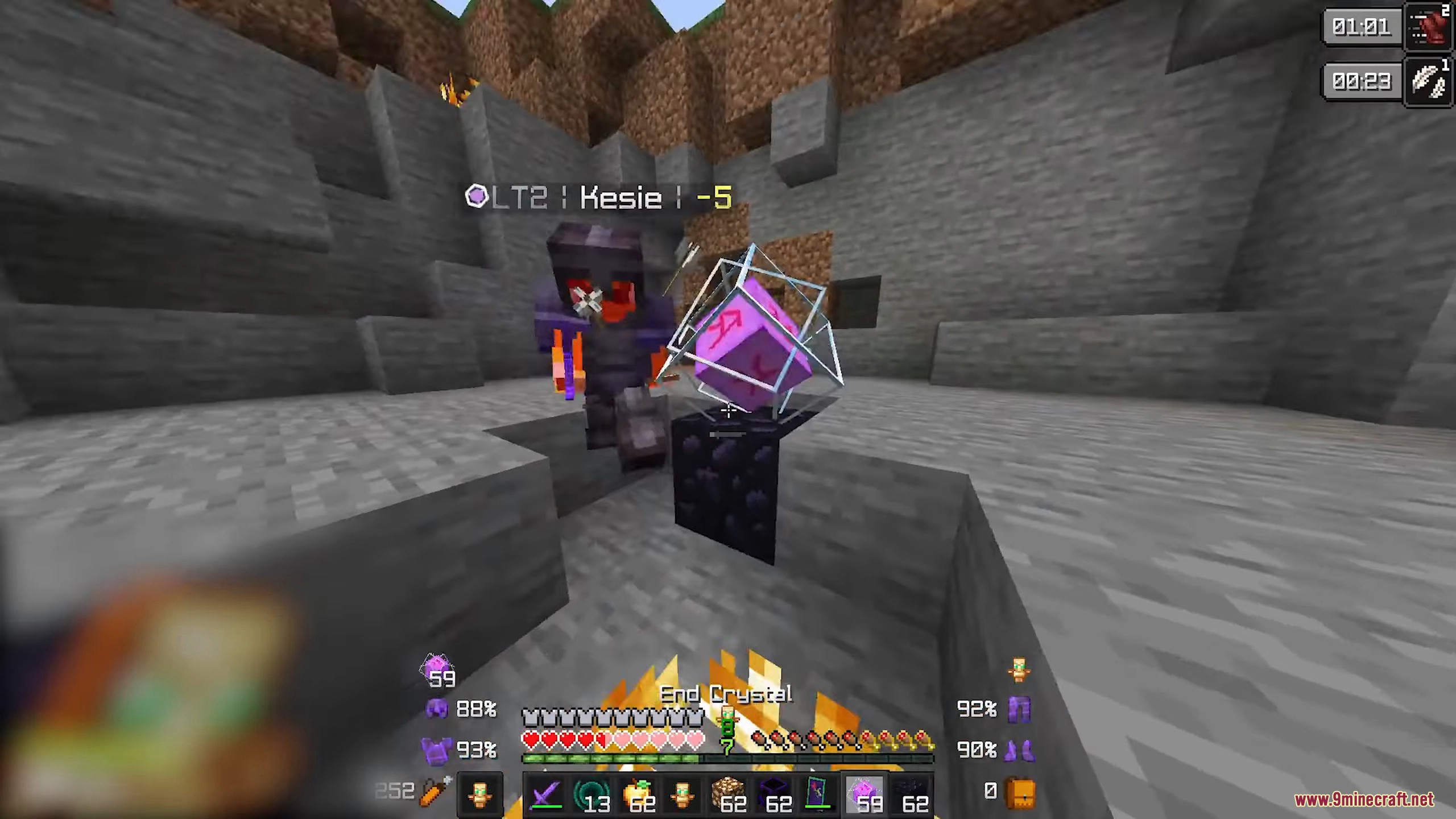
Open the ClickGUI (F12), find the Auto Crystal module under COMBAT, and enable it. The module will automatically place and break crystals when you're near valid targets.
Gallery
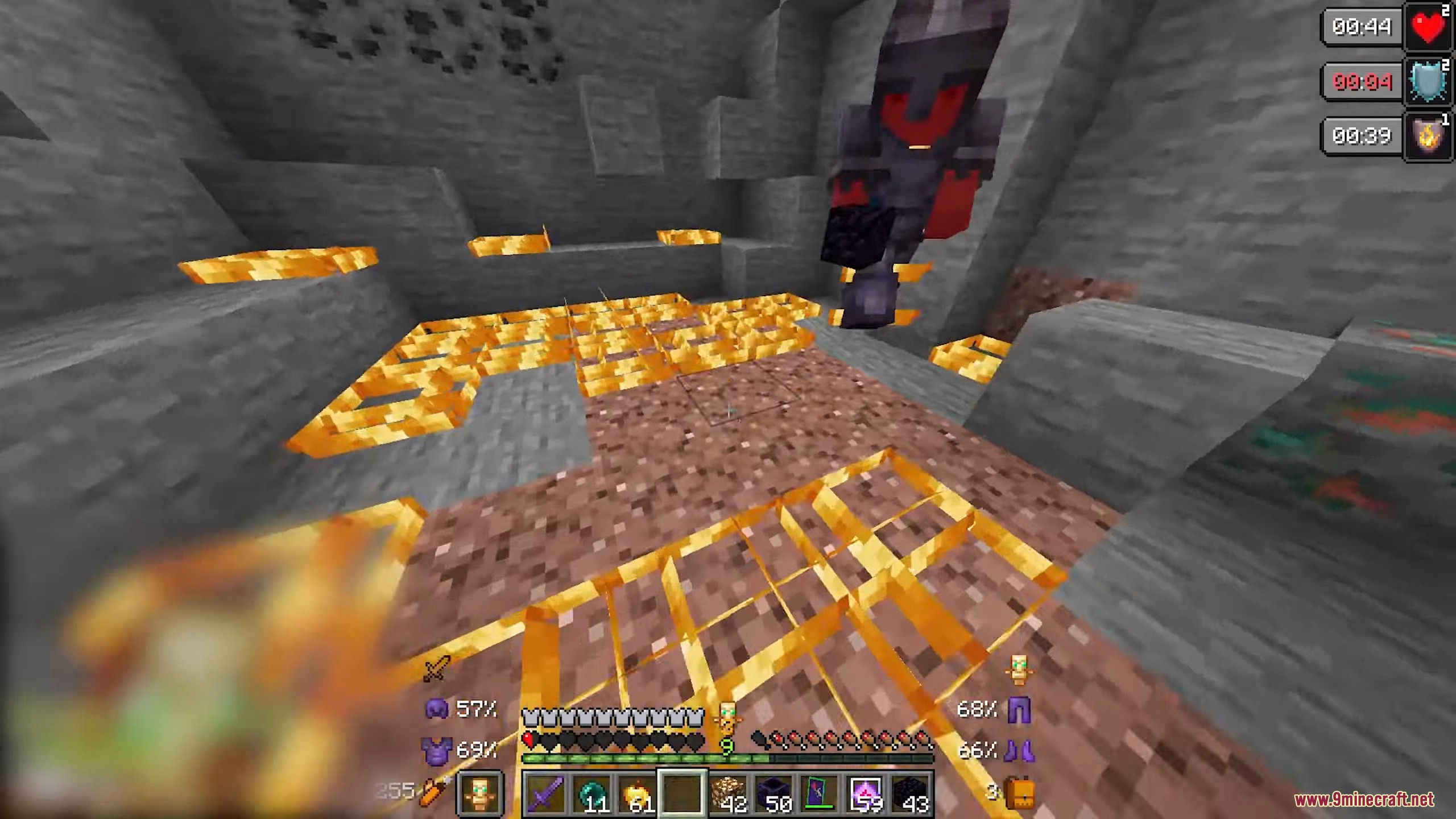
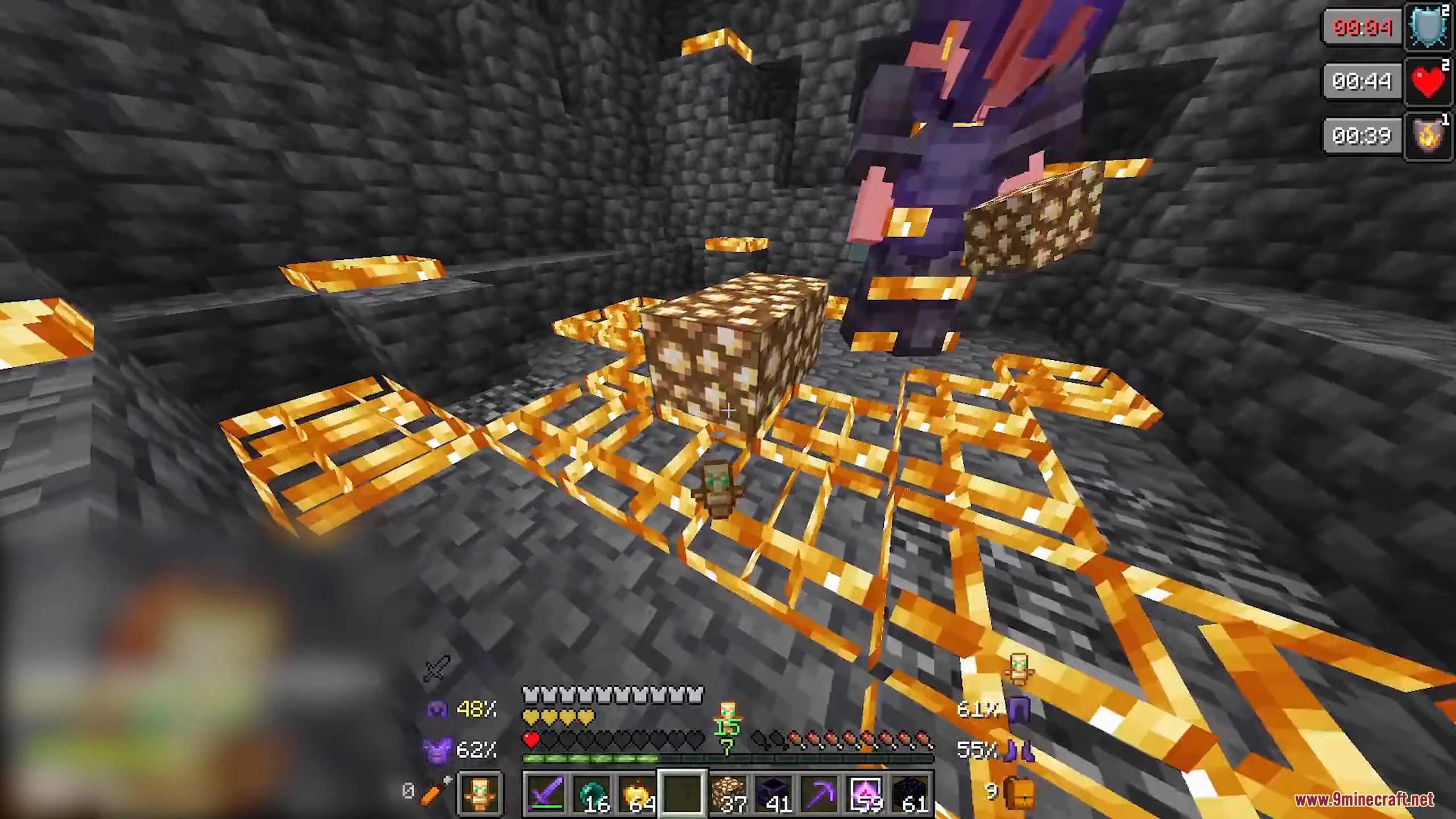
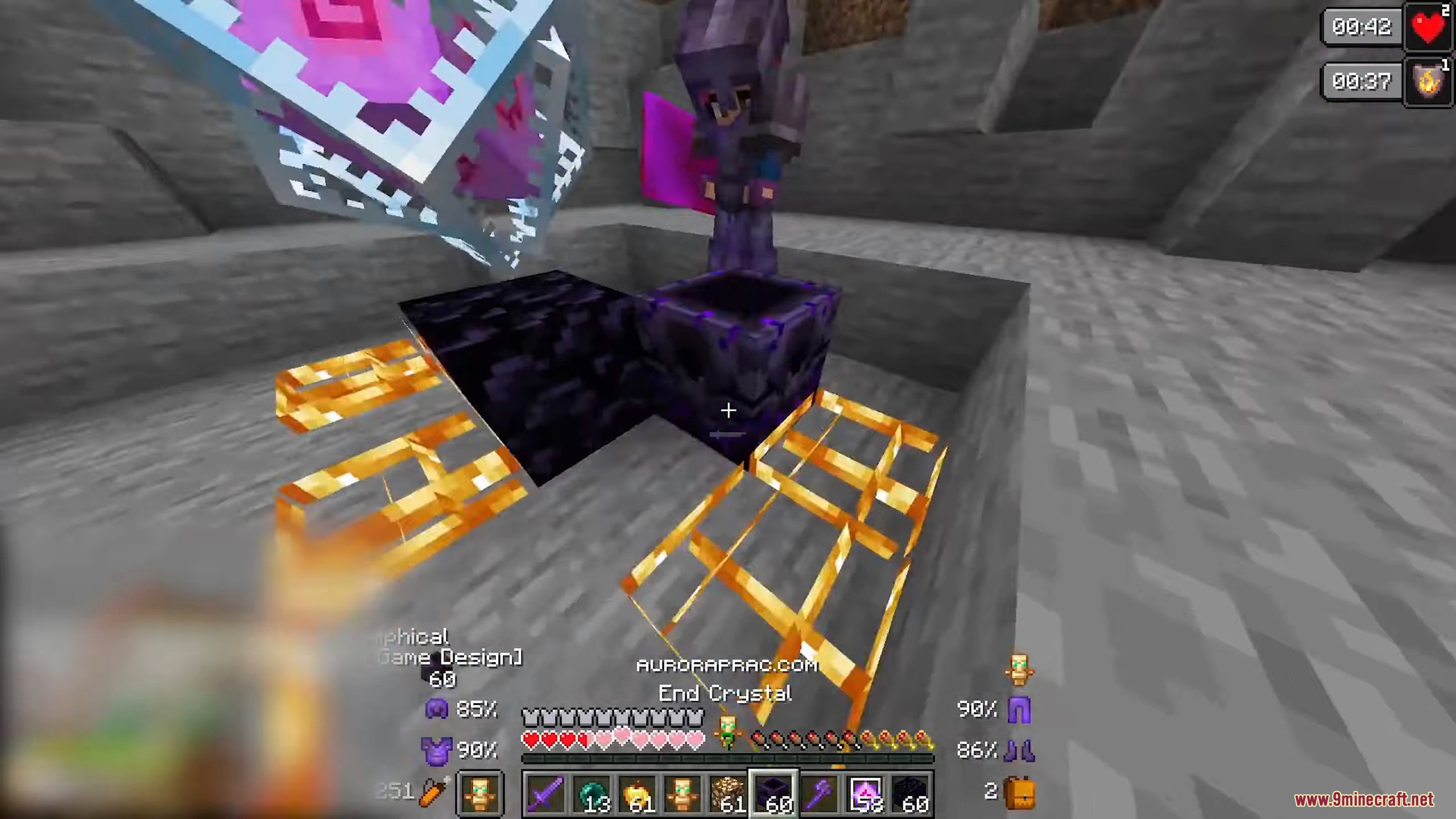
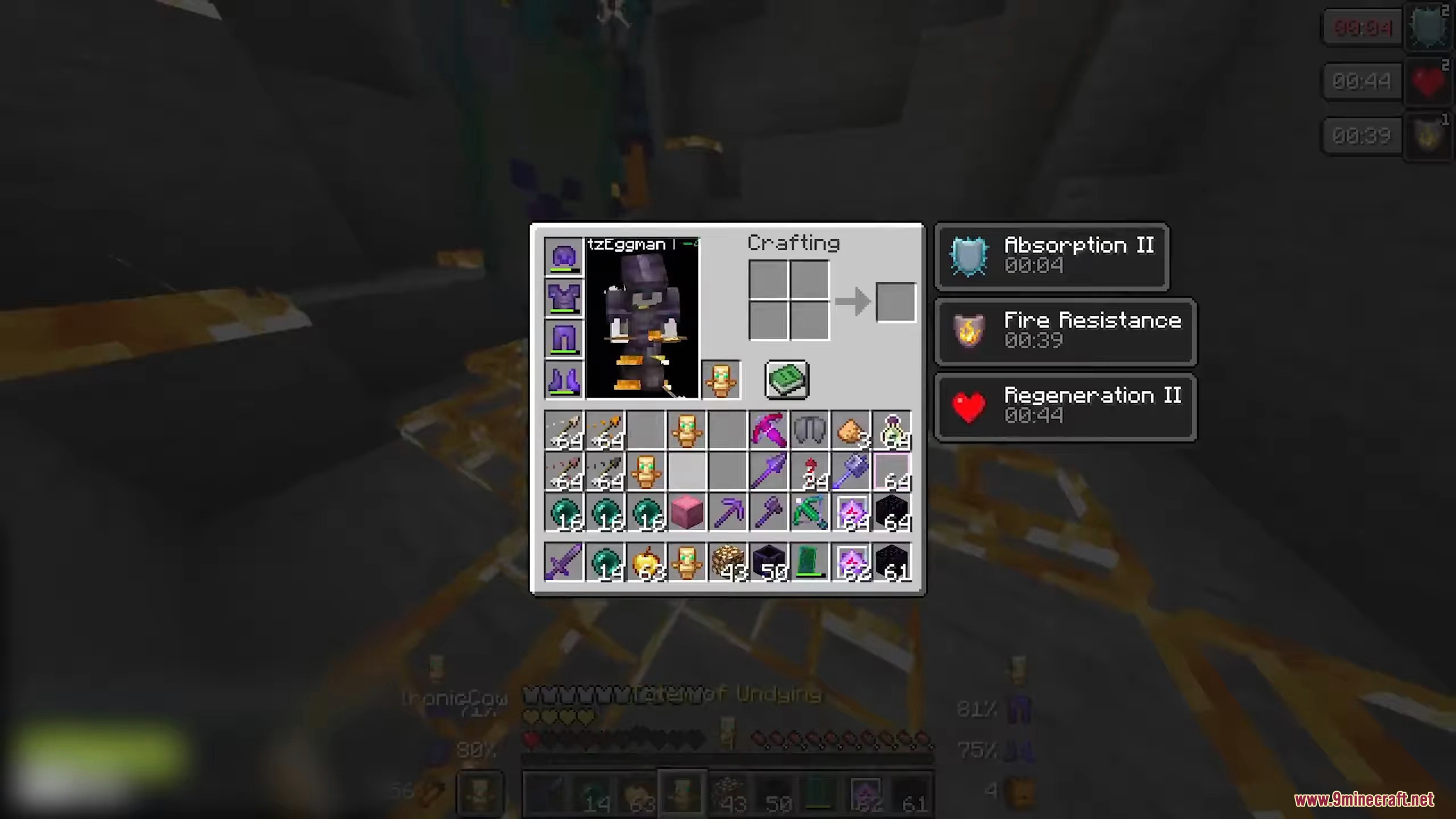
12 images from the Dqrkis Client Mod page.
You May Also Like
Wikis that share the most with this one
More client wikis on the site
The most downloaded mods that have a wiki here
A few wikis from each of the other kinds